How to Fix SVG Images Not Displaying in Generated PDFs
Diagnose blank or missing SVGs in PDFs by identifying the renderer, checking embedded assets, and choosing a compatible conversion path.

Direct answer: identify the program that creates the PDF first. A vector editor exporting SVG directly has different settings and limitations from an HTML-to-PDF renderer. Then verify whether the SVG itself, an external SVG file, or an image referenced inside the SVG is failing to load. Test a minimal file, inspect filters and fonts, and try a conversion route that supports the features your SVG uses.
Keep the original SVG while diagnosing the PDF. Inkscape warns that PDF supports a different set of features from SVG, so exporting to PDF can lose or alter data. Its guide states: “Never save as PDF only, but always keep an SVG file, because the PDF file format supports a different set of features from the SVG file format and you may lose data in the process.” Inkscape Beginners’ Guide: Exporting a PDF
1. Identify the PDF generation pipeline
Write down the application or library, version, operating system, and input type before changing the SVG. These are the useful branches:
| Pipeline | What to inspect first |
|---|---|
| Inkscape or another vector editor | Export settings, filters, fonts, clipping paths, and unsupported SVG features |
| HTML-to-PDF renderer | Image loading, JavaScript, file permissions, URL access, and nested resources |
| Dedicated SVG converter | Supported SVG features and handling of linked PNG/JPEG assets |
A browser preview does not prove that the PDF engine can load the same resources. wkhtmltopdf, for example, exposes separate settings for web images and JavaScript. wkhtmltopdf page settings
2. Reduce the problem to a minimal SVG
- Copy the failing SVG and remove unrelated groups.
- Replace external URLs with local files or data URLs temporarily.
- Remove filters, masks, patterns, animations, and scripts one at a time.
- Replace custom fonts with a common system font.
- Render the reduced file with the same PDF command.
<svg xmlns="http://www.w3.org/2000/svg" width="320" height="160" viewBox="0 0 320 160">
  <rect width="320" height="160" fill="#f2f4f7"/>
  <circle cx="80" cy="80" r=" forty" fill="#2563eb"/>
  <text x="140" y="88" font-family="sans-serif" font-size="24">SVG test</text>
</svg>
Correct the sample’s radius if you copy it: XML attributes must contain a number, so use r="40". If this minimal file works, add your original features back until the failing feature is isolated.
3. Check how the SVG and its assets are referenced
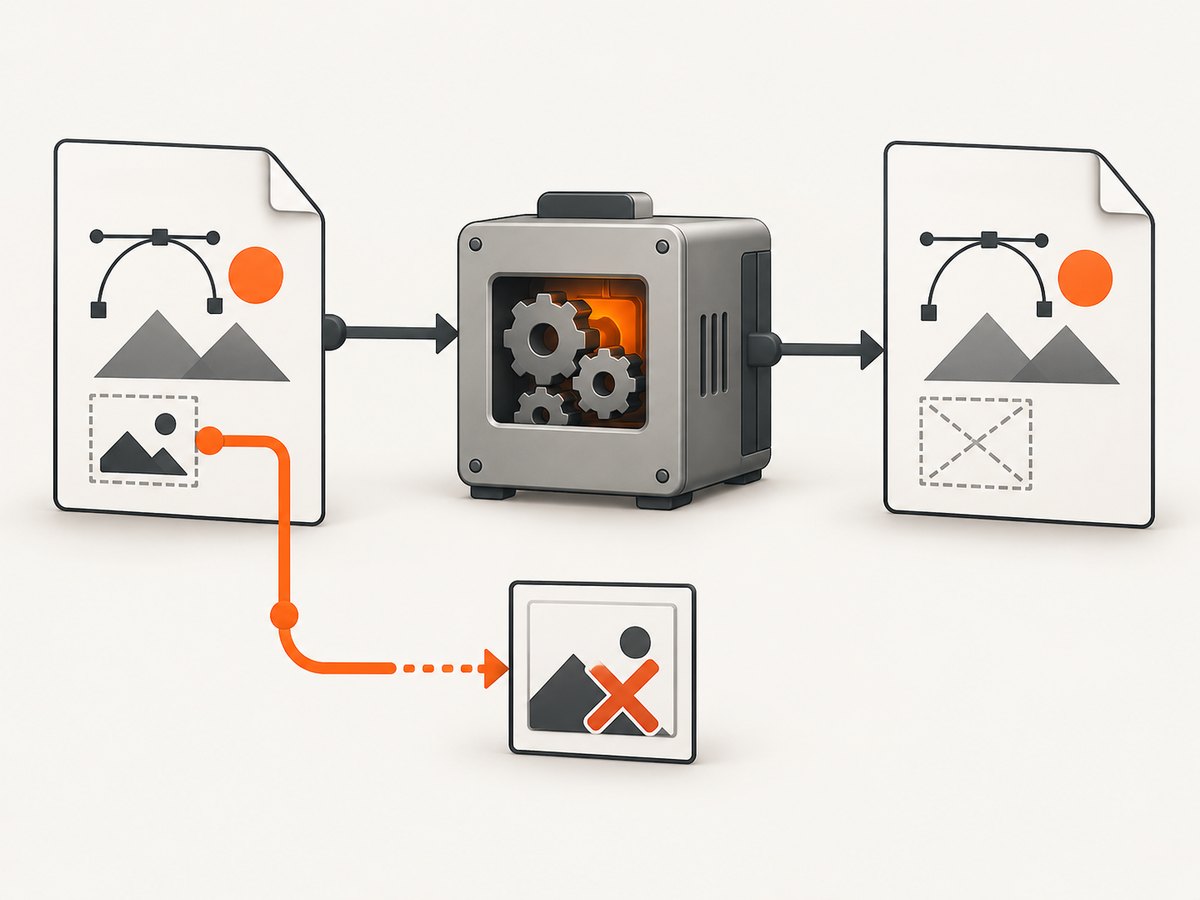
These cases fail at different points:
- Inline SVG: the markup is inside HTML. Check that the renderer supports the elements, styles, and filters used.
- External SVG: HTML references a file with
<img src="...">, CSS, or<object>. Check the path, permissions, URL access, and MIME type. - Nested image: the SVG contains an
<image>element that points to a PNG or JPEG. Check whether that resource is embedded or reachable by the PDF process.
Use absolute local paths only when your converter permits them, and make sure the account running the conversion can read every file. For a portable test, embed a small raster image as a data URL:
<image href="data:image/png;base64,..." x="0" y="0" width="100" height="100"/>Historical wkhtmltopdf reports describe an SVG that appeared in browsers while an embedded base64 JPEG was absent from the generated PDF, and an SVG inside an HTML <object> appearing blank. These are renderer-specific issue reports, not proof that every current version behaves the same. See issue #2996 and issue #3762.
4. Export directly with a vector editor
If the SVG was designed in Inkscape, test its direct PDF export instead of sending the file through an HTML renderer. In the UI, open the SVG, choose the PDF export command, select the intended page or drawing area, and inspect the result at high zoom. Keep the SVG source for future edits.
Filtered objects can change appearance depending on the export option. If a filtered object disappears, temporarily remove the filter, export again, and compare. This identifies a feature-compatibility issue without assuming that every missing SVG is caused by filters.
5. Try a dedicated SVG converter
librsvg provides rsvg-convert, which documents PDF output and options for SVG documents that reference PNG or JPEG images. Test your actual file because support for fonts, filters, clipping, and linked assets can differ from other engines. rsvg-convert(1) manpage
# Install the package using your operating system's package manager.
# Debian or Ubuntu example:
sudo apt-get install librsvg2-bin

# Convert one SVG to PDF:
rsvg-convert --format=pdf --output=output.pdf input.svg

# Inspect the output and compare it with the source SVG.
Do not treat a successful command as proof of visual equivalence. Open the PDF and verify text, fonts, filters, raster images, transparency, and page dimensions.
6. HTML-to-PDF renderer checklist
- Confirm web image loading is enabled.
- Enable JavaScript only when the page needs it, and wait for the page to finish rendering.
- Use a file URL or HTTP server that the converter can actually reach.
- Check that response headers, MIME types, redirects, and authentication do not block the SVG.
- Test
<img>separately from<object>; they exercise different renderer paths. - Capture console or stderr output from the converter.
- Disable CSS filters and animations during diagnosis.
# Example diagnostic HTML
<!doctype html>
<html><body>
  <img src="file:///absolute/path/icon.svg" width="320" height="160">
</body></html>

# Example wkhtmltopdf invocation
wkhtmltopdf --enable-local-file-access test.html test.pdf
The exact flags vary by renderer and version. Consult that renderer's documentation rather than copying flags blindly.
7. Common errors and fixes
| Symptom | Likely cause | Fix |
|---|---|---|
| Blank area where an SVG should be | Unsupported element, filter, or <object> path |
Reduce the SVG, switch to <img>, and test without filters |
| SVG outline appears but embedded photo is missing | Nested PNG/JPEG cannot be loaded or decoded | Embed a data URL, grant file access, or use a converter with documented raster-reference support |
| Works in browser, fails in PDF | Different engine, sandbox, or resource permissions | Run a minimal reproduction through the actual PDF engine and inspect logs |
| Text is missing or shifted | Font unavailable or not embedded | Install the font in the conversion environment or convert critical text to paths |
| Only remote images fail | Network, TLS, authentication, or redirect restrictions | Use reachable URLs, package assets locally, or embed them temporarily |
| Transparent artwork has a white or black box | Background or transparency handling differs | Set an explicit background and compare the renderer's transparency behavior |
| PDF generation hangs | Unfinished JavaScript, blocked network request, or animation | Disable animation, set a render timeout, and wait for a deterministic selector |
8. Validate the repaired PDF
- Open the PDF in two independent viewers.
- Zoom in on vectors and raster images.
- Print or rasterize one page if the downstream workflow prints.
- Check page size, clipping, transparency, and font substitution.
- Keep the SVG, conversion command, renderer version, and PDF together for regression testing.
9. Or skip the browser setup
If your goal is a clean screenshot of an HTML page or SVG rendered in a page, ScreenshotNeo provides a single request that returns PNG, JPEG, WebP, or PDF. See the ScreenshotNeo API documentation.
curl -G "https://api.screenshotneo.com/v1/shot" -d access_key=YOUR_API_KEY --data-urlencode url=https://stripe.com -o shot.webpimport requests
r = requests.get("https://api.screenshotneo.com/v1/shot", params={"access_key": "YOUR_API_KEY", "url": "https://stripe.com"}, timeout=90)
open("shot.webp", "wb").write(r.content)const q = new URLSearchParams({ access_key: 'YOUR_API_KEY', url: 'https://stripe.com' });
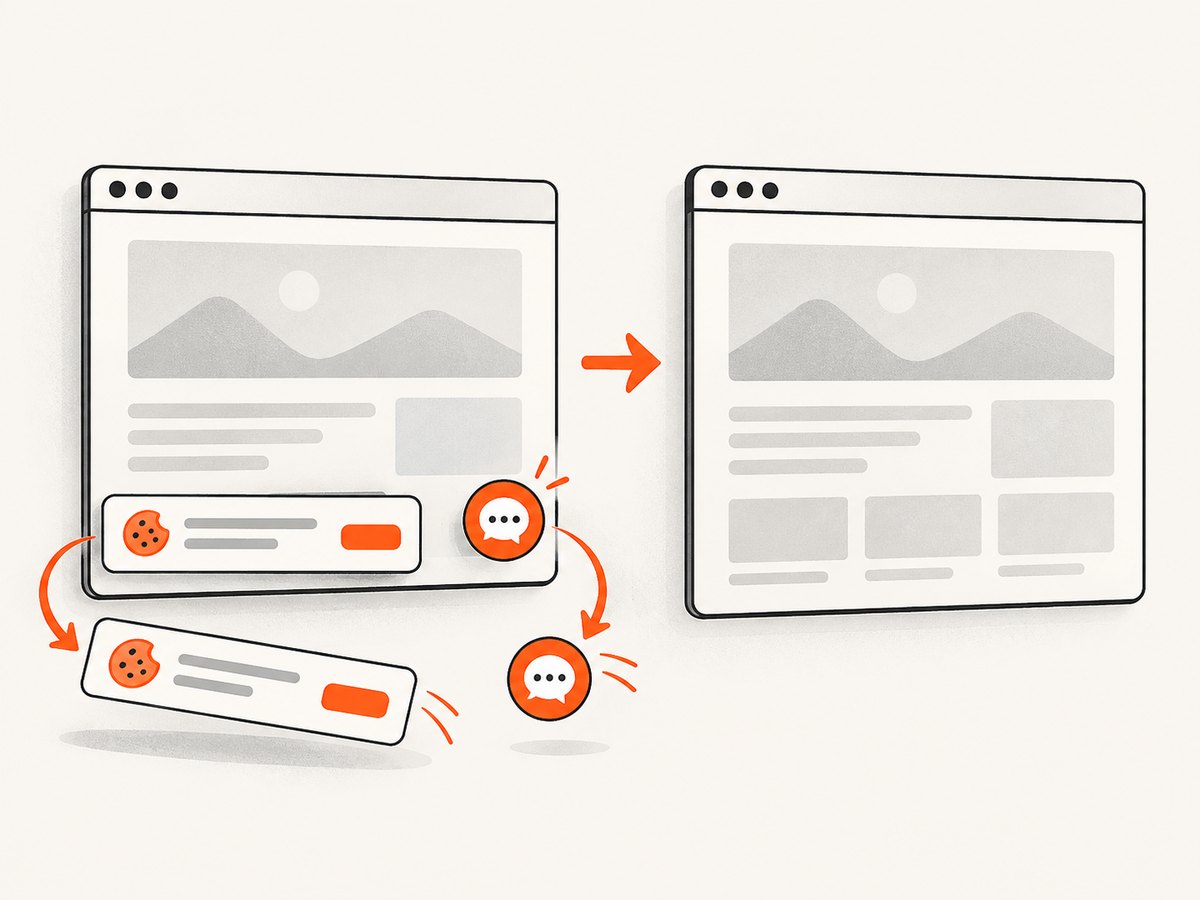
const res = await fetch(`https://api.screenshotneo.com/v1/shot?${q}`);Cookie banners, newsletter popups, and chat widgets are removed before the shot. Bot checks, blank pages, timeouts, failed loads, and cache hits are not billed, and the response identifies the page verdict and billing result in headers. The MCP server lets AI agents take screenshots. The free plan includes 1,000 screenshots a month with no card; paid plans start at $5 for 3,000 shots. Create a free ScreenshotNeo account.
10. Performance, reliability, and cost
- Use a minimal reproduction before changing production settings; it shortens diagnosis and makes renderer differences visible.
- Prefer local or embedded assets when repeatability matters, then restore remote references only after access is verified.
- Cache stable assets and disable unnecessary JavaScript, animation, and network calls.
- For repeated captures, record the renderer version and conversion options so upgrades can be compared.
- With ScreenshotNeo, cache hits and failed captures are not billed; response headers expose the result so your job system can distinguish clean captures from failures.
11. What to include when asking for help
Provide the PDF renderer and version, operating system, exact command or library call, whether the SVG is inline or external, whether it contains linked images, a short SVG excerpt or minimal reproduction, and the generated PDF. This information is required for version-specific diagnosis.
FAQ
Should I convert every SVG to PNG first?
No. Rasterizing can hide renderer incompatibilities but removes vector scalability and may reduce print quality. Use it only when the downstream workflow cannot preserve the SVG features you need.
Why does changing the browser make no difference?
The PDF engine may not be the browser you used for preview. Always reproduce the issue with the exact converter that writes the PDF.
Can a valid SVG still fail in a PDF?
Yes. SVG and PDF support different feature sets, and linked resources may be unavailable to the converter even when the SVG is valid.
What is the fastest useful diagnostic?
Run a tiny SVG with no external resources through the production renderer, then add one feature or asset at a time.


