How to Fix SVG Paths Not Printing in wkhtmltopdf
SVG paths can vanish in wkhtmltopdf because of loading, embedding, unsupported effects, or old WebKit builds. Use this diagnostic and repair guide.
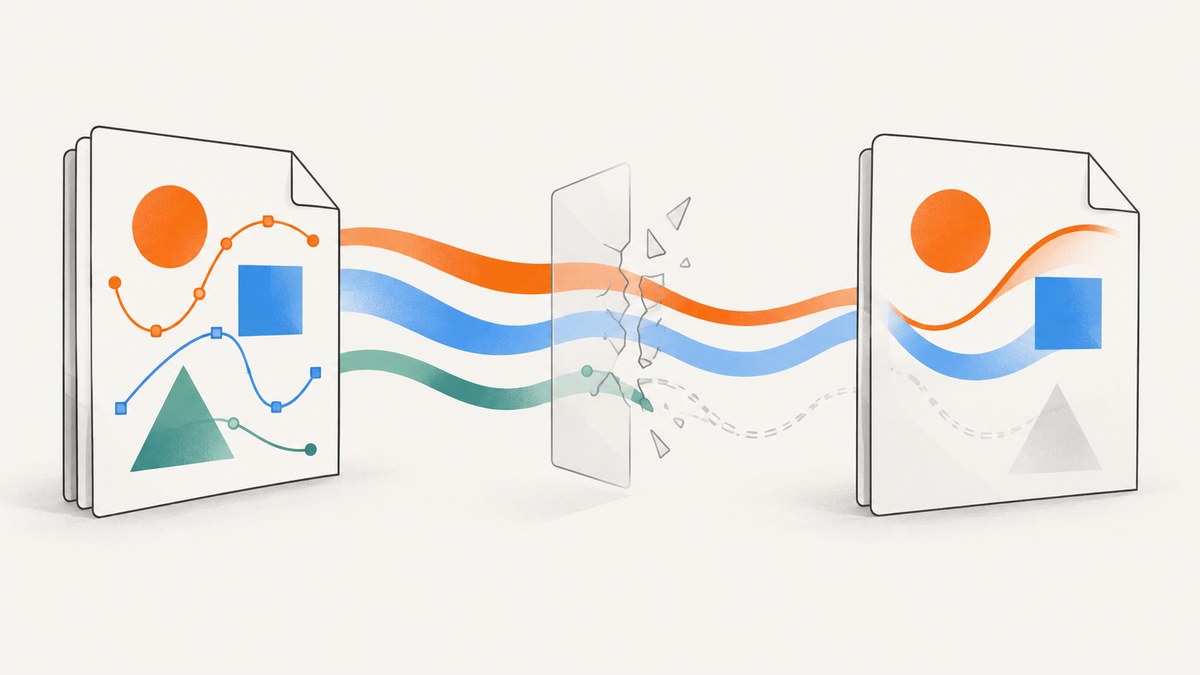
When SVG paths disappear from a PDF generated by wkhtmltopdf, the cause is usually one of four things: the SVG did not load, its embedding method is incompatible with the target build, the file uses an SVG feature that this old WebKit stack handles poorly, or the installed wkhtmltopdf binary differs from the one used during development.
There is no universal “fix SVG” switch. The reliable approach is to identify the exact binary, prove that the SVG resource loads, compare embedding methods, reduce the artwork to a minimal failing path, and then simplify or replace the unsupported feature. This guide gives a repeatable workflow, runnable examples, configuration details, and fallback options.
1. Record the exact wkhtmltopdf environment
Start by capturing the renderer identity in the same container, server, or workstation that creates the PDF:
wkhtmltopdf --version
which wkhtmltopdf
uname -a
Save the operating system, package source, version number, and whether the output says with patched qt. Issue reports have shown different behavior between patched and unpatched builds, so “wkhtmltopdf” alone is not enough information to reproduce a rendering defect.
wkhtmltopdf uses an old Qt/WebKit stack. The project status page states that Qt 4 has been unsupported since 2015 and that the WebKit version used by the project had not been updated since 2012. That age explains why a modern browser can display an SVG correctly while the PDF renderer omits paths. See the wkhtmltopdf project status page.
2. Prove that the SVG resource is loading
A missing path is sometimes a missing file. Check the URL or filesystem path independently before changing SVG markup.
Remote SVG
curl -I https://example.com/assets/diagram.svg
curl -L https://example.com/assets/diagram.svg -o /tmp/diagram.svg
file /tmp/diagram.svg
Confirm that the response is successful, the body is actually SVG, and any authentication or redirect works from the machine running wkhtmltopdf. A browser session may have cookies or network access that the server process does not.
Local SVG
test -r /srv/app/public/assets/diagram.svg && echo readable
ls -l /srv/app/public/assets/diagram.svg
Local-file access can be disabled or restricted by command-line options and by the package build. The wkhtmltopdf manual documents --images, --no-images, local-file access controls, and --allow for permitted paths. Images are enabled by default, but an inherited wrapper or hardened deployment may disable them.
wkhtmltopdf --images --enable-local-file-access \
  --allow /srv/app/public \
  input.html output.pdf
Use the narrowest allowed directory that works. Do not make broad local-file access a permanent workaround when a specific asset directory can be permitted. If your version does not support --enable-local-file-access, consult its wkhtmltopdf --extended-help output and use the corresponding documented option.
Turn on diagnostic output while investigating:
wkhtmltopdf --log-level info input.html output.pdf 2>wkhtmltopdf.log
cat wkhtmltopdf.log
Look for network failures, blocked local files, redirects, certificate errors, and JavaScript errors. A successful exit code does not prove that every image or SVG loaded.
3. Compare SVG embedding methods
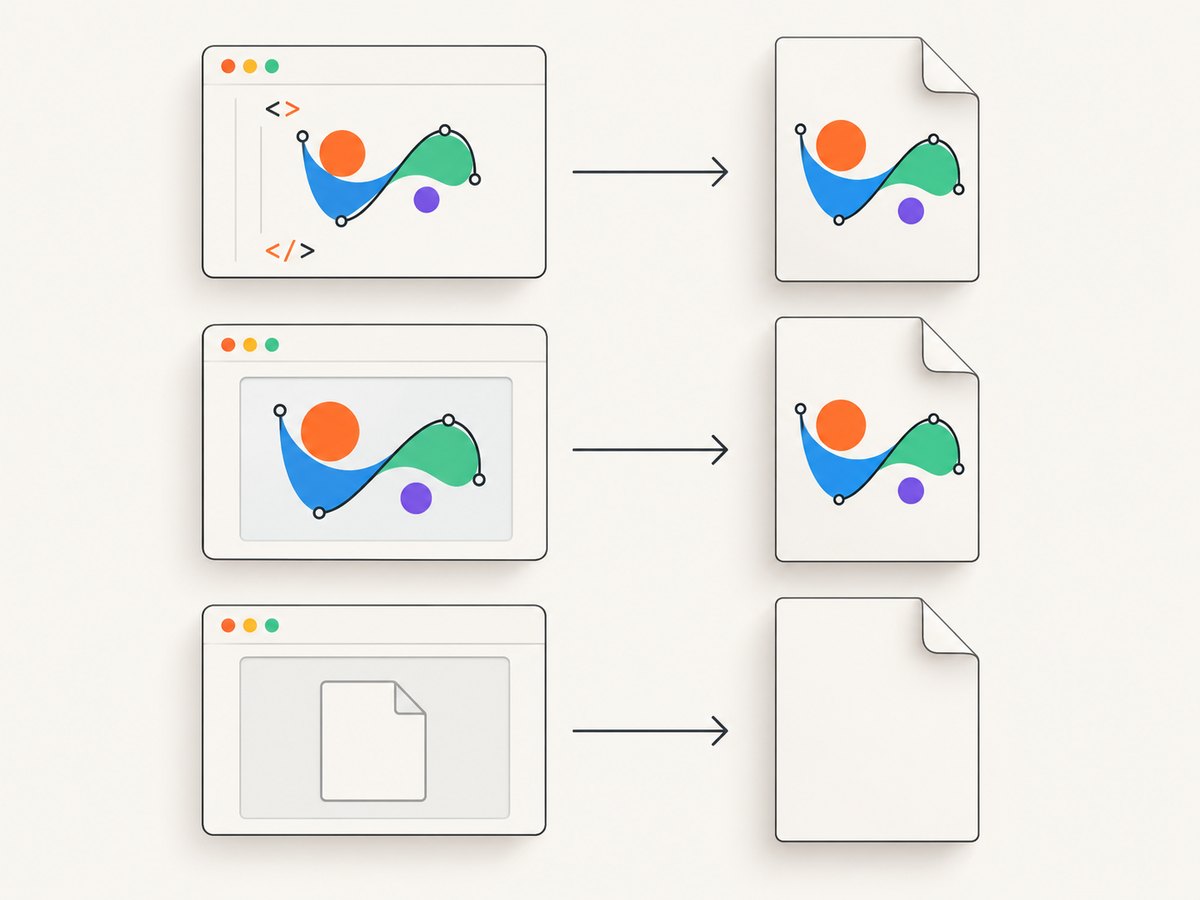
SVG can be embedded as an external image, an inline element, or an object. These paths exercise different code in a legacy renderer. Test the same asset three ways in a minimal HTML file.
<!doctype html>
<html>
<body>
  <h1>SVG embedding test</h1>

  <h2>Image</h2>
  <img src="file:///srv/app/public/assets/diagram.svg" width="600">

  <h2>Object</h2>
  <object data="file:///srv/app/public/assets/diagram.svg"
          type="image/svg+xml" width="600" height="300"></object>

  <h2>Inline</h2>
  <svg xmlns="http://www.w3.org/2000/svg" viewBox="0 0 600 300"
       width="600" height="300">
    <path d="M20 250 L180 30 L340 250 Z" fill="#2563eb"/>
  </svg>
</body>
</html>
wkhtmltopdf --enable-local-file-access test.html test.pdfIf <object> is blank but <img> works, use <img> for that asset or inline the SVG. A reported object case makes this a useful diagnostic lead, not a rule that applies to every build. If only inline SVG works, check URL resolution, MIME handling, and local-file permissions before rewriting the artwork.
4. Reduce the SVG to a minimal failing path
Make a copy of the asset and remove everything except one path that disappears. Then add features back one at a time. This identifies whether the trigger is the path data itself or an effect around it.
<svg xmlns="http://www.w3.org/2000/svg" viewBox="0 0 400 200">
  <path d="M10,190 C80,10 160,10 220,100 S340,190 390,20"
        fill="none" stroke="#111827" stroke-width="8"/>
</svg>
Test these constructs independently:
clip-pathand clipping paths- masks
- gradients and patterns
- filters such as blur, shadows, and blending
- opacity on groups or paths
- CSS selectors, external stylesheets, and presentation attributes
- transforms and nested viewports
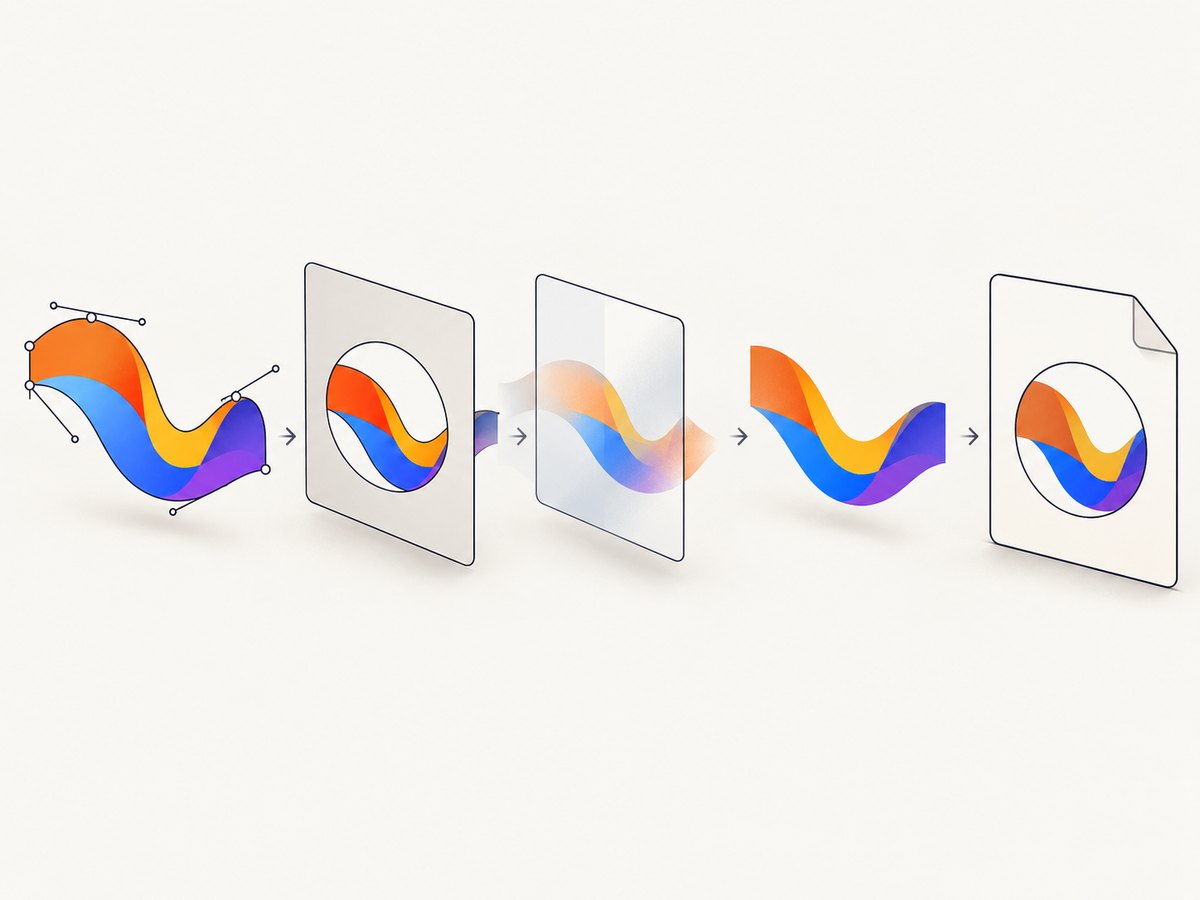
One reported patched-Qt case omitted paths using clip-path and ignored opacity. That is evidence of build-specific behavior, not a promise that every wkhtmltopdf release fails in the same way. If a plain fill and stroke render but a clip or mask causes disappearance, flatten that effect upstream or replace it with explicit geometry.
5. Rewrite fragile SVG features
Replace CSS with presentation attributes
For a diagnostic version, move critical styles directly onto the path:
<path d="M0 0 L100 0 L100 100 Z"
      fill="#ef4444" fill-opacity="1"
      stroke="#111827" stroke-width="2"/>
This removes dependency on external stylesheets, selector specificity, and CSS features that the old WebKit parser may not implement consistently.
Flatten clipping and masks
Use an SVG editor, geometry library, or build step to convert a clipped shape into the actual visible outline. If the artwork is generated, emit separate paths for the visible regions instead of relying on a clipPath or mask. Keep the original SVG in source control and generate a compatibility variant for PDF output.
Flatten transforms and effects
Convert transformed coordinates to final coordinates and replace filters with precomputed shapes where possible. Remove unnecessary nested groups. A smaller SVG is easier to inspect and reduces the number of renderer features involved.
Rasterize only when vector fidelity is optional
Converting the SVG to PNG can make output predictable when the image is decorative and does not need infinite scaling or selectable vector geometry. It trades scalability for compatibility, so choose a resolution appropriate for the PDF’s final size. A reported issue describes rasterization in a particular 0.12.5 patched-Qt setup; treat that as a version-specific workaround and verify the result in your own binary.
6. Check print and timing options
Do not confuse background printing with SVG loading. --no-background controls CSS backgrounds; it is not a general SVG repair switch. If your SVG is placed in a CSS background, test with backgrounds enabled:
wkhtmltopdf --background input.html output.pdf--print-media-type selects print media CSS. Use it when your stylesheet changes the SVG or its container under @media print:
wkhtmltopdf --print-media-type input.html output.pdfJavaScript flags and delays matter only when the SVG is generated or modified dynamically. For static markup that fails every time, verify loading and feature support first. For dynamic content:
wkhtmltopdf --enable-javascript --javascript-delay 1000 input.html output.pdfA fixed delay is less reliable than waiting for a deterministic state. If you control the page, render a hidden “ready” marker after the SVG is complete and choose a delay that accommodates the slowest expected request. wkhtmltopdf does not provide modern browser-style network-idle semantics, so avoid arbitrary large delays in high-volume jobs.
7. Use a repeatable diagnostic checklist
- Record
wkhtmltopdf --version, package source, operating system, and patched-Qt status. - Save the exact HTML and SVG used in production.
- Verify the SVG response, MIME type, redirects, permissions, and certificate chain.
- Confirm images are enabled and local-file access is configured narrowly.
- Render the same asset as
<img>,<object>, and inline SVG. - Reduce the failing file to one path with an explicit fill or stroke.
- Add clip paths, masks, opacity, filters, gradients, CSS, and transforms separately.
- Flatten or replace the first feature that makes the path disappear.
- Compare the repaired fixture with the real report, including fonts and pagination.
- If the required SVG features remain unreliable, evaluate another renderer with the real document corpus.
8. Common errors and fixes
| Symptom | Likely cause | Fix |
|---|---|---|
| Entire external SVG is blank | Bad URL, blocked local file, failed redirect, or unsupported object embedding | Check the resource with curl, enable images, allow the asset directory, then compare <img> and inline SVG. |
| Only clipped paths vanish | Build-specific clip-path support |
Flatten the clip to explicit geometry or remove it in a PDF-specific SVG. |
| Paths appear but transparency is wrong | Opacity or compositing behavior in the old WebKit build | Use explicit fills, avoid group opacity, or precompose the artwork. |
| Works locally, fails in production | Different binary, permissions, fonts, URL access, or package build | Compare version output and run the minimal fixture inside the production image. |
| Adding a long delay changes nothing | Static loading or unsupported SVG feature, not a timing issue | Inspect logs and simplify the SVG instead of increasing the delay. |
| Background artwork disappears | Background printing disabled or print CSS hides the element | Test --background and --print-media-type; inspect computed print styles. |
9. Performance, reliability, and cost considerations
Large SVGs, filters, thousands of path segments, and repeated external resources increase render time and memory use. Simplify geometry, remove unused definitions, reuse paths carefully, and avoid downloading the same asset repeatedly. Cache stable SVG files at the HTTP layer and package production assets locally when appropriate.
For reliability, pin the wkhtmltopdf package in your deployment image and keep a small SVG fixture in your PDF regression suite. Check both a plain path and the most complex production feature. Compare PDF page count, file size, and visible output after upgrades; a version change can alter rendering without changing your HTML.
When SVG fidelity is a hard requirement, compare a maintained renderer against representative reports. The wkhtmltopdf project suggests WeasyPrint and the commercial tool Prince for report generation. Evaluate SVG support, CSS and layout fidelity, pagination, fonts, links, deployment footprint, licensing, and price with your own documents. The project’s recommendation is an evaluation prompt, not a guarantee of drop-in compatibility. General Qt documentation says its baseline support targets static SVG 1.2 Tiny, but that does not define the behavior of wkhtmltopdf’s older embedded Qt/WebKit build.
10. Or skip the browser setup
If your goal is a clean image or PDF of a web page rather than control over a local wkhtmltopdf pipeline, ScreenshotNeo provides a website screenshot API. It accepts one GET request and returns PNG, JPEG, WebP, or PDF. The API can capture full pages, lazy-loaded images, or one element by CSS selector, and it supports custom CSS and JavaScript when you need to adjust the page before capture.
Use the ScreenshotNeo API documentation for the complete option list.
cURL
curl -G "https://api.screenshotneo.com/v1/shot" -d access_key=YOUR_API_KEY --data-urlencode url=https://stripe.com -o shot.webpPython
import requests
r = requests.get("https://api.screenshotneo.com/v1/shot", params={"access_key": "YOUR_API_KEY", "url": "https://stripe.com"}, timeout=90)
open("shot.webp", "wb").write(r.content)
Node.js
const q = new URLSearchParams({ access_key: 'YOUR_API_KEY', url: 'https://stripe.com' });
const res = await fetch(`https://api.screenshotneo.com/v1/shot?${q}`);
ScreenshotNeo removes cookie and consent banners, newsletter popups, and chat widgets before the capture. Bot checks, blank pages, timeouts, failed loads, and cache hits are not billed; response headers identify the page verdict and whether the request was billed. Its MCP server exposes take_screenshot, get_page_info, and capture_pdf to Claude, Cursor, and other MCP clients.
For capture control, it supports device presets and custom viewports, retina scale, dark mode, PDF paper sizes and margins, page ranges, custom headers and cookies, user agents and Authorization, timezone and geolocation, request blocking, wait conditions, caching with a chosen TTL, signed image links, asynchronous jobs with signed webhooks, bulk capture of up to 100 URLs per call, usage reporting, and HTML/CSS-to-image. You can also use familiar parameter names from other screenshot APIs when switching.
The free plan includes 1,000 screenshots per month with no card. Paid plans start at $5 for 3,000 shots; every feature is available on every plan. Create a free ScreenshotNeo account.
11. FAQ
Will --enable-local-file-access fix missing paths?
Only when the problem is blocked local resource access. It cannot add support for an SVG feature that the renderer does not implement.
Should I always convert SVG to PNG?
No. Rasterization is useful for decorative artwork when predictable output matters more than vector scaling. Keep SVG when you need sharp zooming, small files, or vector semantics.
Why does Chrome render the same SVG?
Chrome uses a modern browser engine. wkhtmltopdf embeds an old Qt/WebKit stack, so feature support and CSS behavior can differ substantially.
Is inline SVG always the best option?
It is often the easiest way to eliminate URL and permission problems, but inline markup can still use unsupported effects. Test it with the exact production binary.
How do I choose a replacement renderer?
Use your real reports and compare SVG, CSS, pagination, fonts, links, deployment, licensing, and cost. The wkhtmltopdf project names WeasyPrint and Prince as candidates; validate them rather than assuming compatibility.


