How to Fix Tainted Canvases with Leaflet EasyPrint
If a Leaflet map displays but EasyPrint cannot export it, a remote tile or overlay may lack CORS permission for pixel access. Find the image source, fix its CORS response, and verify every layer before printing.
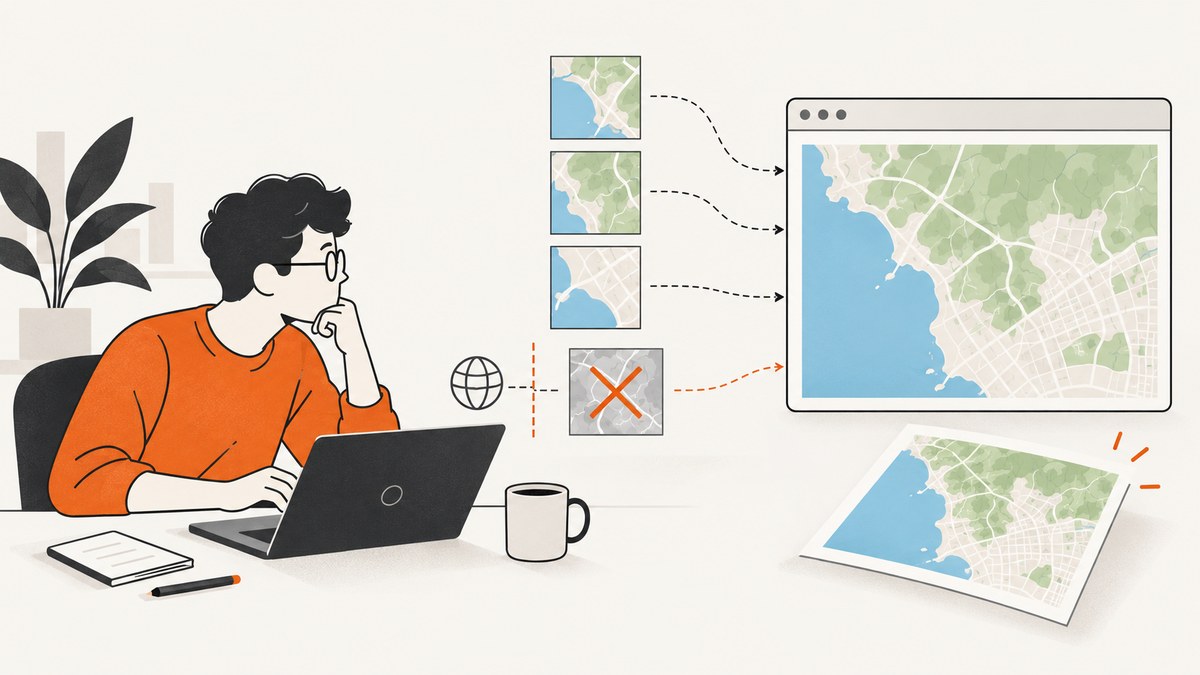
A Leaflet map can look normal in the browser and still fail when Leaflet EasyPrint exports it. The usual cause is a remote tile, overlay, or icon that the browser displayed but was not allowed to read as image pixels because its server did not grant the required cross-origin (CORS) permission.
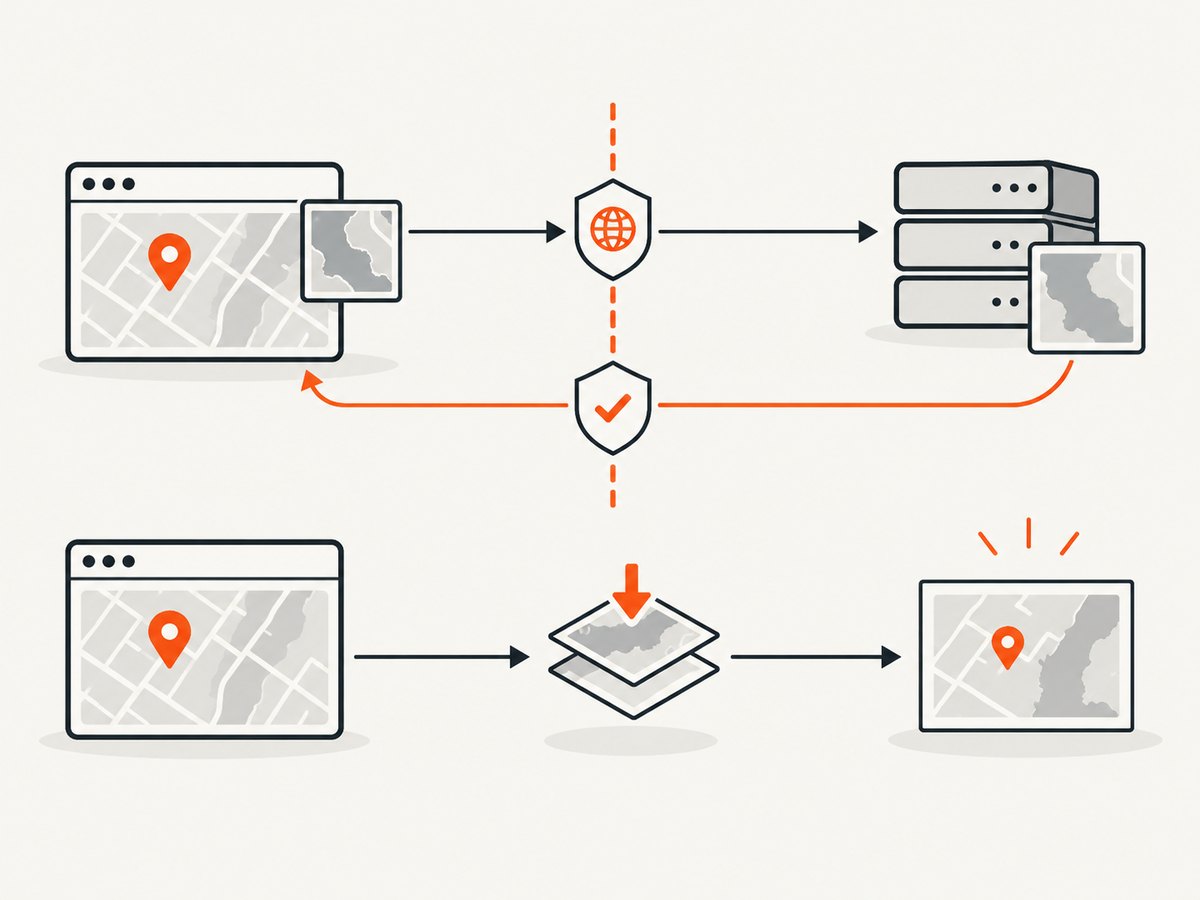
Fix the source of the image: enable cross-origin requests on the Leaflet layer where appropriate, and make sure the image server returns a CORS response that permits your page’s origin. Repeat for every image source included in the export. A client-side setting cannot override the server’s policy.
1. Why the map appears but the export fails
Browsers restrict scripts from reading pixels loaded from another origin unless that origin grants access through CORS. When unapproved image data is drawn into a canvas, the canvas becomes tainted. Pixel reads and export operations such as toDataURL() or toBlob() are then blocked by the browser.
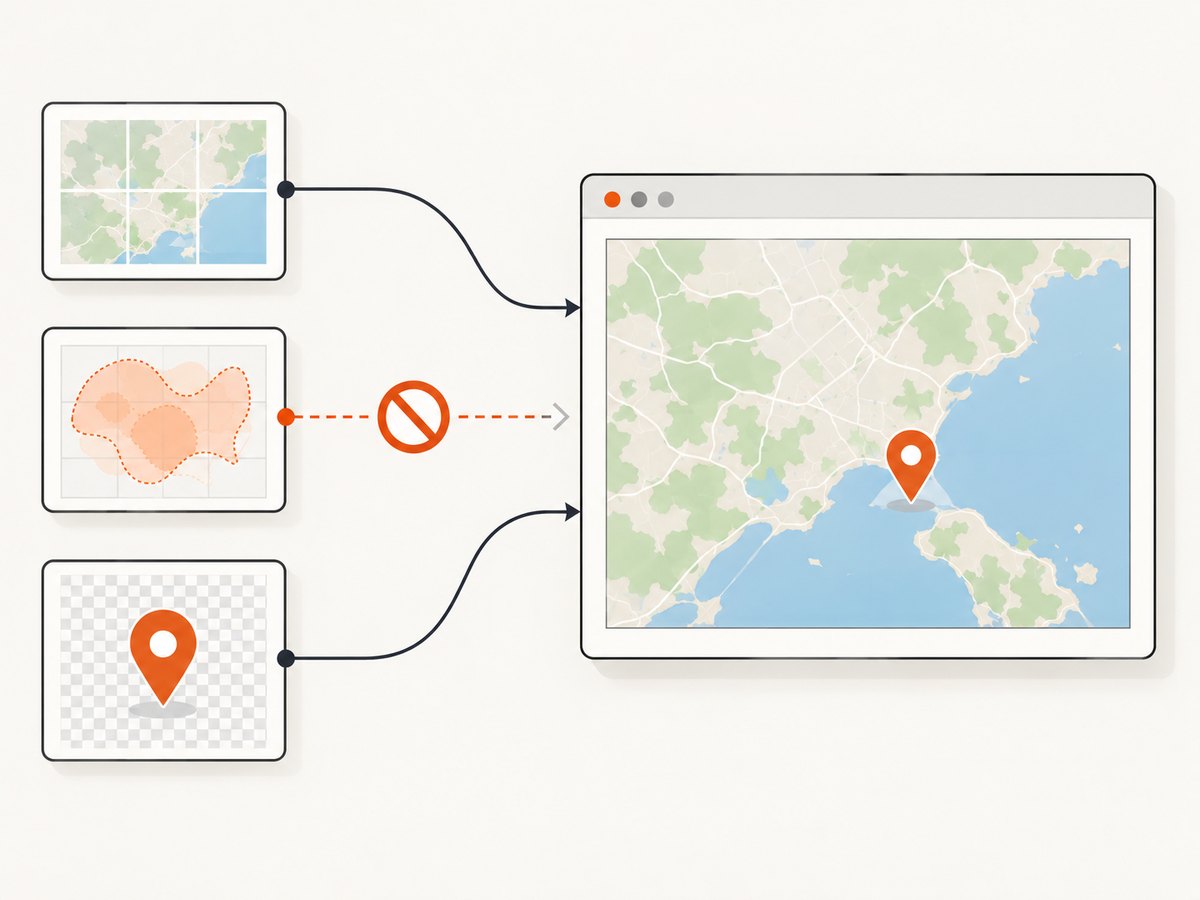
Displaying an image and reading its pixels are different permissions. A tile may render on the map while remaining unavailable to the export process. An EasyPrint issue describes a basemap that displayed but failed to print because the image response lacked Access-Control-Allow-Origin.
EasyPrint’s README identifies dom-to-image and FileSaver as dependencies. Configuration documented for html2canvas is not automatically an EasyPrint option: do not add useCORS, allowTaint, or proxy as if EasyPrint accepted those settings. Confirm the renderer and options for the EasyPrint version actually installed.
2. Find the image that taints the export
- Reproduce the failed export with the browser’s developer tools open. Check the Console for a security exception or CORS message.
- In Network, inspect image requests made by the map. Note the failing URL, status, request origin, and response headers. Check for
Access-Control-Allow-Originand whether it permits the origin serving your page. - Distinguish CORS from other failures. A 404, authentication error, mixed-content block, or a print started before tiles finished loading needs a different fix.
- Test the base map and each overlay separately. Also check custom markers, logos, and watermark images if they are part of the exported map.
- Retry after all tiles and overlays finish loading. An incomplete map is a timing issue; a completed but unexportable map points toward pixel access or renderer behavior.
Record the origin of each image source and test each layer independently. If export works after disabling one layer, that layer or its image server is the useful place to investigate.
3. Configure Leaflet and the image server
Set the TileLayer crossOrigin option when supported
Leaflet’s TileLayer option crossOrigin is false by default. Setting it causes Leaflet to add the image’s crossOrigin attribute. For a provider that supports anonymous CORS access, try crossOrigin: true:
const map = L.map('map').setView([40.7128, -74.0060], 12);

const tiles = L.tileLayer('https://tiles.example.com/{z}/{x}/{y}.png', {
  maxZoom: 19,
  crossOrigin: true
});
tiles.addTo(map);
Replace the example tile URL with your permitted provider’s URL. Check the Leaflet reference and the provider’s documentation for the supported setting and access requirements. This option affects the request; it does not grant permission by itself.
Return a matching CORS response from the image host
The tile or image server must permit the origin of the page running the map. For example, if your map page is served from https://maps.example.com, the response needs an Access-Control-Allow-Origin value that allows that origin, or a wildcard where appropriate for the resource and access model. Configure this on the server or through the image provider’s supported settings.
If you control a static asset server, a response might include:
Access-Control-Allow-Origin: https://maps.example.comUse a specific allowed origin when that fits your deployment. If the application serves pages from multiple origins, configure the server deliberately to return an allowed origin for each permitted request; do not reflect arbitrary origins without an access-control policy. If credentials are involved, follow the server and browser CORS requirements rather than assuming a wildcard is suitable.
Check every image source
CORS must work for all remote image data drawn into the exported map, not only the base layer. Verify overlays, custom tile layers, marker icons, and any other image-based decorations. One incompatible source can be enough to prevent a complete export.
4. Make a minimal EasyPrint export
Once your layers are configured, install and initialize EasyPrint according to the project README. A typical control setup looks like this:
const printer = L.easyPrint({
  title: 'Export map',
  position: 'topleft',
  sizeModes: ['Current', 'A4Portrait', 'A4Landscape'],
  filename: 'leaflet-map',
  exportOnly: true
}).addTo(map);
Use the plugin’s documented setup for the version in your project, including its required scripts and styles. This example shows the control configuration; it does not add html2canvas options. After adding the control, test export with the base layer alone, then enable overlays one at a time.
If your code invokes printing programmatically, wait until the map and its image layers have completed loading before calling the plugin’s export method. Use the method documented by your installed EasyPrint version. Avoid treating an arbitrary delay as proof that every tile loaded; observe the layer’s loading lifecycle where your application needs deterministic behavior.
5. If you cannot change the remote host
Choose a path that fits the source’s access rules and your deployment:
- Use another permitted tile or image provider whose responses allow pixel access from your page origin and whose terms cover your intended use.
- Omit or replace the incompatible layer for exports if it is optional.
- Ask the source operator to enable the required CORS response if you need to keep using that source.
- Consider an application-controlled proxy only when authorized. A proxy must comply with the source’s access rules, preserve any required request behavior, and return suitable CORS headers to your page. It also needs operational controls such as limits and caching appropriate to your application.
Do not assume html2canvas’s documented proxy setting is available to EasyPrint. The html2canvas FAQ and configuration reference describe html2canvas behavior; use those settings only if your application actually uses html2canvas and its configuration applies.
6. Troubleshooting checklist
| Symptom | Likely cause | What to check or change |
|---|---|---|
| The map is visible, but export reports a tainted canvas or security error. | An image loaded from another origin lacks CORS approval for pixel access. | Identify the image request. Set the Leaflet layer’s crossOrigin option where appropriate, and configure the image host to permit the page origin. |
| Export fails only with one basemap or overlay enabled. | That layer uses a source with different CORS behavior or access requirements. | Test layers independently, inspect the offending response, and configure, replace, or omit that source. |
| The request has a CORS mode, but the browser still blocks it. | The server response does not allow the page origin, or another CORS requirement is unmet. | Inspect response headers and provider guidance. Fix the server response; a request attribute cannot grant server permission. |
| The image request returns 401 or 403. | Authentication, authorization, referrer rules, or provider access settings are blocking the image. | Check the provider’s documented access method and permitted request setup. Do not treat an authorization failure as a canvas option problem. |
| Tiles are missing or appear late, but no CORS error is present. | Network failure, invalid tile URL, or export ran before image loading completed. | Check the request status and URL, then wait for layer loading to finish before export. |
| The browser reports mixed content. | An HTTPS page requested an insecure HTTP image. | Use a secure image endpoint supported by the provider. |
| A fix works at one hostname but not another. | The page origins differ, so the allowed origin may not match the deployed page. | Compare the full page origin with the CORS response and check redirects and deployed hostnames. A historical EasyPrint report noted a hostname difference; treat it as a clue to inspect, not a universal fix. |
Adding useCORS or proxy changes nothing. |
Those are html2canvas configuration concepts, not established EasyPrint settings. | Confirm EasyPrint’s renderer and version. Fix the actual image source or configure the renderer your application uses. |
7. Performance, reliability, and cost
Each additional tile or overlay is another image request that can fail, load slowly, or have a different CORS policy. Keep the exported layer set focused, use the provider’s supported tile and caching behavior, and avoid starting export until needed images have loaded. A proxy adds a network hop and a service you must operate, so use one only when permitted and when the source cannot provide the needed response directly.
For reliability, test the exact deployed page origin and all production layers, not just a local development map. Retest after changing tile providers, image hosts, authentication, or deployment domains. A successful visual render alone is not an export check.
The browser restriction itself does not create a special per-export fee. Practical costs come from your tile or image provider, any proxy infrastructure, and the time spent maintaining access and export behavior. Follow the source’s terms and request limits.
Or skip the browser setup
ScreenshotNeo is a website screenshot API and MCP server from Yorker Media. For a webpage screenshot, make one request instead of setting up a browser capture pipeline. It does not export a Leaflet map’s underlying tile pixels as a substitute for fixing an EasyPrint export; it captures the rendered webpage.
cURL:
curl -G "https://api.screenshotneo.com/v1/shot" -d access_key=YOUR_API_KEY --data-urlencode url=https://stripe.com -o shot.webpPython:
import requests

r = requests.get(
    "https://api.screenshotneo.com/v1/shot",
    params={"access_key": "YOUR_API_KEY", "url": "https://stripe.com"},
    timeout=90,
)
open("shot.webp", "wb").write(r.content)
Node.js:
const q = new URLSearchParams({ access_key: 'YOUR_API_KEY', url: 'https://stripe.com' });
const res = await fetch(`https://api.screenshotneo.com/v1/shot?${q}`);
See the ScreenshotNeo API documentation for request options. ScreenshotNeo removes cookie banners, newsletter popups, and chat widgets before capture; bot checks, blank pages, and failed loads are never billed; and its MCP server lets AI agents take screenshots. The Free plan includes 1,000 screenshots a month with no card, and paid plans start at $5 for 3,000.
Sign up free for 1,000 screenshots a month, with no card required.
FAQ
Does crossOrigin: true fix every tainted EasyPrint export?
No. It sets the image request’s cross-origin behavior, but the image server must also return a response that permits your page origin. Every included image source needs to be compatible.
Can I use allowTaint to force the download?
Do not assume so. That is an html2canvas configuration option, and allowing a tainted canvas would not grant browser permission to read its pixels. EasyPrint’s documented dependency is dom-to-image.
Why does the issue happen only in production?
Your deployed page may have a different origin, image host, authentication setup, or protocol from local development. Compare the actual production image responses and CORS headers.
Will EasyPrint export work with every tile provider?
Only if the provider’s imagery and access rules support the browser’s required pixel access for your use. Check the provider’s documentation and terms before relying on a layer for export.


