How to Fix text-align: justify in wkhtmltopdf
Diagnose justified text overlap and odd spacing in wkhtmltopdf with minimal tests, whitespace checks, font validation, and renderer comparisons.
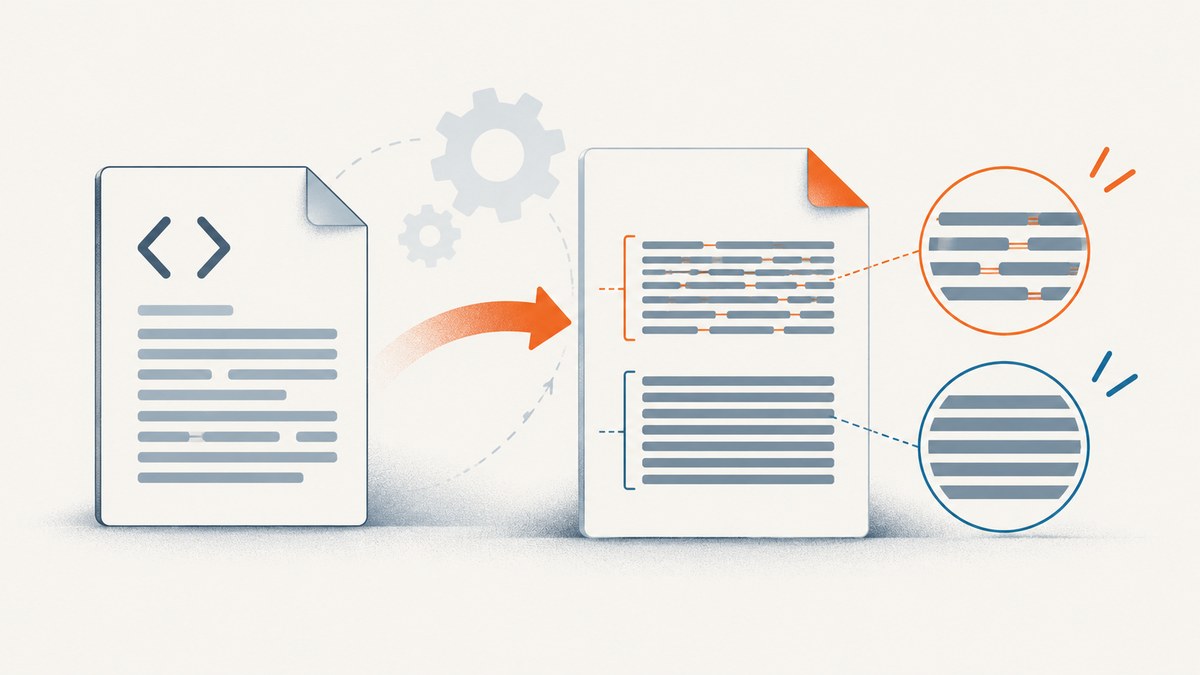
Short answer: text-align: justify failures in wkhtmltopdf do not have one confirmed universal fix. Reports describe different symptoms, including overlapping lines and spaces appearing inside words. Start with a minimal reproduction, record your exact wkhtmltopdf build, inspect whitespace and fonts, and compare the result with a current browser. Use text-align: left only as a diagnostic workaround unless justified alignment is optional.
wkhtmltopdf converts HTML to PDF with Qt WebKit, so its layout can differ from a current Chrome, Firefox, or Safari release. The project repository was archived on January 2, 2023, and the project status page describes the bundled Qt and WebKit code as old. That makes build identification and a controlled reproduction especially important.
What the symptoms mean
Two commonly cited issue reports show why you should not assume every justification problem has the same cause:
- One report describes overlapping text when using
text-align:justify. The author says removing a CRLF line ending between words fixed that particular example, and that changing alignment toleftavoided the overlap. - Another report describes extra space being inserted inside words. It involves a custom Thai font and a 0.12.5-era build, but does not prove that the font was the root cause.
These reports establish observed behavior, not a guaranteed upstream bug or a fix that applies to every document. Treat each workaround as a test that narrows the cause.
1. Record the renderer before changing CSS
Run the following command in the same environment that creates the bad PDF:
wkhtmltopdf --versionSave the complete output, operating system and distribution, installed fonts, page-size arguments, and whether the binary reports with patched qt. The official downloads page says the stable series is 0.12.6, released June 11, 2020, and explains that builds vary with Qt and distribution packaging. Two machines both labeled “0.12.6” can therefore produce different results.
Keep the version output with your bug report or generated-PDF metadata. Without it, a CSS change may appear to work simply because a different binary rendered the file.
2. Build a minimal reproduction
Reduce the document to one paragraph, one font declaration, the intended page width, and the alignment rule. This removes tables, inherited styles, JavaScript, headers, footers, and unrelated page-break rules that can hide the real trigger.
<!doctype html>
<html lang="en">
<head>
  <meta charset="utf-8">
  <style>
    @page { size: A4; margin: 20mm; }
    body {
      font-family: Arial, sans-serif;
      font-size: 12pt;
      line-height: 1.45;
    }
    .sample {
      width: 160mm;
      text-align: justify;
    }
  </style>
</head>
<body>
  <p class="sample">A short paragraph with enough words to create several lines in the PDF. Keep the text exactly the same while changing one variable at a time.</p>
</body>
</html>
Render it with the exact binary used in production:
wkhtmltopdf --encoding utf-8 sample.html sample.pdfThen open the same HTML in a current browser and print it to PDF. Compare line breaks, word spacing, glyph shape, and page scale. This is a diagnostic comparison, not proof that the browser output is the required target.
3. Check whitespace and line endings
Inspect the source paragraph rather than only its visual appearance. Look for:
- CRLF sequences (
\r\n) between words or inline elements. - Repeated ordinary spaces, tabs, and non-breaking spaces (
or Unicode U+00A0). - Zero-width characters and unusual Unicode whitespace copied from rich text.
- Soft hyphens, explicit
<br>elements, and inline spans that split words. - HTML entities or encoding conversions that changed the original text.
The overlap report specifically says that removing a CRLF between words solved that example. Normalize only the content you control, and preserve meaningful line breaks such as those in code or poetry.
# Show carriage returns and tabs in a text fixture
sed -n 'l' paragraph.txt

# Find CRLF bytes in an HTML file
python3 - <<'PY'
from pathlib import Path
p = Path("sample.html").read_bytes()
print("CRLF count:", p.count(b"\r\n"))
print("NBSP count:", p.count("\u00a0".encode("utf-8")))
PY
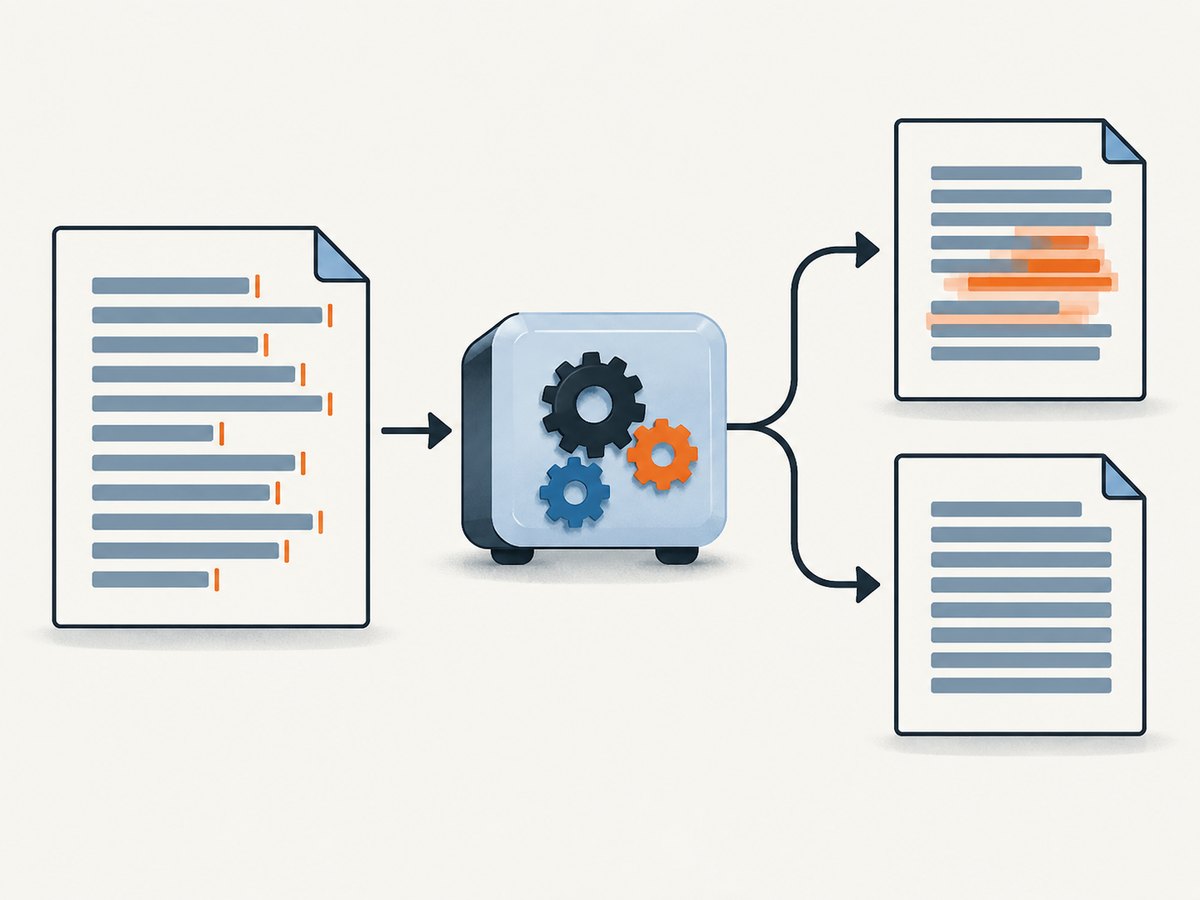
As a temporary experiment, replace the affected paragraph with a normalized string containing ordinary spaces. If the problem disappears, compare the original and normalized byte sequences before deciding how to clean production input.
4. Switch alignment to isolate the trigger
Change only the alignment declaration:
.sample { text-align: left; }If overlap or internal word spacing disappears, the symptom is associated with justification in that renderer or document. The issue report says left avoided its overlap case. This sacrifices justified edges, so use it as a fallback only when your design permits it.
Also test text-align: right and center. If all non-justified modes render correctly, keep the minimal case and investigate text shaping, whitespace, and build differences rather than adding random margins or letter-spacing.
5. Validate fonts, encoding, and text shaping
Confirm that the intended font is installed in the PDF-rendering environment and that wkhtmltopdf can load it. A browser on your workstation may silently substitute a font that is missing on the server.
# Linux examples
fc-match Arial
fc-list | grep -i "Noto Sans Thai"

# Confirm the HTML declares its encoding
rg -n "charset|font-family|text-align" sample.html
Use an explicit UTF-8 declaration and pass --encoding utf-8. Compare a system font with the production font in the minimal reproduction. The spacing report includes a custom Thai font, but it does not establish that the font caused the defect; treat the font swap as an isolation test.
Check for fallback glyphs, missing combining marks, and scripts that require shaping. If the same bytes render differently with two installed fonts, the font files, shaping support, or build packaging may be involved.
6. Test smart shrinking only when scale is suspect
wkhtmltopdf’s --disable-smart-shrinking option disables WebKit’s intelligent shrinking strategy. The official documentation explains that this strategy affects the pixel-to-DPI relationship. It can change line wrapping and page scale, but the documentation does not claim that it fixes justified text.
# Baseline
wkhtmltopdf --encoding utf-8 sample.html baseline.pdf

# Comparison render
wkhtmltopdf --encoding utf-8 --disable-smart-shrinking sample.html no-shrink.pdf
Record page size, margins, DPI-related options, and the exact visual difference. Keep the option only if it produces the required layout across representative documents. Do not describe it as a justification fix without evidence from your own input.
7. Compare builds and maintained engines
If the minimal reproduction still fails, render it with another wkhtmltopdf build and compare the results. Distribution packages can differ in Qt integration and patch sets. This comparison can tell you whether the behavior is tied to one binary.
The wkhtmltopdf status page says Qt 4 has not been supported since 2015 and that its WebKit has not been updated since 2012. For new work, evaluate whether continuing to maintain this renderer fits your CSS and PDF requirements. A migration is not automatically drop-in: validate page breaks, headers and footers, fonts, JavaScript timing, links, images, and print CSS against real documents.
Common errors and fixes
| Symptom | Likely cause to investigate | Next fix or test |
|---|---|---|
| Words overlap only in justified paragraphs | Whitespace or line-ending interaction, renderer-specific layout | Remove CRLF and unusual whitespace; compare with text-align:left; reproduce with one paragraph |
| Large gaps appear between words | Normal justification amplified by narrow width, fallback font, or different line breaks | Confirm font and width; compare browser output; inspect non-breaking spaces |
| Spaces appear inside a word | Text shaping, custom font, encoding, or an old WebKit build | Test a known system font, verify UTF-8, and render with another build |
| Only production fails | Different binary, OS fonts, Qt packaging, or page options | Capture wkhtmltopdf --version, installed fonts, and command-line arguments |
| Changing smart shrinking changes wrapping | Scale and DPI behavior, not necessarily justification | Compare both modes while recording page size and DPI settings |
| Browser PDF is correct but wkhtmltopdf is not | Different rendering engines and CSS support | Decide whether browser-based rendering or another maintained engine meets requirements |
Reliability and security considerations
Pin the renderer version and operating-system image if reproducible PDFs matter. Install the exact fonts in that image, keep a minimal regression document for justified text, and compare generated PDFs after upgrades.
The project status page warns not to use wkhtmltopdf with untrusted HTML unless you sanitize user-supplied HTML and JavaScript, because unsafe input can lead to a complete server takeover. Apply that warning to templates, uploaded documents, URLs, and any content that can reach the renderer.
Performance and cost notes
Minimal reproductions render quickly because they remove images, scripts, and page resources. Production PDFs can be dominated by font loading, remote assets, JavaScript, and repeated page layout. Measure your real documents and avoid adding arbitrary delays to hide a race.
Cache stable inputs where your application permits it, set explicit timeouts, and log the command, renderer version, input identifier, and output checksum. If a workaround changes line wrapping, compare file size and page count as well as visual alignment.
Or skip the browser setup
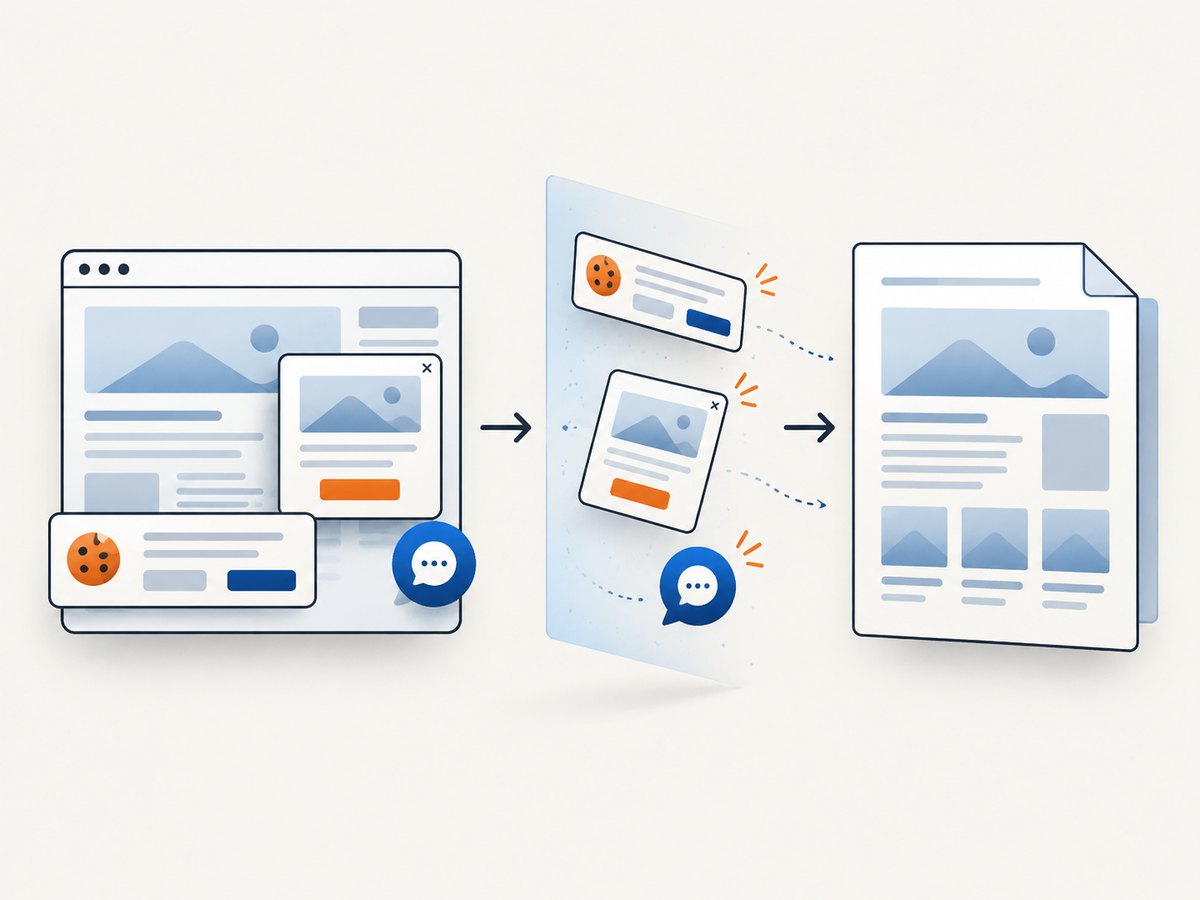
If your goal is a clean capture of a web page rather than maintaining a wkhtmltopdf pipeline, ScreenshotNeo provides one GET request for PNG, JPEG, WebP, or PDF output. Its capture pipeline accepts cookie and consent banners like a visitor, then removes more than 60 known consent platforms, newsletter popups, and chat widgets before the shot. Each step can be turned off.
Only clean shots are billed. Bot checks and CAPTCHAs, blank pages, timeouts, failed loads, and cache hits cost nothing, and responses identify the result with X-Page-Verdict and X-Billed headers. An MCP server exposes take_screenshot, get_page_info, and capture_pdf to Claude, Cursor, and other MCP clients.
See the ScreenshotNeo API documentation for all options. A direct PDF request can be made with cURL:
curl -G "https://api.screenshotneo.com/v1/shot" \
  -d access_key=YOUR_API_KEY \
  --data-urlencode url=https://example.com \
  -d format=pdf \
  -o page.pdf
The same endpoint supports full-page capture with lazy images loaded, CSS element selection, dark mode, device presets or custom viewports, retina scale, paper size, margins, landscape mode, page ranges, custom CSS and JavaScript, clicks, selector waits, delays, network-idle waits, request blocking, headers, cookies, user agents, authorization, timezone, geolocation, transparent backgrounds, resizing, chosen cache TTLs, signed image links, asynchronous jobs with signed webhooks, bulk capture of up to 100 URLs per call, usage reporting, and an OpenAPI specification. Existing parameter names used by other screenshot APIs also work to ease migration.
Python
import requests

r = requests.get(
    "https://api.screenshotneo.com/v1/shot",
    params={
        "access_key": "YOUR_API_KEY",
        "url": "https://example.com",
        "format": "pdf",
    },
    timeout=90,
)
r.raise_for_status()
open("page.pdf", "wb").write(r.content)
Node.js
const q = new URLSearchParams({
  access_key: 'YOUR_API_KEY',
  url: 'https://example.com',
  format: 'pdf'
});
const res = await fetch(`https://api.screenshotneo.com/v1/shot?${q}`);
if (!res.ok) throw new Error(`ScreenshotNeo returned ${res.status}`);
const data = Buffer.from(await res.arrayBuffer());
require('fs').writeFileSync('page.pdf', data);
Free usage includes 1,000 screenshots each month with no card. Paid plans start at $5 for 3,000 shots; every feature is available on every plan. Create a free ScreenshotNeo account.
Decision checklist
- Record the exact version, OS, distribution, patched-Qt status, fonts, and command-line options.
- Reduce the input to one paragraph and compare wkhtmltopdf with a current browser.
- Inspect CRLFs, repeated spaces, non-breaking spaces, tabs, Unicode whitespace, and inline breaks.
- Test a known installed font and confirm UTF-8 encoding.
- Switch temporarily to
text-align:leftto isolate justification. - Compare smart shrinking modes only if scale or line wrapping is involved.
- Try another build or evaluate a maintained renderer against real PDFs.
- Pin the chosen environment and keep the reproduction as a regression test.
FAQ
Is this a known wkhtmltopdf bug with one official patch?
No single confirmed cause or universal patch is established by the available reports. The symptoms differ, and the reports describe particular 0.12.5-era examples.
Should I always use --disable-smart-shrinking?
No. It changes shrinking and pixel/DPI behavior. Test it when scale or line wrapping is suspect, but do not assume it fixes justification.
Does installing the same font everywhere solve the issue?
It can remove one source of variation, but it is not a guaranteed fix. Verify the font, encoding, whitespace, and renderer build together.
When should I migrate away from wkhtmltopdf?
Consider migration when you need current CSS behavior, maintained dependencies, or consistent output across modern environments. Validate the complete document feature set before switching.
Can ScreenshotNeo generate PDFs instead of screenshots?
Yes. The ScreenshotNeo shot endpoint can return PDF output and supports PDF paper size, margins, landscape mode, and page ranges.


