How to Fix Thai Text Rendering Problems in html2canvas
Fix missing, stacked, or misaligned Thai characters in html2canvas by loading a Thai-capable font, waiting for FontFaceSet readiness, and validating cloned styles.

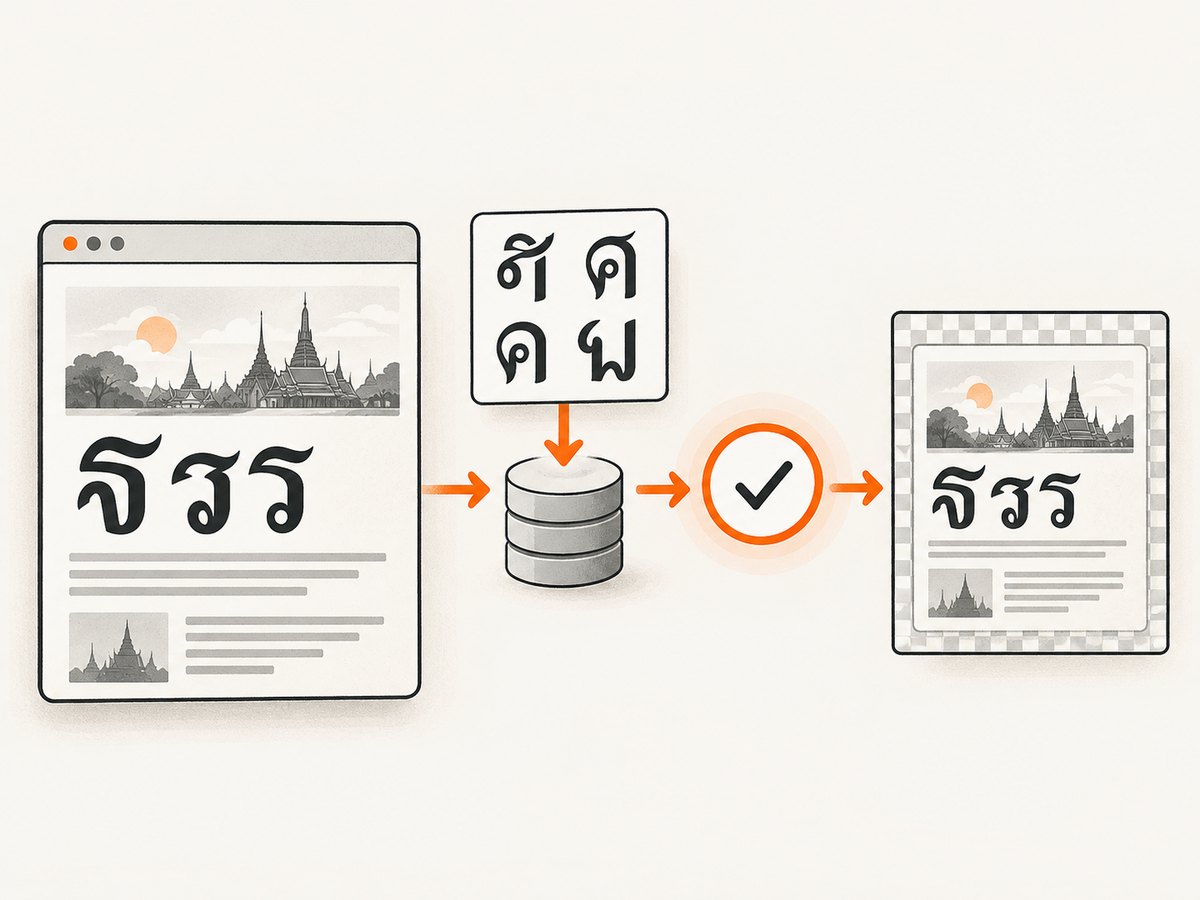
Thai characters in an html2canvas image usually look wrong for one of four reasons: the browser is using a fallback font, the intended web font has not finished loading, html2canvas’s cloned document has lost the font declaration, or a font/resource request failed. Fix the capture by selecting a Thai-capable font, explicitly loading it with the Font Loading API, waiting for document.fonts.ready, and then calling html2canvas. If the clone changes the computed font, use html2canvas’s copy hook to restore it.
This guide shows a complete browser-side fix, diagnostics for missing glyphs and incorrect spacing, handling for CORS and dynamic content, and a hosted alternative with ScreenshotNeo.
1. Use a Thai-capable font and wait for it
Start with an explicit @font-face declaration. Do not rely on the browser’s generic fallback stack when the screenshot must preserve Thai glyphs and metrics. Set font-display: block for capture-critical text so the browser does not paint an early fallback face while the web font is still downloading.
<style>
@font-face {
  font-family: "ThaiCapture";
  src: url("/fonts/thai-capture.woff2") format("woff2");
  font-display: block;
  font-weight: 400;
  font-style: normal;
}

.capture {
  font-family: "ThaiCapture", sans-serif;
  font-size: 24px;
  line-height: 1.6;
}
</style>

<section class="capture" id="thai-card">
  ภาษาไทย กำ เก้า น้ำ ใจดี — Bangkok กรุงเทพฯ
</section>
The font file must actually contain the Thai code points you use. A font can load successfully and still lack tone marks, vowel signs, or particular symbols. Inspect the rendered element in browser developer tools and verify the selected face, then inspect the font’s glyph coverage with a font inspector or coverage panel.
Complete html2canvas example
The following page waits for a representative Thai sample before capture. document.fonts.load() requests the face for that text; document.fonts.ready waits until font loading and layout work have settled. MDN describes ready as resolving after fonts load, layout operations finish, and no further font loads are needed (MDN Document.fonts). The text argument helps select relevant glyph ranges, but it does not prove that every glyph in your application exists in the file.
import html2canvas from "html2canvas";

const target = document.querySelector("#thai-card");
const sample = "ภาษาไทย กำ เก้า น้ำ ใจดี กรุงเทพฯ Bangkok 123";

await document.fonts.load('24px "ThaiCapture"', sample);
await document.fonts.ready;

const canvas = await html2canvas(target, {
  backgroundColor: "#ffffff",
  useCORS: true,
  logging: true,
  onError: (error) => console.error("html2canvas resource failed", error)
});

document.body.appendChild(canvas);

const link = document.createElement("a");
link.download = "thai-card.png";
link.href = canvas.toDataURL("image/png");
link.click();
Call the two font waits immediately before capture when the page can change fonts dynamically. If your application has several weights or styles, load each face that appears in the target:
await Promise.all([
  document.fonts.load('400 24px "ThaiCapture"', sample),
  document.fonts.load('700 24px "ThaiCapture"', sample)
]);
await document.fonts.ready;
2. Why Thai text becomes missing, stacked, or shifted
Fallback metrics
html2canvas builds a CSS font string and assigns it to the canvas rendering context before painting with fillText. The active face therefore controls glyph availability, advance widths, and line metrics. If the DOM first renders with a fallback and the capture occurs before the web font is ready, Thai text can have different spacing or line breaks even though the page looked correct a moment later. Issue html2canvas #1940 documents fallback-font and metric problems when fonts are not available before rendering.
Dynamic font races
Single-page applications often inject a stylesheet or add a FontFace after initial load. A fixed timeout such as setTimeout(resolve, 1000) is a guess: it is too short on a cold connection and wastes time on a warm cache. Use document.fonts.load() and document.fonts.ready instead. Issue html2canvas #2190 describes changed spacing when a dynamically loaded face looked correct in the DOM but was not ready for capture.
Clone-specific style loss
html2canvas clones the document before rendering. A selector, inherited custom property, shadow-DOM boundary, or dynamically generated stylesheet can produce a different computed font in that clone. Compare the target’s computed font-family with the clone using the onclone callback. If a property is copied incorrectly, force the family on the cloned target. The configuration reference documents clone and resource hooks (html2canvas configuration).
const canvas = await html2canvas(target, {
  onclone: (clonedDocument) => {
    const clonedTarget = clonedDocument.querySelector("#thai-card");
    clonedTarget.style.fontFamily = '"ThaiCapture", sans-serif';
  },
  onError: (error) => console.error(error)
});
Failed requests and origin restrictions
A 404 font response, incorrect MIME type, blocked cross-origin request, or a certificate error causes the browser to fall back. Open the Network panel, filter for woff and woff2, and confirm a successful response. If the font is hosted on another origin, configure that server’s CORS response or proxy the asset through the page’s origin. useCORS: true helps html2canvas request cross-origin images when the server permits it; it cannot override a server’s CORS policy.
3. A diagnostic workflow that finds the cause
- Reduce the case. Capture a small element containing Thai, one font declaration, a background, and the essential layout. Remove animations, transforms, and third-party widgets until the glyph problem is isolated.
- Confirm the selected face. In Elements, inspect the computed
font-familyand rendered-font information. Verify that the selected file contains Thai code points, including tone marks and vowel combinations used by your product. - Check font status. Run
document.fonts.check('24px "ThaiCapture"', 'ภาษาไทย กำ เก้า'). A true result indicates a usable face for that sample, but still load it explicitly before capture. - Inspect network responses. Look for failed WOFF/WOFF2 requests, redirects to HTML, missing CORS headers, and a MIME type that does not match the font. Fix the response rather than substituting an unrelated fallback.
- Wait for readiness. Use
document.fonts.load()with representative text followed bydocument.fonts.readyimmediately before html2canvas. - Inspect the clone. Use
oncloneto log or set the cloned element’s computed style. If the clone lacks the family, apply it directly or restore the stylesheet that defines it. - Compare browsers. Record browser and version, html2canvas version, font file, device scale factor, and exact Thai sample. Canvas text shaping and CSS support can vary between browser engines.
const sample = "ภาษาไทย กำ เก้า น้ำ ใจดี กรุงเทพฯ";
console.table({
  check: document.fonts.check('24px "ThaiCapture"', sample),
  status: document.fonts.status,
  loadedFaces: [...document.fonts].map(face => ({
    family: face.family,
    status: face.status
  }))
});
4. html2canvas options that affect Thai captures
| Option | Use | Thai-rendering considerations |
|---|---|---|
scale |
Controls output pixel density; defaults to the device pixel ratio. | Raise it for sharper tone marks, but expect more memory and encoding time. |
width, height |
Sets the canvas dimensions. | Keep the target’s layout width stable or line wrapping can change before text is painted. |
windowWidth, windowHeight |
Sets the virtual viewport used during rendering. | Use the same responsive breakpoint as the page you are comparing. |
backgroundColor |
Sets a background, or use null for transparency. |
A solid background makes thin marks easier to inspect. |
useCORS |
Requests cross-origin images when permitted. | It does not repair a font or image server that omits CORS headers. |
allowTaint |
Allows cross-origin images that would taint the canvas. | A tainted canvas cannot be exported with toDataURL; prefer correct CORS. |
foreignObjectRendering |
Uses browser foreignObject rendering where supported. | It can change CSS fidelity, but browser and cross-origin support must be tested. |
onclone |
Changes the cloned document before rendering. | Use it to restore the Thai family, hide animations, or add a capture-only rule. |
onError |
Receives resource errors. | Log failures with the URL and error details while diagnosing font loads. |
ignoreElements |
Excludes matching elements. | Remove chat, animated banners, or overlays that cover Thai text. |
removeContainer |
Removes the temporary clone after rendering. | Keep the default cleanup unless you need to inspect the clone during debugging. |
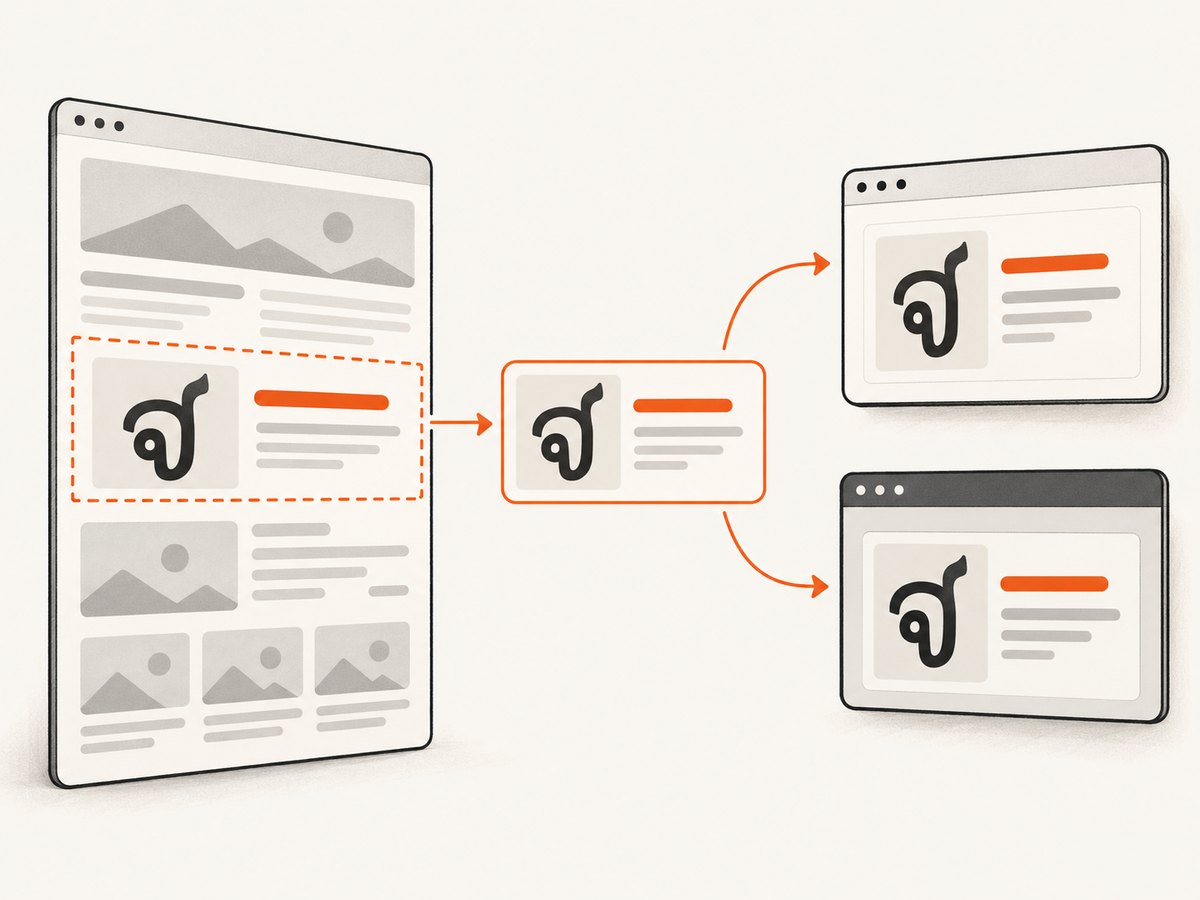
html2canvas does not implement every CSS property. Its FAQ states that “Every CSS property must be manually implemented to render correctly” (html2canvas FAQ). Unsupported layout, filters, transforms, or writing-mode behavior can look like a font problem. A minimal reproduction separates missing glyphs from CSS coverage issues.
5. Full-page and dynamic-content captures
For a full document, pass the document element and set an explicit viewport. Load fonts before measuring dimensions so Thai line wrapping is included in the height.
await document.fonts.load('16px "ThaiCapture"', sample);
await document.fonts.ready;

const canvas = await html2canvas(document.documentElement, {
  windowWidth: document.documentElement.scrollWidth,
  windowHeight: document.documentElement.scrollHeight,
  width: document.documentElement.scrollWidth,
  height: document.documentElement.scrollHeight,
  scrollX: 0,
  scrollY: 0,
  scale: 2,
  onclone: (doc) => {
    doc.querySelectorAll("video, .chat-widget, .newsletter").forEach(el => {
      el.style.visibility = "hidden";
    });
  }
});
Lazy-loaded sections may not exist when html2canvas starts. Scroll them into view or trigger the application’s loading state, then wait for the relevant selector and fonts. Freeze animations with a capture-only class, and avoid capturing while a font-weight transition is in progress.
6. Common errors and fixes
| Symptom or error | Likely cause | Fix |
|---|---|---|
| Thai boxes or blank glyphs | The selected face has no Thai glyphs, or the request failed. | Choose a Thai-capable file, verify its coverage, and fix the network response. |
| Text is visibly wider or narrower | Fallback metrics were used during capture. | Call document.fonts.load(), then document.fonts.ready. |
| Tone marks appear detached | Wrong font shaping, missing glyphs, or browser fallback for combining marks. | Test representative syllables and use one face with complete Thai coverage. |
| DOM looks right but canvas is wrong | The cloned document has a different computed style. | Inspect with onclone and set fontFamily on the cloned target. |
Access to font ... has been blocked by CORS |
The font origin does not allow the requesting page. | Add an appropriate CORS response or serve/proxy the font from the page origin. |
tainted canvases may not be exported |
A cross-origin image was drawn without permission. | Enable server CORS and useCORS, or remove the image; do not depend on allowTaint for exports. |
| Capture hangs or times out | A resource, script, or animation never settles. | Remove third-party elements, wait for a specific selector, and capture a minimal target. |
| Only some pages fail | Different templates load different font weights, origins, or CSS. | Log the URL, font status, response headers, browser, and exact sample for each template. |
7. Performance, reliability, and cost considerations
Font loading adds a network dependency, so reuse a warmed browser cache where possible and preload capture-critical fonts in the page head. Loading only the weights and Unicode ranges you need reduces transfer time. A higher scale, a full-page target, and large images increase canvas memory; capture the smallest element that satisfies the requirement and encode to JPEG only when its lossy output is acceptable.
For reliable automation, treat font readiness as a prerequisite rather than a delay. Record html2canvas version and browser version, fail the job when a required font request fails, and retain a diagnostic HTML page containing the exact Thai sample. Keep a deterministic viewport, timezone, and device scale factor so line wrapping is reproducible. Do not call toDataURL until all cross-origin resources are CORS-safe.
html2canvas runs in the user’s browser, so the cost is your page-load, CPU, memory, and maintenance burden. A server-side screenshot service can move browser setup and scaling out of your application, but evaluate its handling of consent banners, failed pages, bot checks, and font timing before using it for production captures.
8. Or skip the browser setup
ScreenshotNeo provides a website screenshot API and MCP server. One GET request returns PNG, JPEG, WebP, or PDF, so your application does not need to install or coordinate a browser for each Thai page. See the ScreenshotNeo API documentation for all parameters.
cURL
curl -G "https://api.screenshotneo.com/v1/shot" -d access_key=YOUR_API_KEY --data-urlencode url=https://example.com/thai-page -o shot.webpPython
import requests
r = requests.get("https://api.screenshotneo.com/v1/shot", params={"access_key": "YOUR_API_KEY", "url": "https://example.com/thai-page"}, timeout=90)
open("shot.webp", "wb").write(r.content)
Node.js
const q = new URLSearchParams({ access_key: 'YOUR_API_KEY', url: 'https://example.com/thai-page' });
const res = await fetch(`https://api.screenshotneo.com/v1/shot?${q}`);
ScreenshotNeo accepts the cookie or consent banner like a visitor and removes more than 60 known consent platforms, newsletter popups, and chat widgets before the shot; each step can be turned off. Bot checks or CAPTCHAs, blank pages, timeouts, failed loads, and cache hits are not billed, and the response identifies the result with X-Page-Verdict and X-Billed headers. Its MCP server includes take_screenshot, get_page_info, and capture_pdf for Claude, Cursor, and other MCP clients.
You can also request full-page captures with lazy images loaded, a CSS-selected element, dark mode, device presets or a custom viewport, retina scale, custom CSS and JavaScript, click and wait actions, blocked resource types, headers, cookies, user agents, authorization, timezone, geolocation, transparent backgrounds, resizing, a chosen cache TTL, signed image links, asynchronous webhooks, bulk capture for up to 100 URLs, and usage data. The free plan includes 1,000 screenshots each month without a card; paid plans start at $5 for 3,000 screenshots. Create a free ScreenshotNeo account.
9. FAQ
Does a longer timeout fix Thai rendering?
Not reliably. A timeout does not prove that the intended face loaded or that the clone retained it. Use the Font Loading API and inspect the actual font request.
Should I use a system Thai font instead of a web font?
A system font can work when every capture machine has the same face and glyph coverage. An embedded or web font gives you a more reproducible result, provided its request succeeds and CORS is configured.
Why does document.fonts.ready resolve while the screenshot is still wrong?
It can resolve for fonts needed by the current document while your target uses a different family, weight, or dynamically inserted rule. Explicitly call document.fonts.load() with the target family, weight, and representative Thai text, then inspect the cloned element.
Can html2canvas capture every CSS layout exactly?
No. It implements CSS properties in JavaScript and has incomplete coverage. When a minimal Thai case still differs, record the browser and html2canvas versions and report the focused reproduction.
How do I know whether the problem is the font or CSS?
Capture a plain element containing only Thai text and its font declaration. If that image is correct, add layout and effects one feature at a time. If it is wrong, inspect glyph coverage, font requests, readiness, and the clone first.


