How to Fix TrueType Fonts Not Displaying in wkhtmltopdf
Diagnose missing TrueType fonts in wkhtmltopdf by checking the runtime, Fontconfig, font cache, packaging, and fallback behavior.
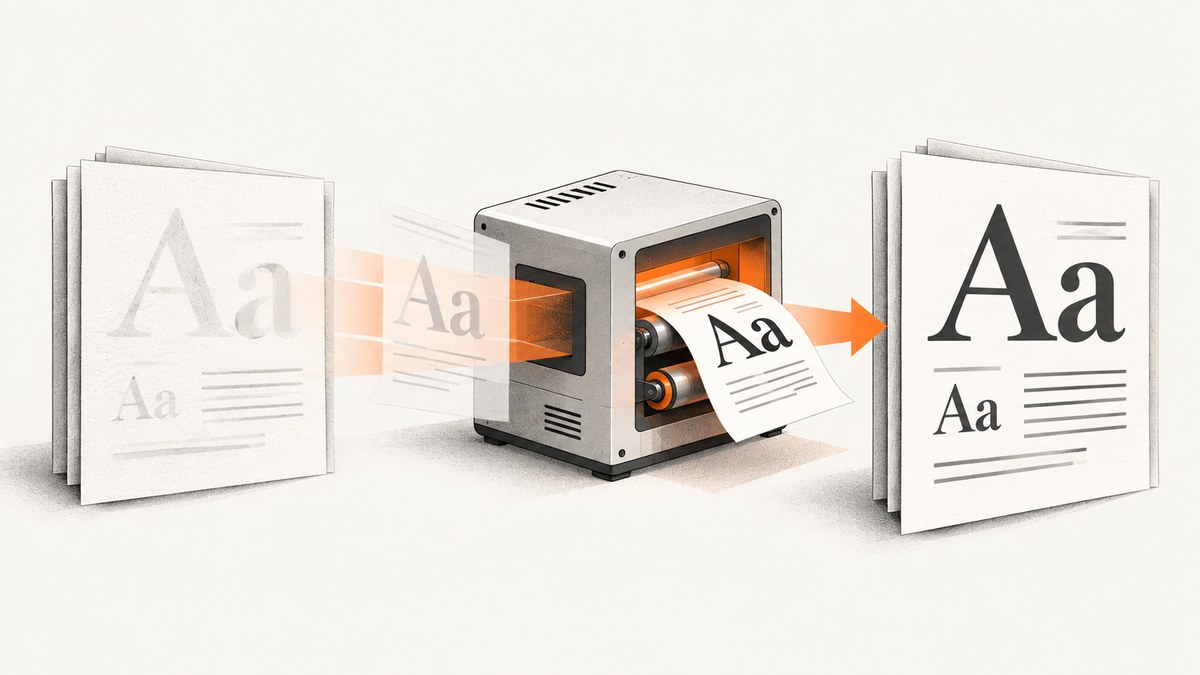
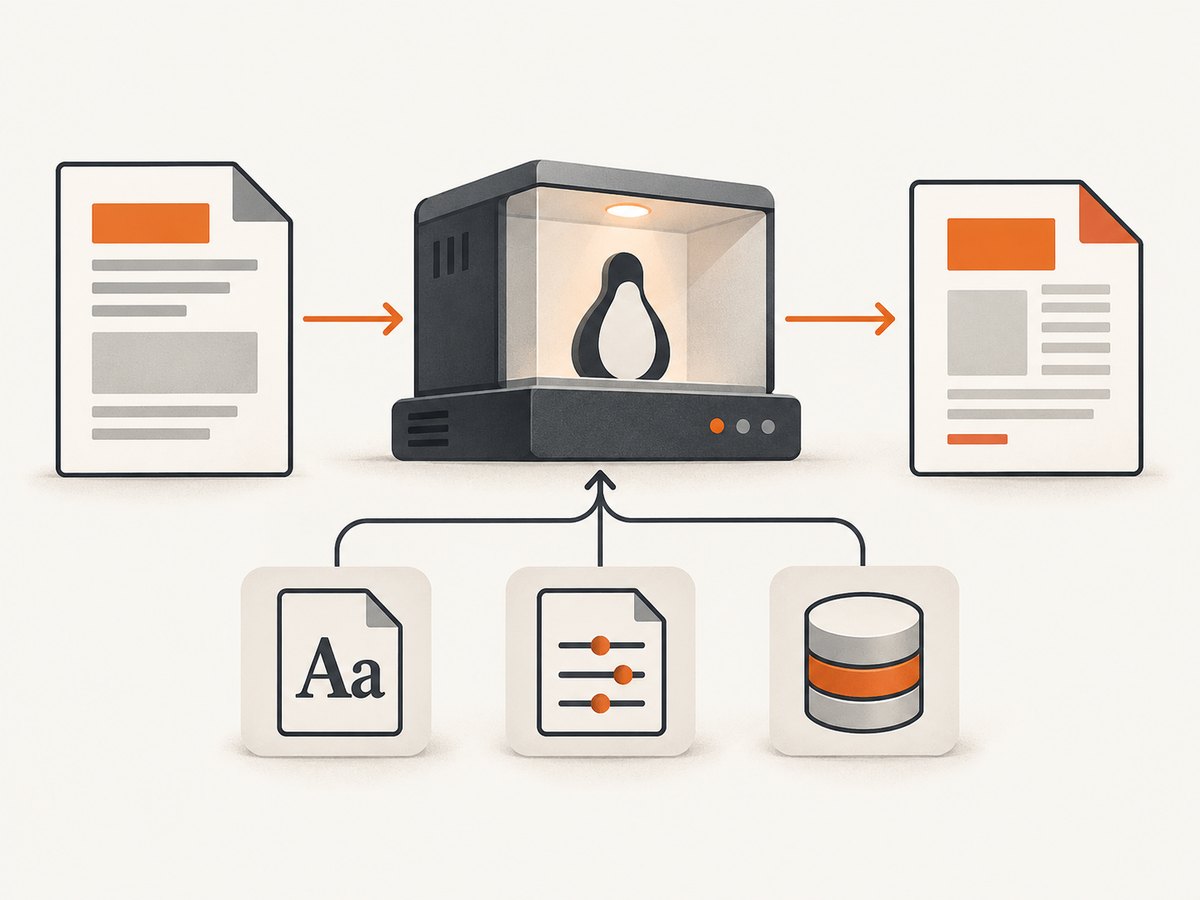
If a TrueType font is missing from a wkhtmltopdf PDF, first check whether the exact font is installed and discoverable by Fontconfig in the same runtime environment that runs wkhtmltopdf. Then refresh the font cache, verify the process can read the font and configuration, and test the exact production binary with a minimal HTML file. A font available on your laptop is not automatically available in a container, server, or serverless package.
The project documentation says Linux builds depend on runtime fonts, Fontconfig, and FreeType, even when Qt is statically linked. So a “static” build does not guarantee that fonts are bundled or discoverable. [wkhtmltopdf downloads and FAQ]
1. Record the exact runtime before changing anything
Font failures are often deployment differences disguised as CSS problems. Before adjusting stylesheets, record the binary, operating system, packaging source, account, and execution environment that produced the PDF. The command and test should run in the same container or service context as the real conversion.
wkhtmltopdf --version
uname -a
id
fc-list | head -40
fc-match "Your Font Family"
On systems without Fontconfig utilities, install or locate the distribution’s equivalent tools before concluding the font is absent. The commands shown are Linux examples, not a cross-platform package recipe. Record:
- Output of
wkhtmltopdf --version, including the build or packaging details it prints. - Distribution and release, architecture, and whether the binary came from a distribution package, downloaded build, container image, or deployment layer.
- The user or service account that launches the conversion. Font directories and environment variables can differ by account.
- Whether conversion succeeds on a workstation but fails in a container, remote host, or serverless runtime.
- The exact font family, font file format, CSS declaration, sample text, and a small input document that reproduces the issue.
The wkhtmltopdf support guidance asks for the version and a reproducible test case. Preserve the failing input so each change can be compared against the same conversion. [wkhtmltopdf support]
2. Separate a CSS issue from a PDF runtime issue
Check that the HTML requests the intended family and that the family works in a browser on the same machine, but treat that only as an initial clue. The browser may use a different font installation, configuration, rendering engine, or user account than wkhtmltopdf. A browser preview therefore does not prove that the PDF process can load the font.
Create a tiny fixture with one heading and one distinctive sample line. Remove application styles, scripts, and unrelated assets. Use the actual font-family name as registered in the font, not only the filename. Keep the same HTML and command for local and production runs.
<!doctype html>
<html>
<head>
  <meta charset="utf-8">
  <style>
    @font-face {
      font-family: "Example Sans";
      src: url("file:///opt/app/fonts/example-sans.ttf") format("truetype");
      font-weight: 400;
      font-style: normal;
    }
    body { font-family: "Example Sans", sans-serif; }
  </style>
</head>
<body>
  <p>Example Sans: Aa Gg 012345 — café</p>
</body>
</html>
Save it as font-test.html and run:
wkhtmltopdf font-test.html font-test.pdfUse a file URL only when the font is actually present at that path and readable by the process. If the font is served over HTTP, verify the URL is reachable from the renderer and that the response returns the font bytes rather than an error page, redirect, or authentication challenge. A local file reference that works on a workstation will fail if the path is not copied into the deployment image.
3. Confirm Fontconfig can resolve the intended face
On Linux, Fontconfig chooses installed fonts based on its configuration and cache. First check whether the family resolves to the intended file:
fc-match "Example Sans"
fc-list | grep -i "Example Sans"
If fc-match returns a generic substitute or a different family, wkhtmltopdf may not be able to use the requested font either. Inspect the Fontconfig configuration and recognized font directories for the distribution and package you actually deploy. Common locations vary; do not assume a path from another Linux distribution applies to yours.
Make sure the font file is valid, readable by the conversion account, and installed in a directory Fontconfig scans. If you copy a font into a system font directory, refresh the cache and query it again:
fc-cache -v
fc-match "Example Sans"
fc-list | grep -i "Example Sans"
One wkhtmltopdf issue commenter reported fixing a remote-server case by copying a font into a system font directory and running fc-cache -v. This is an anecdotal example, not a guarantee for every distribution or deployment. [wkhtmltopdf issue reports]
Only install fonts you are licensed to use and redistribute in that environment. Some commercial fonts restrict embedding or server use; check the font license before copying it into an image or deployment artifact.
4. Check packaging, permissions, and environment variables
A static Qt build still has runtime dependencies. The project specifically names Fontconfig and FreeType as dependencies for installed fonts, and recommends distribution-specific builds. [wkhtmltopdf downloads and FAQ]
Check that the deployed artifact contains all of these:
- The exact font file, at the path referenced by CSS or in a recognized font directory.
- Fontconfig configuration files and any referenced include files.
- The font cache, if the chosen packaging approach requires one, or a startup step that refreshes it.
- Runtime libraries and font rendering dependencies required by that build.
- Read permission for the service account on the font and configuration files, plus directory traversal permission on every parent directory.
For a serverless package, inspect the project’s example for that platform rather than assuming a desktop installation layout. The wkhtmltopdf Lambda layer example calls for setting FONTCONFIG_PATH; verify that the directory it points to and its configuration files are actually shipped with the deployment. [wkhtmltopdf downloads and FAQ]
printf 'FONTCONFIG_PATH=%s\n' "$FONTCONFIG_PATH"
find /opt/app -maxdepth 4 -type f \( -name '*.ttf' -o -name '*.otf' -o -name 'fonts.conf' \) -print
The find example is a diagnostic, not a required layout. Adapt it to the deployment root and shell available in your runtime. If configuration is supplied through environment variables, log only the relevant path and avoid printing unrelated secrets from the environment.
5. Distinguish a missing font from a glyph fallback problem
If every character appears in a generic typeface, the requested family may not have loaded. If Latin text renders correctly but some characters or scripts show as boxes or switch unexpectedly, the font may be loaded while lacking those glyphs, or fallback selection may be failing.
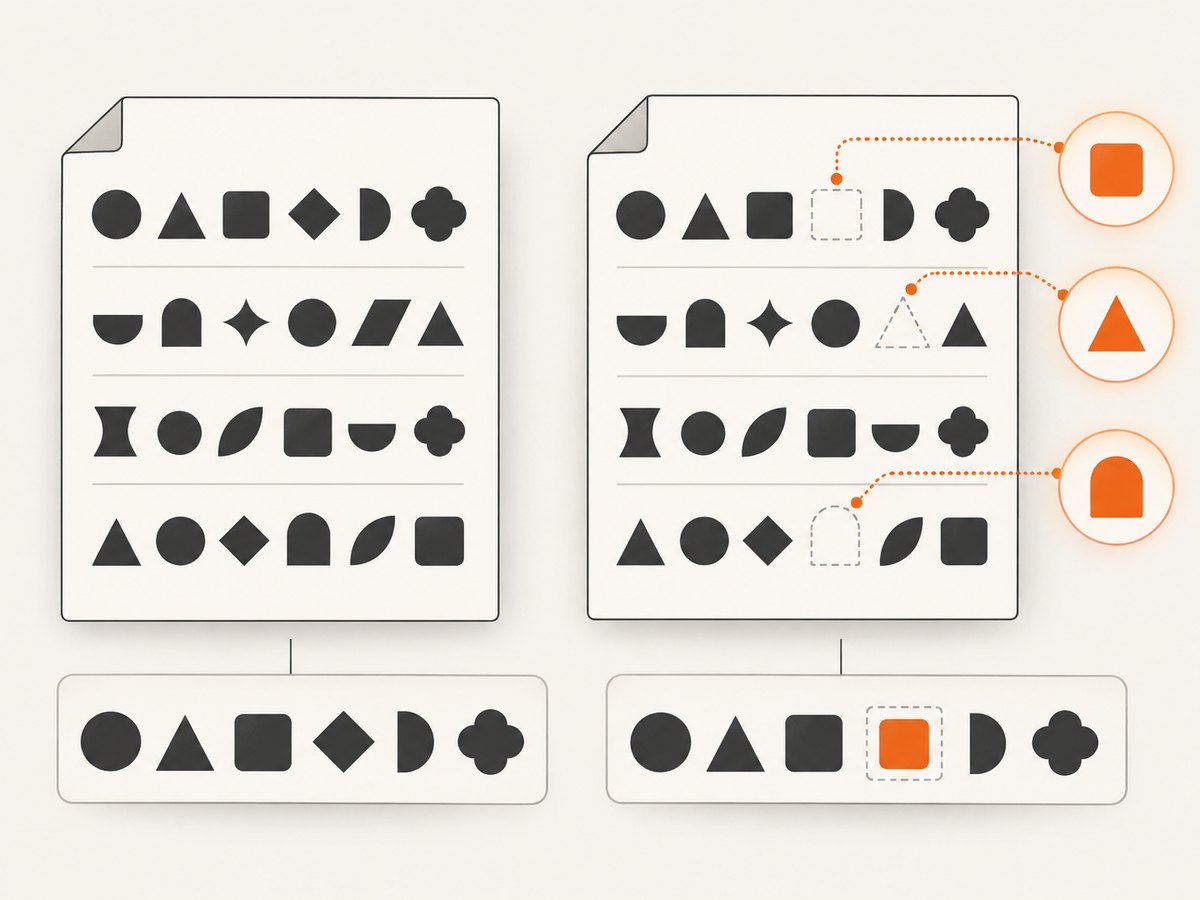
Check the font’s coverage for the exact script and glyphs in the failing text. Then make a minimal test containing only that text and run it with the exact wkhtmltopdf version and deployment image. A v0.12 Linux issue describes character-level fallback limitations. That report is version- and environment-specific; it does not establish behavior for every build. [wkhtmltopdf issue reports]
As an experiment, split text into spans and apply explicitly chosen fonts to each span, provided each font covers the characters assigned to it. Validate line wrapping, shaping, punctuation, and right-to-left behavior in the final PDF. This is a workaround to evaluate on the target build, not a universal fix.
6. Test font-format workarounds as experiments
One user report describes success after changing an embedded font reference from TTF to SVG. That single report does not prove that SVG font references are generally supported or that they will preserve output quality. [wkhtmltopdf issue reports]
If you evaluate a format change, compare the same fixture on the target binary. Confirm the resource loads, inspect glyph appearance and layout, measure the generated file size, and check the relevant license terms. Keep the original TTF path available until the alternate format has passed the actual production case.
7. A repeatable diagnostic checklist
- Capture
wkhtmltopdf --version, OS release, binary provenance, execution account, and runtime type. - Reduce the input to a minimal HTML fixture with the exact family and a sample of affected text.
- Run that fixture using the production binary and account.
- Use
fc-matchandfc-listto check whether Fontconfig resolves the family to the expected file. - Check font paths, configuration, permissions, runtime dependencies, and any required environment variables.
- After installing an appropriately licensed font, refresh Fontconfig’s cache and repeat the same conversion.
- If only some glyphs fail, test font coverage and fallback separately from family discovery.
- Change one variable at a time, then compare the resulting PDF for glyphs, layout, and file size.
8. Troubleshooting common symptoms
| Symptom | Likely cause | What to check and change |
|---|---|---|
| PDF uses a generic font everywhere | The family is not installed, not visible to Fontconfig, or the CSS family name does not match. | Run fc-match in the renderer’s environment; install the licensed font where Fontconfig scans it; verify CSS family naming. |
| Works locally, fails in Docker | The image does not contain the font or its configuration/cache, or the service account differs. | Inspect the built image, check the production account’s access, and run the minimal fixture inside the image. |
| Font file exists, but is ignored | Directory is not scanned, cache is stale, permissions deny access, or configuration points elsewhere. | Inspect Fontconfig configuration and FONTCONFIG_PATH; run fc-cache -v; confirm fc-match resolves to the file. |
| Latin works, some glyphs are boxes | Font coverage is incomplete or fallback behavior differs in the build. | Test the affected script in isolation; verify glyph coverage; try explicit font runs and validate shaping on the target build. |
CSS @font-face works in a browser, not in PDF |
The PDF process cannot load the URL/path, or its legacy rendering stack handles the case differently. | Confirm the asset is reachable from the conversion environment; try a minimal local fixture and inspect the exact build behavior. |
| Changing TTF to SVG appears to help | A format-specific behavior may be involved. | Treat it as a single-user workaround; verify rendering quality, loading, size, and license before adopting. |
9. Reliability, performance, and maintenance implications
Keep fonts and Fontconfig configuration in the same versioned deployment artifact as the wkhtmltopdf binary. This makes local reproduction more meaningful and prevents host-level font changes from silently changing output. A container build should install or copy licensed fonts, refresh the cache at build time or startup as appropriate, and run a small conversion fixture under the same user as the service.
For performance, avoid rebuilding the font cache for every PDF if the font set and configuration are unchanged. Cache-refresh timing depends on how fonts are delivered and updated; measure startup and conversion behavior in the real runtime. A large font collection increases the resources available for matching and may enlarge deployment artifacts, so include only the licensed faces and weights required by the documents.
For reliability, check the output itself as well as process exit status. A successful conversion can still use a fallback font. Keep a representative PDF fixture in deployment validation and inspect its text and layout after changing fonts, base images, or package builds. No source in the research establishes one universally best Linux build or replacement renderer, so evaluate the exact font, scripts, binary, and deployment image before migrating.
wkhtmltopdf is legacy software: its project status page says it uses Qt 4 and WebKit, and notes Qt 4 has not been supported since 2015 and its WebKit has not been updated since 2012. Those are statements on the project status page; verify the page and your build context before publication or migration decisions. Do not assume an engine change will preserve existing PDF layout. The project also cautions against processing untrusted HTML. [wkhtmltopdf project status]
Or skip the browser setup
If the task is to capture a web page as an image or PDF rather than render your own HTML with wkhtmltopdf, ScreenshotNeo provides a website screenshot API and MCP server. One GET request returns a screenshot or PDF; see the ScreenshotNeo site and API documentation.
curl -G "https://api.screenshotneo.com/v1/shot" -d access_key=YOUR_API_KEY --data-urlencode url=https://stripe.com -o shot.webpimport requests
r = requests.get("https://api.screenshotneo.com/v1/shot", params={"access_key": "YOUR_API_KEY", "url": "https://stripe.com"}, timeout=90)
open("shot.webp", "wb").write(r.content)const q = new URLSearchParams({ access_key: 'YOUR_API_KEY', url: 'https://stripe.com' });
const res = await fetch(`https://api.screenshotneo.com/v1/shot?${q}`);ScreenshotNeo removes cookie banners, newsletter popups, and chat widgets before capture. Bot checks, blank pages, and failed loads are never billed. Its MCP server lets AI agents take screenshots. The free plan includes 1,000 screenshots a month with no card; paid plans start at $5 for 3,000. Create a free ScreenshotNeo account.
FAQ
Does installing a font on my laptop make it available to a server?
No. The font must also be included and discoverable in the environment where wkhtmltopdf runs.
Does a static wkhtmltopdf build include all fonts?
No. The project documents runtime dependencies on installed fonts, Fontconfig, and FreeType even for statically linked Qt builds.
Is there one command that fixes every missing font?
No. Refreshing the cache helps only when the font and configuration are present and correctly located. Verify resolution and rerun the same fixture in the target runtime.
Should I switch renderers?
The available research does not establish a universal replacement or guarantee identical output after a change. Compare the exact document, fonts, scripts, and layout on candidate builds before deciding.


