How to Fix Type 3 Fonts for Non-Latin Text in Headless Chromium PDFs
Stop broken Arabic, CJK and Indic text in Chromium PDFs by using embeddable static fonts, waiting for font loads and verifying the output.
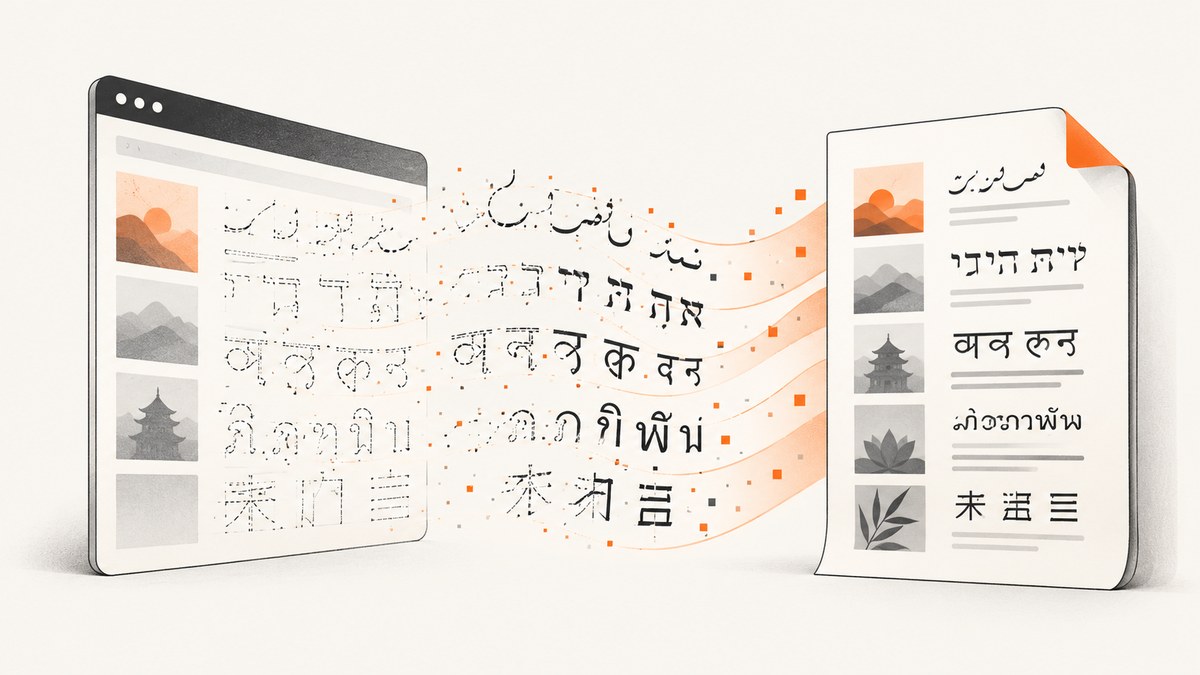
Short answer: Type 3 fonts usually appear when Chromium’s PDF path cannot embed the font data directly. Replace variable or WOFF2-only web fonts with a static, embeddable TrueType font (TTF or suitable OTF), ensure it covers the target script, declare it with @font-face, wait for document.fonts.ready, then call the PDF API. Verify the resulting file by checking its font table and testing copy, search and extraction.
This issue is especially visible with Arabic, Hebrew, Indic, Thai and CJK text. A Type 3 font is not automatically invalid: Skia draws glyphs as form XObjects, but Type 3 output has no hinting or kerning information. PDF Type 1/Type 3 encoding is 8-bit, so large glyph sets are split into groups of up to 255 glyphs. That can make extraction, searching and rendering less predictable.
1. What a Type 3 font means in Chromium
Skia’s PDF backend uses Type 3 when a font cannot be embedded in a directly usable form. Its documentation notes that non-TrueType fonts are encoded as Type 3 on most platforms, and that Type 1 and Type 3 PDF encoding is limited to 8-bit character sets. Chromium guidance for this PDF path identifies non-WOFF2, non-variable, non-color TrueType data as the form that can be embedded directly. Behavior still depends on the exact Chromium build, operating system and font backend.
Type 3 glyphs are drawings rather than a conventional embedded outline font. The PDF can look correct while losing useful text properties:
- Copy and search may return incorrect characters or fail.
- Text extraction tools may expose private glyph codes instead of Unicode.
- Hinting is absent, so small text can look different at different zoom levels.
- Kerning information is not carried in the Type 3 representation.
- Large scripts can be segmented into many 255-glyph groups.
2. Diagnose the input font before changing code
- Open DevTools or inspect your CSS and identify the font actually selected for the affected characters. A declared fallback may be rendering the text instead of your intended family.
- Record the downloaded asset format. Look for
.woff2, variable-font axes such asfont-variation-settings, color-font tables, and whether a static TTF/OTF file exists. - Check whether the file contains glyphs for every script you print. A font that covers Latin but not Arabic or CJK will trigger fallback and can produce mixed or inconsistent output.
- Check embedding permissions. OpenType’s
OS/2.fsTypeflags can restrict embedding; use a font whose license permits the embedding mode required by your application. - Save the browser version, launch flags, operating system, font files and PDF API parameters. The same CSS can behave differently across Chromium releases and platforms.
Useful inspection commands
# Identify the file type
file fonts/SourceSans3-Regular.ttf fonts/site-variable.woff2

# Inspect tables, names and embedding flags (fontTools)
python -m pip install fonttools
python -m fontTools.ttLib.ttx -l fonts/SourceSans3-Regular.ttf
python -m fontTools.ttLib.ttx -t OS/2 -o /tmp/os2.ttx fonts/SourceSans3-Regular.ttf

# Inspect PDF fonts (Poppler)
pdffonts output.pdf

# Try text extraction
pdftotext output.pdf -
In pdffonts, inspect the type, embedded status and Unicode mapping. A visual comparison alone is insufficient: test extraction and search with representative strings.
3. Choose a font Chromium can embed
| Choice | Use when | Risks |
|---|---|---|
| Static TTF | You need predictable embedding and broad tooling support. | Larger files when many weights are bundled. |
| Static OTF with TrueType outlines | Your font vendor supplies an embeddable static OTF. | Confirm its outline flavor and embedding permissions. |
| Variable WOFF2 | Web delivery is the only requirement. | It is a common trigger for Type 3 output in this PDF path. |
| Color font | You explicitly need color glyphs. | Color tables can prevent direct embedding and vary by viewer. |
Use a static file for each weight you print. Select a family with complete Unicode coverage for your target language, and keep the license and fsType permissions with your build artifacts.
4. Declare a local static font with @font-face
Ship the font with the application or make it available from a controlled origin. A local file avoids a late network response and makes the PDF build reproducible.
@font-face {
  font-family: "ReportArabic";
  src: url("file:///app/fonts/ReportArabic-Regular.ttf") format("truetype");
  font-weight: 400;
  font-style: normal;
  font-display: block;
}

@font-face {
  font-family: "ReportArabic";
  src: url("file:///app/fonts/ReportArabic-Bold.ttf") format("truetype");
  font-weight: 700;
  font-style: normal;
  font-display: block;
}

html, body {
  font-family: "ReportArabic", sans-serif;
}

[lang="ar"] {
  direction: rtl;
  text-align: right;
}

[lang="ja"], [lang="zh"] {
  font-family: "ReportCJK", sans-serif;
}
Use a URL the browser process can read. If you use a data URL, keep the generated CSS deterministic and verify that your Chromium build accepts the format. Do not rely on a developer workstation’s installed fonts in production.
5. Wait for fonts, shaping and layout before printing
HarfBuzz performs Unicode shaping into positioned glyphs; Skia itself does not shape text. The intended font must therefore be selected and loaded before Page.printToPDF runs.
await page.goto("file:///app/report.html", { waitUntil: "networkidle0" });
await page.evaluate(async () => {
  await document.fonts.ready;
  await Promise.all([
    document.fonts.load('400 16px "ReportArabic"'),
    document.fonts.load('700 16px "ReportArabic"')
  ]);
});

// Optional diagnostic: fail if the required face is not usable.
const fontState = await page.evaluate(() => ({
  status: document.fonts.status,
  regular: document.fonts.check('400 16px "ReportArabic"'),
  bold: document.fonts.check('700 16px "ReportArabic"')
}));
if (!fontState.regular || !fontState.bold) {
  throw new Error(`Required font was not loaded: ${JSON.stringify(fontState)}`);
}

await page.pdf({
  path: "output.pdf",
  format: "A4",
  printBackground: true,
  preferCSSPageSize: true
});
6. Complete Puppeteer example
This example uses a static local TTF, waits for the faces, prints representative right-to-left and CJK text, and writes a PDF.
import puppeteer from "puppeteer";
import { readFile } from "node:fs/promises";

const html = `<!doctype html>
<html lang="ar" dir="rtl">
<head>
  <meta charset="utf-8">
  <style>
    @font-face {
      font-family: "ReportArabic";
      src: url("file:///app/fonts/ReportArabic-Regular.ttf") format("truetype");
      font-weight: 400;
      font-display: block;
    }
    @font-face {
      font-family: "ReportArabic";
      src: url("file:///app/fonts/ReportArabic-Bold.ttf") format("truetype");
      font-weight: 700;
      font-display: block;
    }
    body { font-family: "ReportArabic", sans-serif; margin: 32px; }
    h1 { font-weight: 700; }
  </style>
</head>
<body>
  <h1>تقرير اللغة العربية</h1>
  <p>مرحبا بالعالم — نص عربي للبحث والنسخ.</p>
  <p dir="ltr">English mixed with العربية and 日本語.</p>
</body>
</html>`;

const browser = await puppeteer.launch({
  headless: "new",
  args: ["--no-sandbox"]
});
try {
  const page = await browser.newPage();
  await page.setContent(html, { waitUntil: "networkidle0" });
  await page.evaluate(async () => {
    await document.fonts.ready;
    await Promise.all([
      document.fonts.load('400 16px "ReportArabic"'),
      document.fonts.load('700 32px "ReportArabic"')
    ]);
  });
  const ok = await page.evaluate(() => document.fonts.check('400 16px "ReportArabic"'));
  if (!ok) throw new Error("ReportArabic did not load");
  await page.pdf({
    path: "output.pdf",
    format: "A4",
    printBackground: true,
    preferCSSPageSize: true,
    margin: { top: "16mm", right: "16mm", bottom: "16mm", left: "16mm" }
  });
} finally {
  await browser.close();
}
7. Python Playwright equivalent
from pathlib import Path
from playwright.sync_api import sync_playwright

html = Path("report.html").read_text(encoding="utf-8")
with sync_playwright() as p:
    browser = p.chromium.launch()
    page = browser.new_page()
    page.set_content(html, wait_until="networkidle")
    page.evaluate("""async () => {
      await document.fonts.ready;
      await document.fonts.load('400 16px "ReportArabic"');
      await document.fonts.load('700 32px "ReportArabic"');
    }""")
    assert page.evaluate("document.fonts.check('400 16px \\\"ReportArabic\\\"')")
    page.pdf(path="output.pdf", format="A4", print_background=True,
             prefer_css_page_size=True)
    browser.close()
8. Chromium DevTools Protocol (Page.printToPDF)
If you use a custom CDP client, the order is the same: load the document, wait for the font set, verify the face, then call Page.printToPDF. Keep the browser build and launch configuration fixed in CI.
await cdp.send("Page.enable");
await cdp.send("Page.navigate", { url: "file:///app/report.html" });
await waitForLoadEvent(cdp);
await cdp.send("Runtime.evaluate", {
  expression: "document.fonts.ready",
  awaitPromise: true
});
await cdp.send("Runtime.evaluate", {
  expression: "document.fonts.check('400 16px ReportArabic')"
});
const pdf = await cdp.send("Page.printToPDF", {
  printBackground: true,
  preferCSSPageSize: true
});
9. Verify that the fix worked
- Run
pdffonts output.pdfand confirm the intended font is embedded. - Open the PDF in at least two viewers used by your readers.
- Select and copy Arabic, Hebrew, Indic, Thai and CJK samples.
- Search for each sample and compare extracted text with the source Unicode string.
- Zoom to small sizes and inspect punctuation, diacritics, joining behavior and line breaks.
- Repeat on the exact production Chromium version and operating system.
Keep a small regression document containing every script you support. Store the browser version, font checksums and extraction output with CI artifacts so a font or Chromium upgrade can be diagnosed quickly.
10. Common errors and fixes
| Symptom | Likely cause | Fix |
|---|---|---|
Type 3 remains after adding @font-face |
The browser selected a variable WOFF2, color font or fallback. | Inspect the computed font, ship a static TTF/OTF, and verify with document.fonts.check. |
| Boxes or missing glyphs | The selected font lacks characters for the script. | Choose a family with complete coverage or define a deliberate script-specific fallback. |
| Font works locally but not in CI | The container cannot read the path or the asset was not copied. | Use an absolute readable path, check file permissions and package the font in the image. |
| PDF prints before the font arrives | printToPDF ran before the font promise resolved. |
Await document.fonts.ready and explicit document.fonts.load calls. |
| Arabic letters are isolated or reordered | Wrong font selection, missing shaping support or incorrect direction. | Confirm the font is loaded, set dir="rtl", preserve Unicode text and test the exact Chromium build. |
| Mixed Latin and CJK uses unexpected glyphs | Fallback order differs between machines. | Declare a deterministic CJK fallback and install or ship it in every runtime. |
| Copy works visually but extraction is wrong | Glyph-to-Unicode mapping is incomplete or Type 3 segmentation is involved. | Inspect with pdffonts and pdftotext; use a directly embeddable static font. |
| Embedding is rejected | The font license or fsType flags prohibit the requested embedding. |
Obtain a permitted font license or select another embeddable family. |
| Output changes after a browser upgrade | Chromium, Skia or the platform font backend changed. | Pin versions, rerun the multilingual regression document and record the change. |
11. Performance, reliability and cost
- Font loading: Local static fonts remove network variability. Subset only when you can prove the subset covers every required character and shaping mark.
- Memory: Large CJK fonts increase process memory and PDF size. Reuse a browser process carefully, but isolate jobs when a font or page can leak state.
- Determinism: Pin Chromium, fonts, OS images and CSS. Record SHA-256 checksums for font files.
- Reliability: Treat a successful HTTP response as insufficient. Validate the font table and extraction in a representative sample of generated PDFs.
- Licensing: Embedding permissions are part of the production design. Do not copy a desktop font into a server image without checking its license.
- Cost: Self-hosted Chromium costs compute and maintenance. If PDF capture is occasional or you need browser cleanup behavior, an API can remove that operational work.
12. Or skip the browser setup
ScreenshotNeo provides a website screenshot API and MCP server. Its PDF endpoint can handle the capture request while you avoid maintaining a headless browser and font-loading sequence.
One request:
curl -G "https://api.screenshotneo.com/v1/shot" -d access_key=YOUR_API_KEY --data-urlencode url=https://stripe.com -o shot.webpPython:
import requests
r = requests.get("https://api.screenshotneo.com/v1/shot", params={"access_key": "YOUR_API_KEY", "url": "https://stripe.com"}, timeout=90)
open("shot.webp", "wb").write(r.content)
Node.js:
const q = new URLSearchParams({ access_key: 'YOUR_API_KEY', url: 'https://stripe.com' });
const res = await fetch(`https://api.screenshotneo.com/v1/shot?${q}`);
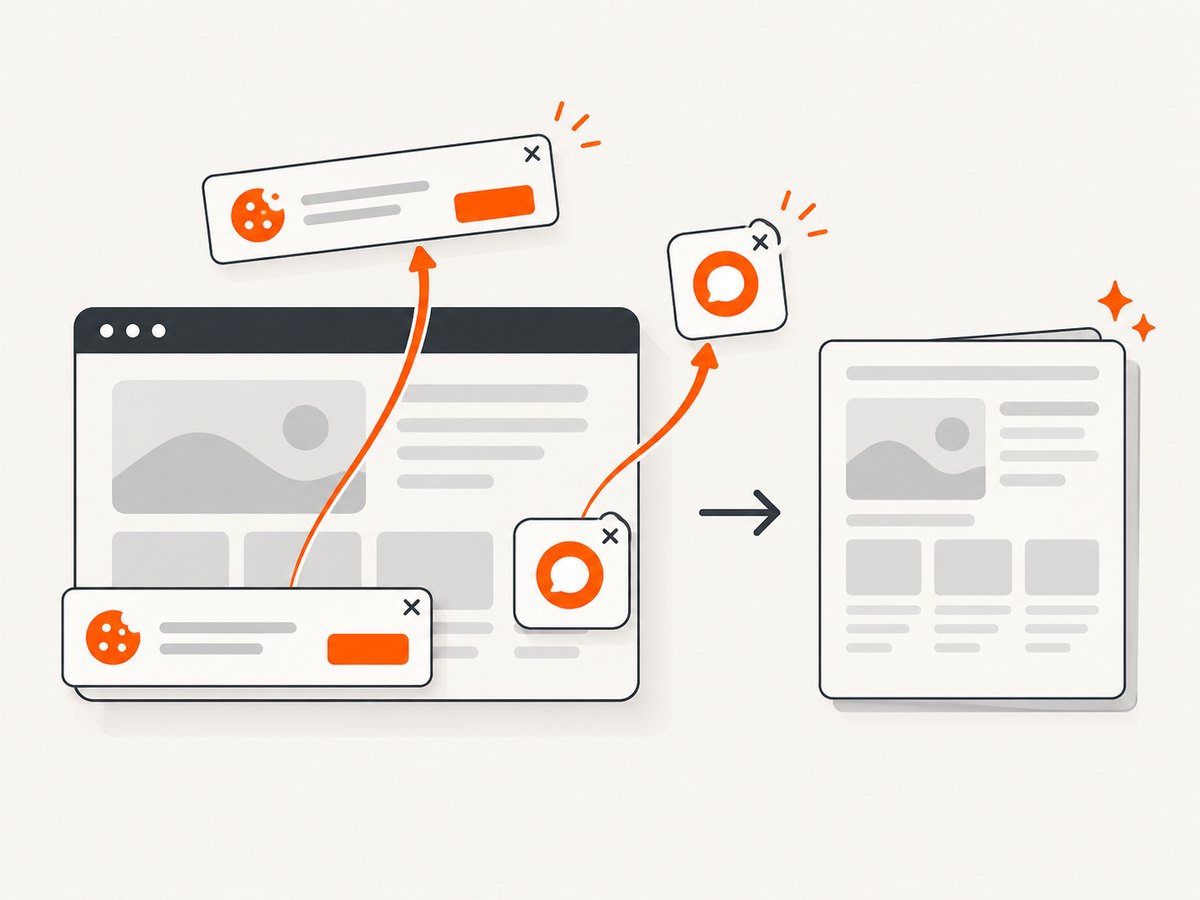
See the ScreenshotNeo API documentation for PDF options such as paper size, margins, landscape mode and page ranges. Before capture, cookie banners, newsletter popups and chat widgets are removed. Bot checks, blank pages and failed loads are never billed. The MCP server lets AI agents take screenshots, and 1,000 screenshots a month are free with no card; paid plans start at $5 for 3,000.
Sign up for the free ScreenshotNeo plan.
13. FAQ
Are Type 3 fonts always a bug?
No. They can render correctly, but they lack hinting and kerning information and may reduce copy, search and extraction quality.
Will converting WOFF2 to TTF always solve the problem?
No. The converted file still needs complete glyph coverage, valid shaping data, permitted embedding and successful loading before printing.
Should I use OTF or TTF?
Choose a static file whose outline flavor your Chromium build embeds reliably, then verify the produced PDF. Static TrueType is the most conservative starting point.
Why does the browser render the page correctly but the PDF fail?
Screen rendering and PDF embedding use different paths. A font can display in the browser while the PDF backend cannot embed its source format directly.
Do CSS font-display settings fix Type 3 output?
They control when fallback text is shown; they do not make an unsupported font format embeddable. Explicitly await the font and use a compatible static asset.
What should I include in a Chromium bug report?
Include the Chromium version, OS, launch flags, PDF API call, minimal HTML, font files or checksums, computed font family, pdffonts output and extraction results.


