How to Fix Incorrect Rendering in use-react-screenshot
Find why use-react-screenshot output differs from your React component, then fix CSS, CORS, iframes, viewport, canvas limits, and dependencies.
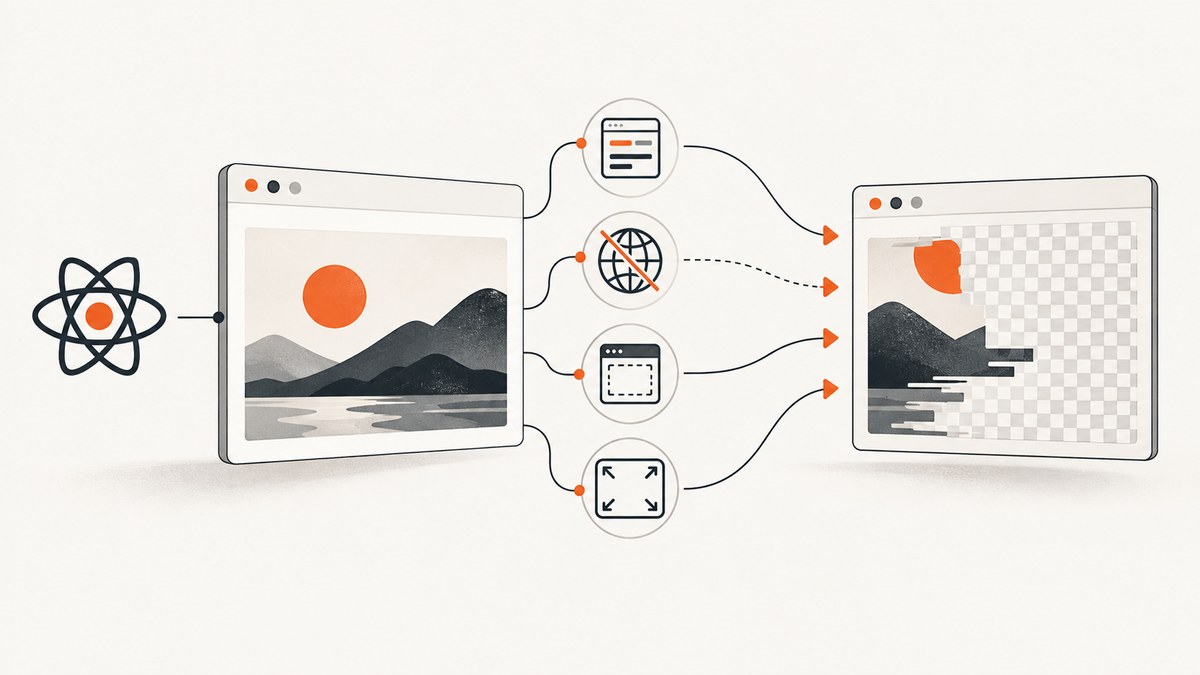
Incorrect rendering in use-react-screenshot usually comes from the renderer underneath it, not from the hook itself. The hook uses html2canvas, which reconstructs an image from the DOM and computed styles. It does not capture the browser’s actual pixels. Start by verifying the target element and dependencies, then isolate CSS support, image origins, iframe access, viewport dimensions, and canvas limits.
1. Confirm the capture target and dependencies
Make sure your ref points to the element that is mounted and visually complete when capture runs. Also install the hook’s peer dependencies: React and html2canvas.
npm install use-react-screenshot react html2canvasA minimal capture component looks like this:
import React, { useRef } from "react";
import useScreenshot from "use-react-screenshot";

export default function CardCapture() {
  const targetRef = useRef(null);
  const [image, takeScreenshot] = useScreenshot();

  async function capture() {
    if (!targetRef.current) return;
    await takeScreenshot(targetRef.current);
  }

  return (
    <div>
      <button onClick={capture}>Capture</button>
      <div ref={targetRef} className="card">
        <h1>Report</h1>
        <p>This is the element being captured.</p>
      </div>
      {image && <img src={image} alt="Captured report" />}
    </div>
  );
}
Capture after the component has rendered its final content. If fonts, images, or data arrive asynchronously, wait for those resources before calling the hook.
2. Understand what html2canvas can reproduce
html2canvas walks the DOM and rebuilds a canvas from information available to the page. Unsupported or partially implemented CSS can therefore produce a result that differs from the visible component. No capture option can make an unimplemented CSS property render correctly by default.
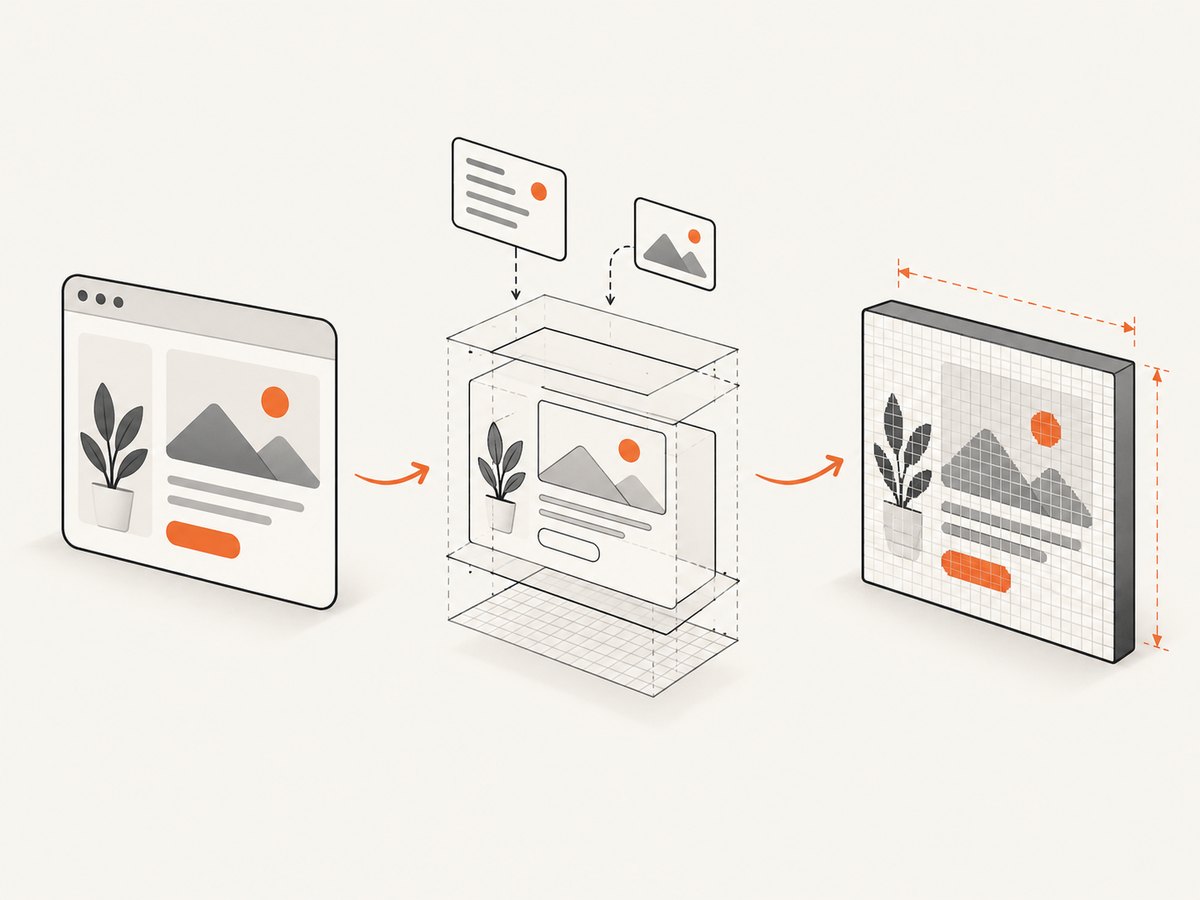
Use a minimal reproduction
- Capture the smallest element that shows the problem.
- Remove unrelated styles and children.
- Add styles back one at a time until the mismatch returns.
- Check whether the failing declaration is supported by the version of
html2canvasinstalled in your app.
Common symptoms include missing visual effects, altered positioning, different text metrics, and absent generated content. Treat each as a CSS support case before changing global configuration.
Make copied styles explicit
For a capture-only variant, use simple, well-supported CSS and set dimensions explicitly. Avoid relying on layout that changes while the clone is being rendered. If your html2canvas version exposes clone and element-filter hooks, use them to remove animated or irrelevant nodes and to adjust styles only in the copied document.
3. Fix cross-origin images
Images hosted on another origin may be blocked from being read into a canvas. The useCORS option only works when the image server sends an appropriate Access-Control-Allow-Origin header. It cannot bypass browser security policy.
import html2canvas from "html2canvas";

const canvas = await html2canvas(targetRef.current, {
  useCORS: true
});
If the server does not provide the required header, use a same-origin proxy or serve the asset from the same origin as your page. Do not treat useCORS: true as a universal fix.
Image checklist
- Open the image URL directly and confirm it loads.
- Inspect the image response headers in browser developer tools.
- Check that the header permits your page’s origin.
- Confirm redirects do not end at a host with different CORS rules.
- Use a same-origin proxy when you control neither the image server nor its headers.
4. Check iframe origin and sandboxing
Same-origin iframe content can be rendered recursively. Cross-origin iframe content cannot be read because the browser blocks access to its contentDocument. A sandboxed iframe without allow-same-origin has the same practical restriction.
If an iframe is missing:
- Test the frame with same-origin content.
- Remove sandboxing temporarily in a safe development environment, or add the required origin permission.
- For cross-origin content, capture the framed page separately or use a server-side browser that is allowed to load it.
5. Fix blank or clipped output with viewport dimensions
Blank and truncated canvases can result from a viewport that is smaller than the target or from browser canvas size and area limits. These limits vary by browser and platform and may produce partial or blank output without a useful error.
const element = targetRef.current;
const canvas = await html2canvas(element, {
  windowWidth: element.scrollWidth,
  windowHeight: element.scrollHeight
});
Use the element’s scroll dimensions when capturing a long or horizontally overflowing component. If the result is still blank, reduce the capture area, split the page into sections, or lower the scale.
6. Tune the html2canvas options deliberately
| Option or control | Use it for | Limits |
|---|---|---|
useCORS |
Images whose server sends compatible CORS headers | Cannot bypass browser policy |
windowWidth, windowHeight |
Matching the capture viewport to scroll dimensions | Large values can hit canvas limits |
scale |
Changing output density and dimensions | Higher values increase memory use and failure risk |
onError |
Logging resource failures during rendering | It reports failures; it does not repair inaccessible resources |
| Element exclusion | Removing animations, video, ads, or unstable nodes | Excluded content will not appear in the image |
| Copied-style adjustment | Applying capture-only styles to the cloned document | Keep changes limited to the reproduction |
Change one variable at a time and record the browser, viewport, target dimensions, asset origins, and installed html2canvas version. This makes regressions reproducible.
7. A diagnostic React example
import React, { useRef, useState } from "react";
import html2canvas from "html2canvas";

export default function DiagnosticCapture() {
  const ref = useRef(null);
  const [error, setError] = useState("");
  const [preview, setPreview] = useState("");

  async function capture() {
    setError("");
    const element = ref.current;
    if (!element) return setError("Capture target is not mounted.");

    try {
      const canvas = await html2canvas(element, {
        useCORS: true,
        windowWidth: element.scrollWidth,
        windowHeight: element.scrollHeight,
        scale: 1,
        onclone: (documentClone) => {
          documentClone.querySelectorAll(".capture-ignore").forEach((node) => {
            node.remove();
          });
        },
        onError: (resourceError) => {
          console.error("html2canvas resource error", resourceError);
        }
      });
      setPreview(canvas.toDataURL("image/png"));
    } catch (err) {
      setError(err instanceof Error ? err.message : String(err));
    }
  }

  return (
    <section>
      <button onClick={capture}>Capture diagnostic image</button>
      {error && <pre>{error}</pre>}
      <div ref={ref}>
        <h2>Capture target</h2>
        <img crossOrigin="anonymous" src="https://example.com/image.png" alt="Asset" />
        <div className="capture-ignore">Temporary control</div>
      </div>
      {preview && <img src={preview} alt="Diagnostic capture" />}
    </section>
  );
}
The example is diagnostic rather than a guarantee that the external image will work. The image host must still return an appropriate CORS header.
8. Match the solution to the fidelity you need
If you need the browser’s actual rendered pixels, DOM reconstruction has an inherent fidelity limit. For browser extensions, the html2canvas FAQ recommends native browser screenshot APIs. For server-side screenshot generation, the same guidance points to Puppeteer or Playwright. Choose based on where capture runs, cross-origin requirements, dynamic content, CSS coverage, and output-size limits.
9. Performance, reliability, and cost considerations
- Capture the smallest necessary element to reduce DOM work and canvas memory.
- Use a lower
scalefor large images and increase it only when output density requires it. - Wait for fonts, images, and data before capture so retries do not produce different results.
- Disable animations and remove volatile widgets in the cloned document.
- Split very tall pages when browser canvas limits are reached.
- Log resource failures and save the target dimensions with each failure for reproducibility.
10. Or skip the browser setup
ScreenshotNeo provides a website screenshot API and MCP server when you need a server-side capture instead of DOM reconstruction. See the API documentation for the request parameters.

curl -G "https://api.screenshotneo.com/v1/shot" -d access_key=YOUR_API_KEY --data-urlencode url=https://stripe.com -o shot.webpimport requests
r = requests.get("https://api.screenshotneo.com/v1/shot", params={"access_key": "YOUR_API_KEY", "url": "https://stripe.com"}, timeout=90)
open("shot.webp", "wb").write(r.content)const q = new URLSearchParams({ access_key: 'YOUR_API_KEY', url: 'https://stripe.com' });
const res = await fetch(`https://api.screenshotneo.com/v1/shot?${q}`);ScreenshotNeo accepts cookie and consent banners before capture and removes more than 60 known consent platforms, newsletter popups, and chat widgets. Bot checks, blank pages, failed loads, timeouts, and cache hits are not billed, and response headers identify the page verdict and whether it was billed. Its MCP server includes take_screenshot, get_page_info, and capture_pdf for Claude, Cursor, and other MCP clients. The Free plan includes 1,000 screenshots per month without a card; paid plans start at $5 for 3,000 screenshots. Create a free ScreenshotNeo account.
11. Troubleshooting checklist
| Symptom | Likely cause | Fix |
|---|---|---|
| Target is empty | Ref points to an unmounted or wrong element | Verify the ref and capture after render |
| Styles differ | Unsupported or partial CSS implementation | Reduce to a minimal case and replace or isolate the declaration |
| Images are missing | Cross-origin policy or failed resource | Use compatible CORS headers or a same-origin proxy; inspect errors |
| Iframe is blank | Cross-origin or sandbox restriction | Use same-origin content or capture the frame separately |
| Long page is clipped | Viewport or canvas dimensions are too small | Set window dimensions from scroll dimensions and split large captures |
| Canvas is blank | Canvas area or dimension limit | Lower scale, reduce area, or capture in sections |
| Output changes between runs | Fonts, images, animation, or data were still loading | Wait for resources and disable volatile content |
| Hook installation fails | Missing peer dependency | Install React and html2canvas with the package |
FAQ
Is use-react-screenshot taking a real browser screenshot?
No. It invokes html2canvas, which rebuilds an image from DOM and style information.
Will useCORS fix every missing image?
No. The image server must explicitly allow the requesting origin, or you need a same-origin proxy.
Why does a same-origin iframe work while another iframe does not?
Browser same-origin rules allow recursive access only to same-origin frames. Cross-origin and restricted sandbox frames cannot expose their document.
Should I raise scale to improve quality?
Only when the target remains within browser canvas limits. A higher scale also increases memory use and can make blank or partial output more likely.
When should I use a server-side browser instead?
Use Puppeteer, Playwright, or a screenshot API when you require browser-rendered pixels, broad CSS coverage, or server-side access to pages that cannot be safely reconstructed in the current document.


