How to Fix “Value Cannot Be Null” in wkhtmltopdf MVC 4
Fix Rotativa’s “Value cannot be null” error in MVC 4 by restoring controller context, validating views and routes, and debugging wkhtmltopdf.
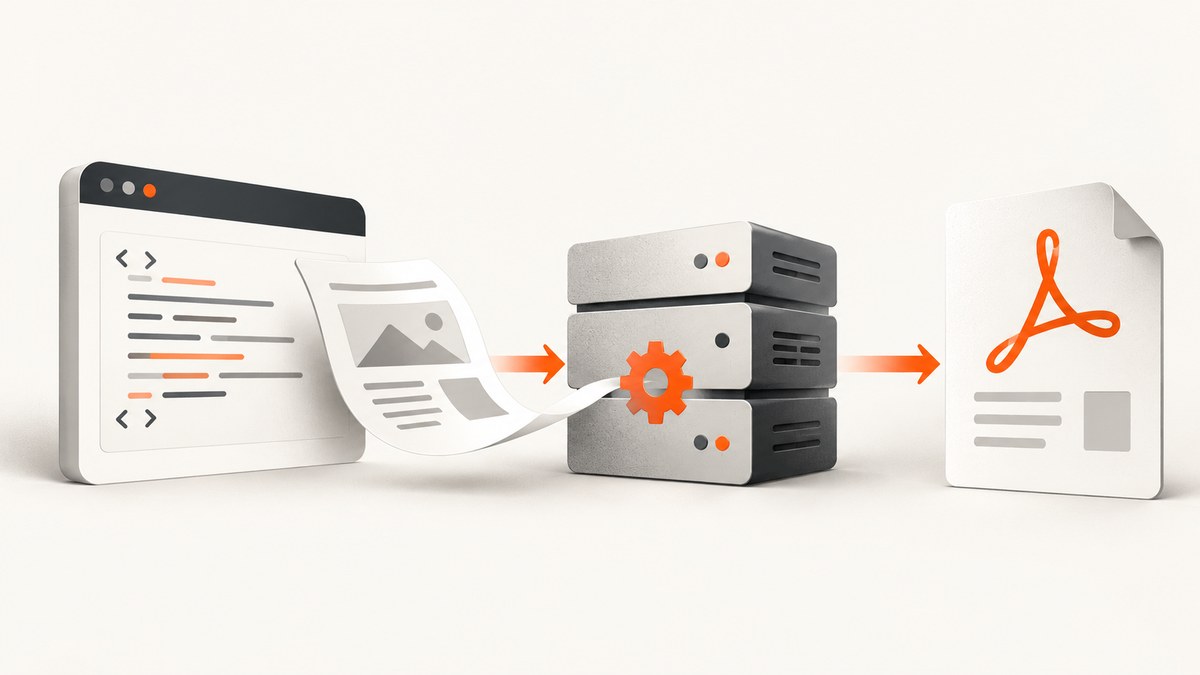
Short answer: when the exception says Value cannot be null. Parameter name: controllerContext, the failure happens before wkhtmltopdf renders HTML. Rotativa asked ASP.NET MVC to find or render a view without the request context that contains the controller, route data, HTTP context, and view engines.
Generate the PDF from a normal MVC controller action, pass a real view and model, and verify routing before changing wkhtmltopdf flags. The stack usually appears around ViewEngineCollection.FindView, Rotativa.ViewAsPdf.GetView, CallTheDriver, and AsResultBase.BuildFile. The Rotativa project documents the MVC action patterns in its README.
1. Read the parameter name first
ArgumentNullException is a .NET argument-validation error. The parameter name tells you which layer failed.
| Parameter or message | Likely layer | First check |
|---|---|---|
controllerContext |
MVC-to-Rotativa handoff | Return the PDF from a real controller action; do not invoke BuildFile() from a static or background method without constructing a complete request context. |
HttpContext |
ASP.NET MVC request state | Confirm code runs during an HTTP request and the controller has a valid context. |
| model item is null | View model binding | Load the model and pass the expected type; return HttpNotFound() when the record does not exist. |
| view not found | View discovery | Check the view name, area, controller folder, and shared-view location. |
| no route matches supplied values | Routing | Register routes before the request and provide valid controller, action, and route values. |
route has no controller value |
Routing | Inspect the route template and the values passed to UrlAsPdf or RouteAsPdf. |
Keep the complete exception and first application frame. MVC uses different diagnostics for null HTTP context, null model items, missing controller route values, unmatched routes, and missing views, so replacing the message with a generic “PDF failed” removes the most useful clue.
2. Return the PDF from a normal MVC 4 action
The safest repair is to let MVC create the controller context and let Rotativa create the result inside that request.
ActionAsPdf: render another action
public ActionResult PrintIndex()
{
    return new ActionAsPdf("Index", new { name = "Giorgio" })
    {
        FileName = "Test.pdf"
    };
}
This pattern is useful when the existing Index action already prepares the view. The action name and route values must resolve to a real action and view.
ViewAsPdf: render a known view and model
public ActionResult Invoice(int id)
{
    var model = repository.GetInvoice(id);
    if (model == null) return HttpNotFound();

    return new ViewAsPdf("Invoice", model)
    {
        FileName = "invoice.pdf"
    };
}
The Invoice.cshtml view must declare the same model type that GetInvoice returns. A null model or a mismatched model type produces a separate MVC view error, even after the controller context problem is fixed.
Do not build the result from a static or background path
This commonly fails:
public static byte[] CreatePdf()
{
    var pdf = new ViewAsPdf("Invoice", null);
    return pdf.BuildFile(null); // controllerContext is null
}
BuildFile needs the context owned by a controller request. If a scheduled job must create a PDF, move the rendering into an HTTP endpoint that has a complete request, or deliberately construct an equivalent ControllerContext with an HTTP context, route data, controller, and registered view engines. That is more fragile than using a normal action because every URL, cookie, host, and application path must be supplied correctly.
3. Validate the view, model, and route
- Confirm the view path. For a controller named
ReportsController, MVC normally searchesViews/Reports/Invoice.cshtml, then shared-view locations. An explicit view name such asnew ViewAsPdf("Invoice", model)still must resolve through the configured view engines. - Confirm the model. Load the record before creating the PDF. Check for null and return
HttpNotFound()or another deliberate response. Do not pass a null object to a view that requires a non-null model. - Confirm route registration. Register routes before the action executes. The route must include a controller value and must accept every value required by the target action.
- Confirm areas. If the view is in an MVC area, include the area route value and use the correct area view location.
- Confirm URL targets. For
UrlAsPdforRouteAsPdf, verify scheme, host, port, area, action, and route values. A URL that works in your browser may resolve differently from the machine running wkhtmltopdf.
Make the target action independently renderable
public ActionResult Invoice(int id)
{
    var model = repository.GetInvoice(id);
    if (model == null)
    {
        return HttpNotFound();
    }

    return View("Invoice", model);
}
Open this action as HTML first. If it cannot render normally, Rotativa cannot reliably convert it. Fix MVC output before tuning the converter.
4. Separate MVC failures from wkhtmltopdf failures
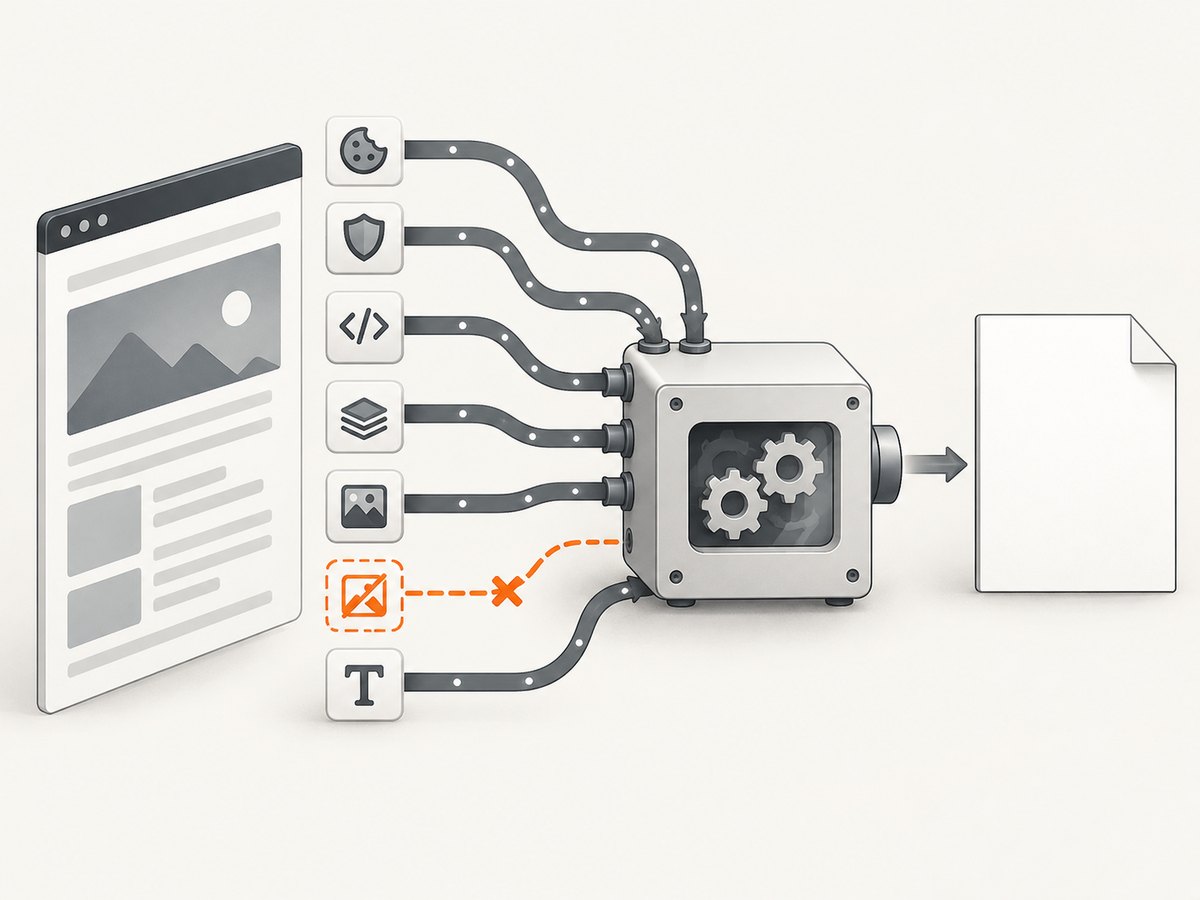
Rotativa must first obtain HTML through MVC. wkhtmltopdf then loads a URL or file page and converts it. Test these stages separately:
- Request the MVC action as HTML in a browser or with an HTTP client.
- Log the final URL that Rotativa gives to wkhtmltopdf.
- From the same server identity, request that URL and inspect the response body, status, redirects, and authentication behavior.
- Only after the HTML is correct, inspect wkhtmltopdf stderr and its exit code.
The official wkhtmltopdf usage manual describes URL and file inputs plus controls for cookies, custom headers, JavaScript delay, load-error handling, and local-file access.
5. Authentication, cookies, JavaScript, and assets
Authenticated pages
A browser session may contain cookies that the converter does not. Supply the required cookie or custom header through Rotativa/wkhtmltopdf configuration, or expose a narrowly scoped internal PDF action that authenticates safely. Never assume the converter shares your browser session.
Client-side rendering
If the initial HTML is only a shell and JavaScript fills the invoice, give the page time to render with wkhtmltopdf’s JavaScript delay option. Use the smallest delay that consistently produces complete output. A delay cannot repair a JavaScript exception, an inaccessible API, or a missing asset.
Local CSS, images, and fonts
The documented wkhtmltopdf build disables local-file access by default. Grant only the directory needed by the page with --allow, or use --enable-local-file-access when the deployment is designed for it. Avoid broad filesystem access when a specific asset directory is sufficient.
Load errors
Use the converter’s load-error-handling controls while diagnosing unreachable assets or secondary URLs. Decide whether a missing image should fail the document or be tolerated; do not hide the error until you know which resource failed.
6. Deployment and process diagnostics
- Use an absolute path to the wkhtmltopdf executable.
- Verify the IIS application-pool identity can execute the binary.
- Verify it can read the application, view, asset, temporary, and output directories it needs.
- Capture standard error and the process exit code.
- Check whether a server firewall, proxy, DNS rule, or TLS policy blocks the final URL.
- Confirm the installed binary and its patched-Qt build match the options you are using; the current project manual identifies version 0.12.6 as the documented patched-Qt release.
Permissions are deployment diagnostics, not a universal fix. If the exception still names controllerContext, return to the MVC action and view pipeline rather than changing process flags.
7. A repeatable repair checklist
- Copy the full exception and identify the parameter name.
- If it is
controllerContext, move PDF creation into a normal controller action. - Use
ActionAsPdforViewAsPdfwith an explicit, valid view and model. - Open the target action as HTML and fix all MVC errors first.
- Validate route registration, controller/action values, areas, host, scheme, and port.
- Log the final URL and request it from the converter’s machine.
- Add cookies or headers for authentication.
- Add a JavaScript delay only when client-side rendering requires it.
- Allow only required local asset paths.
- Capture wkhtmltopdf stderr, exit code, and the application-pool identity.
8. Common errors and fixes
| Symptom | Cause | Fix |
|---|---|---|
Value cannot be null: controllerContext |
Rotativa was called without the MVC request context. | Return the PDF from a controller action; avoid calling BuildFile from static or background code. |
| Model item is null | The repository returned no record or the action passed null. | Check the result and return HttpNotFound(); pass a non-null model matching the view. |
| View cannot be found | Wrong view name, folder, area, or view engine. | Render the view as HTML, then correct its location or explicit name. |
| No route matches supplied values | Missing or invalid route values. | Register routes early and provide controller, action, area, and identifier values. |
| Blank PDF | The page is empty before JavaScript finishes or a required request fails. | Inspect HTML, authentication, API calls, and assets; then add an appropriate JavaScript delay. |
| Images, CSS, or fonts missing | Converter cannot reach the asset URL or local-file access is disabled. | Use reachable absolute URLs or narrowly allow the required local directory. |
| Works locally but fails on IIS | Executable path, permissions, network access, or identity differs. | Use an absolute binary path and log stderr, exit code, identity, and final URL. |
| Timeout or load error | Target URL, dependency, proxy, or TLS connection is unavailable. | Request the URL from the server, fix reachability, and configure load-error handling deliberately. |
9. Or skip the browser setup
If maintaining MVC request context, converter binaries, cookies, asset access, and server permissions is more work than the PDF itself, ScreenshotNeo provides a hosted capture API. It returns a PNG, JPEG, WebP, or PDF from one GET request. Cookie and consent banners, newsletter popups, and chat widgets are removed before the shot. Bot checks, blank pages, failed loads, timeouts, and cache hits are not billed, and the response identifies the result with X-Page-Verdict and X-Billed headers. ScreenshotNeo also provides an MCP server with take_screenshot, get_page_info, and capture_pdf tools for Claude, Cursor, and other MCP clients.
See the ScreenshotNeo API documentation for the full option set, including PDF paper size, margins, landscape mode, page ranges, custom headers and cookies, JavaScript, waits, blocking rules, caching, signed links, asynchronous jobs, and bulk capture.
cURL
curl -G "https://api.screenshotneo.com/v1/shot" -d access_key=YOUR_API_KEY --data-urlencode url=https://example.com -o shot.webpPython
import requests
r = requests.get("https://api.screenshotneo.com/v1/shot", params={"access_key": "YOUR_API_KEY", "url": "https://example.com"}, timeout=90)
open("shot.webp", "wb").write(r.content)
Node.js
const q = new URLSearchParams({ access_key: 'YOUR_API_KEY', url: 'https://example.com' });
const res = await fetch(`https://api.screenshotneo.com/v1/shot?${q}`);
There is a free plan with 1,000 screenshots per month and no card. Paid plans start at $5 for 3,000 shots. Create a free ScreenshotNeo account.
10. Performance, reliability, and cost notes
- Fix context failures first. Retries cannot repair a null controller context or missing view.
- Reduce page work. Remove unnecessary scripts and assets, and use the shortest reliable JavaScript delay.
- Cache deliberately. Reusing stable pages reduces conversion work; invalidate cached output when invoice data changes.
- Observe every stage. Record request ID, target URL, render duration, converter exit code, stderr, and output size.
- Protect concurrency. wkhtmltopdf is a separate process; limit parallel jobs so CPU, memory, temporary storage, and network capacity remain available.
- Choose ownership consciously. Self-hosted wkhtmltopdf gives process and filesystem control but requires deployment and debugging. A hosted API removes local browser setup and exposes request-level result information.
FAQ
Is this error caused by wkhtmltopdf?
When the parameter is controllerContext, no. The failure occurs in the MVC-to-Rotativa handoff before the converter renders the page.
Can I call BuildFile() from a job?
Only if the job supplies a complete equivalent request context. A controller action or a separate hosted conversion service is usually simpler to operate.
Should I enable local-file access immediately?
No. First confirm the page and remote assets work. Then allow only the required local directory, or enable broader access only when the deployment requires it.
Why does the browser show the page but the PDF is blank?
The converter may lack your cookies, may finish before JavaScript renders content, or may be unable to reach an API, image, font, or stylesheet. Compare the converter’s request with the browser request.
Does changing the wkhtmltopdf version fix a null context?
No. Version changes can affect converter behavior, but they do not create a missing ASP.NET MVC controller context.


