How to Fix WebDriverArgumentException When Clicking a Submit Button
Diagnose WebDriverArgumentException correctly, distinguish intercepted clicks, and fix Selenium submit-button failures with reliable waits and locators.
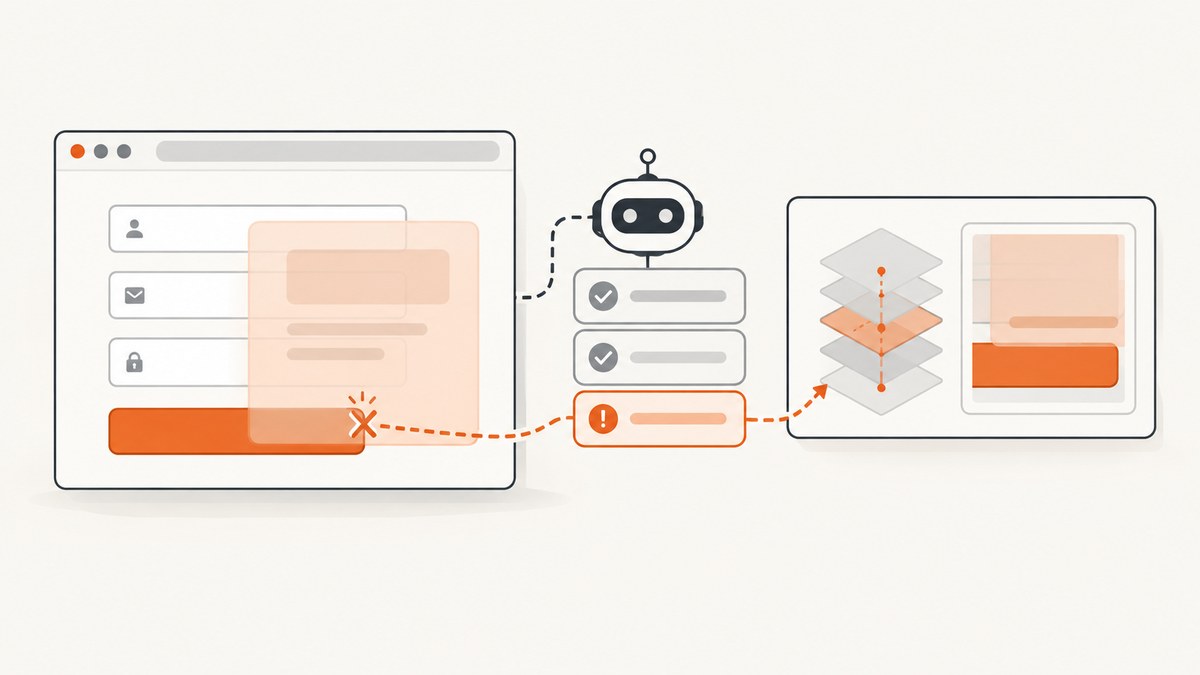
WebDriverArgumentException when clicking a submit button does not automatically mean the button is broken. In Selenium’s .NET API, WebDriverArgumentException means an invalid argument was passed to a WebDriver command. Python documents the related InvalidArgumentException. A covered button and a button that is not ready use different exception classes and require different fixes.
Start by recording the exact exception class, complete message, stack trace, Selenium binding and version, browser and driver versions, locator, and command that failed. Then identify whether the failure is an invalid command argument, an intercepted click, or a non-interactable element.
What the exception means
WebDriver reports an invalid-argument error when a command receives an argument that is malformed or invalid for that command. The title alone does not identify which argument failed or prove that the submit control caused the problem. See the Selenium .NET exception definition and MDN’s WebDriver invalid-argument reference.
Python’s InvalidArgumentException is separate from ElementClickInterceptedException and ElementNotInteractableException. Confirm the class before changing selectors, adding waits, or using JavaScript.
A reliable diagnostic sequence
- Capture the complete error. Do not diagnose from the failing line alone. Save the class name, message, stack trace, binding, Selenium version, browser version, driver version, and operating system.
- Check the command and locator. Confirm that
click()is called on the intended visible submit button or submit input, not a hidden duplicate or an unrelated element with a similar label. - Wait for the right state. Presence only proves that an element exists in the DOM. Wait for visibility and enabled/interactable state before clicking.
- Inspect the click point. Selenium performs an element click at the element’s center. A cookie banner, modal, sticky header, chat widget, or animation can cover that point and cause an intercepted-click error.
- Re-locate after rerenders. If the page updates between finding and clicking, locate the control again. A stale-element error is a different diagnosis from an invalid argument.
- Inspect serialized inputs. If the error remains an argument exception, compare every command argument with the API for the binding and driver in use.
Selenium’s interaction documentation explains click behavior and form submission. Its troubleshooting guide covers overlays, animations, explicit waits, and non-interactable elements.
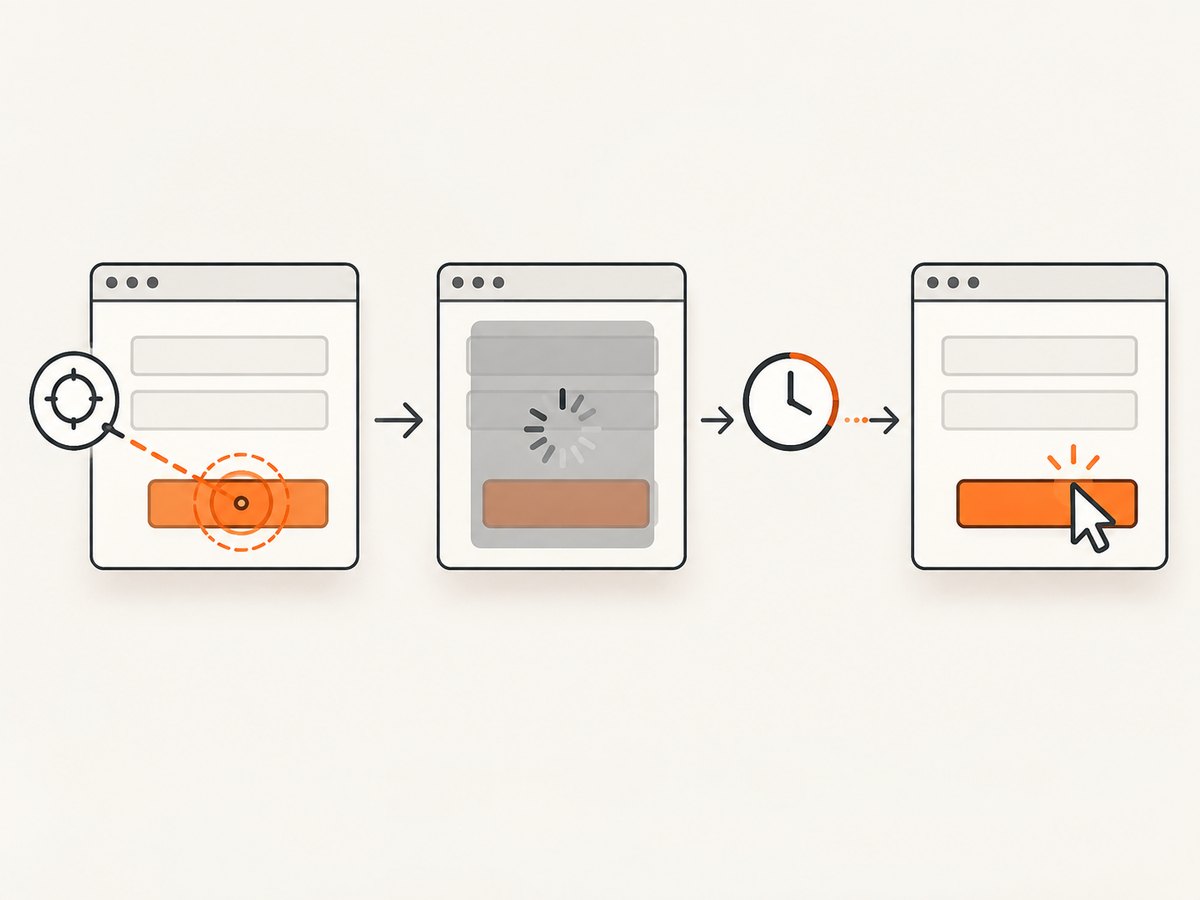
Python: wait for and click the correct submit control
Use a locator that uniquely matches the page under test. The selector below is an example, not a universal fix.
from selenium import webdriver
from selenium.webdriver.common.by import By
from selenium.webdriver.support import expected_conditions as EC
from selenium.webdriver.support.ui import WebDriverWait

 driver = webdriver.Chrome()
 driver.get("https://example.com/form")

 wait = WebDriverWait(driver, 10)
 submit = wait.until(
     EC.element_to_be_clickable((By.CSS_SELECTOR, "button[type='submit']"))
 )
 submit.click()
If this wait times out, investigate why the control never becomes visible and enabled. Increasing the timeout without finding the cause can make failures slower without making them reliable.
Python checks for hidden duplicates
buttons = driver.find_elements(By.CSS_SELECTOR, "button[type='submit'], input[type='submit']")
for index, button in enumerate(buttons):
    print(index, button.is_displayed(), button.is_enabled(), button.get_attribute("outerHTML"))
C#: handling WebDriverArgumentException explicitly
using OpenQA.Selenium;
using OpenQA.Selenium.Chrome;
using OpenQA.Selenium.Support.UI;

using var driver = new ChromeDriver();
driver.Navigate().GoToUrl("https://example.com/form");

var wait = new WebDriverWait(driver, TimeSpan.FromSeconds(10));
var submit = wait.Until(d =>
{
    var element = d.FindElement(By.CssSelector("button[type='submit']"));
    return element.Displayed && element.Enabled ? element : null;
});

try
{
    submit.Click();
}
catch (WebDriverArgumentException error)
{
    Console.Error.WriteLine(error.ToString());
    throw;
}
With .NET, verify that the argument exception is raised by the WebDriver command itself. If the message instead mentions another click failure, follow that exception’s diagnosis.
JavaScript: Selenium WebDriver example
const { Builder, By, until } = require('selenium-webdriver');

(async function () {
  const driver = await new Builder().forBrowser('chrome').build();
  try {
    await driver.get('https://example.com/form');
    const submit = await driver.wait(
      until.elementLocated(By.css("button[type='submit']")),
      10000
    );
    await driver.wait(until.elementIsVisible(submit), 10000);
    await driver.wait(until.elementIsEnabled(submit), 10000);
    await submit.click();
  } finally {
    await driver.quit();
  }
})();
When the real error is an intercepted click
ElementClickInterceptedException means another element receives the click at the target’s center. Common causes include consent dialogs, newsletter popups, sticky navigation, chat launchers, loading masks, and transitions.
- Take a screenshot and inspect the target area.
- Inspect computed layout and identify the element covering the center point.
- Wait for the overlay to disappear or close it through the page’s normal controls.
- Wait for the animation or navigation transition to finish.
- Locate the submit control again and click it normally.
Do not make a JavaScript click your first workaround. It can bypass the same visibility, overlay, disabled-state, and user-interaction checks that reveal the actual defect.
When the real error is not interactable
ElementNotInteractableException usually means the located element is hidden, disabled, outside the usable state, or otherwise unsuitable for interaction. Check that:
- the locator does not select a hidden template or duplicate control;
- the button is displayed and enabled;
- the form is on the active tab, frame, or window;
- the page has finished rendering the control;
- the button is not disabled until validation succeeds.
Submit buttons, forms, and Selenium 4
Selenium supports clicking an applicable form submission button. Selenium’s documentation recommends clicking that button instead of relying on the separate submit method; in Selenium 4, submit is implemented through script execution. Use click() when you need the same path a user would take, including button handlers and validation.
Common errors and fixes
| Observed error | Likely meaning | What to check |
|---|---|---|
WebDriverArgumentException (.NET) |
An invalid argument reached a WebDriver command. | Exact command, serialized values, binding and driver compatibility. |
InvalidArgumentException (Python) |
An invalid or malformed command argument. | Command inputs and the complete message. |
ElementClickInterceptedException |
Another element covers the click point. | Overlays, banners, dialogs, sticky elements, and animations. |
ElementNotInteractableException |
The located element is not ready for interaction. | Visibility, enabled state, duplicate locators, frame, and window. |
StaleElementReferenceException |
The DOM node changed after it was located. | Locate the element again after the rerender. |
| Explicit wait timeout | The expected state never occurred. | Validation, disabled state, wrong selector, overlay, or failed page load. |
Edge cases to check
Frames
If the form is inside an iframe, switch to that frame before locating the button, then switch back when finished.
Shadow DOM
A normal CSS selector may not cross a shadow boundary. Locate the shadow host and query its shadow root using the binding’s supported APIs.
Multiple windows or tabs
After a popup or OAuth flow opens, confirm that WebDriver is attached to the window containing the form.
Client-side validation
A click can be successful while submission is blocked by required fields or invalid values. Assert the resulting page state or validation message separately from the click.
Custom controls
A styled element may look like a button while the actual submit control is elsewhere. Inspect the markup and event handlers, then target the control that the page exposes for submission.
Performance and reliability practices
- Use explicit waits tied to a meaningful state instead of fixed sleeps.
- Keep selectors stable and specific; prefer semantic attributes used by the application.
- Capture diagnostics on failure: URL, HTML snippet, screenshot, browser console output, and exception details.
- Use a fresh element reference after navigation or a framework rerender.
- Set timeouts according to the page’s real loading behavior, but keep separate page-load, script, and explicit-wait budgets.
- Retry only transient failures such as a known animation or navigation race. Repeating an invalid command argument will not fix it.
- Pin compatible Selenium, browser, and driver versions in CI and log their versions for every run.
Or skip the browser setup
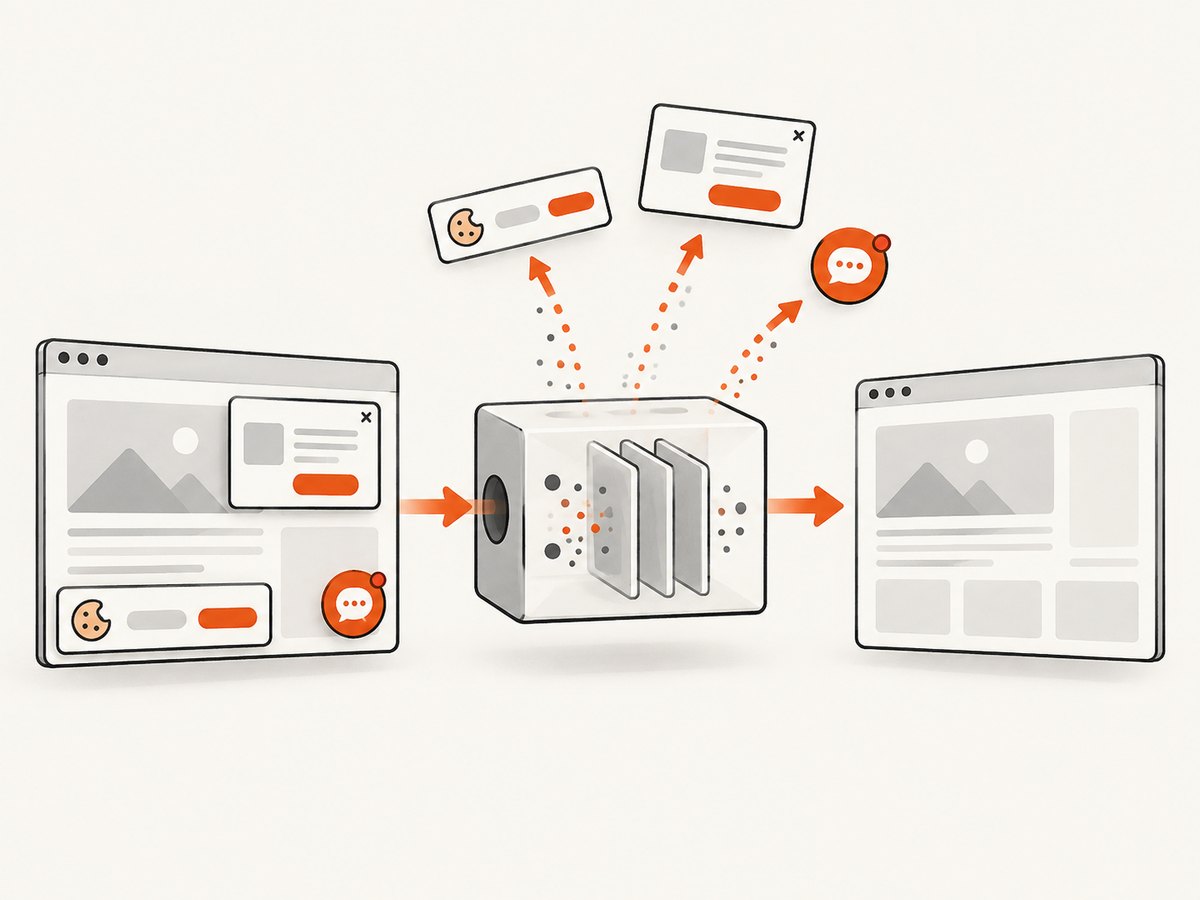
If your goal is to capture a page for regression evidence, documentation, or debugging rather than drive a live submit interaction, ScreenshotNeo provides a single screenshot request. Its cleanup steps accept cookie or consent banners and remove more than 60 known consent platforms, newsletter popups, and chat widgets before capture; each step can be disabled.
Only clean shots are billed. Bot checks or CAPTCHAs, blank pages, timeouts, failed loads, and cache hits cost nothing, and the response reports the result through X-Page-Verdict and X-Billed headers. ScreenshotNeo also has an MCP server with take_screenshot, get_page_info, and capture_pdf tools for Claude, Cursor, and other MCP clients.
See the ScreenshotNeo API documentation for all options.
cURL
curl -G "https://api.screenshotneo.com/v1/shot" -d access_key=YOUR_API_KEY --data-urlencode url=https://stripe.com -o shot.webpPython
import requests
r = requests.get("https://api.screenshotneo.com/v1/shot", params={"access_key": "YOUR_API_KEY", "url": "https://stripe.com"}, timeout=90)
open("shot.webp", "wb").write(r.content)
Node.js
const q = new URLSearchParams({ access_key: 'YOUR_API_KEY', url: 'https://stripe.com' });
const res = await fetch(`https://api.screenshotneo.com/v1/shot?${q}`);
The free plan includes 1,000 screenshots per month with no card. Paid plans start at $5 for 3,000 shots. Create a free ScreenshotNeo account.
FAQ
Why does Selenium say an argument is invalid when I click submit?
The command received an invalid argument, but the title does not identify which one. Check the full message, binding, command inputs, and driver compatibility before changing the button code.
Should I replace click() with JavaScript?
Usually no. A script click can hide an overlay, disabled state, or wrong locator. Fix the page state and use the normal element click first.
Is ElementClickInterceptedException the same problem?
No. It indicates that another element covers the click point. Inspect overlays and animations instead of treating it as an invalid argument.
What information is needed for a case-specific diagnosis?
Provide a minimal reproducible snippet, exact exception text and stack trace, language binding, Selenium version, browser and driver versions, page markup, and locator.
Can ScreenshotNeo click a submit button?
ScreenshotNeo captures rendered pages and offers page information, PDFs, custom JavaScript, clicks before capture, waits, and other capture controls. It is intended for capture workflows; use Selenium when you need to exercise and verify a form submission interaction.


