How to Fix WebdriverCSS When It Does Not Save Screenshots
WebdriverCSS can leave an empty screenshot folder when versions, paths, callbacks, or sessions are wrong. Use this diagnostic guide to find the cause.
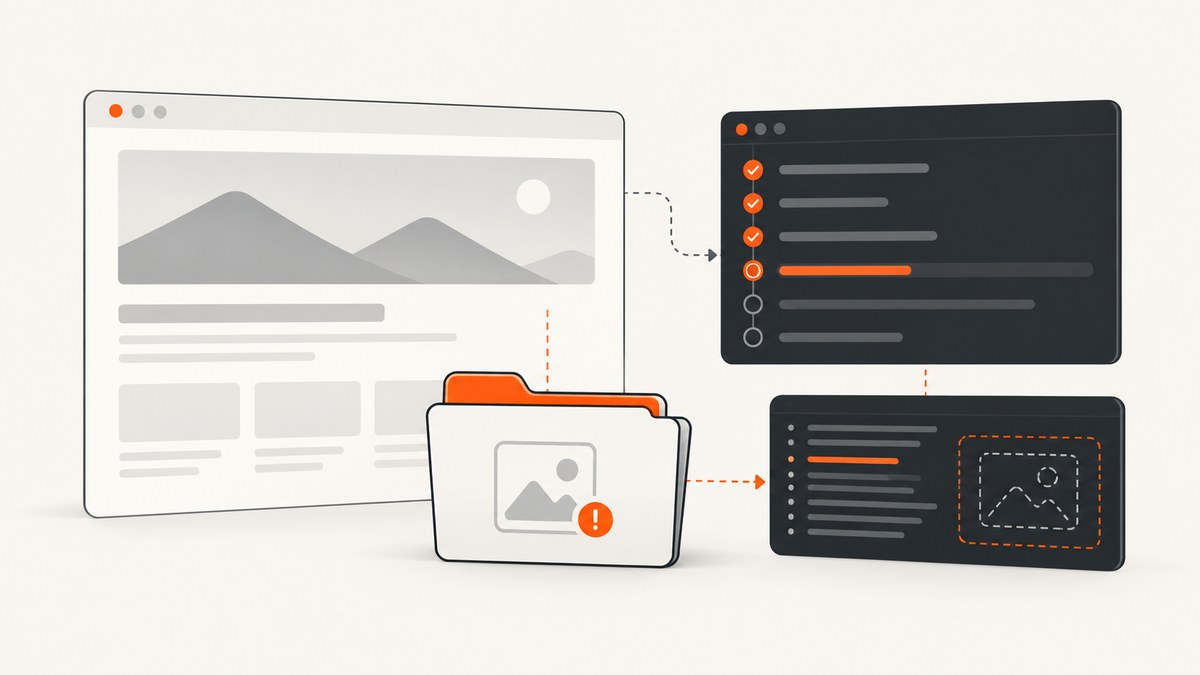
When WebdriverCSS does not save screenshots, check the resolved WebdriverCSS and WebdriverIO versions first. A historically documented failure with an empty ./webdrivercss directory was associated with WebdriverIO v3 incompatibility. Then verify that WebdriverCSS is initialized on the same client, that screenshotRoot is writable, and that the asynchronous capture finishes before the session ends.
The old compatibility warning is version-specific evidence, not a current compatibility matrix. Do not downgrade or upgrade until you have recorded the exact versions installed in your project.
1. Record the versions actually installed
Package ranges in package.json are not enough. Resolve the versions used by the test process:
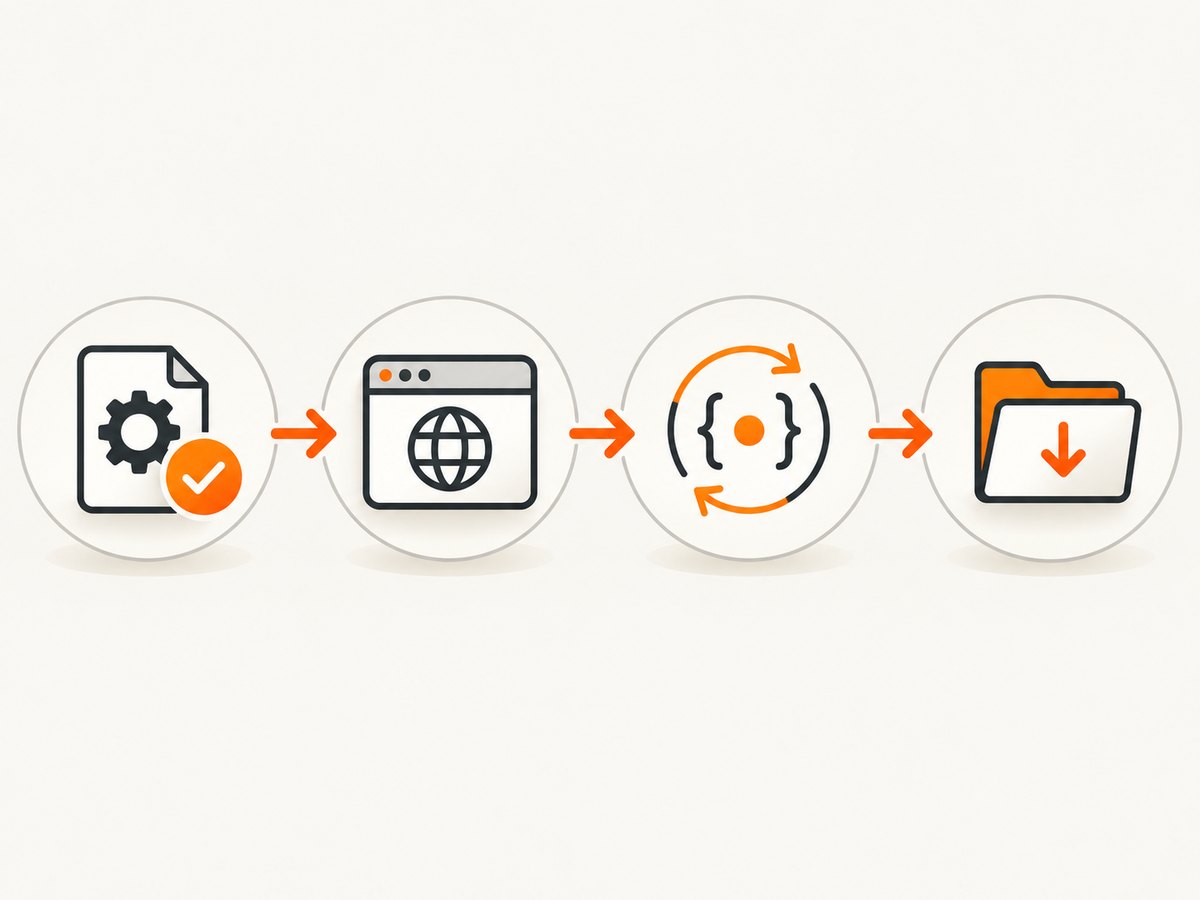
npm ls webdrivercss webdriverio
npm explain webdrivercss
node --version
Also record the lockfile revision and the runner version used in CI. The reported WebdriverCSS issue came from a 2015-era setup, and the cited maintainer response said WebdriverCSS did not work with WebdriverIO v3 at that time. Treat that as historical evidence: your first task is to compare your installed versions with the versions your project was built to use.
2. Confirm the WebdriverCSS plugin is attached to the right client
The documented pattern initializes WebdriverCSS with require('webdrivercss').init(client, options), then calls client.webdrivercss(...). Initialization must happen on the exact WebdriverIO client that drives the browser.
const webdriverio = require('webdriverio');
const webdrivercss = require('webdrivercss');

const client = webdriverio.remote({
  desiredCapabilities: { browserName: 'chrome' }
});

webdrivercss.init(client, {
  screenshotRoot: './webdrivercss',
  failedComparisonsRoot: './webdrivercss/diff'
});

client
  .init()
  .url('https://example.com')
  .webdrivercss('example-home', [
    { name: 'desktop', width: 1280, height: 800 }
  ], function (error, result) {
    if (error) {
      console.error('WebdriverCSS capture failed:', error);
      return client.end();
    }

    console.log('WebdriverCSS result:', result);
    client.end();
  });
If your project creates more than one client, log the object used for init and the object used for webdrivercss. A plugin attached to one session cannot capture through another session.
3. Check where files are written
screenshotRoot controls screenshot output and defaults to ./webdrivercss. failedComparisonsRoot controls comparison diffs and defaults to ./webdrivercss/diff. Relative paths are resolved from the process execution directory, which may differ between a local shell, an npm script, and a CI runner.
const path = require('path');
console.log('execution directory:', process.cwd());
console.log('screenshot directory:', path.resolve('./webdrivercss'));
Use an absolute path while diagnosing:
const path = require('path');
const outputRoot = path.join(process.cwd(), 'artifacts', 'webdrivercss');

webdrivercss.init(client, {
  screenshotRoot: outputRoot,
  failedComparisonsRoot: path.join(outputRoot, 'diff')
});
Before running the test, create the parent directory and verify that the user running Node can write to it:
mkdir -p artifacts/webdrivercss
node -e "require('fs').writeFileSync('artifacts/webdrivercss/write-check.txt', 'ok')"
ls -la artifacts/webdrivercss
Do not assume that an empty directory means the browser failed. A wrong working directory, a container volume that is not mounted, or a CI artifact rule that excludes the folder can make a successful capture appear to be missing.
4. Verify the capture invocation and callback
WebdriverCSS documents the form client.webdrivercss('some_id', [{ options }], callback). Each capture option needs a name. Log both callback arguments and keep the session alive until the callback runs.
client.webdrivercss('checkout', [
  {
    name: 'wide',
    width: 1440,
    height: 900
  }
], function (error, result) {
  if (error) {
    console.error(error.stack || error);
    return;
  }

  console.dir(result, { depth: null });
});
Common lifecycle mistakes include calling client.end() immediately after starting the command, letting a Mocha/Jasmine test return before the callback, or swallowing the callback error. Put the browser shutdown inside the completion path.
5. A minimal diagnostic script
Run this outside your full test suite. It isolates version, path, navigation, capture, and shutdown problems:
const fs = require('fs');
const path = require('path');
const webdriverio = require('webdriverio');
const webdrivercss = require('webdrivercss');

const root = path.resolve('artifacts/webdrivercss');
fs.mkdirSync(root, { recursive: true });
fs.accessSync(root, fs.constants.W_OK);

const client = webdriverio.remote({
  desiredCapabilities: { browserName: 'chrome' }
});

webdrivercss.init(client, {
  screenshotRoot: root,
  failedComparisonsRoot: path.join(root, 'diff')
});

client
  .init()
  .url('https://example.com')
  .getTitle(function (titleError, title) {
    if (titleError) throw titleError;
    console.log('page title:', title);

    client.webdrivercss('diagnostic', [
      { name: 'desktop', width: 1280, height: 800 }
    ], function (captureError, result) {
      try {
        if (captureError) {
          console.error(captureError.stack || captureError);
          process.exitCode = 1;
          return;
        }
        console.dir(result, { depth: null });
        console.log('files:', fs.readdirSync(root));
      } finally {
        client.end();
      }
    });
  });
6. If you are on current WebdriverIO, compare the native API
Current WebdriverIO documentation provides an element screenshot API named saveScreenshot. It is a different route from the WebdriverCSS plugin and does not establish WebdriverCSS compatibility. The filename should end in .png, and the path is relative to the execution directory.
describe('element screenshot', () => {
  it('saves a PNG', async () => {
    await browser.url('https://example.com');
    const heading = await $('h1');
    await heading.saveScreenshot('./artifacts/example-heading.png');
  });
});
Use this route when you need a current WebdriverIO element image and do not need WebdriverCSS comparison behavior. If your project depends on WebdriverCSS baselines, compare the generated file layout and diff workflow before migrating.
7. Troubleshooting checklist
| Symptom | Likely cause | Fix |
|---|---|---|
./webdrivercss stays empty |
WebdriverIO v3 incompatibility in the historical stack | Record resolved versions and match them against the versions supported by your project; do not assume a downgrade is correct. |
| No files, no visible error | Callback error is ignored or the process exits early | Log the error and result, keep the session open, and shut it down only after the callback. |
| Files appear in an unexpected directory | Relative path is based on a different process.cwd() |
Print the working directory and use an absolute screenshotRoot. |
| Capture fails before writing | WebdriverCSS was initialized on another client | Call init and webdrivercss on the same client object. |
| Diff folder is empty | No comparison was produced or the diff root is different | Check failedComparisonsRoot and inspect the callback result. |
| Works locally but times out in CI | Runner, connection, session timing, or environment differences | Compare local and CI logs, browser/session lifetime, network access, and working directories. A historical TeamCity report shows this class of difference is possible, not that it is always the cause. |
| Native WebdriverIO call rejects the path | Filename does not use the expected PNG suffix | Pass a path ending in .png to saveScreenshot. |
8. CI and runner checks
- Print Node, WebdriverIO, WebdriverCSS, browser, and driver versions.
- Print
process.cwd()and the resolved screenshot root. - Save the complete callback error and result as CI artifacts.
- Confirm the browser session remains open until capture completion.
- Check that the CI user can write to the output volume.
- Run the same diagnostic URL locally and in CI.
- Compare navigation timing, proxy settings, credentials, and network access.
9. Choosing a path forward
| Path | Use it when | Trade-off |
|---|---|---|
| Keep the legacy WebdriverCSS project | Your dependency set is pinned and the existing visual-regression workflow is required. | Least code change, but the supplied evidence does not establish present-day maintenance or compatibility. |
Use WebdriverIO saveScreenshot |
You need a current element PNG and can manage comparisons elsewhere. | Simple native API, but it is not the WebdriverCSS plugin workflow. |
| Use a screenshot API | You want capture without maintaining browser setup, drivers, and session lifecycle. | Requires an API key and a request-based workflow. |
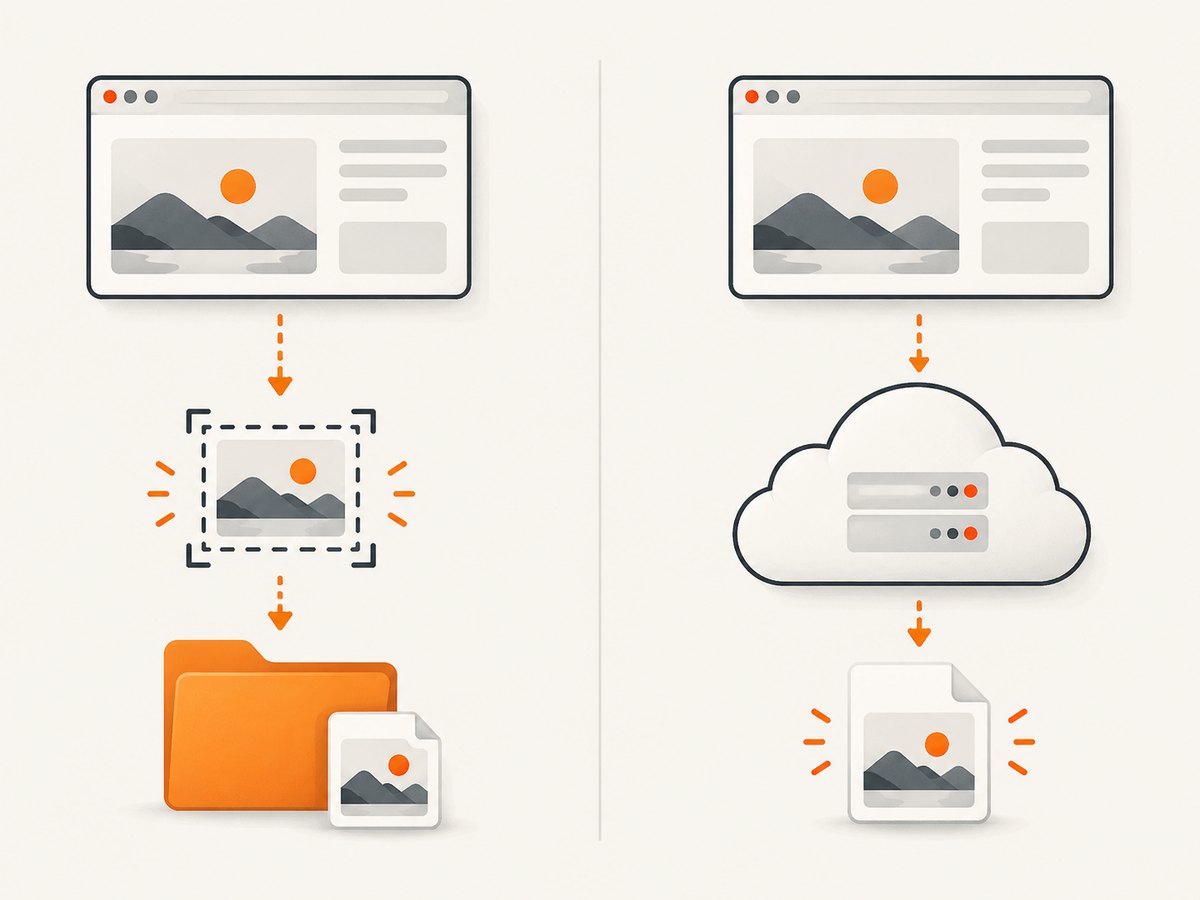
Or skip the browser setup
ScreenshotNeo takes a screenshot with one GET request and supports PNG, JPEG, WebP, and PDF output. Its API documentation is at screenshotneo.com/docs.
cURL
curl -G "https://api.screenshotneo.com/v1/shot" -d access_key=YOUR_API_KEY --data-urlencode url=https://stripe.com -o shot.webpPython
import requests
r = requests.get("https://api.screenshotneo.com/v1/shot", params={"access_key": "YOUR_API_KEY", "url": "https://stripe.com"}, timeout=90)
open("shot.webp", "wb").write(r.content)
Node.js
const q = new URLSearchParams({ access_key: 'YOUR_API_KEY', url: 'https://stripe.com' });
const res = await fetch(`https://api.screenshotneo.com/v1/shot?${q}`);
Cookie banners, newsletter popups, and chat widgets are removed before the shot. Bot checks, blank pages, failed loads, timeouts, and cache hits are not billed, and response headers report the page verdict and whether the request was billed. An MCP server lets Claude, Cursor, and other MCP clients use take_screenshot, get_page_info, and capture_pdf. The free plan includes 1,000 screenshots a month with no card; paid plans start at $5 for 3,000.
Create a free ScreenshotNeo account and try the request without adding a card.
Performance, reliability, and cost notes
- Keep a browser session alive only for the capture work; premature shutdown is both a correctness and a speed problem.
- Use a focused diagnostic URL before testing a large suite so navigation, driver, and filesystem failures are separated.
- In CI, persist screenshot and log directories as artifacts so an empty workspace can be distinguished from a failed capture.
- For API captures, caching can avoid repeated work when an unchanged page is acceptable; ScreenshotNeo lets you choose a cache TTL.
- ScreenshotNeo supports custom headers, cookies, user agents, authorization, timezone, geolocation, blocking rules, waits, selectors, device presets, retina scale, and asynchronous jobs when a single synchronous browser test is not the right fit.
FAQ
Should I immediately downgrade WebdriverIO?
No. First record the resolved versions and compare them with the historical compatibility warning. The available evidence does not define a safe downgrade target for every project.
Does an empty screenshot folder prove the browser did not navigate?
No. It can also indicate a wrong working directory, an unwritable destination, an ignored callback error, or a session that ended before the asynchronous command completed.
Is saveScreenshot a drop-in replacement for WebdriverCSS?
No. It is WebdriverIO’s native element screenshot API. It can save a PNG, but it does not by itself reproduce WebdriverCSS comparison and baseline behavior.
What details should I include when asking for help?
Include exact resolved package versions, Node and browser versions, the initialization code, the capture call, callback output, process.cwd(), resolved screenshot paths, and whether the failure occurs locally, in CI, or both.


