How to Fix WebDriverJS Element Is Not Attached to the Page Document Errors
Fix WebDriverJS stale element errors by waiting for the right UI state, restoring context, and locating a fresh DOM reference before acting.
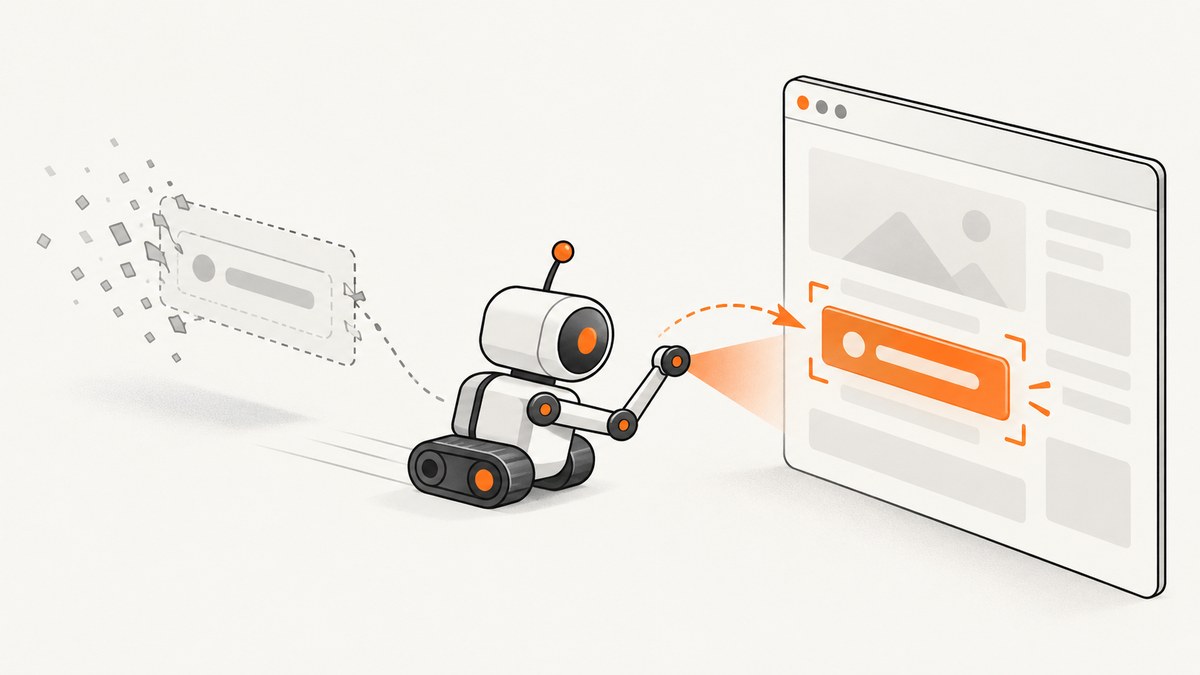
The WebDriverJS error stale element reference: element is not attached to the page document means your script is using an element handle that no longer points to a live node in the current document. The page may have re-rendered, navigated, refreshed, replaced the node, or switched browsing context.
Fix it by waiting for the application state your next action needs, switching back to the correct window or frame, and locating the element again. A selector can still be valid while the previously returned element object is expired.
Selenium explains that element references are tied to a particular DOM location and “Elements do not get relocated automatically.” Read Selenium’s stale element guidance.
What the error means
When WebDriver finds an element, the driver returns a reference to that specific DOM node. If JavaScript removes that node and inserts a replacement, the old reference cannot be reused. The replacement may have the same tag, attributes, and selector, but it is a different node.
Typical triggers include:
- React, Vue, Angular, or another framework re-rendering a component.
- A list updating after a request, filter, sort, pagination, or polling cycle.
- A form submission, redirect, refresh, or client-side navigation.
- A modal or menu replacing its contents during an animation.
- Switching to another window, tab, or iframe.
- A node being removed and later added again.
The exact phrase also appears in an archived WebdriverIO issue. Treat that issue as historical evidence of the wording and a timing race, not as documentation for a current WebdriverIO API.
The reliable repair pattern
- Keep a stable locator, such as a data attribute or accessible role.
- Perform the action that changes the DOM.
- Wait for a meaningful state change, such as a new row being visible or the old node becoming stale.
- Find the target again.
- Verify that the fresh match is the intended control before clicking, typing, or reading it.
Do not assume that page-load completion means a JavaScript interface is settled. Selenium’s wait documentation recommends explicit conditions for dynamic pages and warns that mixing implicit and explicit waits can create unpredictable durations.
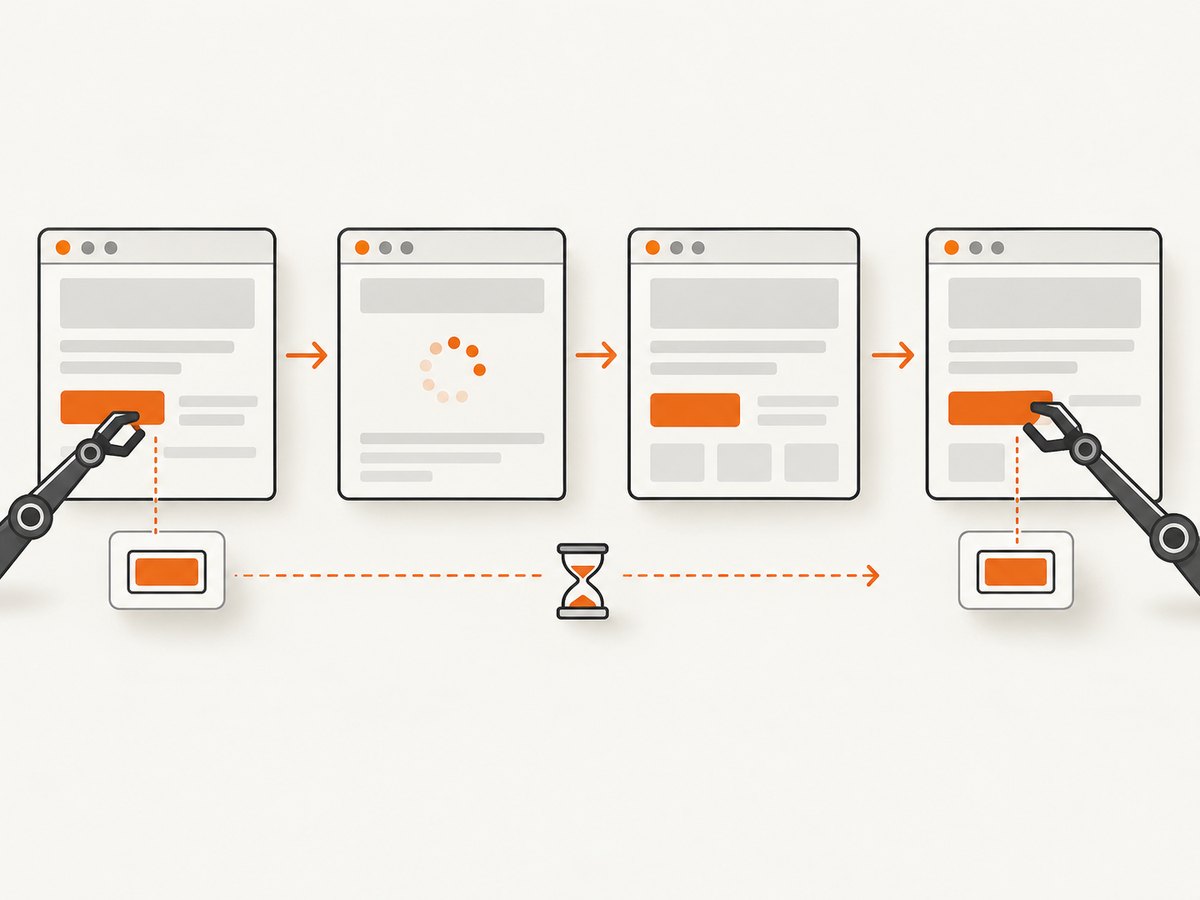
WebDriverJS example with Selenium and Node.js
The following complete script waits for a result list to update, then locates a fresh button. It uses Selenium WebDriver for Node.js.
import { Builder, By, until } from "selenium-webdriver";

const driver = await new Builder().forBrowser("chrome").build();
const itemSelector = By.css("[data-testid='result']");
const refreshSelector = By.css("[data-testid='refresh']");

try {
  await driver.get("https://example.test/results");

  // Locate the control immediately before using it.
  await driver.wait(until.elementLocated(refreshSelector), 10000);
  const refresh = await driver.findElement(refreshSelector);
  await refresh.click();

  // Wait for the old result node to be replaced or removed.
  const oldResult = await driver.findElement(itemSelector);
  await driver.wait(until.stalenessOf(oldResult), 10000);

  // Re-find after the DOM change. This is a new element reference.
  const freshResult = await driver.wait(
    until.elementLocated(itemSelector),
    10000
  );
  await driver.wait(until.elementIsVisible(freshResult), 10000);
  console.log(await freshResult.getText());
} finally {
  await driver.quit();
}
Install the dependency with npm install selenium-webdriver. Replace the example URL and selectors with locators that are unique and stable in your application.
Wait for the condition your next command needs
await driver.wait(async () => {
  const buttons = await driver.findElements(By.css("button[data-state='ready']"));
  return buttons.length === 1;
}, 10000);

const readyButton = await driver.findElement(
  By.css("button[data-state='ready']")
);
await readyButton.click();
This condition is stronger than sleep(1000): it waits for an observable application state instead of guessing how long a request or animation will take.
Wait for staleness before locating the replacement
const oldPanel = await driver.findElement(By.id("account-panel"));
await driver.findElement(By.id("save")).click();
await driver.wait(until.stalenessOf(oldPanel), 10000);
const newPanel = await driver.wait(
  until.elementLocated(By.id("account-panel")),
  10000
);
Use this when the old node is expected to disappear. If the framework mutates the node in place, wait for a changed attribute, text value, or child element instead.
Re-find instead of reusing a stale handle
This fails when the list is rebuilt:
const firstRow = await driver.findElement(By.css(".row"));
await driver.findElement(By.id("reload")).click();
console.log(await firstRow.getText()); // stale element reference
Store the locator and obtain a new handle after the update:
const rowLocator = By.css(".row");
await driver.findElement(By.id("reload")).click();
await driver.wait(until.elementLocated(rowLocator), 10000);
const firstFreshRow = await driver.findElement(rowLocator);
console.log(await firstFreshRow.getText());
Re-finding is safe only if the locator still identifies the intended element. A broad selector such as .row button may match a different row after sorting or pagination. Prefer a key tied to the record, for example [data-id='42'].
Frames, windows, and navigation
Switch to the correct iframe
An element found inside an iframe belongs to that frame’s document. Switch into the frame before locating it, and switch back when working with the parent page.
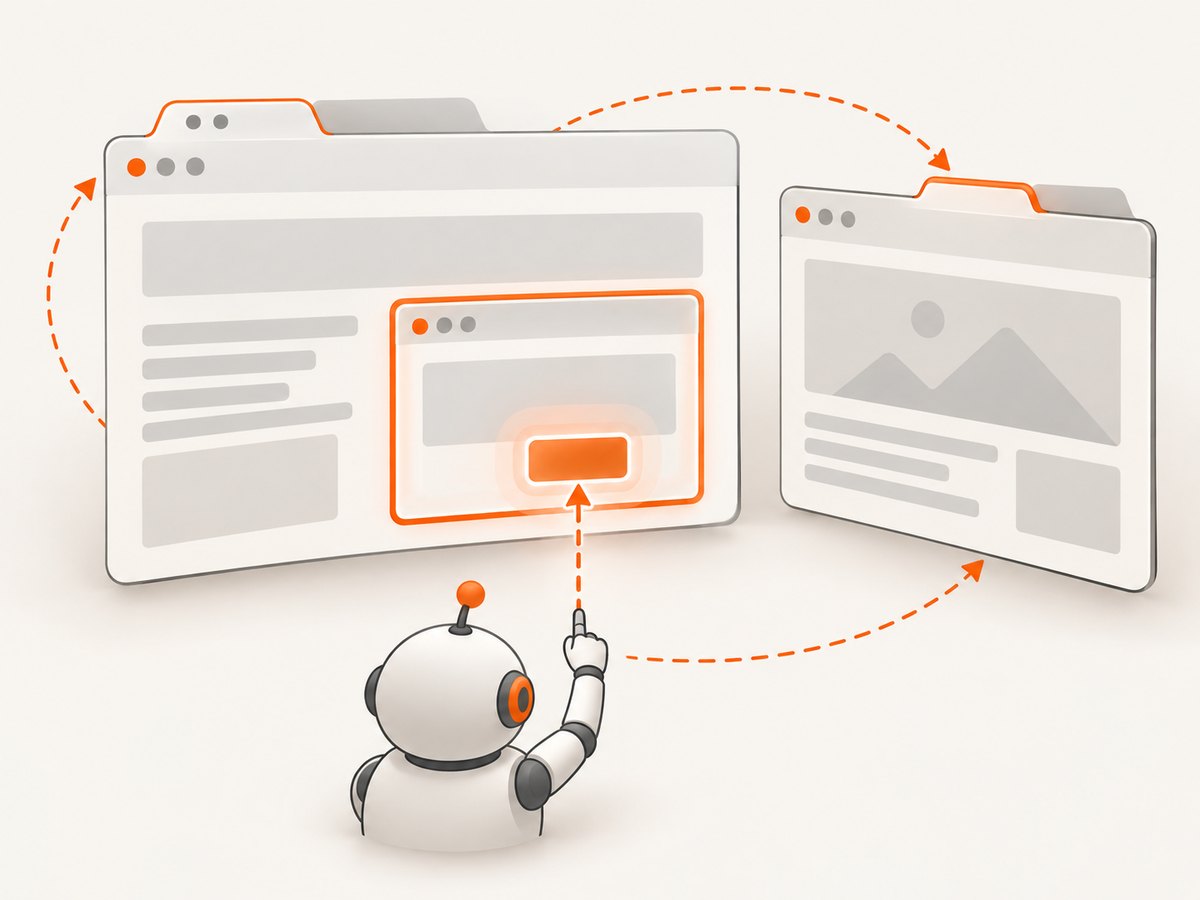
const frame = await driver.findElement(By.css("iframe[name='payment']"));
await driver.switchTo().frame(frame);

const cardNumber = await driver.wait(
  until.elementLocated(By.id("card-number")),
  10000
);
await cardNumber.sendKeys("4111111111111111");

await driver.switchTo().defaultContent();
If the iframe itself is replaced, locate the iframe again before switching into it.
Restore the intended window or tab
const original = await driver.getWindowHandle();
const handlesBefore = await driver.getAllWindowHandles();

await driver.findElement(By.id("open-help")).click();
await driver.wait(async () => {
  return (await driver.getAllWindowHandles()).length > handlesBefore.length;
}, 10000);

const handlesAfter = await driver.getAllWindowHandles();
const newHandle = handlesAfter.find((h) => !handlesBefore.includes(h));
await driver.switchTo().window(newHandle);
// Locate elements in the new document here.
await driver.switchTo().window(original);
After navigation, the previous document may be destroyed. Navigate to the required page or window, then locate the element again; an old reference cannot be repaired.
Retries: when they help and when they hurt
A narrow retry can handle an expected node replacement. Limit the retry to locating and performing an idempotent read or action, and re-check the locator each time.
import { error as webdriverError } from "selenium-webdriver";

async function clickFresh(driver, locator, attempts = 3) {
  for (let i = 0; i < attempts; i += 1) {
    try {
      const element = await driver.wait(
        until.elementLocated(locator),
        5000
      );
      await driver.wait(until.elementIsEnabled(element), 5000);
      await element.click();
      return;
    } catch (err) {
      if (!(err instanceof webdriverError.StaleElementReferenceError) || i === attempts - 1) {
        throw err;
      }
    }
  }
}
Do not blindly retry payments, form submissions, purchases, or destructive commands. The first command may have succeeded before the stale error was reported, and a repeated locator may now point to another control.
Common errors and fixes
| Symptom | Likely cause | Fix |
|---|---|---|
| Stale immediately after a click | The click triggered a re-render. | Wait for the old node to become stale or for the new state, then locate again. |
| Works locally, fails in CI | Different timing exposes a race. | Replace sleeps with explicit waits for visibility, text, URL, attributes, or network-driven state. |
| Element exists in DevTools but cannot be found | The test is in the wrong frame or window. | Switch to the intended browsing context before locating. |
| Retry clicks a different item | The selector is ambiguous after sorting or updating. | Use a record ID, accessible name, or unique data attribute and assert uniqueness. |
| Timeout after a navigation | The old page was destroyed or the destination did not load. | Wait for the destination URL or a destination-specific element, then locate anew. |
| Long, inconsistent waits | Implicit and explicit waits are combined. | Use one deliberate waiting strategy; Selenium warns that mixing them can produce unpredictable durations. |
Debugging checklist
- Log the URL before the failing command.
- Log the active window handle and frame path.
- Record the locator and assert how many elements it matches.
- Capture a screenshot and page source when the failure occurs.
- Identify the command that changed the DOM.
- Wait for the resulting state, not a fixed delay.
- Locate a fresh element after that state is reached.
- Confirm that the fresh match represents the same logical target.
Performance, reliability, and cost considerations
Finding an element again is usually cheaper than increasing every timeout or adding long sleeps. Keep locators specific, wait only around transitions, and avoid polling the entire page when a single selector or attribute expresses the required state.
For reliable suites, make actions observable: expose stable test IDs, render a clear loading or ready state, and ensure buttons are disabled while a duplicate submission would be unsafe. Keep retries narrow and report the original exception with the URL, locator, and context.
Browser automation also has infrastructure cost. Each locally controlled browser needs a driver, a compatible browser version, process cleanup, and enough resources for parallel sessions. If your goal is simply to obtain a page image or PDF rather than interact with a live browser, an HTTP screenshot API can remove that setup.
Or skip the browser setup
ScreenshotNeo provides a one-call website screenshot API and MCP server. It accepts a URL and returns PNG, JPEG, WebP, or PDF. Before capture it accepts cookie or consent banners and removes more than 60 known consent platforms, newsletter popups, and chat widgets; each step can be turned off. Bot checks, CAPTCHAs, blank pages, timeouts, failed loads, and cache hits are not billed, and the response identifies the result with X-Page-Verdict and X-Billed headers.
See the ScreenshotNeo API documentation for all options, including full-page and element capture, waits, custom CSS and JavaScript, headers, cookies, blocking rules, device presets, PDFs, caching, signed links, asynchronous jobs, bulk capture, and usage reporting.
curl -G "https://api.screenshotneo.com/v1/shot" -d access_key=YOUR_API_KEY --data-urlencode url=https://stripe.com -o shot.webpimport requests
r = requests.get("https://api.screenshotneo.com/v1/shot", params={"access_key": "YOUR_API_KEY", "url": "https://stripe.com"}, timeout=90)
open("shot.webp", "wb").write(r.content)const q = new URLSearchParams({ access_key: 'YOUR_API_KEY', url: 'https://stripe.com' });
const res = await fetch(`https://api.screenshotneo.com/v1/shot?${q}`);ScreenshotNeo also has an MCP server with take_screenshot, get_page_info, and capture_pdf tools for Claude, Cursor, and other MCP clients. The free plan includes 1,000 screenshots per month with no card; paid plans start at $5 for 3,000 screenshots, and every feature is available on every plan.
Create a free ScreenshotNeo account and start with 1,000 screenshots a month at no charge.
FAQ
Is a stale element the same as a bad selector?
No. The selector may still be correct, but the object returned from an earlier lookup refers to a node that was removed or replaced. Locate the selector again and verify the new match.
Should I add a longer sleep?
Usually no. Wait for the state needed by the next command, such as visibility, a changed attribute, a URL, or staleness of the old node. Fixed sleeps can hide races and still fail under slower conditions.
Can I reuse an element after a React render?
Only if the same DOM node was preserved. Treat references as invalid after a render that may replace the node, and re-find the element.
Why does the error mention the page document?
The reference belongs to a particular document and browsing context. Navigation, frame changes, window switches, and DOM replacement can make that reference unavailable.
When is retrying unsafe?
Do not automatically repeat operations that submit data, charge money, create records, or delete content unless you can prove whether the first attempt succeeded and the operation is idempotent.


