How to Fix WebElement to Locatable Casting Errors in Selenium Java
Fix Selenium Java WebElement-to-Locatable ClassCastException errors with runtime checks, dependency guidance, wait patterns, and working code.
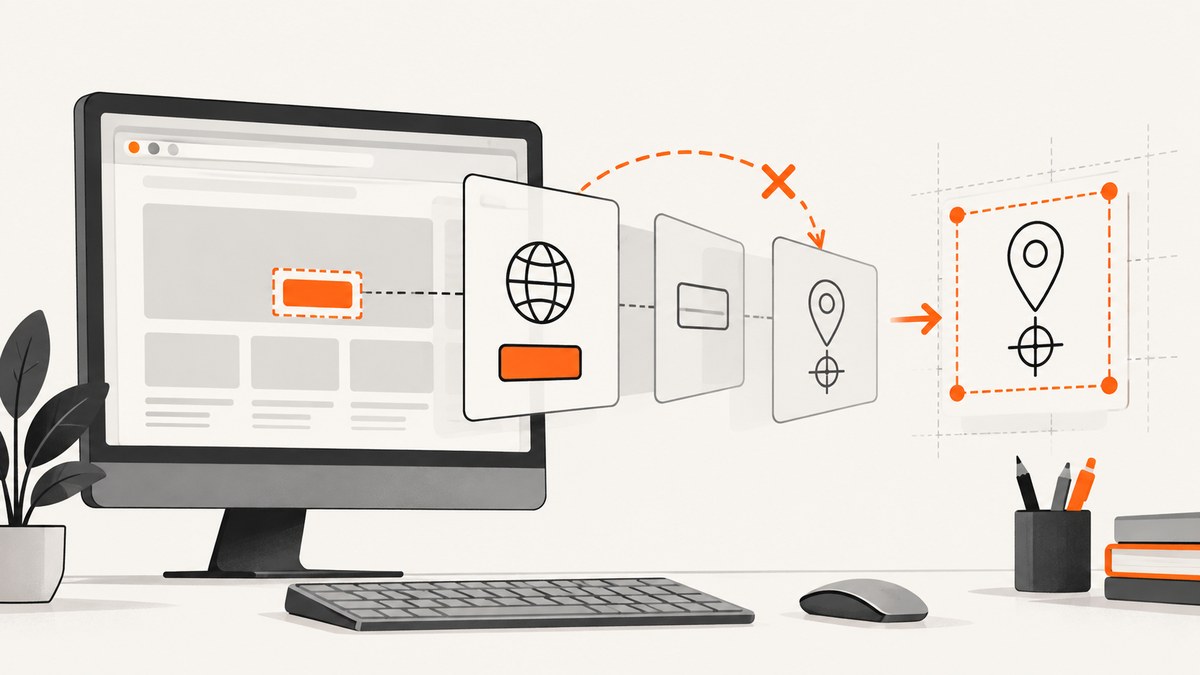
Direct answer: A ClassCastException while converting WebElement to Locatable means the object held at runtime does not implement the Locatable interface visible to your running code. Selenium’s current Java API lists RemoteWebElement as implementing both WebElement and Locatable, but a custom element, wrapper, decorator, proxy, provider-specific object, or mismatched Selenium dependency may expose only WebElement. Remove the cast when ordinary DOM methods are enough; otherwise verify the concrete class, import, and dependency versions before using a coordinate API.
This guide shows how to diagnose the exact failure, choose the safe repair, distinguish casting problems from timing problems, and capture a reproducible screenshot when visual evidence helps. The examples target Selenium 4-style Java code; check the API for the Selenium version pinned by your project.
1. Read the exception before changing code
Start with the complete stack trace and the source line containing the cast. Record two names:
- The fully qualified
Locatableinterface in your import. - The concrete class named after “cannot be cast to” (or the class you print at runtime).
The official Java API places Locatable in org.openqa.selenium.interactions. Older snippets can show a different package or API arrangement. Do not fix an import by guesswork; compare the import with the API documentation for the exact Selenium artifact and version used at compile time and runtime.
import org.openqa.selenium.WebElement;
import org.openqa.selenium.interactions.Locatable;

WebElement element = driver.findElement(By.cssSelector("button.submit"));
System.out.println("runtime class = " + element.getClass().getName());
System.out.println("is Locatable = " + (element instanceof Locatable));

Locatable locatable = (Locatable) element; // fails if the object does not implement this interface
A variable declared as WebElement does not determine what interfaces its object implements. The cast is decided only from the runtime object. A normal remote Selenium element is commonly RemoteWebElement, but factories and wrappers can return another implementation.
2. Remove the cast for normal element interaction
If your goal is to click, type, read text, inspect an attribute, or select a value, keep the object as WebElement. These operations are part of the ordinary Selenium element API and do not require Locatable.
WebElement submit = driver.findElement(By.id("submit"));
submit.click();

WebElement email = driver.findElement(By.name("email"));
email.clear();
email.sendKeys("dev@example.com");

String label = submit.getText();
String aria = submit.getAttribute("aria-label");
This is usually the safest repair because it removes an unnecessary assumption about the implementation supplied by the driver, grid, decorator, or test framework.
3. Use Locatable only for coordinate-specific behavior
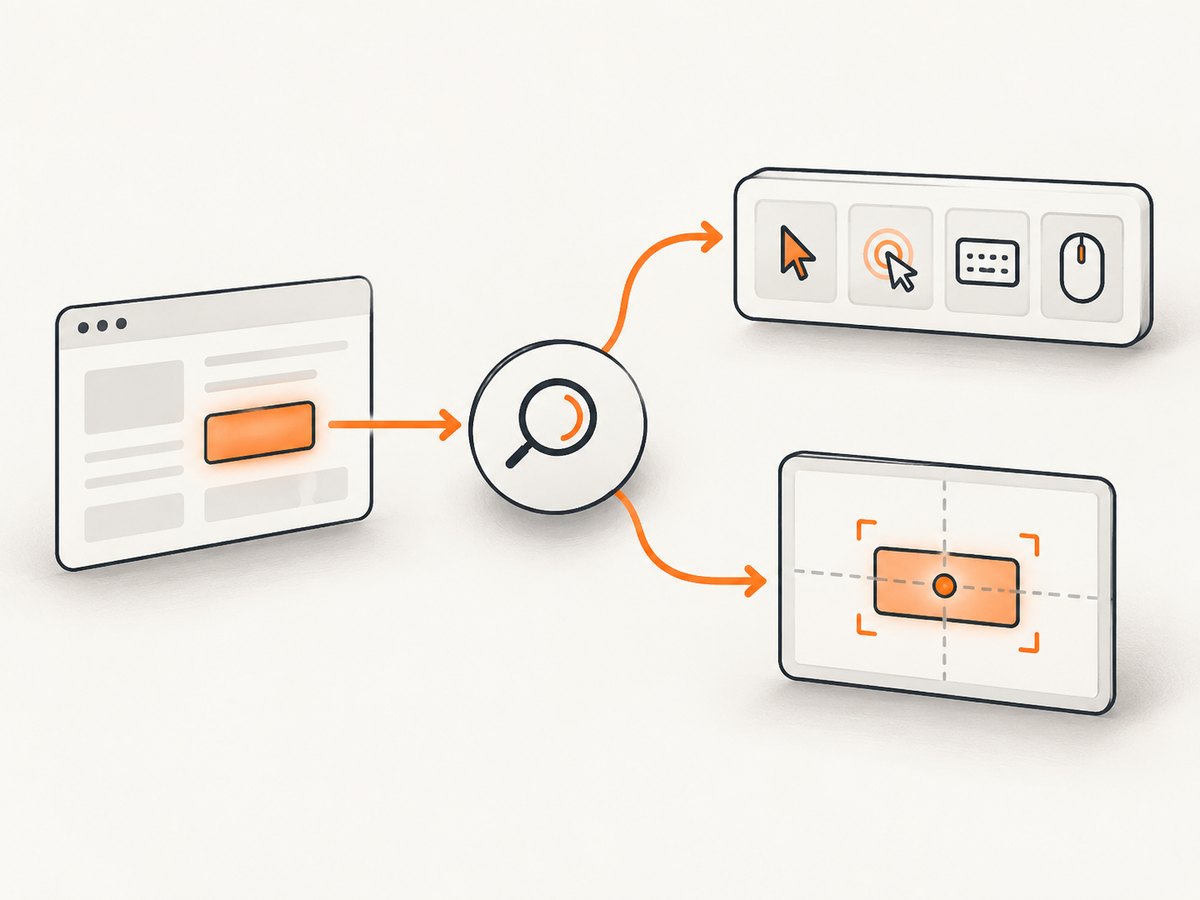
Locatable is relevant when code needs an element’s location or a coordinate-oriented action. Before casting, check the object explicitly and fail with a useful diagnostic instead of producing an opaque cast exception.
import org.openqa.selenium.WebElement;
import org.openqa.selenium.interactions.Locatable;

WebElement element = driver.findElement(By.cssSelector("#map-canvas"));

if (!(element instanceof Locatable)) {
    throw new IllegalStateException(
        "Element class " + element.getClass().getName()
        + " does not implement " + Locatable.class.getName()
        + ". Check wrappers and Selenium versions.");
}

Locatable locatable = (Locatable) element;
// Call the Locatable operation required by your pinned Selenium version.
Do not assume that every object returned by a method typed as WebElement is castable. If a page-object library returns a proxy, inspect the library’s element factory and decorator. If a remote-grid provider supplies a custom implementation, check its compatibility documentation and the actual class printed above.
4. Check imports and dependency alignment
A cast failure can be a symptom of two Selenium API families being mixed. Check that every Selenium module resolves to a compatible version and that the same versions are present when the test runs.
Maven inspection
mvn dependency:tree -Dincludes=org.seleniumhq.selenium
Gradle inspection
./gradlew dependencies --configuration testRuntimeClasspath \
  | grep -i selenium
Look for duplicate Selenium versions, separately pinned modules, shaded copies, or a test runner that loads a different class path from the one used by your IDE. A package or class-loader mismatch is a clue, not proof; use the exception, dependency tree, and runtime class name together.
Keep the interface import and implementation from the same Selenium API generation. The reference pages for RemoteWebElement and Locatable show the current relationship. Recheck those pages against your pinned release before copying a version-specific method call.
5. Separate casting failures from wait failures
Waiting for an element does not change the Java interfaces implemented by its object. A wait can solve a timing problem, but it cannot make a non-Locatable wrapper become Locatable.
Selenium defines three common readiness checks:
| Condition | What it guarantees | Typical use |
|---|---|---|
| Presence | The element exists in the DOM; it may be hidden. | Read markup or wait for insertion. |
| Visibility | The element is displayed and has non-zero height and width. | Read or interact with visible content. |
| Element to be clickable | The element is visible and enabled. | Click a control. |
The Selenium API describes presence as an expectation that an element is on the DOM and explicitly says this does not necessarily mean it is visible. It defines visibility as displayed with height and width greater than zero. See ExpectedConditions and Selenium’s waiting strategies documentation.
import java.time.Duration;
import org.openqa.selenium.By;
import org.openqa.selenium.WebDriver;
import org.openqa.selenium.WebElement;
import org.openqa.selenium.support.ui.ExpectedConditions;
import org.openqa.selenium.support.ui.WebDriverWait;

WebDriverWait wait = new WebDriverWait(driver, Duration.ofSeconds(10));

WebElement present = wait.until(
    ExpectedConditions.presenceOfElementLocated(By.id("results")));

WebElement visible = wait.until(
    ExpectedConditions.visibilityOfElementLocated(By.id("results")));

WebElement clickable = wait.until(
    ExpectedConditions.elementToBeClickable(By.id("submit")));
clickable.click();
Use one synchronization strategy deliberately. Selenium cautions that mixing implicit and explicit waits can create unpredictable timing. Set an implicit wait to zero when your test suite relies on explicit waits, or document the combined behavior and keep timeouts short and consistent.
6. A complete diagnostic example
The following class demonstrates a repeatable investigation. It prints the runtime type, checks the interface, waits for a visible element, and performs standard interaction without a cast.
import java.time.Duration;
import org.openqa.selenium.By;
import org.openqa.selenium.WebDriver;
import org.openqa.selenium.WebElement;
import org.openqa.selenium.chrome.ChromeDriver;
import org.openqa.selenium.interactions.Locatable;
import org.openqa.selenium.support.ui.ExpectedConditions;
import org.openqa.selenium.support.ui.WebDriverWait;

public class LocatableDiagnostic {
    public static void main(String[] args) {
        WebDriver driver = new ChromeDriver();
        try {
            driver.get("https://example.com");

            WebDriverWait wait = new WebDriverWait(driver, Duration.ofSeconds(10));
            WebElement heading = wait.until(ExpectedConditions
                .visibilityOfElementLocated(By.cssSelector("h1")));

            System.out.println("class: " + heading.getClass().getName());
            System.out.println("Locatable: " + (heading instanceof Locatable));
            System.out.println("text: " + heading.getText());

            if (heading instanceof Locatable) {
                Locatable coordinateElement = (Locatable) heading;
                // Use only the coordinate operation required by your API version.
                System.out.println("coordinate API is available");
            }
        } finally {
            driver.quit();
        }
    }
}
Replace https://example.com with a page you control when you need deterministic markup. The example intentionally treats WebElement as the primary contract and makes the coordinate path conditional.
7. Troubleshooting checklist
| Symptom | Likely cause | Fix |
|---|---|---|
WebElement cannot be cast to Locatable |
Custom, wrapped, or proxied element does not implement the interface. | Remove the cast, unwrap using the owning library’s supported API, or use a genuine Selenium element. |
ClassCastException names an unexpected package |
Wrong Locatable import or mixed API generation. |
Inspect the exact dependency version and import from that version’s API. |
| Cast works in one test but not another | Different element factories, decorators, drivers, or class loaders. | Print getClass().getName() in both paths and compare construction. |
| Element is found but click fails | Presence is satisfied while the element is hidden, disabled, covered, or moving. | Use visibility or clickable waits, then inspect overlays and page state. |
| Element is intermittently missing | JavaScript inserts it after the initial page load. | Wait for the relevant DOM condition; page load completion alone is not sufficient. |
| Long, inconsistent waits | Implicit and explicit waits are combined. | Choose one policy and keep timeout values explicit. |
8. Performance and reliability guidance
- Prefer DOM operations.
click(),sendKeys(), and attribute reads are less dependent on implementation details than coordinate code. - Locate once per action. Reusing a stale element after navigation can cause a different failure; reacquire it after a page transition.
- Use targeted waits. A selector-specific condition usually gives faster and clearer failures than a long fixed sleep.
- Keep diagnostics on failure. Log the selector, URL, runtime class, Selenium version, driver version, and whether the object is
Locatable. - Control wrappers. Standardize page-object factories so one test does not return a proxy while another returns a raw remote element.
- Do not treat a cast as a browser bug. The exception describes Java type compatibility; investigate the object and class path before changing browser or driver settings.
9. Capture evidence without maintaining a browser
When a failing test needs a page image for a bug report or visual record, you can drive a browser yourself with Selenium. That means managing a driver, waits, cookies, consent dialogs, popups, and screenshots in test code.
Or skip the browser setup
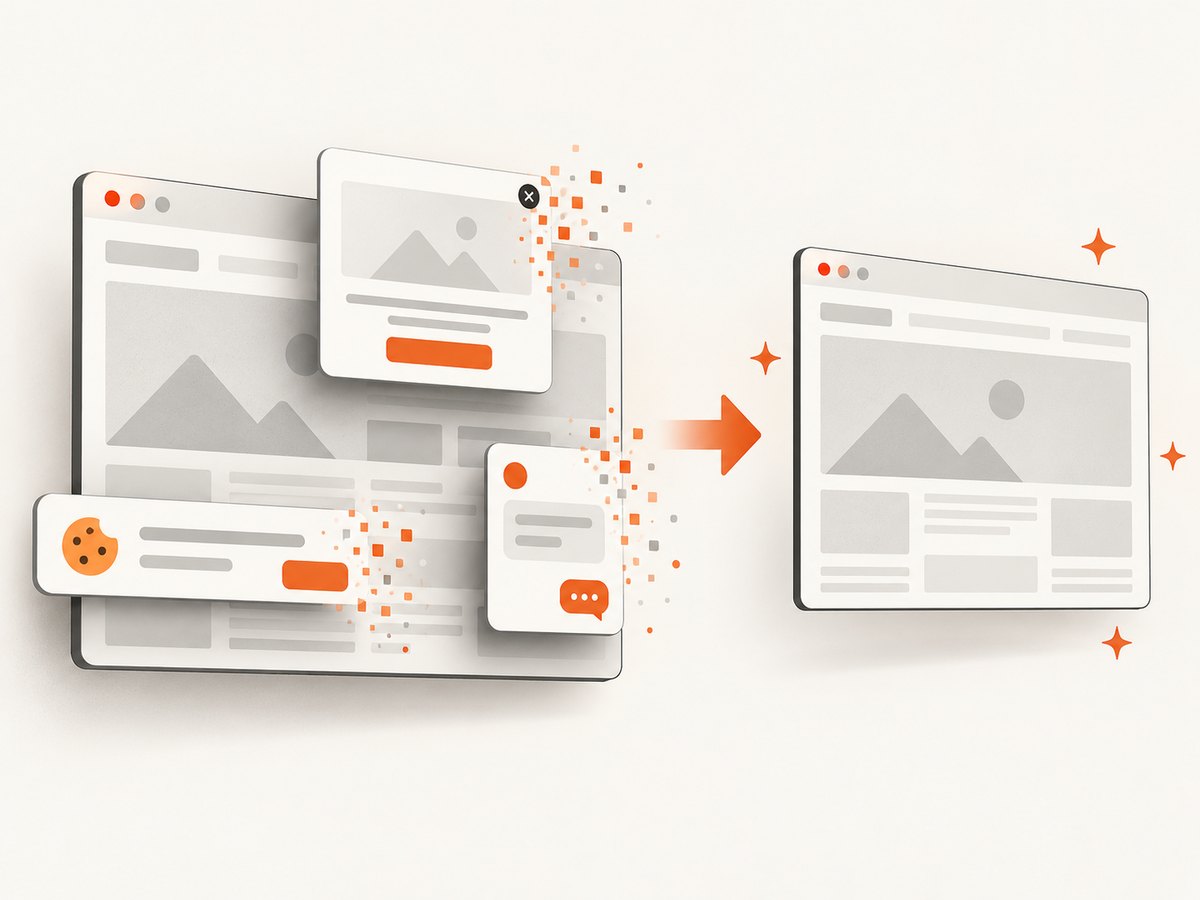
ScreenshotNeo provides a website screenshot API and MCP server. One GET request returns PNG, JPEG, WebP, or PDF. Before capture it accepts cookie or consent banners and removes more than 60 known consent platforms, newsletter popups, and chat widgets; each step can be turned off. Bot checks or CAPTCHAs, blank pages, timeouts, failed loads, and cache hits are not billed, and the response reports the result in X-Page-Verdict and X-Billed headers.
See the ScreenshotNeo API documentation for all options. The basic call is:
curl -G "https://api.screenshotneo.com/v1/shot" -d access_key=YOUR_API_KEY --data-urlencode url=https://stripe.com -o shot.webp
import requests

r = requests.get(
    "https://api.screenshotneo.com/v1/shot",
    params={"access_key": "YOUR_API_KEY", "url": "https://stripe.com"},
    timeout=90,
)
r.raise_for_status()
open("shot.webp", "wb").write(r.content)
const q = new URLSearchParams({ access_key: 'YOUR_API_KEY', url: 'https://stripe.com' });
const res = await fetch(`https://api.screenshotneo.com/v1/shot?${q}`);
if (!res.ok) throw new Error(`HTTP ${res.status}`);
const bytes = Buffer.from(await res.arrayBuffer());
require('fs').writeFileSync('shot.webp', bytes);
For test evidence, relevant options include full-page capture with lazy images loaded, a CSS selector for one element, dark mode, device presets or any viewport, retina scale, custom CSS and JavaScript, click-before-capture, selector hiding, waits for a selector, delay or network idle, blocked ads or trackers, custom headers, cookies, user agent, Authorization, timezone, geolocation, transparent backgrounds, resizing, chosen cache TTL, signed image links, asynchronous jobs with signed webhooks, bulk capture of up to 100 URLs per call, and the usage API. An MCP server exposes take_screenshot, get_page_info, and capture_pdf to Claude, Cursor, and other MCP clients.
For cost control, caching can avoid repeated captures, while verdict and billing headers let a pipeline distinguish a clean billed shot from a failed or cache response. The Free plan includes 1,000 shots per month without a card; paid plans start at $5 for 3,000 shots, and every feature is available on every plan. Create a free ScreenshotNeo account and start with the included monthly shots.
10. FAQ
Does declaring a variable as Locatable make the object Locatable?
No. A declaration changes the compile-time type only. The runtime object must actually implement the interface.
Will an explicit wait fix a ClassCastException?
No. It can fix presence, visibility, or click timing. It cannot alter the object’s implemented interfaces.
Should I cast every RemoteWebElement to Locatable?
Only when the code needs a coordinate-specific operation and the runtime object and API version have been verified. Standard interactions should remain typed as WebElement.
What information should I include in a bug report?
Include the full exception, cast line, element.getClass().getName(), the Locatable import, Selenium dependency tree, driver and browser versions, and whether a wrapper or proxy creates the element.
Can a screenshot service replace Selenium for every test?
No. Selenium remains useful for interactive workflows and assertions. A screenshot API is useful when you need a rendered image or PDF without maintaining browser setup, especially for diagnostics, documentation, and visual records.


