How to Fix Whitespace After page-break-before in wkhtmltopdf
Find what is pushing content away from a forced page break in wkhtmltopdf. Check ancestors, print styles, spacing, and page-break avoidance rules with a focused PDF reproduction.
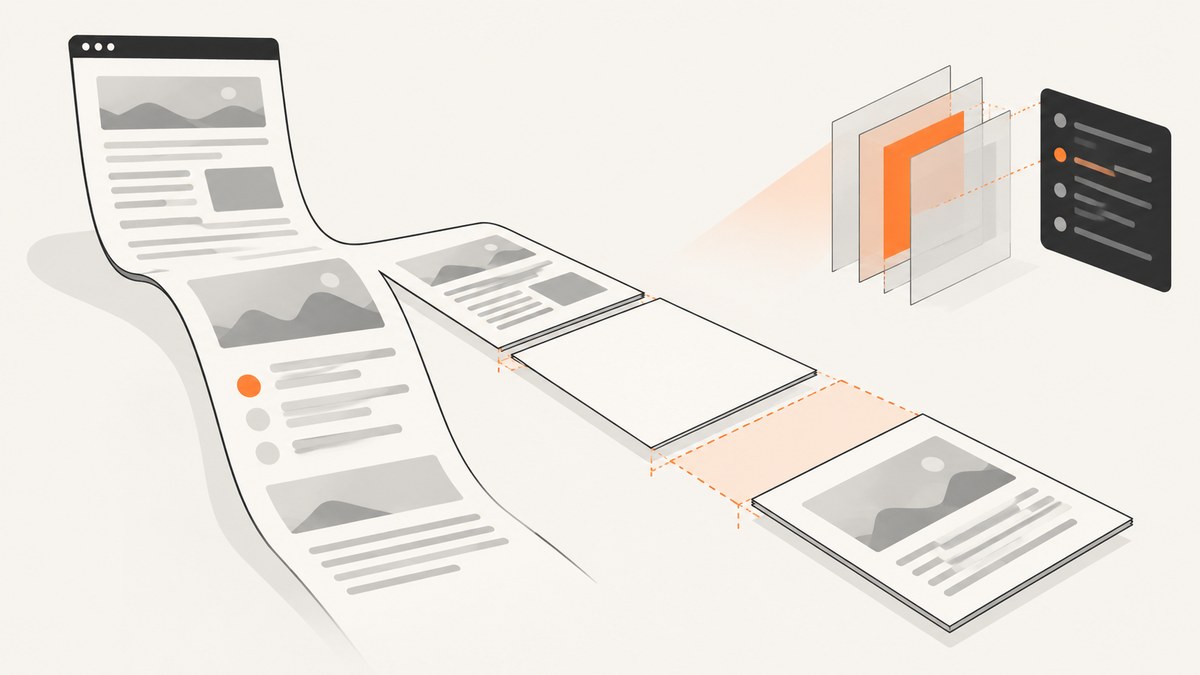
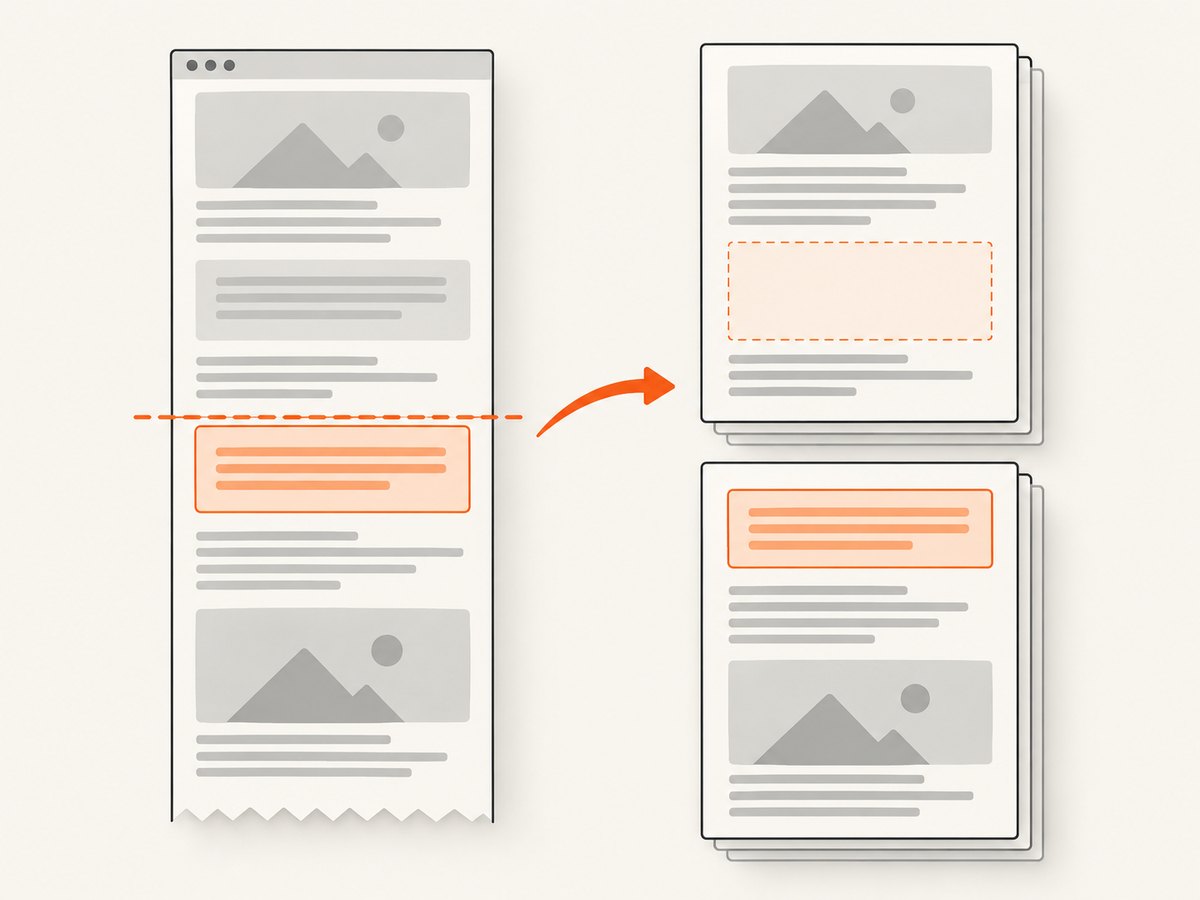
Whitespace after page-break-before in wkhtmltopdf usually means some part of the layout is affecting where the next content can fit or where the renderer places it. There is no single CSS fix that works for every document. Start by checking the break target and its ancestors, print-only styles, margins and padding, floats, overflow, and broad page-break-inside: avoid rules. Change one thing at a time and inspect the generated PDF.
wkhtmltopdf uses an older WebKit-based pagination model. Its man page describes WebKit laying content out as one long page and then cutting it into pages, and cautions that the page-breaking algorithm has limitations. As a result, a forced break can interact with surrounding layout and content that the renderer is trying to keep together. The wkhtmltopdf man page does not prescribe a universal fix.
1. Reproduce the gap on the deployed build
Before changing CSS, record the exact renderer and invocation. A reproduction on a developer laptop may use a different wkhtmltopdf release, Qt build, operating system, page size, or set of command-line options than production. Those differences matter when pagination is involved.
wkhtmltopdf --version
wkhtmltopdf --extended-help
Save the complete command your application runs, including flags that affect margins, page size, orientation, headers, footers, and media styles. Record the OS and whether the binary uses patched Qt if you can establish that from your build. Do not assume --print-media-type is required: a community report discusses that flag for one wkhtmltopdf 0.12.0 setup, which is not evidence that every build needs it. Verify which styles are active in the build that produces the unwanted PDF. The reported print-media case is a clue to check, not a general rule.
2. Reduce the page-break case without losing its context
Make a small HTML file that preserves the break target, the relevant ancestors, and the styles that affect them. Keep an untouched copy of the full page too. Removing too much surrounding structure can hide a float, overflow setting, table rule, or print stylesheet that is part of the problem.
This example is a minimal starting point, not a claim that it will reproduce every gap. Replace the sample blocks and styles with the structure from your page:
<!doctype html>
<html>
<head>
  <meta charset="utf-8">
  <style>
    @page { size: A4; margin: 18mm; }
    body { font: 12pt sans-serif; }
    .before { min-height: 180mm; }
    .next { page-break-before: always; }
  </style>
</head>
<body>
  <section class="before">Content before the forced break</section>
  <section class="next">Content after the forced break</section>
</body>
</html>
wkhtmltopdf reproduction.html reproduction.pdfKeep the document, PDF, command, and version together when you compare changes. Inspect the page before the break and the page after it. Check whether the target starts on the intended page, whether the gap is inside the preceding page or at the top of the next one, and whether any content has been clipped or overlapped.
3. Inspect the break target and its ancestors
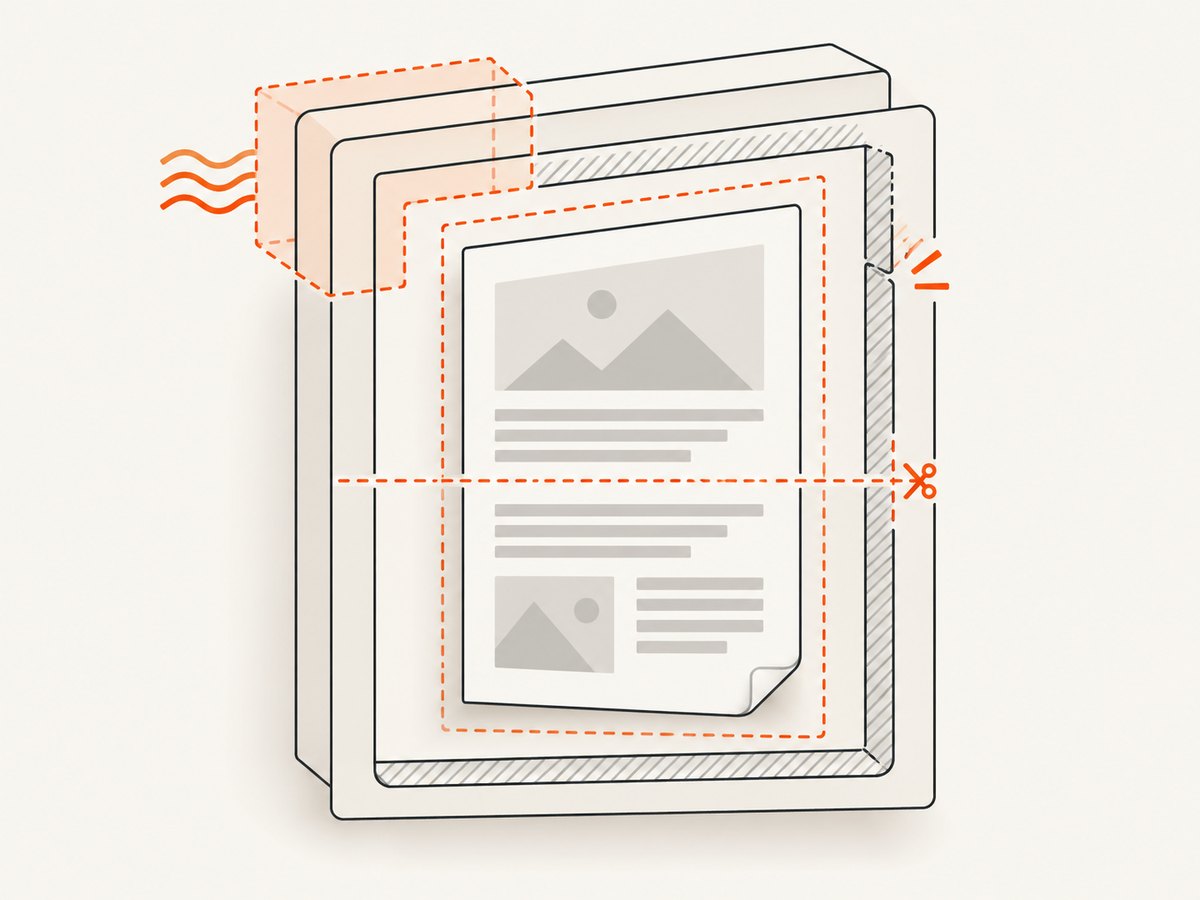
Start at the element with page-break-before, then walk up its parent elements. Look for layout rules that constrain or reposition the target, especially floats, overflow, fixed heights, and large margins or padding.
Test floated parents
A wkhtmltopdf issue report describes page-break rules being ignored when the affected content was inside a parent with float: left. The reporter used a PDF-specific rule to set that parent to float: none. If your reproduction has a floated ancestor, try disabling the float on that specific ancestor in the print stylesheet:
@media print {
  .report-column {
    float: none;
  }
}
Use the actual selector from your document and compare the result. Do not remove floats across the whole page unless the layout calls for it. The issue is a specific reproduction, not proof that every float breaks page breaks. See wkhtmltopdf issue #2371.
Test overflow on the affected ancestor
The same issue discussion includes a comment reporting similar behavior with overflow: auto and suggesting overflow: visible. Test that change on the relevant ancestor only:
@media print {
  .report-wrapper {
    overflow: visible;
  }
}
Overflow can affect clipping and layout, so check the whole affected region for content that escapes its container or overlaps later content. Treat this as a diagnostic experiment, not a guaranteed workaround.
4. Audit page-break avoidance rules
Search both the element and its ancestors for page-break-inside: avoid, page-break-before: avoid, and page-break-after: avoid. A broad avoidance rule can ask the renderer to keep a large block or table row together. If the item does not fit, the renderer may move it, leaving a blank region where you expected content to continue.
A report about a large table row describes whitespace after the row was moved before a page boundary. Another issue reports a different table-spacing case where a combination of avoidance rules helped. Those outcomes are layout-specific. Scope the rule to the content that really must stay together, and test the PDF rather than applying or removing avoidance rules globally. Issue #4868 and issue #4212 document separate cases.
/* Apply only to a block that should stay intact. */
.keep-together {
  page-break-inside: avoid;
}

/* For a large table, test without a broad rule first. */
@media print {
  .data-table tr {
    page-break-inside: auto;
  }
}
The second rule is only a test pattern: the right selector and behavior depend on the structure and the renderer. Long rows, nested tables, images, and blocks taller than the available page area need particular attention. A block that cannot fit intact may still leave a gap or split unexpectedly.
5. Check print styles and page geometry
Compare the CSS layout around both sides of the break with the PDF page geometry. Review:
- Page margins: command-line margins and any
@pagemargin declarations. - Element spacing: margins and padding on the preceding content, the break target, and their wrappers.
- Dimensions: fixed heights, minimum heights, line height, and images with explicit dimensions.
- Print overrides: rules under
@media printthat change display, positioning, dimensions, floats, or spacing. - Page-break rules: declarations on the target and nearby blocks that can add, suppress, or defer breaks.
Make one focused change per render. Changing page size first can mask the underlying cause and alter every page, so begin with the element and its local layout. A PDF-specific spacing adjustment may be appropriate once you identify the extra space, but do not compensate for a moved block with an arbitrary negative margin: that can hide the gap while causing overlap in other cases.
6. Compare one change at a time
Use the same HTML, renderer binary, operating system, command-line options, and input assets for each comparison. Change one property, generate a new PDF, and inspect the break page and the following page. A useful record includes:
- The wkhtmltopdf version and Qt build, if known.
- The operating system and full command line.
- The page size, orientation, and margins.
- The CSS change and the exact element or ancestor it targets.
- Whether the break moved, the gap changed, or clipping and overlap appeared.
For tables and images, inspect more than one page boundary. A change that fixes one break can move a different row or image and create a new problem later in the document.
Common symptoms and fixes to test
| Symptom | Possible cause to investigate | Focused test |
|---|---|---|
| The forced break seems ignored inside a column or wrapper | A floated ancestor | Set float: none on that ancestor in print CSS and render again. |
| Content inside a scrollable container leaves a gap or breaks oddly | overflow: auto on a relevant ancestor |
Test overflow: visible locally; check for clipping and overlap. |
| A large blank area appears before a table row or block | A broad keep-together rule may move content that cannot fit | Scope or remove page-break-inside: avoid for the affected content, then inspect the next page. |
| The result changes when run in production | Different wkhtmltopdf/Qt build, OS, styles, or flags | Reproduce with the deployed binary and exact command. |
| The next page starts lower than expected | Page margins, CSS spacing, or print-only dimensions | Compare the PDF margins and the target’s computed print styles and ancestors. |
Troubleshooting common errors
The CSS change has no effect
Confirm that the stylesheet is loaded for the HTML being converted and that the selector matches the element in the print layout. Check whether a more specific rule overrides it. Render with the same command used by the application; a browser preview does not establish that wkhtmltopdf loaded the same CSS or media rules.
The gap moves instead of disappearing
The change may have altered where a block fits without removing the layout constraint. Check the target’s ancestors and any keep-together rules, then inspect both the preceding and following pages. Avoid adding another page break until you know whether the content was moved intact.
Fixing the gap causes overlap or clipping
Revert the last change and narrow its scope. In particular, changing overflow or removing avoidance rules can affect content beyond the original break. Compare the complete affected block and nearby page boundary, not just the first visible blank area.
The command-line print flag behaves differently across machines
Check the deployed version, Qt build, and actual arguments before copying a flag from a forum answer. The cited report concerns a particular older setup; it cannot establish behavior for another binary. Keep the exact renderer details with your reproduction.
Performance, reliability, and maintenance
Whitespace diagnosis is mainly a layout correctness problem. Repeatedly changing broad rules or page geometry can create regressions that are hard to spot in a long document. Keep a small reproduction alongside the complete document, and render the same inputs after each focused change. For production, include representative tables, long blocks, and images in the documents you review.
Compatibility evidence for these workarounds is limited to individual issue reports and a community question, across different versions and environments. The upstream wkhtmltopdf repository pages state that the project was archived and made read-only on January 2, 2023. If a reproducible document remains unstable, assess alternatives against your HTML and CSS needs, runtime constraints, and maintenance requirements using the alternatives’ current primary documentation; the reports cited here do not establish a replacement or migration path. Repository issue #2371, #4868, and #4212 show the issue-specific nature of the examples.
Or skip the browser setup
If you need a screenshot of a web page while documenting or debugging the layout, ScreenshotNeo returns a PNG, JPEG, WebP, or PDF from one API request. It does not diagnose wkhtmltopdf’s pagination, but it can capture a web page without setting up a browser automation stack. See the API documentation for request options.
curl -G "https://api.screenshotneo.com/v1/shot" \
  -d access_key=YOUR_API_KEY \
  --data-urlencode url=https://stripe.com \
  -o shot.webp
ScreenshotNeo accepts cookie and consent banners before capture and removes more than 60 known consent platforms, newsletter popups, and chat widgets; each step can be turned off. Bot checks, blank pages, timeouts, failed loads, and cache hits cost nothing, and response headers say which page verdict applied and whether the request was billed. Its MCP server gives AI agents tools to take screenshots, get page information, and capture PDFs. The free plan includes 1,000 shots per month with no card; paid plans start at $5 for 3,000 shots. Sign up free for 1,000 screenshots a month, with no card required.
FAQ
Should I use page-break-before: always or page-break-before: always with a legacy alias?
Start with the rule already used in your document and verify how the deployed wkhtmltopdf build handles it. The reports here do not establish a universally preferred spelling or a cross-version compatibility guarantee.
Does a large gap prove that page-break-before failed?
No. The break may occur while a nearby block is moved or constrained, leaving unused space. Inspect where the target and preceding content land in the PDF.
What information should I include when asking for help?
Share a reduced HTML/CSS reproduction, wkhtmltopdf version and Qt build if known, OS, page geometry, and the exact command line. Include the affected PDF pages so others can distinguish a misplaced break from spacing or clipping.
Is changing the page size a reliable fix?
There is no evidence in the cited reports for a general page-size fix. Check local spacing, ancestor layout, and avoidance rules first, then compare any geometry change across representative pages.


