How to Fix Wicked PDF Headers and Footers Not Rendering
Fix missing Wicked PDF headers and footers by checking wkhtmltopdf, margins, asset URLs, templates, and background-job differences.
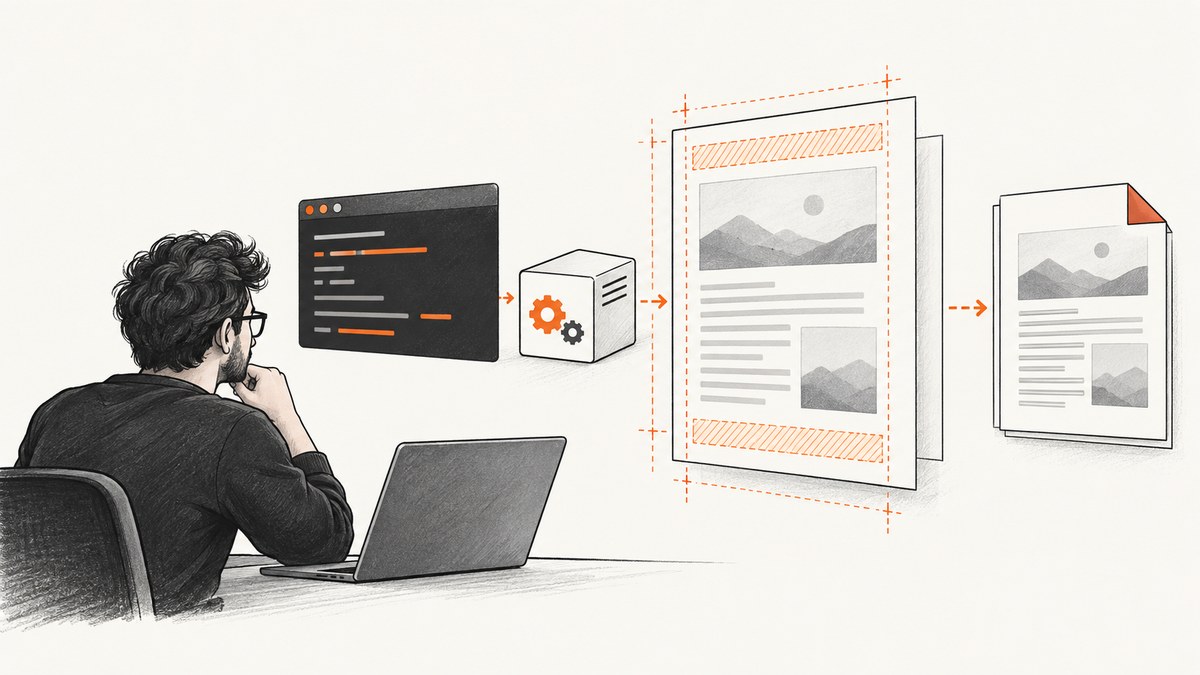
When a Wicked PDF header or footer is missing, blank, visible only as whitespace, or present in a controller but absent in a background job, the failure is usually outside your Rails view. Wicked PDF starts an external wkhtmltopdf process. That executable, its patched-Qt features, its permissions, the generated command, the template URL, and the available page margins all affect the result.
The fastest path to a fix is:
- Confirm the exact
wkhtmltopdfbinary and version on the failing host. - Render a minimal header or footer containing plain text.
- Give the header or footer enough matching top or bottom margin.
- Make every template, stylesheet, image, and font reachable by the external process.
- Compare the final command and runtime environment between controller and background-job execution.
Why Wicked PDF headers and footers disappear
Wicked PDF is a Rails wrapper around the shell utility wkhtmltopdf. The binary runs outside your Rails application, so a view that works in a browser can fail when rendered by the PDF process. The process may use a different executable, operating-system package, working directory, user, environment, host name, protocol, or filesystem permissions.
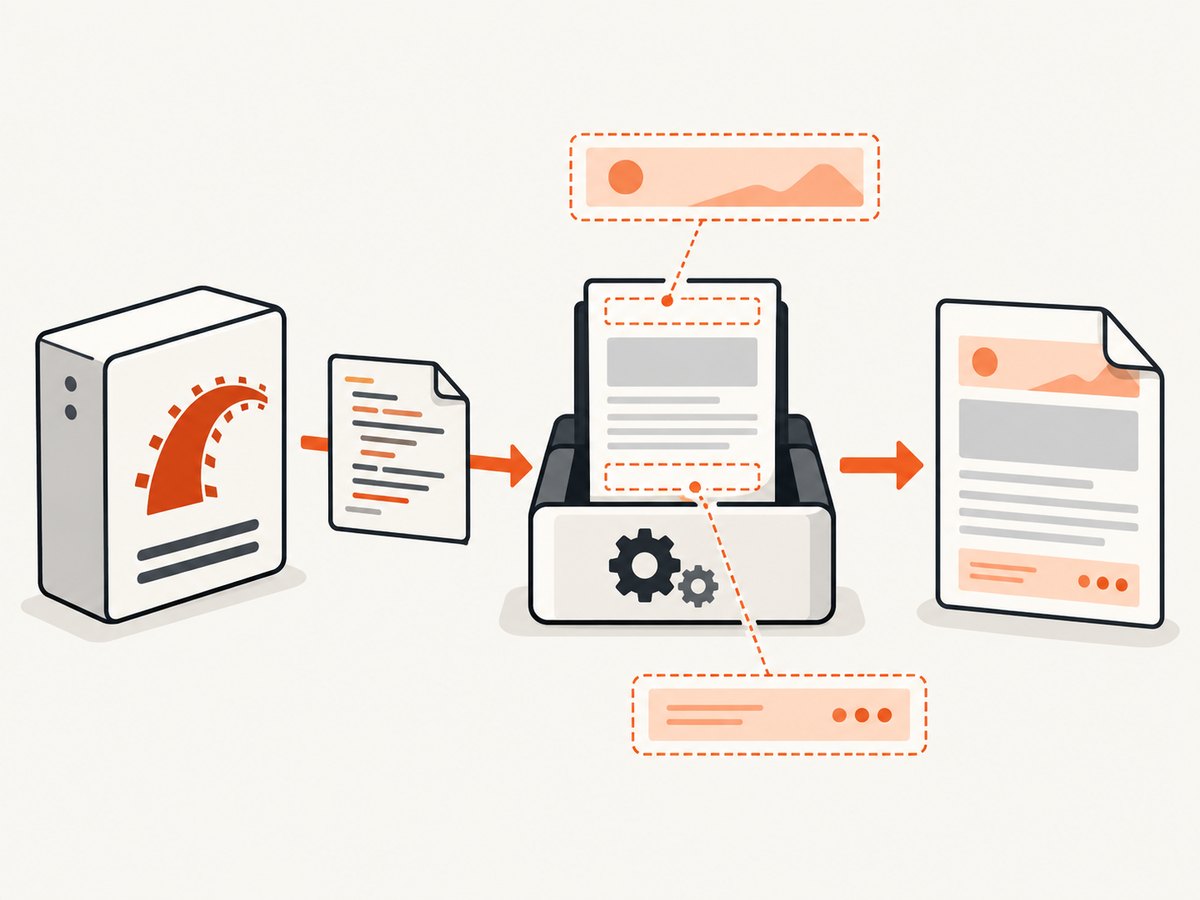
Header and footer options also depend on a compatible patched-Qt build of wkhtmltopdf. The project manual documents headers and footers through --header-* and --footer-* arguments, while some distribution packages omit patched features. An Alpine report (Wicked PDF issue #4431, opened 2019-07-26) describes headers and footers missing with wkhtmltopdf 0.12.5 while they displayed on macOS. That demonstrates platform and binary sensitivity; it does not prove that every Alpine installation fails.
Finally, a header consumes page space. If the top margin is too small, the header can be clipped or printed outside the page. The same applies to a footer and the bottom margin. The wkhtmltopdf settings reference specifically warns that excessive header spacing can place the header outside the PDF and recommends correcting the corresponding top margin.
1. Confirm the renderer and binary
Run these commands on the host where the PDF fails, not only on your laptop:
wkhtmltopdf --version
which wkhtmltopdf
ls -l "$(which wkhtmltopdf)"
Record the output in your application logs or deployment notes. Then inspect your Wicked PDF configuration:
# config/initializers/wicked_pdf.rb
WickedPdf.configure do |config|
  config.exe_path = "/usr/local/bin/wkhtmltopdf"
end
The configured path must point to the executable actually used by the failing process. In containers, verify that the file exists in the final image and that the application user can execute it. Compare the version, path, and operating system with a working development environment. A version mismatch is especially significant when simple body HTML renders but header or footer options do nothing.
Capture stderr while reproducing the issue. Missing libraries, blocked files, invalid options, and malformed templates often appear there even when Rails only reports a generic rendering error.
2. Start with a minimal known-good header or footer
Remove CSS, images, JavaScript, ERB conditionals, and dynamic data until plain text works. For a simple footer, use supported text options first:

render pdf: "invoice",
  footer: {
    center: "Page [page] of [topage]",
    font_size: 9,
    spacing: 5
  },
  margin: {
    bottom: 18
  }
Supported replacement variables include [page], [frompage], [topage], [webpage], [section], [subsection], [date], [isodate], [time], [title], [doctitle], [sitepage], and [sitepages]. If this footer appears, the binary and basic option wiring are working. Add one feature at a time.
For richer markup, provide a complete HTML document as the header or footer template. Wicked PDF’s README notes that a header or footer template can be used without the normal layout when it supplies valid HTML:
<!doctype html>
<html>
  <head>
    <meta charset="utf-8">
    <style>
      html, body { margin: 0; padding: 0; }
      body { font: 10px Arial, sans-serif; color: #444; }
      .footer { width: 100%; text-align: center; }
    </style>
  </head>
  <body>
    <div class="footer">Page [page] of [topage]</div>
  </body>
</html>
Use the smallest template that proves the feature. Then reintroduce your stylesheet, images, JavaScript, and Rails locals separately. If adding one change breaks the PDF, you have an isolated cause instead of a large template that hides several failures.
3. Allocate matching page margins
Set explicit top and bottom margins before tuning typography. Header spacing is measured in addition to the page margin, and footer spacing behaves the same way.
render pdf: "report",
  header: {
    html: {
      template: "reports/header"
    },
    spacing: 4
  },
  footer: {
    html: {
      template: "reports/footer"
    },
    spacing: 4
  },
  margin: {
    top: 28,
    bottom: 24,
    left: 12,
    right: 12
  }
If the header is clipped, increase margin.top first. If the footer overlaps body content or disappears below the page, increase margin.bottom. Only after the region is visible should you adjust header-spacing or footer-spacing. Excessive spacing with a small margin can put the region outside the PDF entirely.
Remember that CSS margins inside the template do not create page space for the PDF body. The wkhtmltopdf margin does that. Keep the template’s outer margins at zero, then reserve space with the PDF options.
4. Make templates and assets reachable
The external process cannot automatically resolve every Rails-relative path. A browser request may have cookies, a host name, authentication, and an asset pipeline available; a subprocess may have none of those.
Use Wicked PDF helpers or absolute URLs
Use Wicked PDF’s stylesheet, image, and JavaScript helpers where appropriate, or reference an absolute URL that the rendering host can reach. Check the generated HTML and every asset URL. A missing stylesheet can make a footer appear blank, while a failed image or font request can change its height and push content outside the page.
Check local-file access deliberately
If the template reads local CSS, images, or fonts, verify permissions and enable local-file access only when your deployment needs it:
render pdf: "report",
  enable_local_file_access: true,
  footer: {
    html: {
      template: "reports/footer"
    }
  }
Confirm that the operating-system user running wkhtmltopdf can traverse every parent directory and read each file. A path that works from a Rails console as one user may fail in a worker container running as another.
Check remote access and authentication
For remote assets, verify DNS, TLS certificates, firewall rules, and authentication from the PDF host. If the page or asset requires a session cookie, pass the needed cookie or use a reachable, signed asset URL. Do not assume that the controller’s request headers are inherited by the subprocess.
5. Compare controller and background-job execution
A controller request and a background job can render the same view through different code paths. The job may have no request host, may use a different protocol, may run from another working directory, or may lack environment variables and filesystem permissions.
Log these values immediately before rendering:
- The resolved
wkhtmltopdfpath and version. - The complete Wicked PDF options, including header/footer template paths and margins.
- The host and protocol used to build absolute URLs.
- Template locals and any tenant or account identifiers.
- The worker’s current directory, user, environment variables, and file permissions.
- The final generated wkhtmltopdf command, with secrets removed.
Render the same minimal plain-text footer in both contexts. If it works in the controller and fails in the job, add differences back one at a time: first the template path, then URLs and assets, then locals and dynamic content. This approach also catches jobs that run an older container image or a different initializer.
6. Inspect the generated command
The exact command is the quickest isolation tool. Wicked PDF ultimately invokes a command similar to:
wkhtmltopdf \
  --margin-top 28 \
  --margin-bottom 24 \
  --header-html /tmp/header.html \
  --footer-center 'Page [page] of [topage]' \
  input.html output.pdf
Compare that command with the documented options for the installed binary. Check for misspelled switches, empty template paths, unexpected relative paths, and options unsupported by the build. Run a sanitized copy directly on the failing host. Direct execution separates a wkhtmltopdf problem from Rails option construction.
Common errors and fixes
| Symptom | Likely cause | Fix |
|---|---|---|
| Header and footer are both absent | Wrong binary, unpatched build, or unsupported options | Check wkhtmltopdf --version, configured path, and package provenance; use a compatible patched-Qt build. |
| Only whitespace appears | Template loads but its CSS, image, font, or dynamic value fails | Reduce to plain text, use a complete HTML document, then restore assets one by one. |
| Header is clipped | Top margin or header spacing is too small | Increase margin.top; then tune header.spacing. |
| Footer is below the page | Bottom margin is insufficient | Increase margin.bottom and reduce footer spacing if necessary. |
| Works locally, fails in production | Different executable, OS libraries, permissions, or URL reachability | Compare version, path, user, filesystem, network access, and stderr on the production host. |
| Works in controller, fails in worker | Different host/protocol, locals, environment, or working directory | Log and compare the final command and runtime values in both contexts. |
| PDF becomes empty after a footer change | Markup triggers a renderer failure | Revert to a complete minimal document and inspect stderr; reintroduce markup gradually. |
| Images or CSS disappear | Relative URL, blocked remote request, or local-file permission issue | Use helpers or absolute URLs, verify access from the subprocess, and check local-file settings. |
Reliability and performance practices
Pin the renderer
Build and deploy a known wkhtmltopdf package instead of relying on whatever version a base image happens to provide. Record its version in deployment metadata and check it during startup. This prevents a container rebuild from silently changing header/footer behavior.
Keep templates deterministic
Avoid time-dependent JavaScript, external font races, and assets that require an interactive session. Inline the small amount of CSS needed by a header or footer. Use fixed dimensions for logos and icons so a failed image cannot change layout unexpectedly.
Control waiting and concurrency
Large pages, remote assets, and JavaScript increase render time. Set a job timeout that exceeds the renderer’s expected load time, but fail and retry deliberately rather than allowing many stuck processes to accumulate. Limit worker concurrency according to available CPU and memory; each wkhtmltopdf process is separate from Rails.
Cache stable assets
Serve CSS, images, and fonts from a fast, reliable location. Avoid generating a new signed URL for every asset unless required. A stable asset URL makes failures easier to reproduce and reduces network work for each PDF.
Testing checklist
- Run
wkhtmltopdf --versionon the failing host. - Verify Wicked PDF’s configured executable path.
- Render a plain-text header and footer.
- Use a complete HTML template for rich content.
- Set explicit top and bottom margins.
- Confirm local and remote asset access from the subprocess.
- Log the final command and inspect stderr.
- Compare controller and background-job environments.
- Test a multi-page document so page variables are exercised.
- Retest after rebuilding the production image.
Or skip the browser setup
If your goal is a clean image or PDF of a web page rather than a Rails-generated document, ScreenshotNeo provides a hosted screenshot API. One GET request returns PNG, JPEG, WebP, or PDF output, with options for full-page capture, custom CSS and JavaScript, element selection, waiting, headers, cookies, user agents, blocking, and PDF page settings.
cURL:
curl -G "https://api.screenshotneo.com/v1/shot" -d access_key=YOUR_API_KEY --data-urlencode url=https://stripe.com -o shot.webpPython:
import requests

r = requests.get(
    "https://api.screenshotneo.com/v1/shot",
    params={"access_key": "YOUR_API_KEY", "url": "https://stripe.com"},
    timeout=90,
)
r.raise_for_status()
open("shot.webp", "wb").write(r.content)
Node.js:
const q = new URLSearchParams({ access_key: 'YOUR_API_KEY', url: 'https://stripe.com' });
const res = await fetch(`https://api.screenshotneo.com/v1/shot?${q}`);
if (!res.ok) throw new Error(`HTTP ${res.status}`);
const buffer = Buffer.from(await res.arrayBuffer());
await import('node:fs/promises').then(fs => fs.writeFile('shot.webp', buffer));
See the ScreenshotNeo documentation for all options. Cookie banners, newsletter popups, and chat widgets are removed before the shot. Bot checks, blank pages, timeouts, failed loads, and cache hits are not billed, and the response identifies the page verdict and billing status with headers. An MCP server lets AI agents such as Claude and Cursor call take_screenshot, get_page_info, and capture_pdf. The free plan includes 1,000 screenshots a month with no card; paid plans start at $5 for 3,000 shots.
Create a free ScreenshotNeo account and start with 1,000 screenshots each month at no charge.
FAQ
Does Wicked PDF render headers with every wkhtmltopdf package?
No. Header and footer support depends on a compatible patched-Qt build and supported command-line options. Verify the executable and version on the failing host.
Should I increase CSS padding or the PDF margin?
Increase the matching PDF margin first. Top and bottom margins reserve page space; CSS padding only changes the template’s internal layout.
Why does a header work in a browser but not in a job?
The external process in the job may have different URLs, locals, permissions, environment variables, or a different binary. Compare the generated command and runtime values.
Can I use a Rails partial as a footer?
Render it as a complete, reachable HTML document for the external process. Start with plain text and add partial content, CSS, and images incrementally.
What is the first thing to log?
Log the wkhtmltopdf path and version, the sanitized final command, template paths, margins, asset URLs, and stderr. Those values usually identify the failure faster than inspecting the finished PDF.


