How to Fix wicked_pdf on Heroku When It Works Locally
Fix wicked_pdf failures on Heroku by installing wkhtmltopdf, configuring its executable path, and repairing missing CSS and images.
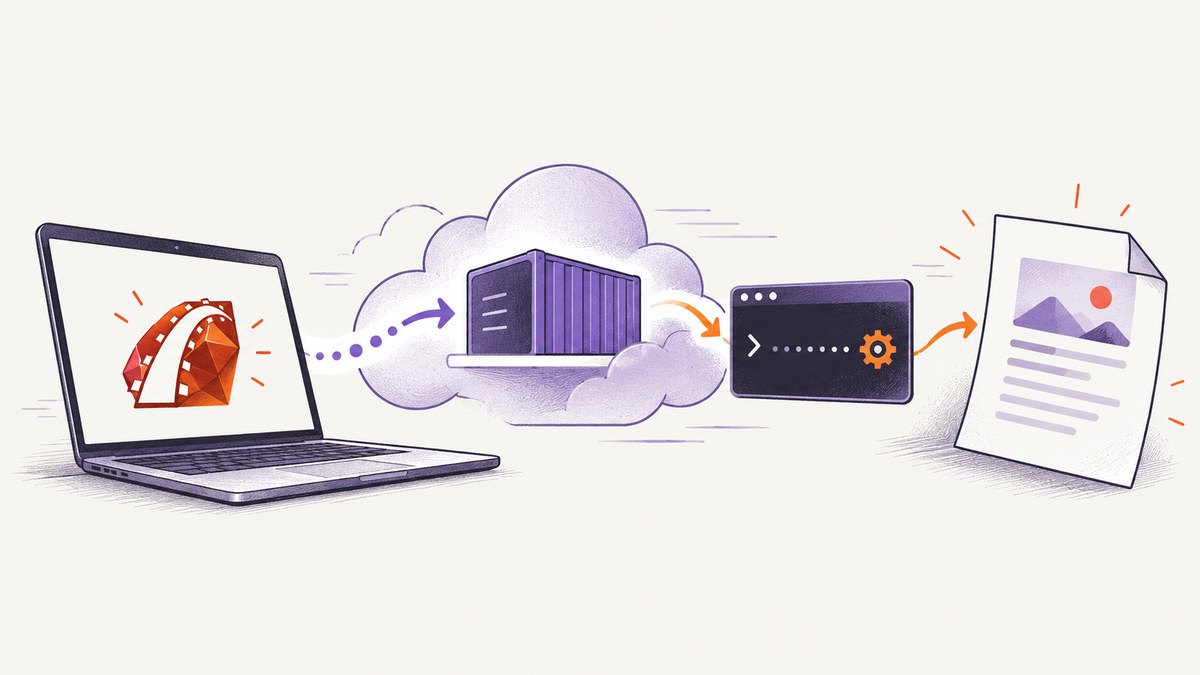
Short answer: wicked_pdf is only a Ruby wrapper. It starts the external wkhtmltopdf executable, so a Rails app can work locally and fail on Heroku when that binary is missing, unavailable on PATH, or incompatible with the dyno stack. Install one Heroku-compatible binary delivery method, verify it from a dyno, point WickedPdf at the verified path, and make every asset URL reachable by the separate wkhtmltopdf process.
This guide covers both common installation choices, executable-path configuration, local files and remote assets, deployment verification, cache problems, security settings, performance, and the errors developers most often see.
1. Understand what is failing
WickedPdf does not render HTML itself. It invokes the shell utility wkhtmltopdf to convert HTML into a PDF. The WickedPdf project documentation describes this relationship directly. Your laptop may already have wkhtmltopdf installed through an operating-system package, a development gem, or a manually configured path. A Heroku dyno is a separate Linux environment built from your slug; it does not inherit your laptop’s executable.
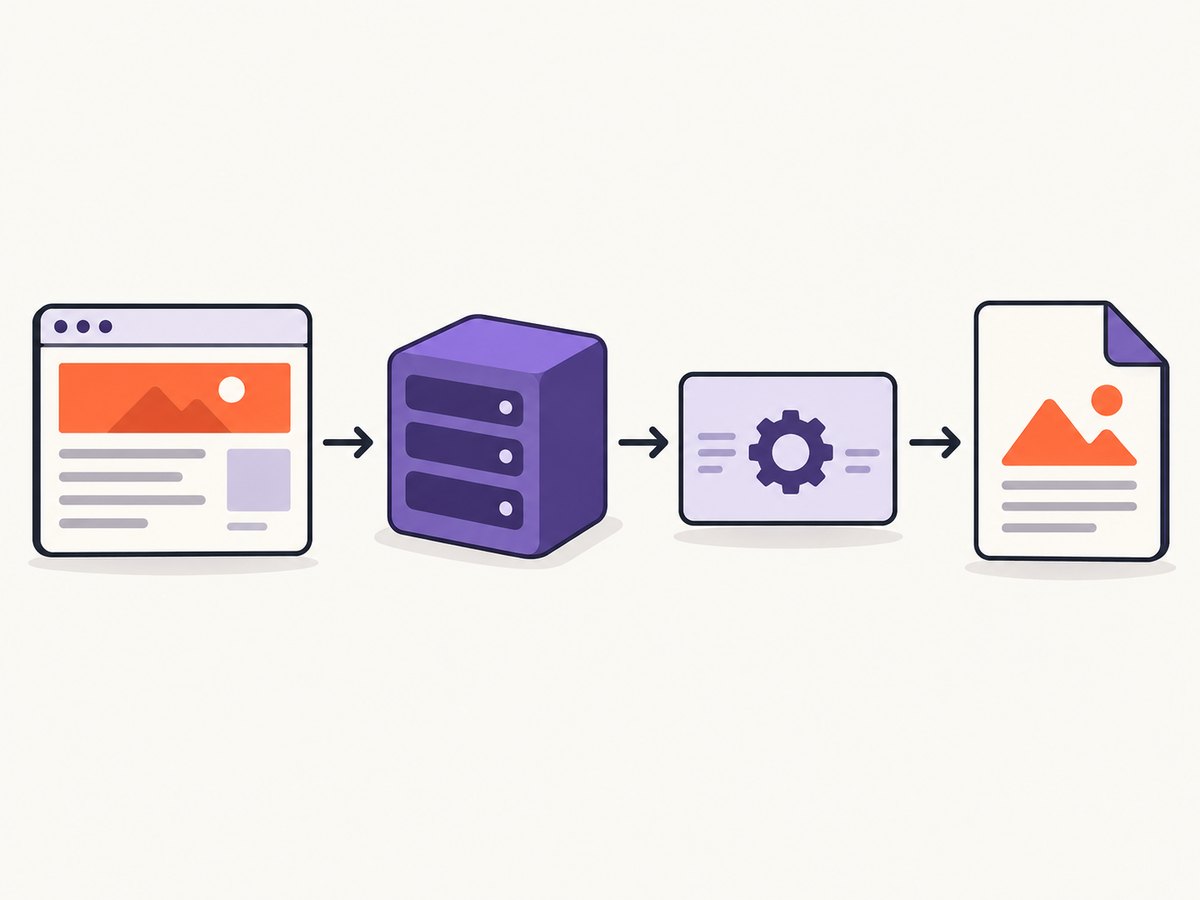
There are therefore three separate questions:
- Was a compatible wkhtmltopdf binary included during the Heroku build?
- Can the running dyno execute that binary?
- Can wkhtmltopdf fetch the HTML, CSS, fonts, JavaScript, and images used by the PDF?
Fix them in that order. Changing view code cannot repair a missing executable, and installing the executable cannot repair inaccessible asset URLs.
2. Choose one way to provide wkhtmltopdf
| Method | How the binary arrives | Advantages | Watch-outs |
|---|---|---|---|
| Heroku buildpack | The build adds wkhtmltopdf to the slug, commonly under /app/bin/. |
Clear separation from Ruby dependencies; easy to run the binary directly from a dyno. | Stack and download compatibility matter. Buildpack updates may require clearing Heroku’s build cache. |
wkhtmltopdf-heroku gem |
A Heroku-compatible gem ships the executable and exposes its location through Bundler’s gem metadata. | Version is tracked in Gemfile.lock; no separate buildpack ordering. |
Gem groups, lockfile resolution, and binary support for your stack must be correct. |
Do not install both methods unless you have a deliberate reason to choose between two binaries. Two installations make path debugging harder and can cause local and production versions to differ.
Option A: buildpack
Add a wkhtmltopdf buildpack to the app’s buildpack list, then redeploy. Buildpack documentation specifies the supported Heroku stacks and the download URL or version settings; use a release that supports your app’s stack. After deployment, verify the actual location instead of assuming it:
heroku run which wkhtmltopdf -a YOUR_APP
heroku run wkhtmltopdf --version -a YOUR_APP
heroku run /app/bin/wkhtmltopdf -V -a YOUR_APP
If which fails but the absolute path works, use that absolute path in WickedPdf. If you change the buildpack version or download URL, clear the Heroku build cache before rebuilding so an old binary is not reused.
Option B: the wkhtmltopdf-heroku gem
Add the gem in the group installed in production, then deploy and confirm that Bundler includes it:
# Gemfile
gem "wkhtmltopdf-heroku"

# Deploy, then inspect the slug
git add Gemfile Gemfile.lock
git commit -m "Add wkhtmltopdf for Heroku"
git push heroku main
heroku run bundle info wkhtmltopdf-heroku -a YOUR_APP
heroku run bundle exec ruby -e 'require "wkhtmltopdf-heroku"; puts Gem.bin_path("wkhtmltopdf-heroku", "wkhtmltopdf")' -a YOUR_APP
The exact executable path is determined by the installed gem version. Capture the path printed in the dyno and configure WickedPdf with it. If Bundler reports that wkhtmltopdf-binary or a related shim is not in the bundle, inspect the Gemfile group and lockfile; a gem placed only in development will not be available to a production dyno.
3. Configure WickedPdf with the dyno path
Set exe_path explicitly when the executable is not reliably on the web process’s PATH. Replace the example path with the one you verified on your dyno.
# config/initializers/wicked_pdf.rb
WickedPdf.configure do |config|
  config.exe_path = "/app/bin/wkhtmltopdf"
  config.enable_local_file_access = true
end
The enable_local_file_access setting is needed when wkhtmltopdf newer than 0.12.6 must read local files such as an asset or generated image. Keep it enabled only when your templates intentionally use local paths. A buildpack path may be different, and a gem installation may live inside the bundle, so verify rather than copy this example unchanged.
You can also set the executable per render when different jobs require different binaries:
render pdf: "invoice",
       template: "invoices/show",
       exe_path: WickedPdf.config.exe_path
Use one source of truth where possible. A per-render override is useful during a migration, but it can hide an initializer mistake.
4. Verify from a running dyno
Local success is not evidence that the slug is correct. Run these checks against the deployed app:
# Is it on PATH?
heroku run which wkhtmltopdf -a YOUR_APP

# Does the binary start?
heroku run wkhtmltopdf --version -a YOUR_APP

# Can it write a PDF in the dyno filesystem?
heroku run 'echo "<h1>Heroku check</h1>" > /tmp/check.html && wkhtmltopdf /tmp/check.html /tmp/check.pdf && ls -lh /tmp/check.pdf' -a YOUR_APP

# Inspect production config vars used to build absolute asset URLs
heroku config -a YOUR_APP
A one-off dyno has the same slug and config-var model as your web process. It is the fastest way to distinguish a missing binary from an application-level rendering problem.
5. Make CSS, JavaScript, fonts, and images reachable
wkhtmltopdf runs outside the Rails request process. Relative paths that work in a browser can fail in a PDF job, producing an unstyled document or missing images. Prefer absolute HTTPS URLs backed by the same host your dyno can reach:
<%= wicked_pdf_stylesheet_link_tag "pdf" %>
<%= wicked_pdf_image_tag "company-mark.png", width: 180 %>
<link rel="preconnect" href="https://assets.example.com">
WickedPdf helper tags generate URLs in the format expected by the converter. If you build URLs manually, configure an asset host and use an absolute scheme and hostname:
# config/environments/production.rb
config.action_controller.asset_host = "https://assets.example.com"

# In a view
<img src="<%= asset_url("invoices/logo.png") %>" alt="Company mark">
For local files, use a filesystem path that exists inside the dyno and keep local-file access enabled. Do not reference a path from your laptop; that path is not present in the slug.
Common asset edge cases
- Private assets: wkhtmltopdf needs credentials. Use a signed, time-limited asset URL or pass custom headers/cookies supported by your integration.
- Fonts: confirm the font URL returns a font response without an interactive login. A browser’s cached font does not exist in a fresh PDF process.
- JavaScript charts: wait for the chart’s selector or add a short render delay. A network-idle wait alone may finish before client-side drawing.
- HTTPS failures: use a complete certificate chain and avoid mixed HTTP content. Redirects to a login page can look like successful HTML while yielding the wrong PDF.
- Backgrounds: enable print backgrounds in the options used by your WickedPdf version if colors or background images are absent.
6. Troubleshooting: error, cause, and fix
| Symptom | Likely cause | Fix |
|---|---|---|
command not found: wkhtmltopdf |
No binary in the slug or it is not on PATH. |
Attach one supported buildpack or add the production gem; verify with heroku run which. |
Unable to find executable from WickedPdf |
exe_path points to a local path, or the process cannot see the buildpack path. |
Run the binary from a dyno and set config.exe_path to that exact absolute path. |
| Bundler says a binary gem is not in the bundle | The gem is in the wrong group, missing from the lockfile, or deployment used a stale slug. | Move it to the production bundle, commit both Gemfile and lockfile, redeploy, and inspect bundle info. |
| PDF is blank or times out | The URL requires authentication, JavaScript never settles, or the dyno cannot reach the host. | Render a public diagnostic page, check logs and response status, then add an explicit wait or authenticated headers/cookies. |
| CSS or images are missing | Relative URLs, inaccessible asset host, local-file restrictions, or a redirect. | Use WickedPdf helpers or absolute URLs; verify each asset with a command from the dyno; enable local access for intentional local files. |
| Works after deploy, fails after a buildpack update | Changed binary URL, unsupported stack, or cached old artifact. | Check stack support, pin a compatible version, clear the Heroku build cache, and redeploy. |
| Different output locally and on Heroku | Different wkhtmltopdf versions, fonts, environment variables, or asset hosts. | Record wkhtmltopdf --version in both environments and compare production config vars and generated HTML. |
7. Deployment checklist
- Choose either a buildpack or
wkhtmltopdf-heroku. - Confirm the method supports your Heroku stack.
- Commit the buildpack configuration or Gemfile and lockfile.
- Redeploy and run
which wkhtmltopdfandwkhtmltopdf --versionin a dyno. - Set WickedPdf’s
exe_pathto the verified path. - Generate one minimal PDF before testing a complex invoice.
- Check every CSS, font, image, and JavaScript URL from the dyno environment.
- After changing binary versions or buildpack URLs, clear the build cache and redeploy.
- Log the converter exit status and stderr for failed jobs, without logging secrets.
8. Performance, reliability, and cost
PDF generation consumes dyno CPU and memory. A full-page document with large images, web fonts, or client-side charts takes longer than a static HTML page. Keep templates focused, resize source images before embedding them, avoid loading analytics and advertising resources, and wait only for the event your page actually needs. Queue long reports in a background worker so a web request does not occupy a dyno while wkhtmltopdf runs.
Use a deterministic asset host and pin the converter version you have validated. Record converter stderr and the URL being rendered so a timeout can be reproduced. Heroku’s ephemeral filesystem is suitable for temporary input and output during one job; upload the resulting PDF to durable storage before the process exits.
There is no separate WickedPdf license charge, but Heroku dyno time, asset bandwidth, worker capacity, and any storage service still contribute to operating cost. A failed conversion can consume dyno time even when no PDF is returned, so fail fast on missing URLs and set a bounded command timeout in the job layer.
9. Or skip the browser setup
If your goal is a clean screenshot or PDF rather than maintaining a browser binary on Heroku, ScreenshotNeo provides a hosted website capture API. It handles the browser environment and returns an image or PDF from one request. See the ScreenshotNeo API documentation for all options.

curl -G "https://api.screenshotneo.com/v1/shot" -d access_key=YOUR_API_KEY --data-urlencode url=https://stripe.com -o shot.webpimport requests
r = requests.get("https://api.screenshotneo.com/v1/shot", params={"access_key": "YOUR_API_KEY", "url": "https://stripe.com"}, timeout=90)
open("shot.webp", "wb").write(r.content)const q = new URLSearchParams({ access_key: 'YOUR_API_KEY', url: 'https://stripe.com' });
const res = await fetch(`https://api.screenshotneo.com/v1/shot?${q}`);ScreenshotNeo removes cookie and consent banners, newsletter popups, and chat widgets before capture. Bot checks, blank pages, failed loads, timeouts, and cache hits are not billed, and response headers identify the page verdict and billing status. Its MCP server lets Claude, Cursor, and other MCP clients call take_screenshot, get_page_info, and capture_pdf. The free plan includes 1,000 screenshots per month with no card; paid plans start at $5 for 3,000. Create a free ScreenshotNeo account.
10. FAQ
Can I fix this only by adding a Ruby gem?
Yes, if the gem supplies a binary compatible with your Heroku stack and is included in the production bundle. You still need to verify its path in a dyno and configure WickedPdf when it is not on PATH.
Why does setting enable_local_file_access not solve missing CSS?
That option permits local filesystem reads. It does not turn a relative URL into an absolute one, authenticate to a private asset host, or make a laptop path exist inside the dyno.
Should I use the buildpack and gem together?
Usually no. Select one delivery method so the executable version and path are unambiguous.
Why is a PDF generated but empty?
Inspect the HTML URL rendered by wkhtmltopdf. Authentication redirects, JavaScript that has not completed, unreachable hosts, and converter errors can all produce an empty or nearly empty document.
How do I know whether Heroku is using the binary I expect?
Run wkhtmltopdf --version in a dyno and compare it with the version used locally. Also print the exact path configured in WickedPdf and confirm that file exists and is executable.


