How to Fix Images Not Rendering in wicked_pdf PDFs
Images work in Rails but vanish from wicked_pdf PDFs? Trace renderer paths, assets, permissions, and wkhtmltopdf settings with this practical guide.
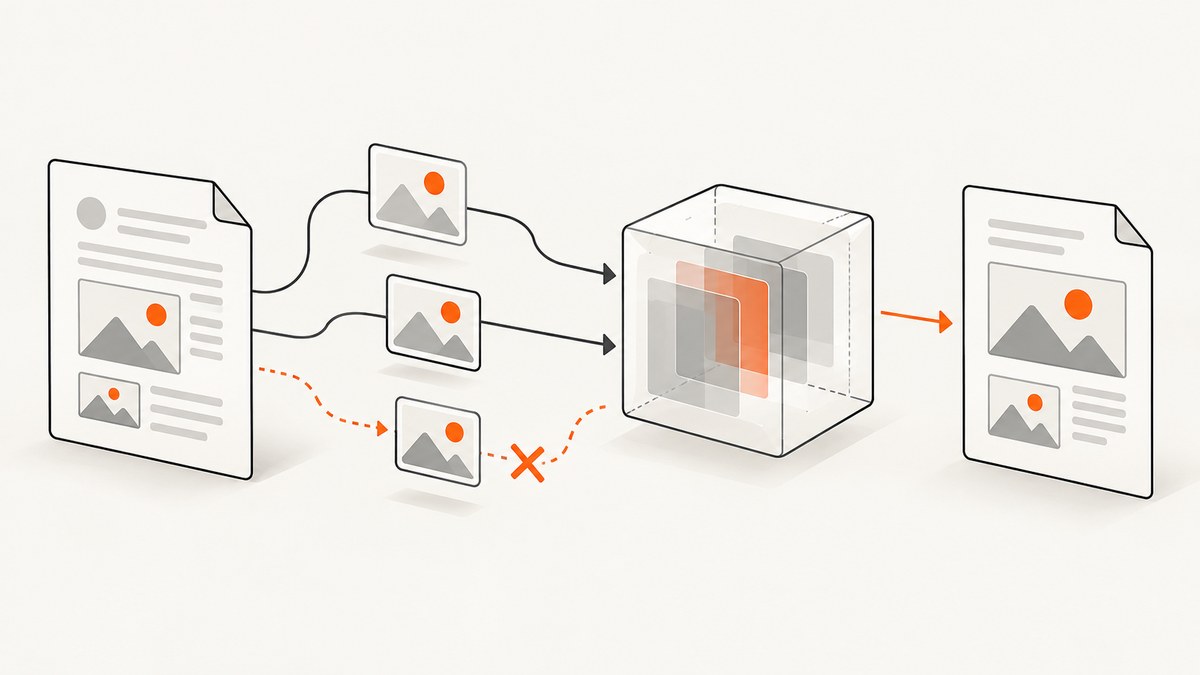
When images appear in a normal Rails page but disappear from a PDF generated by wicked_pdf, the usual cause is that wkhtmltopdf cannot resolve the image source in its own rendering process. Make every image source independently readable by the renderer, then verify the generated HTML, asset compilation, and local-file permissions.
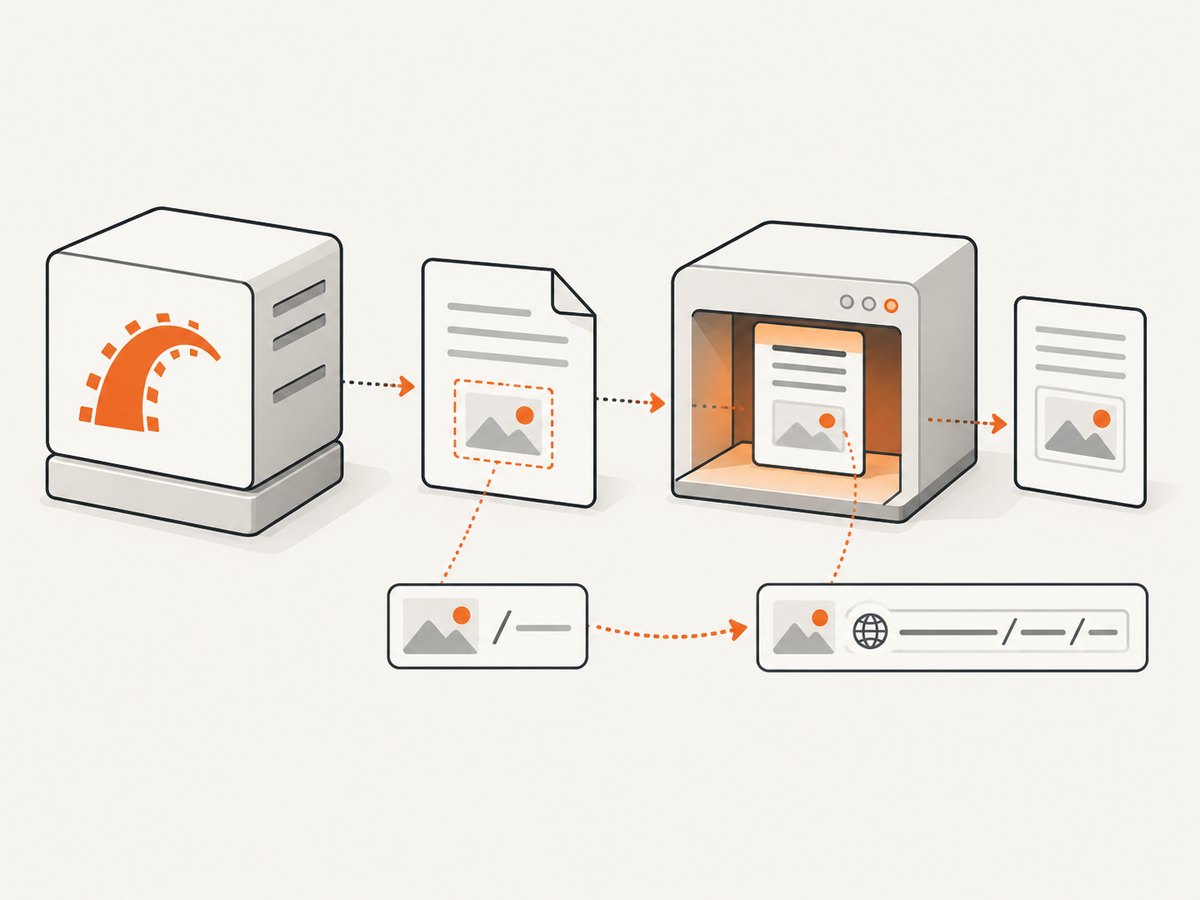
wkhtmltopdf runs outside the Rails request. It receives HTML and must fetch each remote URL or open each local file itself. A relative path such as /uploads/photo.png can work in a browser while failing in PDF generation because the renderer has no browser request host or Rails working directory to interpret it. The wicked_pdf README documents this separation and the asset helpers designed for it.
1. Confirm the actual HTML sent to wkhtmltopdf
Start with evidence rather than changing several settings at once. Render the view as HTML with wicked_pdf’s show_as_html option or save the final HTML passed to the renderer. Inspect every img element:
<img src='/uploads/invoice/logo.png'>
<img src='https://app.example.com/assets/logo-abc123.png'>
<img src='file:///var/app/current/storage/logo.png'>
Ask three questions for each source:
- Is the URL absolute, including scheme and host, or is it a path that depends on the Rails request?
- Can the machine running wkhtmltopdf resolve the hostname and reach the URL?
- If it is a local file, does the renderer have permission to read that exact path?
A source that is missing, empty, redirected to a login page, or blocked by TLS can make the image look like a CSS problem. Check the final rendered markup, not only the original ERB template.
2. Use a source strategy that matches your image
Remote images
Use a fully qualified URL when the image is hosted by an HTTP server:
<img src='https://app.example.com/uploads/logo.png' alt='Company logo'>The PDF process must be able to resolve DNS, establish the connection, and receive the image without an authentication challenge. If your application normally relies on a request host, configure the host explicitly for the PDF job and generate URLs with that host. A URL beginning with // is not a safe shortcut; use https:// or http:// explicitly.
Rails asset pipeline
Use the wicked_pdf helpers that match your asset setup. The project README warns that names passed to wicked_pdf asset helpers should not include an /assets/ prefix. In a typical asset-pipeline view:
<%= wicked_pdf_image_tag 'logo.png', alt: 'Company logo' %>Do not paste a fingerprinted production path into a template unless that path is generated by the asset system. Fingerprints change when assets are compiled, and a hard-coded development path often disappears after deployment.
Webpacker or other packed assets
For Webpacker configurations, the README documents wicked_pdf_asset_pack_path. Use the pack helper instead of assuming that an asset-pipeline helper can locate a compiled pack:
<%= image_tag wicked_pdf_asset_pack_path('media', 'logo.png') %>Your exact helper arguments depend on the pack directory and webpack configuration. Inspect the generated URL in the final HTML and verify that it exists in the deployed asset output.
Local uploads and generated files
For a file stored on the same machine, pass a real path that the wkhtmltopdf process can read. A Rails storage object, Active Storage blob, or relative upload name is not automatically a filesystem path. Resolve it before rendering:
logo_path = Rails.root.join('storage', 'logos', 'company.png')
raise 'missing logo' unless File.file?(logo_path)

render pdf: 'invoice', locals: { logo_path: logo_path.to_s }
<img src='file:///<%= ERB::Util.url_encode(logo_path) %>' alt='Company logo'>Whether a file:/// URL works depends on the installed wkhtmltopdf build and its local-file policy. Check the binary’s supported flags and allow only the directory containing required assets.
3. Precompile and verify production assets
Development can hide deployment mistakes because Rails may compile assets on demand. In production, assets are commonly served from a compiled directory or CDN, and config.assets.compile = false means an uncompiled file will not be generated during the request. The wicked_pdf README recommends precompiling assets used by PDF views.
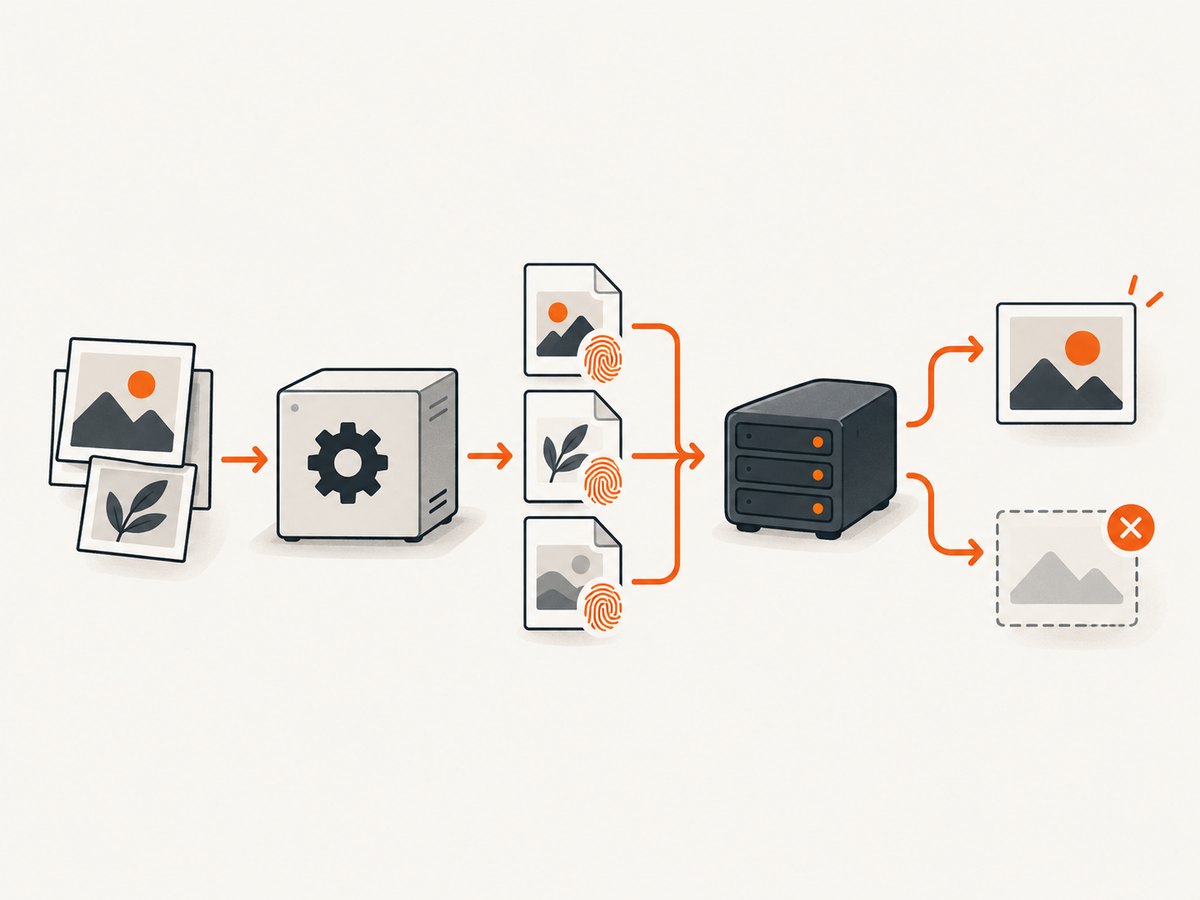
RAILS_ENV=production bundle exec rails assets:precompileAfter deployment, verify all of the following:
- The compiled image exists in the release or asset storage directory.
- The URL emitted by the helper includes the current digest.
- The PDF worker can resolve the asset host and connect to it.
- CDN or object-storage rules allow the renderer’s request.
- The process user can read local files and parent directories.
If you use a separate job container, test from that container. A URL reachable from a browser on your laptop may be unreachable from the production worker because of private DNS, firewall rules, or missing CA certificates.
4. Configure local-file access narrowly
wkhtmltopdf documents image loading as enabled by default, while local-file access is a separate security option. Do not assume that a global “images disabled” setting is the cause. Check the installed binary’s help output and enable access only to the directory that contains the PDF assets.
wkhtmltopdf --extended-help | grep -E 'enable-local-file|allow|images'When invoking through wicked_pdf, pass the equivalent option supported by your version:
render pdf: 'invoice',
       enable_local_file_access: true,
       allow: [Rails.root.join('storage', 'pdf_assets').to_s]
Option names vary between wkhtmltopdf builds and wicked_pdf versions. If an option is rejected, inspect wkhtmltopdf --help and the gem version’s documentation instead of copying flags from an unrelated installation. Restrict the allowed path; broad access can expose files that should never be readable by a document renderer.
5. Understand show_as_html debugging
show_as_html is useful because it lets you inspect the exact document, but its browser preview can differ from the PDF. wicked_pdf helpers may emit file:/// references for the renderer. A normal browser can block those references for security reasons even when wkhtmltopdf can read them. The README suggests using ordinary image_tag in the HTML debug path and wicked_pdf helpers in the PDF path.
<% if params[:show_as_html] %>
  <%= image_tag 'logo.png', alt: 'Company logo' %>
<% else %>
  <%= wicked_pdf_image_tag 'logo.png', alt: 'Company logo' %>
<% end %>
Therefore, a broken preview is a clue about generated markup, not conclusive proof that the PDF renderer has the same failure. Compare both paths and inspect the actual PDF output.
6. Check every image, not just the first one
The wicked_pdf documentation describes cases where one invalid or relative image path coincides with other images failing to display. Treat this as an observed renderer issue rather than a guarantee for every version. Validate every src, including CSS background images, inline SVG references, and images inside partials.
document.querySelectorAll('img').forEach((img) => {
  console.log(img.src, img.complete, img.naturalWidth, img.naturalHeight);
});
For CSS backgrounds, inspect computed styles and convert important backgrounds to explicit image elements when practical. wkhtmltopdf’s WebKit engine has limitations around newer CSS and external resources.
7. A repeatable diagnostic workflow
- Reproduce with one image. Create a minimal PDF view containing a known PNG and no application layout.
- Inspect final HTML. Use
show_as_htmlor save the renderer input. Record every image source. - Test reachability from the worker. Use
curl -Ifor remote URLs andtest -rfor local files. - Check response details. Confirm a 200 response, an image content type, and no authentication redirect.
- Verify asset compilation. Confirm the digest path exists in the deployed release.
- Check renderer flags. Review local-file access, SSL, proxy, and image-loading options for the installed binary.
- Reintroduce images one at a time. This identifies a partial, malformed URL, or unsupported format.
# From the same host/container that runs wkhtmltopdf
curl -I https://app.example.com/assets/logo-abc123.png
test -r /var/app/current/storage/logos/company.png && echo readable
8. Common errors and fixes
| Symptom | Likely cause | Fix |
|---|---|---|
| Works in browser, blank in PDF | Relative URL or request-only host | Emit an absolute URL or readable file path and inspect final HTML. |
| Development works, production fails | Asset not precompiled or wrong digest | Run production precompile and verify the deployed helper output. |
| Local file is ignored | Local-file access disabled or path not allowed | Check binary flags; allow only the required asset directory. |
| Remote image redirects to sign-in | Renderer lacks session cookies or authorization | Serve a permitted URL or provide the required renderer headers/cookies where supported. |
| HTTPS image fails | Old wkhtmltopdf build or missing CA certificates | Check the worker’s TLS trust and installed renderer version; use a reachable HTTPS endpoint. |
| HTML preview is broken, PDF is correct | Browser blocks file:/// helper output |
Use image_tag for debug HTML and wicked_pdf helpers for PDF rendering. |
| Several images vanish after adding one bad image | Renderer behavior triggered by an invalid source | Validate every source and remove or fix the invalid one. |
| SVG appears empty | Unsupported SVG features, external references, or MIME type | Test a simple SVG or convert the asset to PNG for the PDF path. |
9. Reliability, performance, and cost considerations
Reliability
Keep PDF inputs deterministic. Pin the asset host, avoid expiring signed URLs shorter than the render duration, and ensure the worker has the same network access as the application. Add a preflight check that fails clearly when a required local file is absent. Record the renderer exit code and stderr so an image failure is diagnosable instead of silently producing an incomplete document.
Performance
Remote images add DNS, connection, and download time for every PDF. Use appropriately sized images, avoid loading assets that are hidden, and reuse a stable asset host. Large uncompressed PNGs can increase both rendering time and PDF size. A local file avoids a network round trip but still requires a readable path and correct permissions.
Cost
wkhtmltopdf itself is a local executable, so image fetching consumes your worker CPU, memory, and network budget. Failed jobs can still consume queue time. If you move rendering to a hosted screenshot or PDF service, price depends on the provider’s billing rules, request volume, and output type; measure your own document mix before choosing.
Or skip the browser setup
If your goal is a reliable screenshot or PDF of a URL rather than maintaining wkhtmltopdf and browser assets, ScreenshotNeo provides a single HTTP request. It removes cookie and consent banners, newsletter popups, and chat widgets before capture. Bot checks, blank pages, failed loads, timeouts, and cache hits are not billed, and response headers identify the page verdict and billing status.
It also supports PDF output, full-page capture, waiting for selectors or network idle, custom headers and cookies, blocking requests or resource types, and signed asynchronous jobs. An MCP server exposes take_screenshot, get_page_info, and capture_pdf to Claude, Cursor, and other MCP clients.
See the ScreenshotNeo API documentation for all options. The basic call is:
curl -G "https://api.screenshotneo.com/v1/shot" -d access_key=YOUR_API_KEY --data-urlencode url=https://stripe.com -o shot.webpimport requests
r = requests.get('https://api.screenshotneo.com/v1/shot', params={'access_key': 'YOUR_API_KEY', 'url': 'https://stripe.com'}, timeout=90)
open('shot.webp', 'wb').write(r.content)const q = new URLSearchParams({ access_key: 'YOUR_API_KEY', url: 'https://stripe.com' });
const res = await fetch(`https://api.screenshotneo.com/v1/shot?${q}`);The Free plan includes 1,000 screenshots each month with no card. Paid plans start at $5 for 3,000 shots, and every feature is available on every plan. Create a free ScreenshotNeo account to try a capture without adding a card.
FAQ
Do I need to make every image public?
No. A renderer can use a readable local file or an authenticated request, but the credentials and path must be available to the wkhtmltopdf process. Public absolute URLs are simply the easiest case to diagnose.
Why does adding a host fix the problem?
Relative URLs depend on the base URL of the rendering document. Supplying a fully qualified URL removes that ambiguity and tells wkhtmltopdf exactly where to connect.
Should I enable local-file access globally?
Prefer a narrowly allowed asset directory. The exact flag depends on your wkhtmltopdf build, so verify it with the installed binary’s help output.
Can CSS background images fail while image tags work?
Yes. Background URLs follow the same resolution rules and can also expose CSS or WebKit compatibility issues. Inspect computed styles and test a direct image element.
What is the fastest first check?
Inspect the final HTML and test each image source from the same machine or container that runs wkhtmltopdf. This usually distinguishes URL, deployment, and permission failures immediately.


