How to Fix Common Wicked PDF Setup Problems in Rails
Fix Wicked PDF errors in Rails by checking the gem, wkhtmltopdf binary, paths, assets, renderer support, and runtime permissions in order.
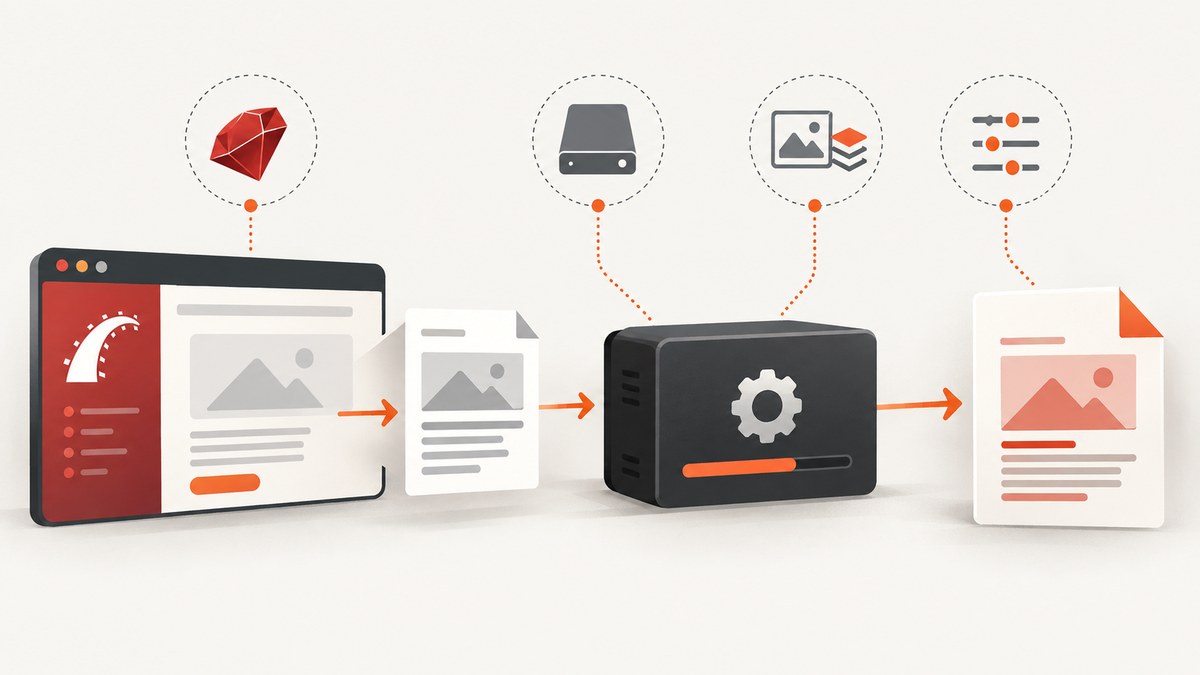
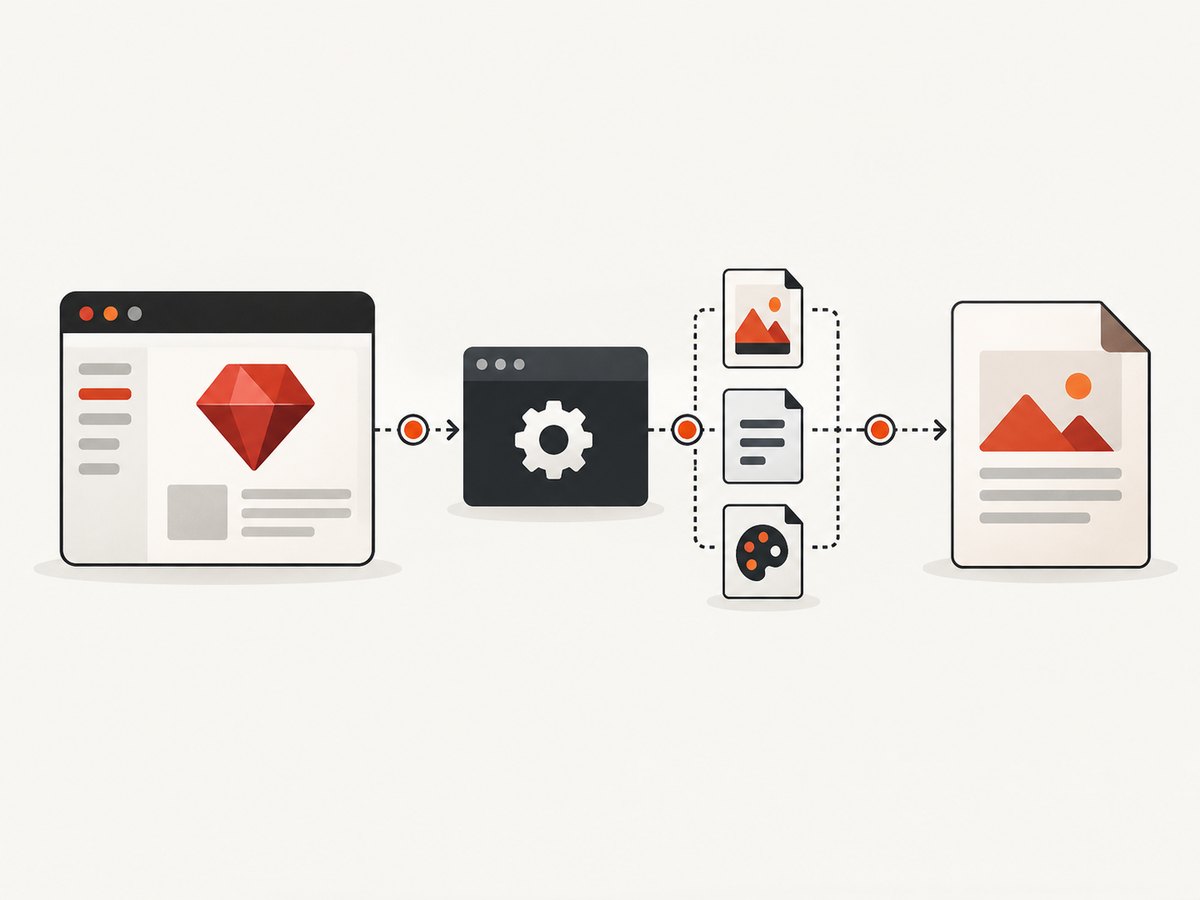
Most Wicked PDF failures have one of five causes: the Rails gem is missing, the separate wkhtmltopdf executable is missing or unreachable, the executable path differs in production, PDF assets cannot be loaded, or the installed renderer does not support an option. Check those layers in that order before changing your templates.
Wicked PDF is a Rails wrapper around the external wkhtmltopdf command-line program. Installing the gem alone does not install the renderer. The official README covers the gem, initializer, helpers, asset handling and executable configuration: Wicked PDF README.
1. Confirm the two-part installation
Run these checks from the same container, VM, release directory and user account that runs Rails.
bundle info wicked_pdf
command -v wkhtmltopdf
wkhtmltopdf --version
wkhtmltopdf --help | head -40
The first command should show the bundled gem. The second should print a real executable path. The third confirms that the binary starts. If command -v returns nothing, Rails cannot discover the renderer through PATH.
Gemfile
# Gemfile
gem "wicked_pdf"

# Optional convenience distribution for supported Linux/macOS setups.
# Verify that this distribution matches your deployment environment.
gem "wkhtmltopdf-binary"
bundle install
bin/rails generate wicked_pdf
The binary gem is only a convenience option. You still need to verify that the resulting executable starts in the deployed runtime and that its build supports the switches you use.
2. Make executable discovery explicit
If the binary exists but Rails reports that it cannot find wkhtmltopdf, set the absolute path in the generated initializer. Use the path printed by command -v inside production, not a path from your laptop.
# config/initializers/wicked_pdf.rb
WickedPdf.config = {
  exe_path: "/usr/local/bin/wkhtmltopdf"
}
Some deployments put the executable in a Bundler-managed directory. Resolve that path during image or release creation and keep the initializer aligned with it. A historical issue demonstrates that path lookup can fail under particular Bundler and runtime configurations; treat that as a diagnostic example rather than a universal explanation (issue #758).
Check the path as the Rails process
# Run in a Rails console or a one-off task
puts ENV.fetch("PATH", "")
puts `command -v wkhtmltopdf`.strip
puts `wkhtmltopdf --version`
If your shell finds the binary but the application does not, compare the service manager, container entrypoint and release environment. A Bundler error saying that wkhtmltopdf-binary is not in the bundle means the dependency is absent from the runtime bundle; inspect the deployed Gemfile and lockfile (issue #996).
3. Render the smallest possible PDF
Before debugging a complex view, prove that the wrapper can invoke the executable.
# app/controllers/diagnostics_controller.rb
class DiagnosticsController < ApplicationController
  def pdf
    render pdf: "diagnostic",
           template: "diagnostics/pdf",
           layout: false
  end
end
<!-- app/views/diagnostics/pdf.html.erb -->
<!doctype html>
<html>
  <body>
    <h1>PDF diagnostic</h1>
    <p>Rendered at <%= Time.current %></p>
  </body>
</html>
# A request test or console smoke test
get "/diagnostics.pdf"
If this minimal document fails, stay at the gem, executable or path layer. If it succeeds, add your real layout, assets and options one at a time.
4. Fix CSS, images and JavaScript that do not load
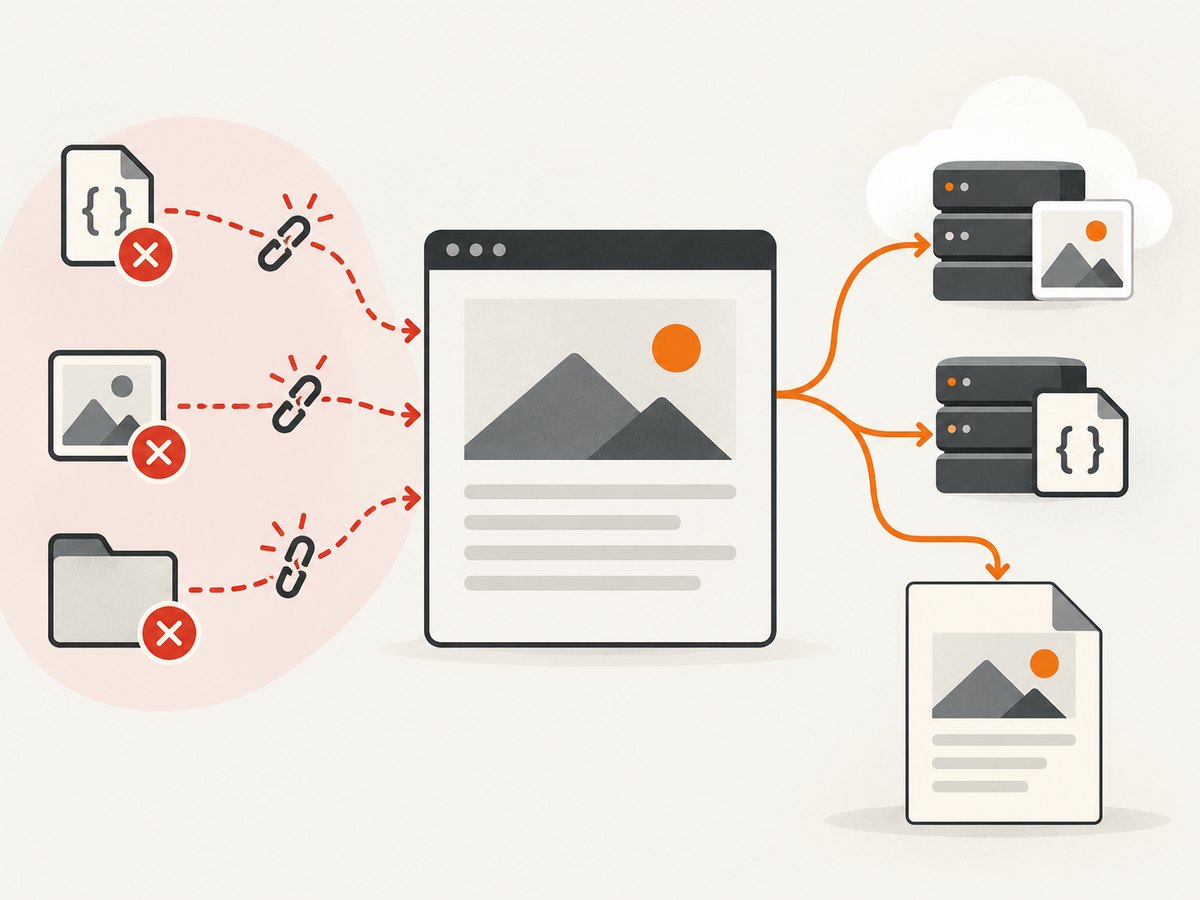
wkhtmltopdf runs outside the browser and outside the normal Rails request process. Relative URLs that work in a browser may not resolve for the external renderer. Prefer absolute, reachable references and the Wicked PDF helpers documented in the project README.
<%= wicked_pdf_stylesheet_link_tag "pdf" %>
<%= wicked_pdf_image_tag "logo.png", alt: "Logo" %>
<%= wicked_pdf_javascript_include_tag "pdf" %>
For a diagnostic, replace an asset with an absolute URL that the renderer can reach:
<link rel="stylesheet" href="https://example.com/assets/pdf.css">
<img src="https://example.com/assets/logo.png" alt="Logo">
In a private application, make sure the renderer can authenticate to the asset host or serve the asset from a location accessible to the conversion process. Check the generated HTML and the renderer’s stderr rather than assuming a CSS problem is a Rails view problem.
Rails MIME type
The Wicked PDF README notes that older Rails versions may require explicit PDF MIME type registration. If a format route is not recognized, inspect your Rails version and add the registration recommended by the version of Wicked PDF you installed.
5. Validate options against the installed renderer
Wicked PDF passes options to wkhtmltopdf. Supported switches vary by version and build. When a header, footer, JavaScript or page option is rejected, inspect the binary’s own help and version before changing Rails code.
wkhtmltopdf --version
wkhtmltopdf --help | grep -E "header|footer|javascript|page-size|margin"
An issue report documents a footer option rejected by an unpatched-Qt build (issue #953). The practical fix is to install a renderer build that supports the option, remove the unsupported switch, or choose a compatible configuration. Do not infer support from a different machine’s version.
Example render options
render pdf: "invoice",
       template: "invoices/show",
       layout: "pdf",
       page_size: "A4",
       margin: { top: 12, bottom: 12, left: 10, right: 10 },
       dpi: 96,
       encoding: "UTF-8",
       print_media_type: true,
       javascript_delay: 500
Keep the option set small while diagnosing. Add headers, footers, JavaScript delays and custom page geometry only after the basic PDF works.
6. Investigate permissions and temporary files precisely
A temporary-file or output-path error can be a permissions problem, but the correct target is the exact path named by the error. Check the directory used for temporary files, the destination file, and the executable’s execute permission.
ls -l /usr/local/bin/wkhtmltopdf
namei -l /path/to/output.pdf
ruby -e 'puts Dir.tmpdir; puts File.writable?(Dir.tmpdir)'
Do not assume that the web server’s home directory must be writable. Historical troubleshooting specifically cautions against that shortcut; inspect executable lookup and the precise temporary or output location instead (issue #758).
7. A repeatable troubleshooting checklist
| Symptom | Likely layer | Action |
|---|---|---|
uninitialized constant WickedPdf |
Gem or load path | Check the Gemfile, lockfile, bundle install and the Rails environment. |
wkhtmltopdf: command not found |
Executable/PATH | Install the binary, verify it in the deployment runtime, or set exe_path. |
wkhtmltopdf-binary is not in the bundle |
Bundler | Declare the dependency in the deployed bundle and rebuild the release. |
| Blank PDF | Input or asset loading | Render a minimal template, inspect generated HTML, and replace relative assets with absolute references or Wicked PDF helpers. |
| Missing CSS or images | External asset access | Use reachable absolute URLs, verify authentication and inspect renderer stderr. |
| Unknown or unsupported option | Renderer build | Compare wkhtmltopdf --version and --help with the option you use. |
| Timeout or hung conversion | Page JavaScript/network | Remove scripts, reduce external requests, then add a bounded delay only when required. |
| Cannot write temporary/output file | Filesystem | Check the exact path, parent permissions, disk space and the Rails process user. |
8. Reliability, performance and deployment practices
- Pin and inspect the renderer. Keep the binary version consistent across development, CI and production, and record
wkhtmltopdf --versionduring image builds. - Use a smoke test. Generate a minimal PDF during deployment or in a health check that runs in the same environment as the web process.
- Limit page complexity. Large images, many external requests and long-running JavaScript increase conversion time. Remove unnecessary resources from PDF layouts.
- Bound work. Set application-level timeouts and queue expensive conversions rather than tying up web workers indefinitely.
- Keep assets deterministic. Prefer versioned, absolute asset URLs and avoid dependencies on a developer workstation or browser-only behavior.
- Capture diagnostics. Preserve the command error, renderer version, configured executable path, URL/template and output path for each failure.
9. Security: never render unsanitized user HTML
The wkhtmltopdf project warns: “Do not use wkhtmltopdf with any untrusted HTML – be sure to sanitize any user-supplied HTML/JS, otherwise it can lead to complete takeover of the server it is running on!” Read the warning on the project’s downloads page. Treat user-provided HTML, CSS, JavaScript, URLs and asset references as hostile input. Sanitize content, restrict network access where possible, and keep conversion workers isolated.
10. Or skip the browser setup
If your goal is a clean screenshot or PDF of a public page rather than a Rails-generated document, ScreenshotNeo provides a single HTTP request. Its capture process accepts consent banners and removes more than 60 known consent platforms, newsletter popups and chat widgets before the shot; bot checks, blank pages, failed loads and cache hits are not billed. Responses identify the result with X-Page-Verdict and X-Billed headers. It also provides an MCP server for AI agents, including Claude and Cursor.
curl -G "https://api.screenshotneo.com/v1/shot" -d access_key=YOUR_API_KEY --data-urlencode url=https://stripe.com -o shot.webpimport requests
r = requests.get(
"https://api.screenshotneo.com/v1/shot",
params={"access_key": "YOUR_API_KEY", "url": "https://stripe.com"},
timeout=90,
)
r.raise_for_status()
open("shot.webp", "wb").write(r.content)
const q = new URLSearchParams({ access_key: 'YOUR_API_KEY', url: 'https://stripe.com' });
const res = await fetch(`https://api.screenshotneo.com/v1/shot?${q}`);
if (!res.ok) throw new Error(`Screenshot failed: ${res.status}`);
const bytes = Buffer.from(await res.arrayBuffer());
require('fs').writeFileSync('shot.webp', bytes);
See the ScreenshotNeo API documentation for request options. One thousand screenshots per month are free with no card; paid plans start at $5 for 3,000 shots. Create a free ScreenshotNeo account.
FAQ
Does the Wicked PDF gem include wkhtmltopdf?
No. Wicked PDF is the Rails integration; the separate wkhtmltopdf executable performs conversion.
Why does it work locally but fail in production?
Production may have a different PATH, binary location, user, filesystem or renderer build. Run the checks from the deployed Rails runtime and configure exe_path when needed.
Why are browser styles missing from the PDF?
The external renderer may not resolve relative asset URLs. Use absolute references or Wicked PDF asset helpers and verify that the renderer can reach protected assets.
Should every failed PDF be treated as a permissions issue?
No. First identify whether the executable was found and whether the error names a specific temporary or output path. Then check permissions on that path.
When should I replace Wicked PDF?
Keep it when its HTML-to-PDF behavior and renderer options fit your application. Consider a hosted capture service when you need external-page screenshots, consent cleanup, usage reporting or an API without maintaining browser binaries.


