How to Fix Wicked PDF Styles and Print Media in Rails 3
Fix missing Wicked PDF CSS in Rails 3 by checking external asset paths, print media settings, pipelines, and production precompilation.
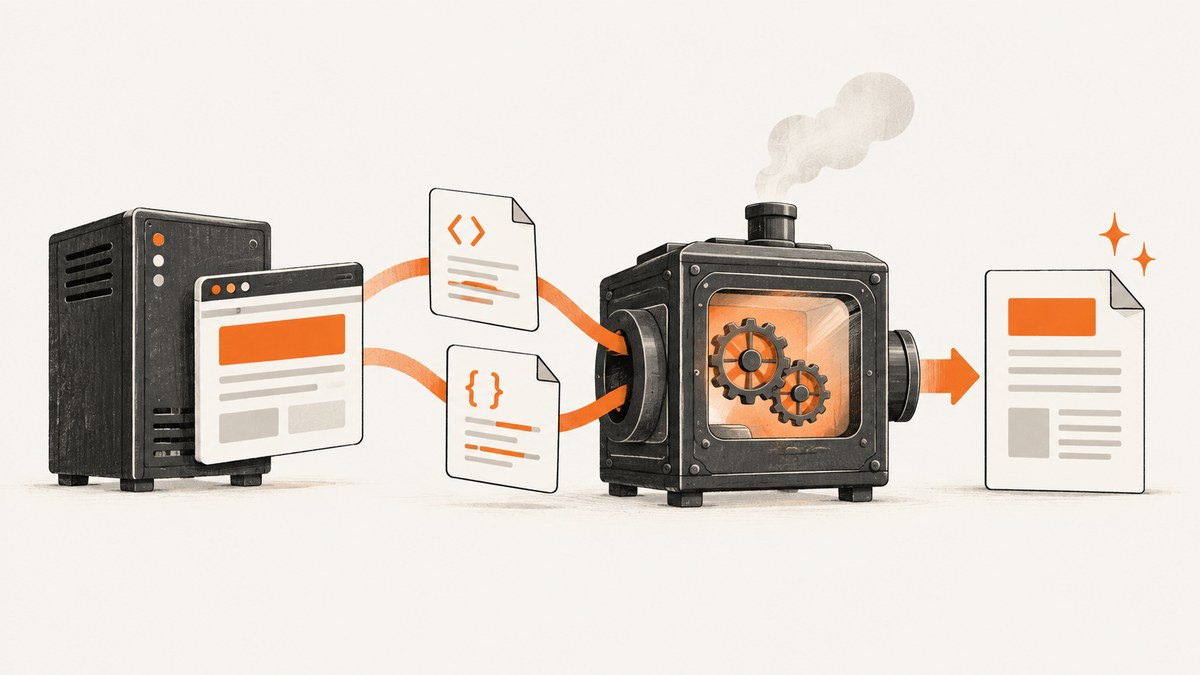
Short answer: Wicked PDF renders your HTML with an external wkhtmltopdf process. A stylesheet that works in a Rails browser view can disappear when that process cannot retrieve the CSS, images, fonts, or other assets. In Rails 3, also check media selection: stylesheet_link_tag defaults to media="screen", while print-only rules require Wicked PDF’s print_media_type: true.
Fix the problem in this order: identify the Rails and Wicked PDF versions, inspect the HTML sent to wkhtmltopdf, make every asset reference reachable from the renderer, precompile pipeline assets for production, then verify the renderer’s media mode.
1. Confirm the exact Rails 3 stack
Rails 3.0 normally serves stylesheets from public/stylesheets. Rails 3.1 and 3.2 introduced and expanded the Sprockets asset pipeline, with assets commonly stored under app/assets, lib/assets, or vendor/assets. The correct fix depends on which arrangement your application actually uses.
- Rails minor version: 3.0, 3.1, or 3.2.
- Wicked PDF gem version and its configuration.
wkhtmltopdf --versionoutput and whether the binary is patched Qt or an unpatched build.- Deployment operating system and the user running the Rails process.
- Whether Sprockets is enabled and whether production sets
config.assets.compile = false.
The current Wicked PDF README documents verification with Rails 4 through 7.0, so treat Rails 3 as a legacy combination and verify the versions installed in your own application. See the Wicked PDF README and the Rails 3.0 rendering guide.
2. Inspect the HTML before converting it
Do not start by changing CSS selectors. First prove that the PDF renderer receives the stylesheet link you expect. Wicked PDF provides an HTML debugging mode:
# In a controlled development or staging route
render pdf: 'invoice', show_as_html: params.key?('debug')
Request the route with ?debug=1, save or open the generated HTML, and inspect the final href in every <link rel="stylesheet">. The helper call in the ERB template is less useful than the URL that the renderer actually receives.
From the same host and runtime context as the Rails process, verify that each URL returns the expected content:
curl -I https://example.test/assets/pdf.css
curl -I https://example.test/images/company-mark.png
A browser request from your laptop does not prove that the server-side wkhtmltopdf process can resolve the host, authenticate, negotiate HTTPS, or read a local file.
3. Choose the correct asset strategy
Rails 3.0 without Sprockets
Place the PDF stylesheet beneath the public stylesheet directory expected by the application, for example public/stylesheets/pdf.css. Wicked PDF’s helpers are designed to create absolute references when the asset pipeline is not in use:
<%= wicked_pdf_stylesheet_link_tag 'pdf' %>If you use a normal HTML tag instead, ensure the generated URL is absolute and reachable by wkhtmltopdf. A relative path such as /stylesheets/pdf.css can fail when the renderer’s working directory or URL context differs from the browser request.
Rails 3.1 or 3.2 with Sprockets
Keep PDF styles in the asset locations supported by your application and include the file in the asset precompile list. A typical Rails 3 configuration is:
# config/environments/production.rb
config.assets.compile = false

# config/initializers/assets.rb (Rails 3.1/3.2)
Rails.application.config.assets.precompile += %w[pdf.css]
Precompile before deployment:
bundle exec rake assets:precompile RAILS_ENV=productionThen deploy the generated asset files and confirm that the PDF HTML points to the fingerprinted file. The Wicked PDF project recommends precompiling assets used by PDF views; a development success can become a production failure when compilation is disabled.
Use the asset helper supported by your installed Wicked PDF version and inspect its output. Do not assume that a browser-only helper will produce a file URL that the external process can read.
4. Make every dependency reachable
A valid top-level CSS link is only the first check. CSS can reference additional files that fail independently:
| Dependency | What to inspect | Typical fix |
|---|---|---|
| Images | src and CSS url(...) values |
Use absolute HTTP(S) URLs or renderer-readable file paths. |
| Fonts | @font-face source URLs and server permissions |
Expose the font to the renderer and verify format support. |
| Stylesheets | Every imported file and fingerprint | Precompile each dependency or bundle it into the PDF stylesheet. |
| JavaScript | Scripts that add classes or content | Verify script URLs and wait for execution when required. |
| Authenticated assets | Cookies, HTTP auth, or private hostnames | Provide renderer-accessible URLs or configure the required request context. |
Wicked PDF documents a case where one missing or incorrectly pathed image can interfere with other images in the output. Resolve retrieval errors before debugging the cascade.
5. Select screen or print media deliberately
Rails’ stylesheet_link_tag defaults to media="screen":
<%= stylesheet_link_tag 'application' %>
<!-- emits media="screen" by default in Rails 3 -->
If your PDF rules are inside @media print, or the stylesheet is linked with media="print", tell Wicked PDF to ask wkhtmltopdf for print media:
<%= wicked_pdf_stylesheet_link_tag 'pdf', media: 'print' %>

<%= render pdf: 'invoice',
           print_media_type: true %>
print_media_type: true passes --print-media-type to the binary. Confirm that the installed wkhtmltopdf build supports and honors the option; binary options vary by version.
If you do not need print-only rules, put the PDF declarations in a stylesheet that applies to the renderer’s chosen media. This avoids a silent mismatch between the stylesheet’s media attribute and the binary’s mode.
Example print stylesheet
/* public/stylesheets/pdf.css or app/assets/stylesheets/pdf.css */
body {
  background: #fff;
  color: #222;
  font-family: Arial, sans-serif;
}

@media print {
  .screen-only { display: none; }
  .page-break { page-break-after: always; }
}
6. Use a PDF-specific layout
Normal application layouts often include navigation, JavaScript, or asset references that are appropriate for a browser but fragile in an external renderer. Create a small layout that includes only the dependencies required by the document:
<!-- app/views/layouts/pdf.html.erb -->
<!doctype html>
<html>
  <head>
    <meta charset="utf-8">
    <%= wicked_pdf_stylesheet_link_tag 'pdf' %>
  </head>
  <body>
    <%= yield %>
  </body>
</html>
# Controller
render pdf: 'invoice',
layout: 'pdf',
print_media_type: trueKeep the PDF stylesheet self-contained where practical. Fewer imports make missing paths easier to identify and reduce conversion work.
7. Production verification checklist
- Generate the PDF in the same environment used by production.
- Open the debug HTML and record every stylesheet, image, font, and script URL.
- Request those URLs from the server host, not only from a developer workstation.
- Check web-server logs for 404, 403, redirect, and TLS errors.
- Confirm that pipeline assets were precompiled after the latest CSS change.
- Confirm the Rails process user can read local asset files.
- Run
wkhtmltopdf --versionand compare its supported options with your Wicked PDF configuration. - Regenerate after clearing stale cached assets or changing the cache-busting fingerprint.
8. Common errors and fixes
| Symptom | Likely cause | Fix |
|---|---|---|
| All PDF styling is missing | CSS URL is relative, private, or returns 404 | Inspect debug HTML and use a reachable absolute reference or the appropriate Wicked PDF helper. |
| Screen styles appear, print rules do not | Renderer is using screen media | Set print_media_type: true or move required rules into the active stylesheet. |
| Works in development, fails in production | Assets were not precompiled while config.assets.compile is false |
Add the PDF entry to the precompile list and deploy generated assets. |
| Images or backgrounds are absent | Nested url(...) or image path is invalid |
Test every dependency URL from the production host; correct protocol, host, and path. |
| Only some pages fail | One page references a missing asset or malformed CSS | Compare the failing HTML with a working page and isolate the first failed request. |
| Fonts are missing | Font URL or filesystem permissions prevent retrieval | Expose the font to the renderer and verify readable files and supported formats. |
| Option has no effect | Installed binary differs from the documented version | Check wkhtmltopdf --version and the option support for that build. |
| Layout differs from browser Print Preview | Different engine, media mode, viewport, or unsupported CSS | Use the actual Wicked PDF output as the reference and simplify unsupported layout rules. |
9. Performance, reliability, and maintenance
- Performance: Every conversion starts an external rendering process and retrieves its dependencies. A small PDF layout, fewer imports, and fewer remote assets reduce work.
- Reliability: Host assets on a stable, renderer-reachable origin. Avoid dependencies that require an interactive browser session unless you explicitly provide the needed cookies or headers.
- Deployments: Treat PDF CSS and fonts as release artifacts. Precompile them with the application version and verify the generated URLs after each deployment.
- Version risk: Wicked PDF delegates behavior to
wkhtmltopdf, and the binary’s supported flags vary. The wkhtmltopdf repository is archived and read-only, which is a maintenance consideration for a long-lived Rails 3 system. - Debugging: Capture the exact HTML and binary version for a failing document so another environment can reproduce the same input.
10. Or skip the browser setup
If your goal is a clean visual capture of a rendered page or a PDF rather than maintaining a legacy wkhtmltopdf installation, ScreenshotNeo provides a single HTTP request. Its capture service removes cookie and consent banners, newsletter popups, and chat widgets before the shot; bot checks, blank pages, failed loads, timeouts, and cache hits are not billed. Responses identify the page verdict and billing result in X-Page-Verdict and X-Billed headers. ScreenshotNeo also provides an MCP server so Claude, Cursor, and other MCP clients can take screenshots, inspect pages, or capture PDFs.

See the ScreenshotNeo API documentation for the complete option list, including full-page capture, CSS selectors, print/PDF settings, custom CSS and JavaScript, waits, blocked resources, headers, cookies, user agents, time zones, geolocation, caching, signed links, asynchronous jobs, bulk capture, and usage reporting.
cURL
curl -G "https://api.screenshotneo.com/v1/shot" \
  -d access_key=YOUR_API_KEY \
  --data-urlencode url=https://example.com/invoice \
  -o invoice.webp
Python
import requests

r = requests.get(
    "https://api.screenshotneo.com/v1/shot",
    params={"access_key": "YOUR_API_KEY", "url": "https://example.com/invoice"},
    timeout=90,
)
r.raise_for_status()
open("invoice.webp", "wb").write(r.content)
Node.js
const q = new URLSearchParams({
  access_key: 'YOUR_API_KEY',
  url: 'https://example.com/invoice'
});
const res = await fetch(`https://api.screenshotneo.com/v1/shot?${q}`);
if (!res.ok) throw new Error(`Screenshot failed: ${res.status}`);
const bytes = Buffer.from(await res.arrayBuffer());
require('fs').writeFileSync('invoice.webp', bytes);
The Free plan includes 1,000 screenshots each month with no card required. Paid plans start at $5 for 3,000 shots, and every feature is available on every plan. Create a free ScreenshotNeo account.
FAQ
Should I use media: 'print' on every PDF stylesheet?
No. Use it when the stylesheet or its rules are intentionally print-only. Otherwise, make the rules available in the active media mode and avoid an unnecessary media mismatch.
Why does adding print_media_type: true not restore my CSS?
That option changes media selection; it cannot repair a missing stylesheet. Verify the generated URL and HTTP response first.
Can Rails 3.0 use the asset pipeline fix?
Rails 3.0 applications commonly use public stylesheets without Sprockets. Confirm your application’s actual setup before adding Rails 3.1/3.2 asset configuration.
Is browser Print Preview a reliable test?
It is useful for checking intent, but it does not guarantee identical output. The PDF is rendered by the installed wkhtmltopdf binary with its own media and CSS support.


