How to Fix WickedPDF Hanging on macOS
Diagnose Wicked PDF hangs by checking the wkhtmltopdf binary, architecture, options, and assets, then isolate the cause outside Rails.
When Wicked PDF hangs on macOS, start by running wkhtmltopdf directly, outside Rails. Wicked PDF is a Rails wrapper around that external executable, so the hang can come from the binary, its CPU architecture, a wait option, the HTML or JavaScript, or inaccessible assets. Identify the executable and version, confirm the Mac architecture, and reproduce the problem with a minimal HTML file before changing application code.
This guide walks through that diagnosis, including Apple Silicon considerations, conflicting binary gems, --window-status, local files, observability, and when to move to a maintained browser renderer.
1. Record the environment and executable
Run these commands from the same shell and project environment used to start Rails. They show which executable PATH selects, its version, the Ruby version, and the machine architecture:
which wkhtmltopdf
wkhtmltopdf --version
ruby -v
uname -m
bundle exec ruby -e 'puts Gem.loaded_specs["wicked_pdf"]&.version || "wicked_pdf not loaded"'
bundle exec ruby -e 'puts Gem.loaded_specs.values_at("wkhtmltopdf-binary", "wkhtmltopdf-binary-edge").compact.map { |g| "#{g.name} #{g.version}" }'
uname -m commonly reports arm64 on Apple Silicon and x86_64 on Intel Macs. Compare that with the executable’s architecture and the version reported by the command. A shell can resolve a different file from the one Bundler or the Rails process uses, so the path is as important as the version.
The wkhtmltopdf downloads page lists a 64-bit macOS installer and identifies 0.12.6 as the stable series released June 11, 2020. That release information is historical; verify that the binary you deploy works on the macOS version and CPU architecture you actually use. [Official wkhtmltopdf downloads]
2. Check for architecture mismatches and duplicate providers
If the command fails immediately with Bad CPU type in executable, suspect an Intel-only binary being launched in a context that cannot run it. This has been reported on Apple Silicon, and macOS-specific reports have also described both wkhtmltopdf-binary and wkhtmltopdf-binary-edge installed together. Remove the conflicting provider and deliberately choose one executable that matches the runtime. [Documented macOS binary report]
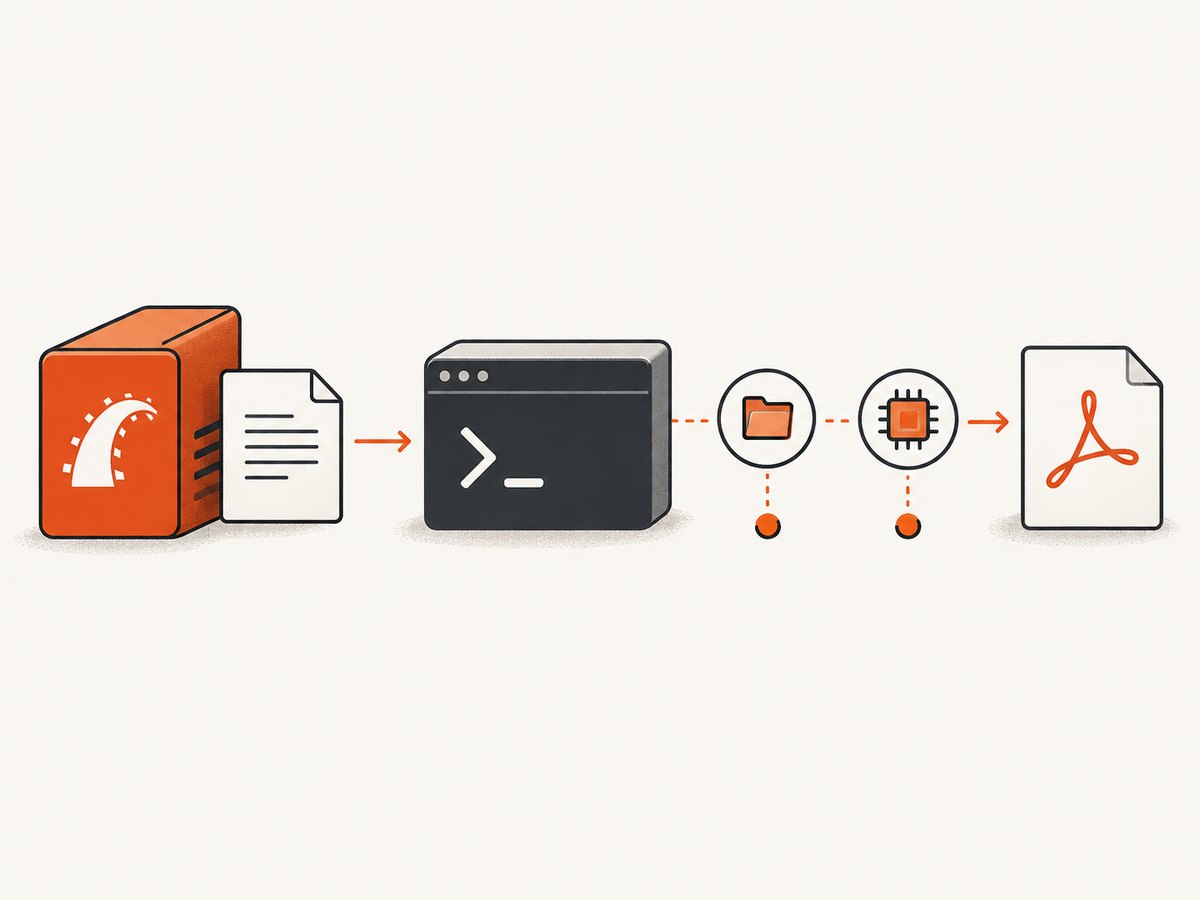
Inspect the actual executable before changing dependencies. On macOS, file "$(which wkhtmltopdf)" can help identify its architecture. If you use Homebrew, a gem-provided binary, or a manually installed package, record the source and path. Avoid relying on whichever binary happens to appear first on PATH.
file "$(which wkhtmltopdf)"
command -v wkhtmltopdf
bundle info wicked_pdf
If two gems provide the executable, uninstall or remove the unused provider from the bundle, then reinstall and verify the selected path. Do not assume that upgrading the wrapper gem also replaces the external binary.
3. Point Wicked PDF at the known executable
Wicked PDF documents exe_path as the setting for selecting the wkhtmltopdf executable. Use an absolute path so the Rails process does not depend on a different PATH than your terminal. [Wicked PDF project documentation]
# config/initializers/wicked_pdf.rb
WickedPdf.configure do |config|
  config.exe_path = "/absolute/path/to/wkhtmltopdf"
end
Replace the example with the path you verified. Restart Rails after changing the initializer. If the app runs under a service manager, IDE, or container, confirm that the file exists and is executable from that process’s environment too.
4. Reproduce the conversion outside Rails
This step separates a renderer problem from a controller, template, or wrapper problem. Create a small local file and convert it directly:
cat > /tmp/wkhtmltopdf-check.html <<'HTML'
<!doctype html>
<html>
  <head><meta charset="utf-8"><title>Renderer check</title></head>
  <body><h1>PDF renderer check</h1><p>Local minimal fixture.</p></body>
</html>
HTML
wkhtmltopdf /tmp/wkhtmltopdf-check.html /tmp/wkhtmltopdf-check.pdf
ls -l /tmp/wkhtmltopdf-check.pdf
If this hangs, Rails is not the cause. Focus on wkhtmltopdf, its arguments, macOS runtime, or the binary installation. If it finishes, compare the direct command with the arguments and temporary input that Wicked PDF uses. The wrapper’s logs and generated command can reveal an option that the minimal command did not include.
Next, add only the relevant parts of the failing page to the fixture: first stylesheets and images, then scripts, then application-specific options. This makes it easier to identify the first addition that causes the stall.
5. Remove waits that never complete
Check whether your options include --window-status. With an expected status such as ready, wkhtmltopdf waits until the page sets window.status to that exact value. If the script never sets it, conversion can wait indefinitely. A documented report traces a hang to this behavior. [wkhtmltopdf window-status issue]
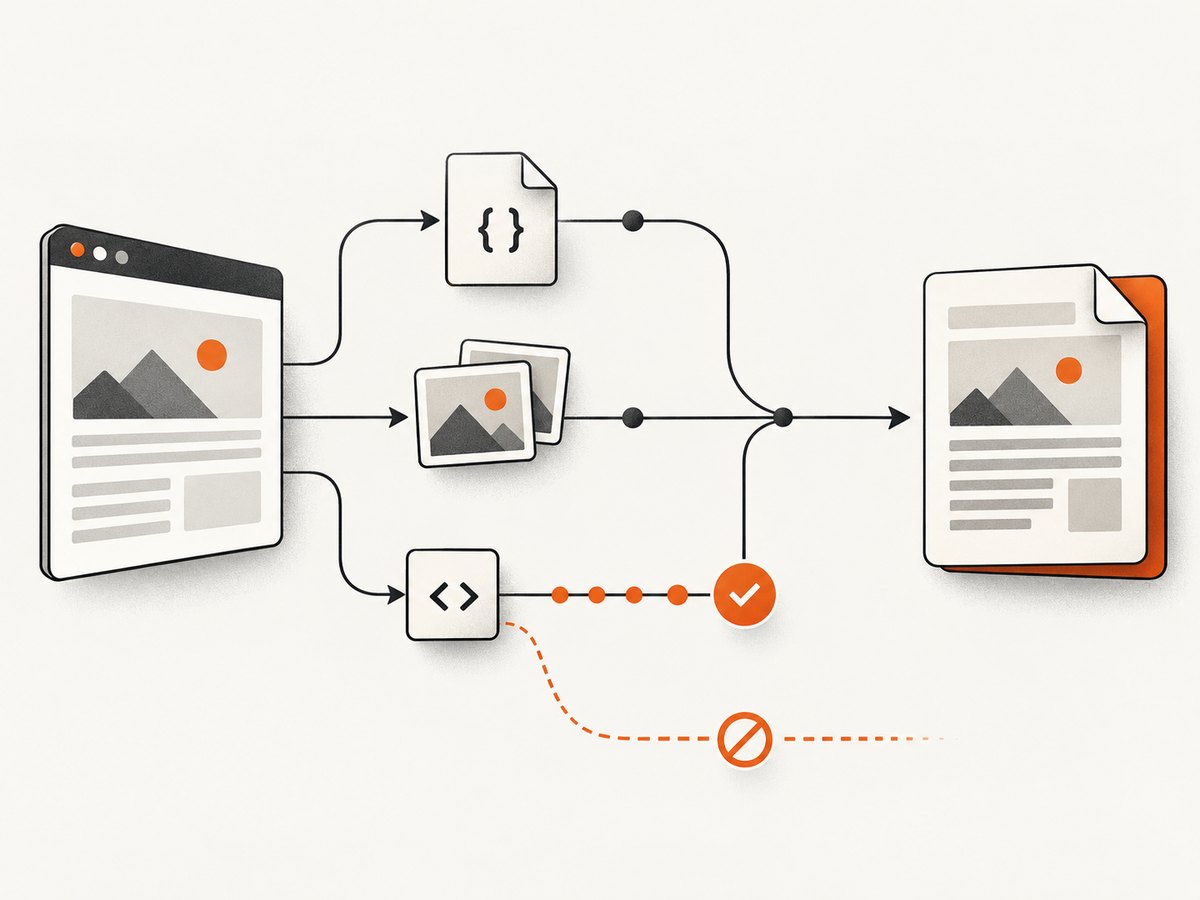
Temporarily remove the option to see whether conversion finishes. If the page genuinely needs to wait for JavaScript, set the requested value only after the required work completes:
<script>
  // Run the page work required for the PDF first.
  window.status = "ready";
</script>
Use the exact value expected by the command. A typo, conditional branch that never runs, or script error can leave the process waiting. Avoid a readiness signal that depends on an external request which may never resolve; handle failures and make the page reach its completion state predictably.
6. Check stylesheets, images, and local-file access
wkhtmltopdf runs as an external process. It cannot automatically see assets through the browser session or Rails request context. Use URLs that the process can access, or the asset helpers supported by your Wicked PDF setup. Check that the Rails process and wkhtmltopdf have permission to read local files.
When the document intentionally references local assets, review the local-file access option for your wkhtmltopdf version and enable it only as needed. Confirm the path resolves from the renderer’s environment. Missing images, inaccessible stylesheets, and asset URLs that work only in a browser session can change the rendering behavior or produce incomplete output. [Wicked PDF documentation]
Try a fixture with no external resources, then add each asset back. If the hang appears when one URL is added, test that URL from the same machine and process environment. For authenticated resources, use a renderer-accessible URL or provide the necessary request context using supported options.
7. Improve observability while diagnosing
- Turn off quiet mode, if enabled, and preserve standard error output.
- Record the full command, arguments, input path, output path, and working directory.
- Keep the HTML fixture small and save it so the same case can be rerun.
- Compare the command run directly with the one Wicked PDF invokes.
- Use a timeout in your own diagnostic shell or job supervisor so a stuck process does not block investigation forever.
Do not discard stderr while diagnosing. Messages about unsupported options, blocked files, missing resources, or runtime failures can point to the cause even when Rails only reports a conversion failure.
8. Common errors and fixes
| Symptom | Likely cause | What to do |
|---|---|---|
| Command hangs with no output | --window-status waits for a value the page never sets, or page JavaScript/resources do not finish. |
Remove the wait option, test a minimal fixture, then restore scripts and assets one at a time. |
Bad CPU type in executable |
Binary architecture does not match the machine or process environment. | Inspect with file, install a compatible binary, and verify the path Rails actually uses. |
| It works in Terminal but hangs in Rails | Rails resolves another executable, runs with a different PATH, or supplies additional options. | Set exe_path explicitly and compare the logged command and arguments. |
| Styles or images are absent | Assets are not reachable from the external process, or local-file access is restricted. | Use reachable absolute URLs or supported helpers; check permissions and local-file settings. |
| Two wkhtmltopdf versions appear in the project | Multiple gems or installation methods provide the binary. | Choose one provider, remove the duplicate, and verify the resolved executable. |
| Direct minimal conversion also stalls | Problem is below Rails: binary, renderer arguments, HTML, runtime, or assets. | Reduce to a minimal fixture, retain stderr, and add complexity gradually. |
9. Performance, reliability, and security
Rendering time depends on the document and the work the renderer must do: JavaScript, remote assets, fonts, and images can all add waits. Reduce unnecessary scripts and resources in PDF templates, and avoid waiting for a status or resource that is unrelated to the finished document. When processing multiple documents in a web request, consider moving conversion into a background job and applying an application-level timeout and retry policy appropriate to the workload.
Reliability also depends on maintaining a compatible executable across developer machines and deployment hosts. Pin and document the binary source and version, verify it in the target environment, and keep a small conversion fixture available for upgrades. The wkhtmltopdf project is archived, so ongoing compatibility problems are a reason to evaluate a maintained browser-based renderer. [wkhtmltopdf project status]
Security matters especially when HTML is user-supplied. The wkhtmltopdf project warns against processing untrusted HTML without sanitizing user-supplied HTML and JavaScript because it can compromise the server. Treat conversion as execution of potentially active content: sanitize inputs, restrict network and file access where possible, and isolate the renderer from sensitive resources. [wkhtmltopdf security warning]
10. When to keep Wicked PDF and when to migrate
Keeping Wicked PDF can make sense when your existing templates render reliably, your deployed binary matches the runtime, and its output meets your CSS and JavaScript needs. Migration becomes more attractive when an archived renderer repeatedly fails on supported macOS versions, the required browser behavior is missing, or maintaining old deployment dependencies costs more than adapting templates.
| Decision factor | Keep and repair wkhtmltopdf | Evaluate a modern browser renderer |
|---|---|---|
| Compatibility | Existing Wicked PDF templates and options already work. | Current browser rendering behavior or platform support is required. |
| Deployment | You can pin and distribute a compatible executable. | Binary/runtime maintenance is a recurring deployment burden. |
| Debugging | The direct command reproduces the issue and has a clear fix. | Failures persist after path, architecture, options, and assets are isolated. |
| Migration effort | Templates rely on established Wicked PDF behavior. | You can validate output and update templates against a different engine. |
For a service that returns screenshots or PDFs without managing a local browser executable, ScreenshotNeo is an alternative to try first. Its API accepts one GET request with a URL, and its parameter names also work with those used by other screenshot APIs. See the ScreenshotNeo website and API documentation.
Or skip the browser setup
For a URL-based PDF or screenshot capture, ScreenshotNeo makes a single API call. This is useful when the task is capturing a web page rather than rendering a Rails template. The service removes cookie banners, newsletter popups, and chat widgets before the shot; bot checks, blank pages, and failed loads are never billed. Its MCP server lets AI agents take screenshots. The free plan includes 1,000 screenshots a month with no card, and paid plans start at $5 for 3,000.
curl -G "https://api.screenshotneo.com/v1/shot" -d access_key=YOUR_API_KEY --data-urlencode url=https://stripe.com -o shot.webpUse the API documentation for output and capture options. Sign up for 1,000 free screenshots a month, with no card required.
Frequently asked questions
Does Wicked PDF generate PDFs by itself?
No. It wraps the external wkhtmltopdf process, so the executable, arguments, and page content matter to diagnosis. [Wicked PDF project]
Does an Apple Silicon Mac always need Rosetta for wkhtmltopdf?
Not universally. Check the binary architecture and test the exact executable in the environment where Rails runs; compatibility depends on the binary and runtime.
How should I report a reproducible bug?
Include macOS version, CPU architecture, wkhtmltopdf version and path, Ruby and gem versions, the full command, and a small HTML/CSS/JavaScript example. The project support guidance asks for environment details and a reproducible test case. [wkhtmltopdf support guidance]
Can a screenshot API replace Wicked PDF for every Rails PDF?
No. A URL capture service is suited to capturing a reachable web page. Rails templates that rely on server-side rendering, local files, or application-specific PDF behavior may still need a renderer integrated with that application.


