How to Fix WickedPDF Rendering Differences Between Development and Production
Diagnose WickedPDF differences with a reproducible checklist for binaries, assets, fonts, timing, DPI, and production-safe fixes.
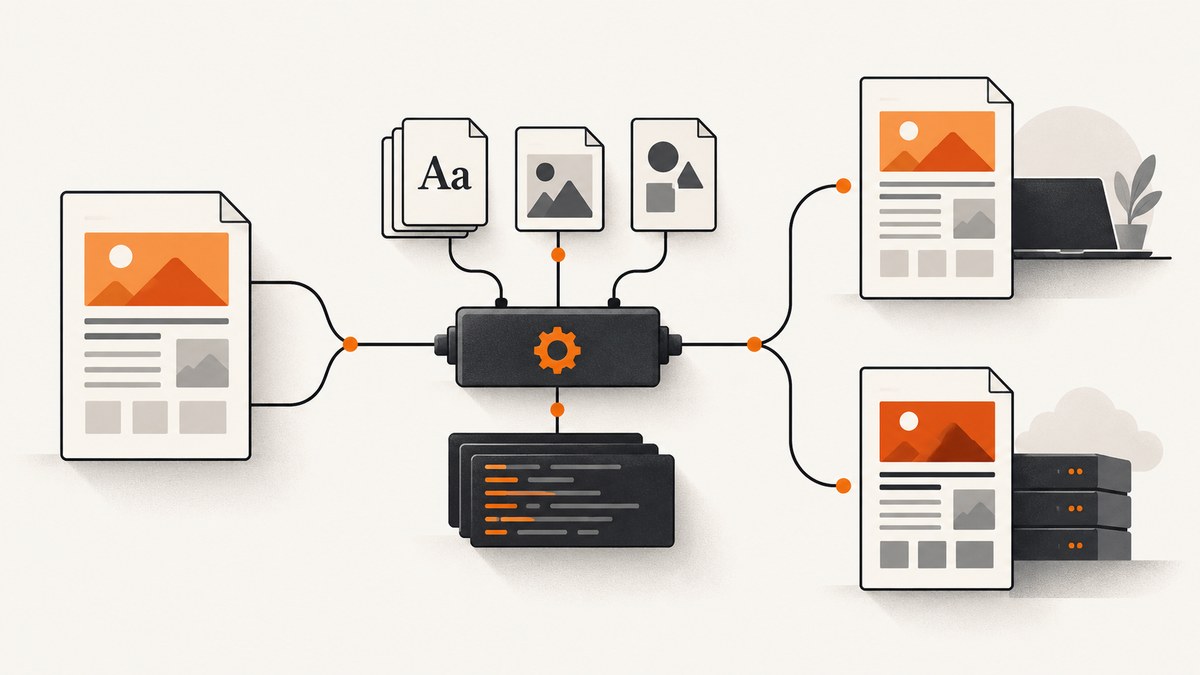
Short answer: WickedPDF is a Rails wrapper around the separate wkhtmltopdf process. When a PDF differs in production, compare the renderer executable and build, operating system libraries, installed fonts, compiled asset URLs, local-file and network access, JavaScript completion, and scaling options. Capture the exact HTML, command options, logs, and version output from both environments before changing one variable at a time.
The Rails view can render correctly in a browser while the production renderer cannot load its stylesheet, uses a different font, finishes JavaScript too early, or applies different DPI and shrinking rules. This guide gives a repeatable investigation for Rails applications using WickedPDF and wkhtmltopdf.
1. How WickedPDF rendering works
WickedPDF writes HTML and assets to temporary files and then executes wkhtmltopdf. That means two systems affect the result:
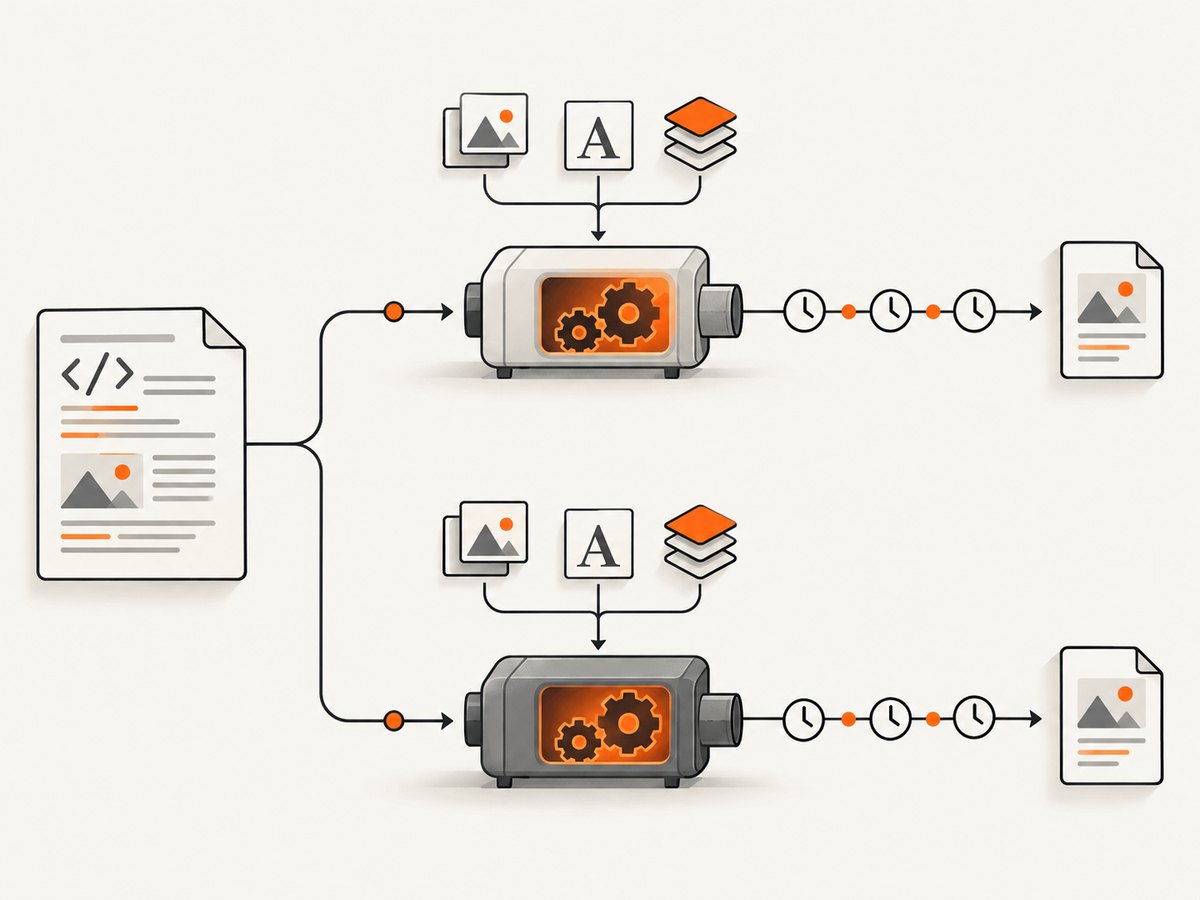
- Rails: templates, helpers, asset manifests, URLs, authentication, and generated data.
- The renderer process: its binary build, Qt/WebKit behavior, filesystem, environment variables, libraries, fonts, network access, and command-line flags.
A production-only difference usually means one of those inputs changed. Do not assume that the wkhtmltopdf found on your shell PATH is the binary used by the web process or job worker.
2. Build a reproducible comparison first
- Generate the same record and PDF parameters in development and production.
- Save the rendered HTML, the complete WickedPDF option set, the resulting PDF, and stdout/stderr.
- Record Rails, Ruby, WickedPDF, and wkhtmltopdf versions, plus the configured executable path.
- Compare page size, page count, text extraction, image presence, font appearance, and page breaks.
Run the version command as the application user, inside the production container or host:
which wkhtmltopdf
wkhtmltopdf --version
ruby -v
bundle exec ruby -e 'puts Gem.loaded_specs["wicked_pdf"]&.version'
WickedPDF supports an explicit executable path. Set it rather than relying on an inherited PATH when the binary lives in a nonstandard location:
# config/initializers/wicked_pdf.rb
WickedPdf.config ||= {}
WickedPdf.config.merge!(
  exe_path: ENV.fetch("WKHTMLTOPDF_PATH", "/usr/local/bin/wkhtmltopdf")
)
Verify that this path exists and is executable from the same service account that creates PDFs. A web dyno and a background worker can have different PATH values or container images.
3. Fix missing CSS, images, and fonts
Inspect URLs from the renderer’s point of view
Open the generated HTML or a WickedPDF HTML-preview endpoint and inspect every stylesheet, script, image, and font URL. A browser page using relative URLs may work while wkhtmltopdf receives a file URL, a private hostname, or an asset host that is unreachable from production.
Use WickedPDF helpers where appropriate:
<%= wicked_pdf_stylesheet_link_tag "invoice" %>
<%= wicked_pdf_javascript_include_tag "invoice" %>
<%= wicked_pdf_image_tag "logo.png", alt: "Company logo" %>
For setups that require remote assets, use absolute HTTPS URLs and confirm production DNS, TLS, authentication, and outbound firewall rules. Check the response status and content type with a request made from the production runtime.
Precompile the assets used by PDF views
Production Rails commonly runs with config.assets.compile = false. In that mode, an asset that was available through the development pipeline can be absent unless it was precompiled. Add PDF-specific entry points to the precompile list, deploy the manifest, and confirm that the digest names referenced in generated HTML exist.
# config/initializers/assets.rb
Rails.application.config.assets.precompile += %w[
  invoice.css
  invoice.js
  logo.png
]
After deployment, check the actual release directory and asset host. A stale manifest, a missing digest, or a stylesheet imported only by a development entry point can produce an unstyled PDF.
Local files and access controls
wkhtmltopdf has local-file access controls. If a PDF references a local image or stylesheet, verify that the installed build supports the required flag and pass the narrowest permitted path. Avoid enabling broad filesystem access as a general fix. If the input HTML or CSS is user-controlled, sanitize it and prevent requests to internal hosts; a PDF process that can fetch arbitrary URLs can expose internal services.
4. Match operating systems, libraries, and fonts
“Static” wkhtmltopdf packages still depend on parts of the host runtime. The upstream download guidance calls out libc differences between distributions, Alpine’s musl libc, and fontconfig/freetype2 dependencies. A binary that runs on a developer laptop can behave differently or fail in a production image with another libc, architecture, or library set.
Record the base image or OS release and compare the runtime libraries in both environments. Use a build intended for the production distribution, then run a smoke capture during deployment.
cat /etc/os-release
uname -m
ldd "$(command -v wkhtmltopdf)" || true
fc-list | head -30
Fonts are rendering inputs. If a requested family is missing, fontconfig may silently substitute another face. Different glyph widths change line wrapping, table heights, and pagination. Install the same font files and fontconfig configuration in each environment, and verify that the process user can read them. Do not treat any particular font package as a universal fix; identify the missing family from the PDF and the environment inventory.
5. Make JavaScript and loading deterministic
If JavaScript inserts totals, charts, images, or page content, wkhtmltopdf can capture before that work finishes. The usage manual documents both a delay and a window-status wait. Prefer an application-controlled completion signal over an arbitrary long sleep.
# Rails controller example
render pdf: "invoice",
       javascript_delay: 500,
       window_status: "pdf-ready"
In the view, set the status after required work completes:
<script>
  Promise.resolve(renderInvoiceChart()).then(() => {
    document.title = "Invoice";
    window.status = "pdf-ready";
  });
</script>
Confirm that the installed binary accepts the option. Some distributions ship older or patched builds. Enable renderer logging and load-error reporting where supported, then inspect stderr for failed scripts, blocked resources, and timeouts.
6. Compare page geometry and scaling options
Small option changes can move a page break. Compare paper size, orientation, margins, DPI, zoom, smart shrinking, and print-media behavior. Keep these values in source control instead of allowing environment-specific defaults.
render pdf: "invoice",
       page_size: "A4",
       margin: { top: 12, bottom: 12, left: 10, right: 10 },
       orientation: "Portrait",
       print_media_type: true,
       zoom: 1.0
The WickedPDF documentation describes a platform example in which Linux uses 75 DPI and Windows commonly uses 96 DPI, with 0.78125 (75/96) shown as a matching zoom value. Treat that as a comparison example, not a universal prescription. Measure the page and text output before adopting it.
Smart shrinking can alter CSS pixel-to-page scaling. If a layout must remain stable, compare runs with the same smart-shrinking setting and explicit page dimensions. Changing zoom to hide an asset or font problem usually creates a second problem in pagination.
7. A practical diagnostic checklist
| Area | Evidence to collect | Typical correction |
|---|---|---|
| Renderer | Executable path, version, build, supported flags | Pin one known binary and configure exe_path |
| Host | OS, libc, architecture, shared libraries, permissions | Use a compatible package and install required runtime libraries |
| Assets | Resolved CSS, JS, image, and font URLs; HTTP status | Precompile entries, use reachable absolute URLs, fix credentials |
| Fonts | Installed families and fontconfig output | Install matching files and refresh font configuration |
| Timing | Script completion, network requests, logs | Use a completion status or measured delay |
| Geometry | Paper, margins, DPI, zoom, shrinking, media type | Set identical explicit options in both environments |
| Security | HTML origin, local-file and URL permissions | Restrict access and sanitize untrusted markup |
8. Common errors and fixes
“PDF is unstyled”
Cause: CSS was not precompiled, the URL is relative, or the asset host is unreachable. Fix: inspect generated HTML, confirm the digest file exists, use the WickedPDF stylesheet helper or an absolute URL, and test from the production process.
“Images work locally but disappear in production”
Cause: private storage, incorrect protocol, blocked network access, or local-file restrictions. Fix: provide a reachable URL or narrowly enable the required local path; inspect load errors and permissions.
“Text wraps differently or pages shift”
Cause: different fonts, DPI, zoom, paper settings, or smart shrinking. Fix: compare inventories and explicit options, install matching fonts, then change one geometry variable at a time.
“JavaScript content is missing”
Cause: capture occurs before asynchronous work completes. Fix: wait for a deterministic window status or a measured delay and verify scripts are supported by the binary.
“Unknown long option”
Cause: the production wkhtmltopdf build is older or packaged differently. Fix: run wkhtmltopdf --extended-help, remove unsupported flags, or deploy the intended build.
“Command works in SSH but fails in the app”
Cause: different user, PATH, working directory, environment, or sandbox permissions. Fix: run the exact command as the worker user with an absolute executable path and capture stderr.
“Production PDF times out”
Cause: unreachable asset, slow JavaScript, blocked DNS, or a page waiting on an external request. Fix: inspect logs and network access, remove unnecessary requests, and set a bounded timeout appropriate to the job queue.
9. Performance, reliability, and cost considerations
Rendering time is dominated by page complexity, remote assets, JavaScript, fonts, and process startup. Keep PDF views small, self-contained, and deterministic. Avoid loading analytics, chat widgets, advertisements, or third-party resources in print templates. Cache stable assets and reuse a pinned renderer image so upgrades do not silently change pagination.
For reliability, run a representative PDF smoke test after deploying a new OS image, wkhtmltopdf binary, font set, or asset pipeline. Store renderer stderr with the job record. Retry only transient failures; a missing asset or unsupported option will fail repeatedly. Compare PDFs from identical input data when investigating a regression.
For cost, account for CPU and memory per renderer process and for queue concurrency. A longer JavaScript delay increases worker occupancy. If a document can be generated from static HTML, remove unnecessary waits and network calls rather than simply raising timeouts.
10. Or skip the browser setup
If your goal is a clean screenshot or PDF of a web page rather than a Rails-specific PDF pipeline, ScreenshotNeo provides a single HTTP request. Its capture service handles cookie and consent banners before the shot and removes more than 60 known consent platforms, newsletter popups, and chat widgets. Failed bot checks, blank pages, timeouts, failed loads, and cache hits are not billed; the response reports the verdict and billing status in X-Page-Verdict and X-Billed headers. An MCP server provides take_screenshot, get_page_info, and capture_pdf tools for Claude, Cursor, and other MCP clients.
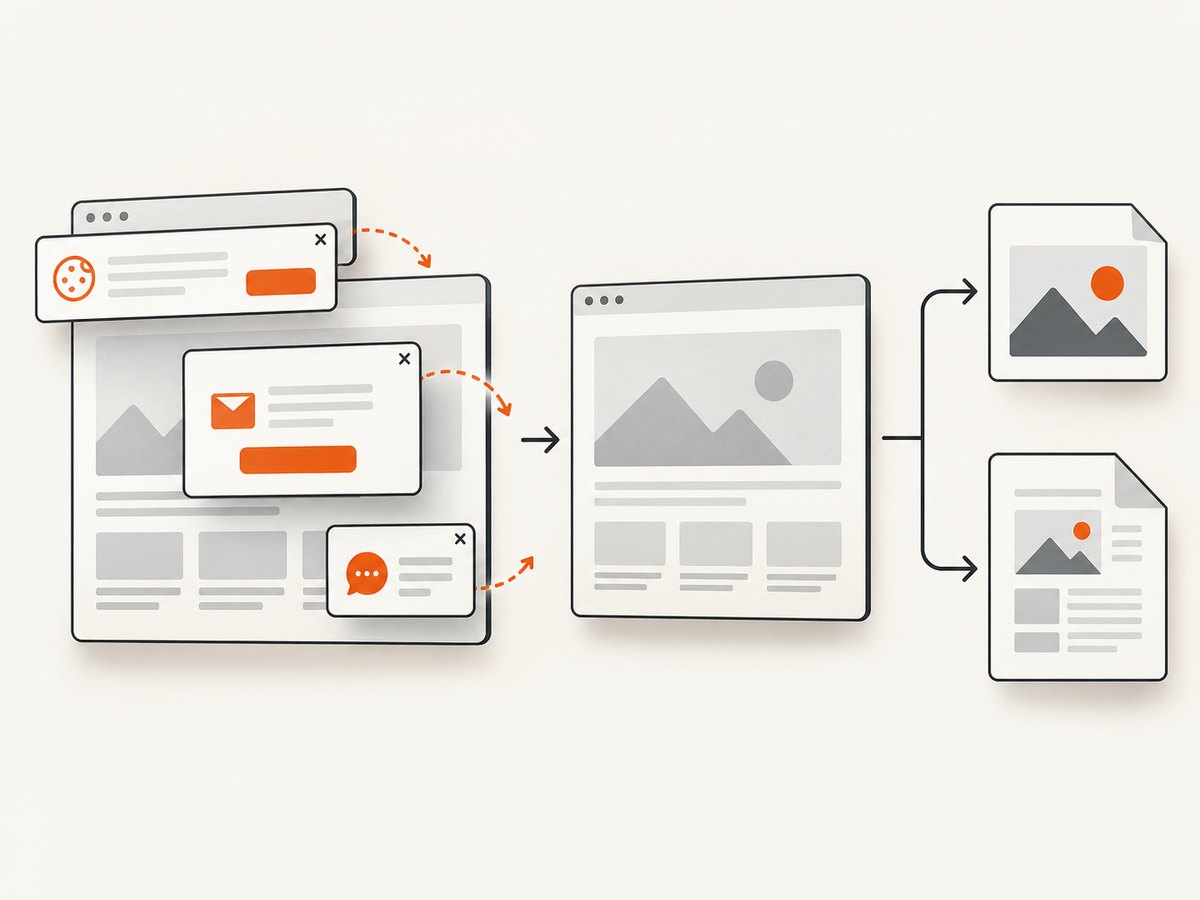
See the ScreenshotNeo API documentation for options such as full-page capture, CSS-element capture, device presets, retina scale, PDF paper and margin controls, custom CSS and JavaScript, waits, request blocking, headers, cookies, user agents, timezone, geolocation, caching, signed links, asynchronous jobs, bulk capture, and usage reporting.
curl -G "https://api.screenshotneo.com/v1/shot" -d access_key=YOUR_API_KEY --data-urlencode url=https://stripe.com -o shot.webpimport requests
r = requests.get("https://api.screenshotneo.com/v1/shot", params={"access_key": "YOUR_API_KEY", "url": "https://stripe.com"}, timeout=90)
open("shot.webp", "wb").write(r.content)const q = new URLSearchParams({ access_key: 'YOUR_API_KEY', url: 'https://stripe.com' });
const res = await fetch(`https://api.screenshotneo.com/v1/shot?${q}`);There are 1,000 screenshots per month free with no card. Paid plans start at $5 for 3,000 shots, and every feature is available on every plan. Create a free ScreenshotNeo account.
11. Frequently asked questions
Should development and production use the same wkhtmltopdf version?
Yes, when reproducibility matters. Pin the executable and build, then verify the path used by the application process.
Is an absolute asset URL always sufficient?
No. DNS, TLS, authentication, firewall rules, and renderer permissions still determine whether the process can fetch it.
Can changing zoom fix every layout difference?
No. Zoom can compensate for a known DPI mismatch, but it cannot repair missing fonts, CSS, images, or early JavaScript capture.
How do I prove a font is the problem?
Compare installed font families and fontconfig output, then render the same HTML after installing the matching font. Check line breaks and glyph metrics in both PDFs.
When should I replace WickedPDF?
First identify whether the issue is an input or environment mismatch. If you need hosted capture, predictable browser setup, or agent-driven screenshots, evaluate ScreenshotNeo alongside the documented fixes.
The correct fix is the smallest evidenced change: identify what differs, reproduce it with identical HTML and options, correct that input, and retain the comparison artifacts so the next deployment can be checked quickly.


