How to Fix wkhtmltoimage Capturing Only a Bar Instead of the Full Page
Diagnose bar-only wkhtmltoimage captures with dimension checks, viewport fixes, JavaScript timing, lazy loading tests, and reliable alternatives.
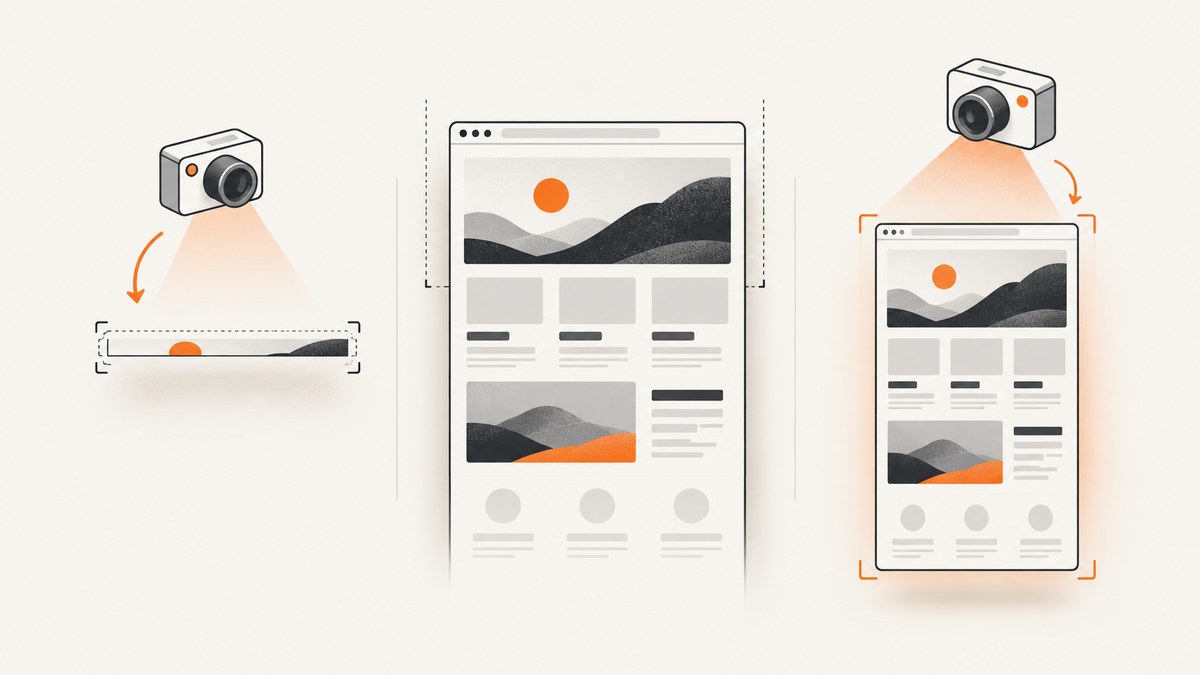
Direct answer: a bar-only image usually means wkhtmltoimage calculated or received a very short capture height, or the page itself is clipping content through fixed heights, overflow rules, viewport breakpoints, JavaScript timing, or lazy loading. First record the output pixel dimensions and your wkhtmltoimage version. Then test an explicit width, height, and JavaScript delay while checking the page layout.
The exact cause cannot be confirmed without the page URL, command, output dimensions, binary version, and logs. Work through the checks below in order.
1. Inspect the output dimensions first
Use an image tool to inspect the PNG dimensions. If the file is only a few pixels or a few dozen pixels high, the capture viewport is short. If the file has the expected height but the visible content is only a strip, investigate CSS, responsive layout, JavaScript, or lazy loading.
# ImageMagick
identify page.png

# GraphicsMagick
 gm identify page.png

# Python (Pillow)
python - <<'PY'
from PIL import Image
im = Image.open("page.png")
print(im.size)
PY
wkhtmltoimage documents screen height as calculated from page content by default and provides explicit --height and --width options. See the Ubuntu wkhtmltoimage manual.
2. Run a controlled diagnostic capture
Start with a known width, a deliberately tall height, a short delay, and JavaScript diagnostics:
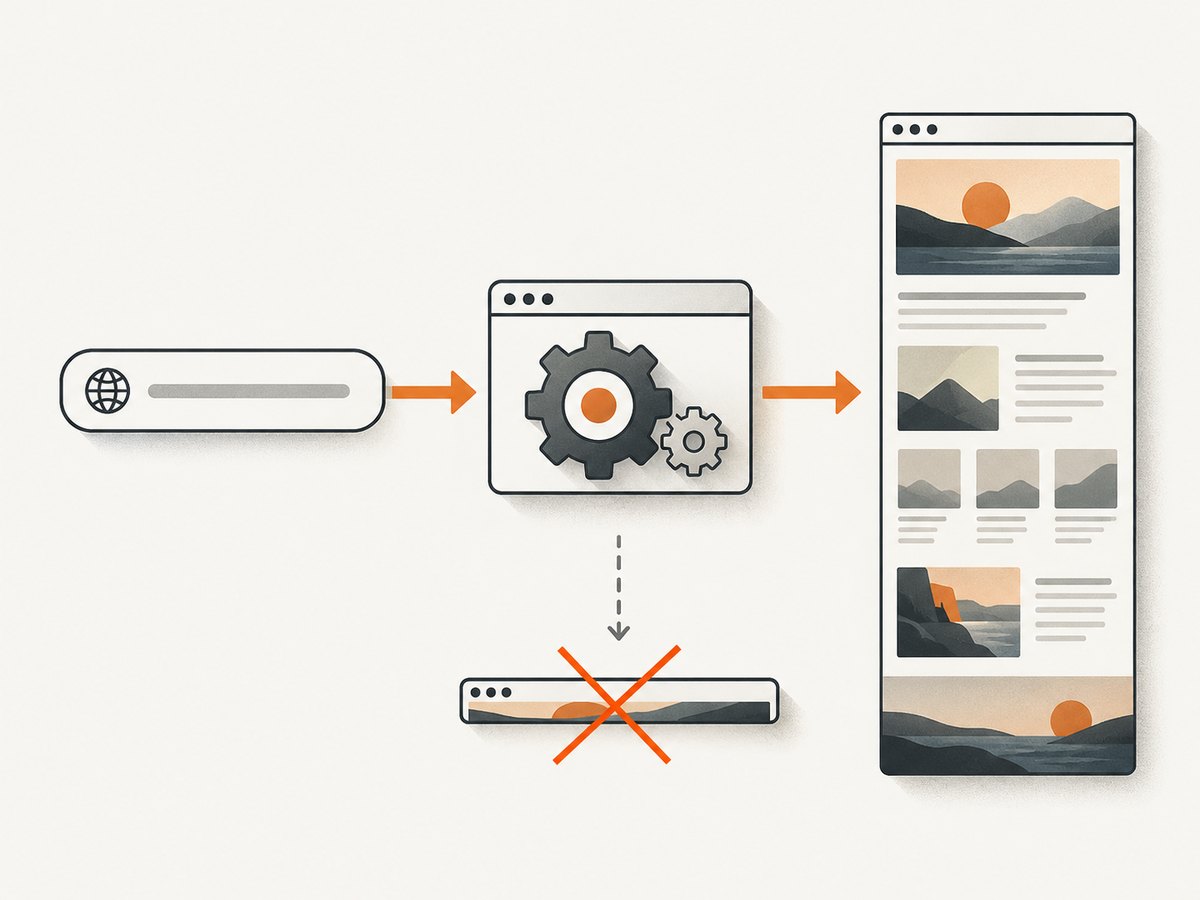
wkhtmltoimage \
  --debug-javascript \
  --width 1280 \
  --height 3000 \
  --javascript-delay 1500 \
  'https://example.test/page' \
  page-diagnostic.png
The height and delay above are diagnostic values, not universal settings. Compare the resulting pixel dimensions and visible content with the original capture. If this produces a tall file, make the smallest option change that fixes your real command.
3. Check CSS that can reduce the visible page to a bar
A taller screenshot cannot reveal content that the page layout clips. Inspect the target page in a normal browser and look for:
- Fixed-height wrappers such as
height: 40pxaround the main content. overflow: hiddenoroverflow: clipon a parent element.- Absolutely positioned content outside the document flow.
- A child using
height: 100vhwhen the capture viewport is short. - Responsive rules triggered by the chosen width.
- A horizontal navigation or notification bar covering the rest of the page.
Use browser developer tools to disable suspicious height and overflow declarations. If the page then renders normally, fix the page CSS or inject a narrowly scoped override for capture.
wkhtmltoimage \
  --width 1440 \
  --height 4000 \
  --custom-header 'User-Agent' 'Mozilla/5.0' \
  'https://example.test/page' \
  page.png
A custom user agent is only useful when the site serves different markup to bots or small clients. Do not assume it fixes a layout clipped by CSS.
4. Test viewport width and responsive breakpoints
Viewport width can switch the page into a mobile or tablet layout. A layout that is full height at 1440 pixels may collapse into a navigation bar at a narrow width, or the reverse. Capture the same URL at several widths and compare dimensions:
for width in 768 1024 1280 1440; do
  wkhtmltoimage \
    --width "$width" \
    --height 3000 \
    --javascript-delay 1000 \
    "https://example.test/page" \
    "page-${width}.png"
done
The project issue archive contains an individual report involving --viewport-size, custom scrollbars, and CSS overflow. Treat that report as a diagnostic lead rather than proof that the option resolves every bar-only capture.
5. Account for JavaScript rendering time
If the page is an application shell, its content may not exist when wkhtmltoimage takes the screenshot. The --javascript-delay option waits after page load; the settings reference names the corresponding setting load.jsdelay.
wkhtmltoimage \
  --width 1280 \
  --height 3000 \
  --javascript-delay 3000 \
  --debug-javascript \
  'https://example.test/app' \
  app.png
Use a delay as a diagnostic first step. When you control the page, make readiness deterministic instead: render the content server-side, expose a stable completion state, or ensure the required data request finishes before capture.
Record the executable version before relying on timing flags:
wkhtmltoimage --version
wkhtmltoimage --extended-help | less
A historical issue documents a problem with --javascript-delay and --window-status in version 0.12.2, marked fixed in milestone 0.12.2.1. That is version-specific evidence, not a guarantee for every later build. Another issue involving window-status waiting on a JavaScript-heavy page was closed as invalid, so --window-status is not a universal readiness signal.
6. Check lazy-loaded content
Images, charts, maps, and application panels may load only after they enter the visible viewport. A project report records images that failed to load when visibility was required. Test the page by scrolling through it in a browser and watching the network panel. If content appears only after scrolling, a single initial capture may never trigger it.
Possible fixes include:
- Use a page mode that renders the complete content before capture.
- Change the application so important content does not depend solely on an intersection observer.
- Replace lazy image placeholders with regular image URLs for the capture route.
- Capture a purpose-built print or export page.
Do not treat lazy loading as confirmed without reproducing it on the specific page.
7. Use JavaScript diagnostics and a minimal reproduction
Keep the exact command and stderr output. Then compare the target with a minimal local page:
cat > /tmp/capture-test.html <<'HTML'
<!doctype html>
<html>
  <body style="margin:0">
    <div style="height:2400px;background:linear-gradient(#fff,#9cf)">
      Test content
    </div>
  </body>
</html>
HTML

wkhtmltoimage --debug-javascript --width 1280 --height 3000 \
  file:///tmp/capture-test.html test.png
identify test.png
If the local page is tall but the target is a bar, focus on the target’s CSS, JavaScript, resources, or response headers. If both are short, focus on the installed binary and command options.
8. Common symptoms and fixes
| Symptom | Likely area | What to do |
|---|---|---|
| Output file is physically short | Calculated or explicit height | Inspect dimensions; set a test --height; check document content height. |
| File is tall but content is clipped | CSS layout | Inspect fixed heights, overflow, positioning, and viewport breakpoints. |
| Only a header or navigation bar appears | JavaScript or responsive layout | Increase width, add a diagnostic delay, inspect console output, and compare with a static page. |
| Images or charts are missing | Lazy loading or failed resources | Check network requests and whether scrolling triggers the resource. |
| Delay appears ignored | Binary behavior or version | Record wkhtmltoimage --version; compare help output and test another supported build. |
| Different machines produce different results | Fonts, binary, viewport, or network | Pin the binary, fonts, width, user agent, and readiness conditions. |
9. Reliability and performance checklist
- Pin and record the wkhtmltoimage version.
- Log the full command, URL, output dimensions, stderr, and exit status.
- Use an explicit viewport width for reproducible responsive behavior.
- Prefer deterministic page readiness over a large arbitrary delay.
- Keep capture pages free of unnecessary third-party scripts and widgets.
- Use a bounded timeout in the surrounding job runner.
- Retry transient network failures, but do not blindly retry a deterministic CSS failure.
- Compare output dimensions in CI so a bar-only regression is detected early.
Large widths, long delays, complex JavaScript, and full-page images increase CPU, memory, and wall-clock time. Capture a dedicated export route when the production page contains animations or interactive state.
10. Or skip the browser setup
ScreenshotNeo provides a website screenshot API and MCP server. One request returns a PNG, JPEG, WebP, or PDF, with options for full-page capture, lazy images, custom viewport and device presets, waiting for selectors or network idle, custom CSS and JavaScript, hidden selectors, resource blocking, headers, cookies, user agents, timezone, geolocation, and caching. The API parameter names used by other screenshot services also work.

See the ScreenshotNeo API documentation for the complete option list.
cURL
curl -G "https://api.screenshotneo.com/v1/shot" \
  -d access_key=YOUR_API_KEY \
  --data-urlencode url=https://example.test/page \
  -o page.webp
Python
import requests

r = requests.get(
    "https://api.screenshotneo.com/v1/shot",
    params={"access_key": "YOUR_API_KEY", "url": "https://example.test/page"},
    timeout=90,
)
r.raise_for_status()
open("page.webp", "wb").write(r.content)
Node.js
const q = new URLSearchParams({
  access_key: 'YOUR_API_KEY',
  url: 'https://example.test/page'
});
const res = await fetch(`https://api.screenshotneo.com/v1/shot?${q}`);
if (!res.ok) throw new Error(`Screenshot failed: ${res.status}`);
const body = Buffer.from(await res.arrayBuffer());
require('fs').writeFileSync('page.webp', body);
Before capture, ScreenshotNeo accepts the cookie or consent banner like a visitor and removes more than 60 known consent platforms, newsletter popups, and chat widgets; each step can be turned off. Bot checks, CAPTCHAs, blank pages, timeouts, failed loads, and cache hits cost nothing, and each response reports the result with X-Page-Verdict and X-Billed headers. Its MCP server includes take_screenshot, get_page_info, and capture_pdf for Claude, Cursor, and other MCP clients.
The Free plan includes 1,000 screenshots per month with no card. Paid plans start at $5 for 3,000 shots; every feature is available on every plan. Create a free ScreenshotNeo account.
FAQ
Will increasing --height always fix a bar?
No. It helps when the output viewport is genuinely too short. CSS clipping, responsive breakpoints, JavaScript timing, and lazy loading can still produce a bar.
Should I use --window-status instead of a delay?
Only when the page reliably sets the expected status and your binary handles it correctly. Historical issues show version-specific behavior, so verify it with your exact build.
How do I prove whether wkhtmltoimage or the page is responsible?
Capture a tall minimal local HTML file with the same binary. A normal local result points toward the target page’s layout, scripts, or resources.
Can a screenshot service capture a full page without maintaining wkhtmltoimage?
Yes. ScreenshotNeo accepts a URL and supports full-page capture, waits, viewport controls, and page cleanup through one API request.


