How to Fix Font Rendering Issues in wkhtmltoimage
Fix wrong fonts, missing Unicode glyphs, and blurry text in wkhtmltoimage by checking the Qt build, fontconfig, font files, access, and fallback behavior.
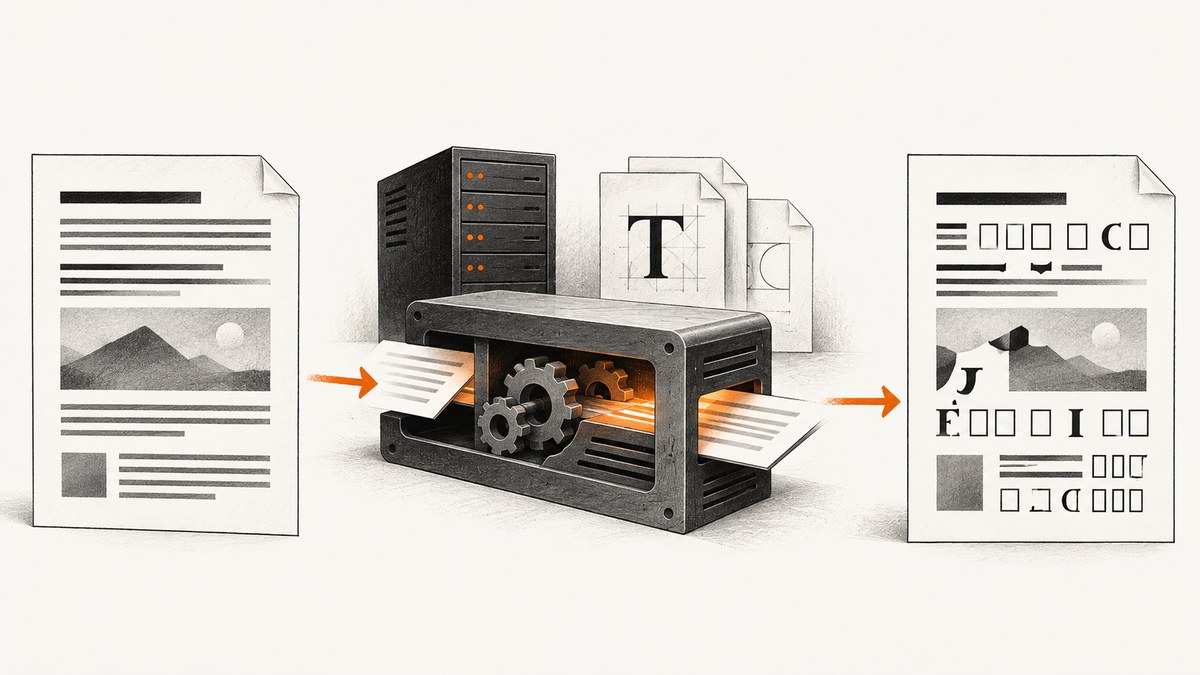
wkhtmltoimage font problems usually come from the rendering environment, not just the CSS declaration. Its output depends on the exact Qt WebKit build, operating system, fontconfig, FreeType, and font files visible to the process. Fix the issue by identifying the production binary, confirming the font and glyph coverage at the system level, checking local or remote font loading, and then testing fallback and raster quality separately.
wkhtmltoimage renders HTML into images using Qt WebKit. A CSS family name is only a request: if the family is missing or lacks a character, Qt may substitute another family, and missing glyphs can appear as boxes. The reliable approach is to make fonts available to the same user and runtime that performs capture, specify deliberate script-aware fallbacks, and verify the result with a minimal page. The wkhtmltopdf project describes both wkhtmltoimage and wkhtmltopdf as command-line tools using Qt WebKit.
1. Identify the renderer that actually runs
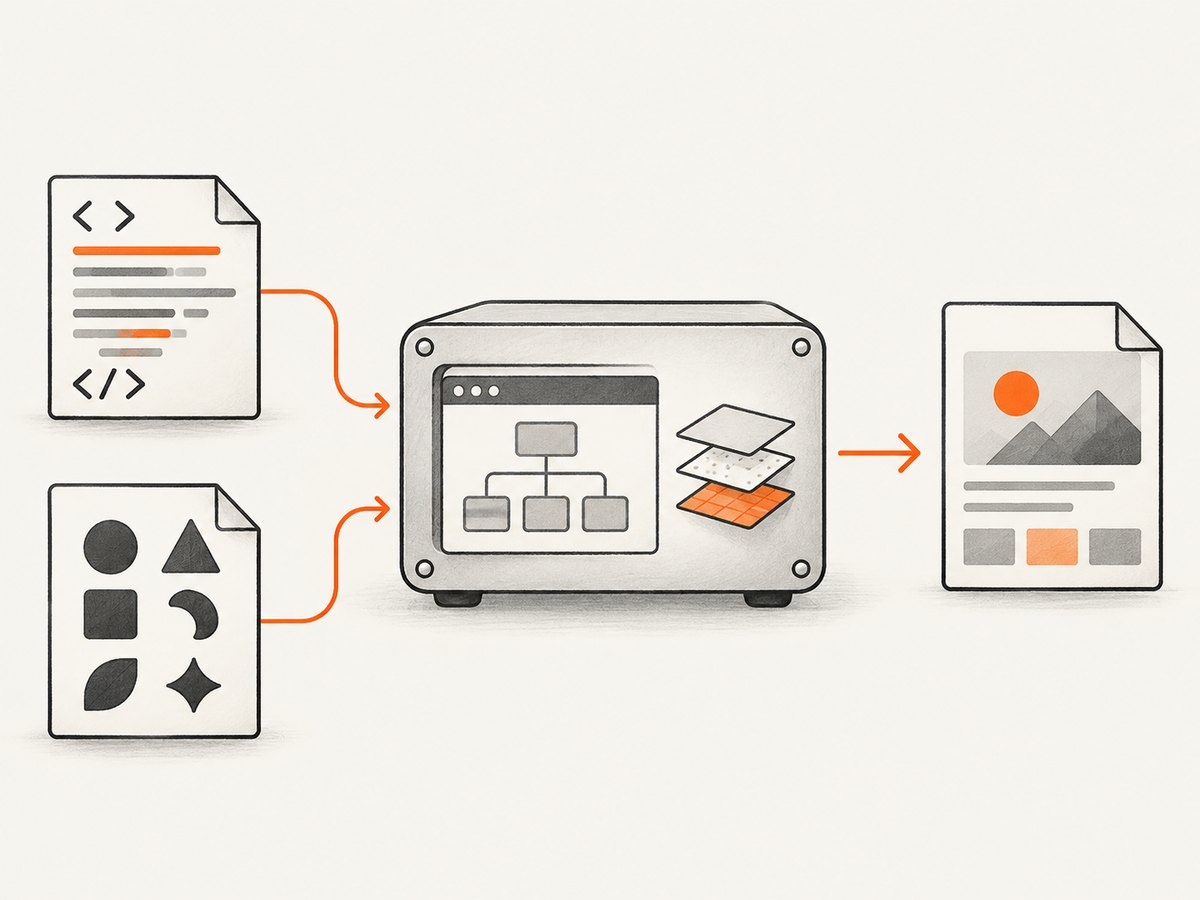
Start with the executable used in the failing environment. A developer laptop, a container, and a production Linux host may run different binaries or library builds even when they report similar versions. Linux issue reports describe differences in font behavior between 0.12.x builds, so record the exact environment before changing CSS.
wkhtmltoimage --version
command -v wkhtmltoimage
uname -a
cat /etc/os-release
Save the output alongside the rendered image and HTML. Also record the architecture, the user account running the command, and whether the binary is packaged by the operating system or bundled by your application. Reproduce under that same account: a font installed for an interactive user may not be visible to a service user.
2. Confirm the font exists and covers the text
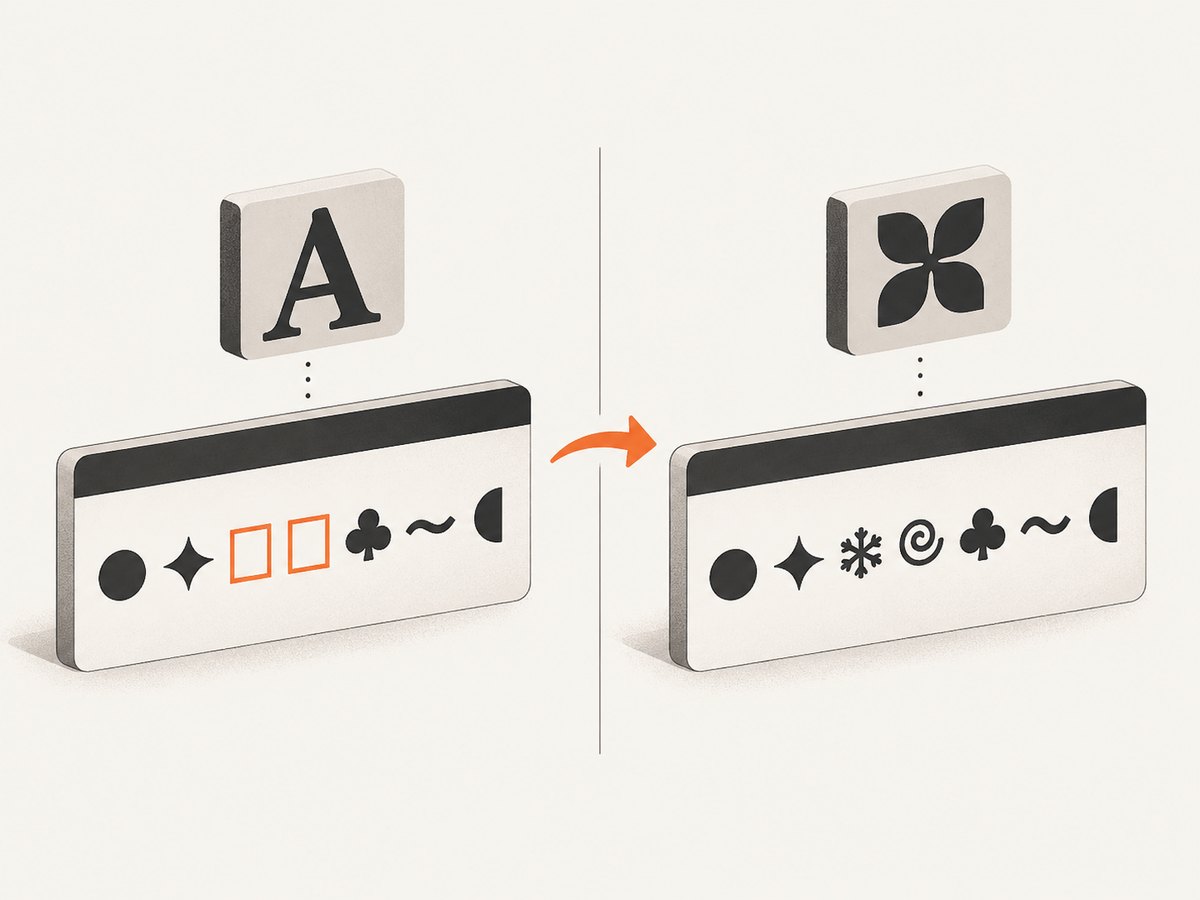
Check the operating system before investigating CSS. Qt normally uses fontconfig to access system fonts, with FreeType involved in font handling. The requested family must be installed, visible to the process, and contain the glyphs used in the page. A font can render Latin text correctly while lacking Arabic, CJK, Cyrillic, emoji, or another script.
# Linux examples; use the commands available in your distribution
fc-match "Your Font Family"
fc-list | grep -i "Your Font Family"
fc-match "Fallback Family"
If the relevant tools are unavailable, inspect the installed font packages or font directories for your distribution. Refresh the fontconfig cache using the operating system’s normal mechanism after installing or changing fonts. Then rerun the conversion as the same user that will generate production images. A browser on your workstation is not a substitute for this check: its font collection and rendering stack may be different.
Use a known TrueType (.ttf) or OpenType (.otf) file that is compatible with the deployed Qt and FreeType stack. Confirm its license permits your intended use and distribution. Keep an explicit fallback family that supports each script present in the content. Qt can substitute a supporting font when the requested family is unavailable, but substitution can be visually different and character-level fallback has been reported as unreliable in some 0.12-era builds.
3. Reduce the page to a reproducible font test
Remove layout complexity so you can distinguish font selection from loading, fallback, and rasterization. Save a small HTML file with one heading and two paragraphs: one ASCII sample and one sample containing the affected script. Use an explicit family stack, a fixed font size, and no web application JavaScript.
<!doctype html>
<html>
<head>
  <meta charset="utf-8">
  <style>
    body { font-family: "Your Font Family", "Script Fallback", sans-serif; }
    h1 { font-size: 32px; }
    p { font-size: 18px; }
  </style>
</head>
<body>
  <h1>Font rendering test</h1>
  <p>ASCII sample: Aa 0123456789 fi fl AV</p>
  <p>Unicode sample: replace this with the affected script</p>
</body>
</html>
wkhtmltoimage --format png font-test.html font-test.pngIf ASCII and the affected script both use the wrong design, investigate whether the requested family is installed or whether another build is running. If ASCII looks correct but the second paragraph has boxes or unrelated glyphs, focus on glyph coverage and fallback. To isolate fallback, apply the intended family directly to a span containing the affected script. If that helps, split script-specific fragments into separate elements with explicit families; this can be a practical workaround for builds that do not reliably choose a fallback per character.
4. Make local @font-face files accessible
When using a local font file, verify the URL in the HTML resolves from the document’s location, the file is readable by the converter user, and local-file access is permitted. wkhtmltoimage exposes the setting load.blockLocalFileAccess; command-line builds also provide the --enable-local-file-access option. Check the option supported by your binary with its help output.
wkhtmltoimage --extended-help
wkhtmltoimage --enable-local-file-access file:///absolute/path/font-test.html output.png
A minimal CSS declaration might look like this:
@font-face {
  font-family: "Bundled Test";
  src: url("file:///absolute/path/fonts/test-font.ttf") format("truetype");
  font-weight: normal;
  font-style: normal;
}
body { font-family: "Bundled Test", sans-serif; }
Use the actual absolute path and a format compatible with the renderer. Validate that the file can be opened by the same process user. A relative URL that works in a browser may resolve against a different base when the HTML is loaded from disk. If local access is disabled, a valid font URL can still fail silently or fall back. Avoid relying on anecdotal workarounds such as dummy elements or alternate declarations as universal fixes: behavior can vary across builds.
5. Diagnose remote web fonts and capture timing
For Google Fonts or another remote provider, check outbound network access, DNS, TLS compatibility, and whether the stylesheet and font file actually load in the runtime. Remote delivery adds dependencies that a local font test does not have. Bundle a permitted local copy when repeatable rendering matters, and keep a system-font fallback for network or format failures.
If styles or fonts are injected after page load, increase the load delay and compare successive captures. The load.jsdelay setting waits after page load before capture; it can give late-loading resources more time, but it cannot teach an older renderer to parse an unsupported font format.
wkhtmltoimage --javascript-delay 1500 https://example.com page.pngUse the smallest delay that consistently captures the required page state. Longer waits increase job time and do not fix blocked requests, invalid URLs, or unsupported formats. When possible, make the font stylesheet available before capture and ensure page code signals readiness after it applies the relevant styles.
6. Separate font selection from visual quality
Once the correct glyph design appears, assess spacing, kerning, hinting, and edge smoothing. If the family and glyphs are correct but the image still looks different from Chrome or Firefox, the Qt WebKit build may be the limiting factor. CSS smoothing properties, including -webkit-font-smoothing, do not behave consistently across these environments. The wkhtmltopdf issue tracker also documents long-running kerning and smoothing reports.
Compare captures made with the same HTML, font file, dimensions, and binary. Do not change several CSS properties at once: first confirm the selected font, then compare metrics and raster quality. If browser-identical text rendering is a hard requirement and the difference remains in the minimal test, changing the font stack may not resolve it; evaluate a renderer whose output matches your target environment.
7. A practical diagnostic checklist
- Record the runtime: version, binary path, operating system, architecture, and execution user.
- Verify the family: use fontconfig or the platform’s font tools to confirm the family is visible to that user.
- Check glyph coverage: test ASCII and the affected script separately; choose a fallback with the needed characters.
- Minimize the page: remove application code and render a heading and two paragraphs.
- Check file access: validate local font URLs, permissions, format, and the local-file-access setting.
- Check network and timing: for remote fonts, confirm availability and allow time for late loading.
- Judge quality last: after glyph selection is correct, compare kerning, anti-aliasing, and hinting.
8. Common errors and fixes
| Symptom | Likely cause | Fix |
|---|---|---|
| Requested family renders as a different typeface | The family is absent, not visible to the service user, or not named as expected. | Install it in the runtime, refresh the font cache, verify with fontconfig, and rerun as the production user. |
| Boxes appear for Unicode characters | The selected font lacks those glyphs, or fallback is not working for the script. | Choose a font with coverage; assign a script-specific family to that text and test it directly. |
| Local @font-face silently falls back | Bad URL resolution, unreadable file, blocked local access, or unsupported format. | Use a readable absolute URL, enable local file access where appropriate, and test a compatible TTF/OTF. |
| Google Font differs from browser output | Network/load failure, a different font format, or a different Qt/WebKit build. | Check remote delivery and timing, then test a bundled local copy and compare with a system fallback. |
| Font works intermittently | Font CSS or JavaScript arrives after the capture point, or network behavior varies. | Wait for a selector or readiness condition where supported, increase jsdelay modestly, and remove unnecessary remote dependencies. |
| Correct face, but spacing or edges look wrong | Renderer metrics, FreeType behavior, hinting, or anti-aliasing differ. | Verify the exact font and binary, then treat remaining variation as renderer-specific; CSS smoothing may not fix it. |
| Looks correct locally but wrong in production | Different binary, OS libraries, fonts, architecture, or user context. | Run the minimal reproduction in the production image with the production executable and account. |
9. Performance, reliability, and cost considerations
System fonts avoid a network fetch and can make rendering more repeatable, provided the environment is managed consistently. Bundled fonts make the dependency explicit, but add files, licensing considerations, and local-access configuration. Remote web fonts are convenient but add network and timing failure modes. Choose based on whether deployment control, ease of updates, or remote consistency matters most.
A larger JavaScript delay may improve capture timing when a page loads fonts asynchronously, but it increases latency for every capture using that setting. Prefer deterministic local resources and a page-ready condition where available. Pinning the converter build and keeping a small regression page with representative scripts can catch changes when the OS image or binary is updated. Compare image output across the same dimensions and settings; visual differences alone do not establish which environment is correct.
wkhtmltoimage is open source, but operating and debugging it still has engineering costs: maintaining compatible system packages, fonts, and reproducible runtime images. A hosted screenshot API can remove the need to install and maintain a local browser capture stack, though it is a different workflow and should be evaluated against the required rendering controls.
Or skip the browser setup
For a hosted capture workflow, ScreenshotNeo takes a URL and returns a screenshot or PDF. Its API can remove cookie banners, newsletter popups, and chat widgets before the shot; bot checks, blank pages, and failed loads are never billed. An MCP server lets Claude, Cursor, and other MCP clients take screenshots. The Free plan includes 1,000 shots per month with no card, and paid plans start at $5 for 3,000.
Use the API key from your account and request a capture:
curl -G "https://api.screenshotneo.com/v1/shot" \
  -d access_key=YOUR_API_KEY \
  --data-urlencode url=https://stripe.com \
  -o shot.webp
See the ScreenshotNeo API documentation for request options. Create a free account for 1,000 screenshots a month, with no card required.
10. Frequently asked questions
Does wkhtmltoimage use the same fonts as my browser?
Not necessarily. It uses Qt WebKit and depends on the fonts and libraries available in its own runtime. A desktop browser rendering the same page does not prove that the converter can access the same font.
Can a CSS family declaration install a font?
No. It asks the renderer to select a family. The font must be installed and visible, or supplied through a working and accessible font resource.
Will a longer delay fix every web-font problem?
No. A delay only helps when the font is still loading after the page becomes ready. It does not fix a blocked URL, missing file, absent glyph, or unsupported font format.
Why are some scripts right and others missing?
The selected face may cover only some of the page’s characters, and some builds may not choose a character-level fallback reliably. Test the script directly and give it an explicit family with the needed coverage.
Can CSS make wkhtmltoimage text pixel-identical to Chrome?
Not reliably. Even with the correct font, the Qt WebKit and system rasterization stack can produce different kerning and anti-aliasing. Confirm the runtime and font first, then decide whether the remaining renderer difference is acceptable.


