How to Fix Occasional Freezes in wkhtmltoimage
Diagnose wkhtmltoimage freezes by separating readiness waits, failed resources, and version-specific bugs with a reproducible workflow.
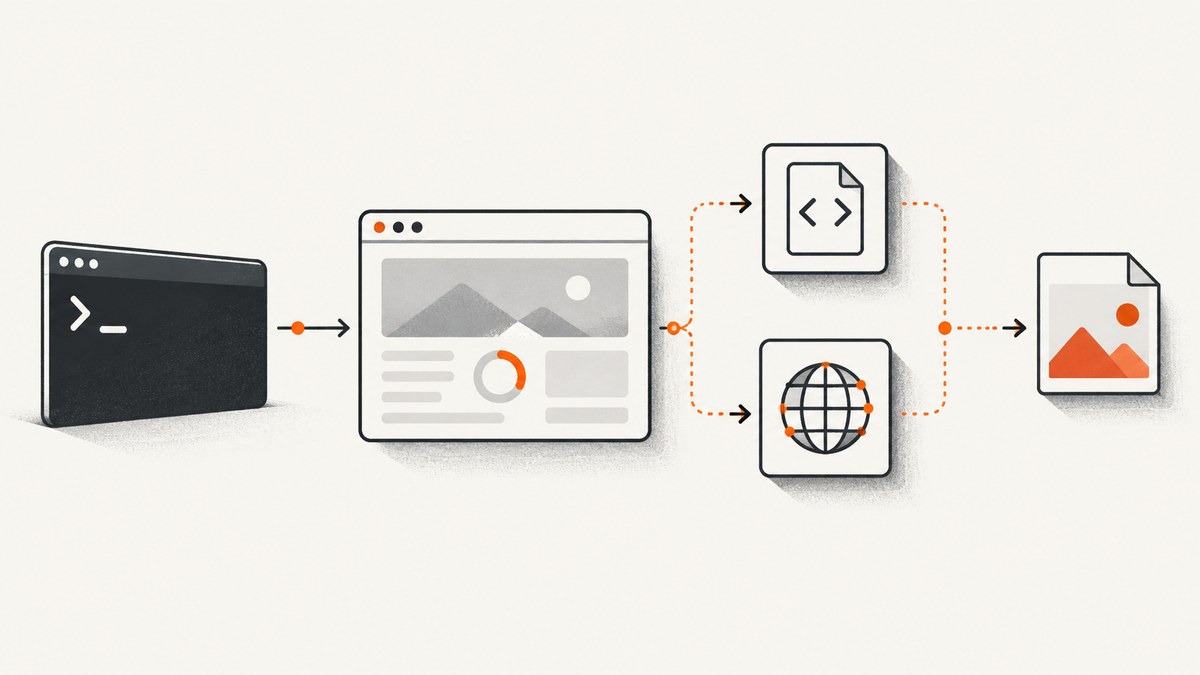
Occasional wkhtmltoimage freezes are usually caused by one of three things: the process is waiting for a readiness condition, a page resource never completes, or a version-specific WebKit/loader problem has left the process stuck. There is no universal switch that fixes every build. The reliable approach is to capture the exact failure, remove readiness gates one at a time, isolate external resources, and compare the output file with the exit status.
This guide gives you a repeatable investigation for Debian packages, patched builds, containers, and CI jobs. It also shows how to replace a fragile local browser process with an HTTP screenshot service when that is a better operational fit.
1. Capture a useful failure record first
Do not start by changing five flags at once. Run the exact command again and preserve enough information to compare successful and failed runs.
wkhtmltoimage --version
uname -a
/usr/bin/time -v wkhtmltoimage \
  --log-level info \
  --debug-javascript \
  https://example.com /tmp/example.png \
  >/tmp/wkhtmltoimage.stdout 2>/tmp/wkhtmltoimage.stderr
status=$?
printf 'exit_status=%s\n' "$status"
ls -l /tmp/example.png 2>/dev/null || true
Record the complete command, input URL or HTML, installed version and build provenance, operating system and architecture, elapsed time, final log lines, return code, and whether an image was written. Keep the output file even when the command exits nonzero. Historical reports include cases where an image existed alongside a network-error status, so “a file was created” and “the process succeeded” are separate observations.
| Observation | What it suggests | Next check |
|---|---|---|
| Stops before any page log | Executable, permissions, or process startup issue | Run a local static HTML file and verify the binary path |
| Waits indefinitely after page scripts run | Readiness gate or never-ending JavaScript | Remove --window-status and adjust --javascript-delay |
| Logs a missing image, font, or script | Resource failure or unreachable dependency | Render a minimal page, then restore resources individually |
| Image exists but exit status is nonzero | Output and network/error reporting disagree | Inspect stderr and decide whether the image is acceptable |
2. Check readiness gates before blaming the renderer
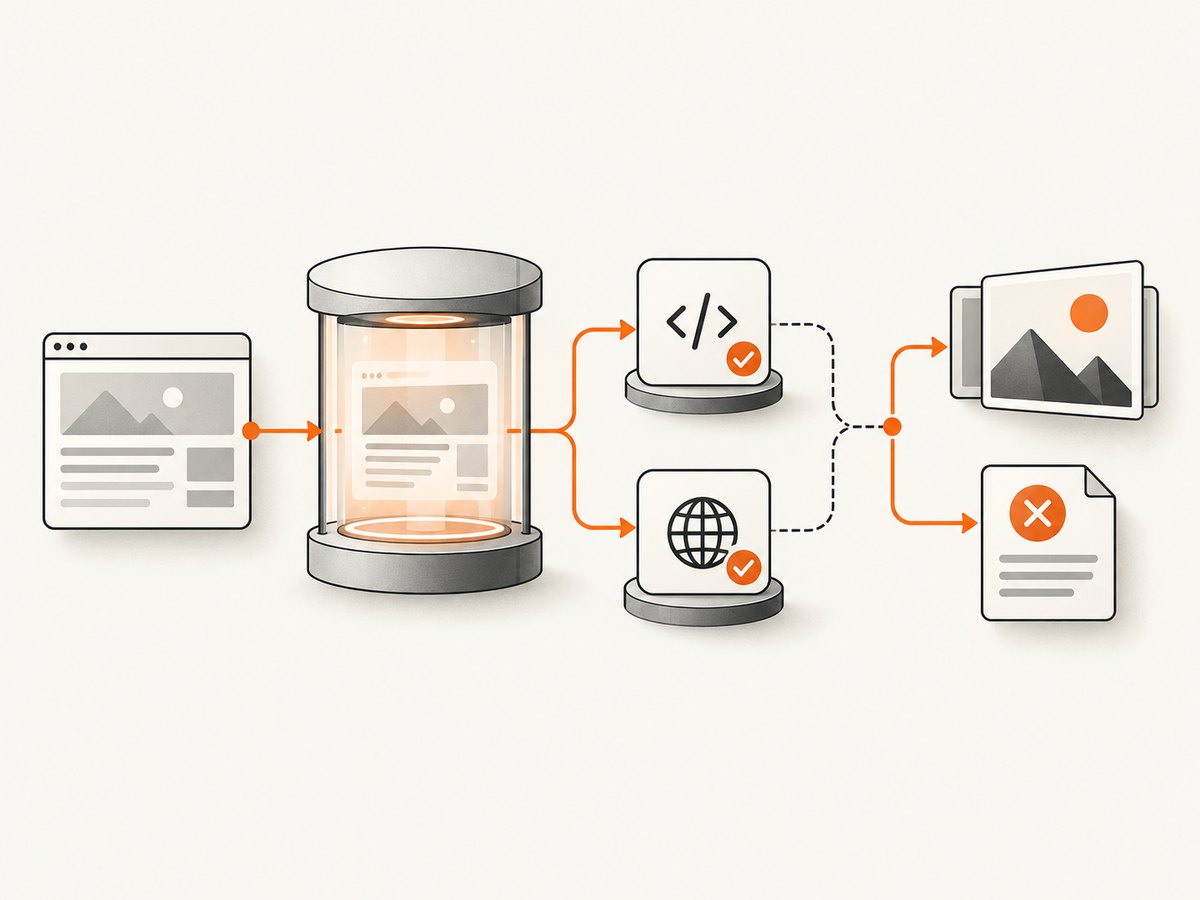
--window-status tells wkhtmltoimage to wait for a specific value assigned by page JavaScript. The page must set that value on every path that should complete, including error and retry paths. A typo, a script exception, or a code path that never runs can make the renderer wait forever.
<script>
  // Set this only after the content needed in the image is present.
  window.status = 'ready-for-screenshot';
</script>
# Diagnostic baseline: no status wait and no artificial delay
wkhtmltoimage \
  --log-level info \
  https://example.com /tmp/baseline.png

# Test the status gate independently
wkhtmltoimage \
  --window-status ready-for-screenshot \
  --log-level info \
  https://example.com /tmp/status.png

# Test a bounded JavaScript delay independently
wkhtmltoimage \
  --javascript-delay 3000 \
  --log-level info \
  https://example.com /tmp/delay.png
The Debian Bullseye command reference documents both options and the logging and JavaScript controls. Historical upstream reports for 0.12.2 and 0.12.2.1 describe cases where --window-status and --javascript-delay appeared ineffective or did not wait as expected. Those reports are version-specific evidence, not proof that every current build behaves the same.
Make readiness observable
- Render a tiny local page that sets the status immediately.
- Render a page that sets it after a short
setTimeout. - Run the original page with the status option removed.
- Reintroduce the status option only after the page’s assignment is confirmed.
If the local page works and the production page does not, inspect JavaScript exceptions, redirects, consent flows, and code that waits on an API response. A “ready” assignment placed inside a failed promise or an event that never fires is indistinguishable from a renderer freeze until you test without the gate.
3. Separate a hang from a failed page load
A page can finish enough rendering to create an image while still reporting a network error. Conversely, a failed resource can prevent application JavaScript from reaching its ready state. Test the page outside wkhtmltoimage from the same host, container, user account, and proxy environment.
# Check redirects and reachability from the renderer host
curl -I -L --max-time 30 https://example.com/assets/hero.jpg

# Check DNS and TLS at a basic level
getent hosts example.com
curl -v --max-time 30 https://example.com/ >/dev/null
Build a minimal HTML fixture with one stylesheet, one image, and no third-party scripts. Add dependencies back one at a time. Check absolute versus relative URLs, redirects, authentication requirements, certificate trust, DNS availability, and local-file permissions. The command reference includes controls for page and media load errors and for local-file access; the exact switch names and behavior depend on the installed build, so verify them with wkhtmltoimage --help.
Local files and generated HTML
When the input is a local file, confirm that every referenced resource is readable by the process. A shell user may read a file that a service account cannot. Some distributions also restrict local-file access by default. Prefer a temporary directory with explicit ownership and use absolute paths while diagnosing.
cat >/tmp/fixture.html <<'HTML'
<!doctype html>
<html><body><h1>Static fixture</h1></body></html>
HTML
wkhtmltoimage --log-level info file:///tmp/fixture.html /tmp/fixture.png
4. Use diagnostics your build actually supports
Useful options documented by the Debian 0.12.6-1 manpage include --log-level, --debug-javascript, JavaScript enable/disable, load-error controls, and local-file-access controls. Start with the least invasive combination, then change one setting at a time.
wkhtmltoimage --help | less
wkhtmltoimage --log-level info --debug-javascript URL output.png
wkhtmltoimage --disable-javascript URL output.png
Disabling JavaScript is a diagnostic, not a general fix. If the page is mostly server-rendered, the result may remain useful and the comparison tells you whether script execution is involved. For a JavaScript application, disabling it may produce a blank shell and therefore cannot validate the final screenshot.
Qt WebEngine documentation describes console logging and developer tools for Qt WebEngine applications. wkhtmltoimage builds may use older or different Qt/WebKit components, so do not assume WebEngine-specific flags or debugging workflows are available in your binary.
5. Compare controlled variants
Use a small matrix and keep the input constant. Save each command, status, elapsed time, log, and output-file size.
| Variant | Purpose |
|---|---|
| Local static HTML | Separates executable problems from network and page problems |
| Original URL, JavaScript enabled, no waits | Checks whether a readiness option is the trigger |
| Original URL, JavaScript disabled | Checks whether script execution or script errors are involved |
| Original page with third-party resources removed | Checks external images, fonts, trackers, and widgets |
| Original command with one option changed | Identifies the smallest change that alters the outcome |
Do not interpret a successful run after a large batch of changes as a fix. Preserve the smallest reproducible page and the single option or resource that changes behavior. That artifact is more valuable than a production command assembled from guesses.
6. Common freeze patterns and fixes
The process waits forever with --window-status
Cause: the page never assigns the exact token, assigns it only on a successful API path, or throws before the assignment. Fix: remove the option to confirm the diagnosis, move the assignment after the required DOM work, and add an assignment on controlled failure paths. Verify spelling and case.
--javascript-delay appears ignored
Cause: old build behavior, another readiness condition, or a page that continues loading resources after the delay. Fix: compare no delay, a short delay, and a longer delay on a minimal fixture. Capture the exact version; historical issue reports for 0.12.2 document this symptom.
An image is produced but the command exits with an error
Cause: a failed image or another network error was reported after rendering. Fix: inspect stderr and identify the URL. If the asset is optional, remove or repair it and decide whether your pipeline should reject nonzero status when a usable image exists.
Only production pages freeze
Cause: a third-party script, font, redirect, consent banner, bot check, or authenticated resource differs from the test page. Fix: reproduce from the same network identity, then remove dependencies until the freeze disappears.
Only one machine or container freezes
Cause: binary provenance, patched Qt libraries, architecture, DNS, proxy, certificate store, or resource limits differ. Fix: compare package versions, linked libraries, environment variables, user identity, and outbound access. Pin a known-good image only after identifying what changed.
7. Production reliability checklist
- Pin and record the wkhtmltoimage version and build source.
- Use a process-level timeout; terminate and reap the child process.
- Write output to a unique temporary path, then atomically move a validated file into place.
- Capture stdout, stderr, exit status, elapsed time, and output metadata.
- Limit concurrency so renderer processes do not exhaust memory or file descriptors.
- Keep a minimal health-check page separate from complex customer pages.
- Retry only bounded, transient failures; do not retry an infinite readiness wait unchanged.
- Alert on both timeout rate and nonzero exits with output files.
A timeout protects the queue, but it does not explain the cause. Keep the failed URL, command options, and final logs in structured job records so you can compare failures by build and page.
8. Performance and cost considerations
JavaScript delays increase latency linearly with the configured wait, even when the page is ready sooner. Network-idle style behavior is not equivalent to application readiness: analytics, ads, long polling, and chat clients may keep activity alive indefinitely. Remove nonessential resources in a controlled reproduction before increasing delays.
Running a local renderer also carries operational costs: browser processes consume memory, fonts and libraries must be maintained, and stuck jobs require supervision. If you capture many URLs, measure queue time, process startup time, page load time, and output size separately. A cache can reduce repeated work, but cache correctness depends on URL, headers, cookies, viewport, and page state.
9. Or skip the browser setup
ScreenshotNeo provides a website screenshot API and MCP server. A single GET request returns PNG, JPEG, WebP, or PDF, so your worker does not need to package wkhtmltoimage and its browser dependencies.
Read the ScreenshotNeo documentation for all parameters. This cURL example captures Stripe as WebP:
curl -G "https://api.screenshotneo.com/v1/shot" -d access_key=YOUR_API_KEY --data-urlencode url=https://stripe.com -o shot.webpPython:
import requests
r = requests.get("https://api.screenshotneo.com/v1/shot", params={"access_key": "YOUR_API_KEY", "url": "https://stripe.com"}, timeout=90)
open("shot.webp", "wb").write(r.content)
Node.js:
const q = new URLSearchParams({ access_key: 'YOUR_API_KEY', url: 'https://stripe.com' });
const res = await fetch(`https://api.screenshotneo.com/v1/shot?${q}`);
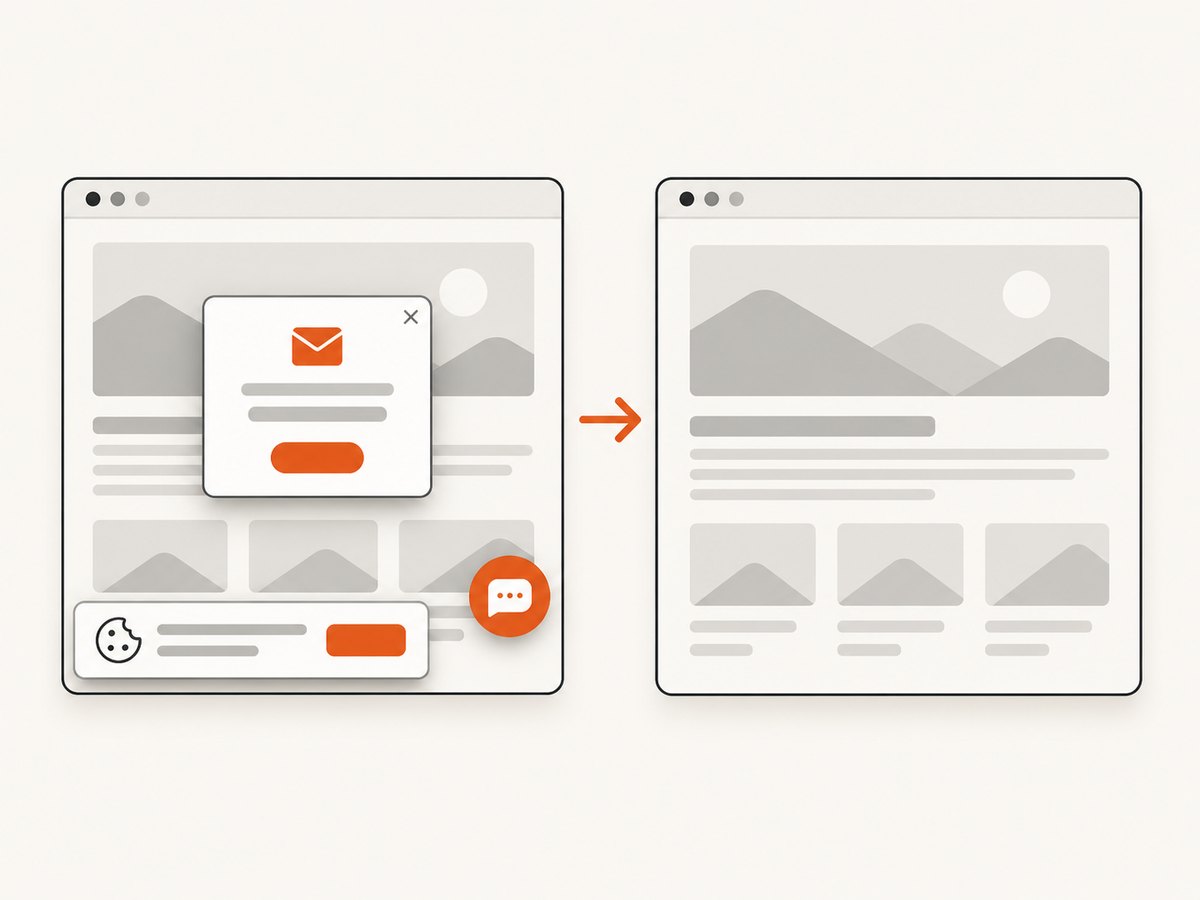
ScreenshotNeo accepts cookie and consent banners before capture and removes more than 60 known consent platforms, newsletter popups, and chat widgets; each step can be turned off. Bot checks and CAPTCHAs, blank pages, timeouts, failed loads, and cache hits are not billed, and the response reports the result with X-Page-Verdict and X-Billed headers. An MCP server exposes take_screenshot, get_page_info, and capture_pdf for Claude, Cursor, and other MCP clients. The Free plan includes 1,000 shots per month with no card; paid plans start at $5 for 3,000 shots.
Sign up for ScreenshotNeo and use the free monthly allowance to replace a fragile renderer where it fits your workload.
10. Reporting an upstream or packaging issue
The wkhtmltopdf repository is archived and read-only according to its GitHub page. Before expecting a new upstream fix, check whether your distribution or vendor maintains the package. A useful report includes version and build provenance, OS and architecture, minimal HTML or reachable test URL, exact command, complete logs, timeout duration, exit status, and whether an output file exists. Historical issues show that those details determine whether a report is actionable.
FAQ
Should I always disable JavaScript?
No. Disable it only as a comparison. Many modern pages need JavaScript to create the content you want to capture.
Does a longer delay fix a freeze?
Only when the page needs more bounded time. It cannot fix a missing window-status token, a never-ending request, or a renderer bug.
Why is the output file present after a failed command?
wkhtmltoimage can report a resource or network error after writing an image. Treat file existence and exit status as separate signals.
Which version should I install?
Use a build you can pin and reproduce, then test it against your pages. The available evidence is tied to particular historical versions and does not establish one universal best release.
When should I move to an API?
Consider an API when maintaining browser libraries, supervising stuck processes, and handling inconsistent page resources costs more than the service. Verify that its capture, billing, and authentication behavior match your requirements.


