How to Fix wkhtmltoimage Returning NULL Output
wkhtmltoimage “NULL output” can mean a failed conversion, empty buffer, missing file, or blank image. Identify the failing layer before changing settings.
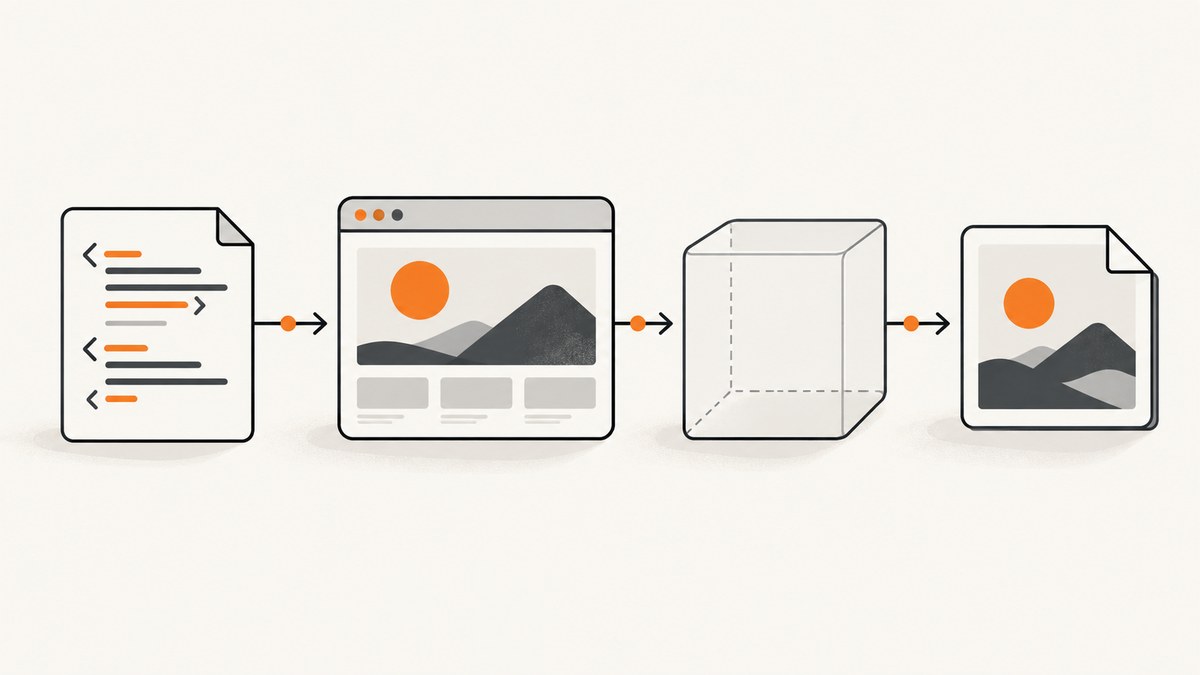
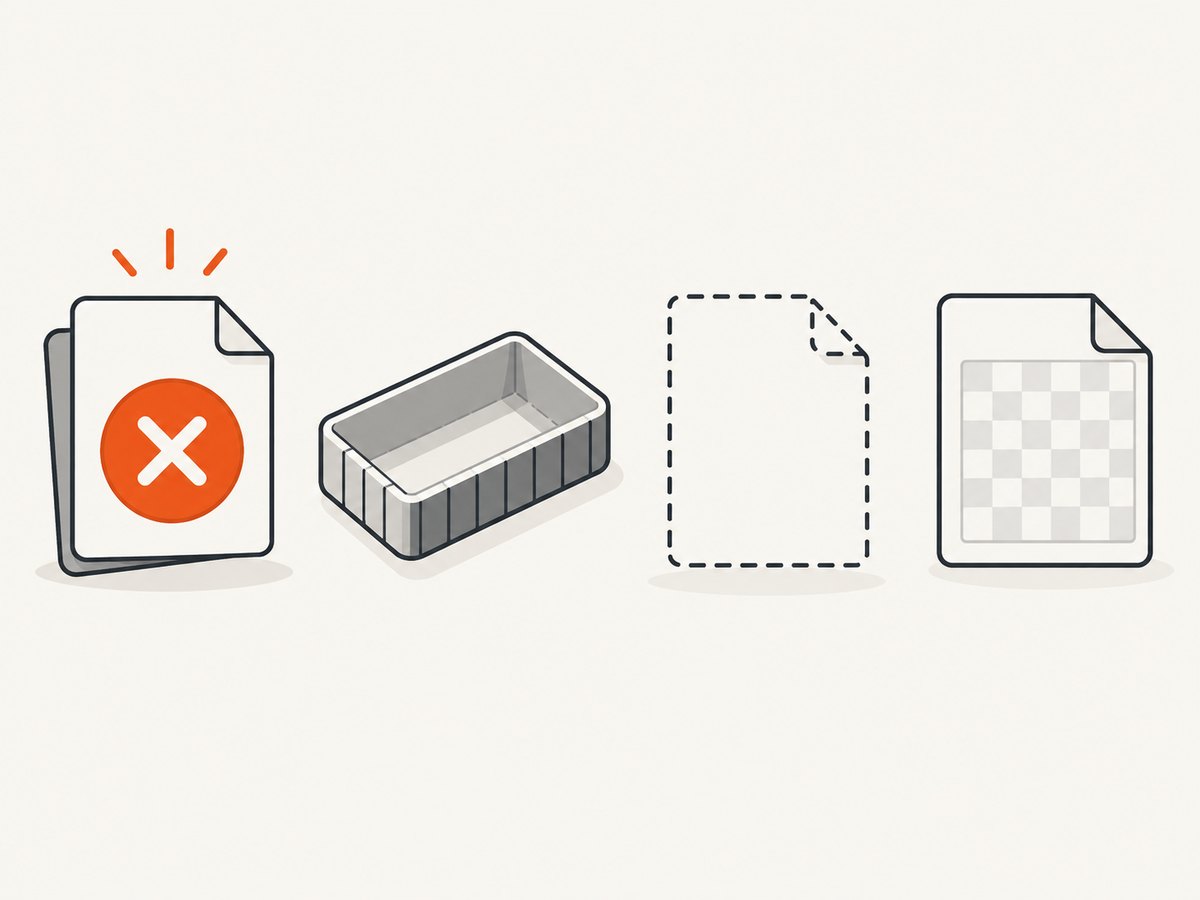
wkhtmltoimage returning “NULL” does not identify one specific failure. It may describe a C API conversion failure, a zero-length output buffer, a missing or empty file, or a valid image file whose pixels are blank. Check those outcomes separately before changing flags.
For the C API, record the conversion result, HTTP error code, output pointer, and output length. For the command line, record the exact command, exit status, stderr, output file size, and whether the file decodes as the requested format. Then investigate input assets and JavaScript timing. The right fix depends on which layer is failing.
1. Identify what “NULL output” means
Start by collecting a reproduction record. The title alone cannot establish the cause: OS, version/build, calling method, input HTML, flags, logs, and resource responses all matter.
| Record | Why it matters |
|---|---|
| wkhtmltoimage version and package/build source | Defaults and behavior differ by version and build. |
| CLI, C API, or wrapper | Each has a different success signal and output path. |
| Exact command or settings | Reveals output format, JavaScript, local-file, and load-error choices. |
| Input HTML and whether it is local or remote | Helps isolate file permissions, URL loading, and script behavior. |
| stderr, exit code, and HTTP/resource errors | A generated file may coexist with a reported loading error. |
| For C API: conversion status, HTTP error code, output length | These are separate signals and should not be inferred from one another. |
Use this sequence:
- Confirm the installed version and whether the program calls the executable, library, or a wrapper.
- Capture the complete logs and exit or conversion status.
- Check whether output exists and has nonzero length.
- Decode or open the output to distinguish invalid bytes from a valid but blank image.
- Inspect failed page, image, stylesheet, font, and script requests.
- Reduce the input to a minimal local HTML page, then restore assets and scripts one at a time.
2. Diagnose the C API or wrapper
The upstream image API exposes conversion status and output retrieval separately. The documented contract for wkhtmltoimage_convert is that it “returns 1 on success and 0 otherwise.” Check that value; then retrieve the HTTP error code and output pointer and length. A non-null pointer alone does not prove that image bytes were produced.
// C API diagnostic outline. Keep the image settings and global initialization
// appropriate to the binding/version used by your application.
int converted = wkhtmltoimage_convert(converter);
int http_error = wkhtmltoimage_http_error_code(converter);
unsigned long output_length = 0;
const unsigned char *output = wkhtmltoimage_get_output(converter, &output_length);

fprintf(stderr, "converted=%d http_error=%d output_length=%lu output=%p\n",
        converted, http_error, output_length, (const void *)output);

if (converted != 1) {
    fprintf(stderr, "conversion failed\n");
} else if (output == NULL || output_length == 0) {
    fprintf(stderr, "conversion reported success but returned no image bytes\n");
} else {
    // Write exactly output_length bytes, then decode/validate the image.
    FILE *f = fopen("shot.png", "wb");
    if (!f) { perror("fopen"); }
    else {
        size_t written = fwrite(output, 1, output_length, f);
        fclose(f);
        if (written != output_length) fprintf(stderr, "short write\n");
    }
}
This is a diagnostic outline rather than a complete standalone program: bindings differ in initialization, settings construction, and converter cleanup. Use the declarations shipped with your installed binding. The important checks are conversion result, HTTP error, and output length as independent values.
If the wrapper alone returns NULL
If the native API reports success and a nonzero length but your language binding returns NULL or empty bytes, trace the boundary between native memory and the wrapper’s result. Verify that the wrapper reads the reported length, keeps the native buffer alive until it copies or serializes the bytes, and returns the copied data on the expected code path. This is an integration diagnostic inference from the API’s separate pointer and length outputs; it does not identify a specific wrapper defect.
- Log the native status and output length before wrapper conversion.
- Check whether the wrapper assumes NUL-terminated text; image data is binary and must be handled with an explicit length.
- Check buffer ownership and lifetime. Do not retain a pointer beyond the API’s documented lifetime.
- Write the bytes directly to a file, then validate the file independently of the wrapper’s display or serialization layer.
3. Diagnose CLI output and blank images
For command-line use, keep process status, logs, file creation, and image validity separate. A nonzero exit code can indicate a resource-loading error even when an image file was written. Conversely, a zero-length or absent file is a different problem from an image that opens but contains blank pixels.
wkhtmltoimage --version
wkhtmltoimage --log-level info input.html output.png 2>wkhtmltoimage.stderr
status=$?
printf 'exit_status=%s\n' "$status"
cat wkhtmltoimage.stderr
ls -l output.png
file output.png
On Windows, capture the process exit code and stderr through the shell or process API used by your application, then check the output file’s length and open it with an image decoder. Avoid treating a console message or file existence alone as proof of success.
One report for wkhtmltoimage 0.12.5 describes a remote image returning HTTP 403: an image file was still generated while the process exited with a network error. The reporter also saw different behavior when writing to stdout. That case is evidence to inspect these signals separately, not a guarantee that every version behaves the same way.
4. Check assets, local-file access, and JavaScript
Local files
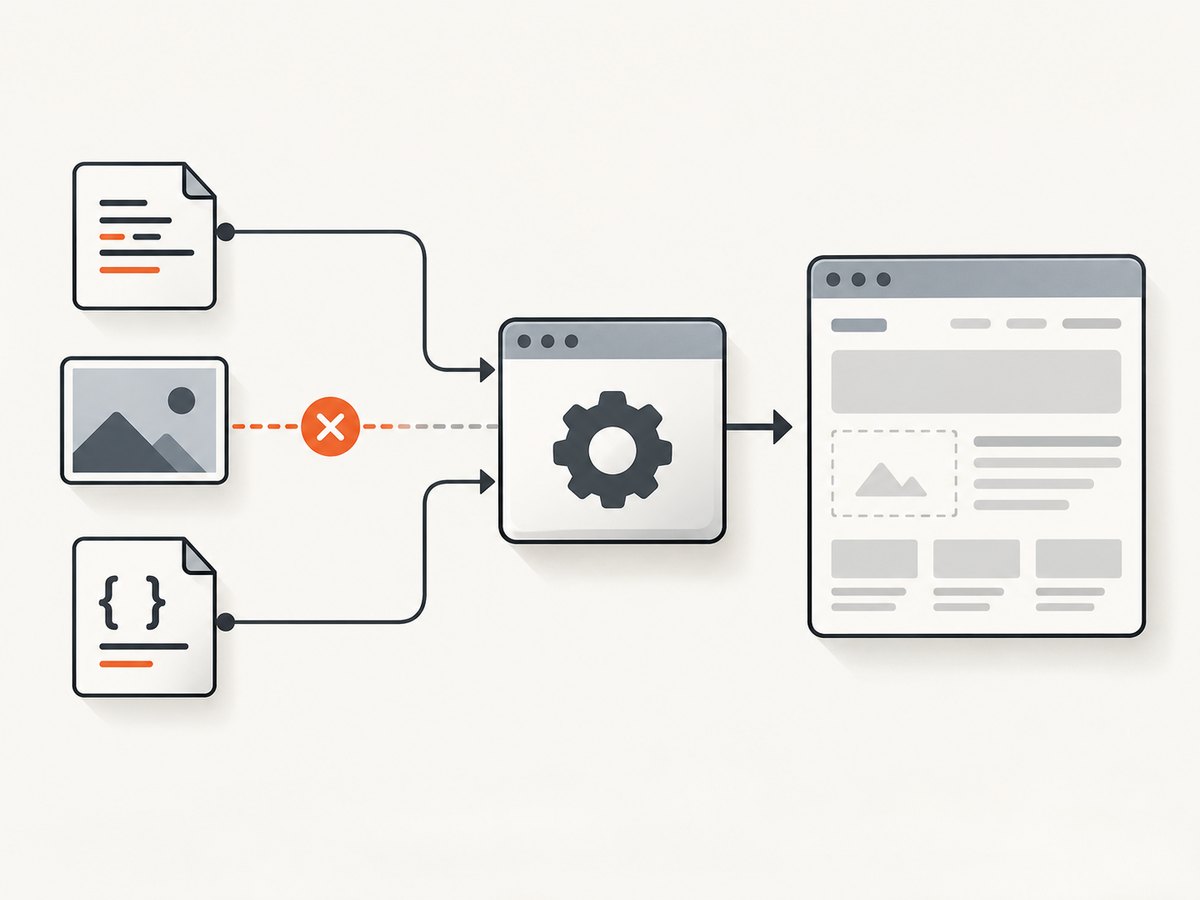
If the page references local images, CSS, or fonts, check the exact paths and the installed version’s local-file policy. The project’s 0.12.6 release notes say local filesystem access was blocked by default in that release. The manual documents controls for enabling and disabling local-file access. If local access is necessary, allow only the needed files or directories where the installed version supports that scope; do not broadly expose filesystem paths without a reason.
Remote resources
Check every failed request’s URL and status. A resource may require authentication, be denied by an origin rule, fail through a proxy, or have a TLS or DNS problem. The 403 issue above is a concrete example, but your own network and server responses must be checked in your environment. A page can render while one image fails, so inspect the produced image as well as stderr.
JavaScript-dependent pages
If content appears after client-side code runs, test whether JavaScript is enabled and whether the renderer waits long enough. The manual documents JavaScript control, a delay, and waiting for a specified window.status. Use those settings to test a timing hypothesis; do not assume delay fixes every blank capture.
# Illustrative diagnostic flags; choose values based on the page behavior.
wkhtmltoimage --enable-javascript --javascript-delay 1000 input.html output.png

# For pages that set a known status after rendering:
wkhtmltoimage --enable-javascript --window-status ready input.html output.png
Confirm the relevant options with wkhtmltoimage --extended-help for the installed build. The manual also documents output format and logging controls. Option availability and behavior can depend on the package you installed.
5. Minimal reproduction and format validation
Use a tiny page to find out whether the renderer and output path work independently of your application’s page:
<!doctype html>
<html><head><meta charset="utf-8">
<style>body { font: 24px sans-serif; padding: 40px; }</style>
</head><body>wkhtmltoimage diagnostic</body></html>
Save it as minimal.html and render to a file. If that works, add one dependency at a time: local CSS, local images, remote resources, then scripts. If it fails too, focus on the executable/library build, command arguments, format, permissions on the output directory, and invocation environment.
Choose an explicit format when useful, and ensure the extension agrees with it. An output file named shot.png is not necessarily PNG if the invocation or binding requested another format. Validate with an image decoder rather than relying only on the filename.
6. Common errors and fixes
| Symptom | Likely area | What to check or change |
|---|---|---|
| C API status is 0 | Conversion failed | Read logs and HTTP error code; reduce input and test resource loading. |
| Status is 1, but length is 0 | Output retrieval or binding path | Check retrieval order, API version, wrapper length handling, and buffer lifetime. |
| Pointer is NULL | Could be failed conversion or no retrieved output | Check status and length; do not diagnose from the pointer alone. |
| No file, or file is zero bytes | CLI arguments, write permissions, or failed output | Verify input/output arguments, output directory permissions, stderr, and exit status. |
| File opens but looks blank | Wrong page state or failed content loading | Inspect page URL, assets, JavaScript, wait condition, viewport/content, and image pixels. |
| Nonzero exit with a decodable image | Partial resource failure may be reported | Inspect stderr and failed requests; decide whether the resulting image is acceptable for your use. |
| Local images or styles disappear | Local-file access policy or path resolution | Check version, file URLs, working directory, and narrowly scoped access settings. |
| File output works but stdout/buffer differs | Different output path or integration behavior | Reproduce each mode separately; do not assume equivalent behavior. |
| Dynamic page is incomplete | JavaScript or readiness timing | Check script enablement, delay, and a page-specific readiness signal. |
7. Reliability, performance, and maintenance
For repeatable captures, keep a small diagnostic artifact with the input HTML, exact command/settings, version string, stderr, exit status, file length, and a checksum or copy of the resulting image. This makes regressions and environment-specific failures easier to compare. When capturing remote pages, record the relevant resource statuses and avoid treating a single successful run as proof that every dependency is stable.
Use the narrowest wait that matches the page’s readiness behavior. A fixed delay can add latency to every capture and still be too short for a slow page; a page-specific status or selector is more targeted when available in the integration. Keep timeout and failure handling explicit in the calling application. For batch jobs, distinguish a valid partial image from a failed conversion according to your product’s needs.
The upstream wkhtmltopdf repository was archived on January 2, 2023. Its release history dates version 0.12.6 to June 11, 2020. If troubleshooting leads to a package or fork choice, verify its provenance and current maintenance status rather than assuming the archived upstream project is actively maintained.
8. Or skip the browser setup
If your goal is a reliable website screenshot rather than debugging this particular local renderer, ScreenshotNeo provides a one-request screenshot API. It returns PNG, JPEG, WebP, or PDF. Its API documentation covers request options.
curl -G "https://api.screenshotneo.com/v1/shot" -d access_key=YOUR_API_KEY --data-urlencode url=https://stripe.com -o shot.webpimport requests
r = requests.get("https://api.screenshotneo.com/v1/shot", params={"access_key": "YOUR_API_KEY", "url": "https://stripe.com"}, timeout=90)
open("shot.webp", "wb").write(r.content)const q = new URLSearchParams({ access_key: 'YOUR_API_KEY', url: 'https://stripe.com' });
const res = await fetch(`https://api.screenshotneo.com/v1/shot?${q}`);
ScreenshotNeo removes cookie banners, popups, and chat widgets before the shot. Bot checks, blank pages, and failed loads are never billed; response headers report the page verdict and billing status. Its MCP server lets AI agents take screenshots. The free plan includes 1,000 screenshots a month with no card, and paid plans start at $5 for 3,000. That offers a managed capture path when installing and tuning a browser renderer is not the work you need to do.
Sign up free for 1,000 screenshots a month, with no card required.
9. Frequently asked questions
Does NULL always mean the HTML failed to render?
No. It may refer to a C API pointer, empty byte buffer, absent file, or blank pixels. Identify which layer is being called NULL first.
Should I ignore a nonzero CLI exit code if an image exists?
Do not ignore it automatically. Inspect stderr, failed requests, and the image. A report documents one 0.12.5 case where a network error accompanied a generated image, but behavior varies.
Is adding a JavaScript delay the fix?
Only if the page needs more time before its content is ready. Test JavaScript and a readiness condition against a minimal reproduction; unrelated failures need a different fix.
What details should I include when asking for help?
Provide version/build, OS, CLI or API/wrapper, exact command/settings, minimal input, stderr and exit status, output size and format, and failed resource statuses. For the C API include conversion status, HTTP error, pointer, and length.


