How to Fix wkhtmltoimage Rendering Issues on Polymer Websites
Diagnose wkhtmltoimage problems on Polymer sites by checking Qt WebKit limits, JavaScript, build targets, polyfills, and page readiness.

Direct answer: wkhtmltoimage renders pages with Qt WebKit, so it does not behave like a current Chrome or other up-to-date browser. Polymer 3 depends on ES6 modules and modern Web Components features; if those features, custom elements, Shadow DOM, or asynchronous initialization are not supported or ready in the renderer, the captured image can be incomplete or broken. First verify the exact wkhtmltoimage build and settings, then check the Polymer build target and polyfill order. If the page fundamentally needs a modern JavaScript engine, evaluate a current browser automation renderer such as Puppeteer against the actual site. The sources establish the compatibility boundary, but do not establish that every Polymer site or wkhtmltoimage build fails in the same way. [wkhtmltopdf project] [Polymer 3 ES6 guide]
1. Identify what is being rendered
wkhtmltoimage is part of the wkhtmltopdf project. It converts HTML to image formats using Qt WebKit in a headless process. That engine context matters: a successful render in a current browser does not prove that the same page can run in the older rendering environment. [wkhtmltopdf project]
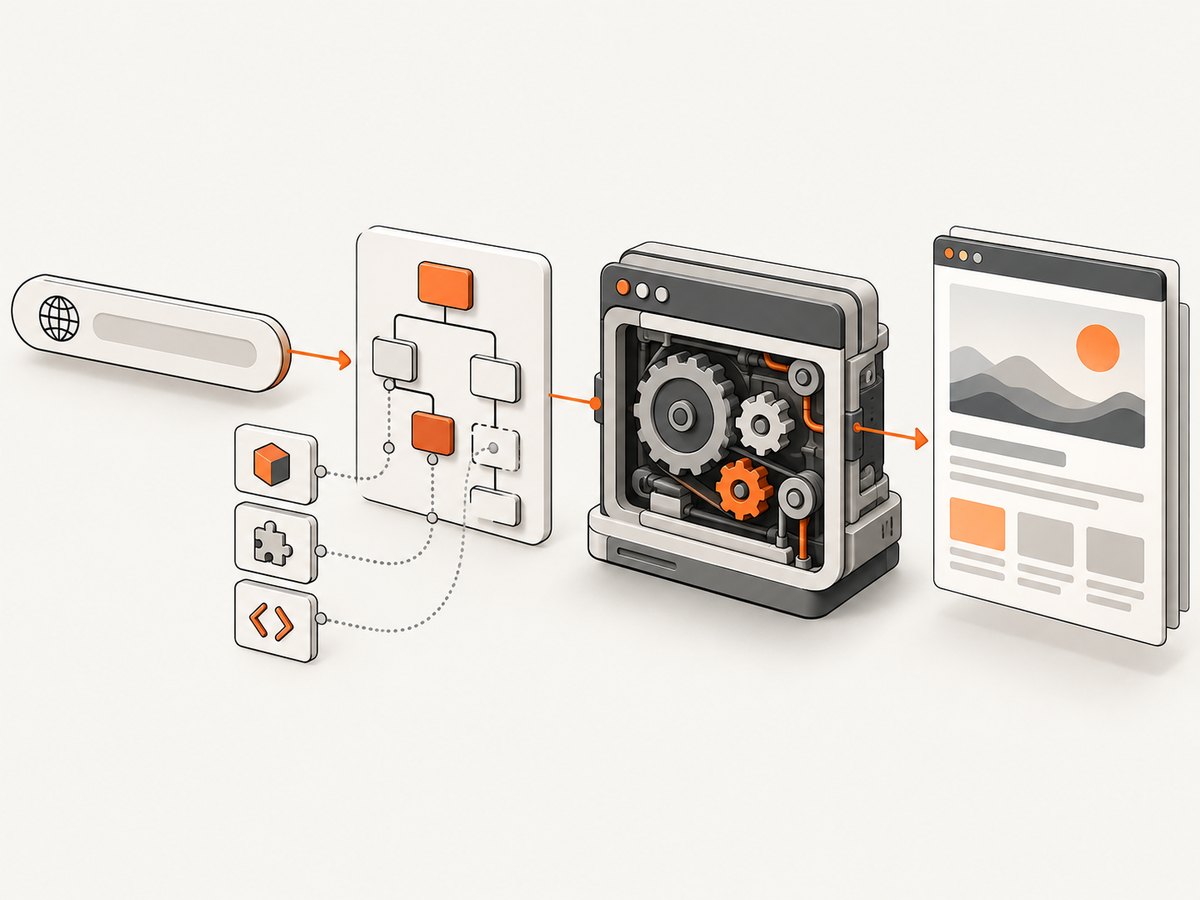
Polymer 3 applications use JavaScript modules and modern browser features for Web Components. These capabilities include custom elements and Shadow DOM. A page may therefore fail at different points: module scripts may not execute; a component may not register; its shadow tree may not be composed as expected; or rendering may begin before asynchronous application setup finishes. Treat each as a hypothesis to inspect, not as a guaranteed wkhtmltoimage defect. [Polymer 3 ES6 guide]
Before changing code, gather a reproducible baseline:
- Record the exact executable version and how it was installed.
- Save the full command line, operating system, target URL (or local HTML file), and renderer output.
- Capture the same URL in a current browser at the same viewport and compare results.
- Note whether the failure is a blank page, missing component, missing image, layout difference, or timing issue.
Wrappers, packaged builds, and operating environments can differ. The installed binary—not an assumed version—is the relevant artifact.
2. Check the basic renderer settings
Confirm that JavaScript and image loading are enabled, and inspect renderer diagnostics for script errors or failed resource loads. The libwkhtmltox settings include JavaScript debugging, JavaScript delay, image loading, and controls related to slow scripts. Names and syntax can vary across the library interface and command-line wrapper, so consult the manual for the binary you actually invoke. [libwkhtmltox page settings]
A minimal command-line capture for diagnosis is:
wkhtmltoimage --enable-javascript --load-images --debug-javascript --javascript-delay 3000 https://example.com/polymer-page output.pngReplace the example URL with the page under investigation. Check wkhtmltoimage --help because available switches can differ by build. Capture standard error as well as standard output; script and resource failures may be visible there. If your wrapper exposes equivalent settings, use its documented names rather than assuming command-line flags map one to one.
Do not treat a longer delay as a complete fix. A delay only waits a fixed interval after load; it does not confirm that a Polymer application has finished fetching data, registering custom elements, decoding images, or updating the DOM. An arbitrary wait may make an intermittent problem look better while leaving output inconsistent. [libwkhtmltox page settings]
3. Check the Polymer build target
Review the generated output served to the renderer, not only the source code. Polymer’s documentation describes build transformations, including ES5 and AMD output for browsers with lower capabilities. Build the application code, Polymer library, and third-party elements consistently for the chosen target. This can address unsupported syntax or module loading, but the documentation does not certify Qt WebKit as a supported Polymer target. Validate the output in the renderer you deploy. [Polymer build tools]
Inspect the actual network response and generated HTML to see whether the page serves native modules, transformed bundles, or both. Check for syntax errors before investigating styling. If execution stops before custom elements register, CSS adjustments cannot make the missing component appear.
4. Verify custom-element and Shadow DOM polyfills
Polymer documents webcomponentsjs v2 polyfills for features including Custom Elements and Shadow DOM, along with bundle and loader approaches. Select the setup that matches the Polymer generation and browser capabilities of the target. Avoid loading duplicate polyfill generations or combining incompatible bundles. [Polymer Web Components guide]
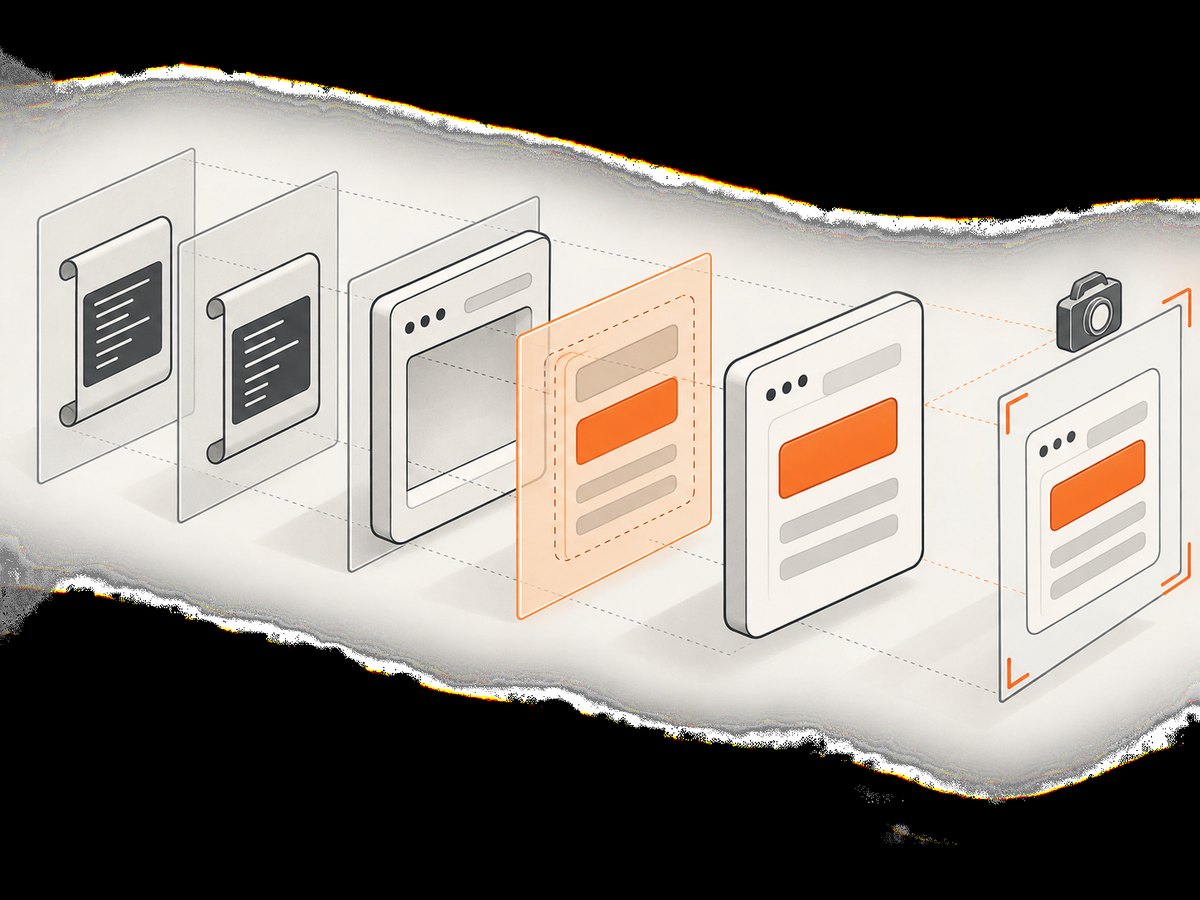
When serving compiled ES5 output to a browser with native custom elements, Polymer’s guidance requires custom-elements-es5-adapter.js before the webcomponents polyfills. Check the generated page’s script order, not just the source template. A missing or late adapter can cause custom elements to behave incorrectly. [Polymer Web Components guide]
Use these checks:
- Confirm the relevant polyfill files return successfully rather than 404 or being blocked.
- Confirm the ES5 adapter is included only where required and precedes webcomponents polyfills.
- Confirm there is one coherent polyfill setup, not multiple loaders or duplicated scripts.
- Compare the delivered scripts with the build target selected for the application.
5. Make capture timing deterministic
Polymer components and page data may settle after the initial document load. The renderer’s JavaScript delay can help diagnose whether timing contributes, but increasing it does not prove readiness. A page-specific readiness condition—such as the application setting a known global flag after the component and data are ready—is more dependable when the renderer can observe and wait for it. The consulted wkhtmltoimage documentation does not describe a universal Polymer readiness hook, so do not assume a generic flag or event exists.
If you control the page, expose an explicit readiness signal and make sure it is set only after required asynchronous work finishes. If you do not control it, use logs, network inspection, and repeated captures at controlled delays to determine whether the page is still changing. For images, also check whether lazy-loaded content appears only after scrolling; a renderer that captures without the expected scroll behavior may omit it.
6. Know when the rendering engine is the limit
If the page requires syntax or browser behavior the installed Qt WebKit build cannot provide, configuration and waiting cannot add those capabilities. The wkhtmltopdf project recommends considering Puppeteer or a wrapper for conversion of sites that use dynamic JavaScript. This is project guidance, not a promise that every Puppeteer setup will match every page. Evaluate a current browser automation renderer against the site’s modules, custom elements, Shadow DOM, readiness needs, authentication, resource loading, reproducibility, deployment, and security requirements. [wkhtmltopdf project status]
For either engine, treat untrusted HTML and JavaScript as a security concern. The project warns against using its tool with untrusted HTML and recommends sanitizing user-supplied HTML and JavaScript. Apply an appropriate security boundary to any renderer that loads user-controlled content. [wkhtmltopdf project status]
7. Troubleshooting by symptom
| Symptom | Likely cause to investigate | Next action |
|---|---|---|
| Entire page is blank | JavaScript did not execute, a required resource failed, or the app has not initialized. | Enable JavaScript diagnostics, check stderr and resource responses, and compare with the delivered build output. |
| Custom element tag appears empty | Its definition did not register, module code failed, or Custom Elements support/polyfill setup is wrong. | Inspect script errors and polyfill loading; verify the build and script order. |
| Light DOM appears but component styling or internals do not | Shadow DOM behavior or styles differ in the renderer. | Check the Web Components polyfill setup and compare supported behavior in the installed build. |
| Content appears only with a long delay | Asynchronous initialization or data loading continues after initial load. | Use delay as a diagnostic, then add or use an application readiness signal where possible. |
| Images are missing | Image loading is disabled, resources fail, or images load lazily after the capture point. | Enable image loading, inspect resource errors, and ensure the page triggers lazy images before capture. |
| It works locally but fails in deployment | Different binary build, fonts, network access, permissions, or environment configuration. | Record versions and invocation in both environments; verify each required resource is reachable there. |
| Output varies between runs | Capture timing, network response, or application state is nondeterministic. | Control the environment and wait on application readiness rather than continually increasing a fixed delay. |
8. Performance, reliability, and cost considerations
For a self-hosted renderer, total capture time includes page navigation, resource loading, JavaScript execution, any added wait, and image output. A larger delay directly increases the time each job holds the renderer, even when the page became ready earlier. Tune waits only after you understand what they are waiting for. Reusing a compatible build and keeping input conditions stable helps make captures easier to reproduce; it does not remove engine compatibility limits.
Reliability depends on more than the renderer: the target page may change, external scripts may fail, and application data may be unavailable. Log the URL, renderer build, options, exit status, and diagnostic output for failures. For jobs that must complete consistently, define a timeout and retry policy around transient network failures, but avoid blind retries for deterministic syntax or compatibility errors.
Cost is operational rather than a universal per-image figure for self-hosted wkhtmltoimage: account for compute, runtime, deployment and maintenance, and the time spent diagnosing engine-specific differences. A browser automation renderer may have different resource requirements; measure it with representative pages rather than relying on an unsupported benchmark.
Or skip the browser setup
ScreenshotNeo is a website screenshot API and MCP server. One GET request returns a PNG, JPEG, WebP, or PDF. Its capture flow accepts cookie and consent banners like a visitor and removes more than 60 known consent platforms, newsletter popups, and chat widgets; each step can be turned off. Bot checks, blank pages, timeouts, failed loads, and cache hits cost nothing, and response headers identify the page verdict and billing status. Its MCP server provides take_screenshot, get_page_info, and capture_pdf for Claude, Cursor, and other MCP clients. There are 1,000 screenshots per month on the free plan with no card; paid plans start at $5 for 3,000 screenshots. Every feature is available on every plan.
See the ScreenshotNeo API documentation for parameters and options. Here is the one-call cURL form, using the target Polymer URL:
curl -G "https://api.screenshotneo.com/v1/shot" -d access_key=YOUR_API_KEY --data-urlencode url=https://example.com/polymer-page -o shot.webpCookie banners, popups, and chat widgets are removed before the shot; bot checks, blank pages, and failed loads are never billed; an MCP server lets AI agents take screenshots; and 1,000 screenshots a month are free with no card, with paid plans starting at $5 for 3,000. Create a free ScreenshotNeo account.
9. FAQ
Does every Polymer website fail in wkhtmltoimage?
No. The compatibility risk follows from the engine and framework requirements, but behavior depends on the page, build, and installed renderer. Reproduce the specific failure before choosing a remedy.
Will adding a polyfill make Qt WebKit equivalent to a current browser?
No. Polyfills cover particular web platform features; they do not supply every newer JavaScript capability or make the engine identical to a modern browser.
Can I solve every incomplete capture by increasing the JavaScript delay?
No. Delay can help when the page needs extra time, but it does not establish that application work is complete. Prefer a page-specific readiness condition when available.
Should I switch to Puppeteer immediately?
Only after confirming the failure mode and requirements. The project recommends considering it for dynamic JavaScript pages; validate the actual page and deployment constraints before switching.
Sources
- wkhtmltopdf project — project and rendering context.
- libwkhtmltox page settings — JavaScript, image loading, delay, and related settings.
- wkhtmltopdf project status — project recommendation concerning dynamic JavaScript and security caution.
- Polymer 3 ES6 guide — module and language requirements.
- Polymer Web Components guide — polyfill and adapter guidance.
- Polymer build tools — build transformations and browser targets.


