How to Fix Username and Password Authentication in wkhtmltopdf
Use HTTP auth flags for server challenges, cookies for form logins, and header propagation for protected assets in wkhtmltopdf.
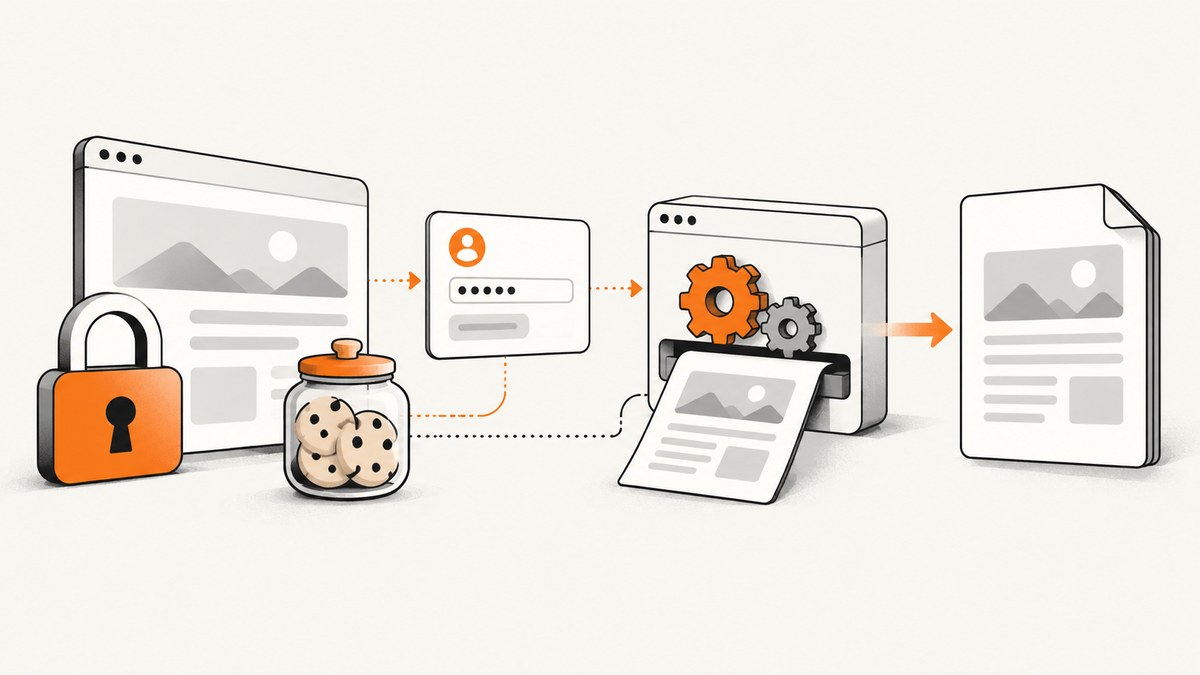
Short answer: use --username and --password only when the server asks for HTTP authentication. If the site has an HTML login form, authenticate first and give wkhtmltopdf the resulting session cookies. If a token must reach images, stylesheets, JavaScript, headers, or footers, add --custom-header-propagation. Empty PDFs behind Windows/IIS authentication and behavior changes between 0.11 and 0.12 require checking the exact binary version.
The commands below are based on the wkhtmltopdf option reference. Replace field names, cookie names, URLs, and token formats with values from your application.
Choose the authentication path
| What protects the URL? | Use | Typical symptom when wrong |
|---|---|---|
| HTTP Basic or another HTTP challenge | --username and --password |
401 response or login page |
| HTML form that creates an application session | POST the form, save cookies with --cookie-jar, then render |
PDF contains the sign-in form |
| Bearer or custom request header | --custom-header, plus propagation for subresources |
HTML appears but assets are missing |
| Windows/IIS authentication | Confirm the scheme and pin a known-good build | Blank or empty PDF despite valid credentials |
HTTP authentication with username and password
For a server-level HTTP challenge, pass credentials on the command line:
wkhtmltopdf --username 'USER' --password 'PASS' 'https://example.test/protected' protected.pdfThis does not submit an application’s HTML login form. Avoid putting secrets in shell history on shared machines.
HTML form login and session cookies
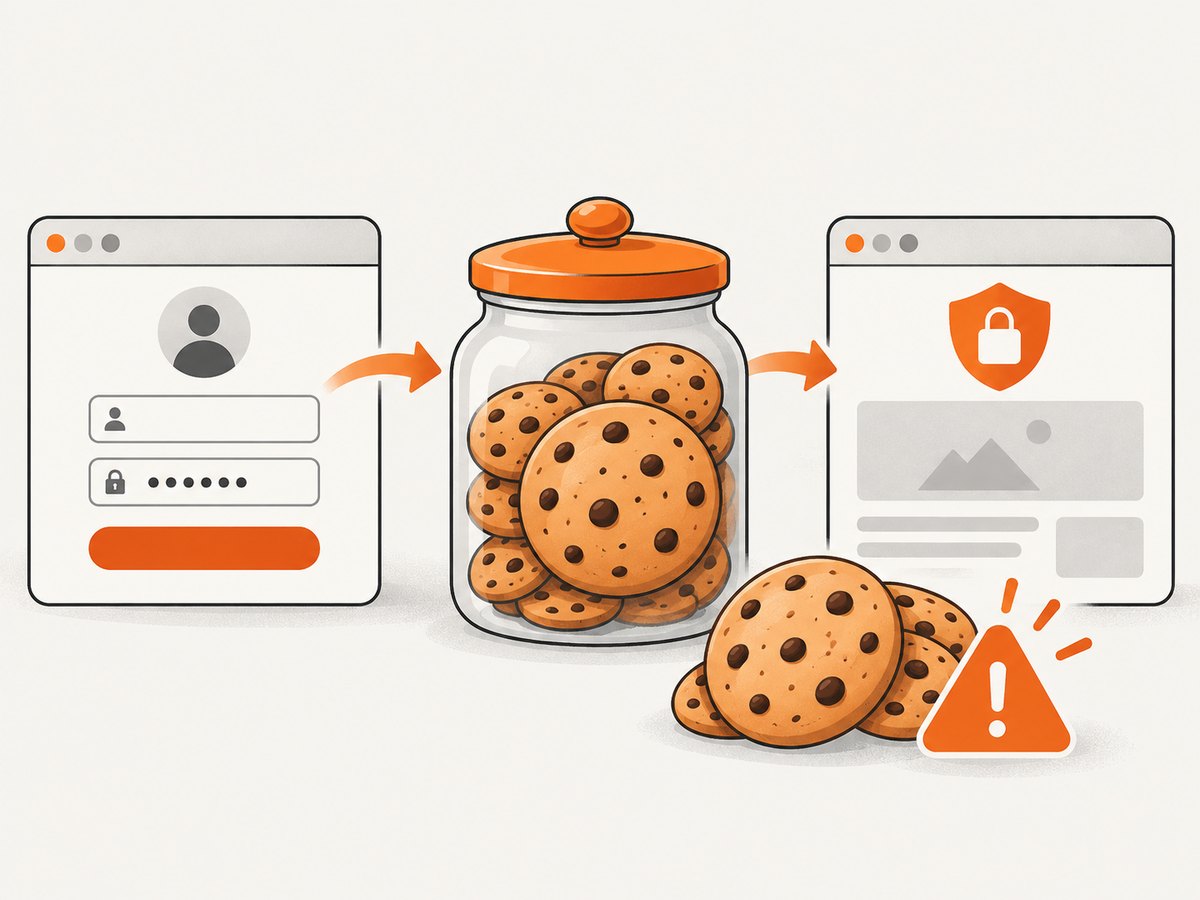
A form login usually involves a CSRF token, a POST, a redirect, and one or more session cookies. If the login endpoint accepts direct POST fields, use a cookie jar:
wkhtmltopdf --cookie-jar session.jar \
  --post 'username' 'USER' \
  --post 'password' 'PASS' \
  'https://example.test/login' protected.pdf
For applications that require CSRF parsing, MFA, SSO, or custom redirects, authenticate with a separate HTTP client or browser automation, then pass the resulting cookies:
wkhtmltopdf --cookie 'sessionid' 'URL_ENCODED_VALUE' \
  --cookie 'csrf' 'URL_ENCODED_VALUE' \
  'https://example.test/protected' protected.pdf
Check the cookie domain, path, expiry, Secure flag, and SameSite behavior. A cookie copied from another host or an expired cookie sends the renderer back to the login page.
Keep cookies from growing across requests
Repeated manual cookies can be duplicated on footer and other requests. The reported failure mode is HTTP 400 “Request header too Large.” Prefer a cookie jar, keep only cookies needed for the target host, and remove stale values.
Bearer tokens and custom headers
Send a header to the document with --custom-header:
wkhtmltopdf --custom-header 'Authorization' 'Bearer TOKEN' \
  --custom-header-propagation \
  'https://example.test/protected' protected.pdf
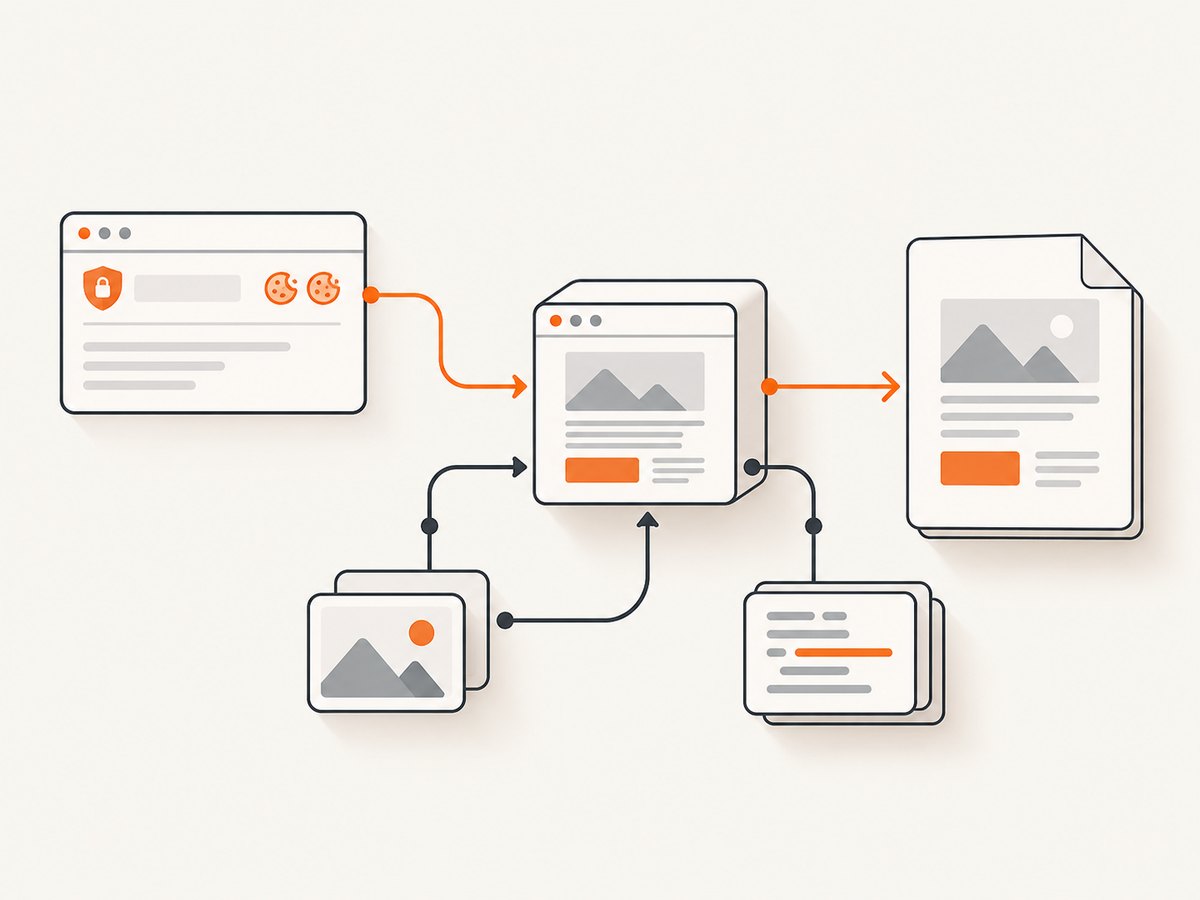
Propagation matters when protected CSS, images, JavaScript, header/footer URLs, or other subresources need the same header. Without it, the main HTML may load while the page is unstyled or incomplete.
Windows and IIS authentication
With Windows Authentication, a blank PDF can indicate compatibility problems between IIS and the wkhtmltopdf build rather than bad credentials. An issue report records a 0.11 build working while 0.12 failed with unchanged credential flags. Record wkhtmltopdf --version, test the URL with a normal HTTP client, and compare builds in a controlled environment.
The upstream wkhtmltopdf repository is archived and read-only since January 2, 2023. Keep the exact binary and patched-Qt details in your build manifest: upstream repository.
Complete reproducible workflow
- Identify the challenge. Inspect the response status and
WWW-Authenticateheader, or identify the login form’s POST endpoint. - Record the build. Run
wkhtmltopdf --version. - Authenticate outside the renderer when needed. Handle CSRF, MFA, redirects, and SSO, then export only target-session cookies.
- Render with the smallest required state. Use credentials, cookies, or headers; enable propagation only when subresources need it.
- Inspect the result. Search extracted PDF text for the page title, check images and styles, and retain stderr.
Shell diagnostics
wkhtmltopdf --version
wkhtmltopdf --log-level info --username 'USER' --password 'PASS' \
  'https://example.test/protected' protected.pdf
pdfinfo protected.pdf 2>/dev/null || true
pdftotext protected.pdf - | head -n 40
Python wrapper
import os
import subprocess

cmd = [
    "wkhtmltopdf",
    "--cookie", "sessionid", os.environ["SESSION_ID"],
    "--custom-header", "X-Request-ID", "pdf-job-001",
    "--custom-header-propagation",
    "https://example.test/protected", "protected.pdf",
]
subprocess.run(cmd, check=True, text=True)
Node.js wrapper
import { spawn } from 'node:child_process';

const args = [
  '--cookie', 'sessionid', process.env.SESSION_ID,
  '--custom-header', 'X-Request-ID', 'pdf-job-001',
  '--custom-header-propagation',
  'https://example.test/protected', 'protected.pdf'
];
const child = spawn('wkhtmltopdf', args, { stdio: 'inherit' });
child.on('exit', code => { if (code !== 0) process.exit(code ?? 1); });
Or skip the browser setup
ScreenshotNeo provides a website screenshot API and MCP server. One GET request returns PNG, JPEG, WebP, or PDF, with options for cookies, custom headers, Authorization, user agents, waits, full-page capture, and PDF settings. See the API documentation.
curl -G "https://api.screenshotneo.com/v1/shot" -d access_key=YOUR_API_KEY --data-urlencode url=https://example.test/protected -o shot.webpimport requests
r = requests.get("https://api.screenshotneo.com/v1/shot", params={"access_key": "YOUR_API_KEY", "url": "https://example.test/protected"}, timeout=90)
open("shot.webp", "wb").write(r.content)const q = new URLSearchParams({ access_key: 'YOUR_API_KEY', url: 'https://example.test/protected' });
const res = await fetch(`https://api.screenshotneo.com/v1/shot?${q}`);Cookie banners, newsletter popups, and chat widgets are removed before the shot. Bot checks, blank pages, failed loads, timeouts, and cache hits are never billed, and response headers identify the page verdict and billing status. Its MCP server lets Claude, Cursor, and other MCP clients take screenshots. The Free plan includes 1,000 screenshots a month with no card; paid plans start at $5 for 3,000. Create a free ScreenshotNeo account.
Troubleshooting
| Symptom | Likely cause | Fix |
|---|---|---|
| PDF is the login page | Form session was never created or cookie scope is wrong | Complete the login POST, preserve redirects and CSRF state, then pass the host cookie. |
| 401/403 response | Wrong scheme, expired credentials, or missing header | Inspect WWW-Authenticate, verify token format, and test with an HTTP client. |
| HTML appears but assets are missing | Header was sent only to the document | Add --custom-header-propagation and verify the server accepts it on assets. |
| Empty PDF behind IIS | Build/authentication compatibility | Record the version, compare builds in a controlled test, and pin a known-good one. |
| HTTP 400 request header too large | Duplicated or oversized cookies | Use a cookie jar, remove stale cookies, and reduce cookie count and size. |
| Works locally, fails in production | Different binary, proxy, DNS, clock, or outbound policy | Log version, host, status, stderr, and cookie/header names without secret values. |
Reliability, performance, and cost
- Reliability: pin the binary and record authentication scheme, stderr, and response status. Retry only transient network failures.
- Performance: authenticate once and reuse a cookie jar for batches. Avoid unnecessary cookies and headers. Propagation adds request work.
- Security: keep passwords, bearer tokens, cookie jars, and PDFs out of source control and world-readable temporary directories.
- Cost: local wkhtmltopdf consumes CPU, memory, network egress, and maintenance. ScreenshotNeo bills only clean shots; failed loads, bot checks, blank pages, timeouts, and cache hits cost nothing.
FAQ
Can --username log in to any website?
No. It targets HTTP authentication challenges. HTML or JavaScript logins need application session state.
Should I put the password in the URL?
No. Use dedicated flags or a secure pre-authentication flow because URLs are commonly logged.
Why do headers need propagation?
wkhtmltopdf makes separate requests for resources and header/footer documents. Propagation sends the custom header to those requests too.
Which version should I deploy?
Pin and verify the exact build against your server; reported Windows/IIS behavior differs between 0.11 and 0.12.
Can I avoid maintaining a browser renderer?
Yes. ScreenshotNeo accepts a URL through its API, supports authentication-related headers and cookies, and exposes an MCP server for AI clients.


