How to Fix wkhtmltopdf Background Images Not Appearing
Find why wkhtmltopdf drops CSS background images and fix flags, print media rules, paths, builds, and loading issues with runnable checks.
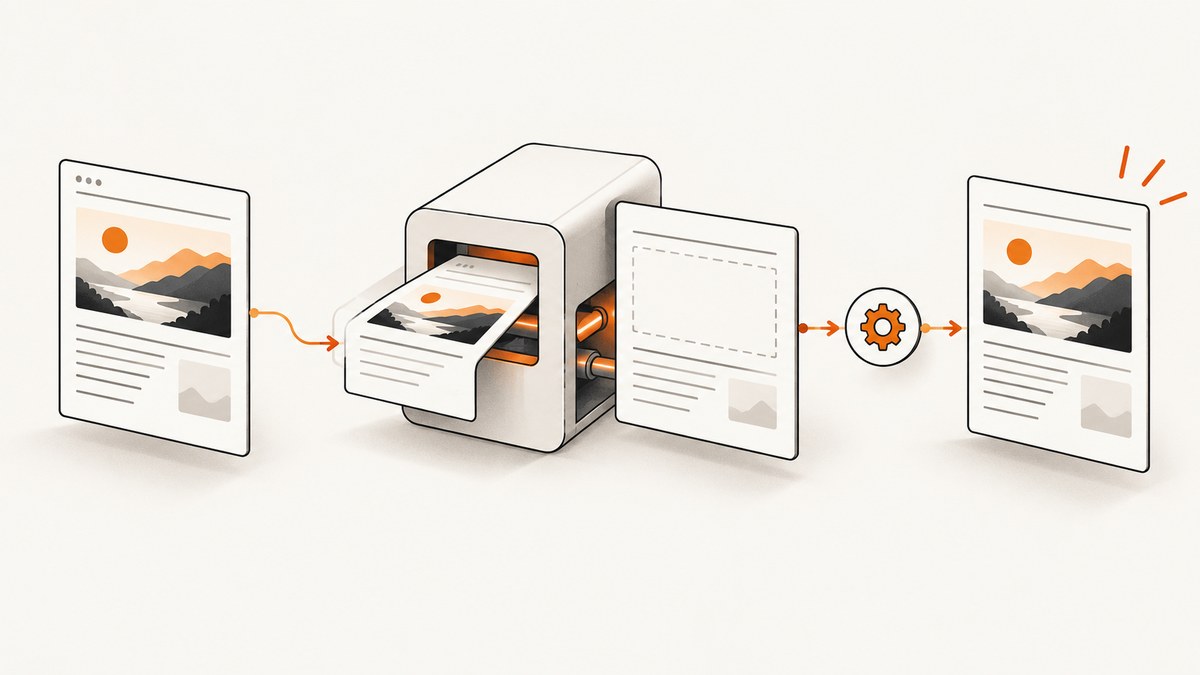
When a CSS background image is missing from a PDF created by wkhtmltopdf, check the renderer settings before rewriting your stylesheet. The usual diagnostic order is: confirm that backgrounds and images are enabled, verify the asset can load, check whether the image exists only inside @media print, and then compare the exact wkhtmltopdf build and operating system.
wkhtmltopdf has separate controls for printing CSS backgrounds and loading images. The documented settings are web.background, described as “Should we print the background?”, and web.loadImages, described as “Should we load images?”. In the command-line interface, backgrounds and images are enabled by default; --no-background and --no-images disable them.
1. Run a minimal reproduction first
Reduce the problem to one HTML file, one background declaration, and one conversion command. This tells you whether the failure is caused by your application, an asset URL, media rules, or wkhtmltopdf itself.
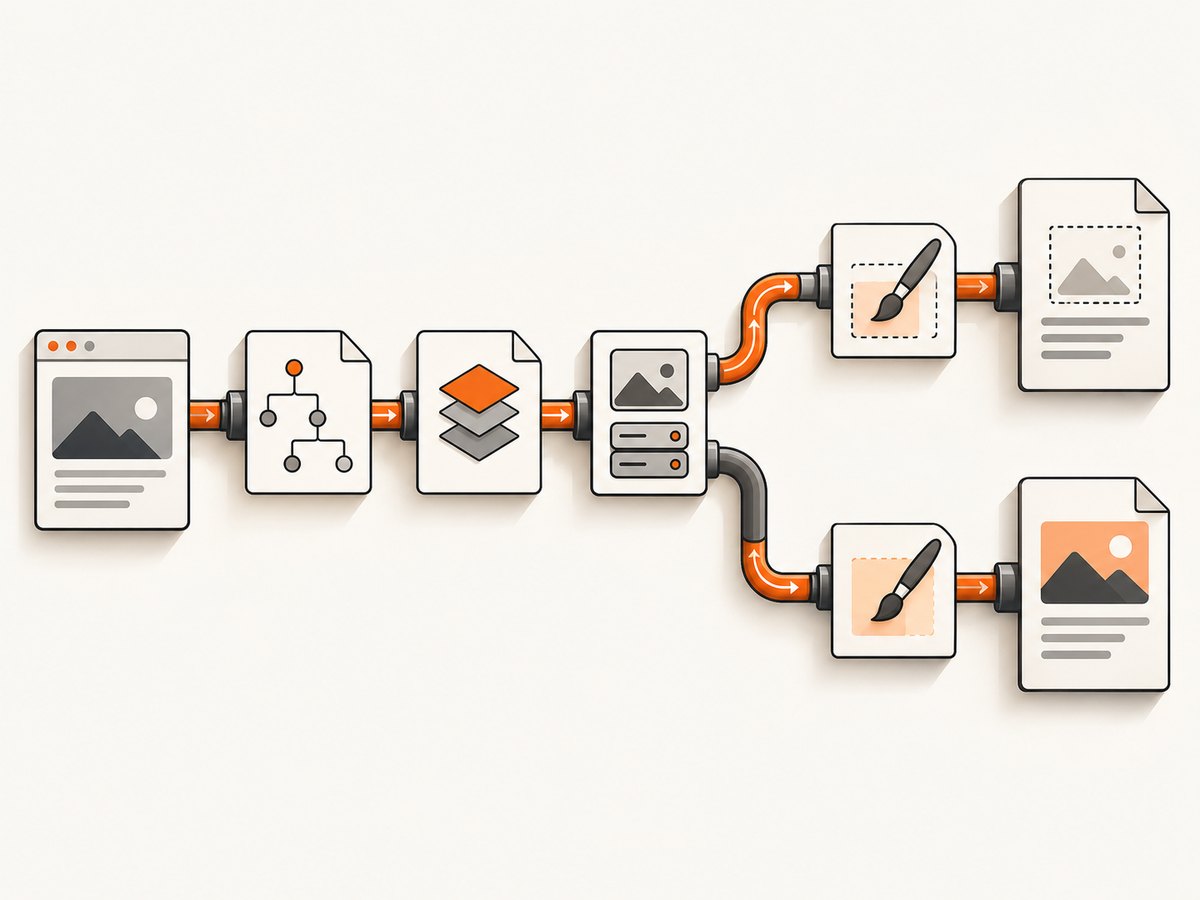
<!doctype html>
<html>
<head>
  <meta charset="utf-8">
  <style>
    @page { size: A4; margin: 20mm; }
    body {
      min-height: 220mm;
      margin: 0;
      background: #e9eef5 url("https://example.com/assets/paper.png") no-repeat top left;
      background-size: cover;
    }
  </style>
</head>
<body>
  <h1>Background test</h1>
</body>
</html>
wkhtmltopdf --enable-backgrounds test.html test.pdfThere is no universal --enable-backgrounds requirement in every build because backgrounds are documented as enabled by default, but specifying the intended behavior makes the command auditable. Make sure the real command does not contain --no-background or --no-images, directly or through a wrapper.
2. Check the two renderer switches
Inspect the final command line generated by your framework, container, job runner, or language wrapper. A setting hidden in configuration can override correct CSS.
| Purpose | CLI option | Library setting | What to verify |
|---|---|---|---|
| Print CSS backgrounds | --no-background disables them |
web.background=true|false |
Use true; remove the disabling flag. |
| Load image resources | --no-images disables loading |
web.loadImages=true|false |
Use true; check the generated command. |
The official settings reference documents both properties: wkhtmltopdf page settings. The command-line usage reference lists the disabling switches and defaults: wkhtmltopdf command-line usage.
Wrapper examples
If you use a wrapper, set the equivalent options explicitly. Names differ between libraries, so consult that wrapper’s API and print the resulting command during diagnosis.
# Shell
wkhtmltopdf --enable-backgrounds --images input.html output.pdf

# A useful diagnostic: deliberately remove possible disabling flags
wkhtmltopdf --enable-backgrounds input.html output.pdf
Do not assume that an image used in an <img> element proves that CSS backgrounds are enabled. Image loading and background painting are related but independently configurable behaviors.
3. Verify the image URL, path, and response
A background cannot be painted if the renderer cannot resolve or download it. Use the exact production URL or path in the minimal reproduction. A browser showing the page successfully is not conclusive: the conversion process may run in a different container, user account, network namespace, or working directory.
- For a remote asset, check the URL from the same machine and runtime that runs wkhtmltopdf.
- For a local asset, prefer a correctly formed
file:///absolute/path/image.pngURL and confirm the conversion user can read the file. - Check redirects, authentication, TLS certificates, and network access.
- Confirm that the response is an image and not an HTML error page.
- Check filename case. Linux filesystems commonly distinguish
Hero.pngfromhero.png. - Open the same URL in a simple
<img>element in the test file. If that also fails, investigate loading before CSS.
# Check a remote asset
curl -I -L https://example.com/assets/paper.png

# Check a local asset
ls -l /absolute/path/image.png
file /absolute/path/image.png
Use a real absolute URL while diagnosing. Relative URLs depend on the document base URL and the process’s working directory, which often changes in CI or a worker service.
4. Investigate @media print and --print-media-type
Print-media CSS is a separate diagnostic branch. A report for wkhtmltopdf 0.12.5 on CentOS 7 described a background image referenced only inside @media print failing when --print-media-type was used. The reporter found that referencing the same URL in a default-media rule also made it load.
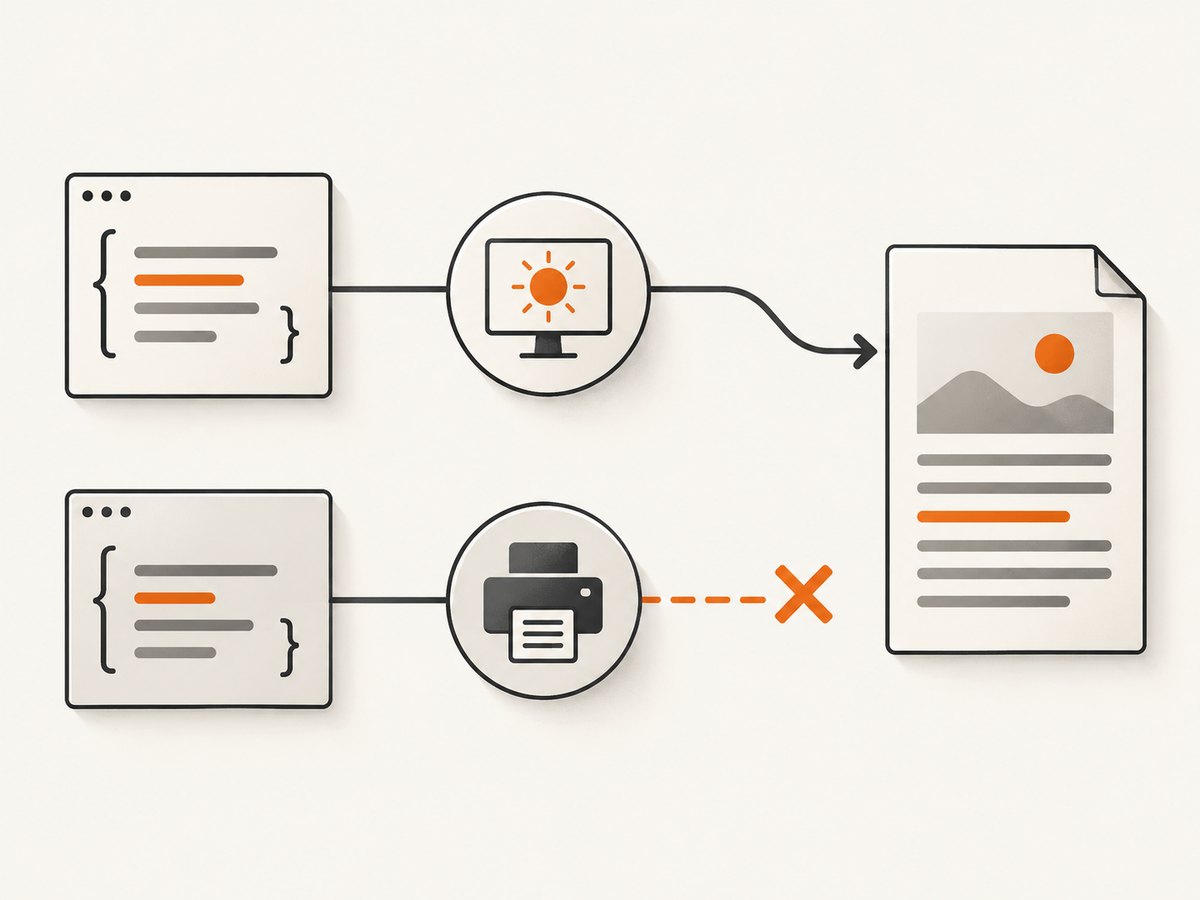
This is evidence from one version and environment, not a guaranteed behavior of every build. Reproduce it with a small comparison:
<style>
  /* Test A: default media */
  body { background-image: url("https://example.com/assets/paper.png"); }

  /* Test B: print media */
  @media print {
    body { background-image: url("https://example.com/assets/paper.png"); }
  }
</style>
wkhtmltopdf --print-media-type print-only.html print-only.pdf
wkhtmltopdf default-reference.html default-reference.pdfIf the default-media reference works and the print-only reference does not, keep the URL in a normal rule as a diagnostic workaround, simplify the media rules, and compare another supported build. Do not describe this result as a universal wkhtmltopdf rule.
5. Confirm the installed build and environment
Record the full version string and operating system before changing production. Run:
wkhtmltopdf --version
uname -a              # Linux and macOS
systeminfo            # Windows
Note whether the version output says with patched qt. The project’s downloads page identifies the 0.12.6 stable series and gives June 11, 2020 as its release date, while also explaining that patched Qt is required for some features and that distribution packages can behave differently. The project status page discusses the age of its Qt/WebKit foundation. Because those pages are old, verify current package and release information before calling any build “latest”.
Compare like for like: operating system, architecture, package source, patched versus unpatched Qt, command flags, and input HTML. An upgrade may change behavior, but no particular upgrade can be promised to fix an unknown input.
6. Use a deterministic conversion script
Automate the checks so a CI worker and a developer laptop produce comparable evidence.
#!/usr/bin/env bash
set -eu

WKHTMLTOPDF="${WKHTMLTOPDF:-wkhtmltopdf}"
INPUT="${1:-test.html}"
OUTPUT="${2:-test.pdf}"

"$WKHTMLTOPDF" --version
"$WKHTMLTOPDF" --enable-backgrounds "$INPUT" "$OUTPUT"
ls -lh "$OUTPUT"
Keep the minimal HTML, CSS, image URL, command, version output, OS version, and resulting PDF together. Official support guidance asks for the wkhtmltopdf version, OS and version, and a detailed reproducible case. Those details are also what you need when comparing a local result with a production failure.
7. Common errors and fixes
| Symptom | Likely cause | Fix |
|---|---|---|
| All backgrounds are missing | --no-background or web.background=false |
Remove the flag or set the property to true. |
| Inline images and backgrounds are missing | --no-images or web.loadImages=false |
Enable image loading and check network or file access. |
| Only remote backgrounds fail | Network, redirect, TLS, authentication, or blocked host | Test the URL from the conversion host with curl -I -L; use an accessible asset URL. |
| Only local backgrounds fail | Relative path, wrong working directory, or permissions | Use an absolute file:/// URL and grant read access. |
| Only print CSS fails | Media-rule behavior in a particular build | Compare with a default-media reference and record --print-media-type. |
| Works locally, fails in CI | Different binary, Qt build, fonts, filesystem, or network | Compare version output, package source, environment, and exact command. |
| PDF is produced but looks blank | Page load or asset timeout, blocked resources, or incomplete input | Reduce to a minimal case, verify assets, and inspect conversion logs. |
8. Performance and reliability considerations
Background images add network or file I/O and can increase conversion time and PDF size. For repeatable builds, serve assets from a stable host, avoid unnecessary redirects, and keep the test input small while diagnosing. A cached browser preview does not prove that a clean conversion worker can fetch the same resource.
When a page depends on JavaScript-generated styles or late-loading images, establish whether the background exists in the HTML and CSS available to wkhtmltopdf at conversion time. First solve direct URL loading with a static reproduction; then add application complexity one dependency at a time.
Reliability depends on the exact renderer build and environment. Pin the binary or package version in production, record --version in build logs, and retain a known-good fixture. The project documents that its Qt/WebKit foundation is old, so test upgrades against representative documents before deploying them broadly.
9. Security when converting HTML
The project warns against rendering untrusted HTML. Unsanitized user-provided HTML or JavaScript can expose the server to takeover. Treat HTML, CSS, URLs, and JavaScript as untrusted input: isolate conversion workers, restrict outbound access where practical, limit file permissions, and sanitize content before passing it to wkhtmltopdf. Do not use a background-image fix as a reason to weaken those controls.
10. Or skip the browser setup
If your goal is a reliable image or PDF of a URL rather than maintaining a wkhtmltopdf worker, ScreenshotNeo provides a website screenshot API and MCP server. See the ScreenshotNeo documentation for request options.
curl -G "https://api.screenshotneo.com/v1/shot" -d access_key=YOUR_API_KEY --data-urlencode url=https://stripe.com -o shot.webpimport requests
r = requests.get("https://api.screenshotneo.com/v1/shot", params={"access_key": "YOUR_API_KEY", "url": "https://stripe.com"}, timeout=90)
open("shot.webp", "wb").write(r.content)const q = new URLSearchParams({ access_key: 'YOUR_API_KEY', url: 'https://stripe.com' });
const res = await fetch(`https://api.screenshotneo.com/v1/shot?${q}`);Cookie banners, newsletter popups, and chat widgets are removed before the shot. Bot checks, blank pages, failed loads, timeouts, and cache hits are not billed; each response identifies its result with X-Page-Verdict and X-Billed headers. An MCP server lets AI agents such as Claude and Cursor call take_screenshot, get_page_info, and capture_pdf. The free plan includes 1,000 screenshots per month with no card; paid plans start at $5 for 3,000 shots. Create a free ScreenshotNeo account.
11. Frequently asked questions
Are CSS backgrounds enabled by default?
The CLI documentation says background printing and image loading are enabled by default. Still inspect the generated command and wrapper settings because either can disable them.
Should I always add --print-media-type?
Only when you need print-media CSS. It changes which rules apply and is part of the diagnostic when a background exists only inside @media print.
Will converting the background to an <img> always fix it?
No. It can distinguish background painting from general image loading, but the same URL, permissions, network, and build problems can still affect an image element.
What information should I include in a bug report?
Include the full version output, OS and version, exact command, minimal HTML/CSS, image URL or path, media flags, and the smallest input that reproduces the missing background.
Is 0.12.6 the current latest version?
The available official downloads page identifies 0.12.6 as a stable series released June 11, 2020. Verify current release and package information before making that claim for a new deployment.


