How to Fix wkhtmltopdf’s “Blocked Access to File” Warning
Fix wkhtmltopdf’s blocked local-file warning in 0.12.6 with CLI flags, allow-lists, API settings, diagnostics, and security guidance.
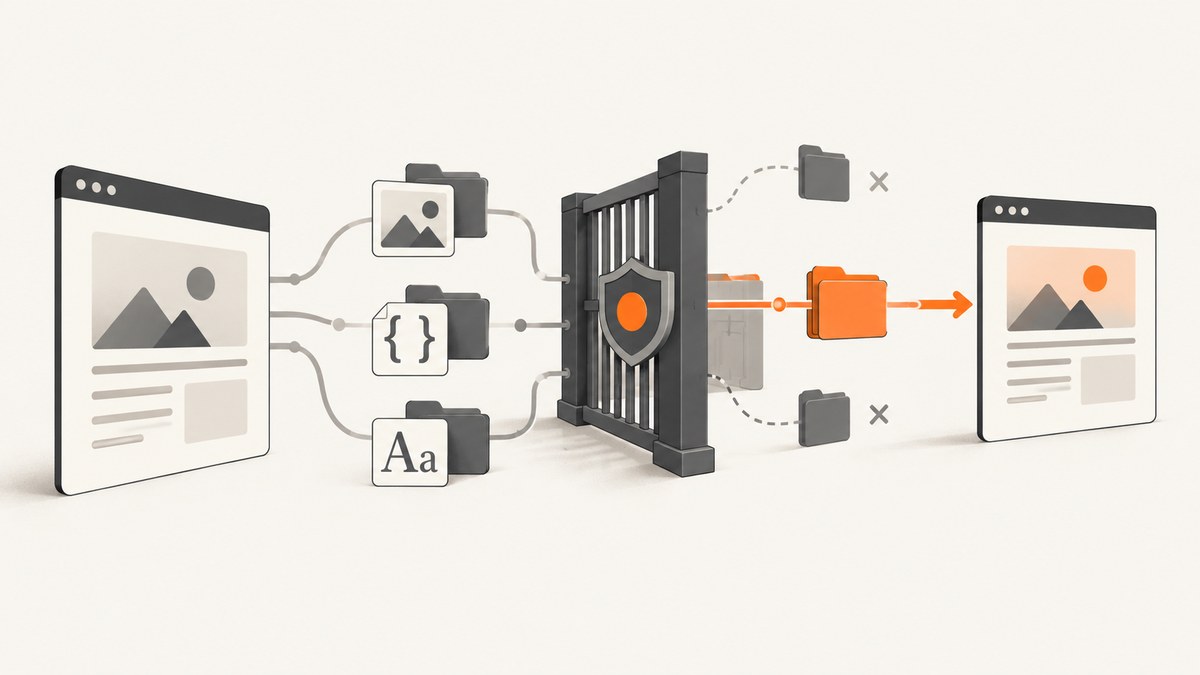
Quick fix: wkhtmltopdf 0.12.6 blocks local-file access by default. For trusted HTML, run:
wkhtmltopdf --enable-local-file-access input.html output.pdfIf the HTML only needs assets from one directory, keep the block enabled and allow that directory:
wkhtmltopdf --disable-local-file-access --allow /srv/app/render-assets input.html output.pdfThe warning appears when a page tries to load a file:// URL, a local image, a stylesheet, a font or another local resource that the renderer is not permitted to read. Version 0.12.5 commonly allowed this access; version 0.12.6 changed the default to deny it for security reasons.
Why wkhtmltopdf says “Blocked access to file”
wkhtmltopdf renders HTML in a WebKit-based engine. During rendering, the page can request more files than the input HTML itself: CSS files, images, fonts, JavaScript, frames and other local documents. The page loading setting load.blockLocalFileAccess controls whether local or piped files may access other local files.
In 0.12.6, local-file access is blocked unless you explicitly enable it or add an allowed directory. This protects the host filesystem when HTML is untrusted. A document that worked after an upgrade from 0.12.5 can therefore produce warnings and missing assets without any change to its HTML.
The warning is about access policy, not necessarily a malformed image or broken CSS. The renderer may still create a PDF, but the blocked resources will be absent, leaving blank image areas, default fonts or unstyled content.
Choose the narrowest fix that matches your trust model
| Situation | Recommended setting | Why |
|---|---|---|
| Trusted HTML and a controlled machine | --enable-local-file-access |
Fastest compatibility fix; permits local resources referenced by the page. |
| Trusted HTML with a known asset directory | --disable-local-file-access --allow /approved/path |
Exposes only the directory needed by the render. |
| Wrapper or library integration | Set page/object load.blockLocalFileAccess=false |
The setting belongs to the page being rendered. |
| User-supplied or otherwise untrusted HTML | Sanitize and isolate the renderer; prefer an allow-list | Local access can expose files and increase the impact of malicious HTML or JavaScript. |
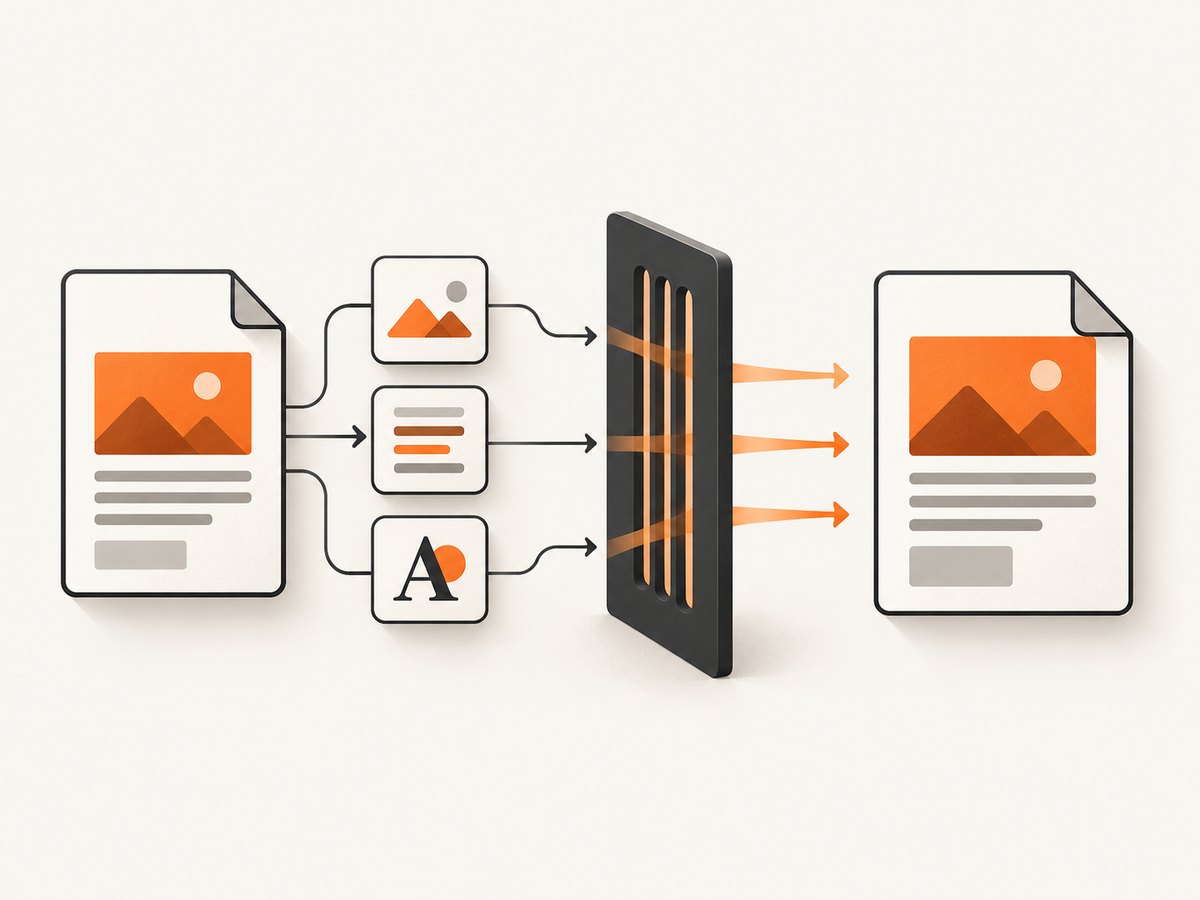
Command-line solutions
Enable local access for a trusted document
Put the option in the command that launches wkhtmltopdf:
wkhtmltopdf --enable-local-file-access input.html output.pdfThe input and output can also be absolute paths:
wkhtmltopdf --enable-local-file-access \
  /srv/app/job-42/index.html \
  /srv/app/job-42/result.pdf
Use this when the HTML and every referenced asset are trusted and the process runs in an environment where broad local access is acceptable. The option applies to the page load, so it must be present in the actual wkhtmltopdf invocation, not merely in a surrounding application configuration.
Allow one directory instead of opening all local files
A narrower command retains the default block and grants access to a specific directory:
wkhtmltopdf --disable-local-file-access \
  --allow /srv/app/render-assets \
  input.html output.pdf
Place all required images, stylesheets and fonts under the approved directory. If assets are split across directories, add an --allow option for each required directory. Keep the path as a real filesystem path; do not assume that a URL such as https://... belongs in --allow.
Use file URLs deliberately
Relative references are resolved from the input document’s location. An explicit reference might look like:
<img src="file:///srv/app/render-assets/logo.png" alt="Logo">
<link rel="stylesheet" href="file:///srv/app/render-assets/print.css">
Check that the URL has the correct number of slashes, that the path exists, and that the account running wkhtmltopdf can read it. On Unix-like systems, a path can exist while one parent directory lacks execute permission for the renderer’s user.
Fixes in libraries and APIs
When using libwkhtmltox or a language wrapper, set the page or object loading option named load.blockLocalFileAccess to false. The setting must be attached to the page being rendered. A cover or global object setting does not automatically change the input page’s policy.
Conceptually, the configuration is:
load.blockLocalFileAccess = falseUse the wrapper’s page-level equivalent if it exposes one. In go-wkhtmltopdf, the maintainer-recommended form is:
page.EnableLocalFileAccess(true)Apply it to the input page before creating the PDF. If your wrapper serializes options, log the final command line or option map so you can confirm that the setting was not dropped or overridden.
Why a cover setting may not work
wkhtmltopdf can render multiple page objects, such as a cover and a table of contents. Local-file access is evaluated for the object loading the resource. Enabling access on a cover does not necessarily enable it on the content page. Configure every page object that loads local assets, or configure the specific input page that emits the warning.
Complete diagnostic checklist
- Check the executable version. Run
wkhtmltopdf --version. Confirm whether it is 0.12.6, 0.12.5 or a vendor build with different defaults. - Capture the exact invocation. Log the command produced by your application. Look for a missing
--enable-local-file-access, an injected--disable-local-file-access, or an option attached to the wrong page object. - Confirm the input path. Verify that the HTML file supplied to wkhtmltopdf is the file you edited. Relative paths resolve from the document location, which may differ from your shell’s current directory.
- Inspect every reference. Check CSS, images, fonts, JavaScript, frames and nested HTML. One blocked reference can produce a warning even when other resources load correctly.
- Validate path syntax. Test absolute paths and correctly formed
file://URLs. Remove accidental URL encoding or characters that change the path. - Check permissions. Run a read test as the same operating-system user that launches wkhtmltopdf. Verify directory traversal permissions as well as file read permissions.
- Check sandbox and confinement rules. AppArmor, SELinux, containers and service policies can deny access even when the wkhtmltopdf flag is correct.
- Remove stale wrappers. Multiple wkhtmltopdf binaries can be installed. Print the resolved executable path and version from the service process, not only from an interactive shell.
Common errors and their fixes
| Symptom | Likely cause | Fix |
|---|---|---|
| Flag appears correct, warning remains | The wrapper added a later disabling option or used another binary. | Log the final command, print the executable path and inspect the version. |
| Images are missing but PDF is created | Image URLs point outside the allowed directory or the files are unreadable. | Correct the references, add the required directory with --allow, and check permissions. |
| CSS is missing | The stylesheet is local and blocked, or its relative path is resolved from an unexpected directory. | Use an approved absolute path or enable access for trusted HTML; verify the document base path. |
| Fonts fall back to defaults | Font files are local resources not covered by the allow-list. | Place fonts under an approved directory and reference them with valid URLs. |
| Library option has no effect | blockLocalFileAccess was set on a cover or global object instead of the input page. |
Set the page-level loading option on each object that needs local files. |
| Works locally, fails in production | Different user permissions, working directory, binary version or mandatory access-control policy. | Compare those values in the service environment and run a same-user read test. |
Security guidance before enabling access
The wkhtmltopdf project warns against using the tool with untrusted HTML unless user-supplied HTML and JavaScript are sanitized. Local-file access can turn a rendering feature into a filesystem disclosure or, in a vulnerable environment, a path to broader compromise.
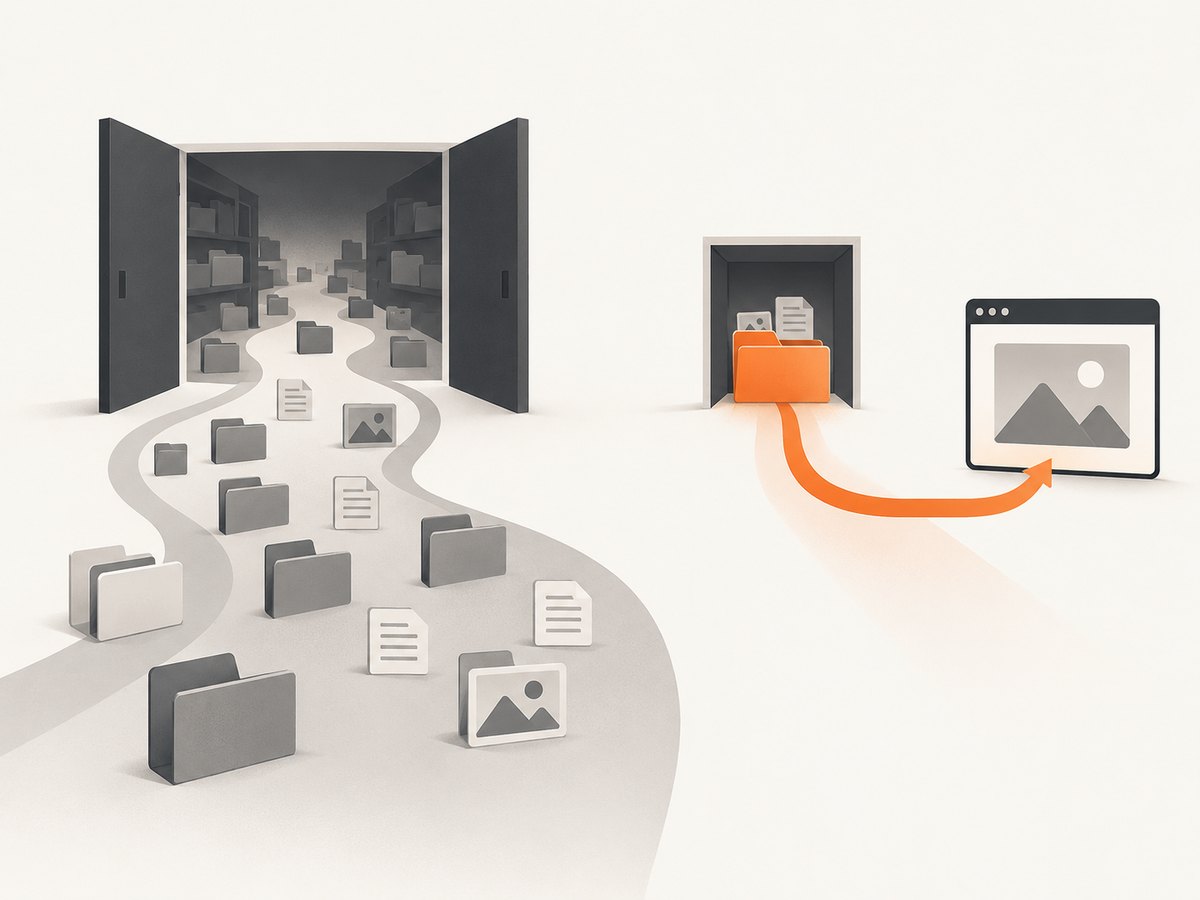
Use these controls together:
- Sanitize HTML and remove scripts or references that your application does not need.
- Prefer
--disable-local-file-access --allowwith a dedicated, read-only asset directory. - Run the renderer as an unprivileged account with no secrets in its working directory.
- Use AppArmor, SELinux or equivalent mandatory access controls as a backstop.
- Keep input files and generated PDFs in separate directories, and clean temporary files after each job.
- Record the executable version and command line so changes are auditable.
These measures matter because wkhtmltopdf uses an old Qt/WebKit stack. A command-line restriction reduces normal access; operating-system confinement limits damage if the renderer or an input document is exploited.
Performance, reliability and cost considerations
Allow-listing can improve operational predictability because every required asset is placed in a known directory. It also makes failures easier to diagnose than a mixture of network URLs and arbitrary local paths. Broad enablement is simpler, but it increases the number of files the renderer can attempt to read.
For repeatable builds, copy assets into a job-specific directory, use absolute references, and render with a fixed binary version. Avoid depending on the process working directory. If a service renders many documents concurrently, give each job an isolated temporary directory and enforce timeouts outside wkhtmltopdf as well as any page-load limits your wrapper provides.
Local access itself does not make rendering faster. Missing resources can cause retries or produce incomplete output, while very large images, fonts and scripts increase memory and render time. Measure the complete job in your environment, including HTML preparation, asset staging and PDF transfer.
Or skip the browser setup
If you need screenshots of public web pages rather than a local HTML-to-PDF workflow, ScreenshotNeo provides a website screenshot API. See the API documentation for all options.
# cURL
curl -G "https://api.screenshotneo.com/v1/shot" -d access_key=YOUR_API_KEY --data-urlencode url=https://stripe.com -o shot.webp

# Python
import requests
r = requests.get("https://api.screenshotneo.com/v1/shot", params={"access_key": "YOUR_API_KEY", "url": "https://stripe.com"}, timeout=90)
open("shot.webp", "wb").write(r.content)

// Node.js
const q = new URLSearchParams({ access_key: 'YOUR_API_KEY', url: 'https://stripe.com' });
const res = await fetch(`https://api.screenshotneo.com/v1/shot?${q}`);
ScreenshotNeo removes cookie banners, newsletter popups and chat widgets before capture. Bot checks, blank pages and failed loads are not billed, and response headers identify the page verdict and billing status. Its MCP server lets Claude, Cursor and other MCP clients call take_screenshot, get_page_info and capture_pdf. The free plan includes 1,000 screenshots each month with no card; paid plans start at $5 for 3,000 shots. Create a free ScreenshotNeo account.
FAQ
Did 0.12.6 remove local-file support?
No. It changed the default to block local-file access. You can enable it or allow a specific directory.
Should I downgrade to 0.12.5?
Usually no. Keep a supported, known version and set an explicit policy. Downgrading restores the older default but does not address the security exposure.
Can I use --allow without enabling local access?
Yes. Use --disable-local-file-access --allow /approved/path to keep access blocked except for the directory you specify.
Why does the PDF succeed even though the warning appears?
wkhtmltopdf can finish the document while omitting resources it could not read. Treat missing images, CSS or fonts as evidence that the access policy or path is still wrong.
Does the option apply to remote HTTPS assets?
The warning concerns local and piped files. Remote resources have separate networking, certificate and page-load considerations; diagnose those independently.


