How to Fix the wkhtmltopdf Cannot Connect to X Server Error on Ubuntu
Fix wkhtmltopdf X-server errors on Ubuntu with Xvfb, diagnose package differences, and choose safer options for modern HTML.
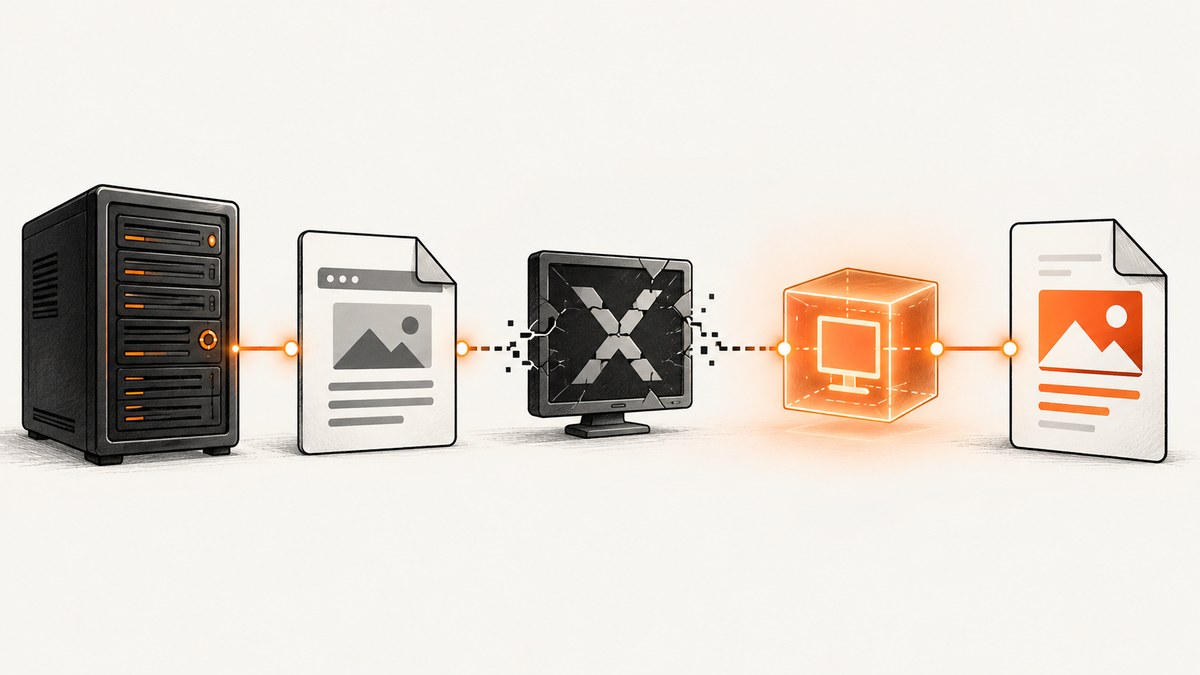
Direct fix: the error means your wkhtmltopdf binary is trying to use an X11 display that is missing in the current Ubuntu session. Install Xvfb and run the command through xvfb-run:
sudo apt update
sudo apt install xvfb
xvfb-run -a wkhtmltopdf input.html output.pdf
For a web page, use the same wrapper:
xvfb-run -a wkhtmltopdf https://example.com output.pdfThe -a option lets xvfb-run select an available display number. If your installed build works without the wrapper, Xvfb is not required for that binary. Some Ubuntu packages and older or unpatched Qt builds still attempt X11, however, so the wrapper remains the practical compatibility fix.
Why wkhtmltopdf says it cannot connect to X server
wkhtmltopdf renders HTML through Qt WebKit. The upstream project describes its tools as headless and says they do not require a display service, but the behavior depends on the build you installed. Distribution packages can omit patches or package Qt differently; those binaries may still try to open an X11 display. In a server, Docker container, cron job, or SSH session there is usually no display available, producing an error such as QXcbConnection: Could not connect to display or cannot connect to X server.
That is why “headless by design” and “needs Xvfb on Ubuntu” can both be true. The official project documents its intended headless operation, while Ubuntu and other distribution builds can require a virtual display. See the official project homepage and its downloads page.
Check which binary you are running
command -v wkhtmltopdf
wkhtmltopdf --version
ldd "$(command -v wkhtmltopdf)" | head
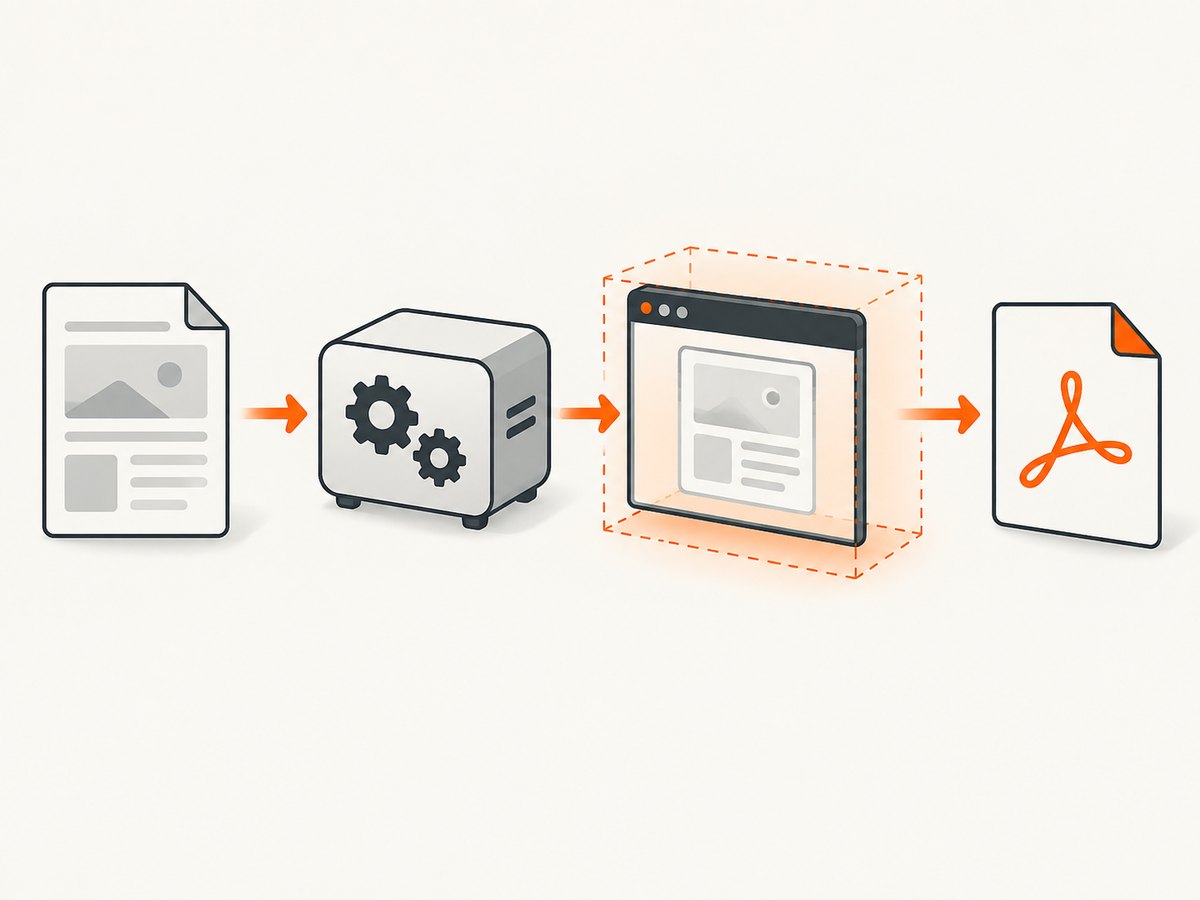
Record the version before changing packages. The official stable series is 0.12.6, released June 11, 2020. Match the package to your Ubuntu release and CPU architecture using the official download table. A binary copied from another machine, a distro package, and an official patched-Qt package can behave differently even when the command name is identical.
Interpret the version output
- If a patched-Qt official build renders successfully when invoked directly, keep using the direct command and omit Xvfb.
- If direct invocation prints an X-server connection error, use
xvfb-runconsistently for that binary. - If the command is missing, install a package that matches your Ubuntu release and architecture before diagnosing display errors.
Install and use Xvfb on Ubuntu
1. Install the package
sudo apt update
sudo apt install xvfb
2. Confirm the wrapper exists
command -v xvfb-run
xvfb-run --help | head
If command -v prints nothing, the package is not installed or the wrapper is not on the service user’s PATH.
3. Convert a local HTML file
xvfb-run -a wkhtmltopdf input.html output.pdf4. Convert a URL
xvfb-run -a wkhtmltopdf https://example.com output.pdf5. Set a fixed virtual screen when needed
Most conversions work with the default virtual display. If a template depends on a specific screen size or color depth, pass Xvfb server arguments:
xvfb-run -a --server-args="-screen 0 1280x1024x24" \
  wkhtmltopdf input.html output.pdf
Retest after changing the geometry. A fixed display number is usually unnecessary; -a avoids collisions when several jobs run at once.
Use the same command from services, cron and containers
The command must run under the same user and environment as the failing job. Test interactively as that user, then place the wrapper in the service configuration.
Systemd or queue worker
/usr/bin/xvfb-run -a /usr/local/bin/wkhtmltopdf \
  /srv/app/input.html /srv/app/output.pdf
Use absolute paths, ensure the service user can read the HTML and write the destination, and provide network access if the document loads remote assets.
Cron
*/5 * * * * appuser /usr/bin/xvfb-run -a /usr/bin/wkhtmltopdf https://example.com /srv/reports/example.pdfCron has a smaller environment than an interactive shell. Absolute paths and explicit output directories prevent many “works manually” failures.
Docker
apt-get update && apt-get install -y wkhtmltopdf xvfb
xvfb-run -a wkhtmltopdf https://example.com /tmp/example.pdf
Keep the wrapper in the container entrypoint or job command. Do not assume a display variable from the host exists inside the container.
Diagnosis decision tree
- Does
wkhtmltopdf --versionwork? If no, fix installation or architecture first. - Does direct conversion work? Run
wkhtmltopdf input.html output.pdf. If it succeeds, Xvfb is optional for this binary. - Does direct conversion report an X-server error? Install Xvfb and rerun with
xvfb-run -a. - Does
xvfb-runfail? Verify the package, wrapper path, executable permissions and the service user’sPATH. - Does conversion run but produce a bad PDF? Treat blank output, missing fonts and missing assets as separate rendering or environment problems; Xvfb only supplies the display.
Common errors and fixes
| Error or symptom | Likely cause | Fix |
|---|---|---|
cannot connect to X server |
The binary needs X11 and no display is available. | Run through xvfb-run -a. |
xvfb-run: command not found |
Xvfb is not installed or is outside PATH. |
Install xvfb; check command -v xvfb-run. |
| Works in SSH, fails in a worker | Different user, environment or working directory. | Use absolute paths and test as the worker user. |
| Blank PDF | HTML did not load, scripts did not finish, remote assets are blocked, or the file is unreadable. | Check URL access, file permissions, fonts and the job’s network policy. Capture stderr and test the same command manually. |
| Missing or incorrect fonts | The runtime image lacks the required fonts or font configuration. | Install the fonts required by the document and verify the service user can access them. |
| Images or CSS missing | Remote resources are unavailable or local paths are inaccessible. | Check outbound network access, DNS, certificates and permissions; use accessible asset URLs. |
| Install package has dependency errors | Package does not match the Ubuntu release or CPU architecture. | Select a matching package from the official downloads table. |
| Display number collision | Several jobs selected the same display. | Use xvfb-run -a so each process receives a free display. |
Security when converting supplied HTML
The official downloads page warns: “Do not use wkhtmltopdf with any untrusted HTML – be sure to sanitize any user-supplied HTML/JS, otherwise it can lead to complete takeover of the server it is running on!” Treat HTML, JavaScript, CSS, local files and remote URLs supplied by users as hostile. Run conversion in an isolated, least-privileged environment, restrict network and filesystem access, and sanitize content before invoking wkhtmltopdf.
Version, maintenance and modern HTML limits
wkhtmltopdf’s stable series is 0.12.6 from June 11, 2020. Its GitHub repository was archived read-only on January 2, 2023 (upstream repository). That maintenance status matters when pages depend on current JavaScript, CSS, web fonts or browser APIs. wkhtmltopdf plus Xvfb remains useful for legacy templates, but evaluate a maintained browser-based renderer when modern-web fidelity is a requirement.
Performance and reliability checklist
- Reuse a worker process or queue rather than spawning uncontrolled concurrent conversions.
- Use
-afor parallel jobs to avoid display collisions. - Give the job enough memory for large pages and images; monitor the process in containers.
- Make remote dependencies deterministic where possible. DNS, TLS, third-party scripts and slow assets can make output intermittent.
- Log the exact command, version, stderr and exit status. Preserve failed input and output paths for diagnosis.
- Set an outer process timeout in the service that launches wkhtmltopdf so a stalled page cannot occupy a worker forever.
- Pin the tested package and fonts in your image. Recheck output after Ubuntu or package upgrades.
Or skip the browser setup
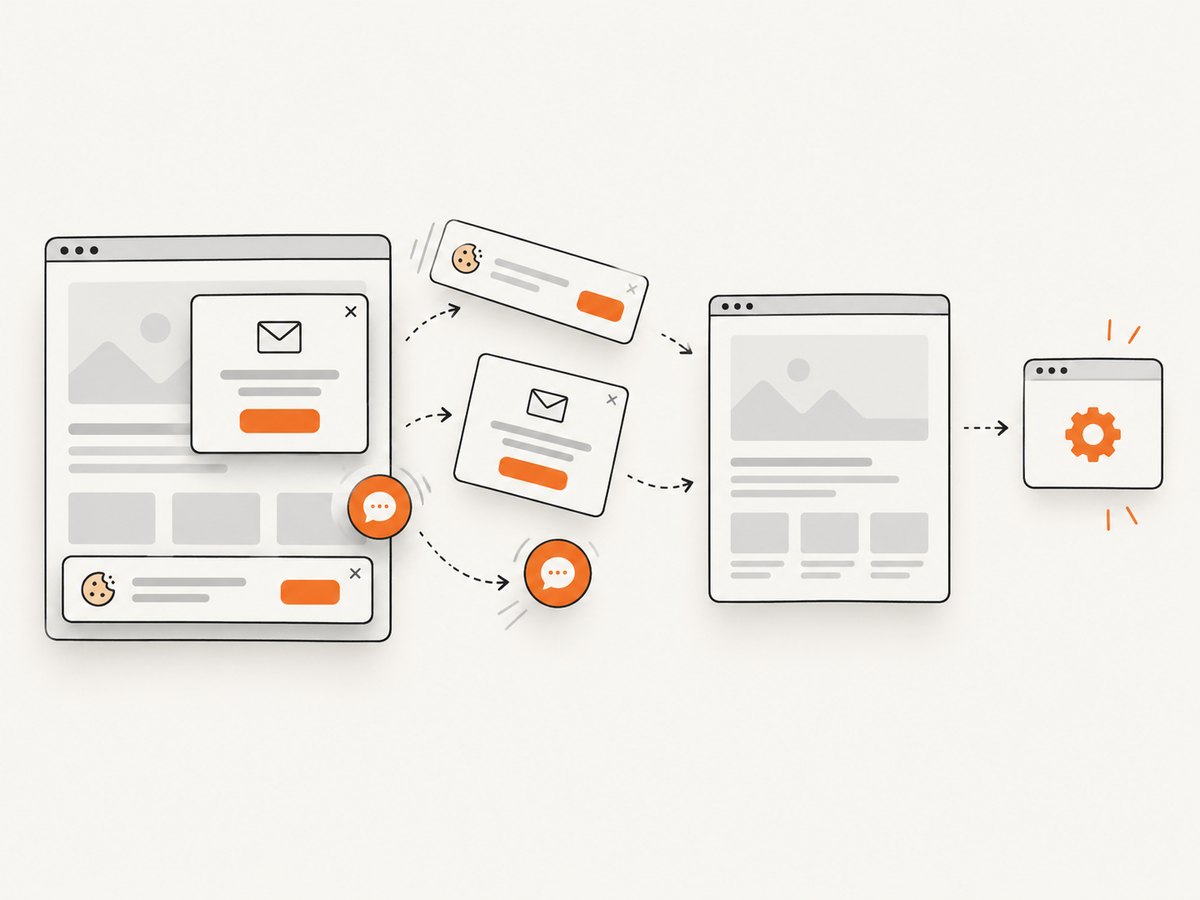
If your goal is a clean screenshot or PDF from a URL, ScreenshotNeo provides a hosted screenshot API and MCP server. It accepts consent banners before capture and removes more than 60 known consent platforms, newsletter popups and chat widgets. Bot checks, blank pages, timeouts, failed loads and cache hits are not billed, and each response reports the page verdict and billing status.
See the ScreenshotNeo API documentation for all options. A one-call capture looks like this:
cURL
curl -G "https://api.screenshotneo.com/v1/shot" -d access_key=YOUR_API_KEY --data-urlencode url=https://stripe.com -o shot.webpPython
import requests

r = requests.get(
    "https://api.screenshotneo.com/v1/shot",
    params={"access_key": "YOUR_API_KEY", "url": "https://stripe.com"},
    timeout=90,
)
r.raise_for_status()
open("shot.webp", "wb").write(r.content)
Node.js
const q = new URLSearchParams({ access_key: 'YOUR_API_KEY', url: 'https://stripe.com' });
const res = await fetch(`https://api.screenshotneo.com/v1/shot?${q}`);
if (!res.ok) throw new Error(`HTTP ${res.status}`);
require('fs').writeFileSync('shot.webp', Buffer.from(await res.arrayBuffer()));
ScreenshotNeo also offers full-page and element capture, device presets, custom viewports, retina scale, PDF controls, custom CSS and JavaScript, waits, request blocking, headers, cookies, user agents, timezone and geolocation, caching, signed links, asynchronous jobs, bulk capture and an MCP server for AI agents.
There are 1,000 screenshots per month free with no card. Paid plans start at $5 for 3,000 shots, and every feature is included on every plan. Create a free ScreenshotNeo account.
FAQ
Do I always need Xvfb?
No. A patched-Qt build may run directly. Keep Xvfb when your installed binary reports an X-server connection error.
What does -a do?
It chooses an available X display number, which helps when multiple conversions run concurrently.
Will Xvfb fix missing fonts or blank pages?
No. It only supplies a virtual display. Fonts, permissions, network access and page rendering must be diagnosed separately.
Is wkhtmltopdf maintained?
The stable release is 0.12.6 from 2020, and the upstream repository has been archived read-only since January 2, 2023. Consider a maintained renderer for modern browser features.
Can I convert user-submitted HTML safely?
Not without strong isolation and sanitization. The official project warns that untrusted HTML or JavaScript can lead to complete server takeover.


