How to Fix the wkhtmltopdf Command Not Found Error
Fix “wkhtmltopdf: command not found” by checking the failing environment, installing the binary there, or configuring its full path.
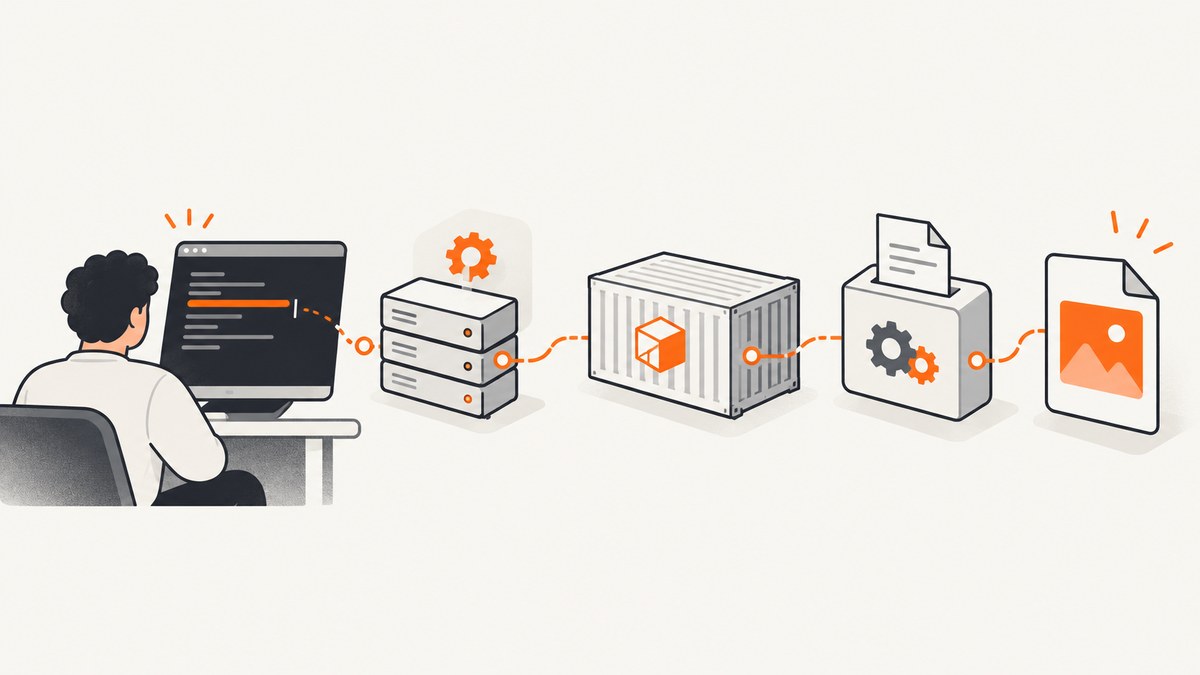
Short answer: “wkhtmltopdf: command not found” means the process that ran your command could not resolve an executable named wkhtmltopdf. Either wkhtmltopdf is not installed in that environment, or its directory is not in that process’s PATH. Check command resolution from the same shell, service, job runner, or container that fails. Install it there, or configure your application with the binary’s absolute path.
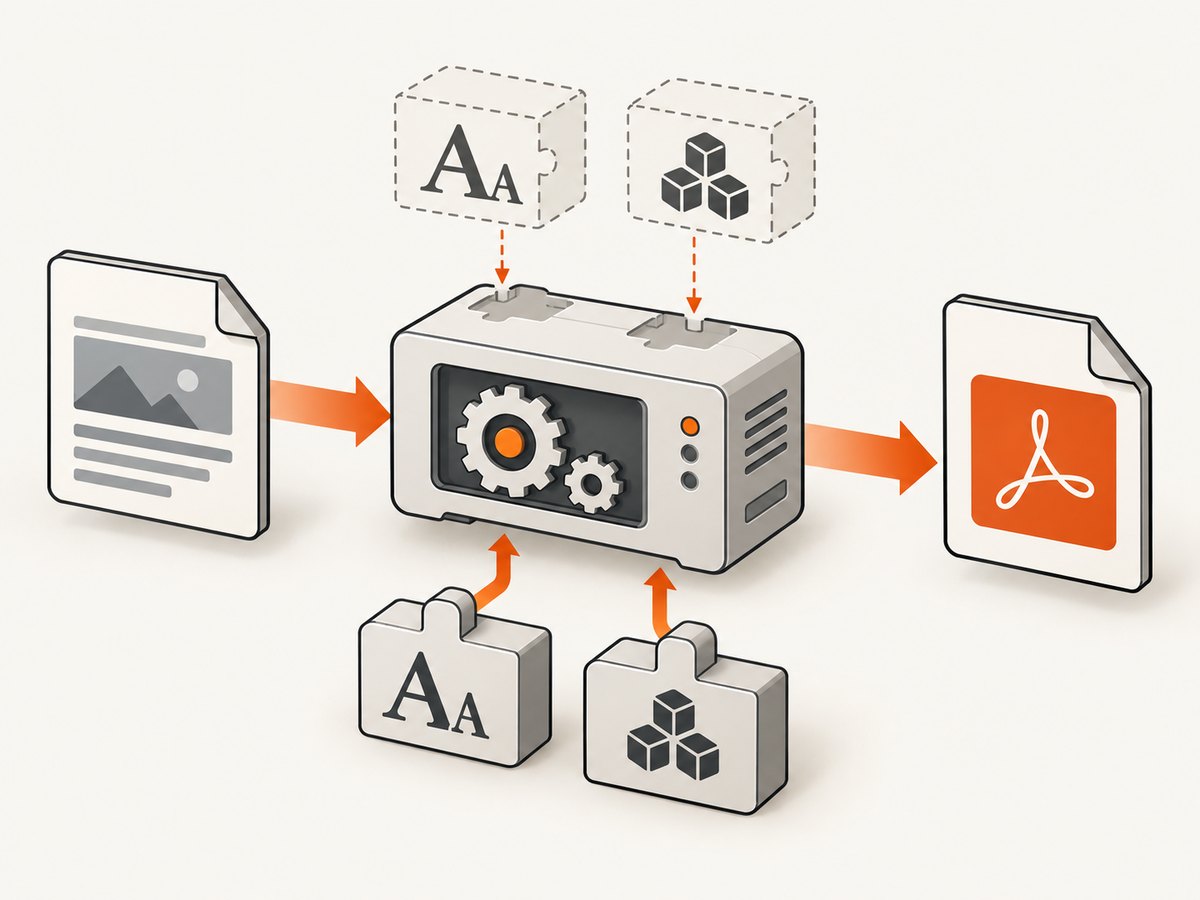
wkhtmltopdf is a headless command-line tool that renders HTML to PDF using Qt WebKit. The project also provides wkhtmltoimage for image output and describes both tools as open source under LGPLv3. See the official project site for the upstream description.
1. Confirm what is actually failing
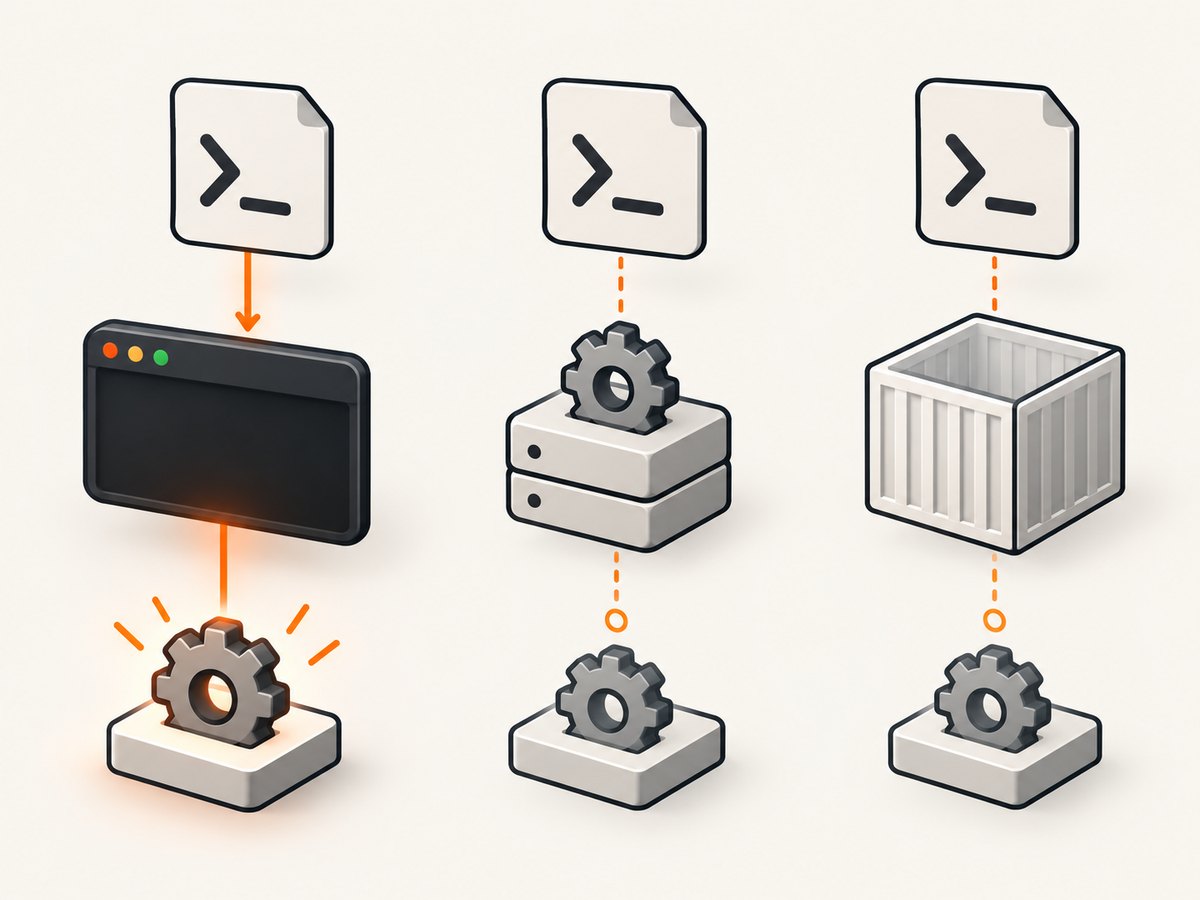
Run these checks in the environment where the error appears:
command -v wkhtmltopdf
which wkhtmltopdf
wkhtmltopdf --version
printf '%s\n' "$PATH"
command -v is preferable in scripts because it is commonly available in POSIX shells. which is useful interactively but can be an alias or shell-specific helper. A successful lookup only proves that the current process can find the executable; it does not prove that a web server, systemd unit, queue worker, CI job, Docker container, or application user can find it.
Interpret the results
| Result | Meaning | Next action |
|---|---|---|
| No output and exit status 1 | The shell cannot resolve the name. | Install wkhtmltopdf in this environment or add its directory to PATH. |
A path such as /usr/bin/wkhtmltopdf |
The name resolves. | Run --version and reproduce the failure as the same user. |
--version works in your terminal but the app fails |
The app has a different user, PATH, host, image, or working environment. | Inspect the app’s execution context and use an absolute path. |
| Permission denied | The file exists but is not executable or its directory is inaccessible. | Check ownership and execute permissions. |
2. Install wkhtmltopdf in the failing environment
Use the package manager appropriate for the operating system and distribution. These commands are examples documented by a community integration; package names, versions, architectures, and repository availability vary.
Ubuntu or Debian
sudo apt-get update
sudo apt-get install wkhtmltopdf
command -v wkhtmltopdf
wkhtmltopdf --version
CentOS, RHEL, or Fedora
# Choose the package manager provided by your image or distribution.
sudo yum install wkhtmltopdf
# or
sudo dnf install wkhtmltopdf
command -v wkhtmltopdf
wkhtmltopdf --version
macOS with Homebrew
brew install wkhtmltopdf
command -v wkhtmltopdf
wkhtmltopdf --version
Homebrew’s installation prefix differs between Intel and Apple Silicon systems, so always use the path returned by command -v rather than assuming /usr/local/bin.
Windows
Install a build from the project’s downloads page, then open a new terminal. A common integration checks C:\\Program Files\\wkhtmltopdf\\bin\\wkhtmltopdf.exe, but that is an example rather than a universal location. Verify the actual file:
"C:\\Program Files\\wkhtmltopdf\\bin\\wkhtmltopdf.exe" --versionTo make the bare command work, add the directory containing wkhtmltopdf.exe to the system or service account’s PATH. Applications can also be configured with the full Windows path.
3. Fix PATH and application configuration
If the executable exists but the command is unresolved, locate it and expose its directory to the caller:
find /usr /opt -type f -name wkhtmltopdf -perm -111 2>/dev/null | head
ls -l /usr/bin/wkhtmltopdf
For a temporary shell test:
export PATH="/custom/wkhtmltopdf/bin:$PATH"
command -v wkhtmltopdf
wkhtmltopdf --version
For a permanent configuration, update the profile used by the actual account. A systemd service does not necessarily read your interactive shell profile, so declare the path in the unit:
[Service]
Environment="PATH=/custom/wkhtmltopdf/bin:/usr/local/sbin:/usr/local/bin:/usr/sbin:/usr/bin"
ExecStart=/usr/local/bin/your-worker
After changing a unit, reload and restart it:
sudo systemctl daemon-reload
sudo systemctl restart your-worker
sudo journalctl -u your-worker -n 100 --no-pager
Most libraries also accept an executable option. Prefer an absolute path when available:
const wkhtmltopdfPath = "/usr/bin/wkhtmltopdf";The exact option name depends on your language wrapper. Search its documentation for terms such as binary, executable, wkhtmltopdf path, or command. Do not assume a path that happens to work on your laptop is valid in production.
4. Check users, services, and containers
Different user
A service account may not have permission to traverse the installation directory or execute the file. Reproduce the check as that account:
sudo -u www-data sh -lc 'command -v wkhtmltopdf; wkhtmltopdf --version'
namei -l /usr/bin/wkhtmltopdf
If the file is under a home directory, move it to a system location or grant the service account access according to your operating system’s permission policy.
Docker and other containers
Installing wkhtmltopdf on the host does not install it inside a container. Enter the running container and check there:
docker exec -it your-container sh -lc 'command -v wkhtmltopdf || true; wkhtmltopdf --version || true'Most n8n Docker images do not include wkhtmltopdf by default. The integration documentation also notes that n8n 2.x uses an Alpine-based hardened image where apt-get is unavailable. Use the package manager and image instructions for the image you actually run, and include the executable plus all required runtime libraries and fonts in the image build.
A typical Debian-based image pattern is:
FROM debian:stable-slim
RUN apt-get update \
    && apt-get install -y --no-install-recommends wkhtmltopdf \
    && rm -rf /var/lib/apt/lists/*
RUN wkhtmltopdf --version
Do not copy a binary built for another distribution or CPU architecture without checking its shared-library requirements. A copied executable can produce a different error, such as exit code 127, exit code 139, or blank output, when libraries, fonts, or compatible runtime components are missing.
CI and job runners
Install the dependency in the runner image or setup step, then verify it before the application starts:
set -eu
command -v wkhtmltopdf
wkhtmltopdf --version
./run-tests-or-worker
Cache package downloads if startup time matters, but keep the version and architecture explicit so a new runner does not silently receive an incompatible build.
5. Verify rendering after command lookup works
Once resolution succeeds, test a minimal conversion separately from your application:
cat > /tmp/wkhtmltopdf-check.html <<'HTML'
<!doctype html>
<html><body><h1>wkhtmltopdf check</h1></body></html>
HTML
wkhtmltopdf /tmp/wkhtmltopdf-check.html /tmp/wkhtmltopdf-check.pdf
file /tmp/wkhtmltopdf-check.pdf
ls -lh /tmp/wkhtmltopdf-check.pdf
This distinguishes command discovery from rendering. If the command is found but conversion fails, inspect the new error on its own. Missing fonts, shared libraries, restricted filesystem access, network resources, or sandbox policies can all occur after lookup has succeeded.
6. Common errors and fixes
| Error or symptom | Likely cause | Fix |
|---|---|---|
bash: wkhtmltopdf: command not found |
Not installed or not in PATH. | Run command -v in the failing context; install there or configure an absolute path. |
| Works over SSH, fails in the web app | Different user, PATH, chroot, virtualenv, or service environment. | Log PATH and the resolved path from the app; set service environment or binary configuration. |
| Works on host, fails in Docker | Host packages are invisible inside the image. | Install and verify in the image that executes the job. |
| Windows says the command is not recognized | Installation directory is absent from the account’s PATH. | Use the full .exe path or add its directory to PATH, then restart the process. |
| Exit code 127 after lookup | Often a missing command or runtime dependency in a script/container. | Print PATH, use an absolute path, and inspect dynamic-library dependencies. |
| Exit code 139 or blank output | Possible missing libraries, incompatible binary, or fonts. | Use a build for the target OS/architecture and install required runtime components; test a minimal document. |
| Permission denied | File or parent directory lacks execute permission for the service account. | Correct ownership and permissions, then retest as that account. |
| PDF is created but images or fonts are missing | Network access, local-file policy, fonts, or resource URLs differ in the runtime. | Use reachable URLs, provide fonts in the image, and review renderer options and logs. |
7. Reliability, performance, and maintenance notes
- Use one known binary. Pin the package or image version in production and record
wkhtmltopdf --versionin deployment logs. - Measure the whole job. Startup time, HTML size, remote assets, JavaScript waits, font loading, and disk I/O usually matter more than command lookup.
- Limit concurrency. Each render can consume significant CPU and memory. A queue with bounded workers is safer than launching unlimited processes from web requests.
- Set timeouts. A page waiting forever on a remote resource can exhaust workers. Kill the process and clean temporary files when a timeout expires.
- Keep dependencies in the same artifact. Containers and CI images should include the executable, shared libraries, fonts, and any certificates required by the pages you render.
- Plan for upstream status. The upstream GitHub repository is archived and read-only as of January 2, 2023. That does not change the immediate PATH diagnosis, but it is relevant when selecting a renderer for a new long-lived system.
8. Or skip the browser setup
If your goal is a reliable website screenshot or PDF rather than maintaining a local wkhtmltopdf installation, ScreenshotNeo provides a hosted screenshot API. One GET request returns PNG, JPEG, WebP, or PDF output. Read the ScreenshotNeo API documentation for the complete option list.
curl -G "https://api.screenshotneo.com/v1/shot" -d access_key=YOUR_API_KEY --data-urlencode url=https://stripe.com -o shot.webpimport requests
r = requests.get("https://api.screenshotneo.com/v1/shot", params={"access_key": "YOUR_API_KEY", "url": "https://stripe.com"}, timeout=90)
open("shot.webp", "wb").write(r.content)const q = new URLSearchParams({ access_key: 'YOUR_API_KEY', url: 'https://stripe.com' });
const res = await fetch(`https://api.screenshotneo.com/v1/shot?${q}`);ScreenshotNeo removes cookie and consent banners, newsletter popups, and chat widgets before capture. Bot checks, blank pages, failed loads, timeouts, and cache hits are not billed, and response headers identify the page verdict and billing result. Options include full-page captures with lazy images loaded, CSS element capture, dark mode, device presets, arbitrary viewports, retina scale, PDF paper and margin settings, custom CSS and JavaScript, clicks, waits, blocked requests, headers, cookies, user agents, timezone, geolocation, transparent backgrounds, resizing, configurable caching, signed links, asynchronous jobs, signed webhooks, bulk capture for up to 100 URLs, and a usage API. Its MCP server exposes take_screenshot, get_page_info, and capture_pdf to Claude, Cursor, and other MCP clients.
There is a free plan with 1,000 screenshots each month and no card. Paid plans start at $5 for 3,000 shots; yearly billing gives two months free. Create a free ScreenshotNeo account to get started.
9. Diagnostic checklist
- Run
command -v wkhtmltopdfas the failing user. - Run
wkhtmltopdf --versionin that same context. - Print the process PATH, not only your terminal PATH.
- Check whether the process runs in a container, CI runner, service, or virtual machine.
- Install the package inside that environment.
- Configure the actual absolute path if PATH cannot be changed.
- Verify execute permissions and parent-directory access.
- Check OS, CPU architecture, shared libraries, certificates, and fonts.
- Run a minimal HTML-to-PDF conversion before debugging application code.
- Record the renderer version and keep worker concurrency bounded.
10. FAQ
Why does which wkhtmltopdf work but my application still fail?
The application probably runs with another user, PATH, container image, service manager, or working environment. Log the lookup from inside the application process and configure an absolute path.
Can I install wkhtmltopdf only on the host?
Only if the application also executes on that host. A container has its own filesystem and package set, so install and verify the binary inside the container.
Is “command not found” a PDF rendering error?
No. It occurs before wkhtmltopdf starts. Resolve installation and command discovery first, then investigate rendering errors separately.
Should I copy a binary from another server?
Only after checking operating system, architecture, shared libraries, fonts, and permissions. A copied binary can start failing with different runtime errors.
What details should I provide when asking for help?
Include the OS and version, CPU architecture, execution context, user, exact command, output of command -v and --version, container image if applicable, and the complete post-lookup error.


