How to Fix wkhtmltopdf ContentNotFoundError (Exit Code 1)
Find the resource that wkhtmltopdf cannot load, fix paths or access, and prevent ContentNotFoundError in wrappers, containers, and CI.
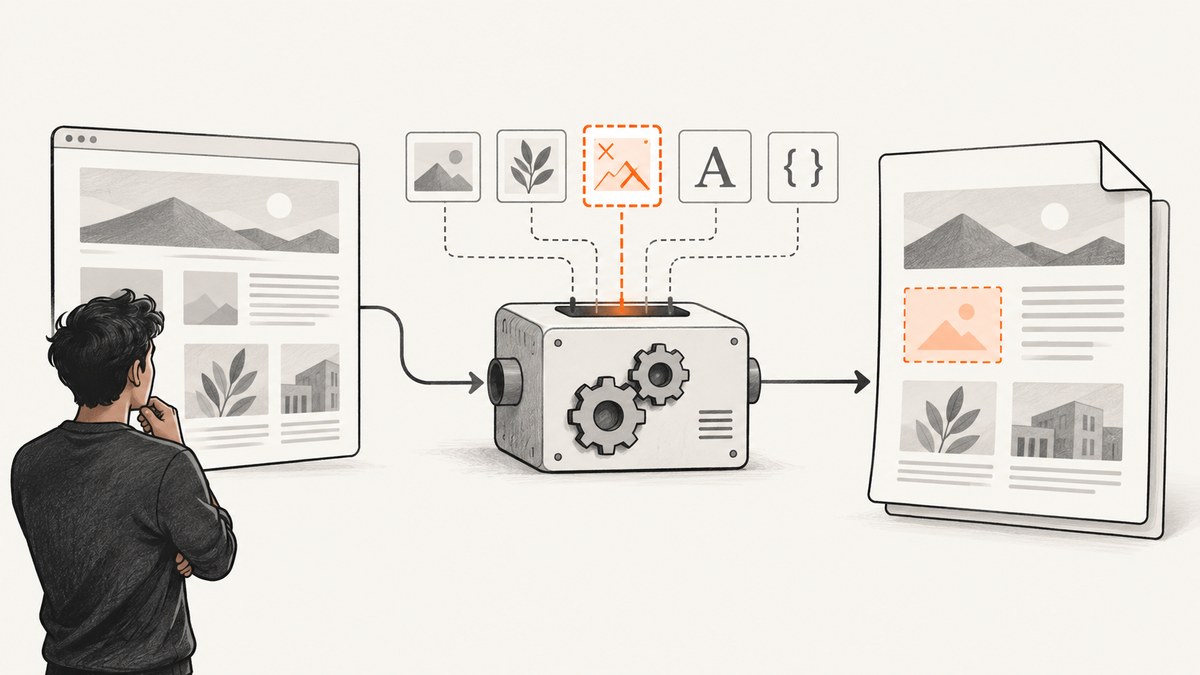
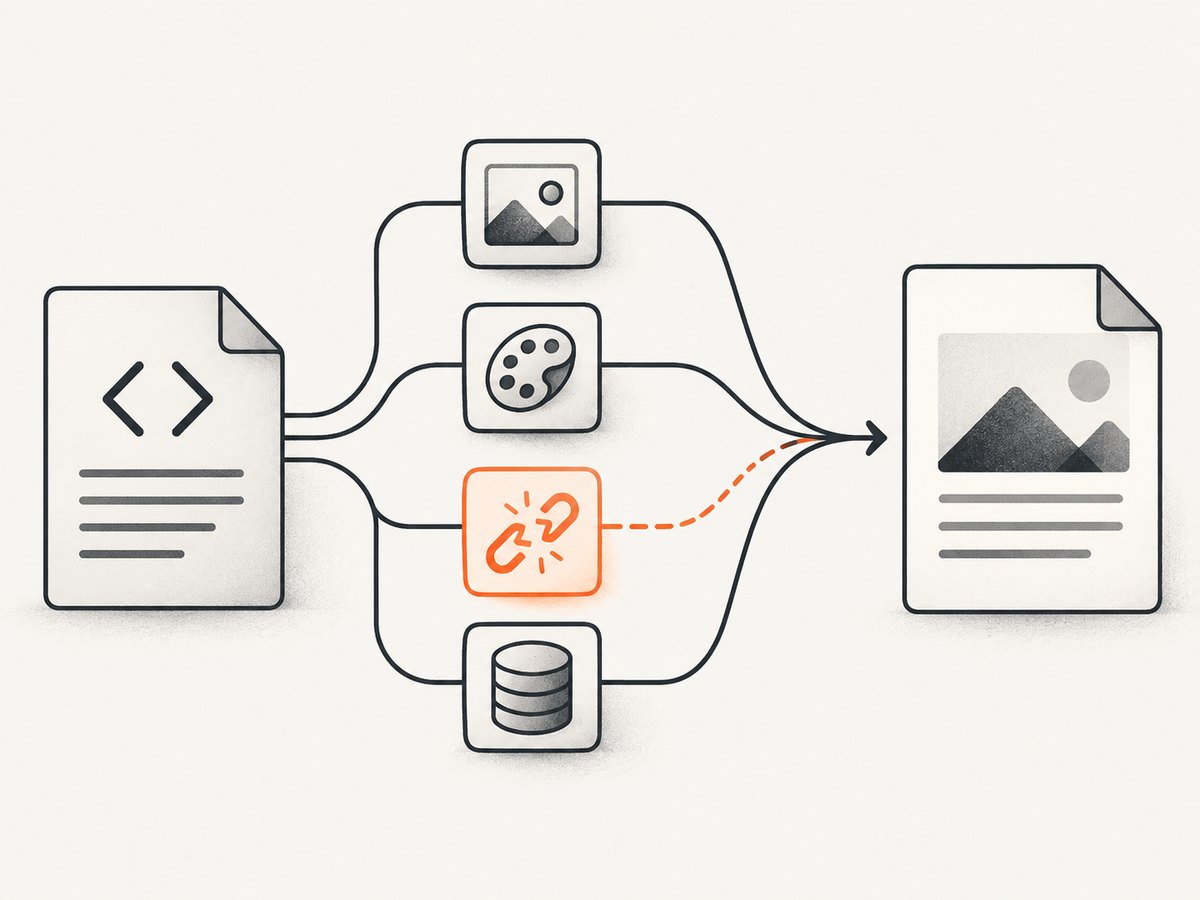
“Exit with code 1 due to network error: ContentNotFoundError” means wkhtmltopdf failed to load at least one resource while rendering. The message does not identify the resource or prove that the network itself is down. The failed item may be an image, stylesheet, icon, font, script, or document URL. Start with wkhtmltopdf’s complete stderr output, find the first failed URL or path, then test that exact resource from the same machine, container, user, and working directory as the PDF process.
This guide shows a repeatable fix for direct wkhtmltopdf commands and wrappers such as PDFKit, jsreport, and application PDF exports. It also explains why the command can print Done and still exit with code 1, why relative paths fail in temporary directories, what --load-error-handling ignore can and cannot do, and how to replace a fragile browser setup with ScreenshotNeo when you need a clean screenshot or PDF from a URL.
What ContentNotFoundError means
wkhtmltopdf loads the HTML and then fetches every referenced resource needed for the render. A resource-loading failure can be reported at the end as:
Exit with code 1 due to network error: ContentNotFoundErrorThe final line is a summary, not a diagnosis. Historical issue reports for wkhtmltopdf 0.12.1 and 0.12.5 associate the error with unavailable image URLs, relative CSS and icon paths, and failed remote JavaScript resources. Those reports are useful diagnostic examples, but they do not establish identical behavior for every operating system, package, wrapper, or current build.
The process may also display progress through Done before returning a non-zero exit status. Progress indicates that the render reached its end; it does not mean that every dependency loaded successfully. Your application should therefore check both the output file and the process exit code.
Fastest diagnostic sequence
- Capture the exact command and stderr. Do not inspect only the final exception from your framework.
- Find the first failed resource. Search for
Warning: Failed to load,Error: Failed to load, HTTP status text, a filesystem path, or a URL. - Test that resource in the renderer’s execution context. Use the same host or container, network, DNS, TLS trust store, credentials, and user account.
- Classify the reference. Is it absolute HTTP(S), root-relative, document-relative, or
file://? - Fix or remove the dependency. Correct the URL, make a local path absolute, provide a base URL, authenticate the request, or replace an optional asset with a valid fallback.
- Run the exact wkhtmltopdf command outside the wrapper. This separates a renderer problem from temporary-file or wrapper configuration.
Capture stderr and the exit code
Run a minimal reproduction with shell redirection:
wkhtmltopdf \
  --log-level info \
  input.html output.pdf \
  >wkhtmltopdf.stdout 2>wkhtmltopdf.stderr
status=$?
printf 'exit_code=%s\n' "$status"
cat wkhtmltopdf.stderr
Keep the original command, HTML, stderr, and generated file together. If a wrapper builds a temporary HTML file, log that temporary path as well.
Fix missing or inaccessible remote URLs
For an absolute URL, copy the exact value from the warning and fetch it from the same environment:
curl --fail --location --verbose \
  --connect-timeout 10 --max-time 30 \
  'https://example.com/assets/hero.png' \
  -o /tmp/hero.png
Check the response status, redirect chain, DNS result, TLS certificate, firewall policy, and whether authentication is required. A browser on your laptop succeeding does not prove that a server-side worker or container can reach the resource. Verify that the URL still exists and that it is not restricted by an allowlist or private network boundary.
When the resource needs a cookie or header, supply it in the HTML-generation process or configure the wrapper and renderer consistently. Be careful with signed URLs: an expired query parameter can look like a missing file. If the asset is optional, remove the reference or use a known-good fallback rather than allowing a broken URL into production HTML.
Fix relative CSS, image, and icon paths
Relative references are resolved against the document location, not necessarily your application’s source directory. A wrapper may write HTML to a temporary directory such as /tmp/render-123/index.html. In that case, images/logo.png resolves under /tmp/render-123/images/logo.png, even if your template lives elsewhere.
Prefer absolute HTTPS URLs for assets that are intentionally hosted remotely:
<link rel="stylesheet" href="https://static.example.com/pdf.css">
<img src="https://static.example.com/images/logo.png" alt="Logo">
For local assets, convert paths to absolute filesystem paths and ensure the renderer is allowed to read them. A stable HTML base URL can also make document-relative references predictable:
<base href="file:///srv/app/templates/">
<link rel="stylesheet" href="css/pdf.css">
<img src="images/logo.png" alt="Logo">
Use a correctly escaped file URL, including spaces and special characters. Confirm permissions for the account that launches wkhtmltopdf. If your wrapper copies only the HTML file into a temporary directory, copy the asset directory too or rewrite the references before rendering.
Use a minimal HTML bisect
When several resources might be broken, reduce the document systematically:
- Render HTML containing only text and inline styles.
- Add images back one at a time.
- Add external stylesheets, fonts, and scripts separately.
- Restore optional widgets and tracking resources last.
The first addition that reproduces the error identifies the resource class to inspect. This is faster than changing multiple flags while leaving the failing URL unknown. A missing image is one documented trigger; relative CSS and icon paths and remote JavaScript are other documented examples. Other categories in this checklist are diagnostic possibilities, not guaranteed causes.
Run diagnostics from Python
This small script records stdout, stderr, and the exit status. It also fails clearly when the output file was not produced:
from pathlib import Path
import subprocess

cmd = [
    "wkhtmltopdf",
    "--log-level", "info",
    "input.html",
    "output.pdf",
]
result = subprocess.run(cmd, text=True, capture_output=True)
print("exit_code:", result.returncode)
print("stderr:\n", result.stderr)
if result.returncode != 0:
    raise RuntimeError("wkhtmltopdf failed; inspect the first failed resource above")
if not Path("output.pdf").is_file():
    raise RuntimeError("wkhtmltopdf returned success but output.pdf is missing")
To test an individual asset before invoking the renderer:
import requests

url = "https://example.com/assets/hero.png"
r = requests.get(url, timeout=30, allow_redirects=True)
r.raise_for_status()
print(r.status_code, r.url, r.headers.get("content-type"))
Run diagnostics from Node.js
With Node.js, preserve stderr and reject non-zero status explicitly:
import { execFile } from 'node:child_process';
import { promisify } from 'node:util';

const execFileAsync = promisify(execFile);
try {
  const { stdout, stderr } = await execFileAsync('wkhtmltopdf', [
    '--log-level', 'info', 'input.html', 'output.pdf'
  ]);
  console.log(stdout);
  console.error(stderr);
} catch (error) {
  console.error('exit code:', error.code);
  console.error(error.stderr || error.message);
  process.exitCode = 1;
}
Why common flags do not always solve it
--load-error-handling ignore
This option may allow some page-load errors to be ignored, but it is not a universal fix. Historical reports describe the same final ContentNotFoundError even when the option was present, and another report showed an ignored failed JavaScript resource followed by the final error. Treat the flag as a deliberate choice for nonessential resources, not as proof that the underlying URL is healthy.
JavaScript delays and network idle
A delay can help when JavaScript inserts content after the initial load, but it does not repair a 404, inaccessible host, bad certificate, or incorrect relative path. First make every required dependency reachable; then tune rendering timing.
Local-file access
Flags that permit local file access can help when an otherwise valid file:// dependency is blocked by policy. They cannot fix a path that points to the wrong directory or a file that the process user cannot read. Use the least permissive configuration that matches your document and verify it in the same container or service account.
Wrapper, container, and CI edge cases
| Symptom | Likely cause | Action |
|---|---|---|
| Works locally, fails in production | Different DNS, firewall, certificates, fonts, or working directory | Fetch the exact failed resource inside the production environment and compare paths and trust stores. |
| Only wrapper jobs fail | Temporary HTML directory changes relative-path resolution | Log the temporary path; use absolute paths, a correct base URL, or copy assets beside the HTML. |
| Images fail but text renders | Broken image URL, redirect, auth, or unsupported access from the worker | Test the image with curl from the worker and replace or fix the reference. |
| CSS icons fail | Relative URLs inside a stylesheet resolve from the stylesheet’s location | Correct the stylesheet base and icon paths; inline critical CSS where practical. |
| Output says Done, process is exit 1 | Late resource failure was recorded after page progress completed | Trust the exit code and inspect stderr, not the progress line. |
| Intermittent failures | Timeouts, flaky dependency, expiring signed URL, or overloaded worker | Record URL, timestamp, status, and duration; retry only idempotent jobs after fixing the dependency. |
Reliability and performance practices
- Make dependencies deterministic. Pin asset URLs or deploy assets with the document instead of relying on mutable third-party resources.
- Reduce the request graph. Inline small critical CSS and avoid analytics, chat, ads, and optional remote scripts in print HTML.
- Set explicit timeouts. A timeout should produce a logged failure with the URL that was pending, not a generic application exception.
- Keep retries bounded. Retry transient network failures with backoff; do not retry a permanent 404 indefinitely.
- Check output integrity. Verify exit status, file existence, and a non-zero file size before publishing the PDF.
- Log context safely. Record the resource URL and response class, but redact authorization headers, cookies, and signed query secrets.
There is no single performance or reliability benchmark supported by the reviewed reports. Historical issue versions should not be treated as a current support statement for every packaged build. The upstream wkhtmltopdf repository is archived and read-only, so confirm behavior against the exact binary you deploy.
Or skip the browser setup
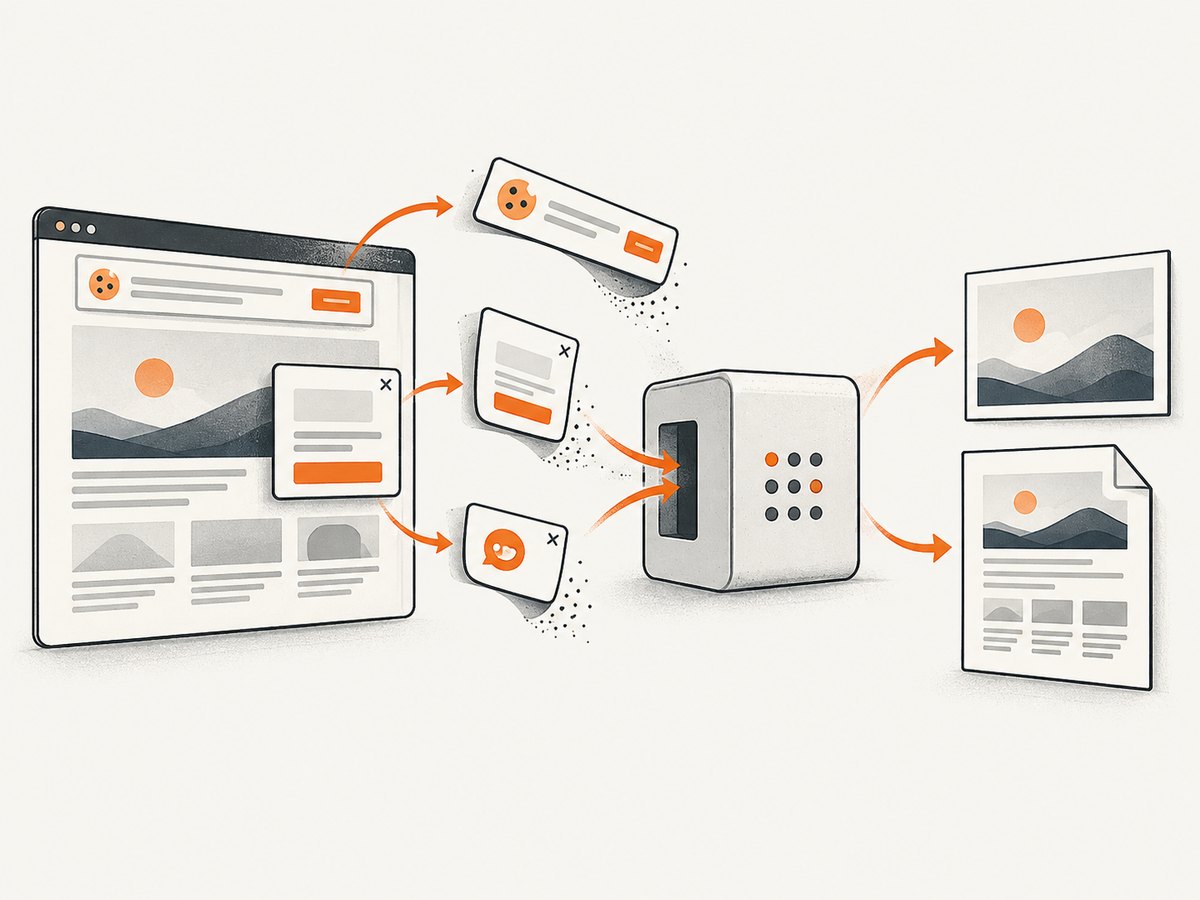
If your input is a public URL and you need a screenshot or PDF rather than a locally controlled HTML conversion, ScreenshotNeo provides a hosted capture API. It removes cookie and consent banners, newsletter popups, and chat widgets before capture; bot checks, blank pages, failed loads, timeouts, and cache hits are not billed. Responses identify the result with X-Page-Verdict and X-Billed headers. Its MCP server also lets Claude, Cursor, and other MCP clients call take_screenshot, get_page_info, and capture_pdf.
See the ScreenshotNeo API documentation for all options. A one-call request is:
curl -G "https://api.screenshotneo.com/v1/shot" -d access_key=YOUR_API_KEY --data-urlencode url=https://stripe.com -o shot.webpimport requests
r = requests.get("https://api.screenshotneo.com/v1/shot", params={"access_key": "YOUR_API_KEY", "url": "https://stripe.com"}, timeout=90)
open("shot.webp", "wb").write(r.content)const q = new URLSearchParams({ access_key: 'YOUR_API_KEY', url: 'https://stripe.com' });
const res = await fetch(`https://api.screenshotneo.com/v1/shot?${q}`);You can choose PNG, JPEG, WebP, or PDF; full-page capture loads lazy images; and options include CSS selectors, device presets, custom viewports, retina scale, dark mode, custom CSS and JavaScript, clicks, waits, blocked resources, headers, cookies, user agents, authorization, timezone, geolocation, transparent backgrounds, resizing, caching, signed links, asynchronous jobs, webhooks, bulk capture, and a usage API. Failed loads and bot checks do not consume a paid shot, which makes diagnosing problematic pages safer.
The Free plan includes 1,000 screenshots each month with no card. Paid plans start at $5 for 3,000 shots, and every feature is available on every plan. Create a free ScreenshotNeo account to try the capture API.
FAQ
Does ContentNotFoundError always mean the internet is unavailable?
No. It can be a missing image, an incorrect relative path, an inaccessible host, an authentication or redirect problem, or another failed dependency.
Should I ignore all load errors for PDFs?
No. Ignore handling can hide nonessential failures, but documented cases show that it does not eliminate every ContentNotFoundError. Identify the resource first.
Why does a relative path work in my browser?
Your browser opens the page from one directory or URL, while a wrapper may render a temporary HTML file elsewhere. Relative references are resolved from the renderer’s document location.
Can I fix this by increasing the JavaScript delay?
Only when the resource is valid but arrives late. A delay cannot repair a missing URL, wrong base path, blocked network request, or certificate failure.
What should a production health check record?
Record the exact command, binary version, exit code, first failed resource, stderr, execution context, output existence, and duration. Redact credentials and signed URL secrets.


