How to Fix CSS Page-Break Rules That wkhtmltopdf Ignores
Fix ignored wkhtmltopdf page breaks with tested CSS patterns, layout diagnostics, print-media checks, table workarounds, and renderer alternatives.
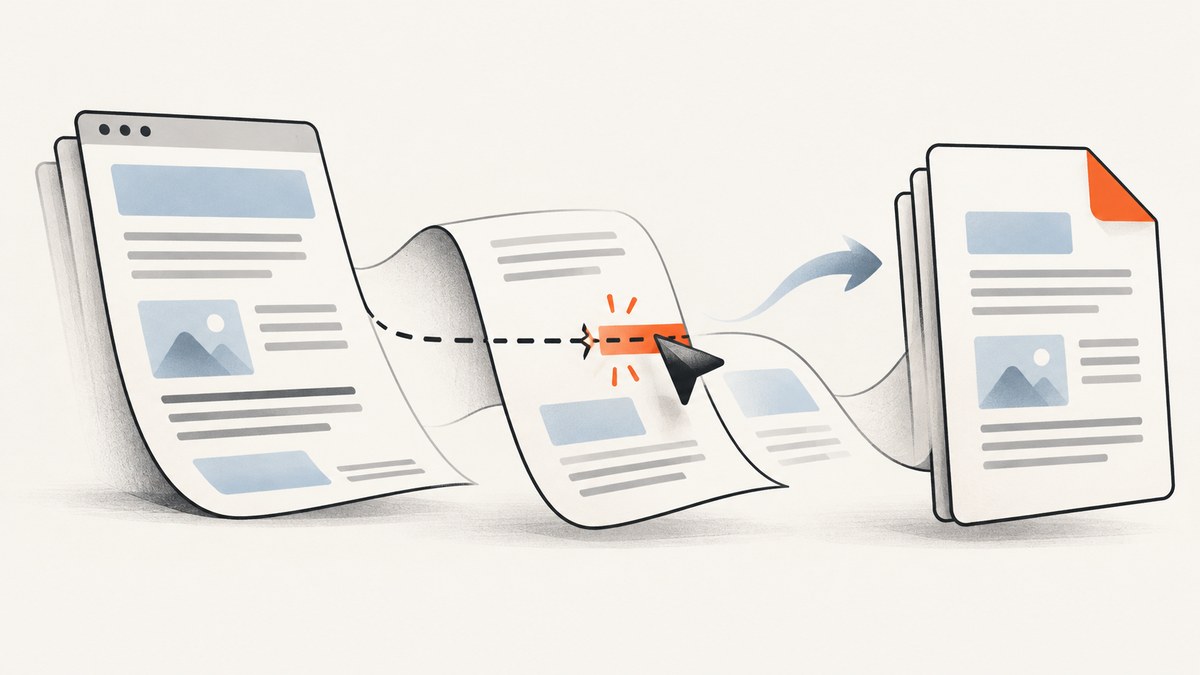
wkhtmltopdf can ignore a valid page-break-before, page-break-after or page-break-inside declaration because its old WebKit pagination engine has layout-specific limits. The fastest reliable fix is to move the break to an ordinary block between sections, remove floating and overflow constraints from its ancestors, verify the print-media setting, and avoid forcing breaks on table rows.
This guide gives a minimal reproduction, production CSS, command-line examples, a diagnostic sequence, table and long-content workarounds, and criteria for deciding when the renderer itself is the constraint.
1. Start with a block-level break marker
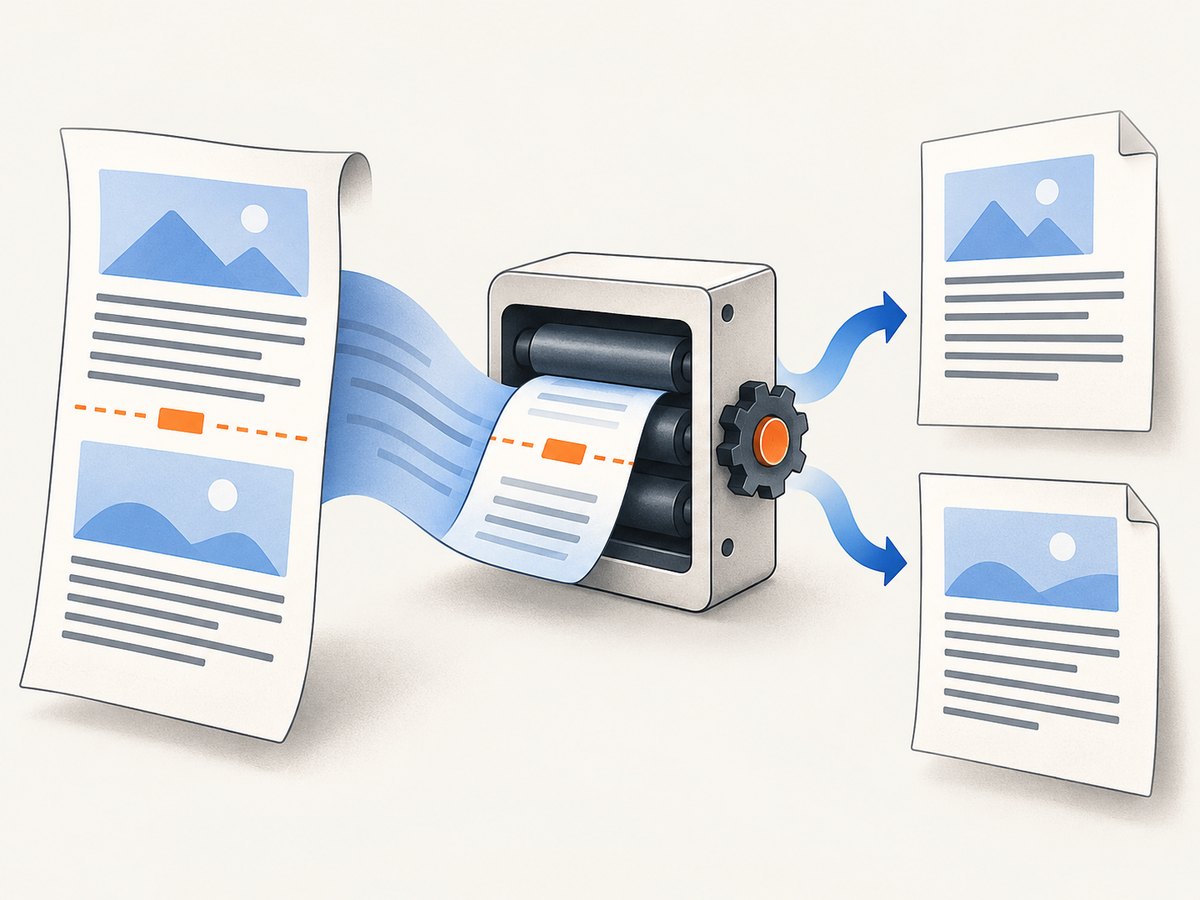
Reduce the document to two normal block sections and an empty marker. Keep the marker outside floated elements, tables and overflow containers.
<!doctype html>
<html>
<head>
  <meta charset='utf-8'>
  <style>
    @page { margin: 18mm; }
    body { font: 14px/1.5 Arial, sans-serif; color: #222; }
    .chapter { min-height: 120px; }
    .pdf-break {
      page-break-before: always;
      break-before: page;
      height: 0;
      clear: both;
    }
  </style>
</head>
<body>
  <section class='chapter'>
    <h1>First section</h1>
    <p>Content that should remain on the first page.</p>
  </section>

  <div class='pdf-break' aria-hidden='true'></div>

  <section class='chapter'>
    <h1>Second section</h1>
    <p>Content that must begin on a new page.</p>
  </section>
</body>
</html>
The legacy page-break-before property is the CSS 2.2 declaration documented for paged media. Keep break-before: page as a progressive addition, but verify it with the exact wkhtmltopdf build you deploy because support varies. See the [CSS 2.2 definition](https://www.w3.org/TR/CSS22/page.html#page-break-props).
Render the reduced case
wkhtmltopdf --print-media-type input.html output.pdfIf this small file breaks correctly, add your real layout back one component at a time. The first component that changes pagination is usually the constraint to fix.
2. Why a valid rule is ignored
wkhtmltopdf uses an old Qt WebKit pagination implementation. CSS is parsed, but pagination is calculated after floats, overflow regions, tables and replaced content have established their layout. Those contexts can prevent the engine from honoring a break.
- Floated ancestor: wkhtmltopdf issue #1604 reports that page breaks do not happen when the parent div floats. Remove the float for PDF output.
- Overflow clipping: issue #2371 identifies
overflow:autoas problematic and recommendsoverflow:visiblefor the affected parent. - Print stylesheet mismatch:
--print-media-typechanges which media rules and assets are used. Issue #5284 shows that this switch can change more than a single page-break declaration. - Table-row pagination: issue #2997 documents ignored breaks on large
trelements and rows splitting across pages. - Oversized unbreakable content: a block taller than one page cannot be kept together. The Debian manual warns that WebKit may cut a line across pages and says patched Qt improves
page-break-insideonly “somewhat.”
3. Remove ancestor constraints for PDF output
Add a PDF-only class to the root element and neutralize the layouts most likely to interfere. Scope these declarations so your screen layout remains unchanged.
.pdf-output .float-parent,
.pdf-output .overflow-parent {
  float: none !important;
  overflow: visible !important;
}

.pdf-output .pdf-break {
  display: block;
  height: 0;
  clear: both;
  page-break-before: always;
  break-before: page;
}

.pdf-output .keep-together {
  page-break-inside: avoid;
  break-inside: avoid;
}
Apply pdf-output to the document root before rendering. Also inspect positioned and transformed ancestors, flex containers and table wrappers. The cited reports establish float and overflow failures; the other contexts are diagnostic hypotheses that must be checked against your target build.
4. Verify screen versus print media
If your rule is inside @media print, render with --print-media-type and inspect the complete print stylesheet. If you omit the flag, your build may use screen styles instead.
<style>
  /* Shared layout that must exist in both modes */
  .pdf-break { height: 0; clear: both; }

  @media print {
    .pdf-break {
      page-break-before: always;
      break-before: page;
    }
  }
</style>
wkhtmltopdf --print-media-type --enable-local-file-access input.html output.pdfKeep essential dimensions, display rules and break markers outside the print block when both screen and print output need them. Then use the print block for print-only colors, visibility and pagination adjustments.
5. Do not force breaks on table rows
page-break-before and page-break-after on tr are unreliable. Put a marker before the table, between separate tables, or between block-level groups instead.
<section class='report-group'>
  <h2>January</h2>
  <table>...</table>
</section>

<div class='pdf-break' aria-hidden='true'></div>

<section class='report-group'>
  <h2>February</h2>
  <table>...</table>
</section>
When one table must span pages, let rows flow naturally. If a row is too large, split the data into smaller tables or redesign the row into several block-level records. A break cannot make an individual row both unbroken and shorter than a page.
6. Handle page-break-inside: avoid correctly
The property is a request, not a guarantee. It fails when the element is taller than the printable page, when an ancestor creates a constrained overflow region, and in some complex table or float layouts.
.invoice-line-items {
  page-break-inside: auto;
  break-inside: auto;
}

.invoice-card {
  page-break-inside: avoid;
  break-inside: avoid;
  margin-bottom: 12mm;
}

/* Never make a whole chapter an unbreakable block. */
.chapter { page-break-inside: auto; }
Split long chapters, comments and code listings into meaningful blocks. Put headings with the following paragraph using page-break-after: avoid where your build honors it, but allow the body content to flow.
7. A repeatable troubleshooting sequence
- Create a two-section reproduction. Use the marker shown above and no framework CSS.
- Check the generated HTML. Confirm the marker exists, has zero height, and is not inside a table row or floated parent.
- Neutralize floats and overflow. Temporarily set
float:noneandoverflow:visibleon ancestors. - Render both media modes. Compare the default command with
--print-media-type; inspect which assets and rules differ. - Remove transforms and positioning. Test the section in normal flow, then restore one layout feature at a time.
- Move the marker outward. Place it between sibling sections or separate tables rather than inside the component that needs a break.
- Reduce oversized content. Split blocks that exceed one page and simplify very large table rows.
- Check the exact binary. Record
wkhtmltopdf --version, operating system, fonts and command flags. Pagination can change between patched-Qt builds. - Compare a maintained renderer. If the reduced case still fails after layout cleanup, treat it as an engine limitation.
8. Common errors and fixes
| Symptom | Likely cause | Fix |
|---|---|---|
| Break works in Chrome but not wkhtmltopdf | WebKit pagination edge case | Use a sibling block marker; remove float and overflow ancestors. |
| Break disappears only in production | Different binary, fonts, media flag or CSS asset | Log version and command; render with --print-media-type; verify local assets. |
| Every table row splits unexpectedly | Large tr or unsupported row break |
Split into smaller tables or block groups; do not rely on row breaks. |
page-break-inside: avoid is ignored |
Element exceeds a page or is inside constrained layout | Split content and set ancestor overflow to visible. |
| Blank pages appear | Break marker follows an already forced break or an empty container has height | Inspect adjacent rules, remove duplicate markers, and keep marker height at zero. |
| CSS changes have no effect | Stylesheet not loaded or wrong media selected | Use absolute asset paths or --enable-local-file-access; test print media explicitly. |
9. Reliability, performance and operational notes
Pagination is most reproducible when HTML, CSS, fonts and images are local or served from stable URLs. Pin the wkhtmltopdf version in CI, keep a representative fixture with tables and long sections, and compare page counts or rendered images after upgrades. Avoid JavaScript-driven layout changes that race the capture; wait for content to finish before invoking wkhtmltopdf.
Large images, web fonts and JavaScript increase rendering time and memory. Resize source images, subset fonts, and remove unused assets for batch jobs. A timeout is not a page-break fix: first confirm the document is complete, then tune process timeouts and resource loading.
wkhtmltopdf’s GitHub repository is archived and read-only (repository status). If cleanup cannot produce stable pagination, compare a maintained renderer using CSS fragmentation support, table and flex pagination, JavaScript compatibility, font and asset handling, CI reproducibility, licensing and deployment footprint. The research for this guide did not evaluate a universal replacement.
10. Or skip the browser setup
If your goal is a reliable visual capture or PDF of a URL rather than maintaining a local browser pipeline, ScreenshotNeo provides a single GET request. Its capture flow accepts consent banners and removes more than 60 known consent platforms, newsletter popups and chat widgets before the shot; each step can be disabled.

Only clean shots are billed. Bot checks or CAPTCHAs, blank pages, timeouts, failed loads and cache hits cost nothing, and the response reports the result in X-Page-Verdict and X-Billed headers. An MCP server provides take_screenshot, get_page_info and capture_pdf tools for Claude, Cursor and other MCP clients.
See the ScreenshotNeo API documentation for PDF paper size, margins, landscape mode, page ranges, waiting, custom CSS and JavaScript, headers, cookies and other options.
# cURL
curl -G 'https://api.screenshotneo.com/v1/shot' \
  -d access_key=YOUR_API_KEY \
  --data-urlencode url=https://example.com/report \
  -o report.webp
# Python
import requests
r = requests.get(
'https://api.screenshotneo.com/v1/shot',
params={'access_key': 'YOUR_API_KEY', 'url': 'https://example.com/report'},
timeout=90,
)
r.raise_for_status()
open('report.webp', 'wb').write(r.content)// Node.js
const q = new URLSearchParams({
access_key: 'YOUR_API_KEY',
url: 'https://example.com/report'
});
const res = await fetch(`https://api.screenshotneo.com/v1/shot?${q}`);
if (!res.ok) throw new Error(`HTTP ${res.status}`);
const fs = await import('node:fs/promises');
await fs.writeFile('report.webp', Buffer.from(await res.arrayBuffer()));Use the same endpoint for PDF workflows with the documented PDF options. ScreenshotNeo includes full-page capture with lazy images loaded, element capture by CSS selector, dark mode, device presets, custom viewports, retina scale, caching with a chosen TTL, signed links, asynchronous jobs and bulk capture of up to 100 URLs per call.
There is a free tier of 1,000 screenshots per month with no card. Paid plans start at $5 for 3,000 shots, and every feature is available on every plan. Create a free ScreenshotNeo account to get started.
11. Cost and scaling considerations
A self-hosted wkhtmltopdf pipeline costs engineering time for browser processes, fonts, assets, retries, sandboxing and renderer upgrades. Measure total cost per successful document, including failed jobs and queue capacity. For a hosted API, compare successful captures, failure billing policy, concurrency, caching and PDF features. ScreenshotNeo’s no-charge policy for failed loads, bot checks, blank pages and cache hits can simplify accounting for unreliable targets.
12. FAQ
Should I use break-before or page-break-before?
Use both on the marker. The legacy property is the documented baseline for wkhtmltopdf; the modern property helps when you later migrate engines.
Can JavaScript force a page break?
JavaScript can insert the marker before rendering, but it cannot repair float, overflow or table pagination limitations. Generate ordinary block markup and render only after the DOM is complete.
Why does a break work until I add a float?
The floated ancestor changes the pagination context. Remove the float for PDF output or move the marker outside that ancestor.
Can I keep an entire table on one page?
Only when it is shorter than the printable area and the engine honors the surrounding layout. For long tables, allow natural row flow or split the table into smaller groups.
When should I stop debugging CSS?
After the minimal two-section case still fails with floats and overflow removed, print media verified, and the marker outside tables. At that point compare a maintained renderer or use a hosted capture service.


