How to Fix wkhtmltopdf with .NET 8 in Docker
Diagnose wkhtmltopdf failures in .NET 8 containers by checking the runtime image, native libraries, architecture, fonts, and the final deployed environment.
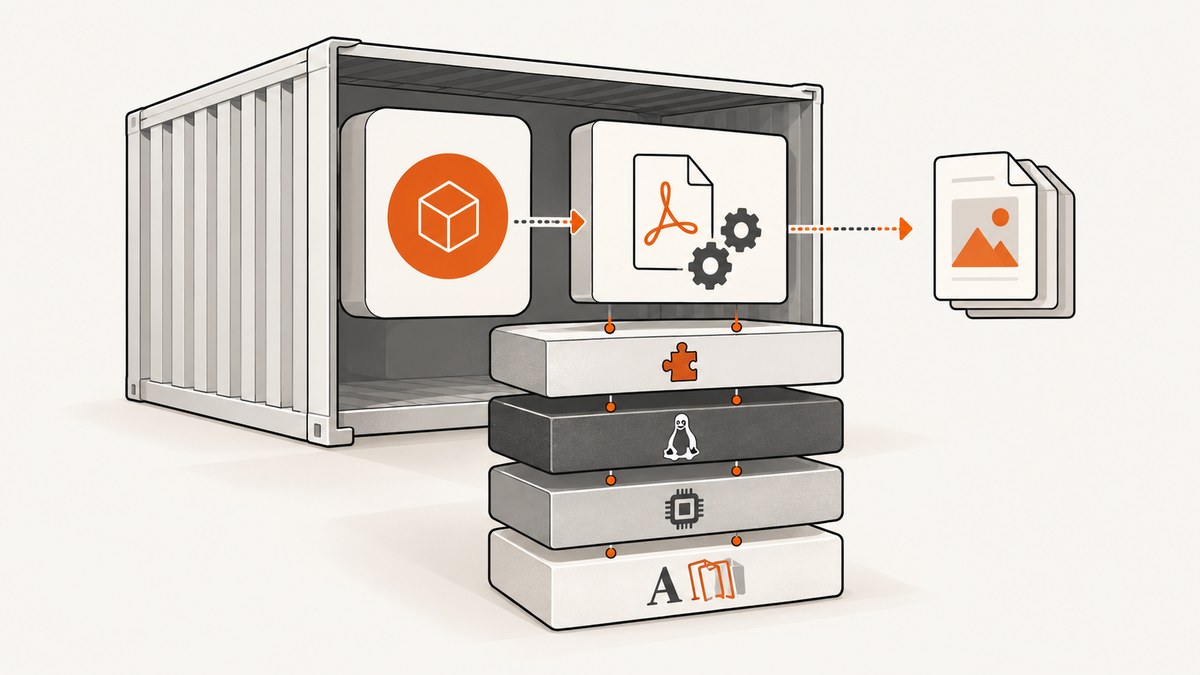
wkhtmltopdf failures in a .NET 8 Docker deployment usually come from a mismatch between the managed wrapper, native wkhtmltopdf binary or library, container distribution and release, CPU architecture, libc, shared libraries, or fonts. .NET 8 alone does not identify a compatible setup. Diagnose the exact final runtime image, confirm which integration you use, inspect its native dependencies, then run a minimal conversion inside that image.
There is no evidence-based universal Dockerfile for every .NET 8 image. A dependency list that works for one Debian or Ubuntu release may fail on another; Alpine uses musl, and the wkhtmltopdf project says its earlier generic builds did not work there. Validate each package and binary against the image you actually deploy. The upstream downloads page explains the distribution-specific packaging constraints.
1. Identify the actual container runtime
Start with the image that runs your application in production—not only the SDK image used to compile it. Multi-stage Docker builds often compile in a larger image and run from a slimmer one, so a library available during build may be missing in the final stage.
Record the exact image tag or digest, distribution and release, CPU architecture, and libc family. Debian and Ubuntu use glibc; Alpine uses musl. Do not assume a Debian package can be installed in Alpine, or that a binary for one distribution release or architecture works on another.
# Run inside the final runtime image or an identical container
cat /etc/os-release
uname -m
ldd --version 2>&1 | head -n 1
The commands vary by image: a slim container might not include head, a shell, or diagnostic utilities. If so, inspect the image from a temporary diagnostic stage based on the same runtime image and install only the tools needed to inspect it. Keep the final runtime image as the source of truth.
2. Find out whether your app runs the CLI or a native wrapper
These are different integration paths, and they fail differently:
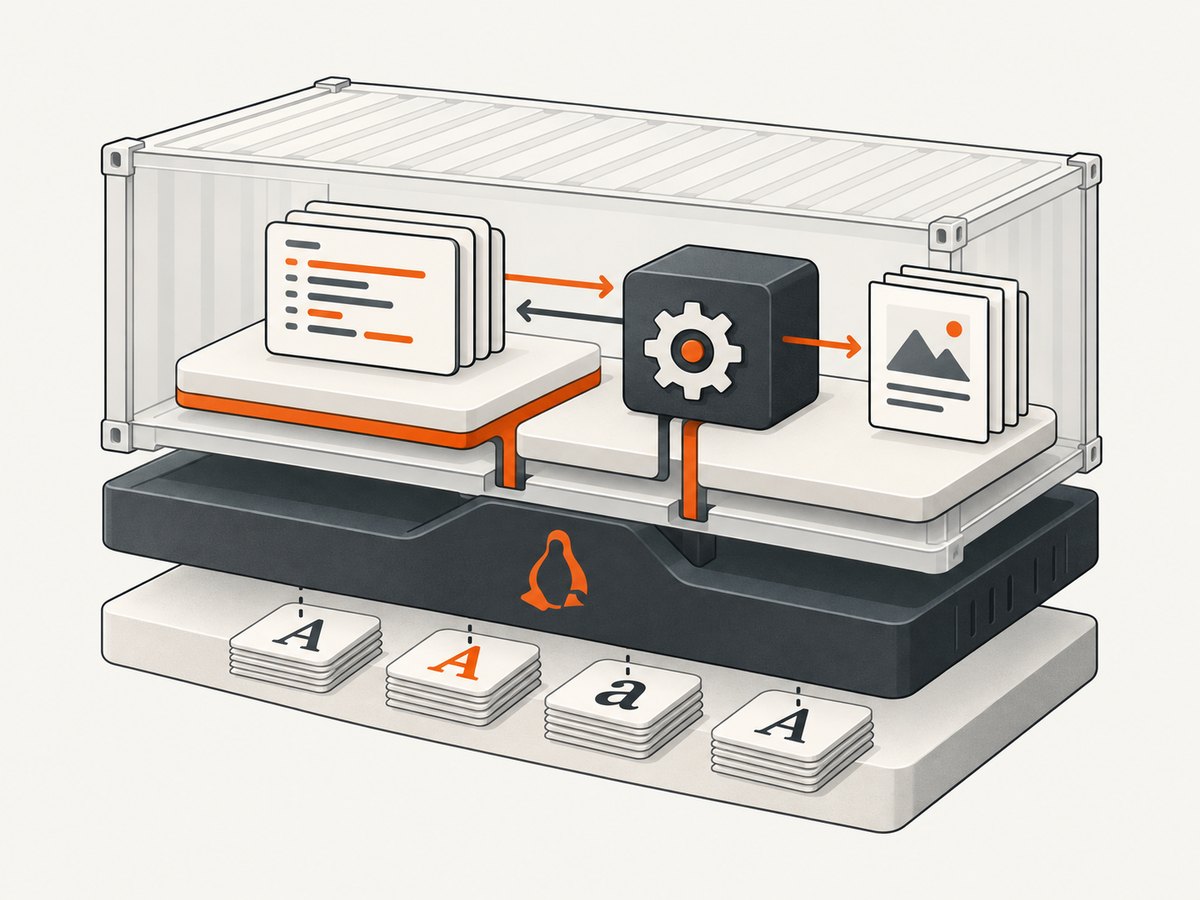
- Command-line invocation: your app starts the
wkhtmltopdfexecutable. Check that the executable exists in the final image, can run, and has the required shared libraries. - Managed wrapper: a .NET package calls native code through P/Invoke, often by loading
libwkhtmltox. Check that the published application contains the expected native runtime asset and that the operating system can load it.
The WkHtmlToPdf-DotNet README describes its P/Invoke model and says its NuGet package includes native binaries. That does not install every operating-system library a slim image may need. Inspect the package version, project runtime settings, published output, and final image together. The README’s Docker example is for Debian-based distributions and refers to an old Stretch package; it tells users to select the correct package for other distributions. Treat it as historical context, not a .NET 8 recipe. Wrapper README
3. Check native files and shared-library dependencies
For a CLI integration, locate the executable and ask it to print its version or help. For a wrapper, locate the native library in the published app or package assets. Then use the image’s loader tools, if available, to inspect dependencies. A file can exist yet still fail to load because one of its own dependencies is absent or incompatible.
# Examples: adjust paths to match your app and package
command -v wkhtmltopdf
wkhtmltopdf --version

# For a native library, inspect the actual file path found in the image
ldd /path/to/libwkhtmltox.so
If you use a wrapper, do not assume the CLI command exists. Conversely, a working CLI does not prove that a P/Invoke wrapper resolves the library it expects. Preserve the full .NET exception or process stderr: the first missing file named by a loader error can be more useful than the top-level message.
Confirm that the binary matches the container’s architecture. For example, an ARM64 deployment needs compatible ARM64 assets; copying a native file built for a different architecture can produce confusing loader or execution errors.
4. Install dependencies for the selected distribution
Use packages available from the repositories for the image’s exact release. Start from the dependency documentation for the matching upstream build, then verify each package name before adding it. Do not carry a package list from an old Docker post or issue into a current image without checking that the packages exist and fit its release.
A .NET 8 issue report describes an attempt to install a long dependency list including libssl1.1 that failed. It does not prove that .NET 8 inherently breaks wkhtmltopdf, nor does it establish that the list fixes other images. Package availability depends on the base distribution, release, and configured repositories. The issue report
Fonts are another runtime dependency to investigate. Fontconfig and installed fonts can change whether text is available and how it renders. A packaging issue reported missing xfonts-75dpi and xfonts-base in one setup; that is a clue to check fonts, not a universal prescription to install those exact packages. Packaging issue #78
5. Test a local document in the final image
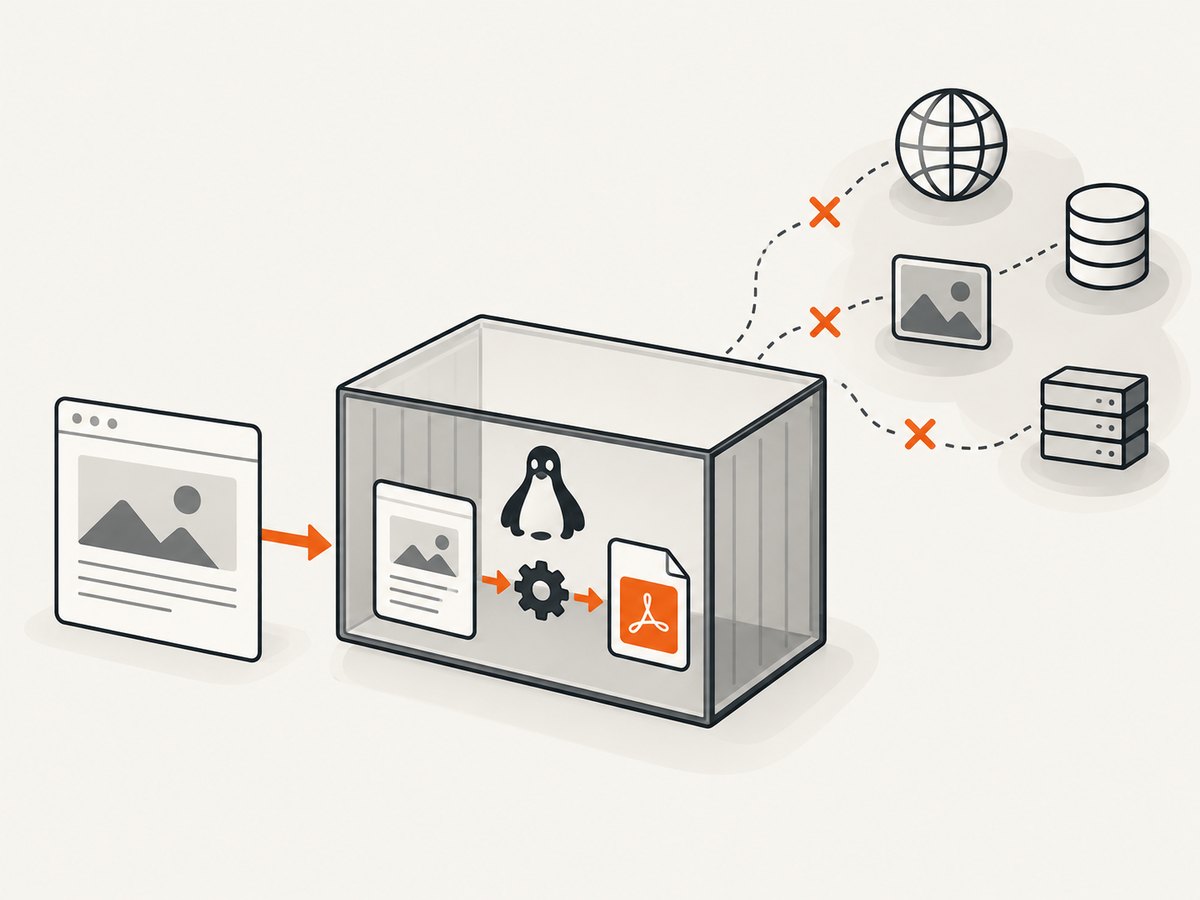
After installing the compatible binary and dependencies, separate installation problems from network and page-rendering problems with a minimal local HTML file. A small document avoids remote scripts, stylesheets, fonts, authentication, and DNS as confounding factors.
cat > /tmp/wkhtml-test.html <<'HTML'
<!doctype html>
<html><head><meta charset="utf-8"><title>PDF check</title></head>
<body><h1>PDF conversion works</h1><p>Local rendering check.</p></body></html>
HTML

wkhtmltopdf /tmp/wkhtml-test.html /tmp/wkhtml-test.pdf
ls -l /tmp/wkhtml-test.pdf
For a wrapper, run the smallest application path that invokes its conversion API with this local file or equivalent HTML. A valid output file is a useful initial signal, but also check that the PDF opens and contains the expected text. Run this after the app is published into the final image.
- Rebuild the production image from the same Dockerfile and build arguments.
- Run the local conversion in the resulting container.
- Only then test a real page, separating DNS, network access, TLS, and remote resource failures from native loading.
- Repeat after changing the base image, native package, architecture, or font configuration.
6. Common errors and what to check
| Symptom | Likely area | Next check |
|---|---|---|
| “Unable to load native library” | Missing or incompatible wrapper asset, shared library, architecture, or libc | Inspect published runtime assets, image OS and architecture, and loader output. Distinguish a missing dependency from an incompatible binary. |
| Package install fails, such as an unavailable SSL package | Dependency list copied from another distribution or release | Check /etc/os-release and repositories; verify every package exists for that release. Re-evaluate old libssl1.1-based instructions. |
| Executable starts but conversion fails | Native runtime dependency, fonts, input access, or rendering | Capture complete stderr. Try a minimal local HTML file, then inspect libraries and fonts. |
| Blank or incorrectly rendered PDF | Missing fonts/fontconfig or HTML/resource behavior | Test local content first; check font availability, then isolate remote resources and page CSS. |
| HostNotFoundError or remote page fails | DNS or network access from the container | Check name resolution and outbound connectivity from the same runtime container. Compare with local HTML conversion. |
| Works on workstation, fails in production | Different final image, architecture, runtime stage, packages, fonts, or network access | Compare the deployed image and workstation environment item by item; reproduce in the final image. |
The .NET 8 native-library issue and packaging issue are reports from specific environments, not controlled demonstrations of one general fix. Use them to form checks, not to infer your image’s exact cause.
7. Alpine, security, and maintenance considerations
Alpine’s musl environment is a key compatibility branch. The upstream downloads guidance says its earlier generic builds did not work on Alpine/musl. Do not assume a glibc-targeted Debian or Ubuntu binary becomes compatible because the container can install some additional packages. Select a supported matching build or choose a different runtime distribution after considering your deployment constraints. Upstream platform guidance
Also account for project maintenance: the wkhtmltopdf GitHub repository says it was archived on January 2, 2023 and is read-only. That status is relevant when deciding whether to keep a long-lived production dependency; plan how you will handle compatibility, security review, and future platform changes. Repository status
Security deserves special attention if the input includes user-controlled HTML or JavaScript. The wkhtmltopdf project warns against using it with untrusted HTML and says user-supplied HTML/JS must be sanitized because it could lead to complete server takeover. Treat conversion as a security boundary: validate and sanitize inputs, restrict access to local files and network resources according to your threat model, and avoid feeding arbitrary content to the renderer. Project security warning
8. Performance, reliability, and cost
The research sources provide no decision-relevant benchmark, so there is no defensible universal conversion-time estimate. Measure your own representative documents inside the final image. Record input size, conversion duration, output size, CPU and memory use, and failure rate for the workload you actually run.
For reliability, run conversions with bounded timeouts, capture stderr and exit status, and avoid treating a process launch as proof of a valid PDF. Test long documents, images, fonts, and remote resources separately. If your application processes multiple requests, decide how it limits concurrency and contains a hung or unusually large conversion; choose those limits from observed resource use rather than an invented default.
Cost includes the container resources and engineering effort needed to keep the native dependency working across image updates. The upstream archive makes maintenance planning more important. Re-run the final-image conversion check whenever the base image, native binary, wrapper, architecture, or font packages change.
9. Or skip the browser setup
If your task is capturing a web page as an image or PDF rather than generating PDFs from application HTML, ScreenshotNeo offers a website screenshot API and MCP server. It is not a wkhtmltopdf fix or a drop-in replacement for arbitrary HTML-to-PDF workflows. One GET request takes a URL and returns a screenshot or PDF. See the API documentation.
curl -G "https://api.screenshotneo.com/v1/shot" -d access_key=YOUR_API_KEY --data-urlencode url=https://stripe.com -o shot.webp
ScreenshotNeo removes cookie banners, newsletter popups, and chat widgets before capture. Bot checks, blank pages, failed loads, timeouts, and cache hits are not billed, with response headers identifying the page verdict and billing status. Its MCP server provides screenshot tools for AI agents and MCP clients. The free plan includes 1,000 screenshots per month with no card; paid plans start at $5 for 3,000 screenshots. Every feature is on every plan. Learn more at ScreenshotNeo.
Sign up free for 1,000 screenshots a month, with no card.
10. Deployment checklist
- Identify the exact final runtime image, OS release, architecture, and libc.
- Confirm whether the application executes the CLI or loads a library through a .NET wrapper.
- Verify published native assets and inspect shared-library dependencies in the final image.
- Choose packages and native builds for that distribution and release; do not reuse an unverified legacy list.
- Check fontconfig and required fonts when output is blank or differs from expectations.
- Convert a minimal local document before testing network-dependent pages.
- Retain the full loader exception or stderr, image tag/digest, OS release, architecture, package list, and wrapper version when diagnosing failures.
- Review the archived project’s maintenance status and sanitize untrusted HTML/JavaScript.
FAQ
Does .NET 8 itself make wkhtmltopdf incompatible?
The cited issue does not establish that. It reports a native-library problem and a failed package installation in one setup. The container’s distribution, release, architecture, native dependencies, and integration path determine what to investigate.
Can I use the old Debian Docker example as-is?
No. The wrapper README labels its example for Debian-based distributions, points to an old Stretch package, and says to select the right package for other distributions. Validate the package set for your actual runtime.
What details should I include when asking for help?
Include the complete error or stderr, exact image tag or digest, OS release, architecture, wrapper and NuGet versions, installed packages, published native assets, and whether you run a CLI or P/Invoke wrapper. State whether a local HTML conversion succeeds in the final image.
Does a successful conversion prove remote pages will work?
No. A local test isolates native installation and basic rendering. Remote URLs add DNS, networking, TLS, authentication, and external resource behavior; test those separately.


