How to Fix Emoji Encoding in wkhtmltopdf on Amazon Linux
Fix emoji squares and missing glyphs in wkhtmltopdf on Amazon Linux with UTF-8 checks, fontconfig repair, fallback CSS, and crash troubleshooting.

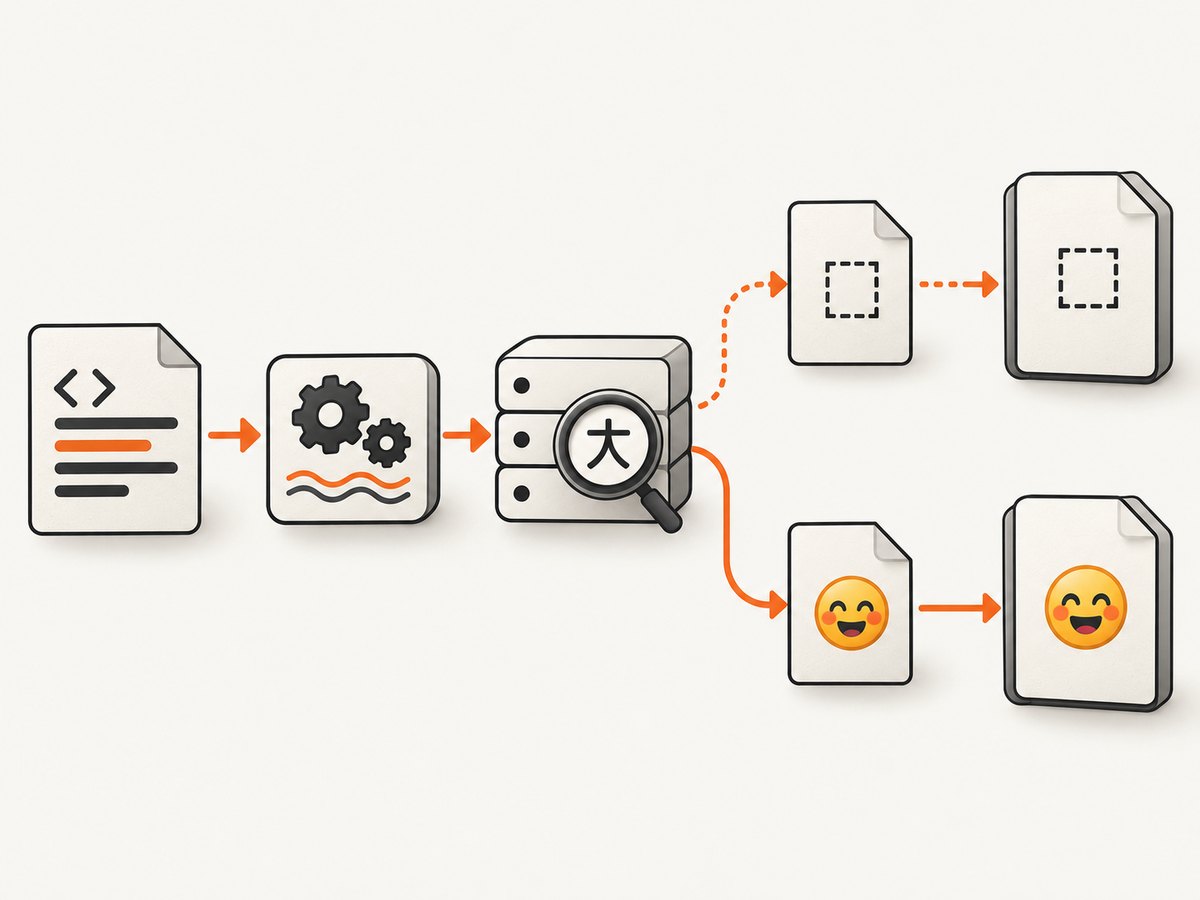
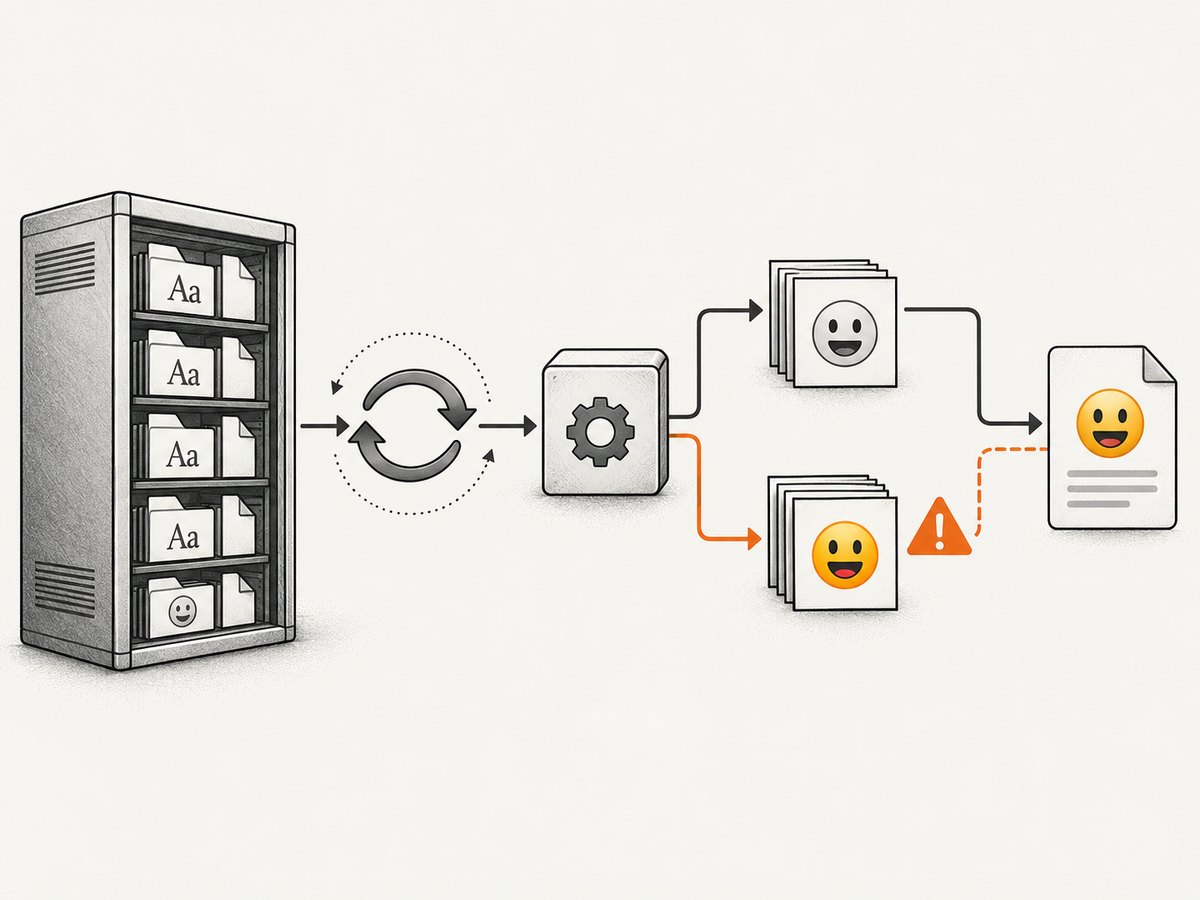
Emoji rendering in wkhtmltopdf depends on three separate layers: valid UTF-8 input, an installed font that contains the required glyphs, and the old Qt/WebKit text stack in the exact wkhtmltopdf binary you run. The --encoding UTF-8 option fixes only the first layer; it cannot add missing fonts or repair renderer limitations.
Use this order on Amazon Linux:
- Verify that your HTML and HTTP response are UTF-8.
- Install an emoji-capable font and refresh fontconfig.
- Confirm font selection with
fc-match. - Use an explicit CSS fallback for emoji spans.
- Test for the known Noto Color Emoji crash in older wkhtmltopdf builds.
- Record the exact binary, OS, font package, and code points before changing production templates.
1. Create a minimal UTF-8 fixture
Start with a file that isolates encoding and glyph coverage from your application:
<!doctype html>
<html lang="en">
<head>
<meta charset="utf-8">
<style>
body { font-family: Arial, sans-serif; font-size: 28px; }
.emoji { font-family: Arial, sans-serif; }
.emoji-fallback { font-family: "Noto Emoji", "Noto Color Emoji", sans-serif; }
</style>
</head>
<body>
Plain text: café — résumé
<p class="emoji-fallback">😀 🚀 ✅ ❤️ 👨👩👧👦 🏳️🌈</p>
</body>
</html>Save the file as UTF-8 without converting it through a legacy locale:
file -bi emoji-fixture.html
# Expect a UTF-8 charset, for example: text/html; charset=utf-8
Variation selectors and zero-width-joiner (ZWJ) sequences matter. For example, ❤️ contains a variation selector, while 👨👩👧👦 is several code points joined together. Test the exact strings your application emits.
2. Verify the wkhtmltopdf binary and input encoding
wkhtmltopdf --version
locale
wkhtmltopdf --encoding UTF-8 emoji-fixture.html emoji-fixture.pdf
The upstream issue tracker documents a Unicode case fixed by adding --encoding 'UTF-8' to the command. Encoding alone does not provide missing glyphs; it only tells the input parser how to decode bytes. See issue #2913 and issue #3108.
3. Install an emoji-capable font on Amazon Linux
Amazon Linux 2023 package inventories include google-noto-emoji-fonts and google-noto-emoji-color-fonts. Install the package exposed by your specific image, architecture, and enabled repositories:
dnf search google-noto-emoji
sudo dnf install google-noto-emoji-fonts
# If your image exposes only the color package, use:
# sudo dnf install google-noto-emoji-color-fonts
Package availability can differ between Amazon Linux releases and repository configurations. Confirm what was installed:
rpm -qa | grep -i 'noto.*emoji'
fc-list | grep -i 'Noto.*Emoji' | head
4. Refresh and inspect fontconfig
sudo fc-cache -f -v
fc-match sans-serif
fc-match "Noto Emoji"
fc-match "Noto Color Emoji"
fc-match --format '%{family}\n' ':charset=1F600' | head
fc-match shows which installed face fontconfig would select. If it returns a generic fallback or no result for the requested family, wkhtmltopdf cannot render that glyph through that family. Re-run fc-cache after installing or removing fonts, and repeat the checks inside the same container or host where wkhtmltopdf runs.
5. Use deliberate CSS fallback
Keep your normal text face first and limit the emoji fallback to content that needs it:
body {
  font-family: Arial, sans-serif;
}
.emoji {
  font-family: "Noto Emoji", "Noto Color Emoji", sans-serif;
}
Do not force Noto Color Emoji globally until your exact wkhtmltopdf binary has passed the fixture. A color font can trigger a renderer crash in affected versions, while a monochrome fallback may render more reliably.
6. Check for the Noto Color Emoji crash
Upstream issue #4149 reports Floating point exception (core dumped) when wkhtmltopdf 0.12.1 through 0.12.5 renders Noto Color Emoji. The issue associates the fix with milestone 0.12.7. If your process crashes:
- Run
wkhtmltopdf --versionand record the result. - Remove
Noto Color Emojifrom the fallback chain and retry with a monochrome or bitmap emoji font. - Test the same fixture with the exact production binary, not a different workstation build.
- If color glyphs are mandatory, evaluate a maintained renderer rather than relying on an archived wkhtmltopdf stack.
The original wkhtmltopdf repository is archived and read-only, so treat old WebKit behavior as a compatibility constraint when selecting a long-term PDF pipeline.
7. Test HTML served over HTTP
Local files and application responses can behave differently. Serve the fixture with an explicit content type:
python3 -m http.server 8000 --directory .curl -I http://127.0.0.1:8000/emoji-fixture.html
wkhtmltopdf --encoding UTF-8 http://127.0.0.1:8000/emoji-fixture.html served.pdfYour application should send a UTF-8 content type such as text/html; charset=utf-8. Inspect the bytes and headers before debugging fonts:
curl -sS -D headers.txt http://127.0.0.1:8000/emoji-fixture.html -o served.html
cat headers.txt
file -bi served.html
8. Troubleshooting checklist
| Symptom | Likely cause | Fix |
|---|---|---|
| Emoji appears as empty squares or tofu | No installed face contains the code point, or fontconfig selects another face | Install an emoji font, run fc-cache -f -v, verify with fc-match, and use an explicit fallback. |
| Accented Latin text is wrong but emoji works | Input bytes are decoded with the wrong charset | Save as UTF-8, add <meta charset="utf-8">, send a UTF-8 content type, and pass --encoding UTF-8. |
--encoding UTF-8 changes nothing |
Encoding was not the missing layer | Inspect installed fonts and the selected face; the flag cannot add glyphs. |
| Process exits with a floating-point exception | Noto Color Emoji crash in affected wkhtmltopdf versions | Remove the color font, test a monochrome/bitmap fallback, or move to another renderer. |
| Some emoji work, ZWJ sequences do not | The font or old WebKit stack lacks sequence coverage | Test each code point and sequence separately; use a renderer and font combination that supports the required sequences. |
| Works on a laptop, fails in production | Different binary, package set, font cache, locale, or container | Capture version, OS release, RPM versions, fc-match output, locale, and fixture bytes from both environments. |
| Font was installed but is ignored | Stale fontconfig cache or installation in a different user/container | Run fc-cache -f -v in the runtime environment and check permissions and paths. |
9. Make the fix reproducible
Keep the font package, wkhtmltopdf binary, and fixture under deployment control. A practical release check is:
set -eu
wkhtmltopdf --version
fc-match "Noto Emoji"
fc-match --format '%{family}\n' ':charset=1F600' | head -n 1
wkhtmltopdf --encoding UTF-8 emoji-fixture.html /tmp/emoji-fixture.pdf
test -s /tmp/emoji-fixture.pdf
For a stronger check, render a known fixture and inspect the PDF in a text or image extraction step appropriate to your pipeline. Keep separate fixtures for BMP emoji, variation-selector emoji, and ZWJ sequences so a font update cannot silently reduce coverage.
10. Performance, reliability, and cost considerations
- Font discovery and cache refresh are deployment tasks; do them while building the image rather than on every request.
- Minimal fixtures shorten diagnosis. Once the fixture works, add your real template features one at a time.
- Pin the renderer and font package versions when reproducibility matters, then retest after security or OS updates.
- Older wkhtmltopdf builds inherit old WebKit limitations. If a required emoji sequence cannot render reliably, changing CSS alone may not solve it.
- Keep crash-prone color fonts out of the global fallback chain unless the exact binary has been tested.
Or skip the browser setup
If your goal is a clean image or PDF of a web page rather than maintaining a wkhtmltopdf host, ScreenshotNeo provides a website screenshot API and MCP server. It accepts a URL and returns PNG, JPEG, WebP, or PDF; cookie and consent banners, newsletter popups, and chat widgets are removed before capture. Bot checks, blank pages, failed loads, timeouts, and cache hits are not billed, and the response identifies the page verdict and billing status in headers.
See the ScreenshotNeo API documentation for all options.
cURL
curl -G "https://api.screenshotneo.com/v1/shot" -d access_key=YOUR_API_KEY --data-urlencode url=https://stripe.com -o shot.webpPython
import requests
r = requests.get("https://api.screenshotneo.com/v1/shot", params={"access_key": "YOUR_API_KEY", "url": "https://stripe.com"}, timeout=90)
open("shot.webp", "wb").write(r.content)
Node.js
const q = new URLSearchParams({ access_key: 'YOUR_API_KEY', url: 'https://stripe.com' });
const res = await fetch(`https://api.screenshotneo.com/v1/shot?${q}`);
ScreenshotNeo also offers an MCP server so Claude, Cursor, and other MCP clients can take screenshots, inspect pages, and capture PDFs. The free plan includes 1,000 screenshots per month with no card; paid plans start at $5 for 3,000. Create a free ScreenshotNeo account.
FAQ
Does --encoding UTF-8 install an emoji font?
No. It controls input decoding. A compatible, discoverable font is still required.
Should I always install Noto Color Emoji?
No. Test the exact wkhtmltopdf version first; issue #4149 documents crashes in versions 0.12.1–0.12.5.
Why does one emoji render while a family emoji does not?
Family emoji use ZWJ sequences. Coverage depends on both the font and the old Qt/WebKit shaping stack.
What information should accompany a bug report?
Include wkhtmltopdf version, Amazon Linux release, architecture, font package versions, fc-match output, HTTP headers, and the exact Unicode code points.


