How to Fix wkhtmltopdf Exit Code 127 Errors in Python
Exit code 127 usually means Python cannot launch wkhtmltopdf or its loader cannot find a required library. Find the cause and fix it across local, Docker, and cloud environments.
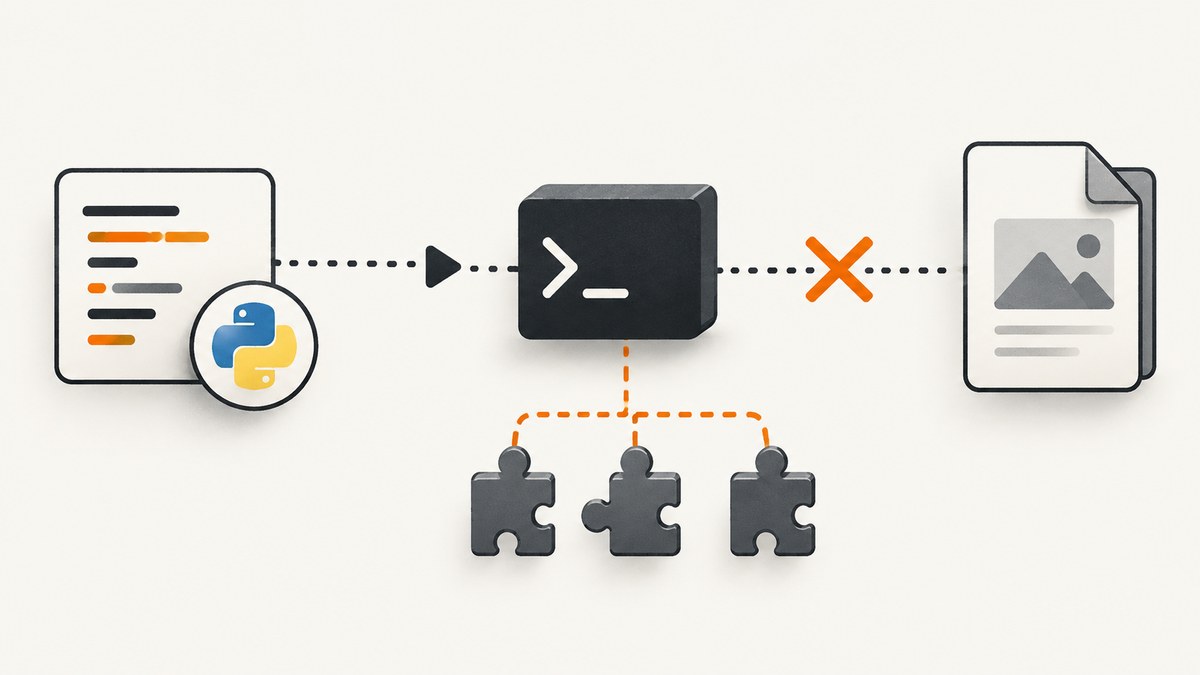
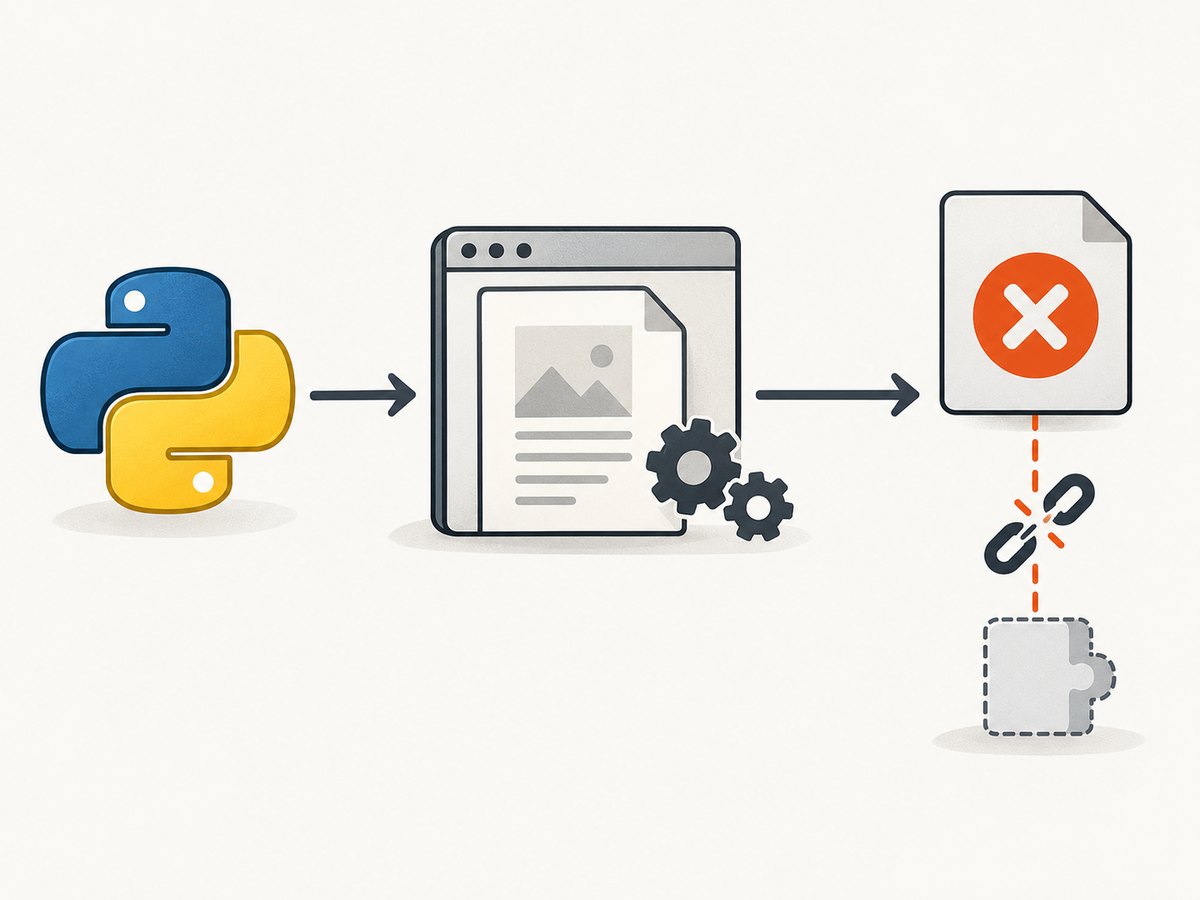
Exit code 127 means the wkhtmltopdf process failed to launch. Python may not find the executable on PATH, or the operating system may find the file but be unable to start it because its dynamic loader, shared libraries, architecture, or libc do not match the runtime. It is usually an environment problem, not an HTML rendering error.
Start by checking the exact binary Python can discover, then run that binary with --version and capture stderr. If it works locally but fails in Docker or a cloud runtime, compare the deployed image’s distribution, libc, architecture, libraries, and fonts with the binary you packaged. The upstream project’s downloads are distribution-specific; generic Linux binaries are not compatible with Alpine’s musl libc. See the wkhtmltopdf downloads and platform notes.
1. Check what Python can launch
Run this in the same environment as the failing application: the same virtual environment, container, worker, or serverless runtime. An interactive shell on your laptop can have a different PATH and installed libraries.
import shutil
import subprocess

exe = shutil.which("wkhtmltopdf")
if not exe:
    raise RuntimeError("wkhtmltopdf is not on PATH")

check = subprocess.run(
    [exe, "--version"],
    text=True,
    capture_output=True,
    check=False,
)
print("Executable:", exe)
print("Return code:", check.returncode)
print("stdout:", check.stdout)
print("stderr:", check.stderr)
shutil.which() searches the current process’s PATH. Python’s subprocess documentation recommends using a fully qualified executable path for reliability. A discovered path is not proof that the program can start: the --version run checks that next. Python subprocess documentation.
Interpret the results:
- No path and a Python error: wkhtmltopdf is missing from the runtime’s
PATH, or it is not installed. Install it in the runtime image or configure the application with its actual absolute path. - Path exists but
--versionfails: read stderr. A missing shared library, incompatible loader, or wrong architecture can prevent process startup. --versionsucceeds but conversion fails: the executable launches, so investigate the conversion command, input, permissions, fonts, network access, and rendering errors. This is a different failure from a launch-time 127.
2. Run wkhtmltopdf with an explicit path and useful errors
For direct Python use, pass a list of arguments to subprocess.run(), provide the absolute executable path, and capture stderr. Avoid shell=True for ordinary calls; it adds shell parsing and makes command and quoting problems harder to distinguish.
from pathlib import Path
import shutil
import subprocess

exe = shutil.which("wkhtmltopdf")
if exe is None:
    raise RuntimeError("Install wkhtmltopdf or add it to PATH")

html_path = Path("input.html").resolve()
pdf_path = Path("output.pdf").resolve()

result = subprocess.run(
    [exe, str(html_path), str(pdf_path)],
    text=True,
    capture_output=True,
    check=False,
)
if result.returncode != 0:
    raise RuntimeError(
        f"wkhtmltopdf exited with {result.returncode}\n"
        f"stdout: {result.stdout}\n"
        f"stderr: {result.stderr}"
    )

print(f"Wrote {pdf_path}")
This example assumes input.html is a local file that wkhtmltopdf can read. If your HTML is generated dynamically, write it to a controlled temporary file or use the tool’s supported input mode. Ensure the output directory exists and is writable by the application user. Do not build a single shell command by concatenating user input: pass arguments separately and validate paths.
To distinguish a missing executable from a nonzero process result, check discovery before running. If the executable is configured explicitly, validate it at application startup with Path(exe).is_file(), then still run --version; file existence does not verify that its loader dependencies are present.
3. Fix the cause shown in stderr
| Observed output | Likely cause | What to do |
|---|---|---|
wkhtmltopdf: not found or sh: wkhtmltopdf: not found |
The command is absent from the process PATH. |
Install the executable in the actual runtime, check the service/container PATH, and configure an absolute path if the application supports one. |
error while loading shared libraries: libNAME.so: cannot open shared object file |
A required runtime library is missing or not on the dynamic linker’s search path. | Install the library package for the exact distribution and architecture. Where applicable, update the linker cache or set the library path for packaged dependencies, then rerun --version. |
No such file or directory even though the executable exists |
The ELF interpreter/loader may be missing, or the binary may target an incompatible architecture or libc. | Inspect the image and binary architecture and libc. Rebuild with a compatible distribution-specific package; this commonly occurs when a glibc-targeted binary is copied into Alpine, which uses musl. |
| Fontconfig errors, missing glyphs, or empty-looking output | Fonts or Fontconfig configuration are absent in a minimal runtime. | Package appropriate fonts and fontconfig, configure the font path if needed, and test in the deployed base image. |
--version works, but rendering reports a network or load error |
The process launched; the HTML’s resources may be unreachable or the page may fail during rendering. | Inspect the full stderr and test the HTML’s remote resources from the same runtime. Do not treat every nonzero conversion result as exit 127. |
Exit status 127 is commonly associated with a command the shell cannot find, but it can also accompany loader failures. A Microsoft Q&A report, for example, describes exit 127 alongside a missing libjpeg.so.62. Its suggested packages are specific to that environment, not a universal dependency list. See that environment-specific report.
4. Match the binary to the operating system
Do not copy a binary from a different machine and assume its dependencies will follow it. Match the wkhtmltopdf build to the target distribution, version, architecture, and libc. The project lists distribution-specific downloads and notes that generic builds do not work on Alpine’s musl libc. Its stable series is 0.12.6, released in 2020; confirm which supported package fits your host rather than assuming the same artifact suits every image. Upstream download guidance.
“Static” does not necessarily mean self-contained. The project explains that only Qt is linked in that manner; the remaining system packages still need to be installed, including fontconfig and freetype2. A static build can therefore still fail at startup or render incorrectly if the expected system packages and fonts are absent.
- Record the base image or host OS release and CPU architecture.
- Choose the corresponding wkhtmltopdf package from the project’s downloads.
- Install its runtime libraries and the needed font packages in the same image.
- Run
wkhtmltopdf --versionduring image validation, as the same non-root user that runs the app. - Render a small representative document and inspect stderr and output before deploying.
Pin the base image and binary version together in deployment configuration. That makes rebuilds more predictable and gives you enough information to reproduce a failure after an image or package update.
5. Package Docker, Lambda, and other minimal runtimes correctly
Docker failures often happen because the build stage has wkhtmltopdf but the final stage does not, or because a binary and libraries were copied from an incompatible stage. Install the executable and runtime dependencies in the final image, or copy all compatible artifacts from a stage built on the same base family. Then test the final image itself, not just the build stage.
For Alpine, do not place a glibc-targeted generic binary into a musl image and expect it to run. Use a compatible package/runtime combination or choose a base image that matches the supported binary. The upstream download page specifically warns about Alpine compatibility.
Minimal serverless runtimes need the executable, libraries, and fonts packaged together. The official Lambda example sets LD_LIBRARY_PATH=/opt/lib and FONTCONFIG_PATH=/opt/fonts before invoking wkhtmltopdf. Adapt the paths to your package layout, and make sure the binary is executable. The upstream page includes the Lambda example.
import os
import subprocess

wkhtmltopdf = "/opt/bin/wkhtmltopdf"
env = os.environ.copy()
env["LD_LIBRARY_PATH"] = "/opt/lib" + os.pathsep + env.get("LD_LIBRARY_PATH", "")
env["FONTCONFIG_PATH"] = "/opt/fonts"

result = subprocess.run(
    [wkhtmltopdf, "/tmp/input.html", "/tmp/output.pdf"],
    env=env,
    text=True,
    capture_output=True,
    check=False,
)
if result.returncode != 0:
    raise RuntimeError(f"wkhtmltopdf failed ({result.returncode}): {result.stderr}")
Before deploying a layer or packaged runtime, extract it into the matching runtime image and run both --version and a representative conversion. In managed environments without root access, bake dependencies into the image or startup artifact if the platform allows it; package names and permitted filesystem locations vary by host, so use its distribution-specific instructions.
6. Configure Python wrappers such as Django integrations
A wrapper may invoke the bare command name even when the executable lives elsewhere. The django-wkhtmltopdf integration, for example, defaults to wkhtmltopdf and supports an explicit command and environment override. Point its command setting at the absolute path found in the same deployment process, and pass the appropriate environment where the integration supports it. django-wkhtmltopdf settings.
When debugging a wrapper, reproduce its launch outside the wrapper using the same executable, arguments, working directory, environment, and OS user. Log stderr and the return code without logging secrets from custom headers or page contents. If the direct invocation also exits 127, fix the runtime before changing framework settings.
7. Reliability, performance, and cost considerations
Keep the renderer warm where the hosting platform permits it, and avoid reinstalling operating-system packages for every request. Package installation belongs in image construction or deployment setup, not the per-document path. If conversions run concurrently, set a limit appropriate to the memory and CPU available; rendering multiple pages can consume substantial resources, and a worker pool can prevent a burst from exhausting a small container.
Use bounded timeouts at the application/job level and capture stderr for failed conversions. Retry only failures that may clear on another attempt, such as a transiently unavailable remote asset; retrying a missing binary or library will not help. If a process launch failure occurs, fail fast and report the executable path and runtime version to operators. Validate that the generated PDF exists and is non-empty before handing it to a caller.
Cost depends on the runtime and deployment model rather than a universal wkhtmltopdf fee. Include the compute and storage used for conversion, and account for the cost of repeated attempts and retained outputs. Pinning dependencies and using representative pre-deploy checks can prevent failed jobs from consuming runtime without producing a document.
8. Treat HTML input as untrusted
wkhtmltopdf can process HTML, JavaScript, and external resources. Do not pass unsanitized user-controlled HTML or scripts to it. The project warns that untrusted input can lead to complete takeover of the server running the converter. Sanitize or constrain the input, restrict access to sensitive files and network resources, run with the least privileges practical, and isolate rendering jobs from application secrets.
AppArmor can constrain filesystem access and command execution on supported systems. Review and adapt the upstream profile guidance to the paths and permissions your deployment actually needs; a restrictive profile may require adjustment for temporary files and fonts. wkhtmltopdf AppArmor guidance.
9. Troubleshooting checklist
- [ ] Run
shutil.which("wkhtmltopdf")inside the failing runtime. - [ ] Run the discovered absolute path with
--versionand capture stdout and stderr. - [ ] Confirm the final Docker image or cloud package contains the executable, its libraries, and fonts.
- [ ] Check OS distribution, release, CPU architecture, and libc compatibility.
- [ ] Check executable permissions, application user, working directory, and output directory permissions.
- [ ] Set library and font configuration paths when dependencies are packaged outside system locations.
- [ ] Test a minimal local HTML file separately from a page with remote assets.
- [ ] Preserve the full command, return code, stderr, wkhtmltopdf version, and OS version for a reproducible report.
If you report a bug upstream, include the wkhtmltopdf version, operating-system version, and a reproducible HTML/CSS/JavaScript case, along with the command and complete stderr. Those details help distinguish an application issue from a build or host dependency mismatch. Project support guidance.

Or skip the browser setup
If your goal is to capture a web page as an image or PDF rather than maintain a local renderer, ScreenshotNeo provides a website screenshot API and MCP server. One GET request returns a PNG, JPEG, WebP, or PDF; see the API documentation.
curl -G "https://api.screenshotneo.com/v1/shot" -d access_key=YOUR_API_KEY --data-urlencode url=https://stripe.com -o shot.webpCookie banners are accepted and removed, and known consent platforms, newsletter popups, and chat widgets are removed before the shot. Bot checks, blank pages, failed loads, timeouts, and cache hits cost nothing; response headers identify the page verdict and billing status. An MCP server lets AI agents use screenshot tools. The free plan includes 1,000 shots a month with no card; paid plans start at $5 for 3,000 shots. Sign up for 1,000 free screenshots a month, no card required.
FAQ
Does exit code 127 mean the HTML is invalid?
Usually it points to a command launch problem or an unavailable loader dependency. Check stderr and verify --version before investigating document markup.
Why does the same binary work on my laptop but fail in production?
The production image may have a different libc, architecture, loader, shared libraries, fonts, or process environment. Validate inside the final production runtime.
Is a static wkhtmltopdf binary enough for a minimal container?
Not necessarily. The upstream project says static builds still require system packages, including fontconfig and freetype2.
What should I include in a useful bug report?
Include the command, full stderr, return code, wkhtmltopdf and OS versions, and a minimal reproducible HTML/CSS/JavaScript case.


