How to Fix wkhtmltopdf Exit Code Errors in Django on Servers
Fix wkhtmltopdf exit code 1 in Django by tracing stderr, paths, fonts, X servers, URLs, permissions, and Qt WebKit limits.

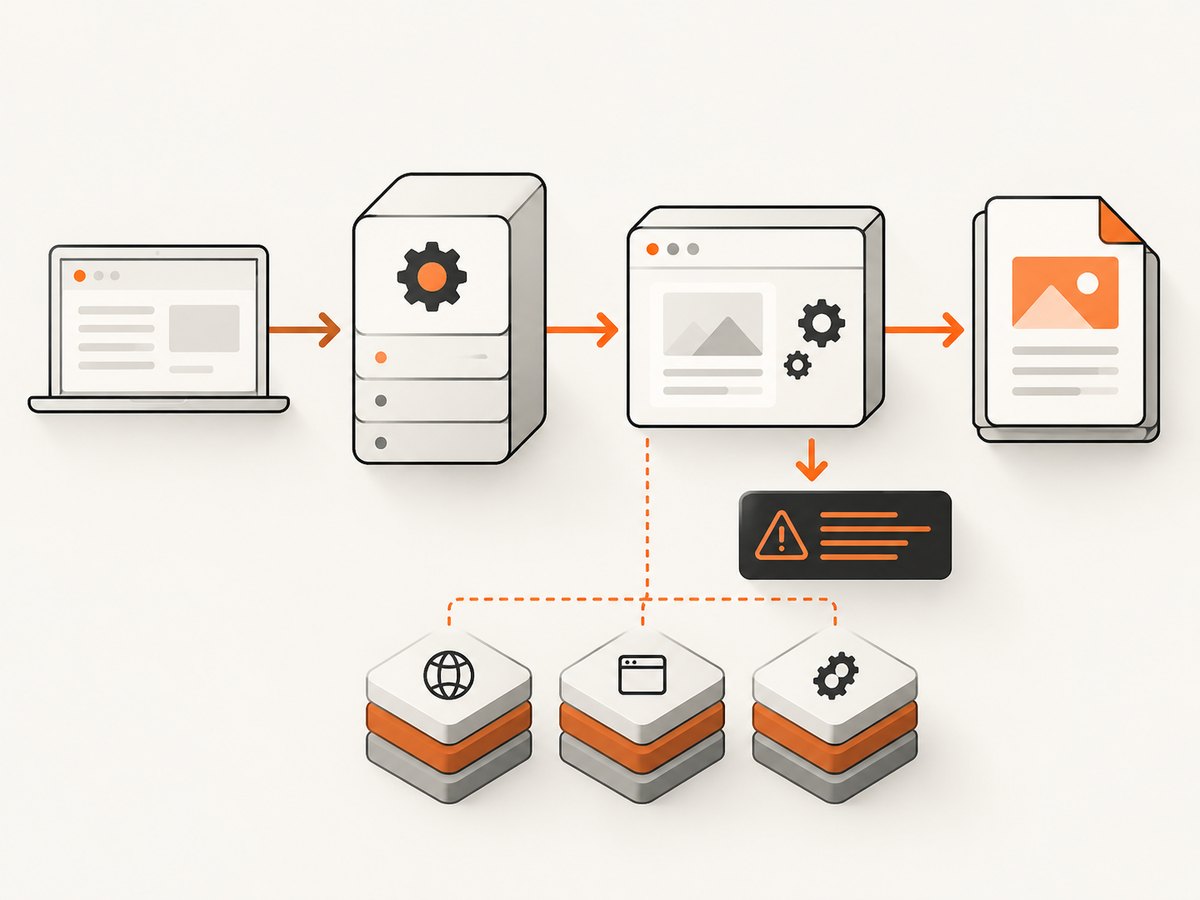
Exit code 1 is only a symptom. In Django, the useful diagnosis is the complete stderr output from the real wkhtmltopdf process. Capture that output, run the same binary as the Django service user, then fix the matching dependency, display, URL, file-permission, or WebKit compatibility problem.
This guide covers the common “wkhtmltopdf reported an error”, “Exit with code 1”, ProtocolUnknownError, blocked local files, missing fonts, and “works locally but fails on the server” cases.
1. Capture the actual error first
Do not start by changing load-error-handling or ignoring failures. Log the complete command, standard error, and exit status under the same Unix user that runs Django. Preserve the first explicit Error: line and the final exit-code message.
import logging
import subprocess

logger = logging.getLogger(__name__)


def run_wkhtmltopdf(command):
    result = subprocess.run(
        command,
        text=True,
        capture_output=True,
        check=False,
    )
    logger.error("wkhtmltopdf command: %r", command)
    logger.error("wkhtmltopdf stdout: %s", result.stdout)
    logger.error("wkhtmltopdf stderr: %s", result.stderr)
    logger.error("wkhtmltopdf exit code: %s", result.returncode)
    return result
If you use a Django wrapper, enable equivalent subprocess logging at the worker or application boundary. A message such as Exit with code 1 due to network error: ProtocolUnknownError points to a different fix than error while loading shared libraries.
2. Verify the executable and service user
The Django integration does not contain the renderer. It invokes a separately installed wkhtmltopdf executable. A shell session that works as your login user does not prove that Gunicorn, uWSGI, Celery, or systemd can find or execute it.
# Run these as the account that runs Django
id
which wkhtmltopdf
wkhtmltopdf --version
ls -l "$(which wkhtmltopdf)"
Set an absolute path when PATH lookup is unreliable. The django-wkhtmltopdf integration supports WKHTMLTOPDF_CMD.
# settings.py
WKHTMLTOPDF_CMD = "/usr/local/bin/wkhtmltopdf"
Use the path returned by which, or the path installed by your package manager. Check that the file is executable and that every parent directory is searchable by the service user.
3. Install shared libraries and make fonts readable
Startup failures often appear as exit code 1 because the binary cannot load a shared library or initialize its font stack. The package documentation specifically calls out libfontconfig on Ubuntu.
# Debian or Ubuntu
sudo apt-get update
sudo apt-get install -y libfontconfig

# Inspect dynamic-library problems
ldd /usr/local/bin/wkhtmltopdf | grep "not found" || true

# Inspect fonts visible to the service account
fc-list | head
Install the fonts your document needs and refresh the cache. Make sure the Django service user can read the font files and any temporary directory used during rendering.
# After adding fonts to a system font directory
sudo fc-cache -f -v
Also verify write and execute permissions on the temporary and output directories. A renderer can start successfully and still fail when it cannot create its output file.
4. Fix X-server and headless configuration
When wkhtmltopdf is run with --use-xserver, it needs a reachable X server and a valid DISPLAY. A typical failure is “Could not connect to display”. The Django wrapper supports WKHTMLTOPDF_ENV.
# settings.py, only when an X server is used
WKHTMLTOPDF_ENV = {
    "DISPLAY": ":2",
}
Use the display supplied by your deployment. Confirm it under the service account:
echo "$DISPLAY"
xdpyinfo -display "${DISPLAY:-:2}" >/dev/null
If you do not need X-server mode, remove --use-xserver from the options. If you do need it, start the X server before Django workers and ensure the account can connect to it.
5. Make the target URL reachable from the renderer
A browser on your laptop and a renderer in a private subnet do not have the same network view. Test the exact URL from the renderer host with the same scheme, DNS, proxy, credentials, and certificate trust.
# Run on the renderer host as the Django service user
curl -v -L --max-time 60 https://example.com/protected/report/
getent hosts example.com
Check these common causes:
- The Django site binds only to
127.0.0.1inside another container or host. - The renderer cannot resolve the internal hostname or route to its private address.
- A reverse proxy redirects HTTP to a hostname unavailable from the server.
- The page requires a session cookie, basic authentication, or an authorization header.
- The server rejects the renderer’s user agent, IP range, or TLS handshake.
- A timeout, DNS failure, connection refusal, or certificate error occurs before HTML is returned.
Django’s development runserver binds to 127.0.0.1 by default and is not intended for production. A separate renderer needs a production endpoint reachable over the deployment network, with proxy and HTTPS settings matching the request.
6. Resolve redirects, blank pages, and protocol errors
ProtocolUnknownError, about:blank, redirect loops, and HTTP 401, 403, or 404 responses are page-loading failures. Follow redirects with curl -v -L, inspect the final URL, and verify that authentication is available to wkhtmltopdf.
For a protected Django view, pass the required cookie or header through the renderer’s supported options, or expose a narrowly scoped signed URL for the conversion job. Do not make a private document public merely to hide a renderer error.
7. Fix blocked local CSS, images, and fonts
Local-file access is disabled unless explicitly allowed. The error commonly looks like Blocked access to file. The safest approach is to serve assets over reachable HTTP(S) URLs.
<link rel="stylesheet" href="https://assets.example.com/report.css">
<img src="https://assets.example.com/logo.png" alt="">
If local files are required, allow only the asset directory:
wkhtmltopdf --allow /srv/app/static/report report.html report.pdf
Avoid broad filesystem permissions such as allowing the root directory. Verify that the service user can traverse every parent directory and read each referenced file.
8. Configure load-error handling deliberately
The documented default is abort. The available handlers are abort, ignore, and skip. Ignoring an error can produce an incomplete PDF, so use it only when missing content is acceptable.
# settings.py
WKHTMLTOPDF_CMD_OPTIONS = {
    "encoding": "utf8",
    "load-error-handling": "abort",
    "load-media-error-handling": "ignore",
}
Use skip or ignore for optional media only after you have confirmed that the missing resource cannot corrupt the document. Keep page-load errors at abort for invoices, legal records, and other complete documents.
9. Account for Qt WebKit CSS limitations
A successful process does not guarantee a correct layout. The Qt WebKit engine used by wkhtmltopdf 0.12.6 lacks modern CSS such as flexbox and grid, along with much CSS added over the last decade.
When the command succeeds but the PDF is visually wrong:
- Replace flexbox and grid layouts with table-like blocks, floats, or explicit widths.
- Use print-specific CSS in an
@media printblock. - Set explicit image dimensions and avoid unsupported filters or complex selectors.
- Remove JavaScript-dependent layout and wait for content only when the renderer supports it.
- Compare the generated PDF with a browser screenshot to isolate CSS compatibility issues.
10. A complete Django configuration
Start with a minimal, explicit configuration and add options only when required by the document.
# settings.py
WKHTMLTOPDF_CMD = "/usr/local/bin/wkhtmltopdf"

# Set this only for --use-xserver deployments.
# WKHTMLTOPDF_ENV = {"DISPLAY": ":2"}

WKHTMLTOPDF_CMD_OPTIONS = {
    "encoding": "utf8",
    "load-error-handling": "abort",
    "load-media-error-handling": "ignore",
}
# A simple Django view using a wrapper's PDF response class
from django.shortcuts import render
from django_wkhtmltopdf.views import PDFTemplateResponse


def invoice_pdf(request, invoice_id):
    context = {"invoice_id": invoice_id}
    return PDFTemplateResponse(
        request=request,
        template="billing/invoice.html",
        filename=f"invoice-{invoice_id}.pdf",
        context=context,
        show_content_in_browser=False,
    )
Run the view as the deployed service user, not only from a development shell. Log the generated command and stderr whenever the response fails.
11. Error-to-action map
| Error text | Likely cause | First fix |
|---|---|---|
No such file or directory or permission denied |
Wrong path, PATH difference, non-executable file, or service-user permissions | Set WKHTMLTOPDF_CMD to an absolute executable path and test it as the service user |
error while loading shared libraries |
Missing runtime dependency | Run ldd; install required libraries including libfontconfig on Ubuntu |
| Font startup failure or missing glyphs | Fonts unavailable or unreadable | Install fonts, run fc-cache, and verify service-user access |
Could not connect to display |
Missing or inaccessible X server | Start the configured server and set the correct DISPLAY through WKHTMLTOPDF_ENV |
Blocked access to file |
Local-file access disabled | Use absolute HTTP(S) assets or a narrow --allow directory |
ProtocolUnknownError, timeout, 401, 403, 404 |
URL, DNS, routing, TLS, authentication, or application response problem | Test the exact URL from the renderer host with curl -v -L |
| Exit succeeds but layout is broken | Qt WebKit does not support the page’s CSS | Simplify CSS for print or use a maintained browser engine |
12. Reliability, performance, and cost considerations
- Reliability: keep the binary path, fonts, temporary directory, and network route identical across workers. Record stderr and the final URL for every failed job.
- Performance: remote fonts, images, redirects, JavaScript, and large pages increase render time. Reuse local, reachable assets and set a bounded job timeout.
- Concurrency: each conversion consumes CPU and memory. Queue jobs and cap worker concurrency so several large PDFs do not exhaust the host.
- Completeness:
ignoreandskipcan return partial documents. Treat them as an explicit product decision. - Cost: self-hosting shifts cost to compute, storage, dependency maintenance, and operational debugging. A managed capture API can remove browser installation and renderer maintenance.
13. Or skip the browser setup
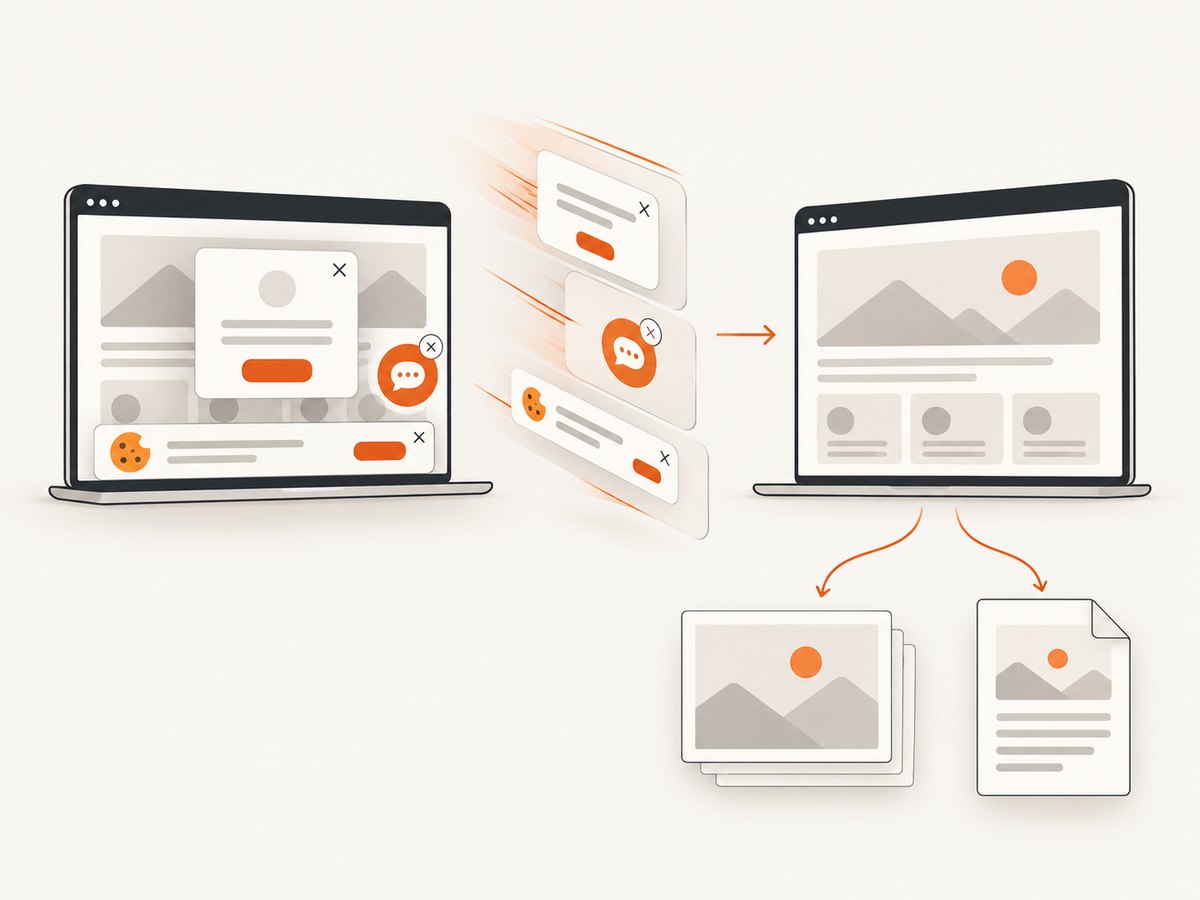
ScreenshotNeo provides a website screenshot API and MCP server. One GET request returns PNG, JPEG, WebP, or PDF, with options for full-page capture, custom CSS and JavaScript, cookies and headers, device settings, waiting, blocking, caching, and PDF page controls. Cookie banners, newsletter popups, and chat widgets are removed before capture. Bot checks, blank pages, timeouts, failed loads, and cache hits are not billed, and the response identifies the result with X-Page-Verdict and X-Billed headers.
See the ScreenshotNeo API documentation for the complete option list.
cURL
curl -G "https://api.screenshotneo.com/v1/shot" -d access_key=YOUR_API_KEY --data-urlencode url=https://stripe.com -o shot.webpPython
import requests

r = requests.get(
    "https://api.screenshotneo.com/v1/shot",
    params={"access_key": "YOUR_API_KEY", "url": "https://stripe.com"},
    timeout=90,
)
r.raise_for_status()
open("shot.webp", "wb").write(r.content)
Node.js
const q = new URLSearchParams({ access_key: 'YOUR_API_KEY', url: 'https://stripe.com' });
const res = await fetch(`https://api.screenshotneo.com/v1/shot?${q}`);
if (!res.ok) throw new Error(`HTTP ${res.status}`);
const fs = await import('node:fs/promises');
await fs.writeFile('shot.webp', Buffer.from(await res.arrayBuffer()));
An MCP server also lets Claude, Cursor, and other MCP clients call take_screenshot, get_page_info, and capture_pdf. The free plan includes 1,000 screenshots each month with no card; paid plans start at $5 for 3,000 shots, and every feature is available on every plan. Create a free ScreenshotNeo account.
14. Troubleshooting checklist
- Copy the first explicit stderr
Error:line and final exit status. - Run
wkhtmltopdf --versionas the Django service user. - Use an absolute
WKHTMLTOPDF_CMDpath. - Check shared libraries with
lddand installlibfontconfigwhere required. - Verify fonts, temporary directories, and output directories are readable or writable.
- Set
WKHTMLTOPDF_ENV["DISPLAY"]only when a reachable X server is used. - Fetch the exact URL from the renderer host with the same credentials and proxy settings.
- Replace local assets with HTTP(S) URLs or allow one narrow asset directory.
- Keep load errors at
abortuntil the page is known to be complete. - Audit CSS when conversion succeeds but the layout is wrong.
FAQ
Why does exit code 1 hide the real problem?
The exit code is a process result shared by several failure classes. The stderr text identifies whether the failure is executable setup, libraries, fonts, display, URL loading, permissions, or page compatibility.
Should I install wkhtmltopdf inside the Django virtual environment?
No. It is an operating-system executable. Install it on the server and point Django to its absolute path.
Can load-error-handling=ignore make a failed conversion safe?
It can allow a PDF to be produced, but the document may omit content. Use it only when the missing resource is optional and the result is checked.
Why does the PDF work locally but fail in production?
The production service may have a different PATH, Unix user, fonts, libraries, DNS route, proxy, TLS trust, cookies, or display server. Reproduce the command in that environment.
What if the command succeeds but modern CSS is missing?
That is a rendering-engine limitation, not an exit-code failure. Simplify the print CSS or move the job to a maintained browser-based renderer.


