How to Fix CSS Float Layouts Missing from Wkhtmltopdf PDFs
Diagnose missing CSS floats in wkhtmltopdf PDFs by checking builds, media CSS, assets, pagination, and renderer alternatives.

Short answer: verify the exact wkhtmltopdf binary and Qt build, compare screen and print CSS, reduce the page to a minimal float example, confirm that stylesheets and images load, and determine whether the failure occurs only at page boundaries. There is no documented universal CSS rewrite that fixes every missing-float PDF.
The most useful diagnostic order is:
- Record the executable path, version, package source, and Qt build.
- Render with the same media mode as your production command.
- Reduce the document to one floated block and adjacent content.
- Check external CSS, fonts, images, and other resources.
- Separate ordinary layout failures from pagination failures.
- Compare another renderer if the document depends on modern CSS or JavaScript.
1. Verify the wkhtmltopdf executable and Qt build
Different machines or containers can invoke different binaries. The official usage documentation describes wkhtmltopdf conversion through patched Qt, while the Debian manual warns that unpatched Qt builds have reduced functionality. Treat build identity as a diagnostic variable, not as the assumed cause.
# Which executable is actually being used?
command -v wkhtmltopdf
readlink -f "$(command -v wkhtmltopdf)"

# Record the version and build information
wkhtmltopdf --version
wkhtmltopdf --extended-help | head -n 40

# Capture the same information inside your application container
cat /etc/os-release
Compare this output between your laptop, CI job, production host, and container. Also inspect application configuration: a library may point to a bundled binary instead of the one on PATH.
For command behavior, consult the wkhtmltopdf usage reference. The project’s status page documents the age of its Qt/WebKit base and renderer limitations.
2. Check screen versus print CSS
wkhtmltopdf uses screen media by default. The --print-media-type option switches to print media. A float can appear to “vanish” when an @media print rule changes display, float, width, position, or visibility.
# Default: screen media
wkhtmltopdf input.html screen.pdf

# Explicitly use print media
wkhtmltopdf --print-media-type input.html print.pdf
Search every stylesheet, including generated CSS:
rg -n "@media\\s+print|float|display\\s*:\\s*none|visibility\\s*:\\s*hidden|clear:" public/ templates/ styles/Compare the computed styles in a browser preview with the PDF command. Check:
- Whether the float declaration exists in print media.
- Whether a more specific selector overrides it.
- Whether a print rule sets the element to
display: block,position: static, orfloat: none. - Whether a parent has
overflow: hidden, a fixed height, or a clipping rule. - Whether a following element uses
clearand forces an unexpected break.
3. Build a minimal reproduction
Reduce the page before changing production CSS. A small file distinguishes a cascade or resource problem from an interaction with the rest of the document.
<!doctype html>
<html>
<head>
  <meta charset="utf-8">
  <style>
    @page { size: A4; margin: 18mm; }
    body { font: 14px/1.45 Arial, sans-serif; }
    .float { float: left; width: 35%; margin: 0 20px 10px 0; padding: 12px; background: #ddd; }
    .copy { overflow: auto; }
    .after { clear: both; margin-top: 20px; }
  </style>
</head>
<body>
  <div class="copy">
    <aside class="float">Floated block</aside>
    <p>This paragraph should wrap beside the floated block. Add enough text to cross lines and test the layout.</p>
  </div>
  <div class="after">Content after the float</div>
</body>
</html>
wkhtmltopdf --print-media-type minimal.html minimal.pdfIf this file works, add the original stylesheet, then fonts, images, layout wrappers, and JavaScript one at a time. If it fails, preserve the exact HTML, CSS, command, binary version, and output PDF when reporting the issue.
4. Confirm that CSS and assets load
A float may be present while its dimensions or surrounding layout disappear because an external stylesheet, image, font, or generated resource failed to load. Use absolute or correctly resolved URLs and test the conversion environment, not only your browser.
# Follow redirects and inspect the response from an asset host
curl -I -L https://example.com/styles/report.css
curl -I -L https://example.com/images/diagram.png

# Convert a local file while allowing local assets when required
wkhtmltopdf --enable-local-file-access report.html report.pdf
Check authentication, DNS, proxy settings, TLS certificates, relative paths, and case-sensitive filenames. The wkhtmltopdf usage reference documents load controls and user stylesheet options; use those options only after confirming the underlying resource problem.
5. Determine whether pagination is the real failure
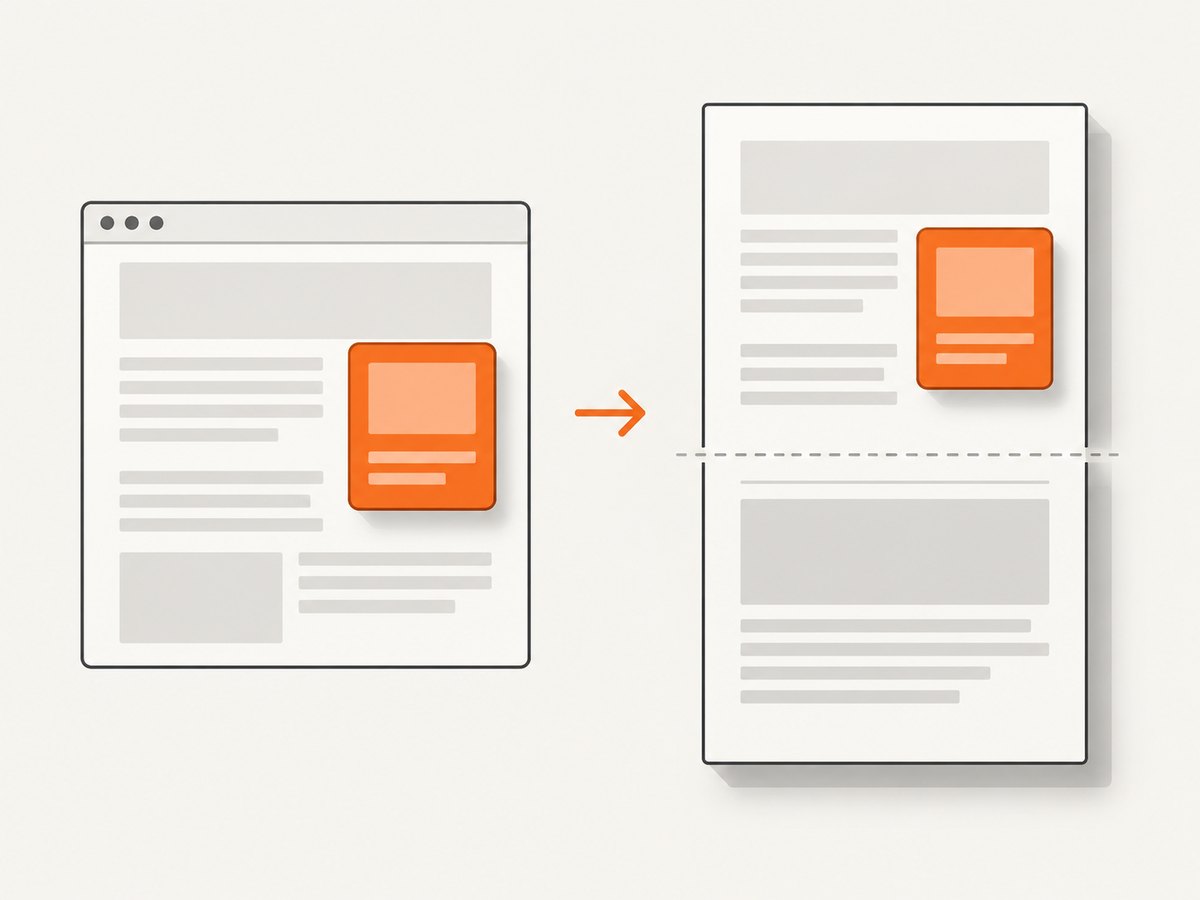
Render a short version that fits on one page. Then add enough content to cross a page boundary. If the float is correct on one page but moves, disappears, or overlaps when content continues onto another page, investigate pagination rather than only the float declaration.
An archived manual describes legacy WebKit layout as one long page that is later cut into pages, allowing content to split. It also describes patched Qt support for page-break-inside as a mitigation for some cases. That guidance comes from an old release and should not be treated as proof of the cause on a current build.
.float-group {
  page-break-inside: avoid;
  break-inside: avoid;
}

/* Keep a heading with the block it introduces */
h2, h3 {
  page-break-after: avoid;
}
These declarations are experiments to isolate page-breaking behavior, not guaranteed fixes. Test them with the exact installed version and representative documents.
6. Automate a reproducible conversion
Shell
#!/usr/bin/env bash
set -euo pipefail

WKHTMLTOPDF="$(command -v wkhtmltopdf)"
"$WKHTMLTOPDF" --version >&2
"$WKHTMLTOPDF" --print-media-type --enable-local-file-access "$1" "$2"
Python
import shutil
import subprocess
from pathlib import Path

binary = shutil.which("wkhtmltopdf")
if not binary:
    raise RuntimeError("wkhtmltopdf is not on PATH")

source = Path("report.html")
output = Path("report.pdf")
subprocess.run(
    [binary, "--print-media-type", "--enable-local-file-access", str(source), str(output)],
    check=True,
)
print(output)
Node.js
import { execFile } from "node:child_process";
import { promisify } from "node:util";

const execFileAsync = promisify(execFile);
const { stdout } = await execFileAsync("wkhtmltopdf", [
  "--print-media-type",
  "--enable-local-file-access",
  "report.html",
  "report.pdf"
]);
console.log(stdout);
7. Common errors and fixes
| Symptom | Likely cause | What to check or change |
|---|---|---|
| Float is absent only in the PDF | Print CSS or a selector override | Compare default screen rendering with --print-media-type; inspect computed styles and specificity. |
| Float works locally but not in CI | Different binary, Qt build, fonts, or working directory | Log the full path, --version, OS image, current directory, and installed fonts. |
| Text wraps as if the float has zero width | Stylesheet or image dimensions did not load | Check URL resolution, network access, authentication, and CSS response status. |
| Layout fails only after a page break | Legacy pagination or a page-break interaction | Try a one-page reproduction, then test page-break-inside/break-inside on the complete group. |
| Images or fonts are missing | Blocked local files or unreachable remote resources | Use valid absolute URLs; add --enable-local-file-access only when local files are intentionally required. |
| JavaScript-built content is empty | Script timing or renderer limitations | Confirm the page is complete before conversion; consider a browser-based renderer for dynamic pages. |
| Conversion exits with a network or load error | DNS, TLS, proxy, timeout, or server response issue | Fetch the same URL from the conversion host and inspect logs and response headers. |
8. Security and reliability considerations
If your service converts user-supplied HTML, isolate the process, restrict network access, limit CPU and memory, and sanitize or reject active content according to your threat model. The wkhtmltopdf project status page explicitly warns: “Do not use wkhtmltopdf with any untrusted HTML.”
For reliable builds, pin the binary and container image, record the version in artifacts, use deterministic asset URLs, and keep a small regression suite of PDFs that includes floats near page boundaries, long text, missing assets, and print-specific styles.
9. When to use another renderer
The project status page describes the Qt/WebKit base as old. It names WeasyPrint and commercial Prince as options for report generation, and Puppeteer for sites that depend on dynamic JavaScript. These are candidates to test, not guaranteed drop-in replacements.

| Decision factor | Questions to answer |
|---|---|
| CSS compatibility | Does the renderer support the layout features in your templates? |
| JavaScript | Must scripts execute before capture, or is the document static? |
| Pagination | How does it handle floats, repeated headers, widows, and page breaks? |
| Deployment | Can it run in your OS, container, queue, and resource limits? |
| Maintenance | How active is the project and how will security updates be handled? |
| Cost and licensing | What are the license terms and total operating costs for your volume? |
Or skip the browser setup
ScreenshotNeo provides a website screenshot API when you need an image or PDF without maintaining a browser conversion stack. The request is a single GET call; see the API documentation for all options.
curl -G "https://api.screenshotneo.com/v1/shot" -d access_key=YOUR_API_KEY --data-urlencode url=https://stripe.com -o shot.webpimport requests
r = requests.get("https://api.screenshotneo.com/v1/shot", params={"access_key": "YOUR_API_KEY", "url": "https://stripe.com"}, timeout=90)
open("shot.webp", "wb").write(r.content)const q = new URLSearchParams({ access_key: 'YOUR_API_KEY', url: 'https://stripe.com' });
const res = await fetch(`https://api.screenshotneo.com/v1/shot?${q}`);Before capture, cookie and consent banners, newsletter popups, and chat widgets are removed. Bot checks, blank pages, failed loads, timeouts, and cache hits are not billed, and response headers identify the page verdict and billing result. ScreenshotNeo also offers an MCP server for AI agents, including Claude, Cursor, and other MCP clients. The free plan includes 1,000 screenshots each month with no card; paid plans start at $5 for 3,000 screenshots.
Create a free ScreenshotNeo account.
FAQ
Is float unsupported by wkhtmltopdf?
The supplied sources do not establish that floats are universally unsupported. Isolate the build, CSS media mode, resources, and page-breaking behavior first.
Should I always add --print-media-type?
No. Screen media is the documented default. Use print media only when your stylesheet is designed and tested for it.
Can changing page-break-inside guarantee a fix?
No. It may help some pagination cases on patched builds, but test the exact version and document.
When is Puppeteer a better fit?
Consider it when the page depends on JavaScript that must run before the PDF is created. Validate CSS and pagination fidelity against real templates.
What evidence should accompany a bug report?
Include the minimal HTML/CSS reproduction, exact command, binary path, version output, OS or container image, relevant assets, and PDFs from the working and failing environments.


