How to Fix wkhtmltopdf Headers Clipping PDF Content
Fix clipped wkhtmltopdf headers by reserving top margin, tuning header spacing, and isolating version, footer, and layout issues.
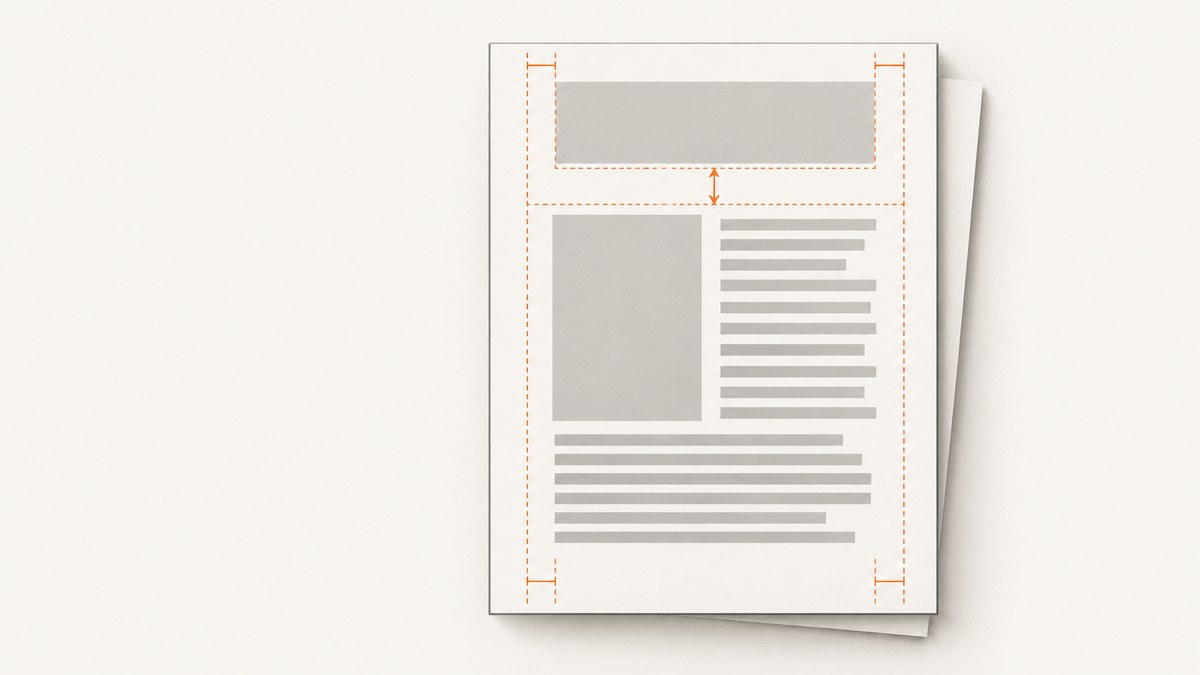
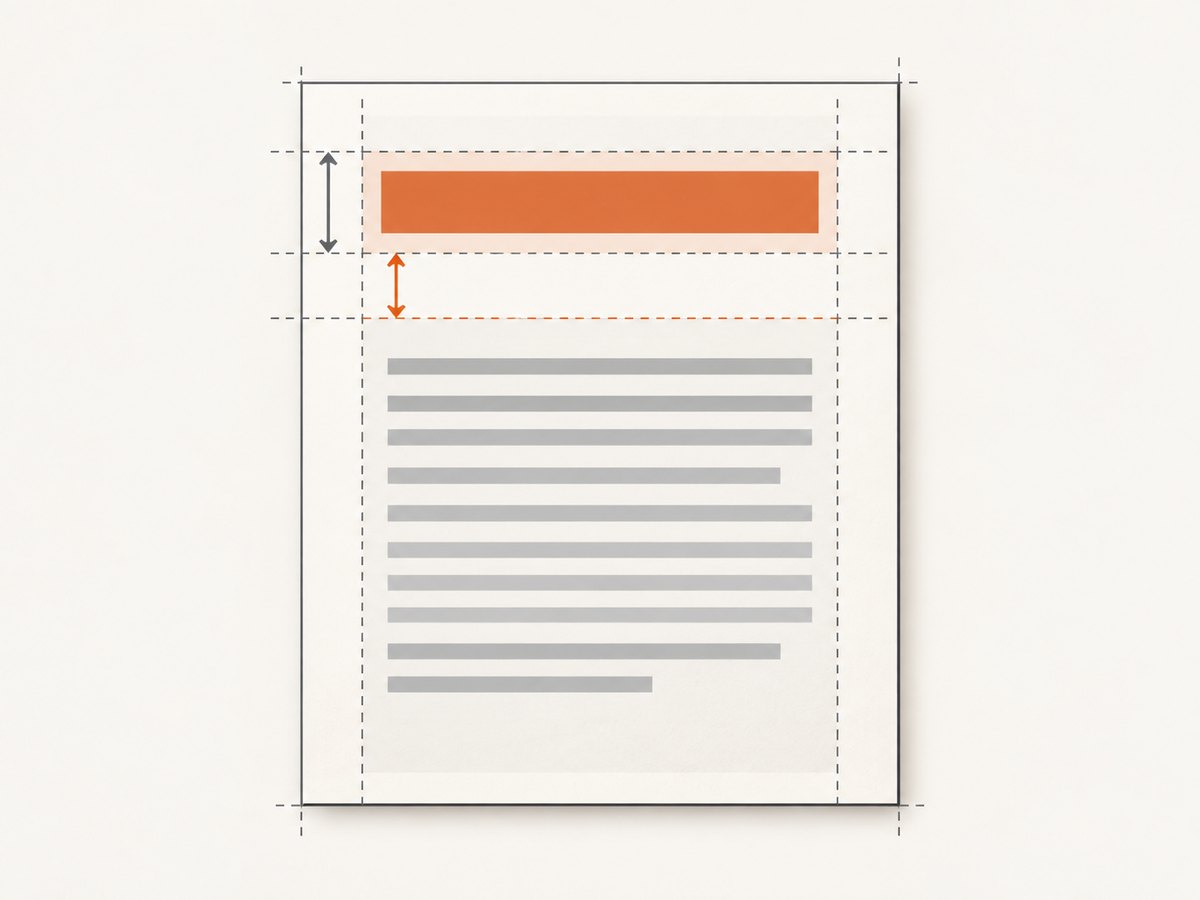
To fix a wkhtmltopdf header clipping or colliding with page content, reserve enough space with an explicit top margin, then tune --header-spacing to match the rendered header height. These settings affect each other: the top margin provides room for the page layout, while header spacing controls the gap between the header and content. There is no universal correct value; inspect the generated PDF at its actual paper size and adjust one setting at a time.
Start with this diagnostic command, then adapt the values to your header and document:
wkhtmltopdf --margin-top 25mm --header-spacing 5 input.html output.pdfThe values above are illustrative starting points, not guaranteed settings. If the header still overlaps or is cut off, check its actual rendered height, page size, version and Qt build, and whether a footer option changes the layout.
1. Understand which space each option controls
wkhtmltopdf has separate header and page-margin controls, but they are not independent in every layout. The settings reference describes header.spacing as the space between the header and content. It warns that excessive spacing can print the header outside the PDF; the documented adjustment is margin.top. See the official settings reference.
| Setting | What to check | Common symptom |
|---|---|---|
--margin-top |
Room reserved at the top of each page for the header and body start | Body text starts too close to, or underneath, the header |
--header-spacing |
Gap between the rendered header and page content | Header is too close to the body or pushed beyond the page edge |
--header-html |
The HTML document used to render the header | Header content is unexpectedly tall, styled differently, or missing |
--margin-bottom and --footer-spacing |
Room and gap at the bottom when a footer is present | Footer overlaps body content, is clipped, or changes vertical layout |
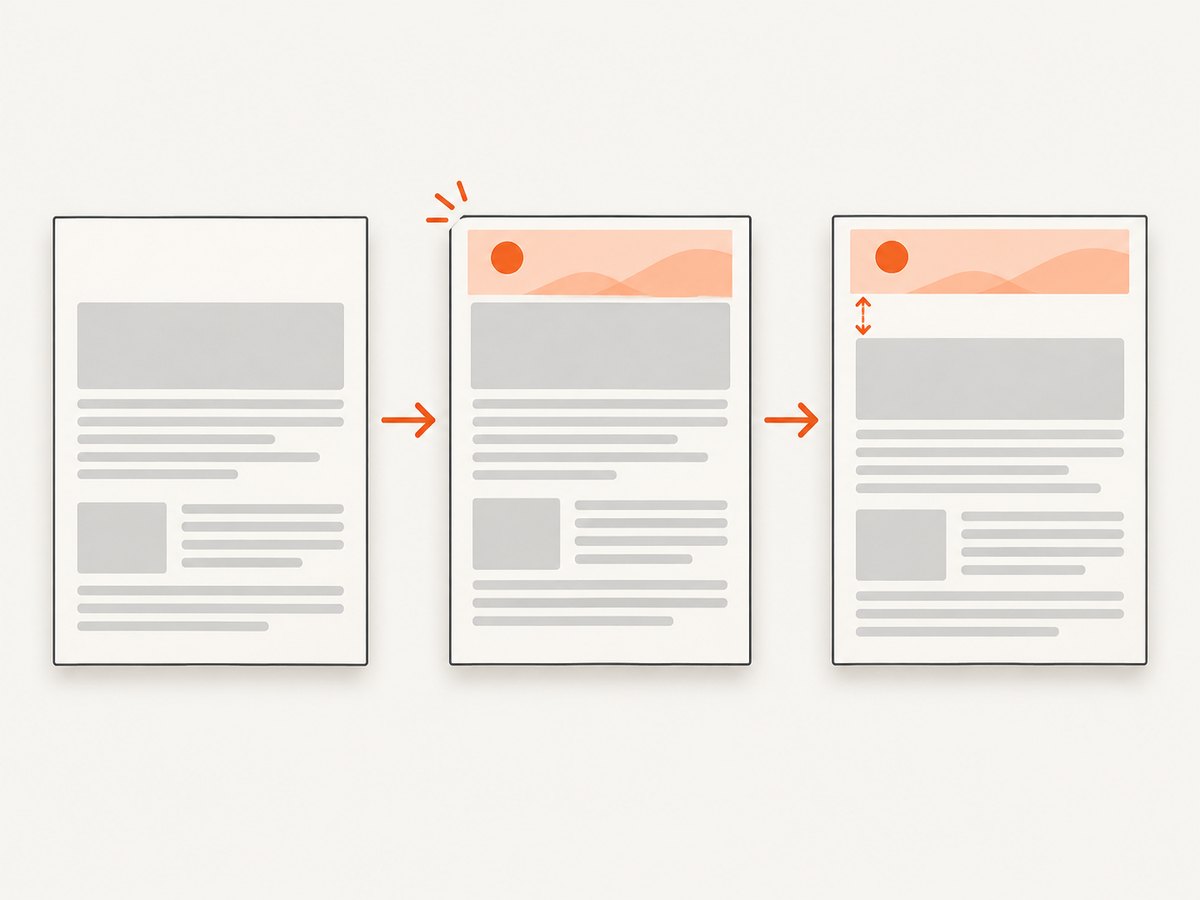
The header’s visual height can exceed what its source markup suggests. CSS margins, line height, images, font fallback, and the page width can all affect its rendered size. Reserve enough top space for the header and the desired gap; then verify that the first line of the body begins below it on every page.
2. Reproduce and correct the layout
- Record the renderer build. Save the output of
wkhtmltopdf --version, the operating system, and whether the installed package reports patched Qt. Issue reports describe behavior specific to wkhtmltopdf 0.12.5 with patched Qt on Ubuntu 16.04.5, so the exact build matters. Issue #3974. - Render a baseline without headers or footers. This establishes where the body starts without the extra page furniture. Keep the input HTML, paper size, orientation, and other options unchanged.
- Add only the header. Render again with
--header-html, but leave the footer off. Note whether the header itself is clipped, the body starts too high, or text is simply being covered. - Set vertical values explicitly. Add
--margin-topand--header-spacing. Change one at a time and compare the PDFs. Increase the top margin if the body needs more reserved space. Adjust spacing to move the header-to-content gap, while checking that the header remains on the page. - Check every page. A first-page preview can miss clipping after a page break or on pages with different header content. Inspect the first page, a middle page, and pages around major breaks.
- Isolate the footer. If the problem appears only after adding
--footer-html, compare runs with and without the footer. Explicitly set the bottom margin and footer spacing. Also recheck the top margin: one report for 0.12.5 with patched Qt describes a footer-only invocation removing the top margin and shifting content upward. Treat this as a build-specific report, not expected behavior on every installation. Issue #4564.
For example, a header-only diagnostic run with an HTML header could look like this:
wkhtmltopdf \
  --page-size A4 \
  --margin-top 25mm \
  --header-html header.html \
  --header-spacing 5 \
  input.html output.pdf
When you add a footer, keep all vertical settings visible in the command so they are easy to compare:
wkhtmltopdf \
  --page-size A4 \
  --margin-top 25mm \
  --header-html header.html \
  --header-spacing 5 \
  --margin-bottom 20mm \
  --footer-html footer.html \
  --footer-spacing 5 \
  input.html output.pdf
These numbers are examples only. They are not universal defaults. Use units and values appropriate to the header, footer, page dimensions, and desired body area.
3. Tune header HTML and page dimensions
If the header is HTML, inspect header.html as a document that gets rendered into a narrow page region. A large logo, default heading margins, long unbroken text, or a table wider than the printable area may increase the header’s dimensions or cause content to be cropped. Reduce unnecessary height and horizontal overflow in the header markup, then rerun with the same explicit margins.
Keep the paper size and orientation fixed while diagnosing. A header that fits on A4 portrait may wrap or overflow on another page size or in landscape. If you change --page-size, --orientation, or custom page dimensions, recheck the header’s rendered width and height and retune the margin and spacing.
Also distinguish a header positioned outside the printable area from one merely covered by the body. In a reported layout, changing the top margin moved the header and body start together. This means you may not be able to move the header toward the top edge without also changing where content begins. Preserve sufficient body clearance, position the header within the available area, and inspect the resulting PDF. Issue #680.
4. Troubleshoot common symptoms
| Symptom | Likely cause | What to do |
|---|---|---|
| Body text begins beneath the header | Top margin does not reserve enough room, or the header is taller than expected | Increase --margin-top in small steps. Check the header’s line height, margins, images, and wrapping. |
| Header appears cut off at the top | Header placement or total spacing exceeds the available page area | Check page size and orientation. Reduce excessive header spacing or header height, and verify the top margin against the rendered output. |
| A large blank band appears above the header | Margin and header placement combine to leave more space than expected | Change one value at a time. Compare a no-header baseline and the header-only version instead of compensating with several simultaneous changes. |
| Only the footer version shifts content upward | A version-specific interaction involving footer options may be affecting layout | Compare output with and without --footer-html; specify top and bottom margins explicitly. Check version and Qt build. |
| Header fits on one page size but not another | Different printable width changes wrapping or the available header area | Hold page size constant while tuning. Recalculate after changing paper size, orientation, or custom dimensions. |
| Wrapper code ignores the command-line fix | The library may expose different option names or omit one setting | Confirm the generated wkhtmltopdf arguments or wrapper configuration includes both the top margin and header spacing. |
| Fix differs between machines | Different wkhtmltopdf release, Qt build, fonts, or package configuration | Record exact versions and compare builds. Reproduce with the same input and page options before changing layout values. |
5. Reliability, performance, and maintenance
Make the rendering environment repeatable. Record the wkhtmltopdf version, operating system, Qt build, input HTML, page size, and all header and footer arguments alongside a known-good PDF. If a deployment image or package changes, render a sample document and check its first, middle, and last pages. Header clipping can be a layout problem, but reports tied to specific builds show why version details belong in the diagnosis.
Change only one layout variable per comparison. This makes it easier to tell whether the top margin, header spacing, footer, page dimensions, or header markup caused the shift. Keep a copy of the baseline and corrected PDFs so reviewers can verify both the header position and body clearance.
The wkhtmltopdf repository was archived and became read-only on January 2, 2023. That matters when deciding how much time to spend on build-specific behavior: after reproducing the issue and setting explicit margins, teams maintaining a legacy renderer may need to evaluate whether continued use is appropriate. The cited reports do not establish a replacement comparison or guarantee that milestone 0.12.7 resolves every clipping symptom on every package. Issue #3974.
There is no source-backed universal margin value or performance benchmark for this fix. Explicitly specifying margins and spacing makes the layout easier to reason about; it does not by itself establish a faster render or guarantee identical output across machines.
Or skip the browser setup
If the goal is a clean screenshot or PDF of a web page rather than a wkhtmltopdf-specific layout, ScreenshotNeo provides a website screenshot API and MCP server. Its one-call API can return an image or PDF, with options for full-page capture and custom output. See the ScreenshotNeo API documentation for request parameters.
curl -G "https://api.screenshotneo.com/v1/shot" \
  -d access_key=YOUR_API_KEY \
  --data-urlencode url=https://stripe.com \
  -o shot.webp
import requests
r = requests.get(
"https://api.screenshotneo.com/v1/shot",
params={"access_key": "YOUR_API_KEY", "url": "https://stripe.com"},
timeout=90,
)
open("shot.webp", "wb").write(r.content)const q = new URLSearchParams({
access_key: 'YOUR_API_KEY',
url: 'https://stripe.com'
});
const res = await fetch(`https://api.screenshotneo.com/v1/shot?${q}`);ScreenshotNeo accepts cookie and consent banners like a visitor and removes more than 60 known consent platforms, newsletter popups, and chat widgets before capture; each step can be turned off. Bot checks, blank pages, failed loads, timeouts, and cache hits are not billed, and response headers identify the page verdict and billing status. Its MCP server provides take_screenshot, get_page_info, and capture_pdf tools for Claude, Cursor, and other MCP clients. The Free plan includes 1,000 shots per month without a card; paid plans start at $5 for 3,000 shots. The same features are available on every plan.
Create a free ScreenshotNeo account for 1,000 screenshots a month with no card.
FAQ
Is 25 mm the correct top margin?
It is only an example starting point. The correct value depends on the rendered header, spacing, paper size, and body layout. Inspect the PDF and adjust for the actual output.
Does increasing header spacing create more room for the body?
It changes the gap between header and content. The settings reference warns that excessive spacing can push the header outside the PDF, so also check the top margin and rendered result.
Could the footer cause a top-margin problem?
A 2019 issue reports a footer-only case that shifted content upward on a particular 0.12.5 patched-Qt setup. Compare runs with and without the footer and verify your own build.
Should I keep troubleshooting an old installation?
First reproduce with explicit vertical settings and record the build. The project repository is archived, so teams that depend on wkhtmltopdf should account for that maintenance context when deciding what to support.


