How to Fix wkhtmltopdf JavaScript Delay Settings That Do Not Work
Fix incomplete wkhtmltopdf PDFs by separating delay, window.status, JavaScript errors, blocked resources, and engine compatibility issues.
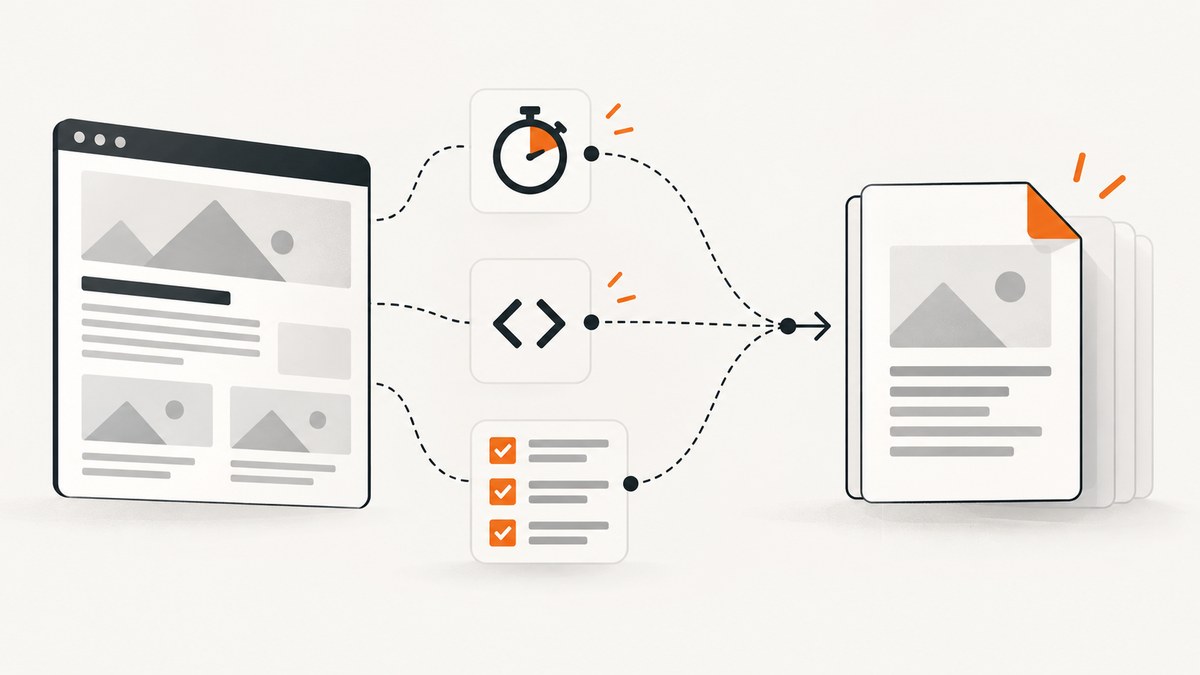
If a wkhtmltopdf PDF is missing content from a JavaScript-driven page, first determine whether the problem is timing. --javascript-delay is a fixed wait (documented default: 200 ms), while --window-status waits for an exact value set by page JavaScript. Neither option can repair a JavaScript exception, disabled scripts, blocked resources, or code the bundled rendering engine cannot execute.
Record the exact wkhtmltopdf version, operating system, and package source before changing settings. Builds differ, and reports involving 0.12.2.1, 0.12.2.4 with patched Qt, and 0.12.5 show why a result from one build should not be treated as a cross-version guarantee.
1. Reproduce the timing problem with a tiny page
Use a controlled file before debugging your application. This page changes visible content after one second and then sets the readiness signal.
<!doctype html>
<html>
<body>
  <div id="state">Loading…</div>
  <script>
    setTimeout(function () {
      document.getElementById('state').textContent = 'Rendered';
      window.status = 'ready';
    }, 1000);
  </script>
</body>
</html>
Save it as fixture.html, then capture it with each strategy separately:
wkhtmltopdf --version
wkhtmltopdf --javascript-delay 1500 fixture.html delay.pdf
wkhtmltopdf --window-status ready fixture.html status.pdf
The first command should contain the complete version string. Compare the two PDFs. If both contain “Rendered”, your application likely needs a better wait condition. If neither does, investigate JavaScript execution, resource loading, and build compatibility before increasing the delay.
2. Understand what each setting actually does
| Setting | Behavior | Use it when | Main failure mode |
|---|---|---|---|
--javascript-delay <msec> |
Waits a fixed number of milliseconds before printing. The documented default is 200 ms. | Rendering work has a predictable upper bound. | The page needs longer, or the work never completes. |
--window-status <value> |
Waits until window.status equals the supplied string. |
You control the page and can signal readiness after required content exists. | The exact value is never assigned, so the process can wait indefinitely. |
--disable-javascript |
Turns JavaScript off. JavaScript is enabled by default in the documented CLI options. | Only for deliberately static pages or diagnosis. | A wrapper or command-line flag may silently disable application code. |
--debug-javascript |
Reports JavaScript warnings and errors. | Checking whether scripts execute. | It exposes symptoms; it does not make unsupported code compatible. |
--run-script |
Runs an additional script after page load. | Adding a diagnostic or final readiness assignment. | The page may still fail before the script can help. |
--no-stop-slow-scripts |
Changes slow-script stopping behavior. | Testing whether a long-running script is being stopped. | A script can still hang or depend on unsupported APIs. |
See the official wkhtmltopdf usage documentation and the libwkhtmltox settings reference. In the library API, inspect web.enableJavascript, load.jsdelay, load.debugJavascript, and load.stopSlowScript instead of assuming CLI spelling maps directly.
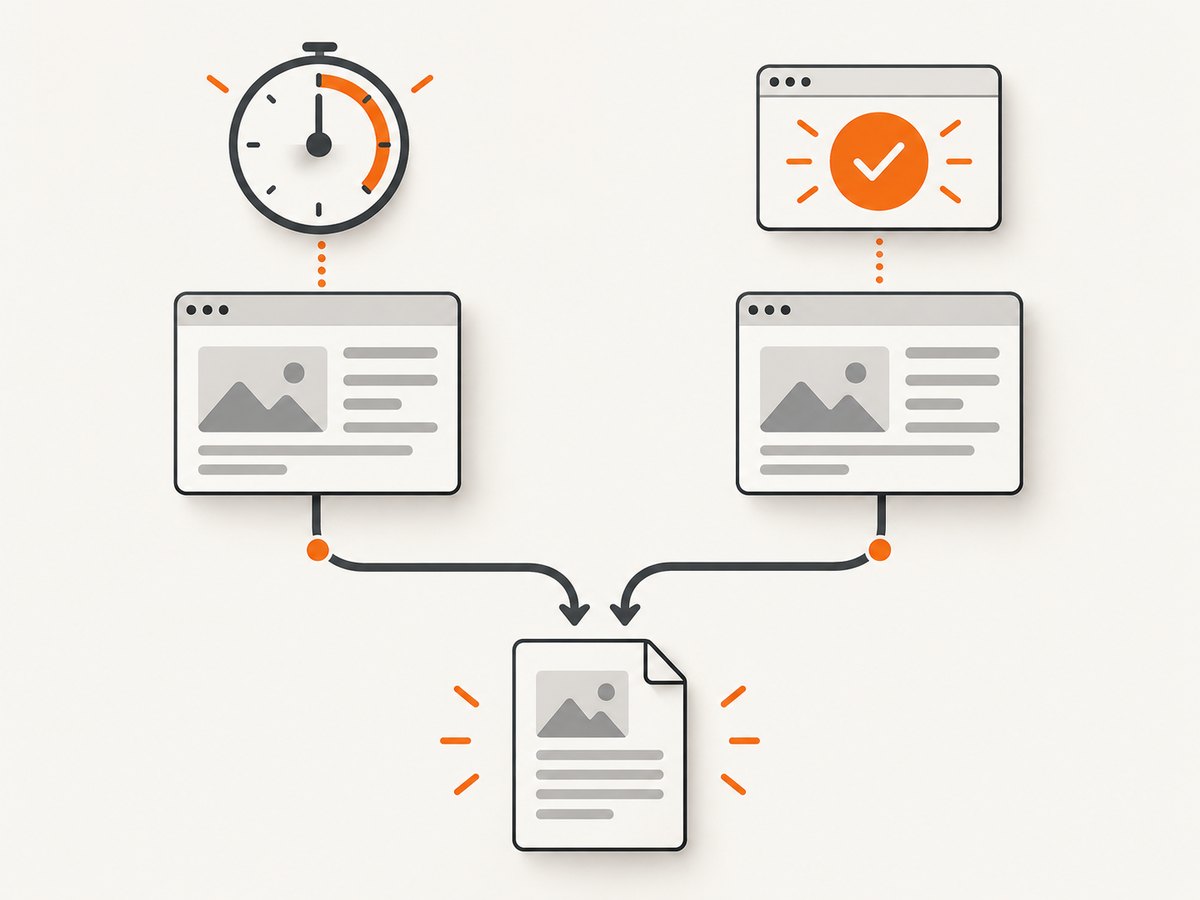
3. Choose a fixed delay or a readiness signal
Use a fixed delay for bounded work
wkhtmltopdf --javascript-delay 2000 https://example.test/report report.pdfIncrease the value as a diagnostic. If the PDF changes when you move from 500 ms to 2,000 ms, the page may need more time. If it never changes, more waiting will not fix an exception, a blocked request, disabled JavaScript, or unsupported code. Fixed waits also add that delay to every successful capture.
Use window.status for explicit readiness
Set the value only after every element required in the PDF has been populated:
Promise.all([loadChart(), loadRows()]).then(function () {
  document.documentElement.classList.add('pdf-ready');
  window.status = 'ready';
});
wkhtmltopdf --window-status ready https://example.test/report status.pdfThe comparison is exact and case-sensitive. If an exception prevents the assignment, or a request never resolves, wkhtmltopdf may keep waiting. Add an application-side timeout and a fallback state if you control the page.
Do not assume both options have portable precedence
A historical report for version 0.12.2.1 observed that using both options appeared to wait for the longer time. The official documentation does not define a cross-version precedence contract. Test the options independently with the binary installed in your environment.
wkhtmltopdf --javascript-delay 1000 --window-status ready fixture.html both.pdf4. Check whether JavaScript actually runs
Run a diagnostic capture and inspect stderr:
wkhtmltopdf --debug-javascript --javascript-delay 1500 https://example.test/report report.pdf 2>wkhtmltopdf.log
cat wkhtmltopdf.log- Look for syntax errors, missing globals, and failed external scripts.
- Check that the command or wrapper did not add
--disable-javascript. - Verify that asynchronous code has a completion path when a request fails.
- Check whether slow scripts are being stopped; test
--no-stop-slow-scriptsonly as a diagnostic. - Confirm the status assignment runs in the same page context rendered by wkhtmltopdf.
A page that works in current Chrome can still fail in wkhtmltopdf’s older rendering engine. A project issue about Plotly.js documents a case where the expected status-setting path did not run under that setup; treat it as a compatibility investigation, not proof that every Plotly page fails.
5. Check resources and page state
- Open the URL from the same machine and user account that runs wkhtmltopdf.
- Confirm external JavaScript, fonts, images, and API requests are reachable without an interactive login.
- Check redirects, certificate errors, mixed-content rules, and authentication headers.
- Make sure lazy-loaded elements are triggered before setting
window.status. - Save a local HTML reproduction with one visible element changed by
setTimeout; avoid debugging the full application until that case works.
The project status page describes ongoing QtWebKit catch-up work as of 2020-06-10 and warns against processing untrusted HTML. Use that context when evaluating old-engine compatibility and operational exposure.
6. A repeatable troubleshooting checklist
| Symptom | Likely cause | Fix |
|---|---|---|
| Output is complete only with a longer delay | Work exceeds the fixed wait. | Use a measured delay or add an explicit readiness signal. |
| Changing the delay has no effect | Script error, disabled JavaScript, blocked resource, or unsupported API. | Run with --debug-javascript; verify resources and flags. |
Capture never returns with --window-status |
The exact status is never set. | Match the string exactly and ensure the assignment runs on success and failure paths. |
| Chrome is complete but PDF is partial | Rendering-engine compatibility. | Reduce the page to a minimal case, replace unsupported code, or use another renderer. |
| Charts or widgets are blank | They render after the wait, require unsupported browser APIs, or load blocked data. | Wait on their actual completion, inspect logs, and test the widget in isolation. |
| Wrapper settings seem ignored | CLI names were copied directly into the C API. | Map to documented settings such as load.jsdelay and web.enableJavascript. |
7. Produce a useful bug report
Include:
- Exact output from
wkhtmltopdf --version. - Operating system, CPU architecture, and installation source.
- The complete command with secrets removed.
- A minimal HTML/CSS/JavaScript reproduction.
- Expected and observed output.
- Results with
--javascript-delayand--window-statustested separately. - Debug output and whether the issue occurs with local files as well as remote URLs.
This follows the project’s support guidance to provide version details and a small reproducible case. See the relevant reports for examples: issue 2616, issue 2721, issue 2490, and issue 4661.
8. Performance, reliability, and cost considerations
- A fixed delay increases wall-clock time for every capture, including pages that finish early.
- A readiness signal can reduce unnecessary waiting, but only when the page reliably emits it.
- Keep a timeout outside wkhtmltopdf so a missing status or stalled request cannot consume a worker forever.
- Retry only transient network failures; retries cannot fix deterministic JavaScript exceptions.
- Pin and record the wkhtmltopdf build in production. Small engine differences can change JavaScript behavior.
- Do not process untrusted HTML in a privileged environment.

Or skip the browser setup
ScreenshotNeo provides a website screenshot and PDF API when maintaining a wkhtmltopdf browser stack is not the goal. One GET request returns an image or PDF, and the API documentation lists the options.
curl -G "https://api.screenshotneo.com/v1/shot" -d access_key=YOUR_API_KEY --data-urlencode url=https://stripe.com -o shot.webpimport requests
r = requests.get("https://api.screenshotneo.com/v1/shot", params={"access_key": "YOUR_API_KEY", "url": "https://stripe.com"}, timeout=90)
open("shot.webp", "wb").write(r.content)const q = new URLSearchParams({ access_key: 'YOUR_API_KEY', url: 'https://stripe.com' });
const res = await fetch(`https://api.screenshotneo.com/v1/shot?${q}`);- Cookie and consent banners, newsletter popups, and chat widgets are removed before the shot.
- Bot checks, blank pages, failed loads, timeouts, and cache hits are not billed; response headers report the page verdict and billing result.
- An MCP server provides
take_screenshot,get_page_info, andcapture_pdftools for Claude, Cursor, and other MCP clients. - The Free plan includes 1,000 screenshots a month with no card. Paid plans start at $5 for 3,000 shots.
Create a free ScreenshotNeo account to try the API.
FAQ
What is the default JavaScript delay?
The wkhtmltopdf documentation lists 200 milliseconds for --javascript-delay.
Can I use --window-status without changing the page?
Only if the page already sets the exact status string you pass. Otherwise it can wait indefinitely.
Should I always use the largest delay that works?
No. Measure the page, then use the smallest reliable bound or an explicit readiness signal. A larger value adds latency and does not fix execution failures.
Why does a page work in Chrome but not wkhtmltopdf?
The engines differ. Unsupported browser APIs, script errors, blocked resources, and old QtWebKit behavior can all produce incomplete output.
Where should I start if the process hangs?
Test --window-status alone, verify the exact assignment, and then run a minimal local fixture with --debug-javascript.


