How to Fix wkhtmltopdf Integration Issues in Laravel
Diagnose Laravel PDF failures by checking the wkhtmltopdf binary, its system dependencies, build features, and rendering behavior.
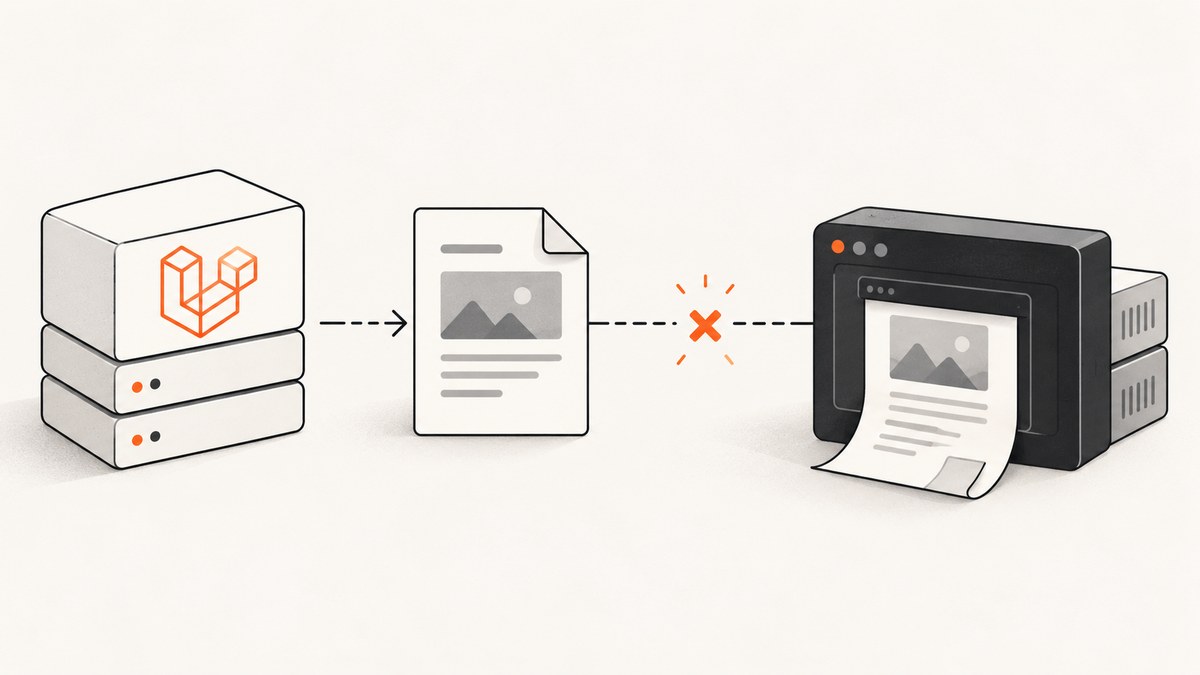
When PDF generation fails in Laravel, first check the external wkhtmltopdf executable. Laravel Snappy is a Laravel wrapper and service provider; it does not itself render PDFs. The running app must be able to execute a compatible wkhtmltopdf binary at the path configured in config/snappy.php, and that binary must have the system libraries and fonts it needs.
Start in the same host or container, and ideally under the same runtime user, as PHP. Run wkhtmltopdf --version, convert a tiny local HTML file, then compare the binary’s actual path and behavior with Laravel’s configuration. This separates a deployment or renderer problem from Blade and application logic. The Laravel Snappy documentation covers installing binaries and configuring their path; the official wkhtmltopdf documentation explains build differences and renderer options. Laravel Snappy documentation · wkhtmltopdf downloads.
1. Confirm the renderer works outside Laravel
Use a simple local file to test the binary before debugging a full application view. Run these commands from the deployment environment, not just a developer laptop:
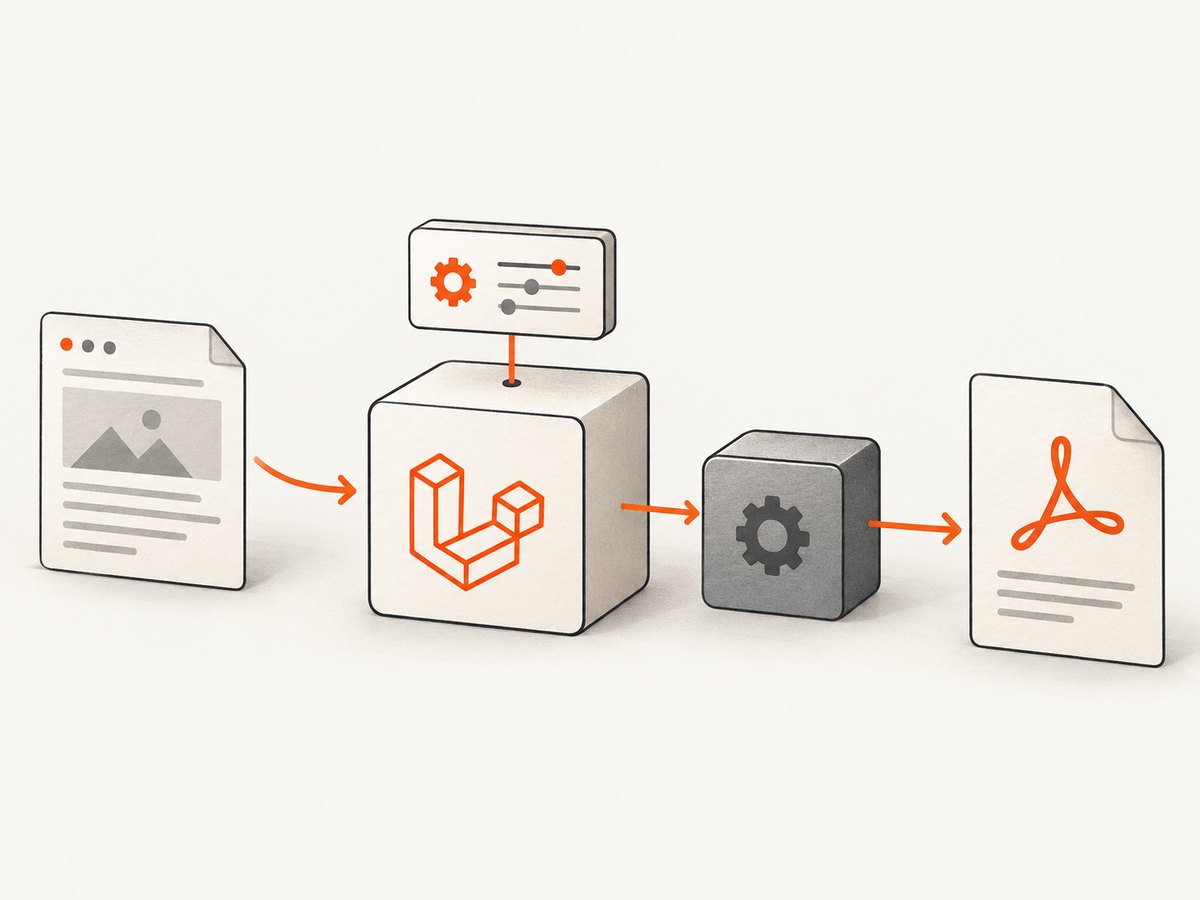
wkhtmltopdf --version
printf '<html><body><h1>PDF check</h1></body></html>' > /tmp/pdf-check.html
wkhtmltopdf /tmp/pdf-check.html /tmp/pdf-check.pdf
ls -l /tmp/pdf-check.pdf
If the shell cannot find the command, locate the installed executable and use its full path for the conversion test:
command -v wkhtmltopdf
# If command -v returns nothing, inspect the location used by your package or deployment.
/path/to/wkhtmltopdf --version
/path/to/wkhtmltopdf /tmp/pdf-check.html /tmp/pdf-check.pdf
On Windows, use the executable path and quoting format documented for your installation. A successful conversion proves only that this binary can run in this shell context with this small input. It does not prove that PHP runs as the same user, that the app’s configured path matches, or that the production image has every dependency.
2. Point Laravel Snappy at the actual binary
Laravel Snappy’s configuration includes separate entries for the PDF and image binaries. Check the published config/snappy.php in the application and compare its binary value to the path that worked in the shell. For example, paths differ by operating system and installation method:
// config/snappy.php (illustrative path; use the path installed in your environment)
'pdf' => [
    'enabled' => true,
    'binary' => '/usr/local/bin/wkhtmltopdf',
    'timeout' => false,
    'options' => [],
    'env' => [],
],
Do not copy that example path without checking your host. The Snappy README describes binaries installed separately as well as Composer-provided binary packages; the correct configured path depends on which approach your app uses. Once configuration changes, ensure the deployed application is reading the updated config rather than stale cached configuration. For a Laravel deployment, check the configuration cache as part of the release process.
Test with the same user that runs PHP-FPM, a queue worker, or the relevant application process. Confirm the file exists, is executable, and is accessible through every parent directory. A command succeeding in an interactive shell under your own account may still fail under the web or worker account.
3. Check permissions, libraries, fonts, and deployment parity
A renderer can exist at the expected path and still fail to launch. Check its permissions and the process error. Exit code 126 commonly points to an execution or permission issue. Ensure the executable bit is set where applicable, and avoid placing the binary in a synced Vagrant folder if that setup prevents execution; Laravel Snappy documents this issue and its workaround. For Windows paths, follow the wrapper’s documented quoting.
Missing shared libraries are a different problem: the operating system loader cannot start the program because a dependency is absent. Install the needed library in the same image or host where PHP runs. Laravel Snappy names libXrender as one example. A “static” Qt build still depends on some system packages, so static does not mean dependency-free.
Fonts also affect output. If text wraps differently or glyphs are missing, inspect installed fonts in the runtime environment and ensure the requested font is actually available to the renderer. Compare the OS distribution, architecture, libraries, fonts, runtime user, and wkhtmltopdf version between local and production. The official downloads page lists builds by distribution and architecture; compatibility depends on the target system.
4. Understand build features before debugging headers and footers
Different wkhtmltopdf packages may be built with different Qt patches. The official project notes that some features require patched Qt and that distributions may compile without those features. If headers, footers, outlines, or a table of contents are missing, first inspect the exact binary and build information rather than repeatedly changing Blade markup.
Use the command-line help for the binary you installed to confirm supported options. Header and footer options can accept text or HTML-related values, while outlines require patched Qt according to the project’s manual. If a required feature is unavailable in the build supplied for your OS and architecture, choose a compatible build or reassess the renderer against your deployment constraints.
5. Diagnose layout and timing problems
When the PDF is created but looks wrong, reduce the input to the smallest HTML page that reproduces the issue. wkhtmltopdf comes from an older Qt/WebKit lineage, so do not assume CSS or JavaScript behavior will match a current browser. Check basic geometry before rewriting templates:
- Set the paper size and orientation deliberately.
- Inspect top, bottom, left, and right margins.
- Check zoom and viewport-related settings if the page is scaled unexpectedly.
- Review the smart-shrinking behavior; it can change scaling to fit content.
- Confirm external stylesheets, fonts, and images can be reached from the renderer’s network context.
If content is missing because the page updates asynchronously, do not assume the renderer waits for every application-specific operation. The documented --window-status option waits until the page’s JavaScript sets a chosen status value. In a test page, set that value only after the content needed for the PDF has rendered, then pass the matching status option to the renderer. Keep the reproduction small so you can tell whether the problem is timing, a blocked resource, or unsupported browser behavior.
6. Use a minimal Laravel reproduction
Once the shell test passes and the configured path is correct, test Snappy with a minimal Blade view before reintroducing the failing page. A basic controller example using the Laravel Snappy facade is:
<?php

namespace App\Http\Controllers;

use Illuminate\Http\Response;
use PDF;

class PdfCheckController
{
    public function __invoke(): Response
    {
        $pdf = PDF::loadView('pdf.check', [
            'heading' => 'PDF check',
        ]);

        return $pdf->download('check.pdf');
    }
}
Create resources/views/pdf/check.blade.php with a heading and short paragraph, then request the route in the same environment as the failing feature. The exact facade alias and response type can depend on the package version and application setup; follow the installed Laravel Snappy version’s README if your project registers the wrapper differently. The purpose is to establish whether the wrapper can invoke the configured executable at all.
If the minimal view works, add the original HTML, CSS, images, and JavaScript back in small groups. This identifies external resource failures, unsupported CSS, timing assumptions, and content-specific problems without confusing them with binary launch errors.
7. Troubleshooting common failures
| Symptom | Likely cause | What to check |
|---|---|---|
| Executable not found | The binary is absent or config/snappy.php points elsewhere. |
Run command -v wkhtmltopdf, test the full path, and configure the actual executable. |
| Process launch failure or exit 126 | Permissions, inaccessible parent directory, incompatible location, or path quoting. | Run under the PHP runtime user, check execute permissions, and review Snappy’s Vagrant or Windows guidance where relevant. |
| Shared library error | A native dependency is missing from the runtime image. | Read the loader error and install the matching OS package in the same image; libXrender is one documented example. |
| Works locally, fails on server | Different OS, architecture, fonts, libraries, binary build, or runtime user. | Compare environment details and run the minimal conversion inside production’s container or host. |
| Header, footer, outline, or TOC absent | The installed build may lack patched Qt features. | Check the build and its supported options; select a compatible build if the feature is required. |
| Unexpected scaling or page breaks | Paper size, margins, zoom, or smart shrinking differs from expectations. | Set page geometry explicitly and isolate the HTML that demonstrates the scaling issue. |
| External font or image missing | The renderer cannot access the resource, or its font is not installed. | Check resource URLs, network access, file permissions, and fonts in the PHP environment. |
| Dynamic content absent | Rendering starts before client-side work finishes. | Use a small test and the documented --window-status mechanism to wait for an application-set status. |
8. Security, reliability, and whether to keep wkhtmltopdf
HTML-to-PDF is a server-side document rendering boundary. The wkhtmltopdf project warns: “Do not use wkhtmltopdf with any untrusted HTML – be sure to sanitize any user-supplied HTML/JS, otherwise it can lead to complete takeover of the server on which it is running!” Attribute this warning to the wkhtmltopdf project status page. Sanitize user-provided markup and scripts, restrict what generated documents can access, and isolate the rendering process according to your application’s security design.
The official downloads page identifies 0.12.6 as the stable series and dates that release to June 11, 2020. The project status page says Qt 4 has not been supported since 2015 and its WebKit had not been updated since 2012. These are project-documented dates, not a guarantee about every downstream package. They are relevant when weighing security requirements, current CSS/JavaScript needs, and availability of a compatible build for your production OS.
Continuing with wkhtmltopdf can make sense when its rendering behavior and patched-Qt features meet your needs and you can operate the required binary and system dependencies. Evaluate alternatives against your needed CSS/JavaScript fidelity, required headers or outlines, supported deployment architectures, security treatment of HTML, and operational cost of bundling a browser or native libraries. The research cited here does not establish current performance, feature parity, pricing, or maintenance status for other renderers, so compare those points with their primary documentation before migrating.
9. Capture a web page as an image instead of generating a PDF
If the actual deliverable is a website screenshot rather than a paginated document, use a screenshot capture path instead of debugging a PDF renderer. ScreenshotNeo is a website screenshot API and MCP server from Yorker Media. It returns PNG, JPEG, WebP, or PDF from one GET request. Its clean capture flow accepts cookie or consent banners like a visitor and removes more than 60 known consent platforms, newsletter popups, and chat widgets; those steps can be turned off. Only clean shots are billed, and responses identify page verdict and billing status in headers. See ScreenshotNeo and its API documentation.

Or skip the browser setup
For a webpage capture, one request can return the image directly:
curl -G "https://api.screenshotneo.com/v1/shot" -d access_key=YOUR_API_KEY --data-urlencode url=https://stripe.com -o shot.webpCookie banners, popups, and chat widgets are removed before the shot. Bot checks, blank pages, and failed loads are never billed. An MCP server lets Claude, Cursor, and other MCP clients take screenshots. The free plan includes 1,000 screenshots a month with no card; paid plans start at $5 for 3,000. Plans include all features, with options such as full-page capture, CSS selectors, device presets, custom CSS and JavaScript, PDF output, caching, async jobs, and bulk capture. Sign up free for 1,000 screenshots a month, no card required.
FAQ
Does Laravel Snappy install wkhtmltopdf?
The Laravel wrapper and the renderer are separate. Follow the package’s installation instructions for your chosen binary source, then configure Snappy to use the executable that is actually present in the running environment.
Why does wkhtmltopdf --version work but Laravel fail?
The shell and PHP process may use different users, environments, paths, or permissions. Run a conversion as the PHP runtime user and verify the configured path and deployed config.
Should I switch renderers because the build is old?
Decide based on your security needs, HTML/CSS behavior, required features, and support for your deployment target. The project’s documented component dates are a reason to assess fit, not a migration plan by themselves.
Where should I report a reproducible renderer bug?
Include the wkhtmltopdf version, operating system and version, and a detailed HTML/CSS/JavaScript test case, as requested by the project’s bug-report guidance.


