How to Fix wkhtmltopdf Not Loading Local CSS and Images
Fix missing local CSS and images in wkhtmltopdf with correct paths, access flags, permissions, timing controls, and a reproducible diagnostic workflow.
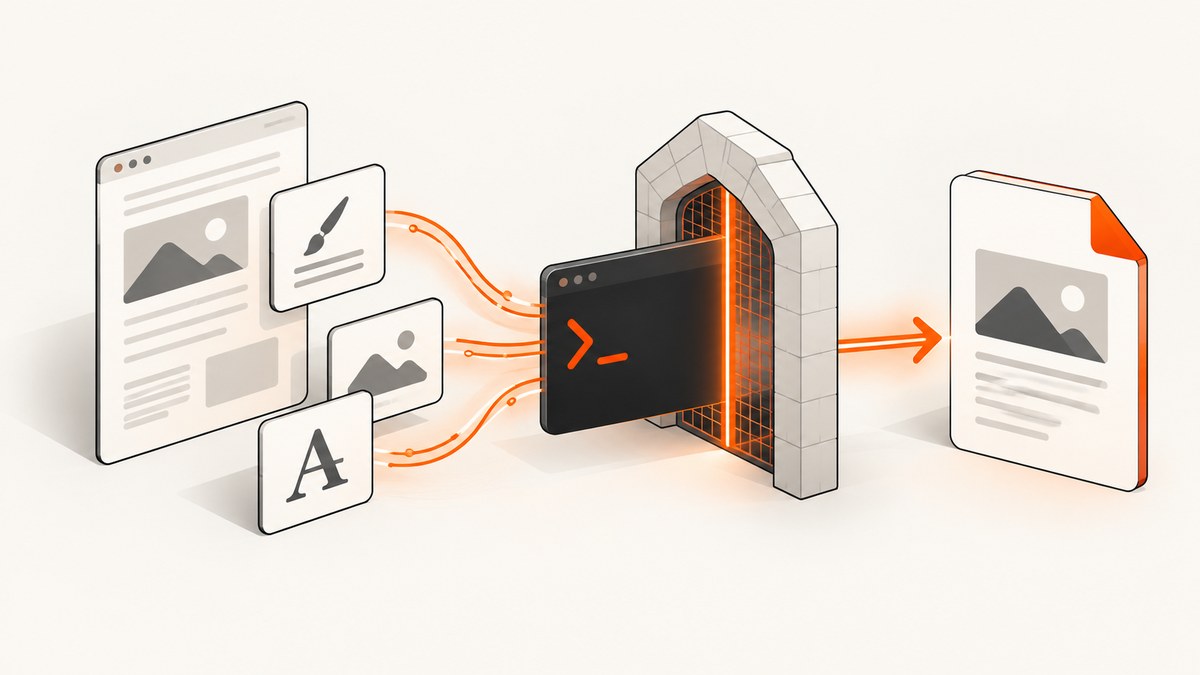
When wkhtmltopdf produces a PDF without local CSS or images, the usual causes are a blocked local-file policy, an incorrect URL, unreadable files, a missing container mount, or content that has not finished rendering. Start with this command:
wkhtmltopdf --enable-local-file-access --allow /absolute/path/to/project /absolute/path/to/project/input.html /absolute/path/to/output.pdfUse the smallest asset directory that contains the HTML, stylesheets, images, fonts, and imported files. Then verify URLs and operating-system permissions. The sections below provide a complete diagnosis and repair path.
1. Understand wkhtmltopdf’s local-file policy
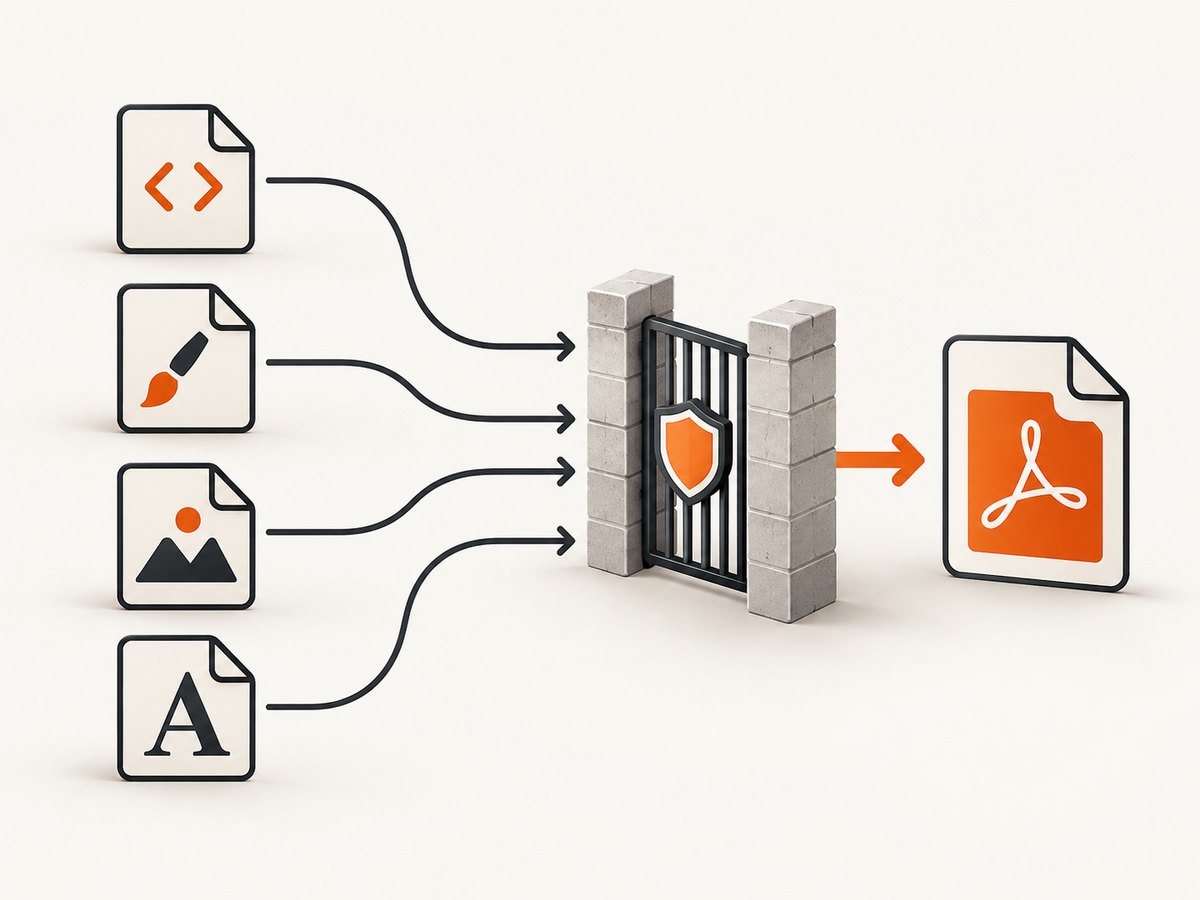
wkhtmltopdf applies a security policy to local resources. --disable-local-file-access prevents a local file from reading other local files unless an exception is granted. --enable-local-file-access permits those reads, while --allow <path> grants access to a specific directory. See the official command reference.
| Option | Use | Security scope |
|---|---|---|
--enable-local-file-access |
Allow local HTML to read local files | Broad for the conversion process |
--allow /path |
Allow files below a directory | Least privilege; repeat for additional directories |
--disable-local-file-access |
Block local reads unless explicitly allowed | Strong default for untrusted input |
For generated documents, prefer an explicit --allow directory and keep untrusted HTML isolated. The wkhtmltopdf downloads page warns not to process unsanitized user HTML or JavaScript because it can compromise the server; the current stable series listed there is 0.12.6, released June 11, 2020 (downloads and security notice).
2. Build a known-good local fixture
Use a self-contained directory to separate converter problems from application-generated paths:
pdf-fixture/
├── input.html
├── css/
│   └── site.css
└── images/
└── test.pngcss/site.css:
body {
  font-family: Arial, sans-serif;
  color: #222;
  background: #fff;
}
.hero { color: #075985; }
input.html:
<!doctype html>
<html>
<head>
  <meta charset="utf-8">
  <link rel="stylesheet" href="css/site.css">
</head>
<body>
  <h1 class="hero">Local asset test</h1>
  <img src="images/test.png" width="320" alt="Test image">
</body>
</html>
Run it from any working directory with absolute paths:
PROJECT="/absolute/path/to/pdf-fixture"
wkhtmltopdf --enable-local-file-access --allow "$PROJECT" "$PROJECT/input.html" "$PROJECT/output.pdf"
If this works, the converter is functional and your application likely emits incorrect URLs, uses a different working directory, or omits a mounted asset directory. If it fails, continue with permissions and policy checks.
3. Use URLs the Qt/WebKit loader can resolve
Document-relative paths
Relative URLs are usually the most portable choice when the HTML file and assets have a stable relationship:
<link rel="stylesheet" href="css/site.css">
<img src="images/logo.png" alt="Logo">
The path is resolved relative to the HTML document, not necessarily the shell’s current directory. A CSS file’s nested references, such as url('../fonts/inter.woff2') or url('../images/bg.png'), are resolved relative to the CSS file. Those targets must also be inside an allowed and readable directory.
Absolute file URLs
When generated HTML has no reliable document location, use a correctly formed file:/// URL:
<link rel="stylesheet" href="file:///srv/report/css/site.css">
<img src="file:///srv/report/images/logo.png" alt="Logo">
Encode spaces and special characters. On Windows, use a URL such as file:///C:/reports/css/site.css; do not rely on a bare C:\reports\css\site.css string in HTML.
4. Check permissions and sandbox policies
The wkhtmltopdf flag cannot override the operating system. Confirm that the user running the converter can traverse every parent directory and read every file:
# Linux: inspect each path component and files
namei -l /srv/report/css/site.css
ls -l /srv/report/css/site.css /srv/report/images/logo.png

# Test as the service account
sudo -u appuser test -r /srv/report/css/site.css && echo readable
Also check:
- Containers: the asset directory must be mounted inside the converter container at the same path used by the HTML.
- AppArmor: profiles can deny reads even when local access is enabled. Grant only approved working directories; the official project documentation describes AppArmor as a backstop.
- SELinux: inspect denials with your platform’s audit logs and apply the correct file context.
- ACLs and service accounts: check Unix ACLs, Windows ACLs, and the identity used by the worker process.
Keep temporary files in a dedicated directory with predictable ownership rather than allowing the converter to read an entire host filesystem.
5. Verify image loading and media behavior
Images are enabled by default, but a wrapper or global option may disable them. Use these diagnostic switches:
wkhtmltopdf \
  --enable-local-file-access \
  --allow /absolute/path/to/project \
  --images \
  --load-media-error-handling abort \
  --log-level info \
  /absolute/path/to/project/input.html output.pdf
--no-images disables image loading. --load-media-error-handling abort makes missing media fail loudly while diagnosing; after fixing paths, choose the handling behavior appropriate for your pipeline. Library users should check the equivalent web.loadImages and load.loadErrorHandling settings.
Confirm that the file format is supported and that the filename case matches exactly on case-sensitive filesystems. For a quick test, replace the image with a small known-good PNG and remove query strings or dynamically generated URLs.
6. Handle JavaScript-generated styles and images
If JavaScript inserts a stylesheet, creates an img element, or waits for data before applying styles, the converter may capture too early. JavaScript is enabled unless disabled by your options. Add a measured delay:

wkhtmltopdf \
  --enable-local-file-access \
  --allow /absolute/path/to/project \
  --javascript-delay 1000 \
  input.html output.pdf
For deterministic rendering, have the page set a status value after assets are ready and wait for it:
<script>
  window.status = 'loading';
  window.addEventListener('load', function () {
    window.status = 'ready';
  });
</script>
wkhtmltopdf --enable-local-file-access --allow /absolute/path/to/project --window-status ready input.html output.pdfA fixed delay is simpler but can be too short on a busy machine; a status trigger is preferable when you control the page.
7. A repeatable diagnostic checklist
- Record the exact build with
wkhtmltopdf --version. - Create the minimal fixture shown above beside its CSS and image.
- Convert it with
--enable-local-file-accessand an absolute--allowpath. - If it succeeds, compare the fixture’s URLs, working directory, and container mounts with your application.
- If it fails, inspect every parent directory, file permission, AppArmor or SELinux rule, and container mount.
- Inspect CSS imports and font URLs; nested references may leave the allowed directory.
- Run with
--images --load-media-error-handling abort --log-level infoto expose media failures. - If JavaScript is involved, use
--javascript-delayor--window-status. - For a bug report, include the version and a self-contained HTML/CSS/JS fixture, as requested by the project’s support guidance.
8. Common errors and fixes
| Symptom | Likely cause | Fix |
|---|---|---|
| CSS and images are both missing | Local access blocked | Add a narrow --allow path or temporarily test --enable-local-file-access. |
| CSS loads but background images or fonts do not | Nested url() points outside the allowed directory |
Correct the relative base and allow the directory containing nested assets. |
| Works locally, fails in production | Different service user, mount, or security profile | Test as the production identity and inspect mounts and AppArmor/SELinux logs. |
| Windows paths are ignored | Invalid URL syntax | Use file:///C:/... with escaped spaces. |
| Images appear intermittently | Capture occurs before JavaScript or network loading finishes | Use --window-status or increase --javascript-delay. |
| Blank image area with no error | Images disabled or unsupported/corrupt file | Ensure --images, test a known-good PNG, and use abort handling during diagnosis. |
Blocked access to file |
Policy or OS denial | Check --allow, parent-directory traversal, ACLs, and sandbox logs. |
9. Performance, reliability, and security
- Scope: allow only the directory needed for one job; broad local access increases exposure when HTML is untrusted.
- Reproducibility: pin the wkhtmltopdf build, use absolute temporary paths, and package assets with the HTML.
- Throughput: avoid unnecessary JavaScript delays; wait on a status signal when possible.
- Failure visibility: use verbose logging and abort-on-media-error during development, then select deliberate production error handling.
- Resource cleanup: remove temporary HTML and assets after conversion and enforce timeouts around the process.
- Untrusted input: sanitize HTML and JavaScript and run the converter with a restricted OS account and filesystem profile.
10. Or skip the browser setup
If you only need a clean website capture or PDF, ScreenshotNeo provides a single HTTP request instead of maintaining wkhtmltopdf, filesystem paths, and browser flags. Cookie and consent banners, newsletter popups, and chat widgets are removed before the shot. Bot checks, blank pages, failed loads, and cache hits are not billed, and response headers identify the page verdict and billing result. Its MCP server lets Claude, Cursor, and other MCP clients call take_screenshot, get_page_info, and capture_pdf.
See the ScreenshotNeo API documentation for all options.
cURL
curl -G "https://api.screenshotneo.com/v1/shot" -d access_key=YOUR_API_KEY --data-urlencode url=https://stripe.com -o shot.webpPython
import requests
r = requests.get("https://api.screenshotneo.com/v1/shot", params={"access_key": "YOUR_API_KEY", "url": "https://stripe.com"}, timeout=90)
open("shot.webp", "wb").write(r.content)
Node.js
const q = new URLSearchParams({ access_key: 'YOUR_API_KEY', url: 'https://stripe.com' });
const res = await fetch(`https://api.screenshotneo.com/v1/shot?${q}`);
Free accounts include 1,000 screenshots a month with no card; paid plans start at $5 for 3,000 shots. Create a free ScreenshotNeo account.
FAQ
Do I need both --enable-local-file-access and --allow?
Use --allow for a narrow exception. The broad enable flag is useful for a quick diagnosis or controlled input, but least-privilege paths are safer.
Why does a stylesheet load while its font does not?
Font URLs inside CSS are resolved relative to the stylesheet and may fall outside the allowed directory or be denied by permissions.
Which wkhtmltopdf version should I record?
Always include the exact output of wkhtmltopdf --version in a bug report. The project downloads page identifies 0.12.6 as the stable series released June 11, 2020.
Can a file URL bypass AppArmor or SELinux?
No. URL syntax and wkhtmltopdf flags do not override operating-system security policies or missing container mounts.


