How to Fix wkhtmltopdf Returning No Data on Shared Hosting
Diagnose wkhtmltopdf “no data” on shared hosting by checking output, dependencies, network access, permissions, and provider limits.
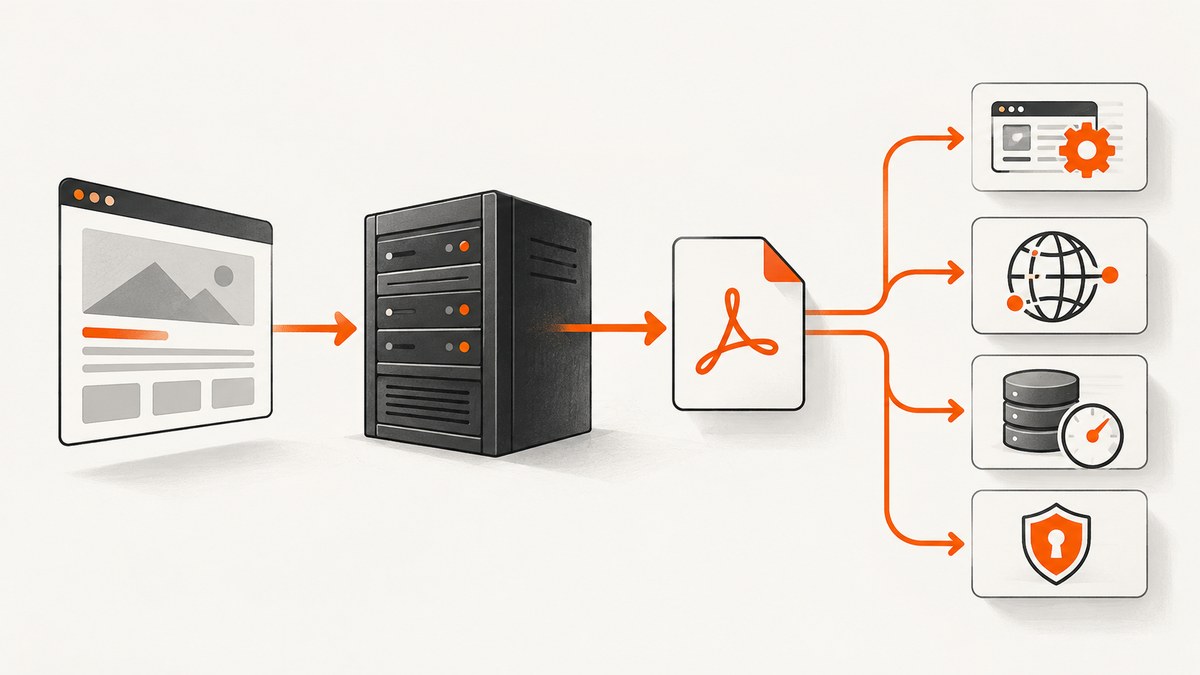
“No data” is a symptom, not a diagnosis. First determine whether wkhtmltopdf created no file, created a zero-byte file, created a PDF with blank pages, or wrote a file while your wrapper reported failure. Then capture the exact command, exit status, standard error, binary version, input type, and output path.
On shared hosting, the cause is usually one of five stages: the binary cannot load, the process cannot execute, the input URL cannot be reached, linked resources fail, or the output and temporary paths are not writable. The correct fix depends on the evidence from that stage.
1. Record the failure precisely
Run diagnostics as the same hosting account and application user that performs the conversion. Do not test only from an administrator shell if your web process uses a restricted account.
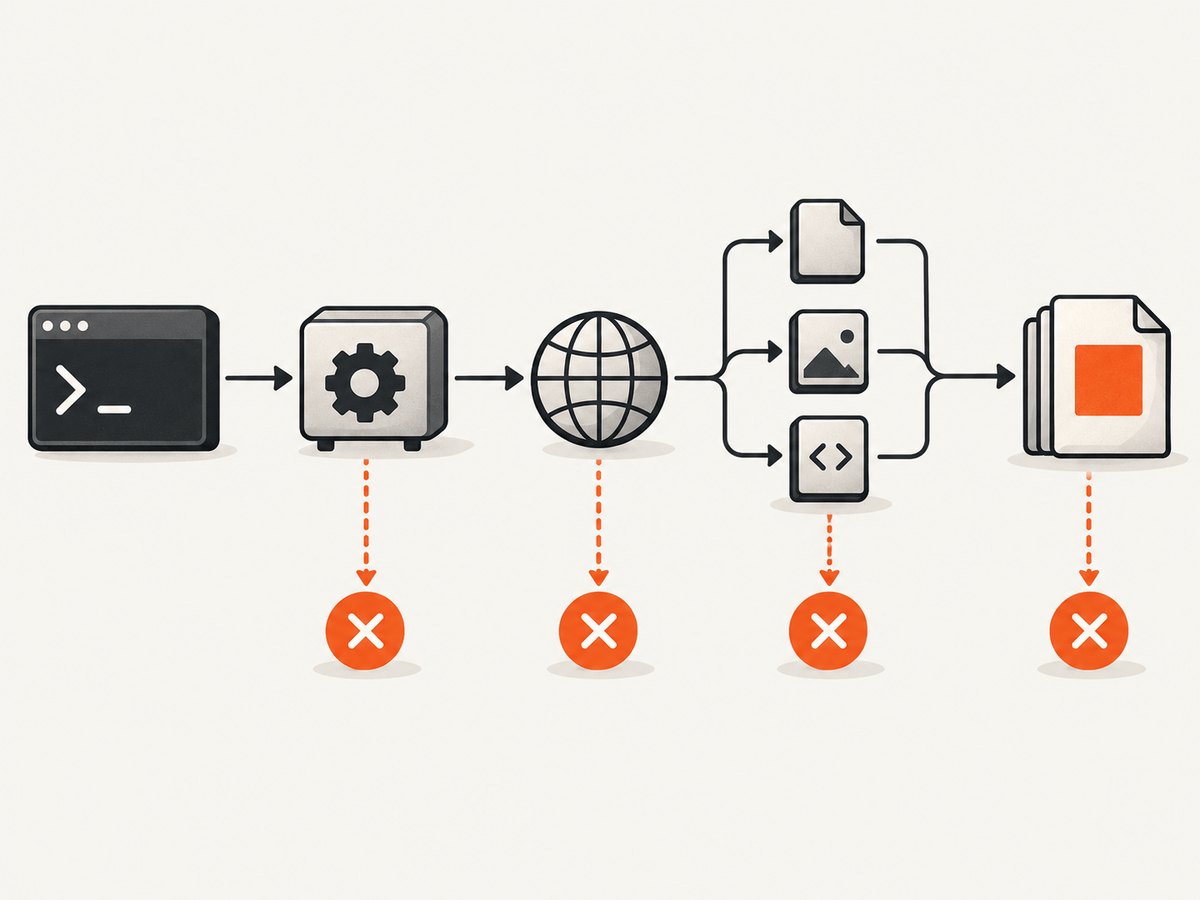
which wkhtmltopdf
wkhtmltopdf --version
id
pwd
printf 'PATH=%s\n' "$PATH"

# Replace these paths with your real files.
rm -f /tmp/wk-test.pdf
wkhtmltopdf https://example.com /tmp/wk-test.pdf > /tmp/wk.stdout 2> /tmp/wk.stderr
status=$?
printf 'exit_status=%s\n' "$status"
ls -l /tmp/wk-test.pdf 2>&1
wc -c /tmp/wk-test.pdf 2>&1
cat /tmp/wk.stdout
cat /tmp/wk.stderr| What you observe | Likely stage | Next check |
|---|---|---|
| No output file | Execution, input fetch, or output path | Exit status, stderr, permissions, and parent directory |
| Zero-byte file | Process or write failure | Loader errors, disk quota, and stderr |
| PDF opens but pages are blank | Page or resource loading | URL reachability, redirects, TLS, CSS, images, fonts, and scripts |
| Wrapper says failure but file exists | Wrapper or exit-status handling | Log the exact command and preserve stderr before deleting the file |
The command-line interface accepts page inputs followed by an output file. Your wrapper can change the working directory, environment, quoting, timeout, and destination, so always log what it actually executes. See the wkhtmltopdf usage documentation for the option syntax.
2. Verify the binary and shared libraries
If wkhtmltopdf --version fails, conversion has not started. A loader message such as libXrender.so.1: cannot open shared object file or libjpeg.so.8 means the binary was built for a runtime that the host does not provide. Those library names are examples from project reports; the missing dependency varies by build and operating system.
wkhtmltopdf --version
# If the host permits it, inspect dependencies:
ldd "$(command -v wkhtmltopdf)" | grep 'not found'
On shared hosting you usually cannot install system libraries. Ask the provider whether the supplied wkhtmltopdf build is supported for your account and which dependencies are available. Give support the complete loader error, binary version, operating-system details, and the account that runs the command. Do not copy random libraries into your application directory unless the provider explicitly supports that setup; mismatched native libraries can create new failures.
3. Test a local HTML file before testing a URL
A page that opens in your desktop browser may be unreachable from the hosting process. DNS, outbound firewall rules, localhost binding, redirects, protocol mismatches, and TLS validation can all differ. A project report documents an HTTP request to a temporary local page failing with Connection refused while a local file path worked.
cat > /tmp/wk-local.html <<'HTML'
<!doctype html>
<html><body><h1>wkhtmltopdf smoke test</h1><p>Local input works.</p></body></html>
HTML

rm -f /tmp/local.pdf /tmp/url.pdf
wkhtmltopdf /tmp/wk-local.html /tmp/local.pdf 2>/tmp/local.err
echo "local status=$? size=$(wc -c < /tmp/local.pdf 2>/dev/null || echo 0)"
cat /tmp/local.err

# Run a URL check from the same account.
curl -I -L --max-time 30 https://example.com
wkhtmltopdf https://example.com /tmp/url.pdf 2>/tmp/url.err
echo "url status=$? size=$(wc -c < /tmp/url.pdf 2>/dev/null || echo 0)"
cat /tmp/url.err
If local input succeeds and URL input fails, investigate outbound access, DNS, redirects, certificate errors, authentication, and the target server’s response to the hosting IP. If both fail, return to the binary, permissions, temporary directory, and disk quota checks.
4. Check linked resources and local-file access
The main HTML can load while stylesheets, images, fonts, JavaScript, or frames fail. Resource errors can produce a mostly blank or unstyled PDF even when the output file exists. Read stderr for the specific URL or file that failed, then test that resource from the same account.
# Example resource checks from the hosting account
curl -I -L --max-time 30 https://example.com/styles.css
curl -I -L --max-time 30 https://example.com/image.png

# If your HTML references local assets, use an absolute readable path.
# Enable local-file access only when you understand which files the process can read.
wkhtmltopdf --enable-local-file-access /path/to/page.html /tmp/page.pdf
Do not broadly enable local file access as a blind fix. It changes what the renderer can read from the server. Prefer placing required assets in a controlled directory or serving them through an authenticated endpoint designed for the conversion.
5. Verify permissions, temporary storage, and quotas
The account must be able to execute the binary, read the HTML and assets, create temporary files, and write the final PDF. Shared hosts may also impose disk quotas, process limits, execution restrictions, or a temporary-directory policy.
namei -l /path/to/page.html
namei -l /path/to/output-directory
ls -ld /tmp /path/to/output-directory

test -r /path/to/page.html && echo readable
test -x "$(command -v wkhtmltopdf)" && echo executable
test -w /path/to/output-directory && echo writable

df -h
quota -s 2>/dev/null || true
Use an application-owned writable directory rather than assuming /tmp is available. Check that the parent directories are searchable by the account, not merely that the final directory appears writable. A deployment report may mention particular permission values or replacement procedures, but those are application-specific examples rather than a portable shared-host rule.
6. Make wrapper execution observable
Wrappers often hide stderr, truncate commands, run under a different user, or treat warnings as fatal. Capture every field and avoid shell string concatenation when your language provides argument arrays.
<?php
$input = '/home/account/app/page.html';
$output = '/home/account/app/storage/rendered.pdf';
$cmd = ['/usr/local/bin/wkhtmltopdf', $input, $output];
$escaped = array_map('escapeshellarg', $cmd);
$descriptor = [1 => ['pipe', 'w'], 2 => ['pipe', 'w']];
$process = proc_open(implode(' ', $escaped), $descriptor, $pipes);
if (!is_resource($process)) { throw new RuntimeException('Could not start wkhtmltopdf'); }
$stdout = stream_get_contents($pipes[1]);
$stderr = stream_get_contents($pipes[2]);
fclose($pipes[1]); fclose($pipes[2]);
$status = proc_close($process);
clearstatcache(true, $output);
error_log(json_encode([
  'status' => $status,
  'stdout' => $stdout,
  'stderr' => $stderr,
  'exists' => is_file($output),
  'bytes' => is_file($output) ? filesize($output) : 0,
]));
if ($status !== 0 || !is_file($output) || filesize($output) === 0) {
  throw new RuntimeException('wkhtmltopdf conversion failed; inspect logged stderr');
}
?>
For a web request, also log the effective user, current working directory, absolute binary path, absolute input and output paths, timeout, and environment variables relevant to TLS or proxy settings. Never log secrets from custom headers or cookies.
7. Match the fix to the evidence
| Error evidence | Fix owner | Action |
|---|---|---|
| Missing shared library | Usually host | Request a supported build or compatible runtime from the provider. |
| Permission denied or cannot execute | Application or host | Use an allowed binary and readable input; ask whether execution is restricted. |
| Connection refused, DNS failure, or TLS error | Application, host, or target site | Test from the account, fix the URL/protocol, or request outbound access. |
| Missing CSS, images, fonts, or scripts | Application or target site | Fix resource URLs, authentication, local paths, or rendering assumptions. |
| Cannot create output or temporary file | Application or host | Choose writable absolute paths and check quota and cleanup. |
| Wrapper-only failure | Application | Preserve stderr, inspect the real exit code, and verify the resulting file. |
8. Reliability and performance on shared hosting
- Use absolute paths and a dedicated temporary/output directory.
- Set an application timeout longer than the renderer’s expected page-load time, then terminate stuck processes.
- Keep input HTML and assets close to the host when possible to reduce network dependencies.
- Reuse static assets and avoid rendering unnecessary third-party scripts.
- Clean temporary files after success and failure.
- Queue conversions if the host limits concurrent processes; do not launch unbounded workers.
- Record exit status, stderr, output size, duration, and the page URL so intermittent failures can be grouped by stage.
- Check provider limits before depending on wkhtmltopdf for high-volume work. Shared-host policies can change and are not established by the historical reports summarized here.

Or skip the browser setup
If your goal is simply to obtain a clean screenshot or PDF, ScreenshotNeo provides a hosted capture API and MCP server. It removes cookie and consent banners, newsletter popups, and chat widgets before capture. Bot checks, blank pages, timeouts, failed loads, and cache hits are not billed, and the response identifies the result with X-Page-Verdict and X-Billed headers. An MCP server lets Claude, Cursor, and other MCP clients call take_screenshot, get_page_info, and capture_pdf.
See the ScreenshotNeo API documentation for all options.
cURL
curl -G "https://api.screenshotneo.com/v1/shot" -d access_key=YOUR_API_KEY --data-urlencode url=https://stripe.com -o shot.webpPython
import requests
r = requests.get("https://api.screenshotneo.com/v1/shot", params={"access_key": "YOUR_API_KEY", "url": "https://stripe.com"}, timeout=90)
r.raise_for_status()
open("shot.webp", "wb").write(r.content)
Node.js
const q = new URLSearchParams({ access_key: 'YOUR_API_KEY', url: 'https://stripe.com' });
const res = await fetch(`https://api.screenshotneo.com/v1/shot?${q}`);
if (!res.ok) throw new Error(`HTTP ${res.status}`);
const fs = await import('node:fs/promises');
await fs.writeFile('shot.webp', Buffer.from(await res.arrayBuffer()));
ScreenshotNeo includes full-page capture with lazy images loaded, element capture, device presets, custom viewports, retina scale, PDF paper and margin controls, custom CSS and JavaScript, waits, request blocking, headers, cookies, user agents, authorization, timezone, geolocation, transparent backgrounds, resizing, caching, signed links, asynchronous jobs, webhooks, bulk capture, usage reporting, and an OpenAPI specification. It accepts parameter names used by other screenshot APIs, which can simplify migration. The Free plan includes 1,000 screenshots per month with no card; paid plans start at $5 for 3,000.
Create a free ScreenshotNeo account and start with the 1,000 monthly screenshots.
Frequently asked questions
Does a blank PDF prove wkhtmltopdf is broken?
No. It can indicate unreachable HTML, blocked resources, JavaScript-dependent content, or a renderer limitation. Read stderr and test a minimal local HTML file.
Can I fix missing libraries from PHP?
Usually not on shared hosting. The provider controls system libraries; request a supported binary or runtime.
Why does localhost work in my browser but fail in wkhtmltopdf?
Your browser and the hosting process may use different network namespaces, DNS, ports, firewall rules, or protocols. Test the URL from the same account.
Should I enable local-file access?
Only when the document intentionally loads local assets and you understand the files the renderer can read. Prefer controlled paths.
When should I stop debugging shared hosting?
After you have the exact stderr and confirm the provider cannot supply the required binary, dependencies, execution permission, or outbound access. At that point, move the conversion to an environment you control or use a hosted capture service.


