How to Fix Errors With the wkhtmltopdf npm Package in Node.js
Fix wkhtmltopdf errors in Node.js by checking the separate executable, runtime libraries, network access, and page assets in the environment that runs your app.
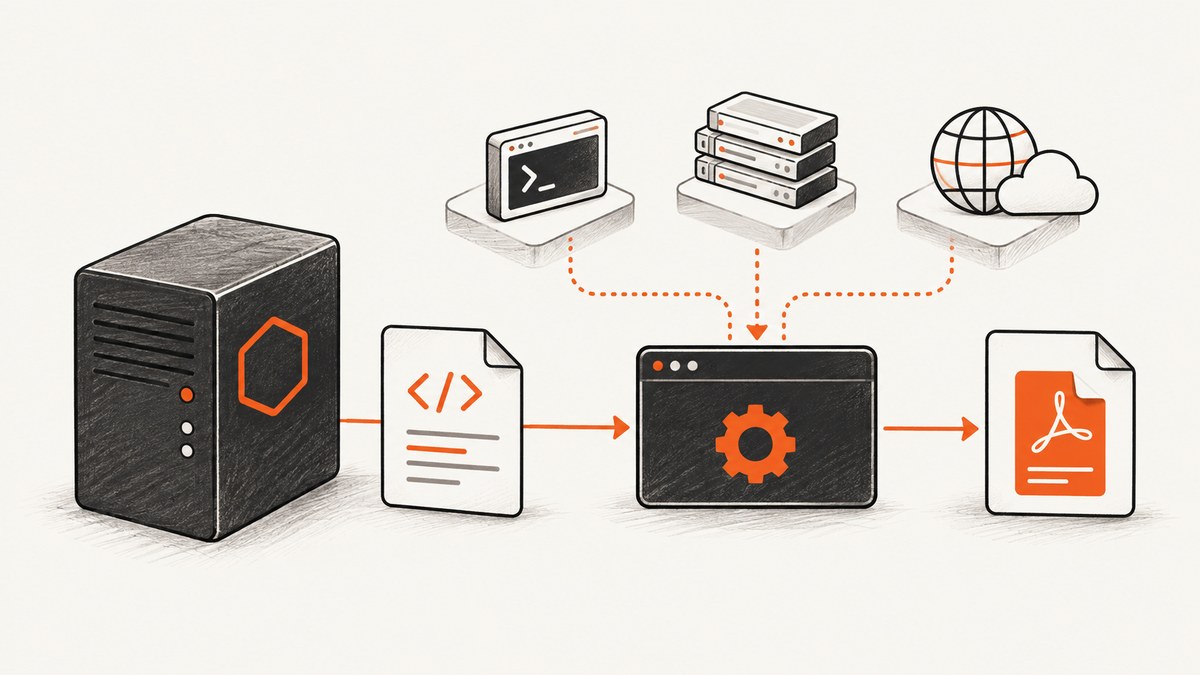
The wkhtmltopdf npm package is a Node.js wrapper; it does not install the PDF converter itself. Install the wkhtmltopdf executable separately, then make it available to the Node process through PATH or configure the wrapper with its absolute path. If Node reports spawn ENOENT or wkhtmltopdf: command not found, fix executable discovery first. If the process starts but reports HostNotFoundError or ContentNotFoundError, investigate network access and referenced page assets instead. The wkhtmltopdf project distributes operating-system-specific builds; a static build can still need system libraries.
1. Identify which stage is failing
There are two distinct stages: Node starts a child process, then that process renders a URL or HTML and writes a PDF. Startup errors point to the executable, permissions, platform, or shared libraries. Conversion errors point more often to DNS, certificates, authentication, or missing page resources. Treat the first useful stderr line and the failing stage as evidence; a nonzero exit code alone does not identify the root cause.

| Symptom | Likely stage | First check |
|---|---|---|
spawn ENOENT, command not found |
Node cannot start the executable | Absolute binary path in the actual Node environment |
| Exit 127, shared library message | Operating system cannot load executable | Required libraries in the deployed image |
HostNotFoundError |
Conversion cannot reach host | DNS and URL reachability from the service/container |
ContentNotFoundError |
A referenced resource failed | Images, stylesheets, fonts, scripts, and auth |
npm install fails |
Package installation | npm log, permissions, proxy, and filesystem |
2. Install and locate the actual converter
Install the Node wrapper in your project and install a compatible wkhtmltopdf binary for the target operating system and CPU separately. The wrapper README says the command-line tool must be on PATH after installation. Avoid assuming a binary installed on a developer laptop will also exist in a container, serverless runtime, worker, or production host.
npm install wkhtmltopdfOn Unix-like systems, check the interactive shell and then repeat the check as the service account and inside the deployed container:
command -v wkhtmltopdf
wkhtmltopdf --version
On Windows, use where wkhtmltopdf. Compare the result with the environment inherited by the Node process. GUI-launched programs, process managers, IDEs, and services can have a different PATH from your terminal. An interactive shell finding the command does not prove the app can find it.
For a service or deployment, the most deterministic option is to configure the absolute path. Confirm that the file exists, is executable on Unix, matches the target OS and architecture, and can run as the same user as Node.
const wkhtmltopdf = require('wkhtmltopdf');

wkhtmltopdf.command = process.env.WKHTMLTOPDF_BIN || '/usr/local/bin/wkhtmltopdf';
Set WKHTMLTOPDF_BIN in the service environment when the path differs by deployment. On Windows, set it to the full executable path; quote paths with spaces correctly in the environment or process configuration. Do not rely on shell aliases: child processes do not normally inherit them.
3. Capture useful diagnostics from Node
Reproduce the failure with a small, self-contained HTML string before testing the production page. This separates executable startup and PDF writing from DNS, authentication, scripts, and external assets. The wrapper supports inline HTML, URL input, streams, output files, callbacks, and debug output.
const wkhtmltopdf = require('wkhtmltopdf');

wkhtmltopdf.command = process.env.WKHTMLTOPDF_BIN || '/usr/local/bin/wkhtmltopdf';

wkhtmltopdf('<h1>Local conversion works</h1>', {
  output: '/tmp/wkhtmltopdf-smoke-test.pdf',
  debug: true,
  debugStdOut: true
}, (err, stream) => {
  if (err) {
    console.error('wkhtmltopdf failed:', err);
    process.exitCode = 1;
    return;
  }
  stream.on('error', error => {
    console.error('PDF stream failed:', error);
    process.exitCode = 1;
  });
  stream.on('finish', () => console.log('PDF written'));
});
Use an output location writable by the service user. For diagnosis, record the Node version, npm version, operating system and distribution, CPU architecture, wrapper version, converter version, configured command, working directory, exit code, stdout, and stderr. Avoid logging secrets or complete environment dumps: print only the environment values needed to diagnose the issue.
If direct execution of the absolute binary fails, fix that before changing JavaScript. Run the binary’s --version command and a tiny local conversion inside the same container or runtime image. Then use the wrapper against the same local HTML. Add the real URL only after that works.
4. Fix spawn ENOENT and command-not-found
spawn ENOENT means Node could not start the requested executable or resolve a required path at process startup. Common causes include a wrong configured path, a missing binary in the deployment, different service PATH, a typo in the filename, or a binary for another platform. A wrapper may surface shell text such as wkhtmltopdf: command not found for the same underlying discovery problem.
- Log or inspect the exact command configured for the wrapper.
- Run that absolute path as the same account and from the same container or runtime.
- Check existence, execute permission, architecture, and path spelling.
- Set
wkhtmltopdf.commandor fix the service’sPATH, then restart the service so it receives the updated environment. - Run the local HTML smoke test again before retrying a URL.
Do not confuse “the npm package is installed” with “the converter exists.” The npm package is a wrapper around a separate command-line tool, not a bundled executable.
5. Fix exit code 127 and missing shared libraries
Exit code 127 often means the operating system could not execute the program. One documented Lambda deployment on Amazon Linux 2 failed because libXrender.so.1 was missing. Copying the wkhtmltopdf file into the deployment did not provide that dependency. Run the binary inside the exact deployed image, read stderr, and install or bundle the required libraries for that distribution.
“Static” does not mean dependency-free in this case: Qt may be linked statically while other system packages and distribution-specific library versions remain requirements. Fonts and writable temporary storage can also matter to a real conversion. Keep the runtime image reproducible, and validate the binary and dependencies during image build or deployment rather than discovering an incompatibility in a request handler.
The wkhtmltopdf project lists version 0.12.6 as its stable series, released June 11, 2020. Its builds and patched-Qt features differ from some distribution packages. Check which build you installed and whether the features your document needs are present; do not assume all packages labeled wkhtmltopdf behave identically.
6. Fix HostNotFoundError, SSL, and URL failures
HostNotFoundError means the converter could not resolve or reach a host while rendering. Test the exact URL from the server, container, or function that runs wkhtmltopdf. Check DNS, outbound firewall rules, proxy configuration, URL spelling, and certificate behavior. A URL that loads in your browser may be unreachable from a private network or production runtime.
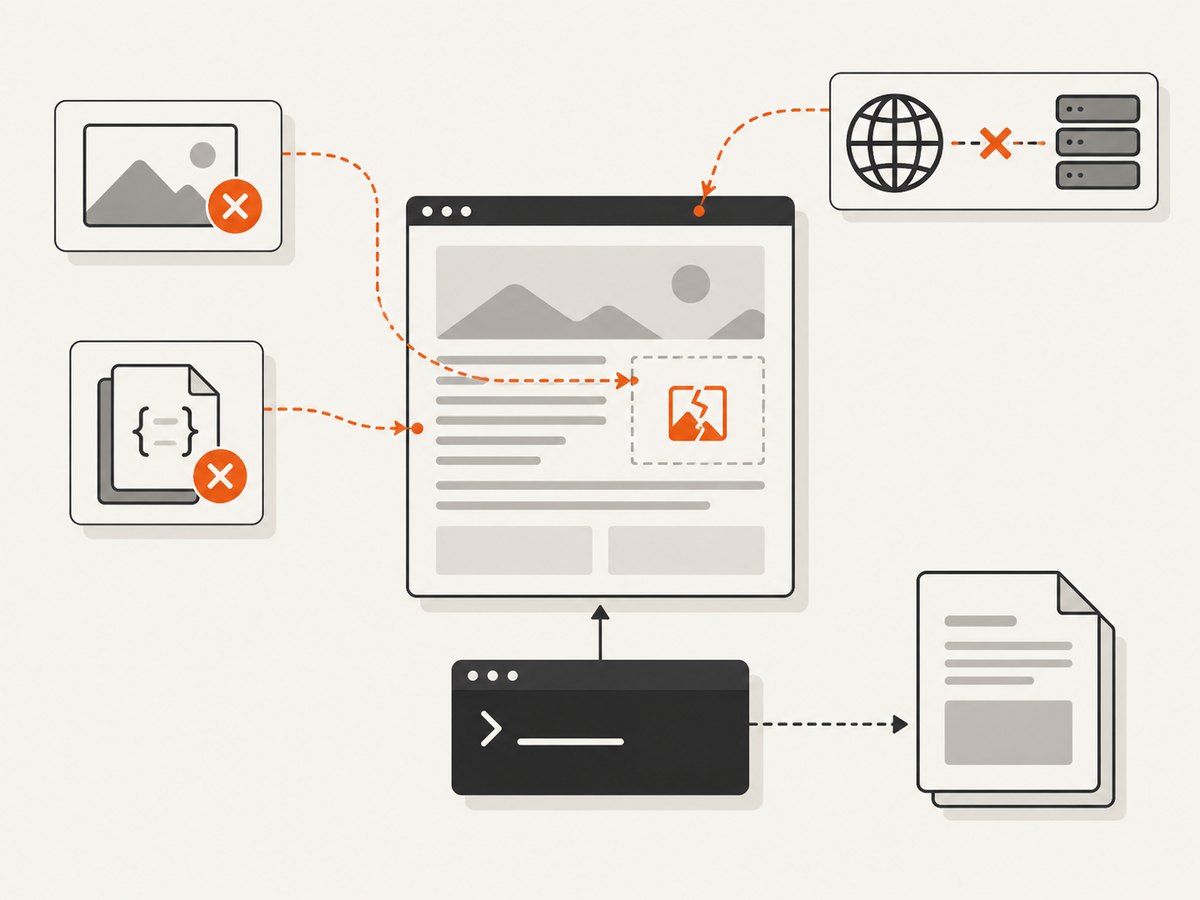
Use a reachable internal URL or local input when appropriate. Confirm that redirects land on an accessible destination and that any required authentication is available to the converter. An “SSL error ignored” warning is not proof that the page or its resources loaded correctly. Inspect stderr and the HTML for every referenced URL. If the page depends on a browser session or JavaScript-created content, verify that the converter can actually obtain the content it needs.
7. Fix ContentNotFoundError and partial PDFs
ContentNotFoundError can occur when an image, stylesheet, font, script, or other referenced resource is missing or inaccessible. The page may look partly rendered, but wkhtmltopdf can still exit with an error. Check each resource’s resolved URL and response from the conversion environment, including relative paths, redirects, 404 responses, and authentication requirements.
- Use absolute URLs when relative URL resolution is ambiguous.
- Check that assets are reachable from the process, not only from a developer browser.
- Provide credentials or headers when the resource requires them.
- For critical small assets, consider embedding data URIs or using local files when appropriate.
- Test with external images and stylesheets removed, then add them back one at a time.
Do not assume a successful process launch means a complete document. Check the exit status, stderr, output existence, and whether the resulting PDF includes expected content.
8. Separate npm installation errors from runtime errors
If the failure occurs during npm install, the converter has not necessarily run yet. Review the complete npm log and identify whether the issue is package metadata, filesystem permissions, a proxy or SSL problem, path length, or an npm filesystem race such as ENOENT or ENOTEMPTY. Correct project ownership and proxy settings where applicable, and use a supported npm version. Re-run installation only after resolving the actual install-time cause.
If installation succeeds and conversion later fails, return to the binary and runtime checks. Updating npm will not fix a missing Linux shared library, incorrect executable path, or inaccessible page URL.
9. Deploy reliably in Docker, Lambda, and workers
Build and validate wkhtmltopdf in the same OS family and architecture as the runtime. A binary copied from a workstation or another distribution may depend on unavailable libraries. During deployment setup:
- Choose an OS-specific build or distribution package appropriate to the runtime.
- Include required shared libraries and fonts in the runtime image.
- Set an absolute executable path and make the file executable.
- Confirm the service user can read inputs and write output and temporary files.
- Run
--versionand a local conversion within the final image. - Test the real URL and its assets from that image, with its actual network policy.
For serverless platforms, include the binary and compatible libraries in the deployment artifact or runtime layer, and account for the platform’s writable temporary directory. A successful local build is not a substitute for executing the smoke test in the deployed environment.
10. Security, performance, and cost considerations
The wkhtmltopdf project explicitly warns against processing untrusted HTML: unsanitized user HTML or JavaScript can expose the server to compromise. Treat conversion input as a security boundary. Sanitize user-supplied content, constrain what the converter can access, and avoid allowing arbitrary URLs or local file references to reach sensitive resources. Run conversions with only the filesystem and network access they need.
Rendering time depends on document complexity, external resources, fonts, and whether the source is reachable. Reduce unnecessary images and styles, make critical resources reliably available, and avoid launching work that cannot finish within the hosting platform’s request or job limits. For production workloads, isolate conversion in a worker with bounded concurrency and an explicit timeout strategy; retain stderr and outcome data so failures can be diagnosed.
The wrapper and converter are separate components to maintain and deploy. Account for the binary, its required libraries, fonts, storage, and operational work when comparing this approach with a hosted screenshot or PDF API. The dossier provides no reliable benchmark for conversion speed or infrastructure cost, so measure against representative documents in your own runtime rather than relying on generic performance claims.
11. Alternative when you need a website screenshot
If your goal is a website screenshot rather than a locally managed HTML-to-PDF conversion, ScreenshotNeo is a hosted screenshot API and MCP server. It accepts one GET request with a URL and returns PNG, JPEG, WebP, or PDF. Its cleanup accepts cookie and consent banners and removes more than 60 known consent platforms, newsletter popups, and chat widgets before capture; each step can be turned off. Bot checks and CAPTCHAs, blank pages, timeouts, failed loads, and cache hits are not billed, and response headers report the page verdict and billing status. Its MCP server provides take_screenshot, get_page_info, and capture_pdf for Claude, Cursor, and other MCP clients.
For API options and setup, see the ScreenshotNeo documentation. One request looks like this:
curl -G "https://api.screenshotneo.com/v1/shot" \
  -d access_key=YOUR_API_KEY \
  --data-urlencode url=https://stripe.com \
  -o shot.webp
Plans include 1,000 screenshots per month free with no card, then $5 for 3,000 on Starter; every feature is on every plan. Paid plans also include Growth at $15 for 15,000, Pro at $39 for 60,000, Scale at $99 for 250,000, and Business at $249 for 1,000,000; yearly billing gives two months free. Sign up for 1,000 free screenshots a month with no card.
12. Short FAQ
Does installing the npm package install wkhtmltopdf?
No. Install the command-line executable separately and make it available to the Node process.
Why does it work in my terminal but fail in Node?
The service, IDE, worker, or GUI-launched process may receive a different PATH. Configure the executable’s absolute path or correct the service environment.
Does a static build run without system packages?
Not necessarily. Static Qt linkage does not eliminate all system-library requirements.
Can I ignore a missing-resource error if a PDF was created?
Only if partial output is acceptable and you have verified the document. A generated file can omit required assets or content.
Should I upgrade npm to fix a conversion failure?
Only when the failure is at installation time and the npm log supports that diagnosis. Runtime executable and rendering errors have different causes.