How to Fix Incorrect PDF Page Sizes in wkhtmltopdf
Set wkhtmltopdf paper dimensions correctly, separate page geometry from layout, and troubleshoot margins, viewport, and smart shrinking.

Direct fix: set the PDF paper explicitly, then verify the generated page box. Use a named format such as --page-size A4 for standard paper, or set both --page-width and --page-height for a custom sheet. Orientation and all four margins change the usable content area, while viewport and smart shrinking affect layout rather than the physical page size.
wkhtmltopdf defaults to A4. The usage documentation lists named sizes including A3, Letter and Legal, and documents explicit width and height controls for finer sizing. Read the official usage options before relying on a build-specific flag.
1. Confirm what “wrong size” means
Separate these two diagnoses:
- Wrong sheet: the PDF page box is not the intended physical dimensions.
- Wrong layout: the sheet is correct, but content is too small, clipped, shifted, or surrounded by unexpected whitespace.
Measure the PDF page dimensions in your viewer’s document properties or with a PDF inspection utility before changing CSS. Record the installed version with wkhtmltopdf --version, the complete command, and a minimal HTML/CSS/JavaScript file. The project’s support guidance asks for that version and a reproducible case when reporting an issue: support instructions.
2. Use a named paper size
For standard output, choose the paper explicitly instead of inheriting A4:
wkhtmltopdf --page-size A4 --orientation Portrait input.html output.pdf
wkhtmltopdf --page-size Letter --orientation Landscape input.html output.pdf
wkhtmltopdf --page-size Legal input.html output.pdf
Use the spelling and values accepted by your executable’s help output. A named size controls the paper box; it does not guarantee that a particular HTML layout will fill that box.
3. Set an exact custom width and height
For labels, receipts, tickets, or any non-standard sheet, specify both dimensions with units:
wkhtmltopdf --page-width 210mm --page-height 297mm input.html output.pdf
wkhtmltopdf --page-width 4in --page-height 6in input.html output.pdf
Explicit dimensions are the documented fine-control route. Do not assume --page-size custom is portable: an issue for wkhtmltopdf 0.12.1 with patched Qt records that value being rejected as an invalid argument. Prefer width and height, then validate the result on the installed build. See the version-specific report.
4. Correct orientation and margins
Orientation changes the relationship between width and height. Margins reduce the usable content rectangle even when the paper size is correct:
wkhtmltopdf \
  --page-size A4 \
  --orientation Portrait \
  --margin-top 12mm \
  --margin-right 10mm \
  --margin-bottom 12mm \
  --margin-left 10mm \
  input.html output.pdf
If content looks too narrow, too small, or shifted, inspect all four margins before changing CSS. For a full-bleed design, set the margins deliberately and account for printer limitations separately.
5. Keep page geometry separate from layout controls
Viewport size
--viewport-size controls the browser viewport used by certain layouts. A narrow viewport can trigger responsive CSS and make content appear small or rearranged, but it does not replace --page-size, --page-width, or --page-height.
Smart shrinking
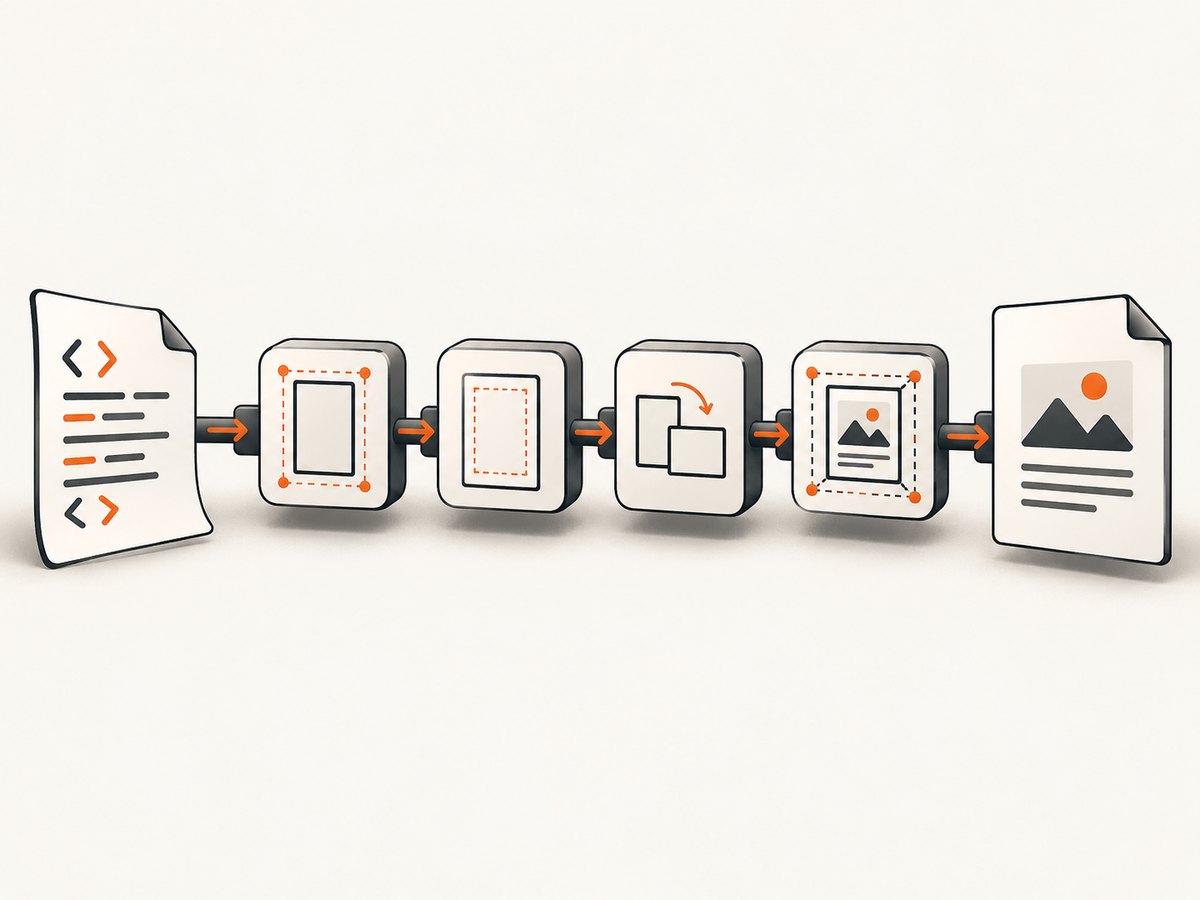
Smart shrinking is a WebKit layout behavior with its own option. It can scale content to fit available space, changing apparent size without changing the PDF sheet. Change it only after measuring the page box and isolating a layout problem. The usage documentation lists viewport, orientation, margins, and smart-shrinking controls separately: option reference.
CSS page rules
CSS dimensions and @page rules can influence layout, but this research does not establish a version-independent compatibility matrix for them in wkhtmltopdf. Reproduce the exact HTML and target build when deciding whether a CSS rule is honored.
6. Minimal reproducible test
Create a file that removes application complexity:
<!doctype html>
<html>
<head>
  <meta charset="utf-8">
  <style>
    html, body { margin: 0; padding: 0; }
    .sheet { width: 180mm; min-height: 260mm; background: #eee; }
  </style>
</head>
<body><div class="sheet">Sizing test</div></body>
</html>
wkhtmltopdf --version
wkhtmltopdf --page-width 210mm --page-height 297mm \
--margin-top 15mm --margin-right 15mm --margin-bottom 15mm --margin-left 15mm \
sizing-test.html sizing-test.pdfCompare the generated page dimensions with 210 × 297 mm. If the page box is correct, investigate viewport, margins, smart shrinking, and the HTML layout independently.
7. Configure the library interface
Applications using libwkhtmltox expose corresponding settings under the page-size object: size.pageSize, size.width, and size.height. The reference examples use explicit units for width and height. See the page settings reference.
// Pseudocode matching the libwkhtmltox settings names
settings.size.pageSize = "A4";
settings.size.width = "210mm";
settings.size.height = "297mm";
settings.orientation = "Portrait";
settings.margin.top = "12mm";
settings.margin.right = "10mm";
settings.margin.bottom = "12mm";
settings.margin.left = "10mm";
Use either a named page size or explicit dimensions according to your integration. Keep the exact settings in logs so a failed document can be reproduced.
8. Troubleshooting checklist
| Symptom | Likely cause | Fix |
|---|---|---|
| Every PDF is A4 | No page option was supplied. | Add --page-size, or set width and height explicitly. |
| Custom size is rejected | The build does not accept --page-size custom. |
Use --page-width and --page-height; check --version. |
| Sheet is right, content is tiny | Smart shrinking, viewport, or responsive CSS changed layout. | Measure the page first; then fix viewport/layout and test smart-shrinking behavior. |
| Content is clipped | Content exceeds the usable area after margins or fixed CSS dimensions. | Inspect all margins, viewport width, and element dimensions. |
| Unexpected whitespace | Large margins or a layout that does not fill the paper. | Set margins explicitly and inspect the HTML box model. |
| Portrait output appears sideways | Orientation conflicts with width/height assumptions. | Set orientation explicitly and keep width/height in the intended order. |
| CLI and library disagree | Different settings or units are being passed. | Map CLI flags to size.pageSize, size.width, size.height, orientation, and margins; log resolved values. |
9. Performance, reliability, and cost
- Performance: begin with the smallest reproducible HTML. Large images, scripts, and network dependencies can obscure a sizing issue; remove them while diagnosing, then add them back one at a time.
- Reliability: pin and record the wkhtmltopdf executable version, command-line flags, units, and input HTML. Recheck page dimensions after upgrades because the sources do not provide a complete cross-version compatibility matrix.
- Cost: wkhtmltopdf itself has no page-size fee in the documented options. Your operational cost comes from the machine, rendering time, and any surrounding service; measure those in your deployment.
10. Or skip the browser setup
If your goal is a correctly sized capture rather than maintaining a wkhtmltopdf runtime, ScreenshotNeo provides a website screenshot API. It accepts one GET request and can return PNG, JPEG, WebP, or PDF. PDF options include paper size, margins, landscape mode, and page ranges. Full-page capture loads lazy images, and you can also capture one element by CSS selector.
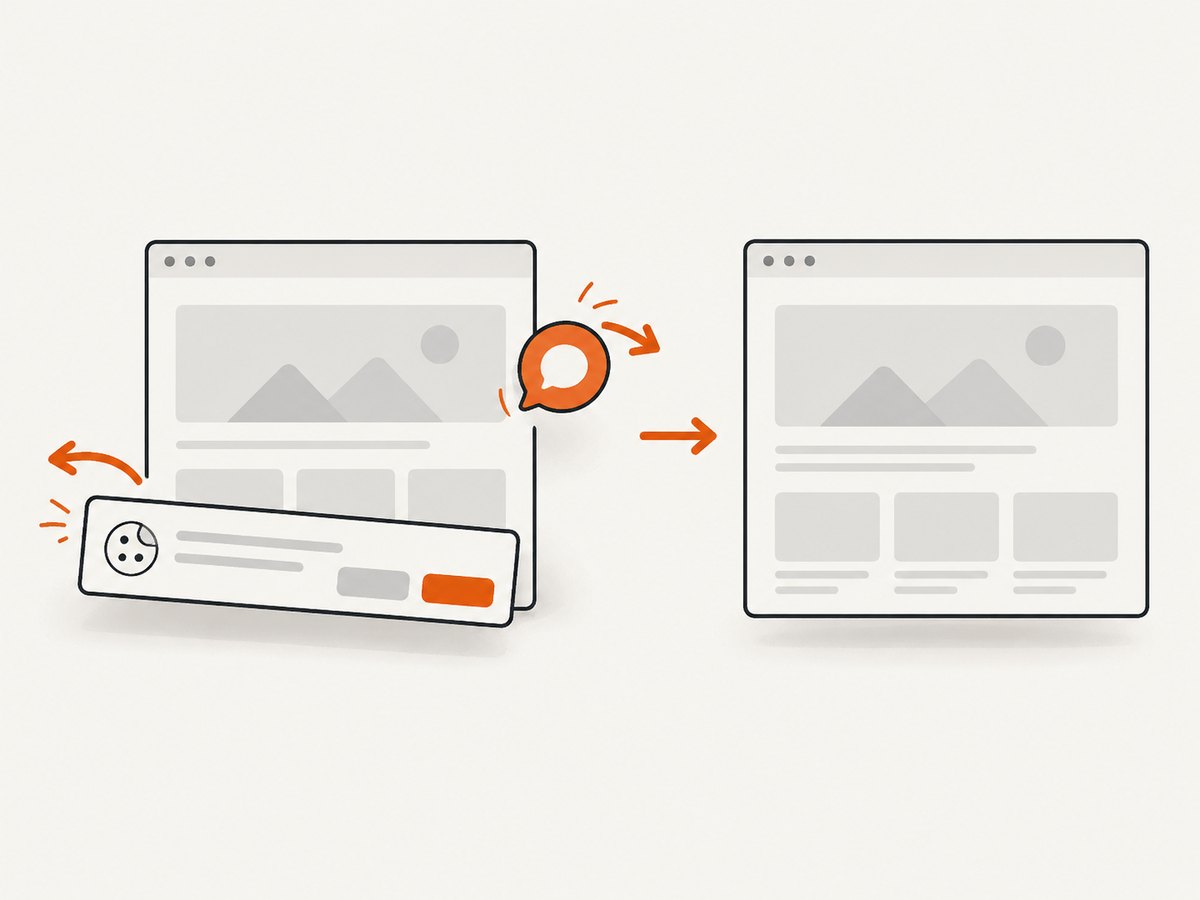
Cookie and consent banners are accepted and 60+ known consent platforms, newsletter popups, and chat widgets are removed before capture; each cleanup step can be turned off. Bot checks, blank pages, timeouts, failed loads, and cache hits are not billed, and response headers report the page verdict and billing result. An MCP server provides take_screenshot, get_page_info, and capture_pdf for Claude, Cursor, and other MCP clients.
See the ScreenshotNeo API documentation for all options.
curl -G "https://api.screenshotneo.com/v1/shot" -d access_key=YOUR_API_KEY --data-urlencode url=https://example.com -o shot.webpimport requests
r = requests.get("https://api.screenshotneo.com/v1/shot", params={"access_key": "YOUR_API_KEY", "url": "https://example.com"}, timeout=90)
open("shot.webp", "wb").write(r.content)const q = new URLSearchParams({ access_key: 'YOUR_API_KEY', url: 'https://example.com' });
const res = await fetch(`https://api.screenshotneo.com/v1/shot?${q}`);The free plan includes 1,000 screenshots each month with no card. Paid plans start at $5 for 3,000 shots, and every feature is on every plan. Create a free ScreenshotNeo account.
11. FAQ
What is wkhtmltopdf’s default page size?
A4, unless you set another size.
Should I use --page-size custom?
Use explicit width and height for portability; a documented 0.12.1 patched-Qt issue rejects the custom value.
Why does changing CSS not fix the paper dimensions?
CSS controls document layout. Paper geometry comes from page-size, width, height, orientation, and margins; measure the PDF page box first.
Which details should accompany a bug report?
Include wkhtmltopdf --version, the full invocation or library settings, and a minimal HTML/CSS/JavaScript reproduction.


