How to Fix Permission Denied Errors with wkhtmltopdf
Fix wkhtmltopdf permission denied and exit 126 errors by checking execution rights, service users, paths, local assets, and integration settings.
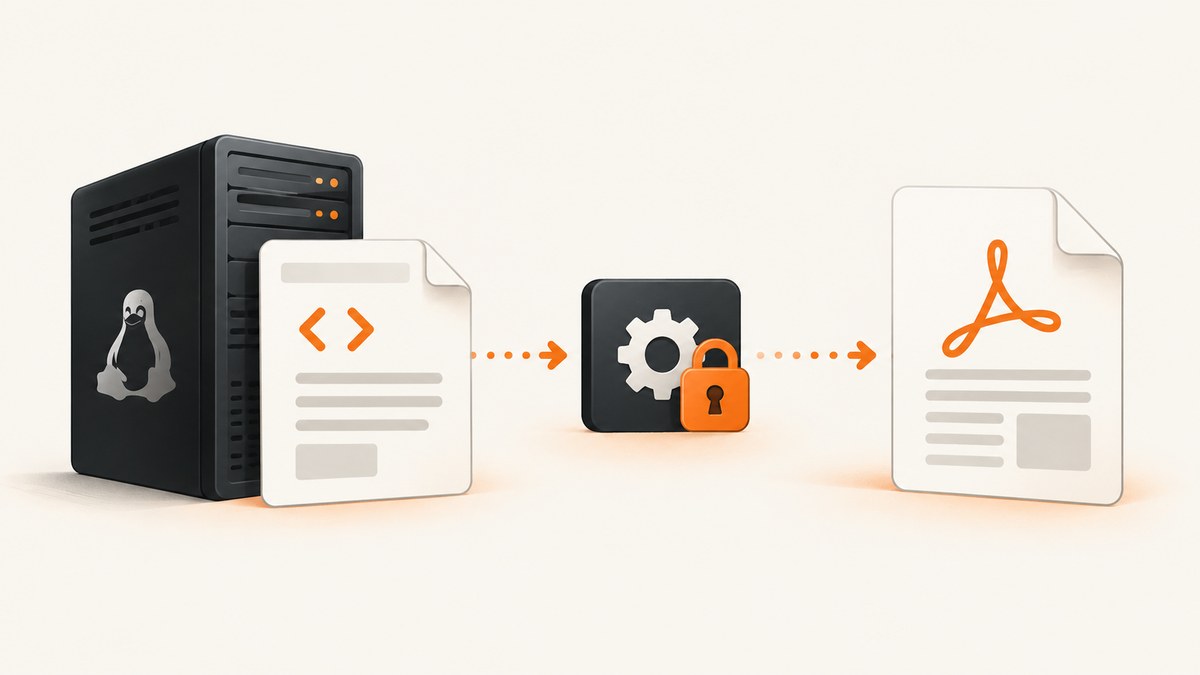
Short answer: “Permission denied” from wkhtmltopdf usually means the operating system could not execute the binary. Exit status 126 is the key clue. Verify the exact executable path, its mode and ownership, every parent directory, the account running the job, and whether the filesystem is mounted with noexec. If wkhtmltopdf starts but CSS, images, fonts, or JavaScript are missing, that is a separate local-file-access problem controlled by --allow, --disable-local-file-access, or --enable-local-file-access.
This guide covers Linux, macOS, and service integrations such as Django wrappers. It shows a repeatable diagnostic sequence, secure fixes, complete commands, and the cases where replacing the renderer is more practical.
1. Identify which permission is failing
Run wkhtmltopdf directly and read the first error, rather than changing permissions immediately:
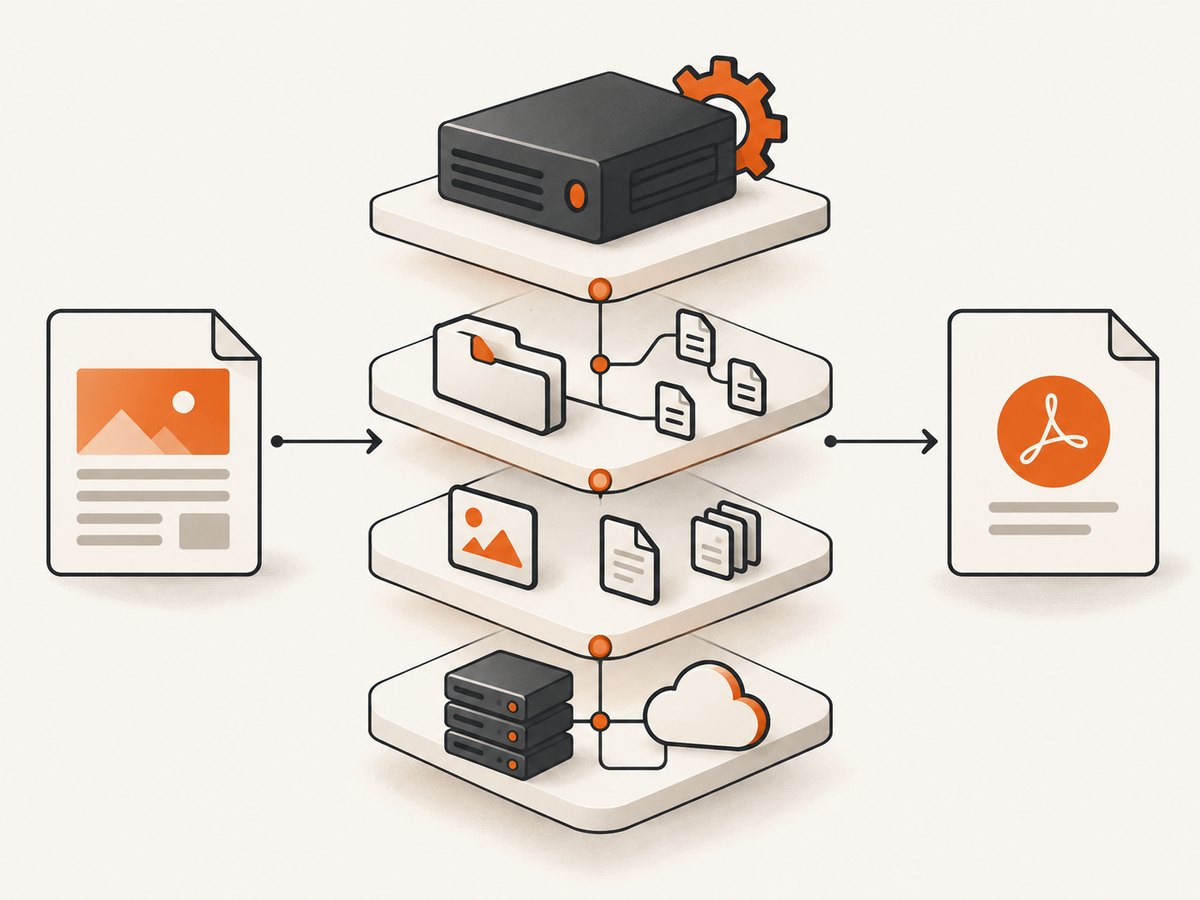
wkhtmltopdf --version
which wkhtmltopdf
command -v wkhtmltopdf
If the shell prints something similar to sh: /path/to/wkhtmltopdf: Permission denied and the process exits with code 126, the failure occurs before HTML rendering. The shell cannot start the executable. A missing image or stylesheet cannot cause this particular error.
If the program prints its version and begins rendering, but the PDF lacks local resources, investigate the input HTML, asset paths, and local-file policy instead. A failed output write is another distinct layer.
2. Verify the executable path, mode, and architecture
Check the file selected by your application
Frameworks may use PATH, a configuration variable, or a hard-coded absolute path. Inspect the path that the service actually uses:
BIN="$(command -v wkhtmltopdf)"
printf '%s\n' "$BIN"
ls -l "$BIN"
file "$BIN"
readlink -f "$BIN" 2>/dev/null || true
For a bundled binary, substitute its absolute path. The file should be executable by the account that launches the conversion. A typical mode contains an x, such as -rwxr-xr-x, but mode alone is not sufficient: ownership, parent-directory traversal, mount flags, architecture, and the dynamic loader can still prevent execution.
Test the same command as the real worker account. For example, if your web process runs as www-data:
sudo -u www-data /opt/wkhtmltopdf/bin/wkhtmltopdf --version
Do not test only as your interactive user; that can hide service-account restrictions.
Check every parent directory
The service account needs execute (directory traversal) permission on every directory in the path, plus read and execute permission on the binary. Use:
namei -l /opt/wkhtmltopdf/bin/wkhtmltopdf
Correct the ownership or group on the narrow directory that contains the binary. Avoid making an entire home directory world-readable just to reach one executable.
Check for a noexec mount
A correctly marked executable still cannot start from a filesystem mounted with noexec. Inspect mounts:
findmnt -no TARGET,OPTIONS --target /opt/wkhtmltopdf/bin/wkhtmltopdf
mount | grep noexec
If the binary is under a temporary, uploaded, or restricted mount, install it under a trusted executable location or adjust the mount policy through your system administrator. Copying the file and running chmod 755 does not overcome noexec.
Check architecture and loader errors
Use file to compare the binary with the host architecture. An x86-64 binary cannot run natively on an incompatible machine. A missing interpreter or shared library normally produces a loader error, but it can be hidden by a wrapper that reports a generic permission failure. Check dependencies where supported:
ldd /opt/wkhtmltopdf/bin/wkhtmltopdf
Install the correct wkhtmltopdf build for your operating system, or use a supported container image. Do not download an arbitrary binary and grant it broad permissions.
3. Confirm input, temporary, and output permissions
The command reads the HTML input and writes the PDF output. Web integrations may also create temporary files. Use absolute paths and test all three operations as the service user:
sudo -u www-data test -r /srv/app/report.html
sudo -u www-data test -w /srv/app/output
sudo -u www-data sh -c 'tmp=$(mktemp /srv/app/output/wkhtmltopdf.XXXXXX) && rm "$tmp"'
A minimal conversion looks like this:
/usr/local/bin/wkhtmltopdf \
  /srv/app/report.html \
  /srv/app/output/report.pdf
Use a writable output directory owned by the worker account. If the output file already exists, verify that the account can overwrite it. A relative path can resolve differently under a supervisor, queue worker, cron job, or web server, so absolute paths remove that ambiguity.
4. Fix local CSS, images, fonts, and scripts separately
Patched wkhtmltopdf versions restrict local-file access by default in their usage text. These options control that policy:
| Option | Use | Security and reliability |
|---|---|---|
--disable-local-file-access |
Disallow local files referenced by the page | Safest default for untrusted or remote HTML; local assets will not load |
--allow <path> |
Permit a specific directory | Preferred least-privilege fix for known CSS, image, and font roots |
--enable-local-file-access |
Permit broad local-file access | Use only for trusted HTML and controlled asset directories |
For assets stored under /srv/app/public, allow only that directory:
wkhtmltopdf \
  --allow /srv/app/public \
  file:///srv/app/report.html \
  /srv/app/output/report.pdf
Use file:/// URLs with an absolute path when the input itself is local. Check case-sensitive filenames, URL encoding, symlinks, and the service account’s read permission. A browser that can display an asset does not prove wkhtmltopdf can read it: the browser may be using an HTTP server, while wkhtmltopdf is resolving a local path.
If CSS or images are remote, test the URL from the same host and account. DNS, proxy settings, TLS certificates, authentication, and firewalls can make a remote asset fail even when local-file permissions are correct.
5. Configure framework wrappers explicitly
Integration packages can select a different binary or environment from your shell. In django-wkhtmltopdf, set WKHTMLTOPDF_CMD to the intended executable. The package also documents WKHTMLTOPDF_ENV for environment overrides, including DISPLAY when using --use-xserver.
# Example process environment
export WKHTMLTOPDF_CMD=/usr/local/bin/wkhtmltopdf
export WKHTMLTOPDF_ENV='{"PATH":"/usr/local/bin:/usr/bin","DISPLAY":":0"}'
Use the syntax required by your framework and process supervisor; the important diagnostic is the final resolved command and environment. Log those values in a controlled run, redacting access keys, cookies, authorization headers, and other secrets. Restart the worker after changing environment variables.
6. A complete diagnostic checklist
- Record the exact stderr text and exit code.
- Resolve the absolute binary path used by the failing process.
- Run
ls -l,namei -l, andfileon that path. - Run
wkhtmltopdf --versionas the service account. - Check mounts for
noexecand verify the binary architecture. - Test read access to the HTML and local asset roots.
- Test write access to the temporary and output directories.
- For missing assets, choose a narrow
--allowpath and retest. - Inspect wrapper variables such as
WKHTMLTOPDF_CMDandWKHTMLTOPDF_ENV. - Capture the final command in a safe diagnostic log, then remove temporary broad permissions.
7. Common errors and precise fixes
| Symptom | Likely cause | Fix |
|---|---|---|
| Exit 126, shell says permission denied | Binary cannot be executed | Check mode, ownership, parent traversal, noexec, architecture, and loader |
| Binary works in SSH but fails in the app | Different user, PATH, working directory, or environment |
Run as the worker account and set an absolute command path |
| PDF is created but CSS/images are absent | Local-file policy or unreadable asset path | Use --allow /trusted/root; verify paths and read permissions |
| “Cannot open output file” | Destination directory is missing or not writable | Create it and grant the service account only the required write access |
| Works locally, fails in a container | Different architecture, missing libraries, or noexec mount |
Inspect file, ldd, and container mount options |
Using --use-xserver fails |
No display or incorrect environment | Set the documented DISPLAY value through the wrapper environment |
8. Security considerations
The wkhtmltopdf project warns not to use the tool with untrusted HTML unless user-supplied HTML and JavaScript are sanitized; otherwise it can lead to complete server takeover. Treat --enable-local-file-access as a privileged setting. Prefer --allow for a dedicated asset directory, isolate conversion workers, and consider AppArmor or SELinux. The project status page names WeasyPrint, Prince, and Puppeteer as alternatives for some workloads.
Never allow arbitrary user input to choose an executable path. Do not expose a conversion endpoint that accepts unrestricted file:// URLs, internal network addresses, or broad local paths. Keep secrets out of HTML, command-line arguments, and debug logs.
9. Performance, reliability, and cost notes
Startup time, JavaScript execution, network resources, and font loading dominate many conversions. Reuse a worker process where your integration supports it, keep asset URLs close to the renderer, and avoid waiting for unnecessary third-party trackers. Set an application timeout longer than the expected render time, but always terminate hung child processes.
For repeatable output, pin the wkhtmltopdf version and its patched-Qt build, use stable fonts, and make the service account and environment explicit. Capture stderr and the exit code for each job. Retry only transient network or infrastructure failures; repeating a bad permission configuration will not help.
Budget for operational work: maintaining a binary, system libraries, sandboxing, temporary storage, and queue capacity. If you need a hosted screenshot or PDF service, compare billing rules, failed-render behavior, privacy controls, and automation support rather than only the per-request price.
10. Or skip the browser setup
ScreenshotNeo provides a website screenshot API and MCP server. One request returns PNG, JPEG, WebP, or PDF, so your application does not need to install or permission a local browser binary.

See the ScreenshotNeo API documentation for all options. A basic request is:
curl -G "https://api.screenshotneo.com/v1/shot" -d access_key=YOUR_API_KEY --data-urlencode url=https://stripe.com -o shot.webpimport requests
r = requests.get("https://api.screenshotneo.com/v1/shot", params={"access_key": "YOUR_API_KEY", "url": "https://stripe.com"}, timeout=90)
open("shot.webp", "wb").write(r.content)
const q = new URLSearchParams({ access_key: 'YOUR_API_KEY', url: 'https://stripe.com' });
const res = await fetch(`https://api.screenshotneo.com/v1/shot?${q}`);
const buffer = Buffer.from(await res.arrayBuffer());
await Bun.write('shot.webp', buffer);
ScreenshotNeo accepts options for full-page captures with lazy images, CSS-element captures, dark mode, device presets or custom viewports, retina scale, PDF paper size and margins, custom CSS and JavaScript, clicks, selector waits, delays, network idle, hidden selectors, request blocking, headers, cookies, user agents, authorization, timezone, geolocation, transparent backgrounds, resizing, caching TTLs, signed links, asynchronous jobs with signed webhooks, bulk capture of up to 100 URLs per call, usage reporting, and an OpenAPI specification.
Cookie and consent banners, newsletter popups, and chat widgets are removed before the shot. Bot checks, blank pages, failed loads, timeouts, and cache hits are not billed; response headers identify the page verdict and billing status. Its MCP server exposes take_screenshot, get_page_info, and capture_pdf for Claude, Cursor, and other MCP clients.
The Free plan includes 1,000 screenshots each month with no card. Paid plans start at $5 for 3,000 shots; yearly billing provides two months free, and every feature is available on every plan. Create a free ScreenshotNeo account.
11. FAQ
Does chmod 755 always fix permission denied?
No. The filesystem may be mounted noexec, a parent directory may block traversal, the binary may target another architecture, or the service may execute a different path.
Why does exit 126 matter?
It conventionally means the shell found the command but could not execute it. Treat it as an executable or environment problem before debugging HTML.
Should I enable local-file access globally?
Only for trusted HTML when broad access is required. A specific --allow directory is safer and easier to audit.
Why are remote images missing when local files work?
Remote resources use DNS, TLS, proxy, authentication, and firewall paths. Test the URL from the same host and service account and inspect stderr.
When should I replace wkhtmltopdf?
Consider another renderer when you need modern browser compatibility, stronger isolation, or a maintained deployment model. The project status page lists WeasyPrint, Prince, and Puppeteer as alternatives for some workloads.


