How to Fix wkhtmltopdf ProtocolUnknownError in Python pdfkit
Fix pdfkit ProtocolUnknownError by tracing blocked resources, enabling trusted local files, and checking wkhtmltopdf paths, versions, and dependencies.
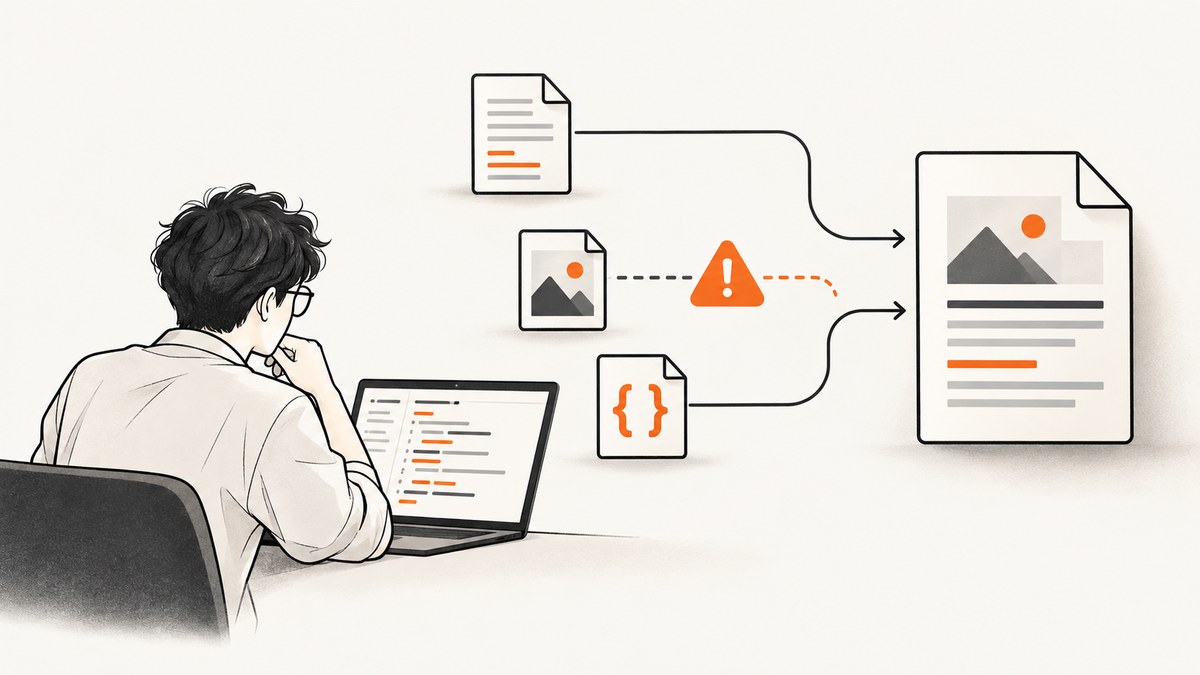
Direct answer: ProtocolUnknownError in Python pdfkit usually means the underlying wkhtmltopdf executable could not load one of the HTML document’s resources. Read the warnings immediately before the final error, identify the named URL or file, then fix that resource. For trusted local CSS, images or fonts, pass enable-local-file-access through pdfkit. Also verify absolute paths, the wkhtmltopdf binary, operating-system libraries and fonts.
pdfkit is a Python wrapper; it does not render the PDF itself. It builds a command and invokes wkhtmltopdf. The final line, often Exit with code 1 due to network error: ProtocolUnknownError, is a summary from wkhtmltopdf. The useful diagnosis is commonly earlier in stderr, such as Blocked access to file or a failed URL.
What ProtocolUnknownError means
wkhtmltopdf tried to fetch an image, stylesheet, font, script, iframe or redirect and could not interpret or reach the resource. A representative report with Python 3.8, wkhtmltopdf 0.12.6 and pdfkit 0.6.1 shows a blocked local file, a failed about:blank load and then the protocol error (see the pdfkit report). Other reports connect the error to local assets and identify --enable-local-file-access as the remedy. An unusual URL, such as a stylesheet reference containing a colon, can also expose parser problems; see wkhtmltopdf issue #3371.
A PDF file appearing beside an exit code of 1 does not prove that conversion succeeded. Missing images, fonts or styles can leave an incomplete document.
Fix it in a repeatable sequence
1. Capture the complete stderr output
Do not diagnose from the last line alone. pdfkit raises an exception containing wkhtmltopdf’s command output. Preserve it in a small reproducer:
import pdfkit

html = '''<html><body><img src="assets/logo.png"></body></html>'''
try:
    pdfkit.from_string(html, 'out.pdf')
except Exception as exc:
    print(type(exc).__name__)
    print(exc)
Look for the first warning that names a URL or path. Messages such as Blocked access to file, a malformed scheme, HTTP redirect, certificate failure or missing file identify the real repair.
2. Audit every referenced resource
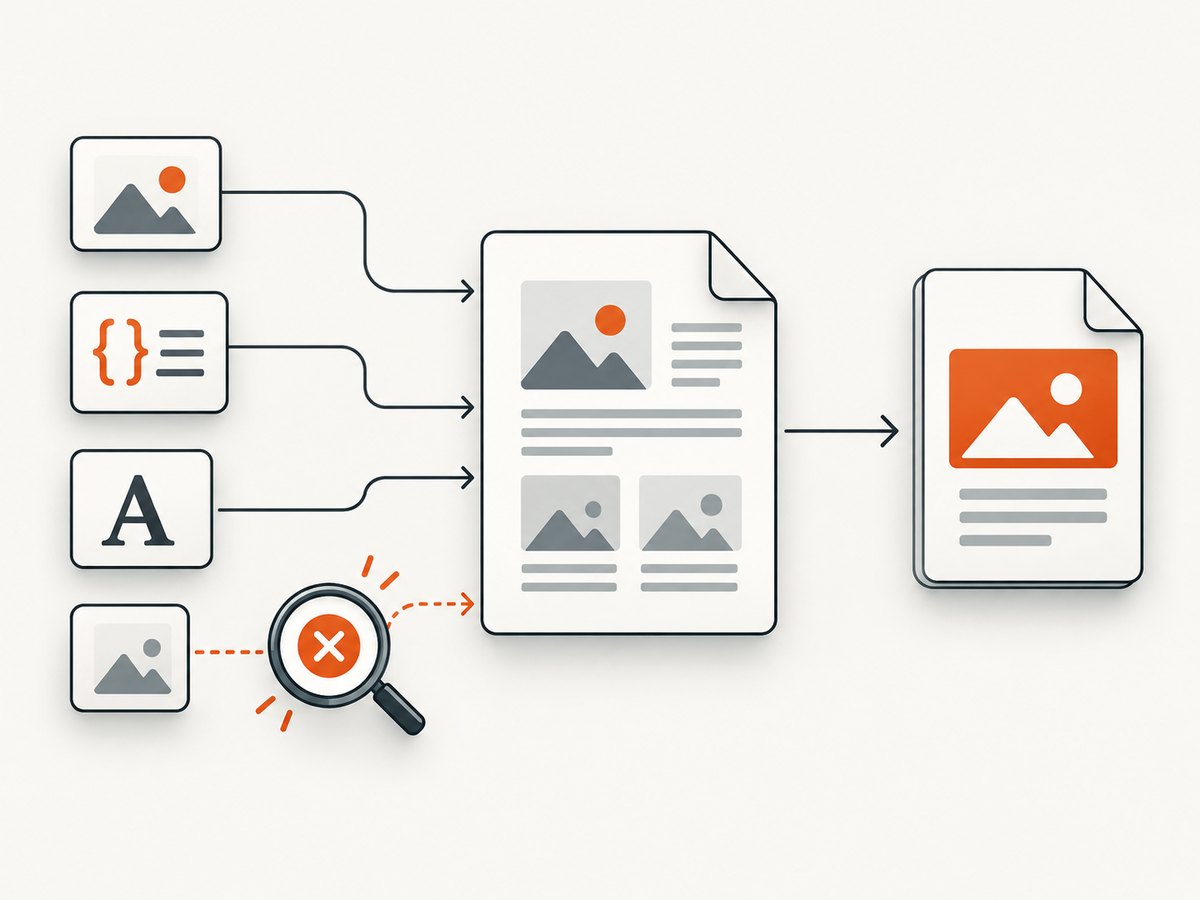
Inspect all of these, including resources added by CSS or JavaScript:
<img src>and CSSurl(...)images<link rel="stylesheet">files and imported stylesheets- web fonts and font files
- scripts that inject images or iframes
- redirects, authenticated endpoints and protocol-relative URLs
Replace malformed schemes, missing files and incorrect relative paths. A relative path is resolved from the process context and the HTML base URL, which may differ from your development directory. If the resource requires a login, cookies or an authorization header, make a controlled public test URL or provide the required request context.
3. Enable trusted local file access
wkhtmltopdf blocks local files by default in many builds. If your HTML intentionally references local CSS, images or fonts, pass the flag through pdfkit:
import pdfkit

html = '''
<html>
  <head>
    <link rel="stylesheet" href="/srv/report/assets/report.css">
  </head>
  <body>
    <img src="/srv/report/assets/logo.png">
    <h1>Monthly report</h1>
  </body>
</html>
'''

options = {
    'enable-local-file-access': None,
}
pdfkit.from_string(html, '/srv/report/out.pdf', options=options)
This produces the underlying --enable-local-file-access option. Enable it only when local resources are expected and the paths are trusted. Do not turn it on merely to hide an unknown remote-resource problem.
4. Use canonical, readable paths
Resolve paths before generating HTML and confirm the conversion process can read them:
from pathlib import Path
import pdfkit

root = Path('/srv/report').resolve()
css = (root / 'assets' / 'report.css').resolve()
logo = (root / 'assets' / 'logo.png').resolve()
out = (root / 'out.pdf').resolve()

for path in (css, logo):
    if not path.is_file():
        raise FileNotFoundError(path)

html = f'''<html><head>
<link rel="stylesheet" href="{css.as_uri()}">
</head><body><img src="{logo.as_uri()}"></body></html>'''

pdfkit.from_string(
    html,
    str(out),
    options={'enable-local-file-access': None},
)
Path.as_uri() creates a correctly formatted file:// URL. It avoids assumptions about the caller’s current working directory and handles spaces in paths more reliably.
5. Select the intended wkhtmltopdf executable
Multiple installations are common on developer machines and servers. Configure the exact binary and print its version:
import subprocess
import pdfkit

binary = '/usr/local/bin/wkhtmltopdf'
print(subprocess.run([binary, '--version'], check=True, text=True, capture_output=True).stdout)

config = pdfkit.configuration(wkhtmltopdf=binary)
pdfkit.from_string(
    '<h1>Hello</h1>',
    'out.pdf',
    configuration=config,
)
pdfkit also documents reproducing the generated command directly. Run that command in the same environment to separate a Python configuration issue from a renderer issue. Record the wkhtmltopdf version and operating system when investigating or reporting a bug; the project’s support guidance requests both.
6. Check platform dependencies
The executable must match the operating system and its C library. Generic Linux binaries are a poor fit for Alpine or other musl-based containers. Use a distribution-compatible build, install runtime libraries required by that build and install the fonts your HTML uses. A font that works on a laptop may be absent in a minimal container, causing different pagination or missing glyphs even after the protocol error is fixed.
Complete Python example with diagnostics
The following script validates local assets, selects wkhtmltopdf explicitly and logs the exception:
from pathlib import Path
import pdfkit

BASE = Path(__file__).resolve().parent
HTML = BASE / 'report.html'
OUTPUT = BASE / 'report.pdf'
WKHTMLTOPDF = '/usr/local/bin/wkhtmltopdf'

if not HTML.is_file():
    raise FileNotFoundError(HTML)

config = pdfkit.configuration(wkhtmltopdf=WKHTMLTOPDF)
options = {
    'enable-local-file-access': None,
    'encoding': 'UTF-8',
    'print-media-type': None,
    'quiet': False,
}

try:
    pdfkit.from_file(str(HTML), str(OUTPUT), configuration=config, options=options)
except Exception as exc:
    print('wkhtmltopdf conversion failed:')
    print(exc)
    raise
else:
    print(f'Wrote {OUTPUT}')
Keep quiet disabled while debugging so warnings remain visible. After the resource set is stable, you can choose quieter logs for normal jobs while retaining error capture.
Options that help isolate failures
| Option | Use | Caution |
|---|---|---|
enable-local-file-access |
Allow intentional local CSS, images and fonts. | Restrict trusted paths; it changes the renderer’s file access. |
allow |
Limit local access to specific directories in builds that support it. | Confirm your installed version’s syntax. |
encoding: UTF-8 |
Prevent character decoding problems. | It does not repair an unreachable resource. |
print-media-type |
Use print CSS while comparing browser and PDF output. | Styles may intentionally differ from screen CSS. |
load-error-handling |
Investigate how page-load errors are handled. | Ignore modes can still produce exit code 1 and an incomplete PDF. |
load-media-error-handling |
Investigate media failures. | Do not treat a generated file as proof that assets loaded. |
load-error-handling ignore and related flags are diagnostic tools, not a durable fix. Reports show that they may still leave a nonzero exit and ProtocolUnknownError. Correct, remove or intentionally expose the failing resource instead.
Remote pages, redirects and authentication
For HTTP or HTTPS input, test the URL from the same host, container and user account that runs wkhtmltopdf. Check DNS, proxy variables, TLS certificates and redirect destinations. A page that opens in your browser may redirect to a login page or a blocked internal hostname for the renderer. Confirm every redirect target uses a valid scheme and that required cookies or headers are available.
For a controlled reproduction, save the HTML and assets locally. If the local version works with enable-local-file-access, the problem is remote reachability or authentication. If it still fails, the warning identifies a local path, malformed URL or missing dependency.
Performance and reliability checklist
- Reuse one known wkhtmltopdf installation instead of discovering binaries per request.
- Keep assets close to the renderer or serve them from a low-latency, reliable origin.
- Reduce unnecessary scripts and third-party requests; each can delay or break conversion.
- Pin the renderer version in your deployment image and log its version at startup.
- Install required fonts in the image and verify a representative document during deployment.
- Set an application timeout around the subprocess and retain stderr for failed jobs.
- Validate the output file exists, is non-empty and can be opened before marking a job successful.
- Retry only transient network failures. Do not retry a deterministic missing file or malformed URL.
Local access can improve repeatability by removing network dependencies, but it increases the importance of path validation and filesystem permissions. Remote rendering avoids packaging assets but introduces DNS, TLS, authentication and availability variables.
Common errors and fixes
| Message or symptom | Likely cause | Fix |
|---|---|---|
Blocked access to file |
Local resource access is disabled. | Use trusted absolute paths and enable-local-file-access. |
Protocol "about" is unknown |
A failed or redirected resource left an about:blank load. |
Find the preceding warning and repair that URL or file. |
| Only some images are missing | Relative paths, CSS URLs or unreadable permissions. | Resolve canonical paths, check permissions and inspect CSS imports. |
| Works locally, fails in a container | Wrong binary, musl/glibc mismatch, missing libraries or fonts. | Use a compatible build and install runtime dependencies and fonts. |
| Exit code 1 with a PDF present | One or more resources failed even though output was written. | Inspect stderr and validate the PDF before accepting it. |
| Changing ignore flags does not help | The failure is deterministic or the renderer still reports a fatal error. | Fix the named resource instead of suppressing the message. |
When a screenshot or PDF service is a better fit
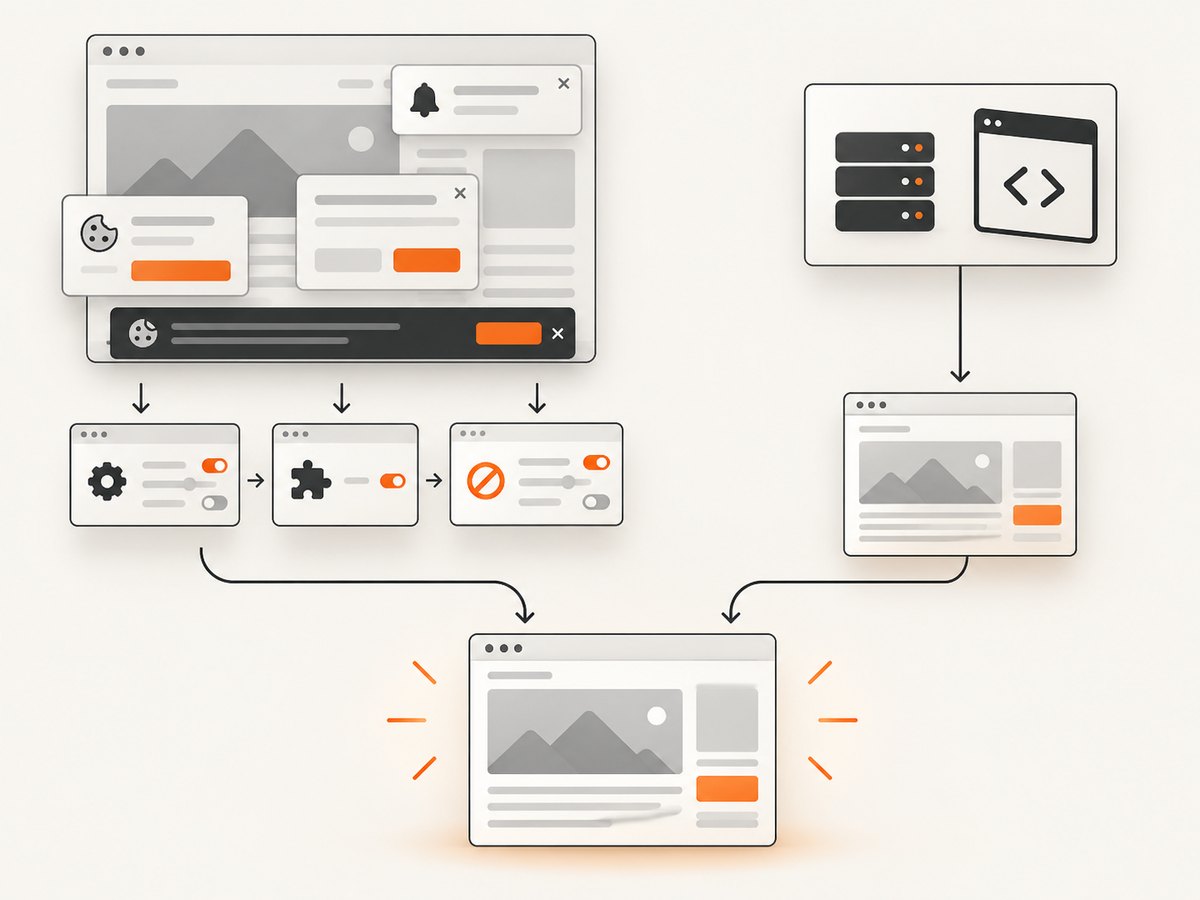
If you need screenshots or PDFs from arbitrary public pages, maintaining a browser binary, fonts, cookies, consent handling and retries can be more work than the conversion itself. ScreenshotNeo provides a GET endpoint that returns PNG, JPEG, WebP or PDF. Its capture options include full-page pages with lazy images loaded, CSS-element capture, custom CSS and JavaScript, waits, request blocking, headers, cookies, user agents, authorization, timezone, geolocation and PDF paper, margin, orientation and page-range controls.
Or skip the browser setup
Use the same approach when you need a clean page capture without packaging wkhtmltopdf:
curl -G 'https://api.screenshotneo.com/v1/shot' -d access_key=YOUR_API_KEY --data-urlencode url=https://stripe.com -o shot.webpimport requests
r = requests.get(
'https://api.screenshotneo.com/v1/shot',
params={'access_key': 'YOUR_API_KEY', 'url': 'https://stripe.com'},
timeout=90,
)
r.raise_for_status()
open('shot.webp', 'wb').write(r.content)
print(r.headers.get('X-Page-Verdict'), r.headers.get('X-Billed'))
const q = new URLSearchParams({ access_key: 'YOUR_API_KEY', url: 'https://stripe.com' });
const res = await fetch(`https://api.screenshotneo.com/v1/shot?${q}`);
if (!res.ok) throw new Error(`HTTP ${res.status}`);
const data = Buffer.from(await res.arrayBuffer());
await import('node:fs/promises').then(fs => fs.writeFile('shot.webp', data));
console.log(res.headers.get('X-Page-Verdict'), res.headers.get('X-Billed'));
See the ScreenshotNeo API documentation for parameters and response details. Cookie and consent banners, newsletter popups and chat widgets are removed before the shot. Bot checks, blank pages and failed loads are never billed, and the response identifies the page verdict and billing status in X-Page-Verdict and X-Billed. An MCP server provides take_screenshot, get_page_info and capture_pdf tools for Claude, Cursor and other MCP clients. The free plan includes 1,000 screenshots each month with no card; paid plans start at $5 for 3,000. Create a free ScreenshotNeo account.
Short FAQ
Is this a pdfkit bug?
Usually no. pdfkit reports the subprocess result; the renderer’s resource-loading warning is the useful clue.
Should I always enable local file access?
Only when trusted local assets are part of the document. Keep it disabled for documents that should not read local files.
Why does a browser load the page but wkhtmltopdf fails?
The environments differ in cookies, authentication, TLS, JavaScript support, fonts, network access and filesystem permissions.
Can I accept a PDF produced with exit code 1?
Do so only after reviewing stderr and validating that every required asset appears. Exit code 1 indicates the conversion encountered an error.
What should I include in a bug report?
Include the wkhtmltopdf version, operating system, binary path, a minimal HTML reproducer, complete stderr and a list of referenced resources. The project support guidance specifically asks for the version and a detailed reproducible case.


