How to Fix Missing Qt Libraries for wkhtmltopdf in Debian Buster Docker
Fix missing Qt libraries in Debian Buster Docker by installing a matching wkhtmltopdf package, diagnosing loader errors, and checking headless rendering.

If wkhtmltopdf fails in a Debian Buster Docker image with a message such as error while loading shared libraries: libQt5Core.so.5: cannot open shared object file, install Debian’s wkhtmltopdf package from the same Buster repositories configured in the image. Let APT install the matching runtime libraries, then check both wkhtmltopdf --version and a real conversion inside the finished container. A command that works on your host does not prove that the container has the same Qt libraries, architecture, or display support.
Debian Sources lists Buster’s package as wkhtmltopdf 0.12.5-1. The exact repair still depends on the missing library named in your error, the image architecture, and the binary that Docker actually runs. Don’t copy a Qt .so from another Debian release: matching filenames do not ensure a compatible library set. Debian’s package history identifies the Buster version.
1. Confirm the image, architecture, and binary
Run these commands in the image that fails. During diagnosis, use an interactive shell based on the same image tag and build arguments as the application. The output establishes whether this is actually Buster, which CPU architecture is running, and whether an unexpected binary shadows Debian’s package.
cat /etc/os-release
 dpkg --print-architecture
 command -v wkhtmltopdf
 wkhtmltopdf --version
 dpkg-query -W -f='${Package} ${Version} ${Architecture}\n' wkhtmltopdf 2>/dev/null || true
For Buster’s Debian package, expect the package version to begin with 0.12.5-1, though package revisions may vary by repository snapshot or architecture. If command -v points to /usr/local/bin, an application directory, or a manually unpacked bundle, you may not be invoking the APT-managed executable. Check the path before changing dependencies.
2. Install wkhtmltopdf from the configured Buster repository
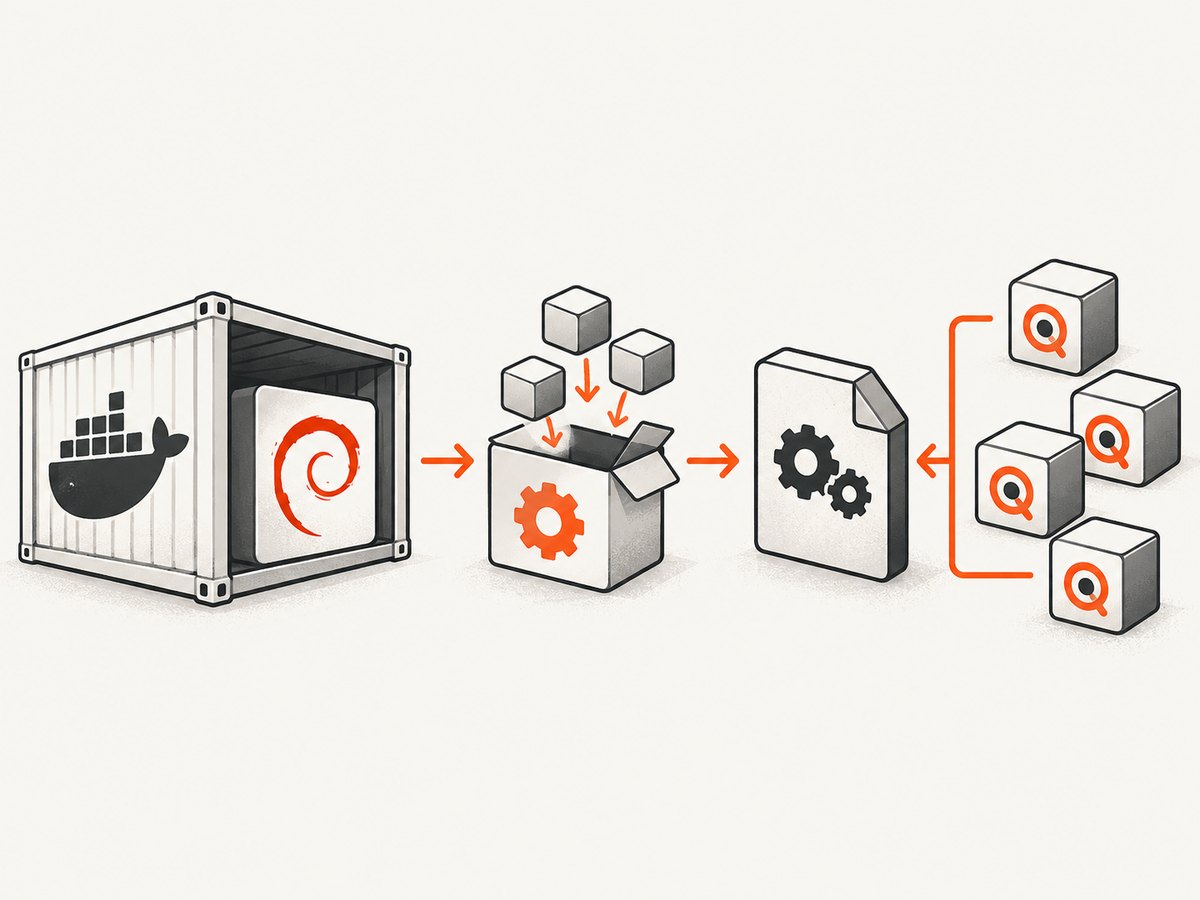
Keep the image’s Debian release and its package sources aligned. The basic Dockerfile installation is:
FROM debian:buster

RUN apt-get update \\
 && DEBIAN_FRONTEND=noninteractive apt-get install -y --no-install-recommends \\
      wkhtmltopdf \\
 && rm -rf /var/lib/apt/lists/*

RUN wkhtmltopdf --version
In an existing application Dockerfile, use the same installation lines on its current Buster base, provided that the configured repositories are Buster repositories and still contain the package for your architecture. If APT cannot find the package, inspect the configured sources and repository availability for the target suite; don’t add a Bookworm source to a Buster image just to satisfy one dependency.
APT is the important part of this repair. wkhtmltopdf depends on a family of Qt components, and the set must agree with the distribution libraries and architecture. For context, Bookworm’s package metadata lists Qt core, GUI, network, print support, SVG, WebKit, and widgets dependencies. That is an illustration of the Qt dependency families, not a Buster manifest. Use the package manager and metadata for the image’s own suite to resolve the Buster set. Debian’s Bookworm package page shows those dependency families and notes the X11 requirement for that package.
Combine apt-get update and apt-get install in one layer so the index used for installation is refreshed in that build. Removing the package lists reduces leftover image contents; it does not affect the installed libraries. If your organization pins repository snapshots, use the approved Buster snapshot and confirm it provides the architecture you build for.
3. Rebuild and make a real PDF in the container
A successful version command proves that the loader could start the program; it does not prove that rendering works. Add a small fixture and convert it in a build or diagnostic stage. This catches missing display support, local-file restrictions, and basic rendering failures.
RUN printf '<!doctype html><html><body><h1>Container PDF check</h1></body></html>' > /tmp/probe.html \\
 && wkhtmltopdf /tmp/probe.html /tmp/probe.pdf \\
 && test -s /tmp/probe.pdf
Build from a clean image layer after changing package sources or dependencies. A cached layer can preserve the old package state and make a correct Dockerfile change appear ineffective. The test -s check only confirms that a non-empty file was written; for production, run a representative document that exercises your actual fonts, images, scripts, remote assets, and PDF options.
4. Diagnose the exact missing Qt library
If startup still fails, copy the exact lib…so name from the loader message. Check the binary’s dynamic dependencies with ldd when available:
BIN="$(command -v wkhtmltopdf)"
echo "$BIN"
file "$BIN"
ldd "$BIN" | grep -E 'not found|Qt|qt' || true
For a missing dependency, check the package state and the suite’s package metadata. Install the package that provides the missing library through APT for the same Buster suite and architecture. The command ldd is a diagnostic aid for a trusted binary; don’t use it to run an untrusted executable.
If ldd shows every library resolved but the command still fails, the issue may be an incompatible binary/library combination, a different executable than expected, or a failure after process startup. Compare file, command -v, package version, architecture, and the full error. Don’t make symlinks from one Qt SONAME to a different version: the loader may then start a binary against an ABI it was not built to use.
5. Check the X11 and patched-Qt limitation
“Missing Qt libraries” and “cannot connect to display” are different problems. Debian’s Buster manpage says its build uses unpatched Qt. It lists running without an X11 server among the features available only with patched Qt. Therefore, resolving every shared library does not guarantee that this build can render headlessly in your container. Read the Buster manpage’s reduced-functionality note and test the exact invocation you need.
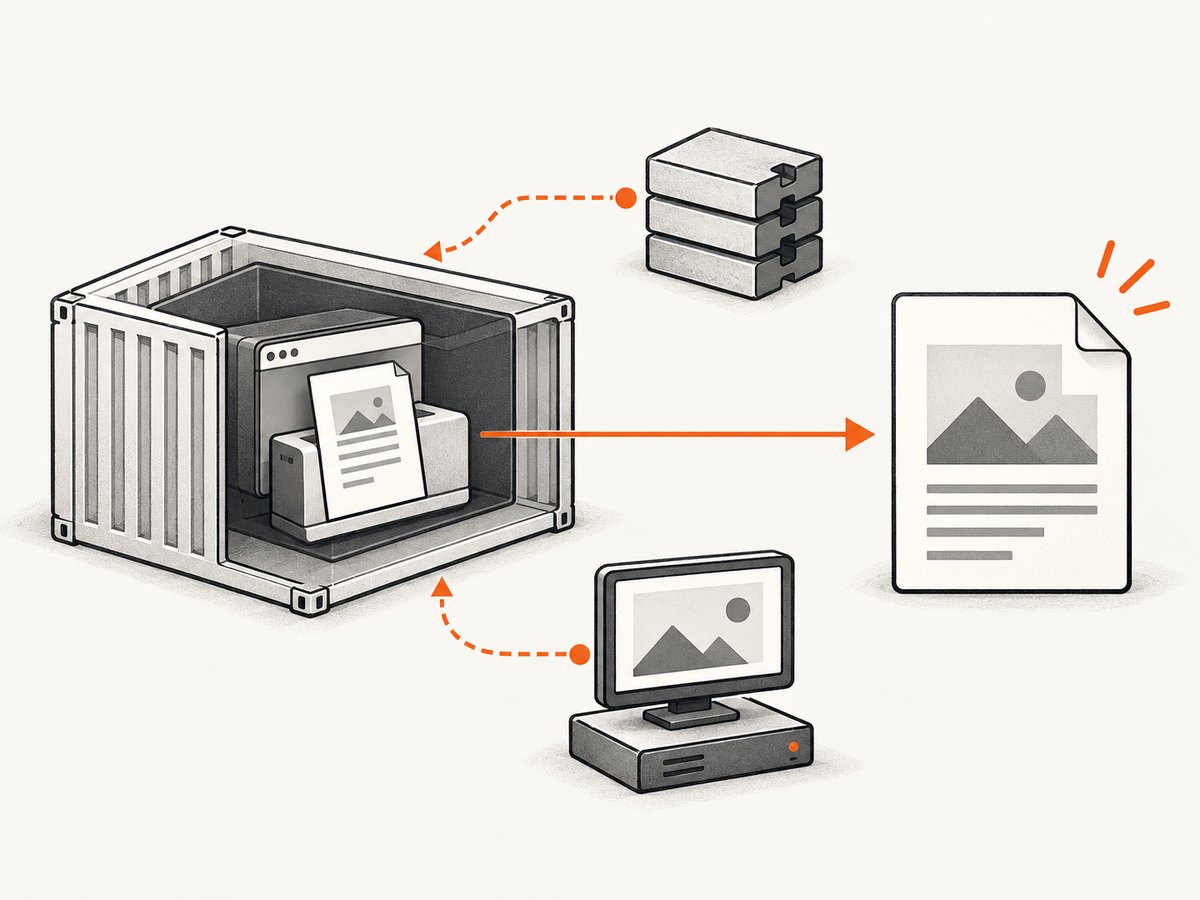
If the failure refers to a display or X server, determine whether the invocation requires an X server and whether a virtual framebuffer such as xvfb is available for the target suite. Do not assume the package details or dependency recommendations for a newer Debian release apply to Buster; verify package availability in the configured Buster repositories and on the target architecture. Adding arbitrary Qt libraries will not solve an X11 requirement.
The Buster manpage also documents options such as --enable-local-file-access, --javascript-delay, --load-error-handling, and page-size and margin settings. These affect conversion behavior, not dynamic linking. Enable local file access only when your input needs local resources, and explicitly allow required paths where possible. If pages depend on JavaScript, use a delay suitable for the page and test it; wkhtmltopdf’s WebKit engine does not imply that modern web applications will render as a current browser would.
6. Common errors and fixes
| Error or symptom | Likely cause | What to do |
|---|---|---|
error while loading shared libraries: libQt5…so.5 |
A runtime library is absent, or the selected executable expects another Qt set. | Check command -v and ldd; install the matching Buster package through APT. Remove conflicting manual bundles from the executable path. |
wkhtmltopdf: not found |
The package is not installed, the install step failed, or the runtime image omits it. | Check the build log and package state in the final image. Install it in the stage that runs conversion, not only a discarded build stage. |
cannot connect to X server or a display-related error |
The process needs X11 support, while the container has no display server. | Check the Buster unpatched-Qt limitation. Verify an X server or Buster-available virtual framebuffer path, or choose a build whose headless behavior meets your needs. |
| It works on amd64 but fails on arm64 (or the reverse) | Binary, package, or library architecture differs from the container target. | Compare dpkg --print-architecture and file; use packages built for the target architecture. Avoid copying a host binary into a multi-architecture image. |
| Build reports “unable to locate package” | Repository indexes are stale, sources target another suite, or the package is unavailable for that suite/architecture. | Inspect /etc/apt/sources.list and source-list fragments, run apt-get update, and confirm availability. Do not mix suites to force resolution. |
| Version works but output is blank or incomplete | Page resources or JavaScript did not load, local-file access is blocked, the process cannot render, or the source response is itself blank. | Run a representative conversion, inspect logs, verify network access and resource URLs, and test the display requirement. Configure the relevant page option only after identifying the cause. |
| It works during build but not in production | The runtime stage has a different base, omitted libraries, different architecture, or different executable path. | Run the version and fixture conversion in the final image, and install the package in that image stage. |
7. Avoid fragile fixes and pin the environment deliberately
Keep these components aligned: base image release, APT suite, wkhtmltopdf binary, CPU architecture, and Qt shared libraries. Debian’s package history lists Buster as 0.12.5-1, Bullseye as 0.12.6-1, and Bookworm as 0.12.6-2; those versions are not interchangeable installation instructions. Check what is available in the target image rather than copying a version number into an unrelated suite. The Debian Sources release list shows the suite distinctions.
Avoid three tempting shortcuts:
- Do not copy isolated
libQt5*.sofiles from a workstation or another Debian release. - Do not add repositories from a different Debian suite to make an unresolved package name install.
- Do not assume an upstream “generic” or “static” download bundles every system dependency; verify that specific build’s requirements for your OS and architecture.
If you use a downloaded binary, record its origin, target release, architecture, and runtime dependencies in the build process. The available source material does not provide a complete Buster dependency list for every architecture or validate a particular upstream asset, so the error emitted by your image remains the authority for diagnosing its unresolved library.
8. Performance, reliability, and maintenance
For reliability, validate in the final runtime image with at least one representative document and fail the image build if a required conversion does not work. Keep diagnostics available in deployment logs: executable path, version, architecture, and the complete error output. Treat remote pages as variable inputs: network failures, unavailable assets, slow scripts, and page changes can affect PDF output even when the Qt loader is healthy.
For performance, keep the container layer reproducible and avoid repeatedly installing ad hoc libraries while debugging. The Buster manpage mentions --read-args-from-stdin as an option for batches when startup overhead is significant; test it with your workload and invocation format before adopting it. Large documents, remote resources, JavaScript waits, and images can affect run time and memory, so measure with representative documents rather than assuming a fixed conversion cost. No benchmark is established here.
There is also a maintenance decision. The wkhtmltopdf upstream status page describes its Qt and WebKit foundations as old, including the statement that Qt 4 has not been supported since 2015 and its WebKit has not been updated since 2012. Debian’s tracker posted a removal-from-testing notice dated 2025-02-05, while warning that the generated explanation could be inaccurate. These are reasons to review whether continued repair fits your maintenance needs, not proof that a particular Buster deployment is broken. Verify current package availability for your suite and evaluate a maintained HTML-to-PDF approach if this is a new system. Upstream status · Debian tracker notice.
9. Checklist before shipping
- Confirm
/etc/os-release, architecture, package version, and resolved executable path inside the final image. - Install Debian’s package from repositories matching the image suite; let APT resolve its dependencies.
- Rebuild without relying on a stale dependency layer.
- Run
wkhtmltopdf --versionin the final image. - Convert a representative local fixture and check for a non-empty PDF.
- If conversion fails, distinguish loader errors from X11, network, file-access, and page-rendering errors.
- Record the package source and binary choice so future image updates preserve the tested combination.
Or skip the browser setup
If your task is to capture a website as an image rather than generate a PDF with wkhtmltopdf, ScreenshotNeo is a website screenshot API and MCP server. Its one-call endpoint returns a screenshot or PDF; see the API documentation for options. Here is the cURL request:
curl -G "https://api.screenshotneo.com/v1/shot" \\
  -d access_key=YOUR_API_KEY \\
  --data-urlencode url=https://stripe.com \\
  -o shot.webp
Python:
import requests

r = requests.get(
    "https://api.screenshotneo.com/v1/shot",
    params={"access_key": "YOUR_API_KEY", "url": "https://stripe.com"},
    timeout=90,
)
open("shot.webp", "wb").write(r.content)
Node.js:
const q = new URLSearchParams({
  access_key: 'YOUR_API_KEY',
  url: 'https://stripe.com'
});
const res = await fetch(`https://api.screenshotneo.com/v1/shot?${q}`);
if (!res.ok) throw new Error(`Screenshot request failed: ${res.status}`);
await Bun.write('shot.webp', res);
ScreenshotNeo removes cookie banners, popups, and chat widgets before the shot. Bot checks, blank pages, and failed loads are never billed, and the response identifies the page verdict and billing state in headers. Its MCP server lets AI agents take screenshots. The free plan includes 1,000 screenshots a month with no card; paid plans start at $5 for 3,000. Create an account at ScreenshotNeo sign-up to get the free monthly allowance.
FAQ
Does adding libqt5webkit5 always fix the error?
No. The named library is only one possible unresolved dependency, and the binary may need several matching Qt modules. Use the loader output and package metadata for the exact suite and architecture.
Can I use Bookworm’s dependency list for Buster?
Use it to understand the Qt module families, not as a Buster install manifest. Let Buster’s own package metadata resolve its runtime dependencies.
Does a successful --version check prove headless PDF generation?
No. The Buster manpage documents an X11-related limitation for Debian’s unpatched-Qt build. Run an actual conversion under the same container conditions as production.
Should I keep using wkhtmltopdf for a new service?
That depends on compatibility requirements and your maintenance policy. Its upstream status describes old foundations; assess a maintained alternative if you are starting fresh.


