How to Fix wkhtmltopdf Repeating Table Headers That Overlap Content
Fix wkhtmltopdf table-header overlap by checking markup, print CSS, wrappers, rowspans, and renderer version with a repeatable test plan.
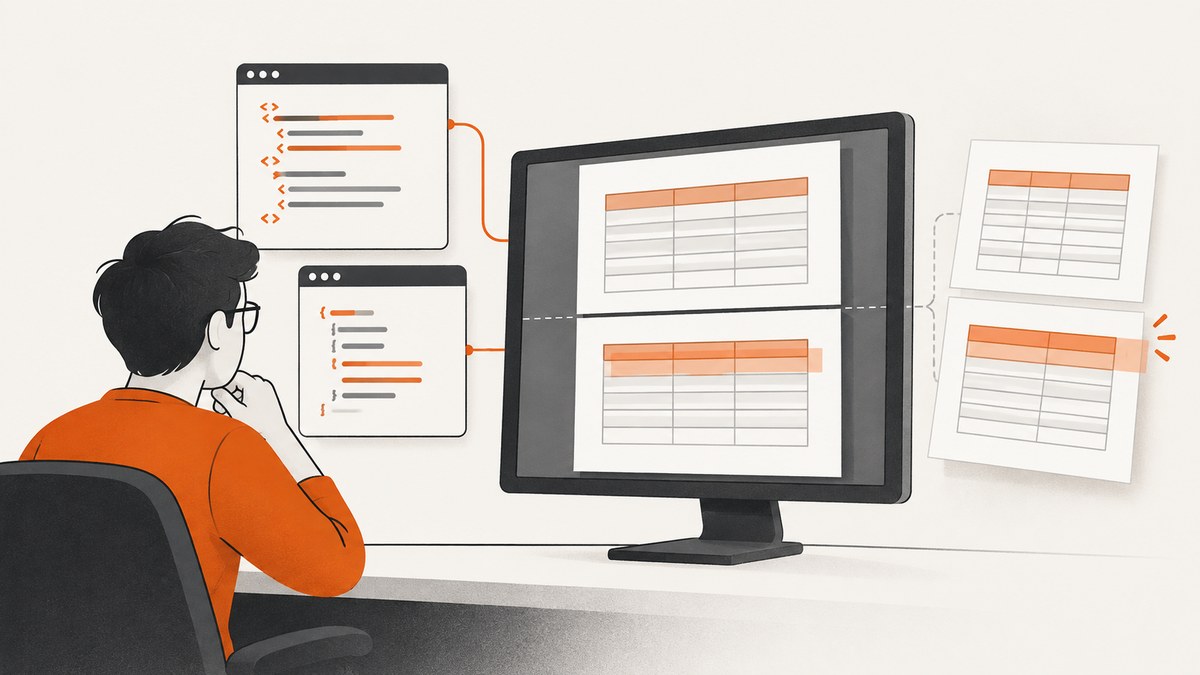
wkhtmltopdf can repeat a table header on every PDF page and still place that header on top of the first body row. The symptom is usually caused by an interaction between the table structure, print CSS, a surrounding layout wrapper, pagination at a difficult row boundary, and the exact wkhtmltopdf build. There is no single CSS declaration that fixes every document.
The reliable way to fix it is to reduce the document to a small reproduction, verify the table markup, remove layout features that confuse the older renderer, choose whether the header really needs to repeat, and inspect the output from the exact binary used in production.
What the overlap looks like
A normal repeating header has one header row at the top of each page, followed by body rows with a clear gap. In the broken output, the header may be painted over the first row, a header may appear at the bottom of a page without a following row, or a large blank area may appear before the next row. The HTML source can look correct in a browser because wkhtmltopdf uses an older WebKit-based print engine with different pagination behavior.
Reports in the upstream issue tracker describe several contexts, including responsive overflow containers, flex parents, rowspans, and page breaks at unusually tall rows. These are diagnostic leads rather than a universal root cause. The repository was archived on January 2, 2023, so issue comments are historical reports rather than current support guarantees (wkhtmltopdf source repository).
Start with a minimal reproduction
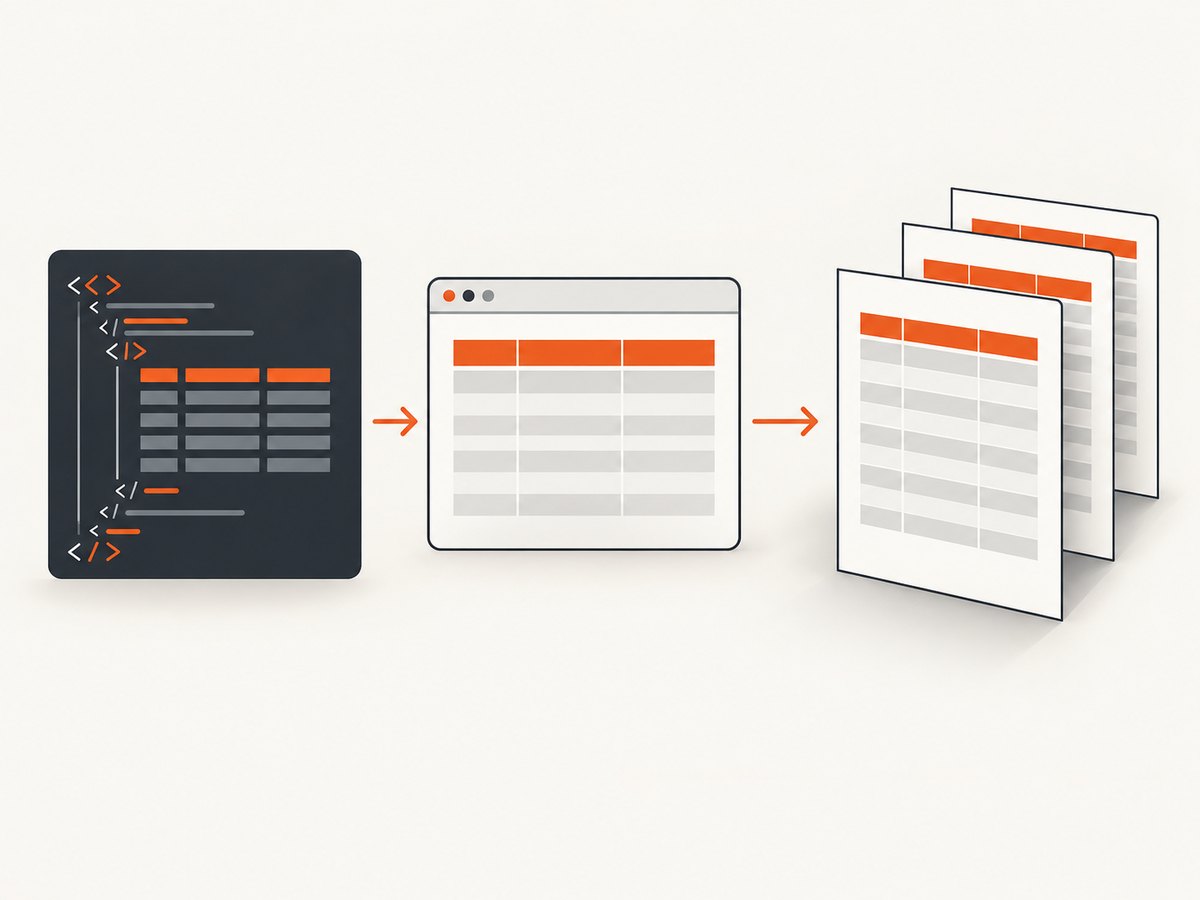
Before changing a large template, create a small file that contains only one table and enough rows to cross a page boundary. This tells you whether the defect is in the table itself or in the surrounding document.
<!doctype html>
<html>
<head>
  <meta charset='utf-8'>
  <style>
    @page { size: A4; margin: 18mm; }
    body { font: 12px Arial, sans-serif; color: #222; }
    table { width: 100%; border-collapse: collapse; }
    th, td { border: 1px solid #999; padding: 6px; text-align: left; }
    thead { display: table-header-group; }
    tfoot { display: table-footer-group; }
    tr { page-break-inside: avoid; }
  </style>
</head>
<body>
  <h1>Invoice lines</h1>
  <table>
    <thead>
      <tr><th>Item</th><th>Description</th><th>Amount</th></tr>
    </thead>
    <tbody>
      <!-- Repeat enough rows to force several pages. -->
      <tr><td>001</td><td>Example service</td><td>$10.00</td></tr>
      <tr><td>002</td><td>Example service</td><td>$12.00</td></tr>
    </tbody>
  </table>
</body>
</html>
Generate it with the same command and binary that production uses:
wkhtmltopdf --print-media-type reproduction.html reproduction.pdf
wkhtmltopdf --version
Record the version, operating system, wrapper or language library, command-line flags, page size, and the first PDF page where the overlap begins. A report tied to version 0.12.4 on Windows 7 cannot establish behavior for a different release or operating system.
Check the table structure
Use a semantic table with one thead, one tbody, and an optional tfoot. Put column headings inside th cells and data rows inside tr elements in the body. Avoid placing a second table inside a heading row or generating a separate header table positioned above the data table.
<table class='report'>
  <thead>
    <tr>
      <th scope='col'>Date</th>
      <th scope='col'>Description</th>
      <th scope='col'>Total</th>
    </tr>
  </thead>
  <tbody>
    <tr><td>2026-09-01</td><td>Subscription</td><td>$20</td></tr>
  </tbody>
</table>
Temporarily remove JavaScript that inserts rows after load. A table whose row count changes while wkhtmltopdf is paginating can produce output that differs between runs. Also remove absolutely positioned elements, negative margins, and transforms around the table while diagnosing.
Print CSS to test when headers must repeat
If column labels must appear on every page, keep the repeating table-header display and test the following rules in the real template:
@media print {
  thead {
    display: table-header-group;
    break-inside: avoid;
    page-break-inside: avoid;
  }

  tbody { display: table-row-group; }
  tfoot { display: table-footer-group; }

  tr {
    page-break-inside: avoid;
    break-inside: avoid;
  }
}
break-inside is the newer property; page-break-inside is the older alias that wkhtmltopdf is more likely to understand. Keeping both lets the same stylesheet express the intent to different print engines. These declarations are a candidate fix reported in issue discussions, not a guaranteed patch. Inspect every affected page after applying them.
Do not apply page-break-inside: avoid to a row that is taller than a page. The renderer cannot keep an oversized row intact, and it may create a blank page or unexpected placement. For long descriptions, allow the cell content to wrap and consider splitting the logical record into smaller rows.
When you do not need repeated headers
If the PDF is short or the column labels are not useful on later pages, test suppressing the repeating-header behavior:
@media print {
  thead { display: table-row-group; }
}
This treats the header as an ordinary row. It can stop the overlap because wkhtmltopdf no longer performs table-header repetition, but the heading will not automatically appear on subsequent pages. Use this option only when that tradeoff is acceptable. Confirm that the first page still has the labels and that no other CSS rule restores table-header-group.
Remove layout wrappers while testing
Responsive table wrappers are a frequent source of pagination differences. A common pattern is a table inside a container with horizontal scrolling:
<div class='table-responsive'>
  <table>...</table>
</div>
For print, temporarily make the wrapper a normal block and allow visible overflow:
@media print {
  .table-responsive {
    display: block;
    width: auto;
    overflow: visible;
  }

  .table-responsive table {
    width: 100%;
  }
}
Also test replacing a flex parent with a block parent in print CSS:
@media print {
  .report-layout {
    display: block;
  }
}
These changes can alter the visual design, so keep them scoped to print output. If removing the wrapper fixes the reproduction, reintroduce one rule at a time to identify whether overflow, width calculation, or flex sizing is responsible.
Investigate rowspans and page-boundary rows
A rowspan that begins near the bottom of a page can force the renderer to split a group in ways that are difficult to predict. Test a version with rowspans replaced by ordinary rows. If the overlap disappears, redesign the markup for print, or insert a deliberate page break before the grouped section.
@media print {
  .new-section { page-break-before: always; }
}
One issue comment describes adding an empty row after a rowspan section as a workaround for a particular document. Treat that as a document-specific experiment, not a general rule. An empty row can change pagination while also introducing an unwanted gap, and it may fail when fonts, margins, or data change.
Use a repeatable diagnostic sequence
- Capture the environment. Write down the exact wkhtmltopdf version, OS, wrapper, command flags, print-media setting, fonts, page size, and PDF page showing the defect.
- Reduce the input. Keep one table, a small stylesheet, and deterministic rows. Remove scripts, images, wrappers, and unrelated components.
- Validate markup. Check that
thead,tbody, andtfootare direct table sections and that every row has the expected number of cells. - Test print layout. Remove responsive overflow and flex containers; set visible overflow and block layout for print.
- Test row boundaries. Remove rowspans, reduce tall cells, and move the first affected row to a new page.
- Choose header behavior. If repetition is unnecessary, test
table-row-group. If repetition is required, testtable-header-groupwith both break-avoidance properties. - Compare PDFs visually. Inspect every page, not only the page where the bug first appeared. Look for headers with no following row, clipped borders, large gaps, and missing labels.
- Lock the regression sample. Store the minimal HTML and expected PDF in your build or fixture set and rerun it with the deployed binary after each change.
Troubleshooting common failures
| Symptom | Likely cause to investigate | Fix to test |
|---|---|---|
| Header overlaps the first body row | Header repetition interacting with wrapper sizing or pagination | Use semantic sections, remove overflow or flex wrappers, and test the reported header CSS. |
| Header appears without a data row | Page break occurs at a tall row or rowspan boundary | Reduce row height, remove rowspan for print, or insert a section break before the group. |
| Header repeats but labels disappear | thead changed to table-row-group |
Restore table-header-group when repeated labels are required. |
| Large blank space before a row | page-break-inside: avoid cannot fit the row |
Allow splitting for oversized content or break before the section. |
| Works in a browser, fails in PDF | Different print engine, fonts, media rules, or binary version | Run the exact wkhtmltopdf command and inspect print-specific CSS. |
| Fix works locally but not in production | Different wrapper, executable, OS, fonts, or flags | Log the binary path and version and reproduce in the production image. |
| Output changes between runs | Late JavaScript, external resources, or unstable data | Wait for required content, remove asynchronous mutations, and use deterministic fixtures. |

Reliability and performance considerations
Keep tables simple when PDF reliability matters. Nested tables, web fonts, SVG backgrounds, filters, transforms, and JavaScript layout calculations increase the number of variables involved in pagination. Inline critical print CSS and use local, deterministic assets where possible. A smaller HTML document also makes reproductions faster and makes page-by-page comparison practical.
Do not infer correctness from a single page size. Test the page sizes, margins, font sizes, and data extremes that your application supports. A table that fits comfortably on Letter paper may put a rowspan exactly at the boundary on A4. Test long text, empty cells, large numbers, missing values, and the maximum realistic row count.
For automated jobs, retain the generated PDF for failed fixtures and record stderr from wkhtmltopdf. A non-zero exit code catches load failures, but a successful exit code does not prove that table pagination is visually correct. Visual regression checks or human inspection of representative pages are still needed.
Or skip the browser setup
If your goal is a clean screenshot or PDF of a web page rather than control over wkhtmltopdf’s HTML pagination, ScreenshotNeo provides a GET endpoint that returns PNG, JPEG, WebP, or PDF. See the ScreenshotNeo documentation for the complete parameter list.
cURL:
curl -G 'https://api.screenshotneo.com/v1/shot' -d access_key=YOUR_API_KEY --data-urlencode url=https://stripe.com -o shot.webpPython:
import requests
r = requests.get('https://api.screenshotneo.com/v1/shot', params={'access_key': 'YOUR_API_KEY', 'url': 'https://stripe.com'}, timeout=90)
open('shot.webp', 'wb').write(r.content)
Node.js:
const q = new URLSearchParams({ access_key: 'YOUR_API_KEY', url: 'https://stripe.com' });
const res = await fetch(`https://api.screenshotneo.com/v1/shot?${q}`);
const data = new Uint8Array(await res.arrayBuffer());
await import('node:fs/promises').then(fs => fs.writeFile('shot.webp', data));
ScreenshotNeo removes cookie and consent banners, newsletter popups, and chat widgets before capture. Bot checks, blank pages, timeouts, failed loads, and cache hits are not billed, and response headers identify the page verdict and whether the request was billed. Its MCP server gives Claude, Cursor, and other MCP clients take_screenshot, get_page_info, and capture_pdf tools. The Free plan includes 1,000 screenshots per month with no card; paid plans start at $5 for 3,000 shots. Create a free ScreenshotNeo account.
ScreenshotNeo options for controlled captures
When you need more than a default viewport, configure the request for your page:
- Capture a full page with lazy-loaded images, or select one element with a CSS selector.
- Choose dark mode, one of 12 device presets, a custom viewport, and a retina scale.
- Return a PDF with paper size, margins, landscape orientation, and page ranges.
- Inject custom CSS or JavaScript, click an element, hide selectors, and wait for a selector, delay, or network idle.
- Block ads, trackers, requests, or resource types.
- Send custom headers, cookies, a user agent, or an Authorization header.
- Set timezone and geolocation, use a transparent background, resize the image, and cache with a TTL you choose.
- Create signed links for public image tags, submit asynchronous jobs with signed webhooks, capture up to 100 URLs per bulk call, and read usage through the usage API.
These controls let you stabilize a capture without maintaining a browser executable, while the DIY wkhtmltopdf method remains useful when you need exact control over your own HTML-to-PDF pipeline.
FAQ
Does thead { display: table-header-group; } always fix overlap?
No. It expresses the intended repeating-header behavior, but wrappers, rowspans, tall rows, and renderer differences can still produce overlap. Test it against the exact production binary.
Will changing thead to table-row-group preserve headers on every page?
No. It suppresses automatic repetition. Use it only when later pages do not need column labels.
Should I use both break-inside and page-break-inside?
It is reasonable to test both because they express the same intent for newer and older print engines, but neither property guarantees correct pagination in wkhtmltopdf.
Is wkhtmltopdf still actively maintained?
The upstream GitHub repository is archived and read-only. Treat issue discussions as historical troubleshooting evidence and validate behavior in your own deployed environment.
What should I do if the minimal table works?
Reintroduce the original wrapper, flex layout, rowspans, fonts, scripts, and assets one at a time until the defect returns. The last change identifies the interaction to redesign for print.


