How to Fix wkhtmltopdf Segmentation Faults on Alpine Linux
Diagnose wkhtmltopdf crashes on Alpine Linux by separating real segfaults from hangs, missing libraries, and Qt runtime failures.
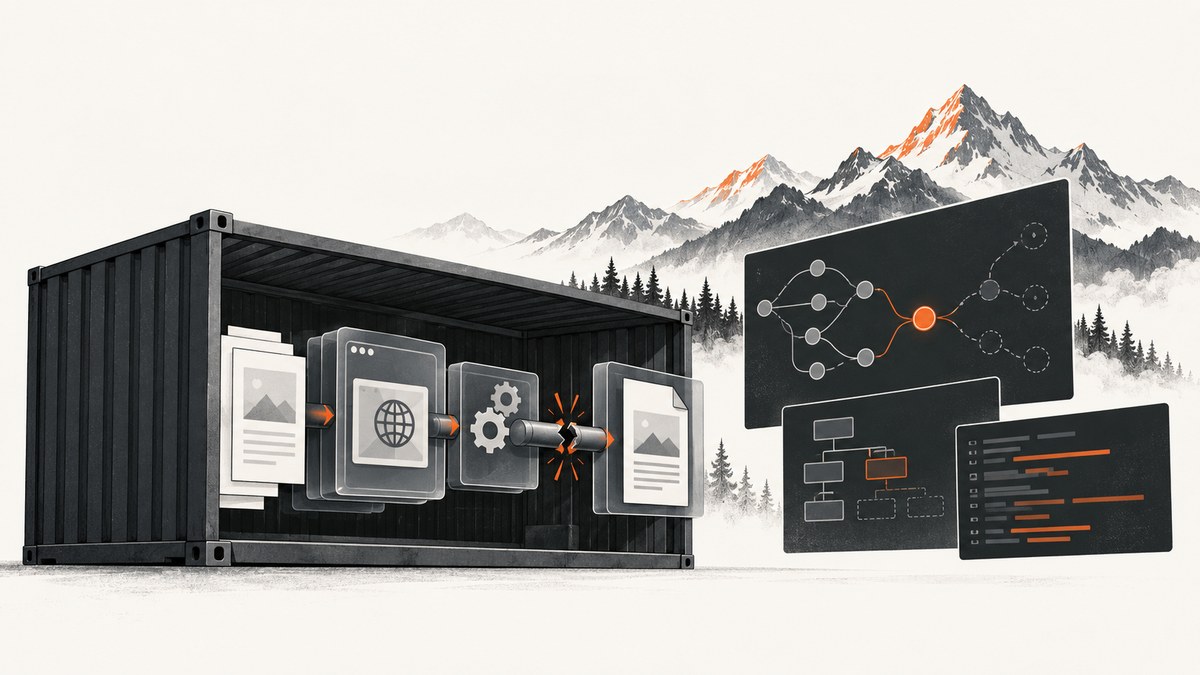
There is no verified universal one-line fix for every wkhtmltopdf segmentation fault on Alpine Linux. First prove what failed: a signal-11 crash, a hang, a missing shared library, a Qt plugin startup error, or a document-specific failure. Record the exact Alpine image tag, CPU architecture, wkhtmltopdf version and build flavor, command, input document, exit status, signal, and stderr before changing packages.
The renderer is difficult to debug because wkhtmltopdf is built on an old Qt/WebKit stack. The wkhtmltopdf project status page states: “Qt 4 (which wkhtmltopdf uses) hasn’t been supported since 2015, the WebKit in it hasn’t been updated since 2012.” Alpine also removed wkhtmltopdf and related QtWebKit packages in Alpine 3.15 because of known vulnerabilities and lack of upstream support. Those facts explain why package and runtime combinations vary; they do not identify one cause for your crash.
1. Confirm the failure mode
Run these commands inside the failing container and save the output:
cat /etc/alpine-release
uname -m
cat /etc/os-release
wkhtmltopdf -V
command -v wkhtmltopdf
printf 'exit status: '
(wkhtmltopdf --version >/tmp/wkhtmltopdf-version.txt 2>/tmp/wkhtmltopdf-version.err; echo $?)
cat /tmp/wkhtmltopdf-version.err
For the real conversion, capture the exit code and stderr separately:
set +e
wkhtmltopdf --log-level info input.html output.pdf 2>wkhtmltopdf.stderr
status=$?
set -e
printf 'exit=%s\n' "$status"
cat wkhtmltopdf.stderr
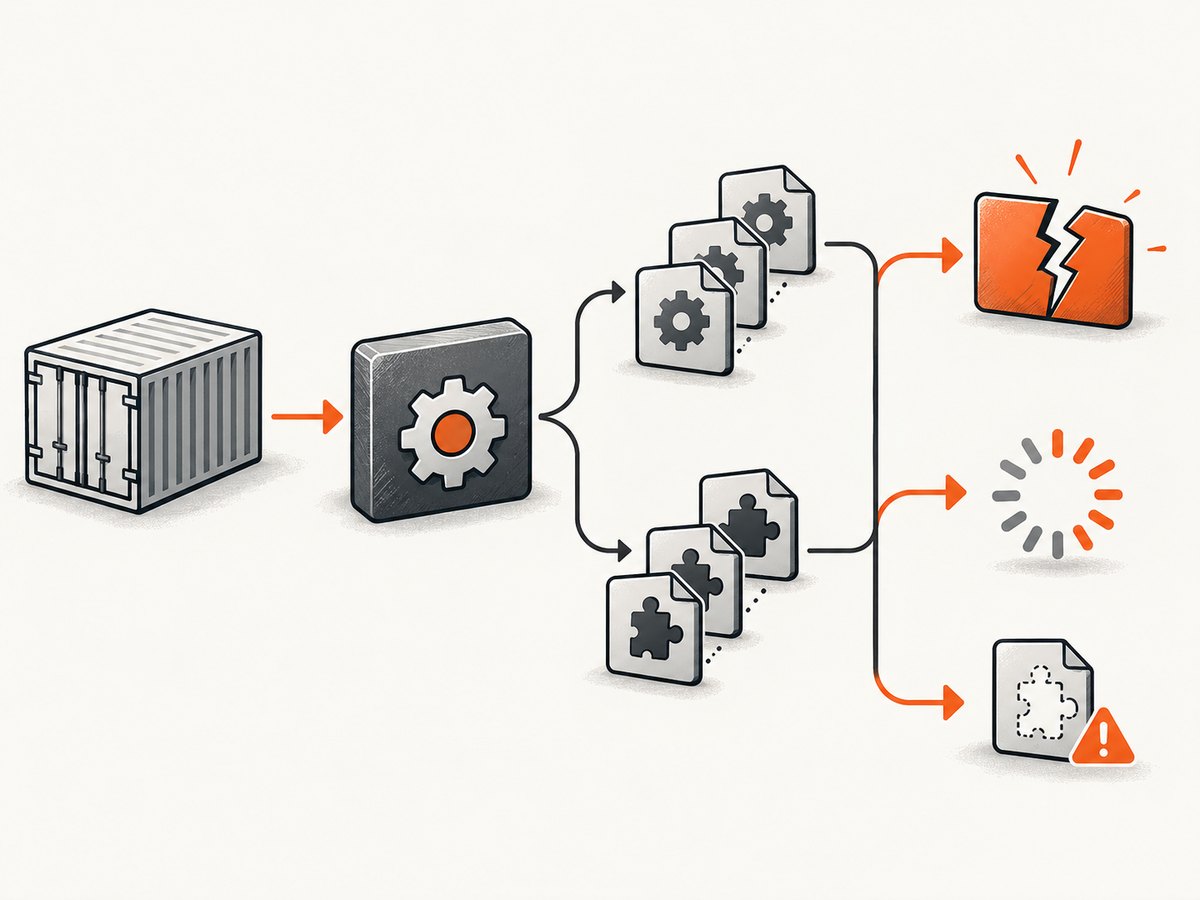
A genuine segmentation fault commonly appears as exit status 139 (128 plus signal 11), but verify what your supervisor reports. A process that never exits is a hang, not a segfault. “error while loading shared libraries,” Qt platform-plugin messages, and permission errors require different fixes.
2. Build a minimal reproduction
Remove remote variables before changing the image. Create a local document with no JavaScript, fonts, images, or network requests:
cat > minimal.html <<'HTML'
<!doctype html>
<html><head><meta charset="utf-8"><title>Test</title></head>
<body><h1>wkhtmltopdf smoke test</h1><p>Local content only.</p></body></html>
HTML
wkhtmltopdf --log-level info minimal.html minimal.pdf
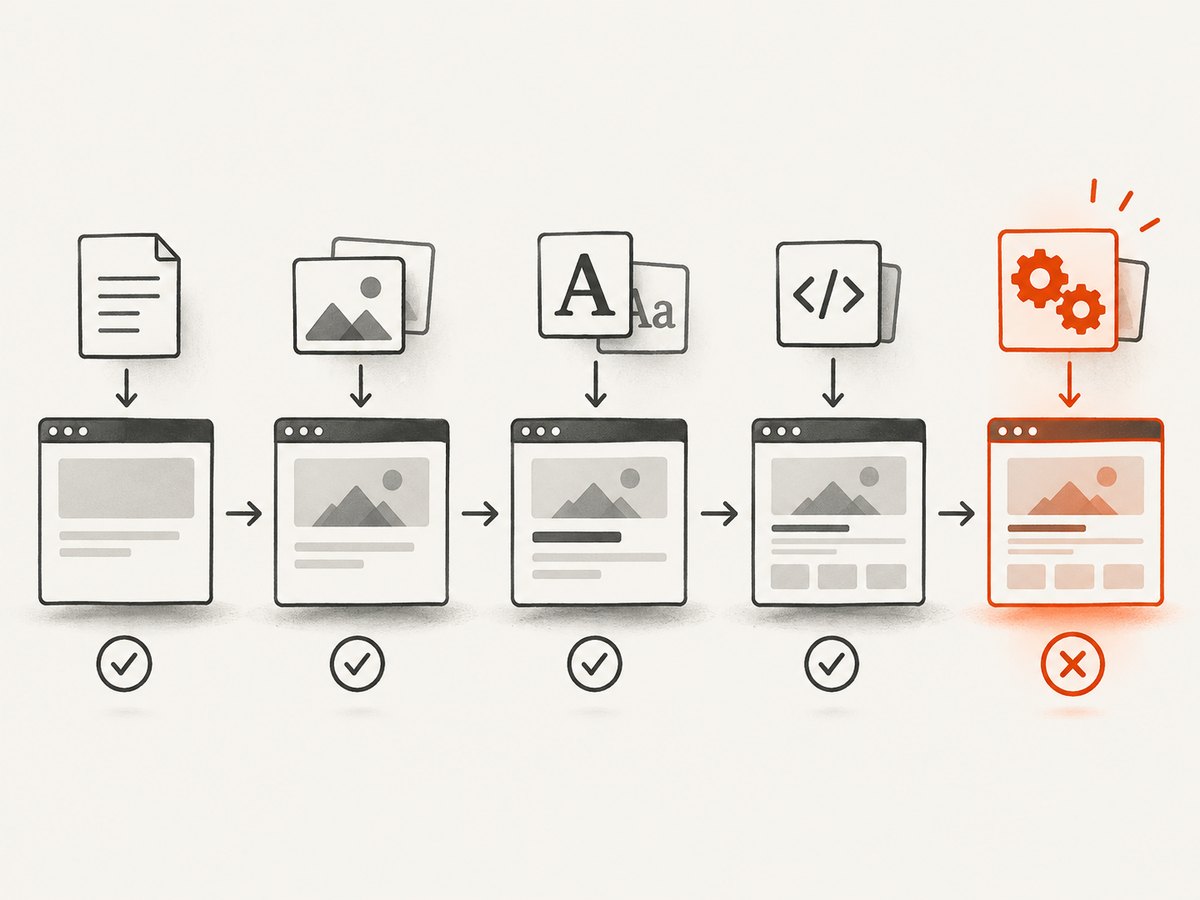
If this succeeds, add variables in small groups: local images, local fonts, the production HTML, remote URLs, JavaScript, custom headers, cookies, and finally advanced switches. This isolates input-triggered failures without assuming that any one option universally causes a crash.
3. Inspect the binary and Qt runtime
Qt applications need a compatible dynamic linker, shared libraries, and plugins. Qt’s Linux deployment documentation recommends checking shared dependencies with ldd and ensuring plugins are located where Qt can load them.
binary="$(command -v wkhtmltopdf)"
file "$binary"
ldd "$binary" | tee wkhtmltopdf.ldd
find /usr -type f \( -name 'libq*.so*' -o -path '*platforms/*' \) 2>/dev/null | sort
Look for “not found” entries, an unexpected architecture, or a binary built for a different libc/runtime environment. Do not assume that a package downloaded for another Linux distribution will run correctly on Alpine. Inspect the executable actually present in the target image.
Qt deployment failures can involve more than one library. A failed dlopen() may even lead to an X11-related crash in some circumstances, according to Qt’s documentation. Treat that as a general deployment warning, not proof that a particular X11 library is your cause.
4. Check package provenance and build flavor
Identify whether the executable came from the Alpine repository, an upstream archive, a custom build, a patched-Qt package, or a copied binary. These variants have different dependencies and feature behavior.
apk info -W "$(command -v wkhtmltopdf)" 2>/dev/null || true
apk policy wkhtmltopdf 2>/dev/null || true
apk info -vv | grep -Ei 'wkhtml|qt|webkit' || true
Historical context matters. Alpine’s v3.14 x86_64 package index records wkhtmltopdf 0.12.6-r0, built on 2020-06-11. Alpine 3.15 release notes say qt5-qtwebkit, kdewebkit, wkhtmltopdf, and py3-pdfkit were removed because of known vulnerabilities and lack of upstream support for QtWebKit. Check the current branch’s official repositories and security advisories instead of copying old apk add commands.
A historical community recipe for patched Qt on Alpine 3.8/3.9 relies on old releases and legacy OpenSSL. It can help explain what an older image contained, but it should not be copied into a current production image without rebuilding and reviewing compatibility and security.
5. Isolate command-line options
Add options back one at a time after the minimal conversion works. Pay special attention to JavaScript timing, custom resource paths, headers, cookies, and window-status handling.
An Alpine issue titled “wkhtmltopdf on alpine hangs forever when –window-status is provided” reports a hang that stopped when --window-status and the corresponding page code were removed. That is a clue for option isolation, not evidence that --window-status universally causes segmentation faults.
# Start with a small, deterministic command
wkhtmltopdf --quiet minimal.html minimal.pdf

# Add one setting at a time
wkhtmltopdf --javascript-delay 500 minimal.html delayed.pdf
wkhtmltopdf --enable-local-file-access minimal.html local-files.pdf
For each change, keep the HTML, command, exit status, stderr, and output file. A document that fails only with remote assets may indicate network, TLS, DNS, or renderer behavior rather than a broken executable.
6. Test a compatible deployment boundary
If repairing the Alpine image costs more than the renderer is worth, run wkhtmltopdf in a separate image whose runtime libraries are bundled. The restruct wkhtmltopdf Docker project documents a third-party wkhtmltopdf 0.12.6 patched-Qt image based on Ubuntu 22.04. Treat it as an operational alternative, not an official Alpine repair or a security endorsement.
Before adopting any external image, verify its maintenance activity, tag and digest policy, architecture support, source and build provenance, included fonts and libraries, network policy, and your organization’s security requirements. Re-run representative documents and compare the resulting PDFs.
7. Decide whether to replace wkhtmltopdf
Alpine’s 3.15 release notes name WeasyPrint as the most direct replacement and also list Puppeteer and Pandoc depending on requirements. Choose with real documents rather than a generic benchmark.
| Requirement | Questions to answer |
|---|---|
| Rendering fidelity | Does the candidate reproduce your CSS, fonts, page breaks, SVG, and images? |
| JavaScript | Does the document need a browser engine, delayed execution, or client-side data loading? |
| Headers and footers | Are wkhtmltopdf-specific header/footer switches required? |
| Runtime | Can the libraries, browser, fonts, and architecture run reliably in your deployment? |
| Maintenance and security | Is the project supported and can you patch its dependencies? |
| Operations | Is an isolated renderer service easier to operate than Alpine packages? |
Use a representative document set containing your largest pages, external assets, custom fonts, JavaScript, headers, footers, and failure cases. Compare output, startup time, memory use, and error handling in your own environment. The supplied sources do not establish a benchmark that ranks these replacements.
8. Troubleshooting checklist
| Symptom | Likely category | Next action |
|---|---|---|
| Exit 139 or signal 11 | Native crash in the binary, Qt/WebKit, a plugin, or an input-triggered path | Reproduce with local HTML, inspect file/ldd, then add assets and options incrementally. |
| Process hangs indefinitely | Waiting for JavaScript, window status, network, or a renderer deadlock | Use a timeout, remove --window-status and delays, and test without remote resources. |
“not found” from ldd |
Missing shared library or incompatible package | Use the target image’s official packages or a compatible image; do not copy random libraries. |
| Qt platform-plugin error | Plugin missing, misplaced, or incompatible | Inspect plugin paths and runtime libraries inside the same container. |
| Works on one architecture only | Binary/image architecture mismatch | Check uname -m and file; use a matching build. |
| Only one document crashes | Input, asset, font, JavaScript, or option interaction | Reduce the document and reintroduce features in groups. |
| Works outside the container | Different libc, libraries, fonts, permissions, or network policy | Compare runtime dependencies and execute the same command inside the production image. |
9. Reliability, performance, and cost considerations
- Keep a small smoke-test document in CI and run it after changing the base image, wkhtmltopdf binary, Qt libraries, fonts, or architecture.
- Apply an outer process timeout so a renderer hang cannot consume a worker forever.
- Limit concurrency according to measured memory use; multiple Qt processes can exhaust a small container quickly.
- Record command-line arguments, image digest, binary version, exit status, stderr, and input identifier for failed jobs.
- Pin image digests and package repositories when reproducibility matters, then update them deliberately after testing.
- Cache stable assets where appropriate, but do not hide failures caused by expired URLs, DNS, TLS, or missing fonts.
- Estimate the operational cost of maintaining Alpine dependencies, a separate compatible renderer container, or a migration. The cheapest fix is the one that preserves required output while reducing recurring failures.
Or skip the browser setup
If your actual goal is to obtain screenshots rather than maintain a legacy HTML renderer, ScreenshotNeo provides a website screenshot API and MCP server. It accepts one GET request and returns PNG, JPEG, WebP, or PDF. Before capture it accepts consent banners and removes more than 60 known consent platforms, newsletter popups, and chat widgets; each cleanup step can be turned off. Bot checks, blank pages, timeouts, failed loads, and cache hits are not billed, and the response identifies the result with X-Page-Verdict and X-Billed headers. Its MCP server provides take_screenshot, get_page_info, and capture_pdf for Claude, Cursor, and other MCP clients.
See the ScreenshotNeo API documentation for all options.
curl -G "https://api.screenshotneo.com/v1/shot" -d access_key=YOUR_API_KEY --data-urlencode url=https://example.com -o shot.webpimport requests
r = requests.get("https://api.screenshotneo.com/v1/shot", params={"access_key": "YOUR_API_KEY", "url": "https://example.com"}, timeout=90)
open("shot.webp", "wb").write(r.content)const q = new URLSearchParams({ access_key: 'YOUR_API_KEY', url: 'https://example.com' });
const res = await fetch(`https://api.screenshotneo.com/v1/shot?${q}`);Every feature is included on every plan. The Free plan includes 1,000 shots per month with no card; paid plans start at $5 for 3,000 shots. Create a free ScreenshotNeo account.
FAQ
Is Alpine Linux itself incompatible with wkhtmltopdf?
No single conclusion is supported by the evidence. Compatibility depends on the exact image, architecture, binary, Qt libraries, plugins, and document.
Should I install an old wkhtmltopdf package from an Alpine blog post?
Do not copy historical commands blindly. Check current repositories, advisories, package provenance, and the security impact of old QtWebKit and OpenSSL components.
Does a patched-Qt build guarantee that segmentation faults disappear?
No. A patched build may change dependencies and rendering behavior, but it does not prove that every native crash or input-triggered failure is fixed.
When is a separate container preferable?
Use one when the legacy renderer is still required, its runtime is easier to isolate in a compatible image, and you can verify the image’s provenance, maintenance, architecture, and security posture.
What should replace wkhtmltopdf?
Evaluate WeasyPrint, Puppeteer, or Pandoc against representative documents. The right choice depends on JavaScript, CSS fidelity, headers and footers, deployment constraints, and maintenance needs.


